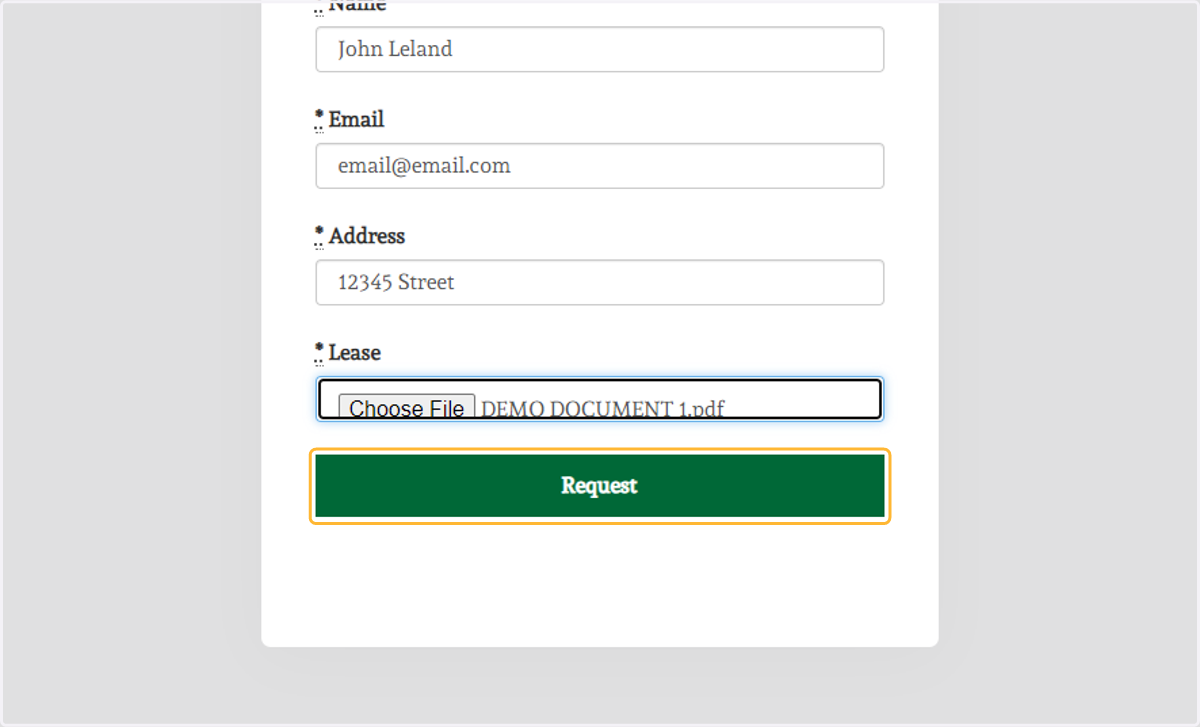
How to request access as a tenant
This guide details the steps on how to request tenant access to your association's website / portal. To begin, go to https://www.lelandmanagement.com
1. Find your community
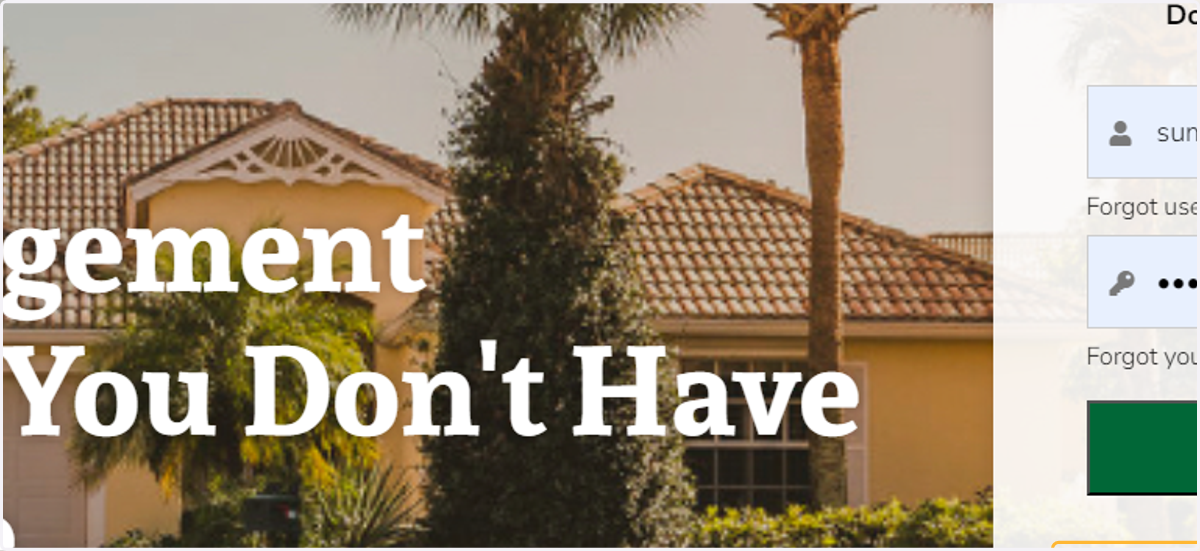
Go to lelandmanagement.com and use the search bar to find your association's website. If you have the direct URL, you may use that as well.
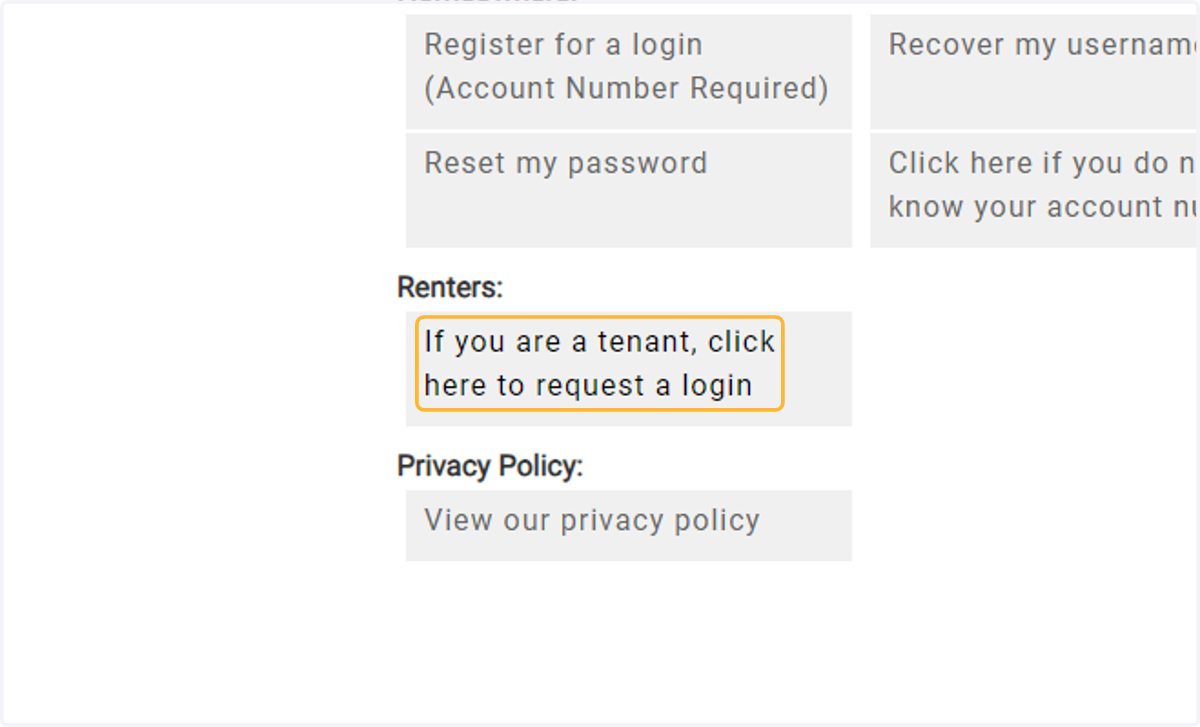
2. Select the tenant access request form under "Renters"
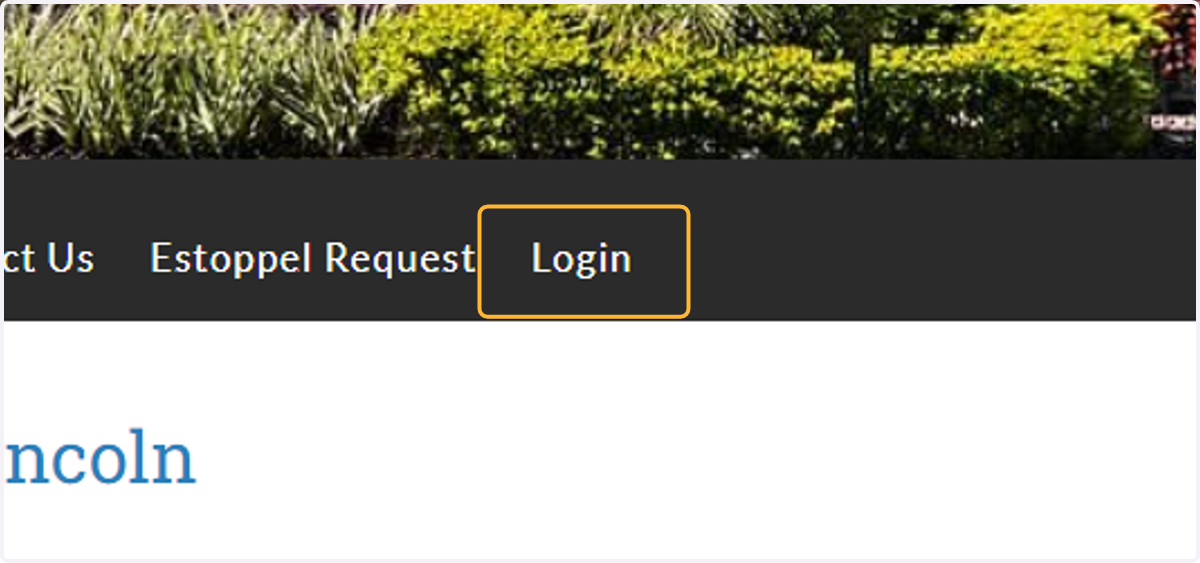
3. Navigate to the login page
Please note, the menu layout may vary depending on your association's template
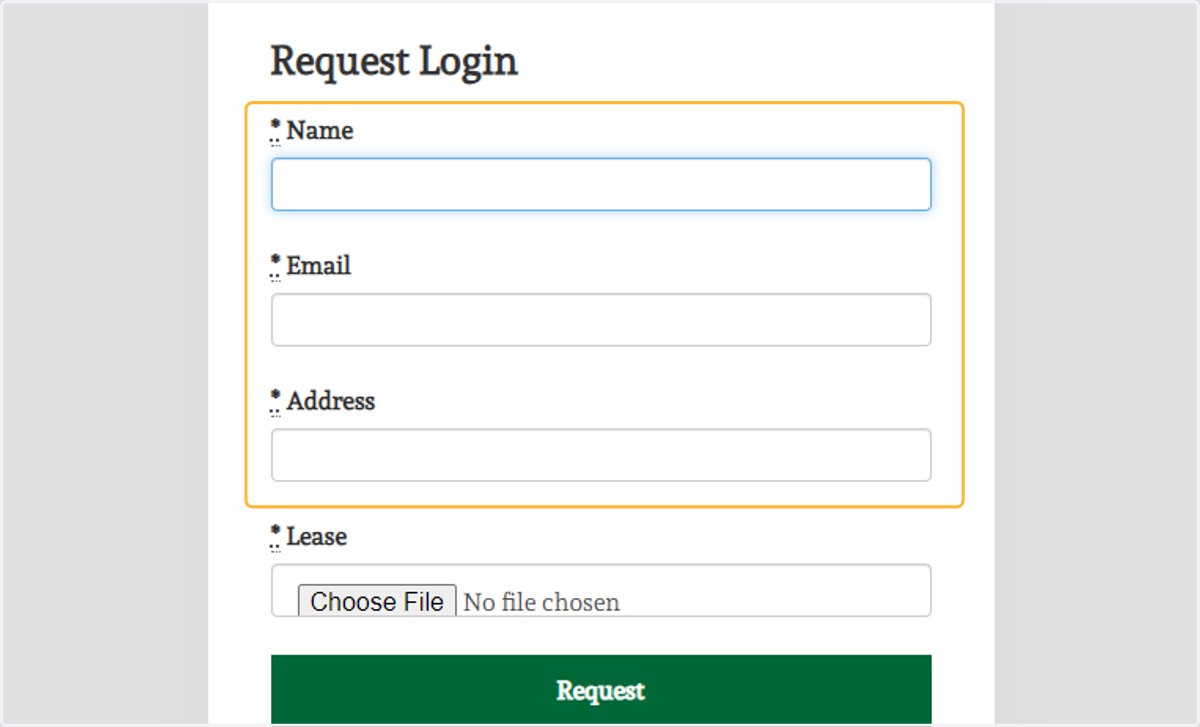
4. Fill out the required fields
5. Upload a current copy of the lease
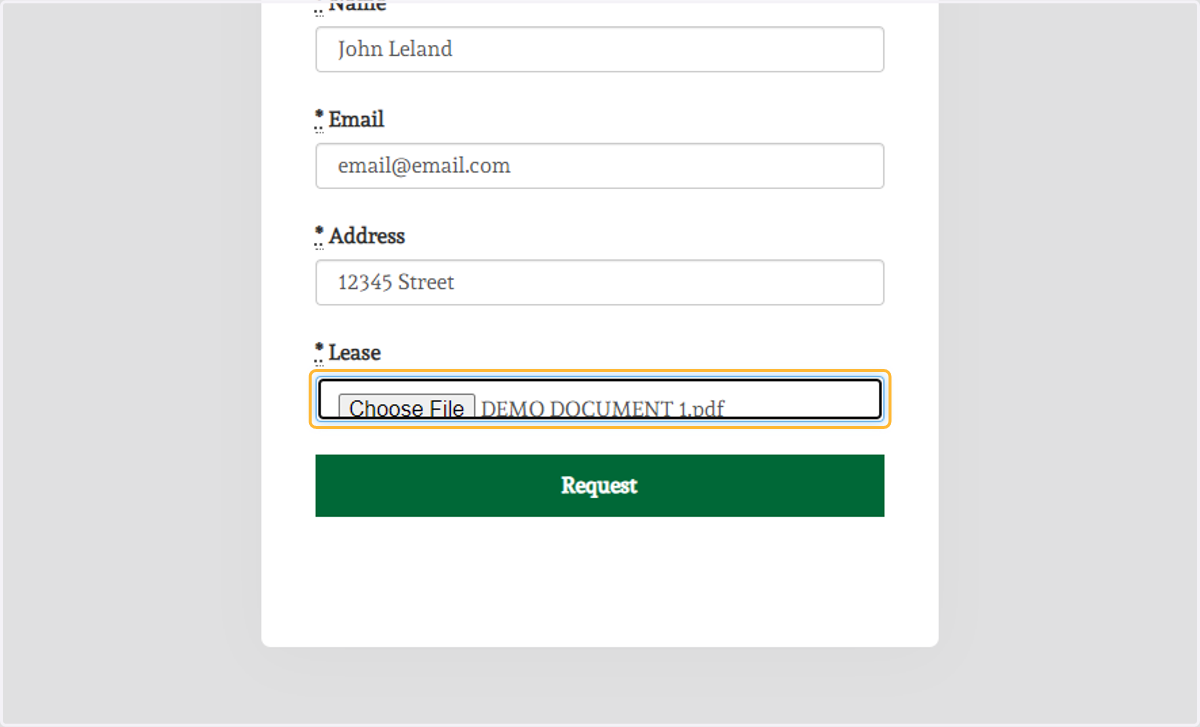
6. Submit Request