How to register online
These instructions detail how to register online and create your credentials to access your community website on lelandmanagement.com. If you have any issues, please contact residentsupport@lelandmanagement.com.
1. Begin registration
Go to lelandmanagement.com and click "don't have a login? register now"

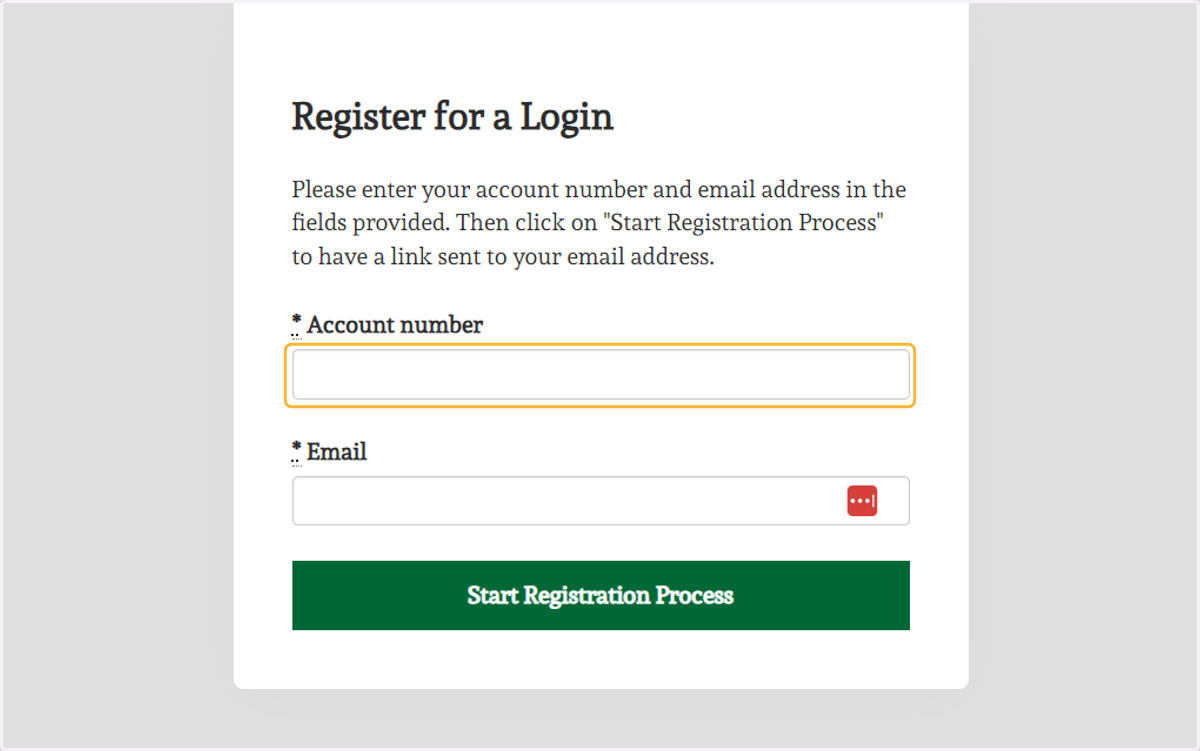
2. Enter your account number
Your account number can be found in your coupon book.
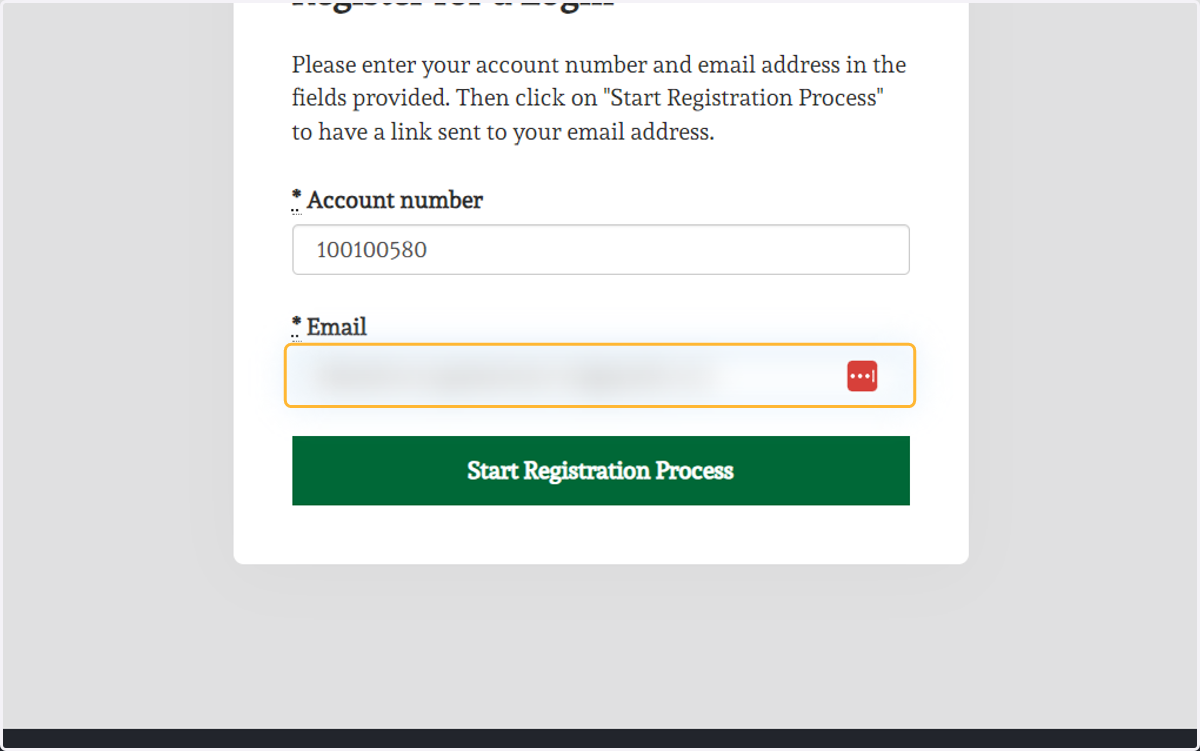
3. Enter a valid email address
The email address you enter will be used to reset your password and recover your account if needed in the future.
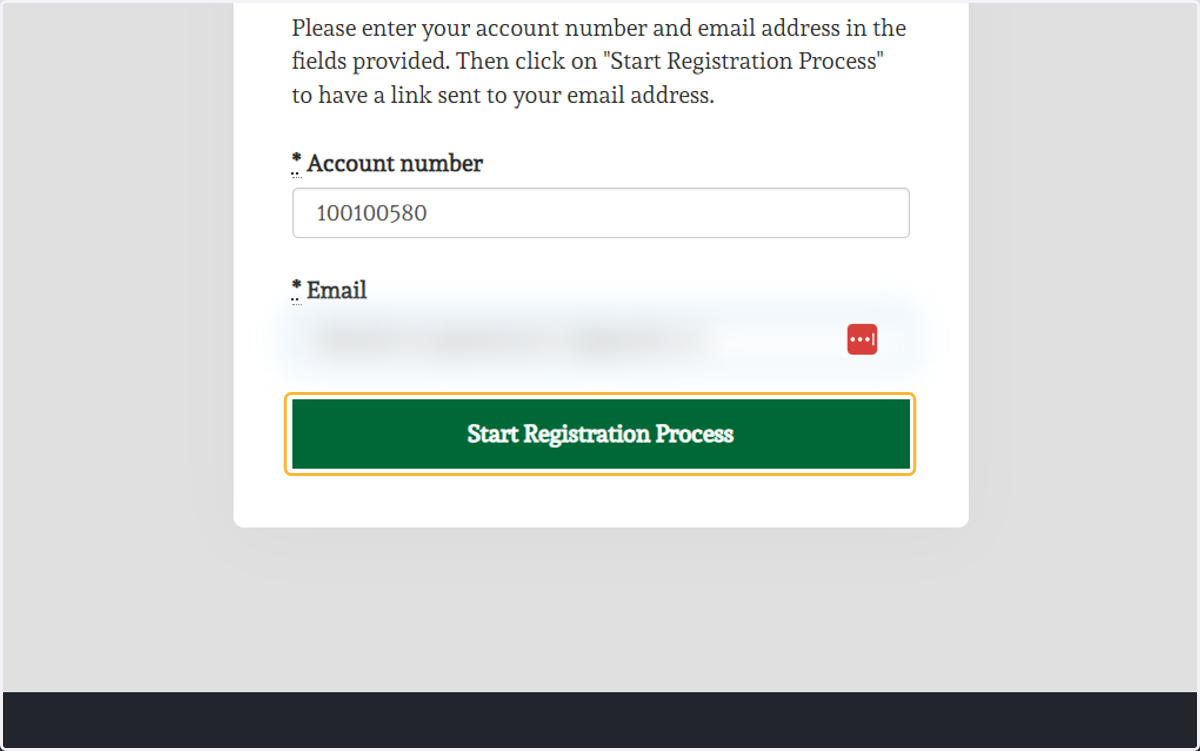
4. Click start registration process
5. Open the registration email
Go to your inbox and open the registration email. The email will be from "Caliber Portal Account Registration". The subject will be "New Account Registration".
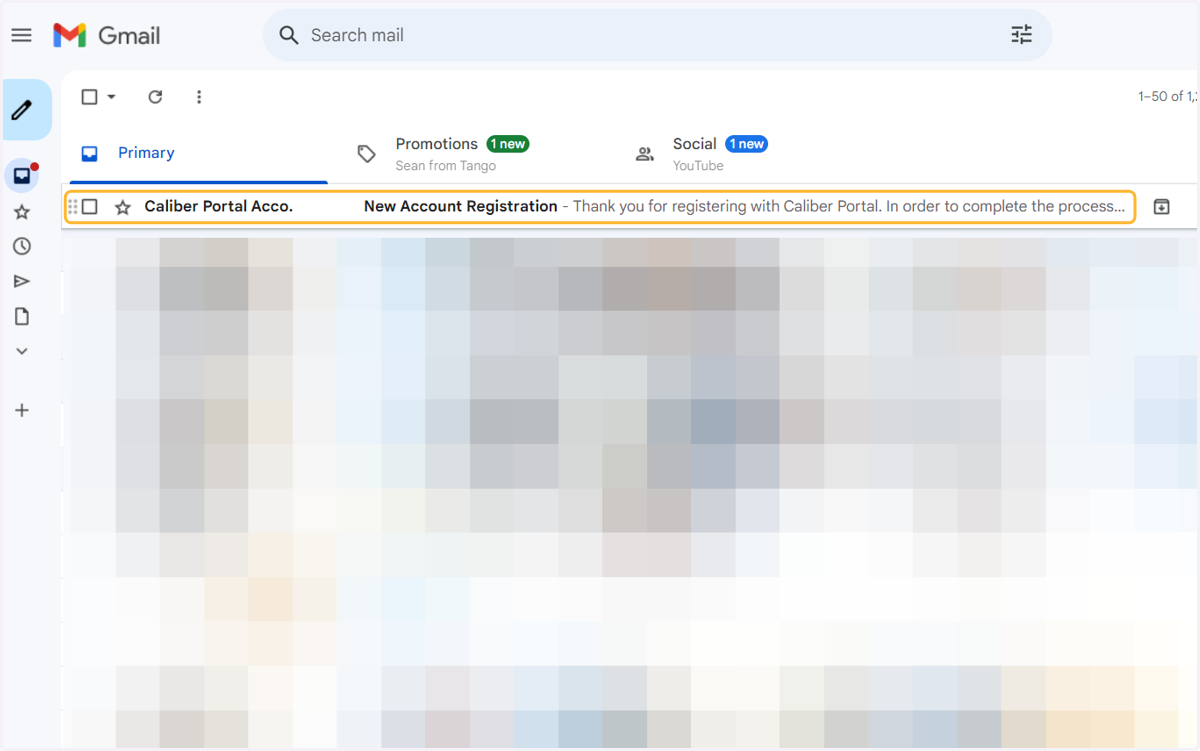
6. Click on the registration link
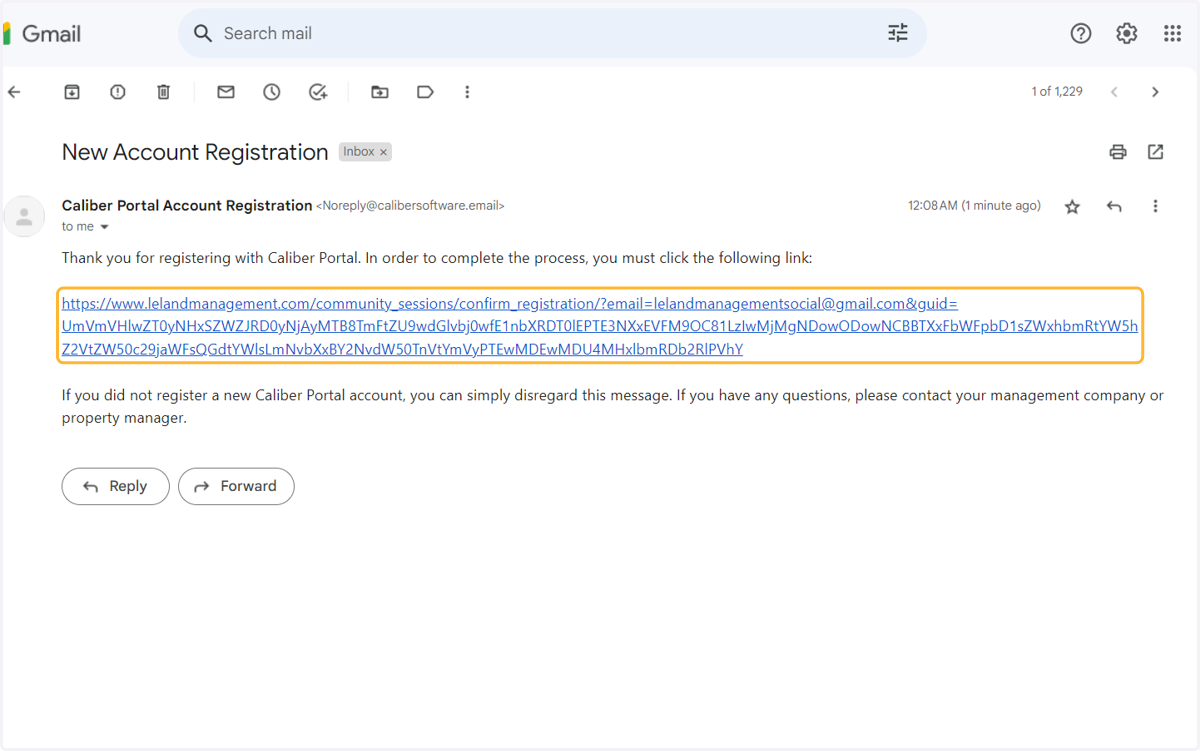
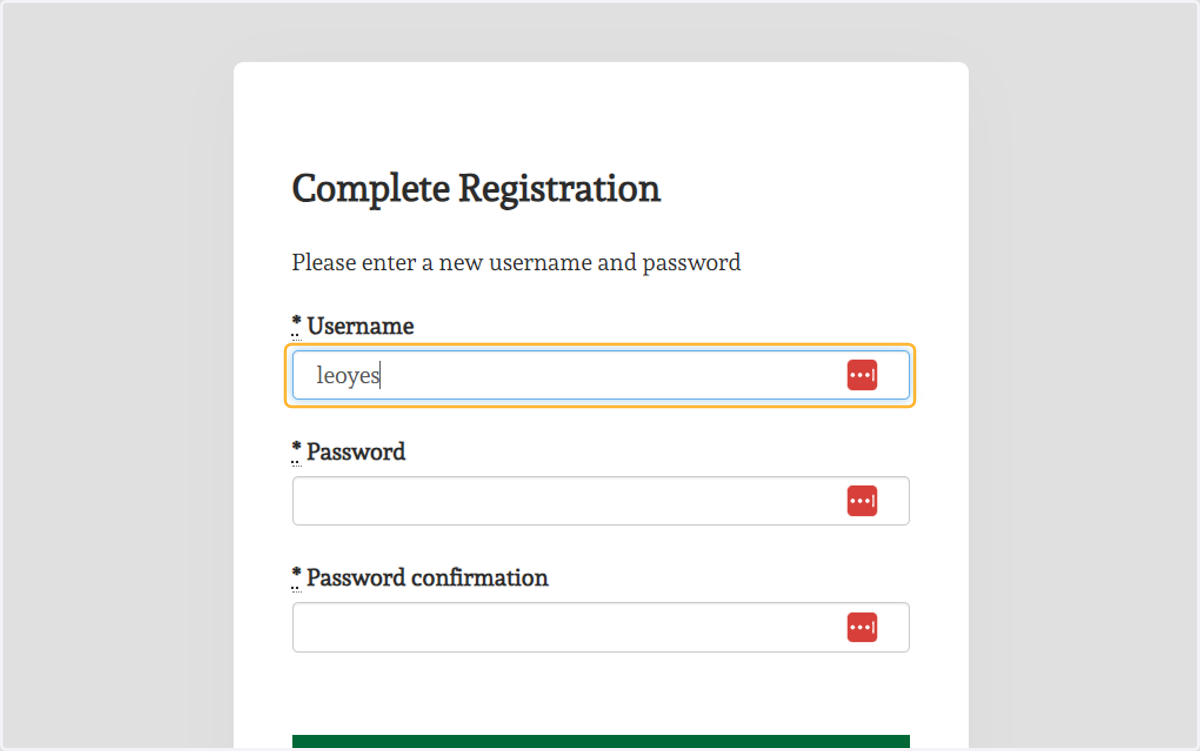
7. Create your username
The username is not case sensitive. You may also use your email as your username.
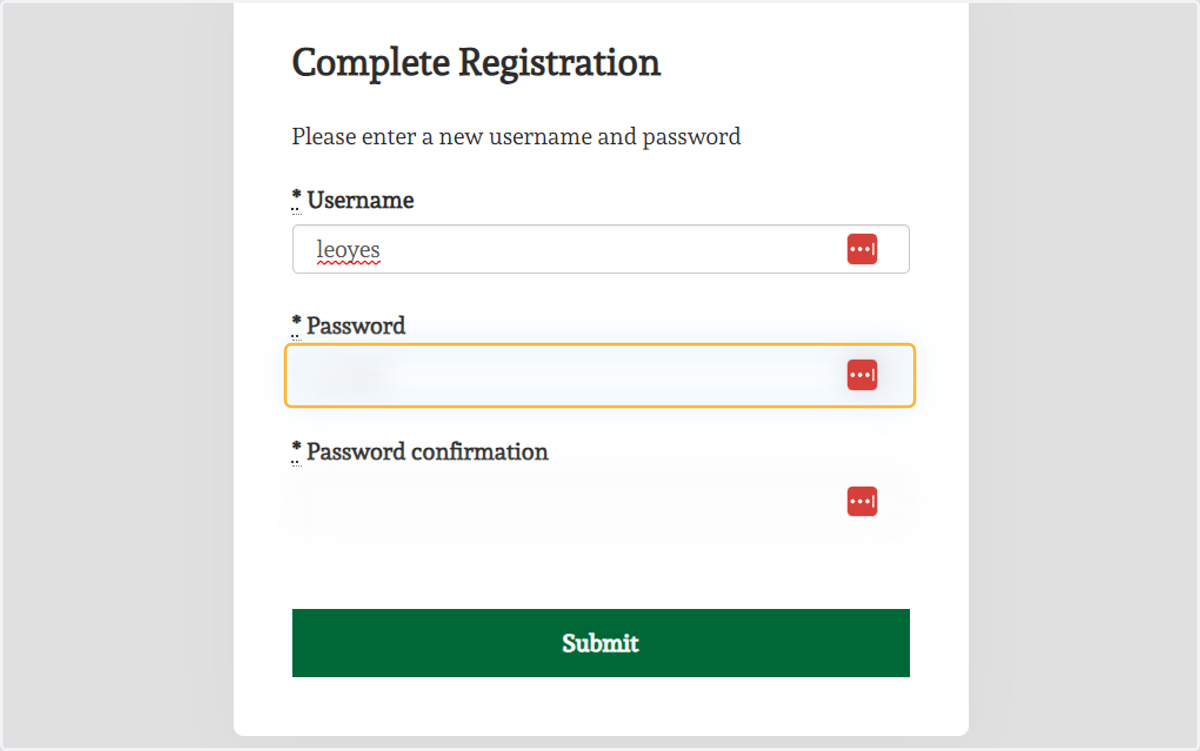
8. Create a password
Passwords are case sensitive. We highly recommend making your password unique with at least ten characters including a capital letter, a number, and symbol.
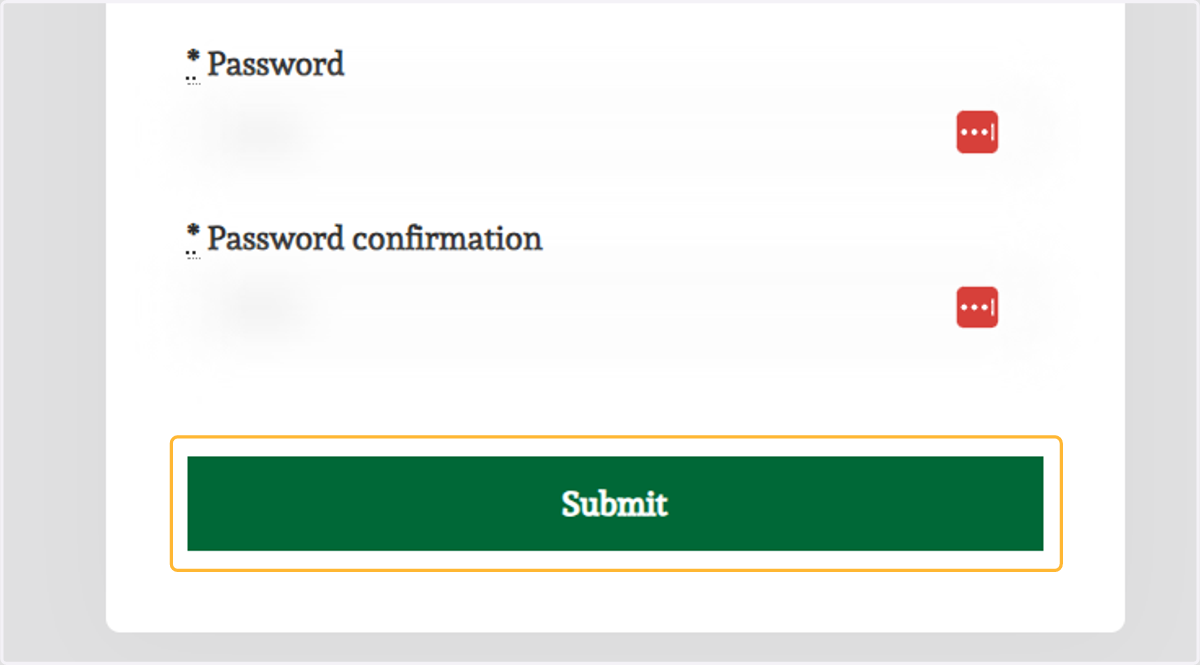
9. Confirm your password
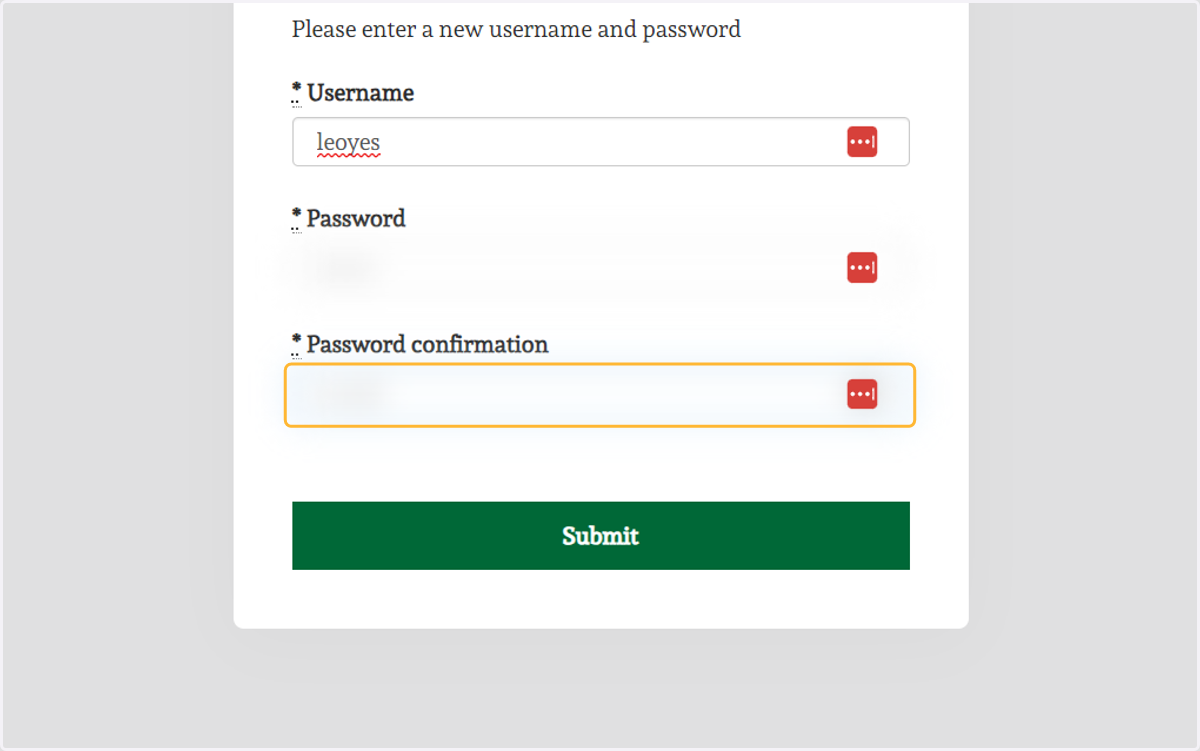
10. Click Submit