How to register multiple people or other people beside yourself for a USASBE event
United States Association for Small Business and Entrepreneurship | USASBE
First, create an account (if you don't have one already)
Each person you are registering for the event must have an account. However, the person completing registration does not have to be the one attending the event
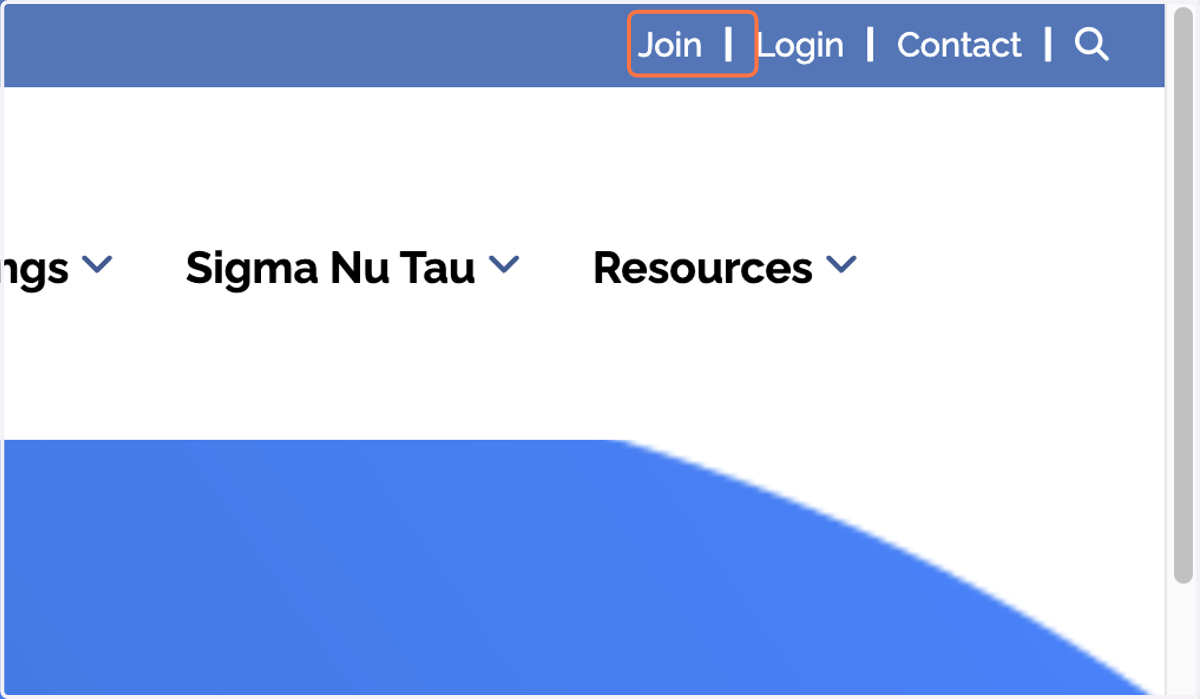
1. Click on Join
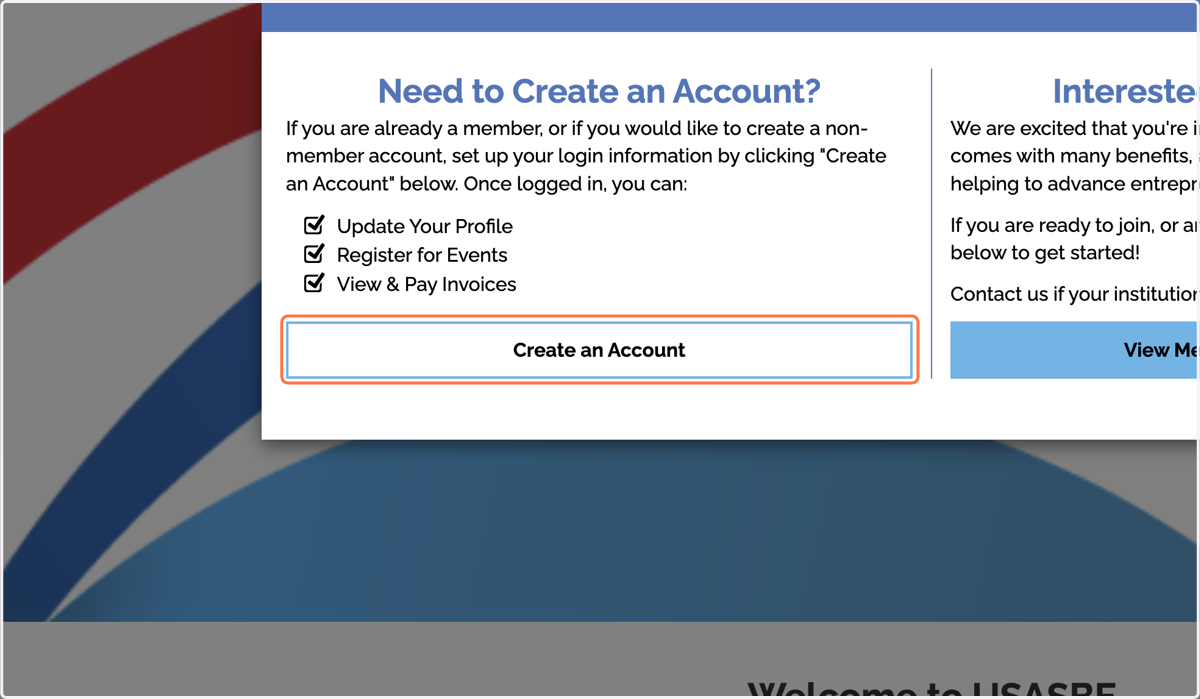
2. Click on Create an Account
3. Enter your information
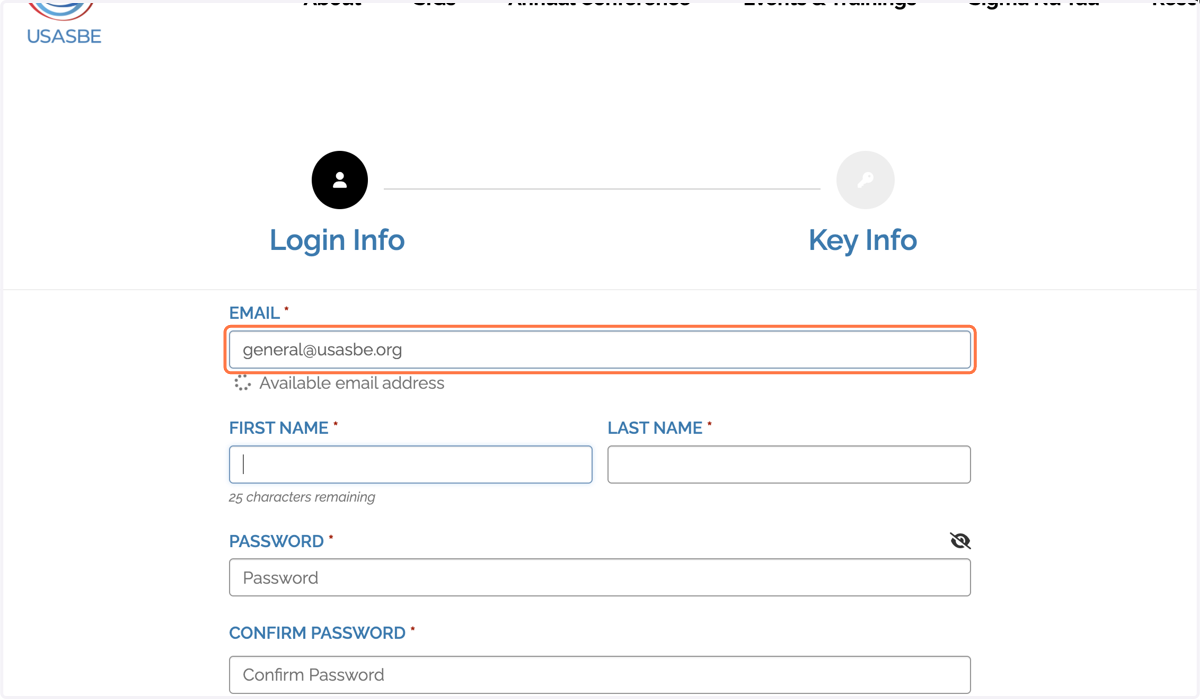
4. Click on Save and Continue

5. Under "Organization/Academic Institution," enter your university or employer
PLEASE NOTE that all people you are registering must be listed under the same "Organization/Academic Institution" to allow you to register them.
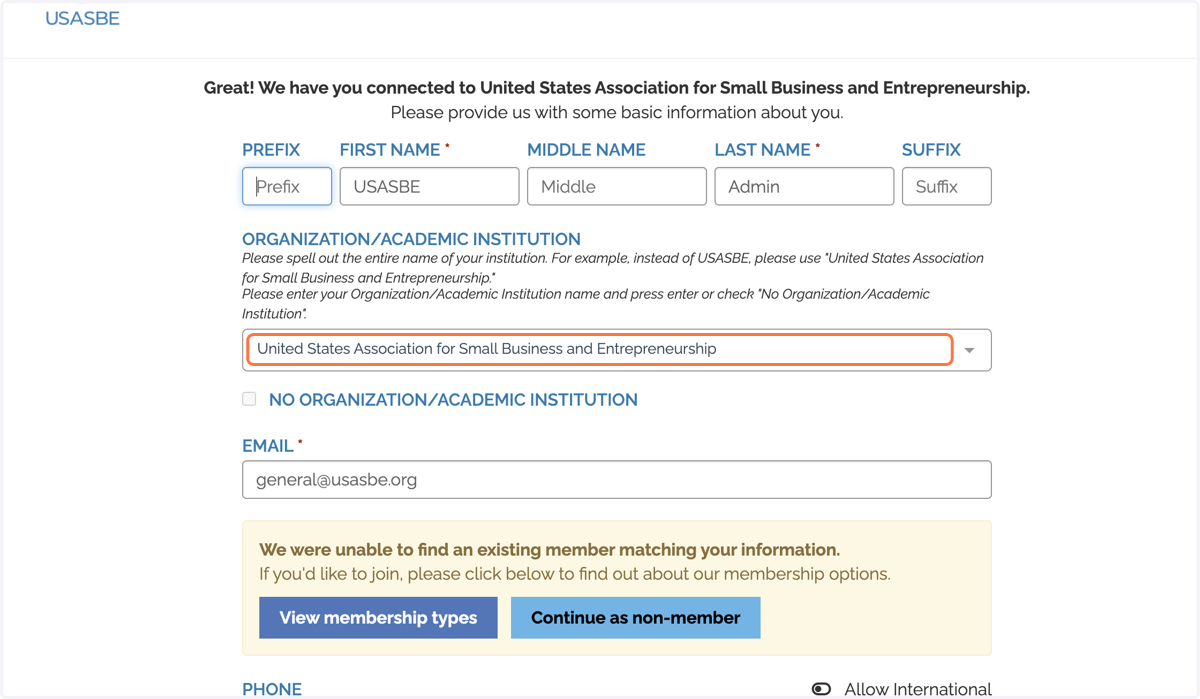
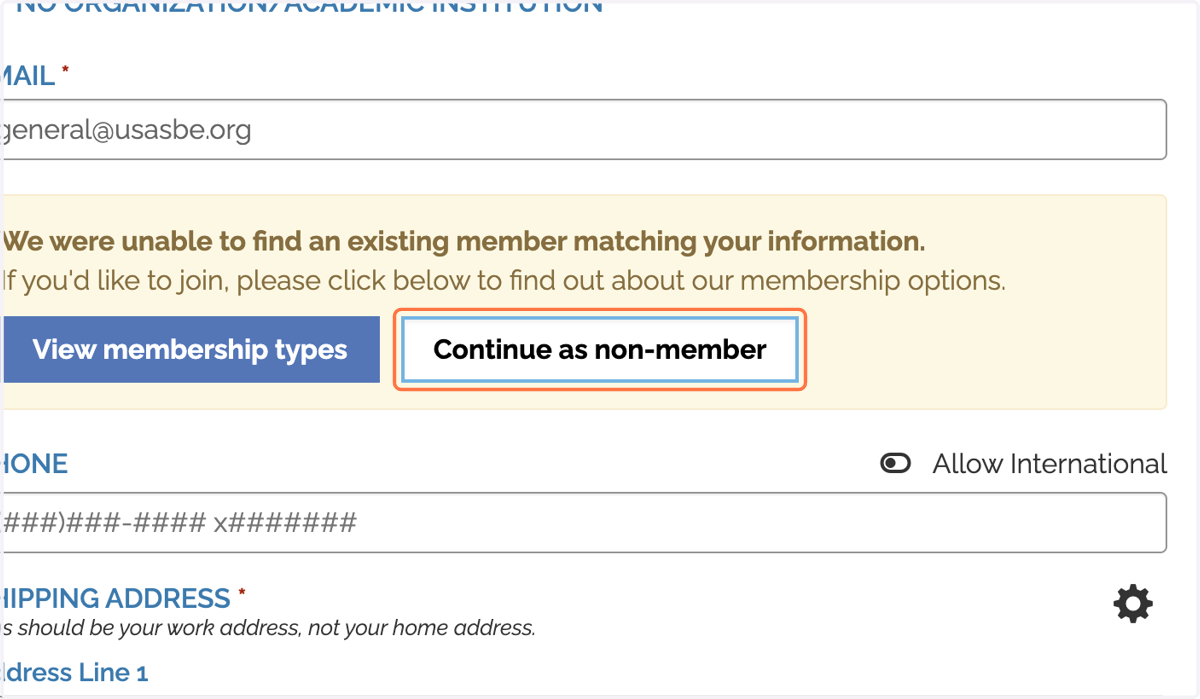
6. If you wish to pay for dues with your conference ticket, or you are registering for someone else, click "continue as non-member"
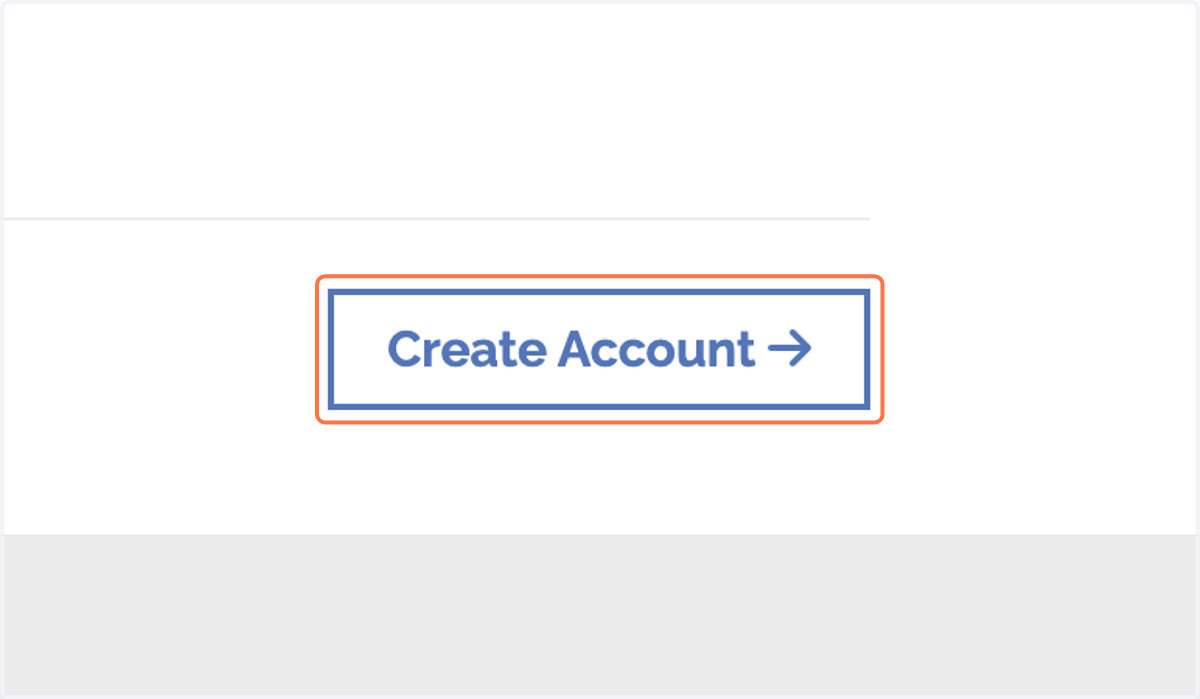
7. After filling out all the information, click on "Create Account"
Once everyone you'd like to register has an account and you are logged in, you may proceed to registration.
8. Navigate to the event page and click on "Register Now"

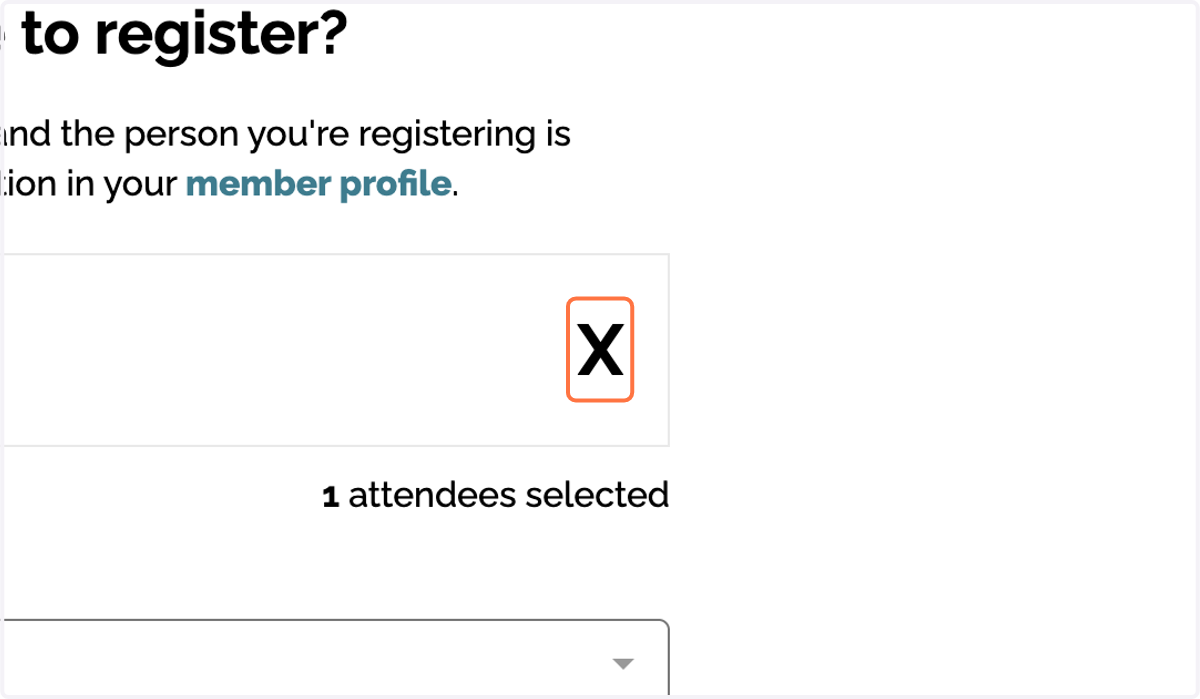
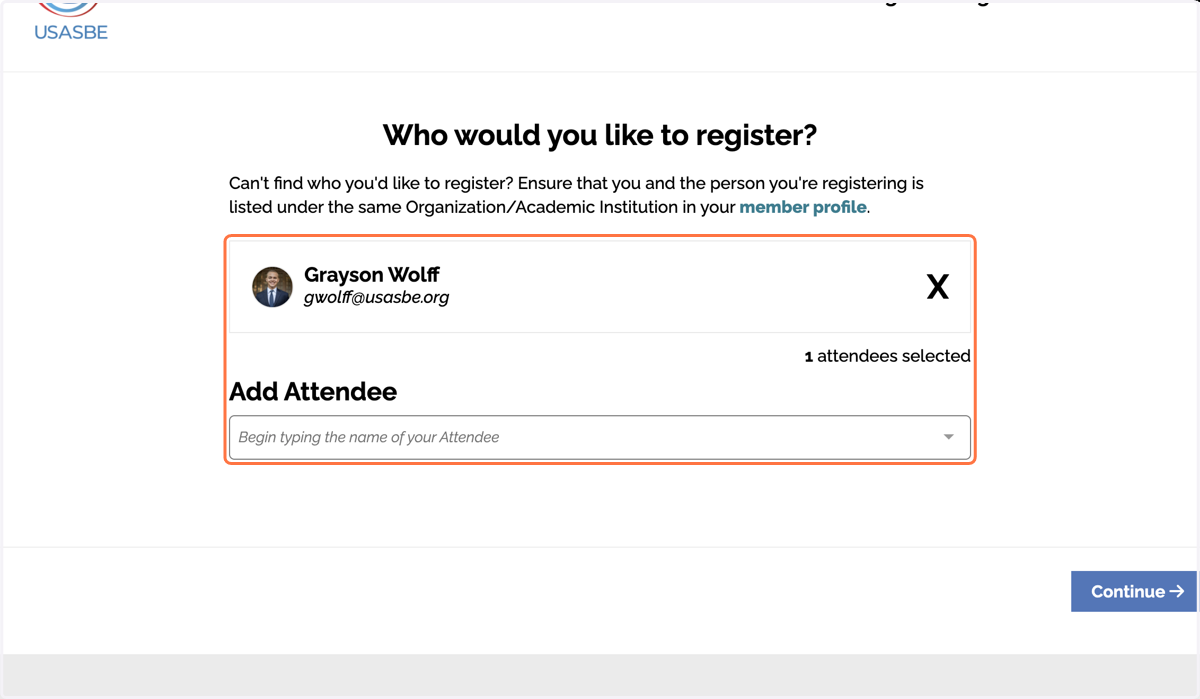
9. If you are registering for someone else but not attending, click the X next to your name to remove yourself from the registration
10. Click on the attendee(s) you wish to register.
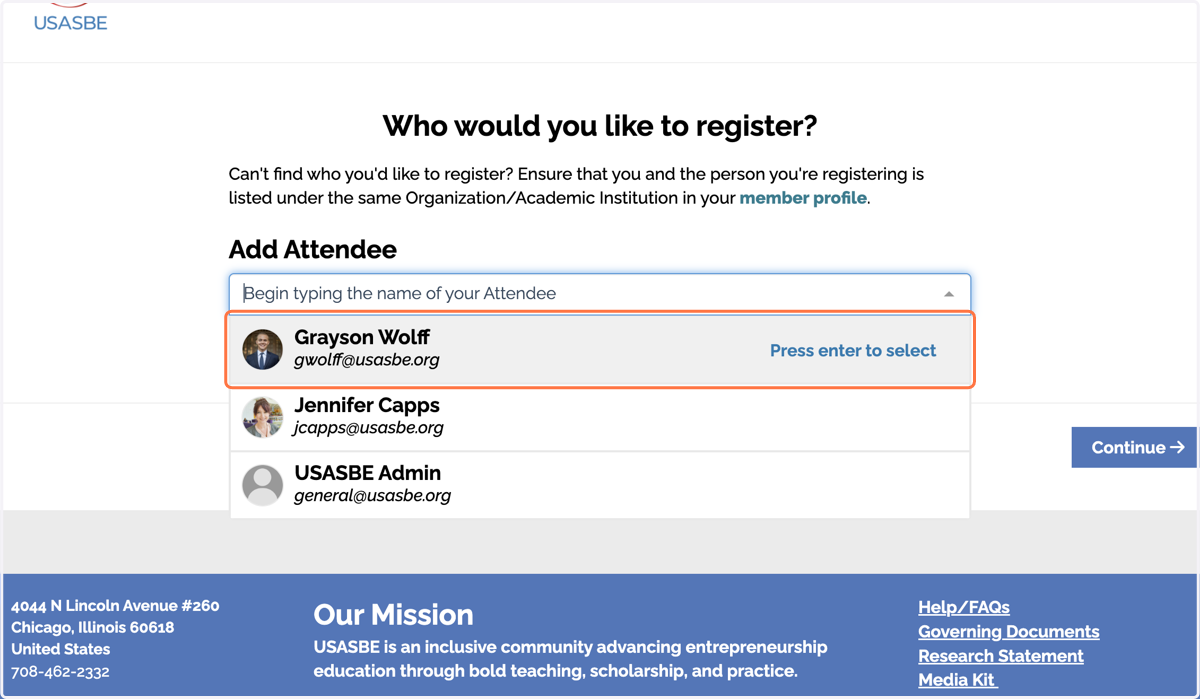
11. You can register for more than one person at a time using the "Add Attendee" field.
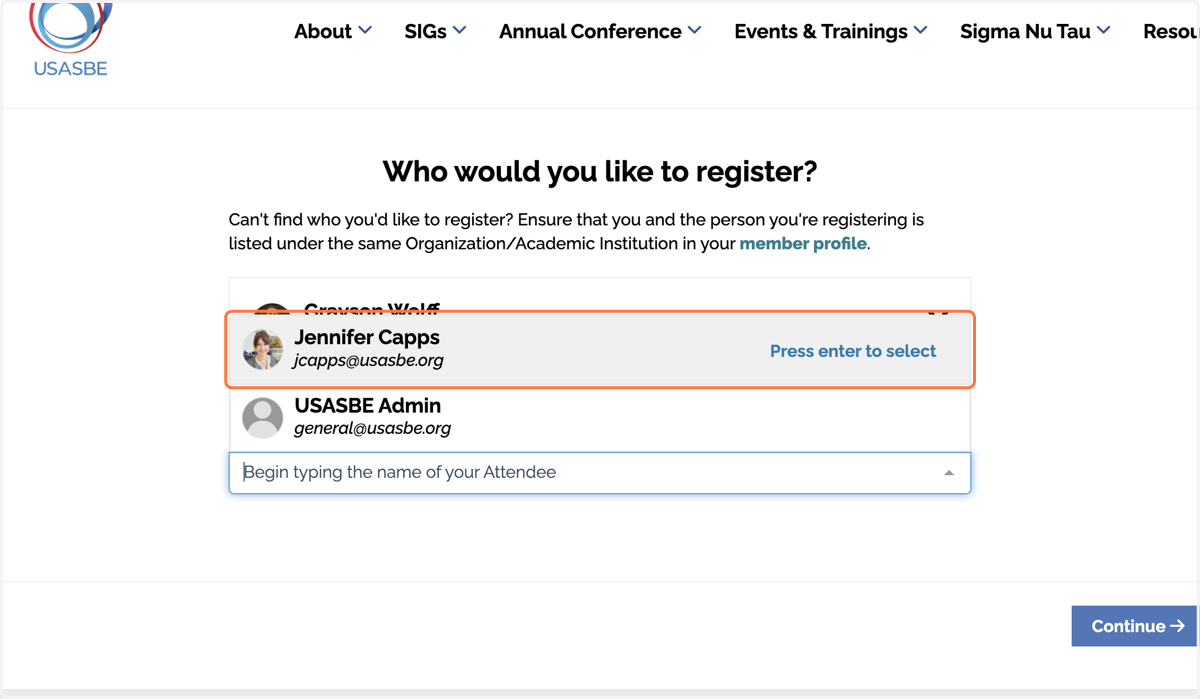
12. Click on the additional attendee you wish to register
13. Click on Continue
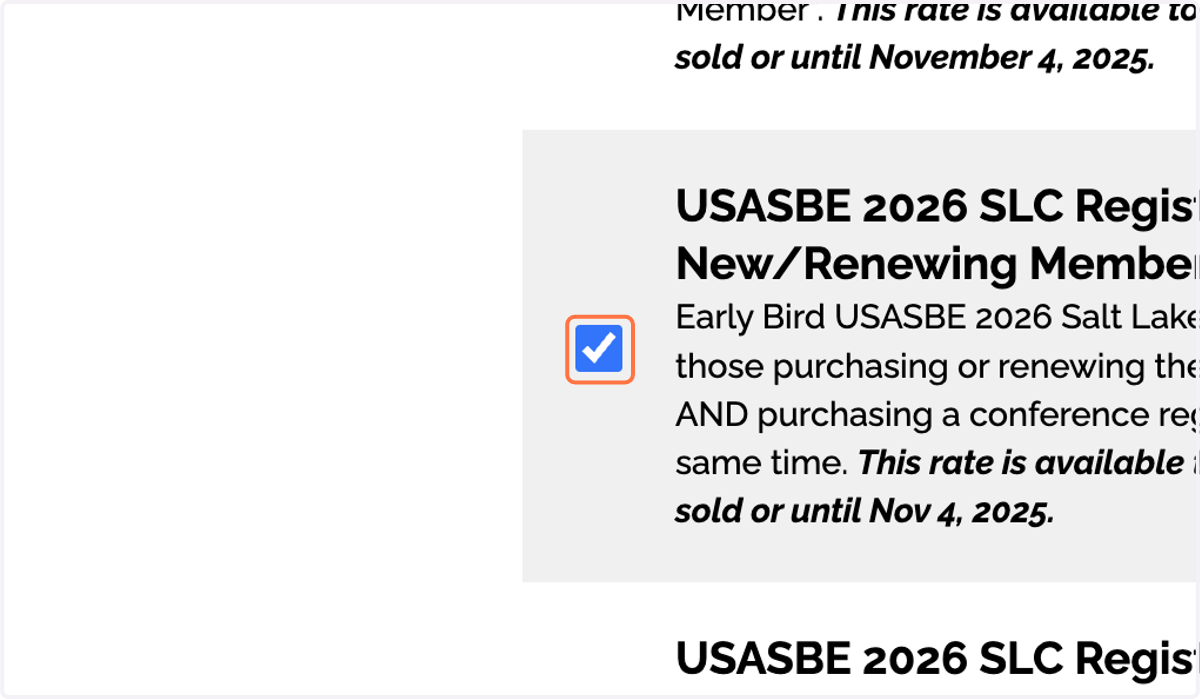
14. Select the ticket type you wish to purchase for the first attendee
15. Fill out all the information about the first attendee
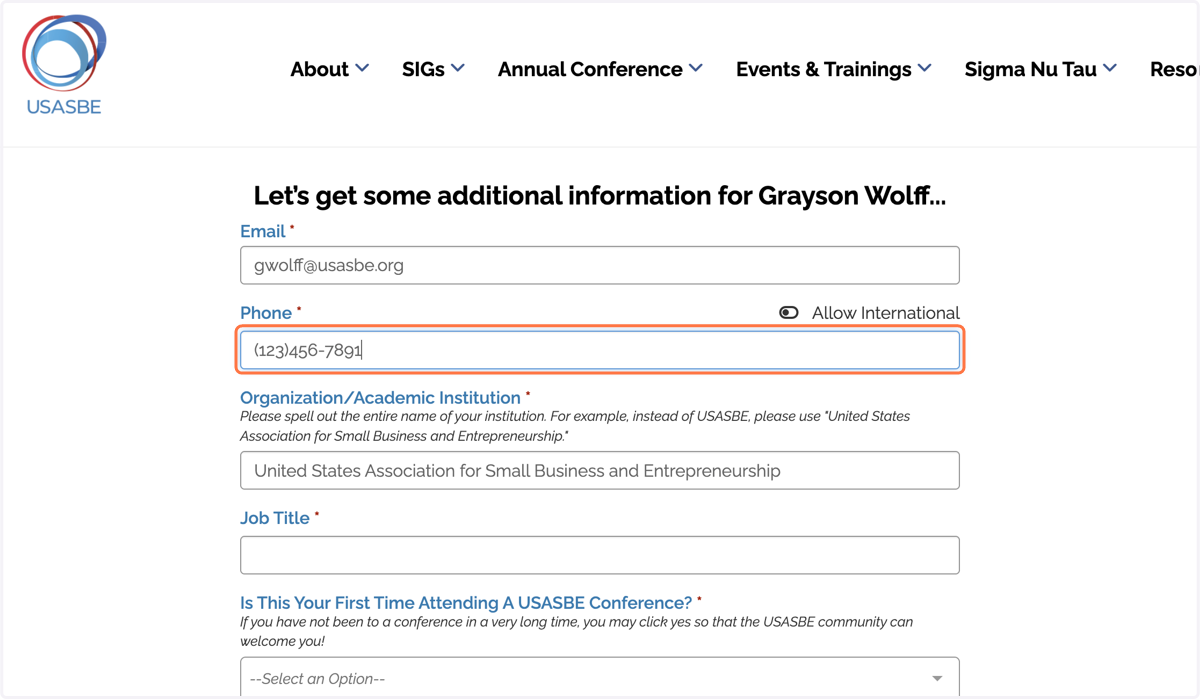
16. Click on "Continue" to proceed to the next attendee or to pay for your registration

Questions?
If you have any questions about this process, please do not hesitate to reach out to us via email: general@usasbe.org