How to pull your Facebook Pixel
1. Go to (4) Business Manager
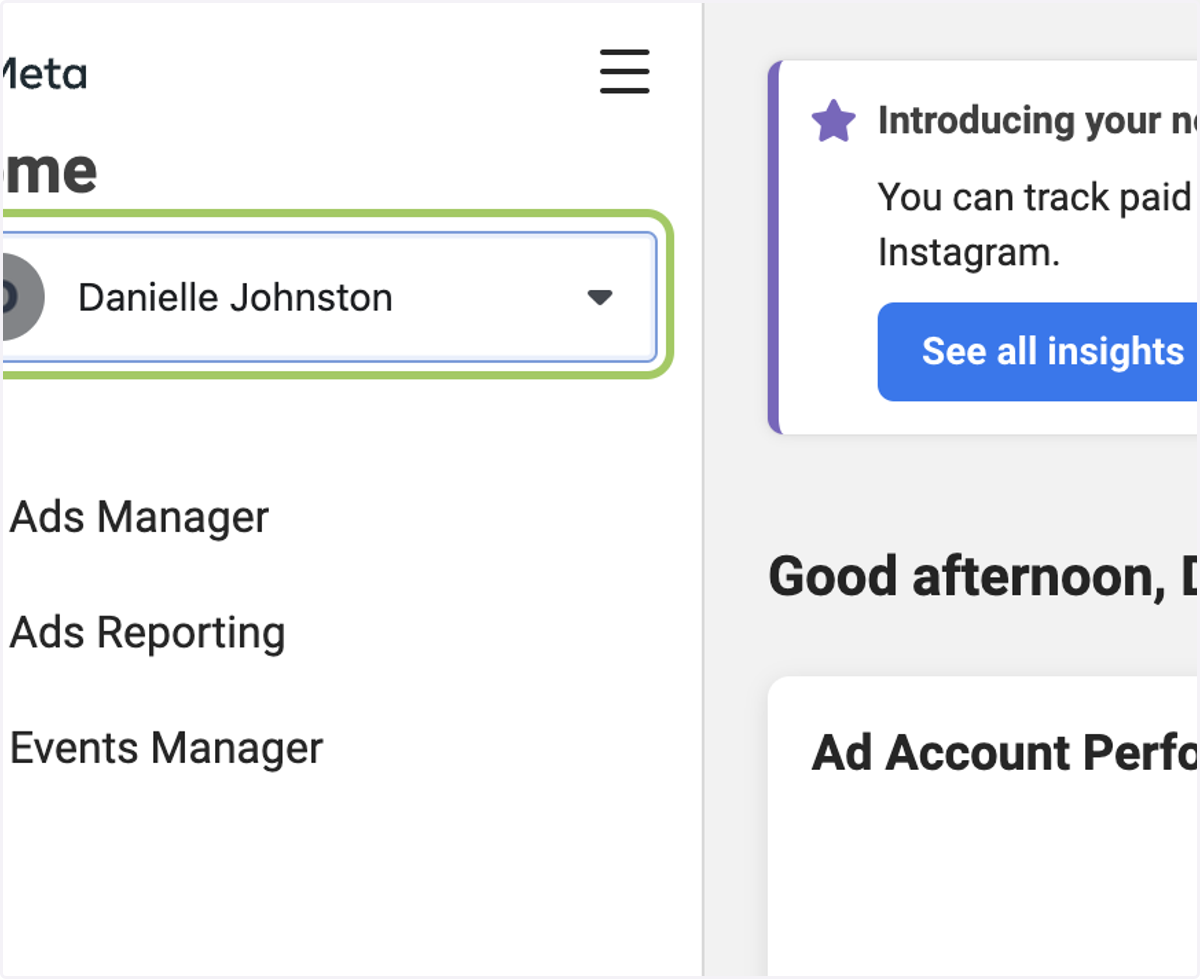
2. From the dropdown, select your business.
If you only have one business page,
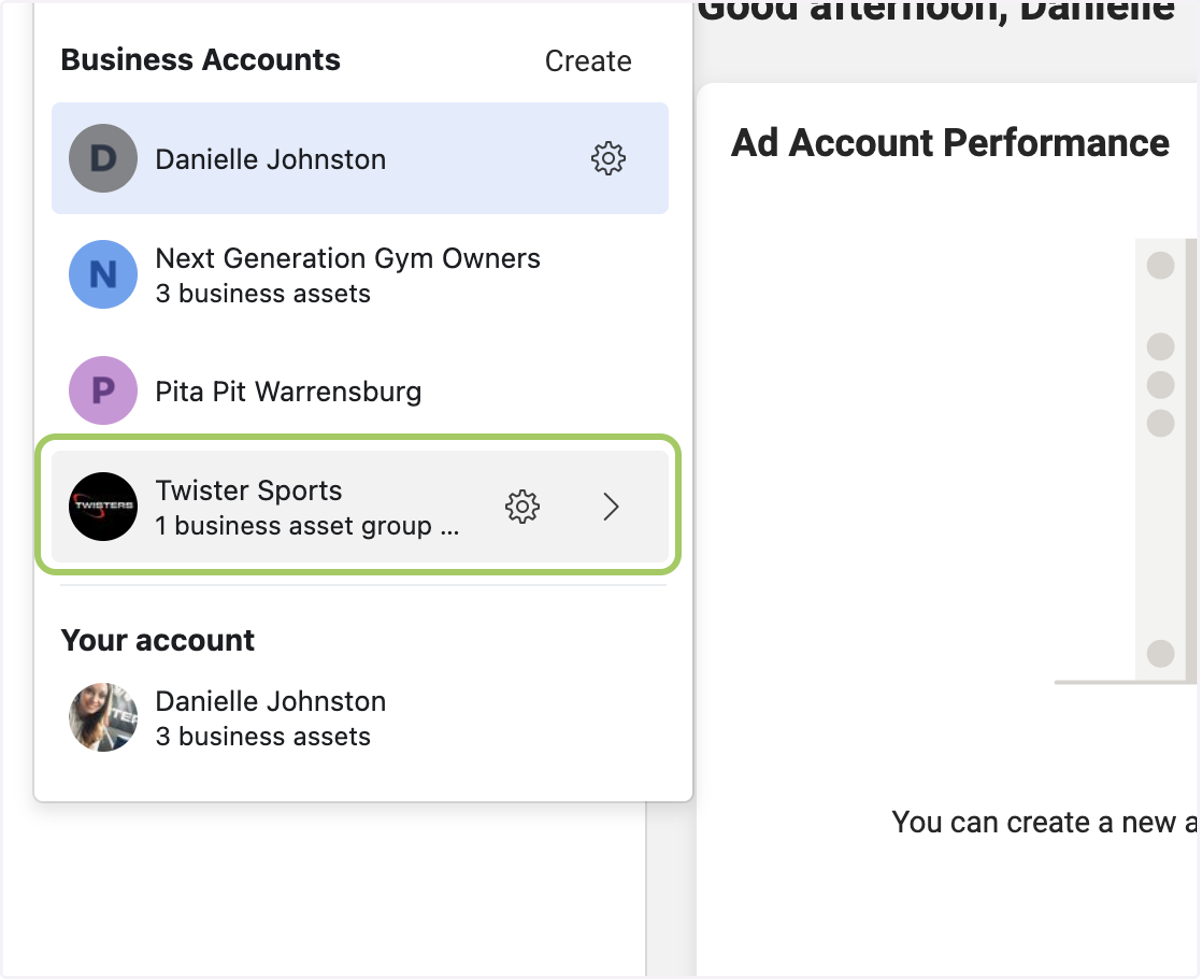
3. Click on the business.
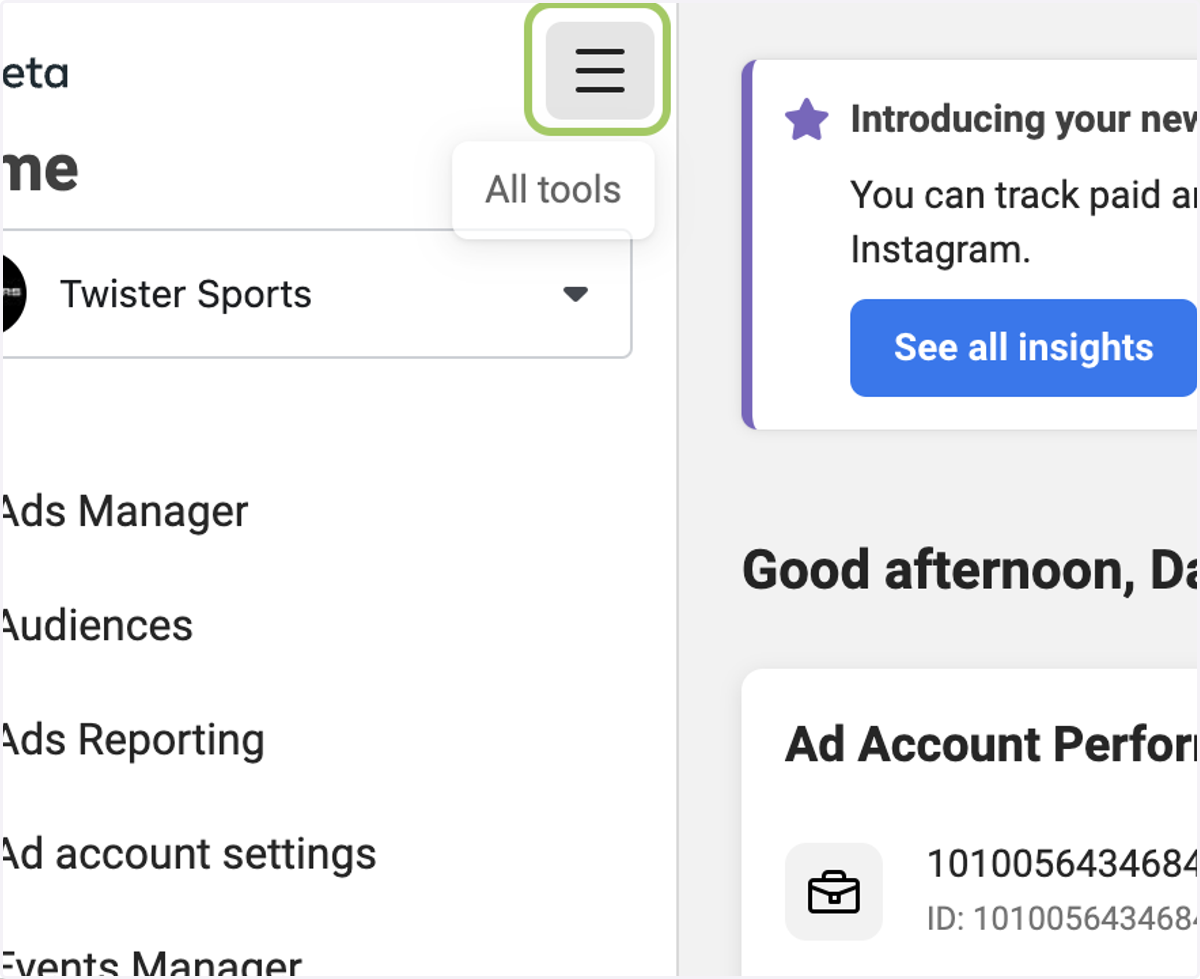
4. Click the three lines.
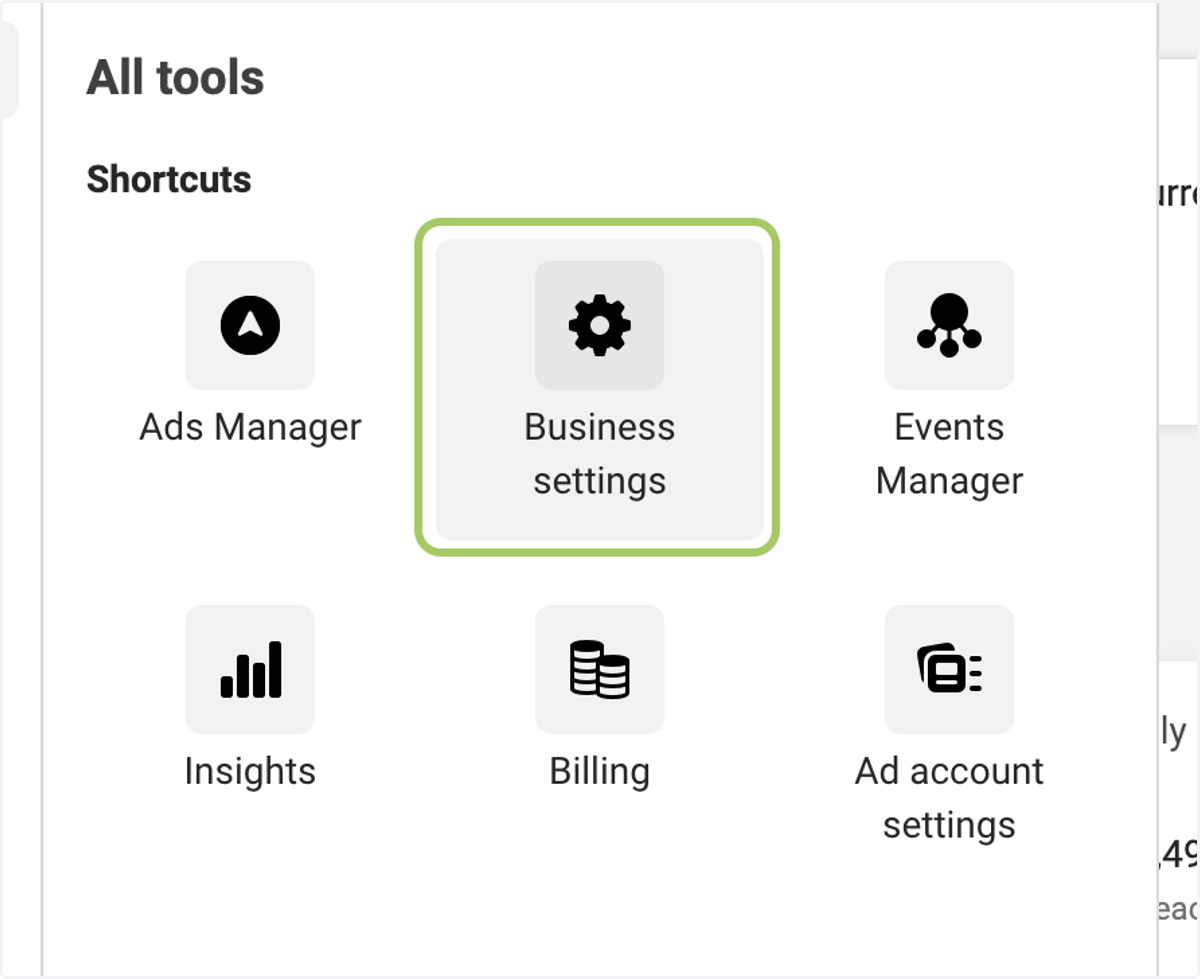
5. Click on Business settings
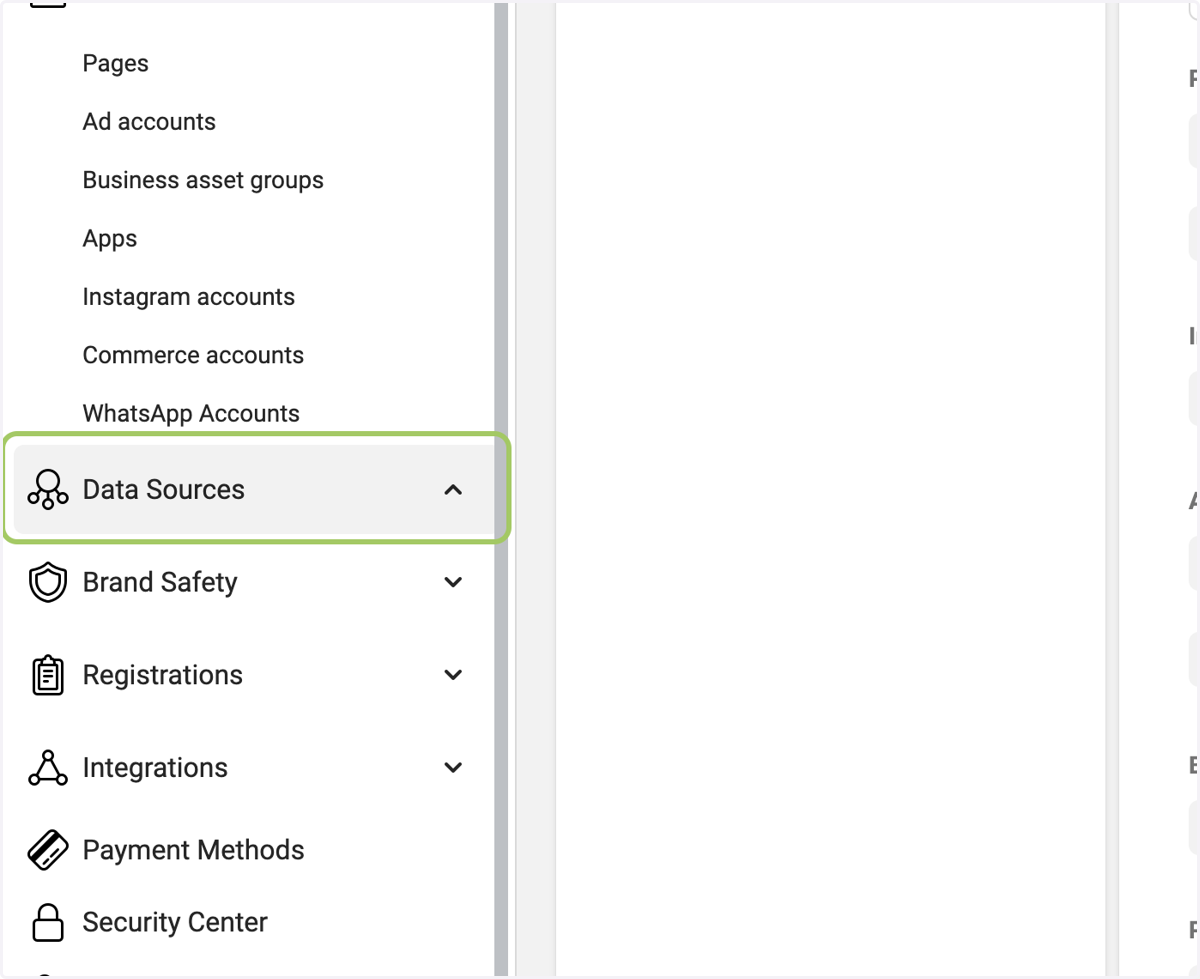
6. Click on the dropdown for Data Sources
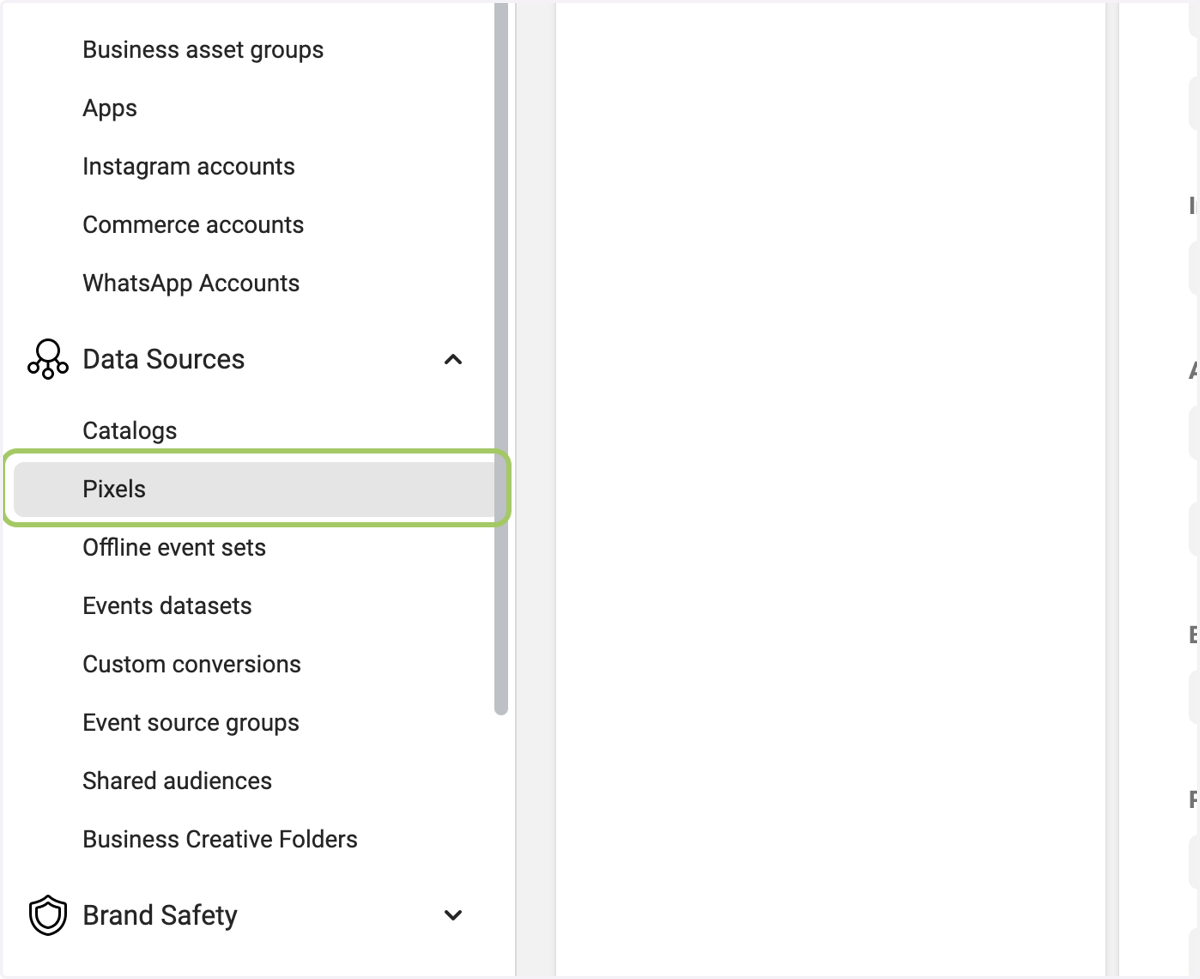
7. Click on Pixels
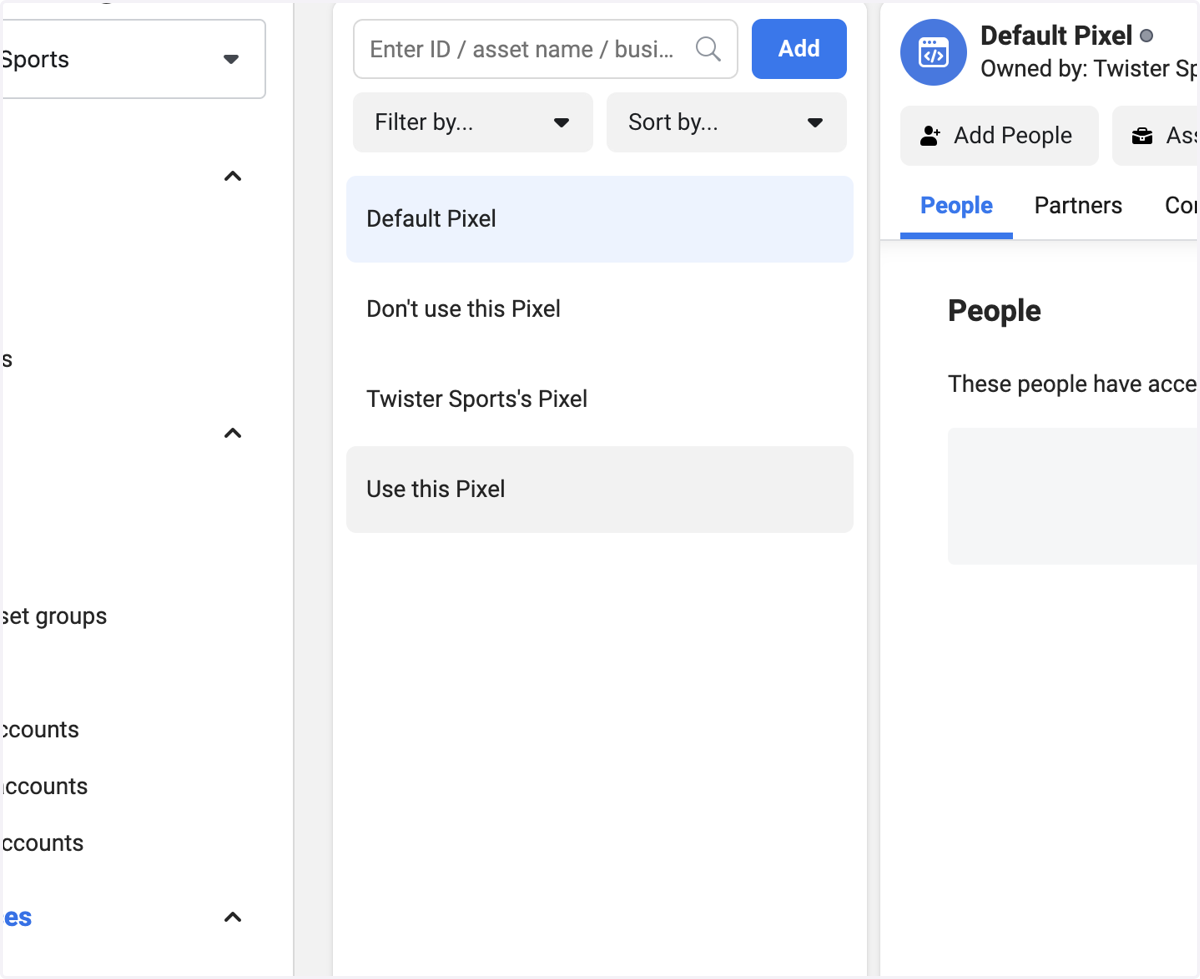
8. Click on your pixel
9. Click on Open in Events Manager
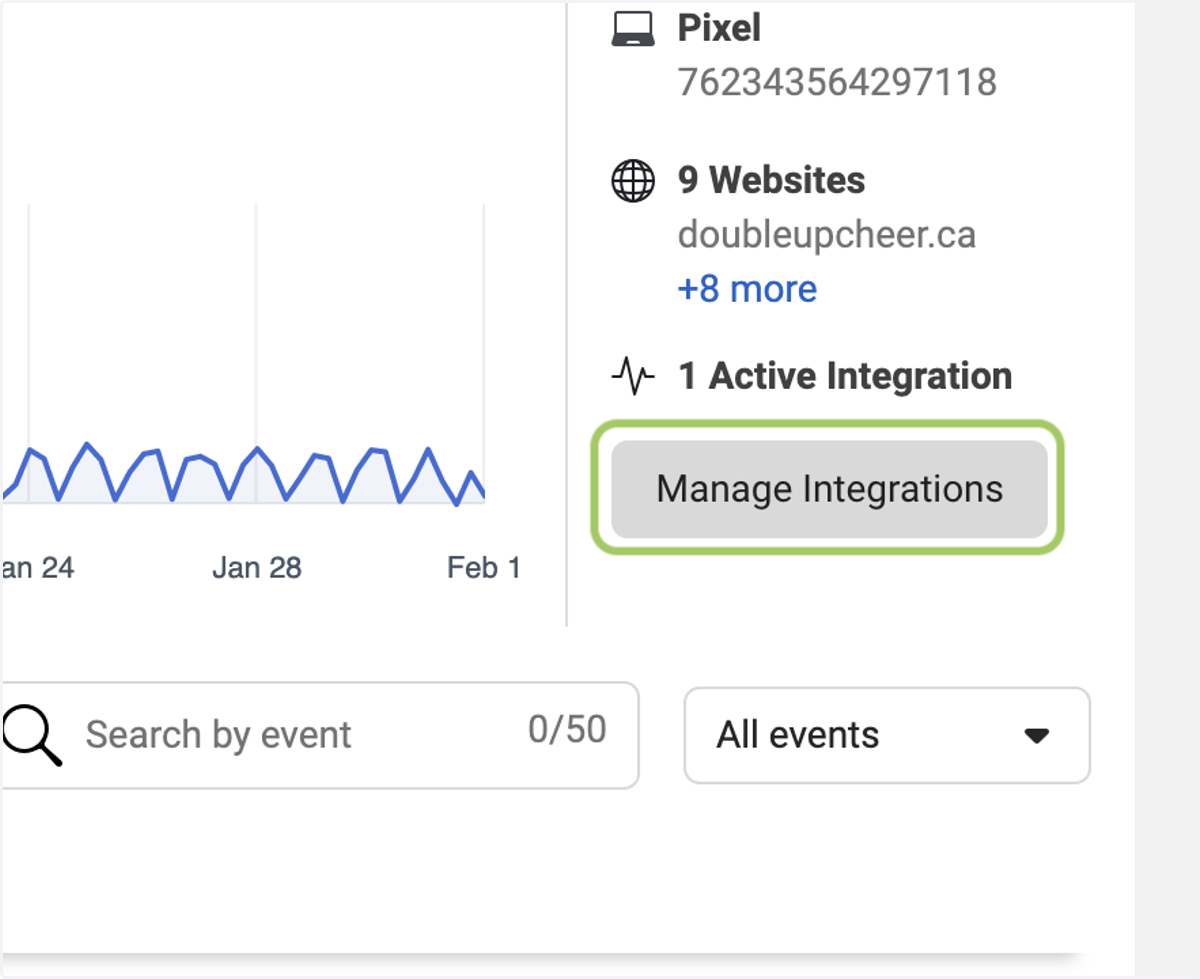
10. Click on Manage Integrations
11. Select Add to another website
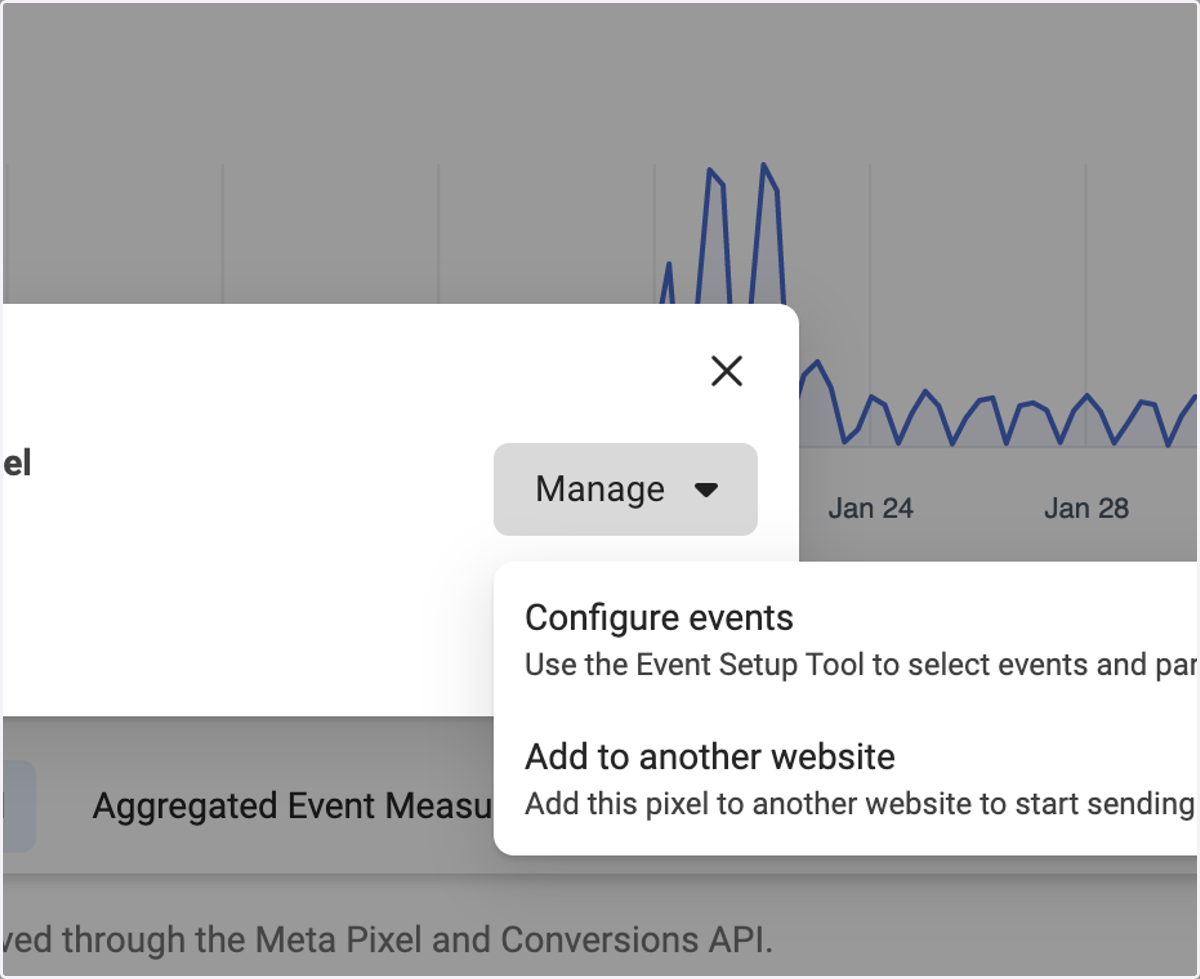
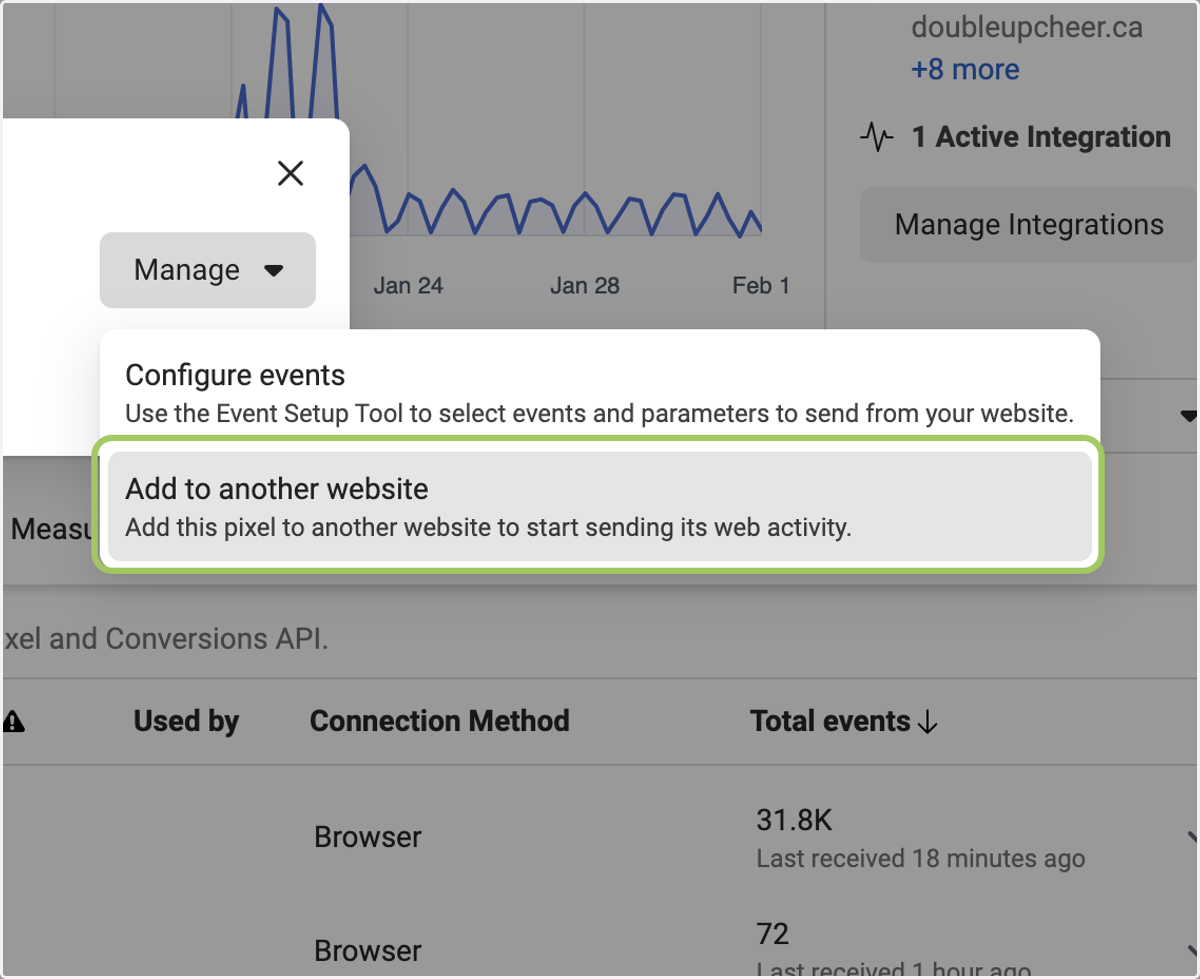
12. Click on Add to another website…
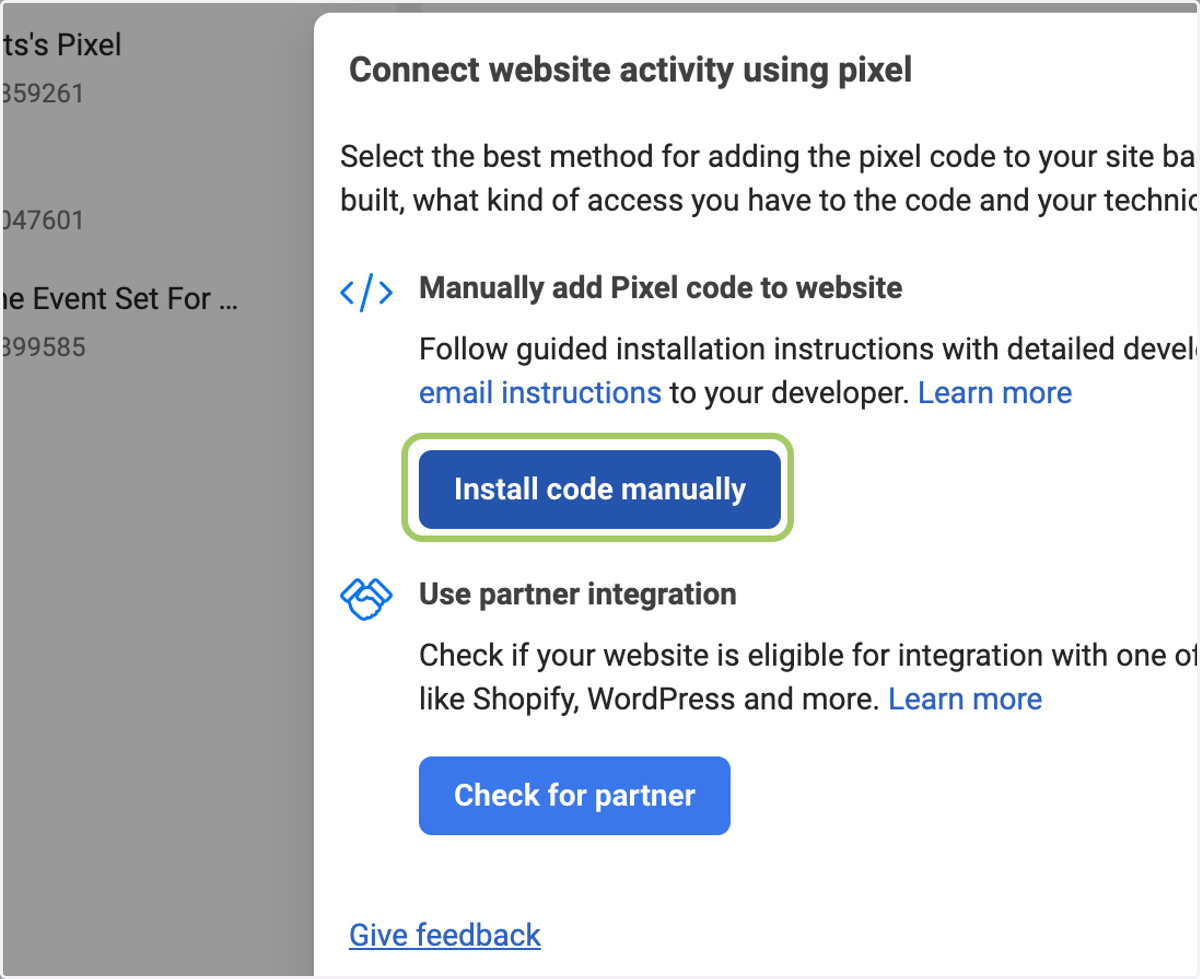
13. Click on Install code manually
14. Click on Copy Code and Email this code to the developer.
Note: Don't use Facebook. It will add cookies to the code, which will distort it.