How to protest your property tax appraisal in Dallas County
Dallascad
1. Visit Dallas Central Appraisal District's website
Dallas Central Appraisal District (DCAD) appraises 900 square miles of property in all of Dallas County, independently of the various taxing entities. In Dallas, most property owners pay annual taxes, based on DCAD's appraised property values, to five entities: Dallas Independent School District, the City of Dallas, Dallas County, Parkland Hospital and Dallas College.
If you don't agree with your appraised value for 2025, it can be protested until Thursday, May 15.Protest instructions source: Toby Toler of The Toler Co.
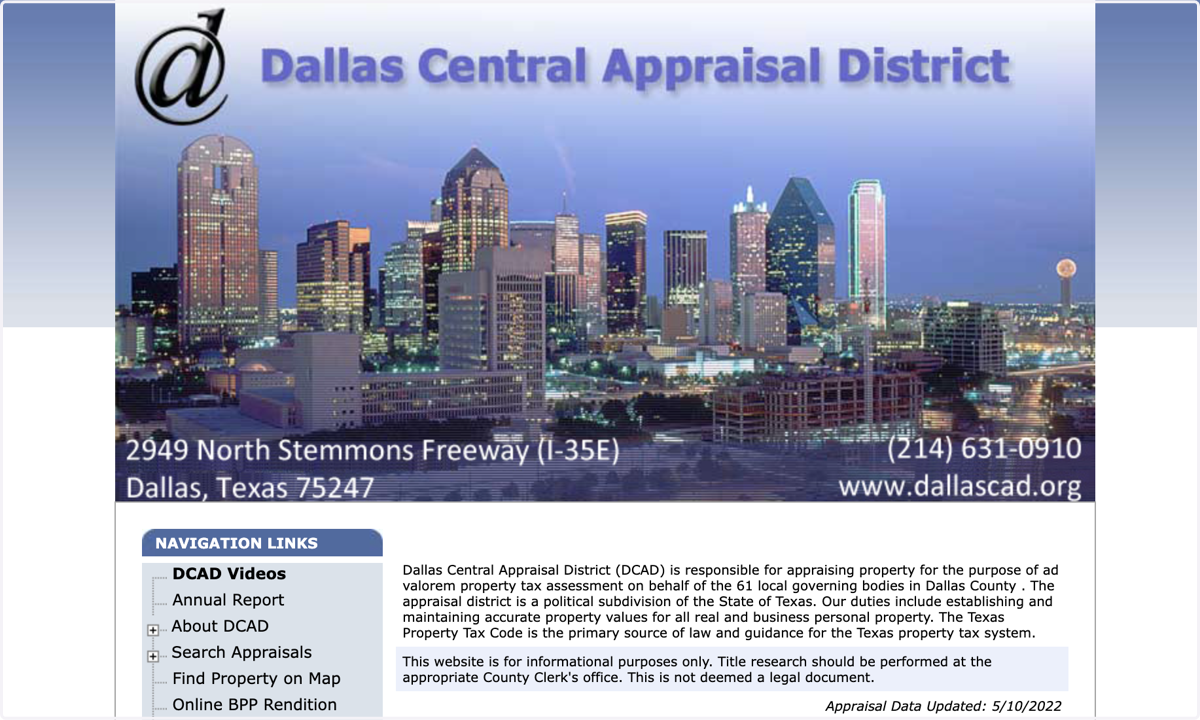
2. If you're on your mobile phone, you can scroll down and click DCAD Mobile Site
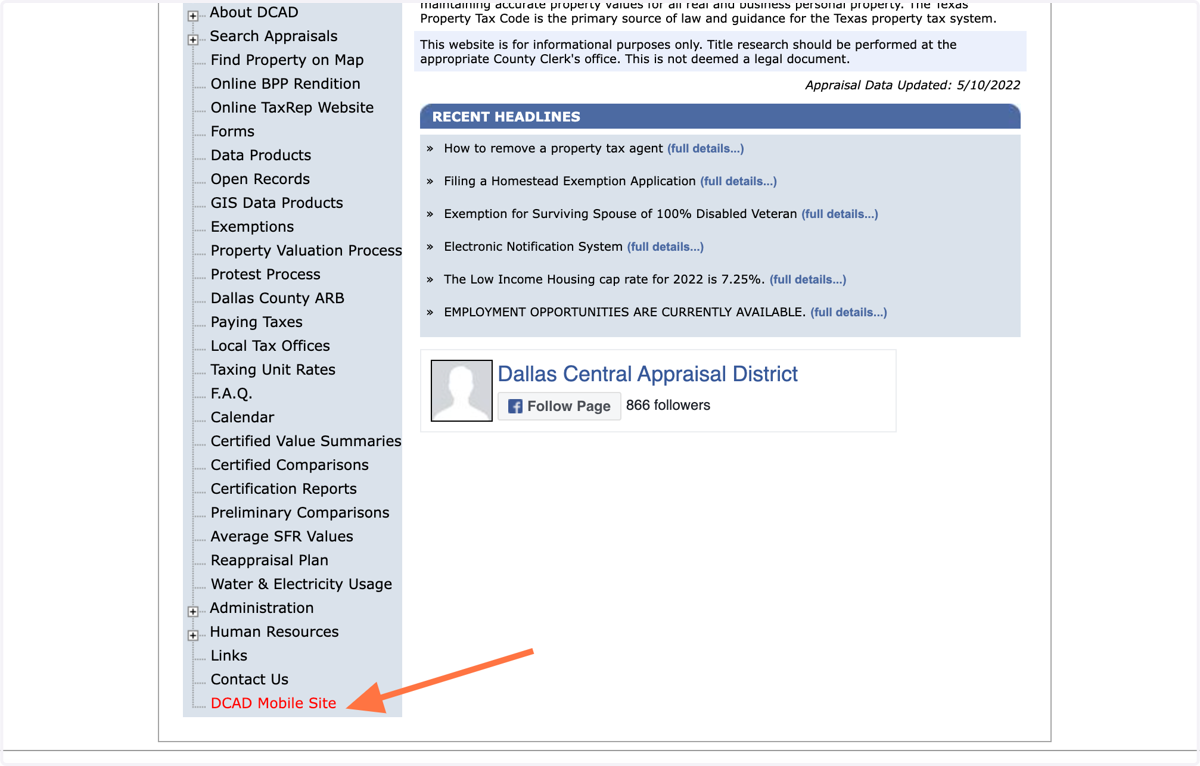
3. Click on Search Appraisals
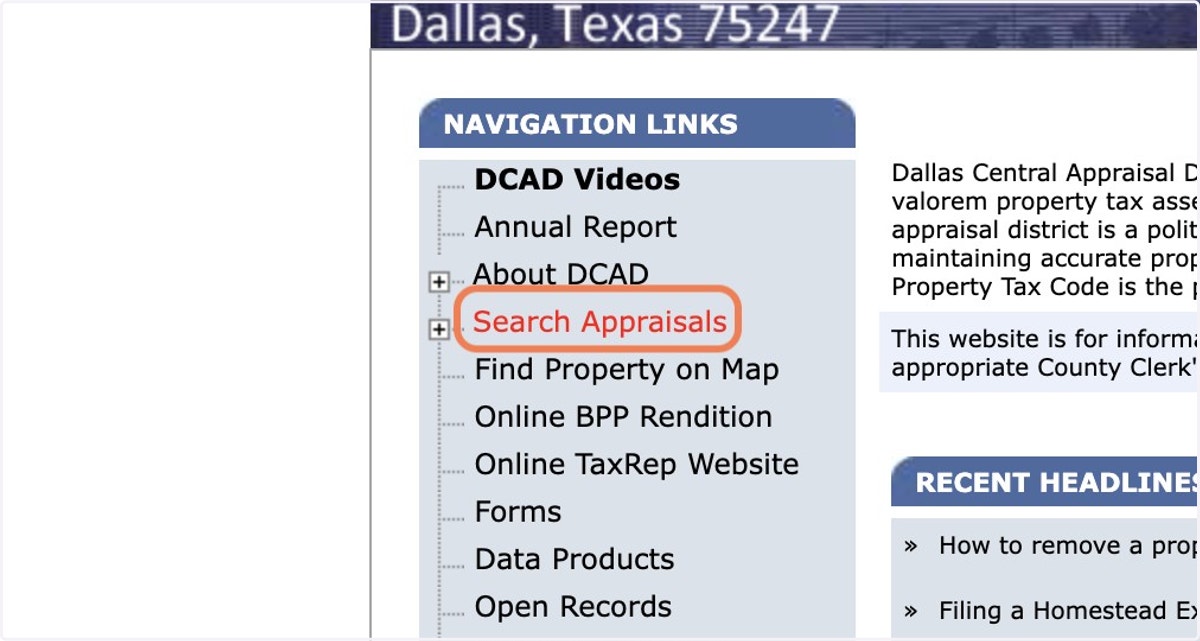
4. Click on Street Address
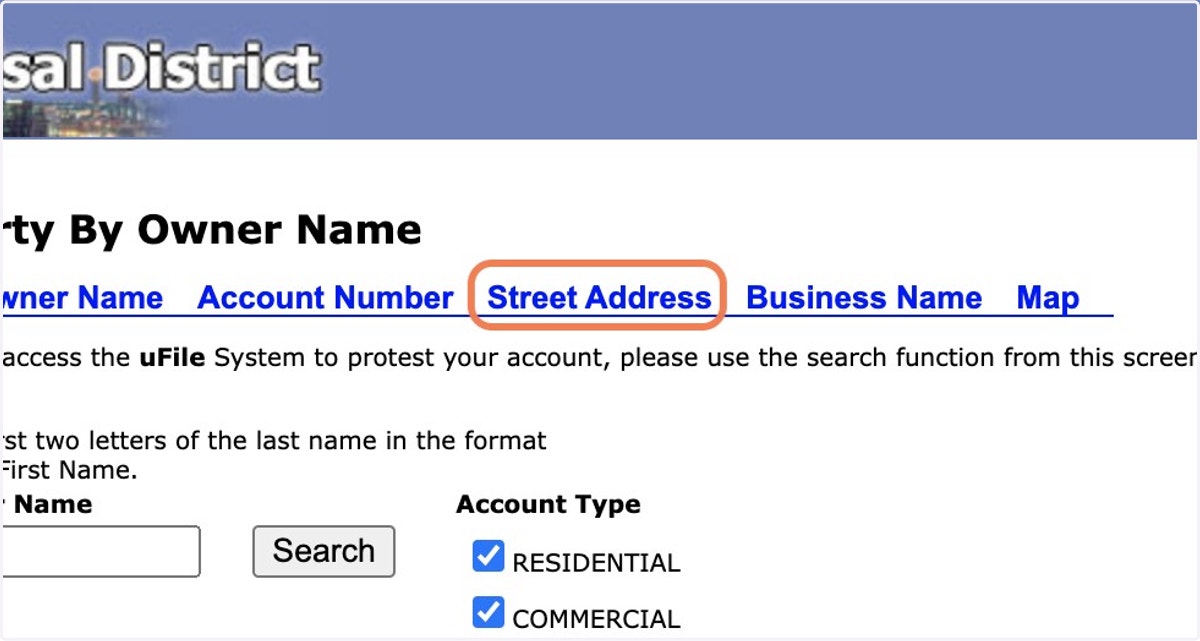
5. Type in your street number
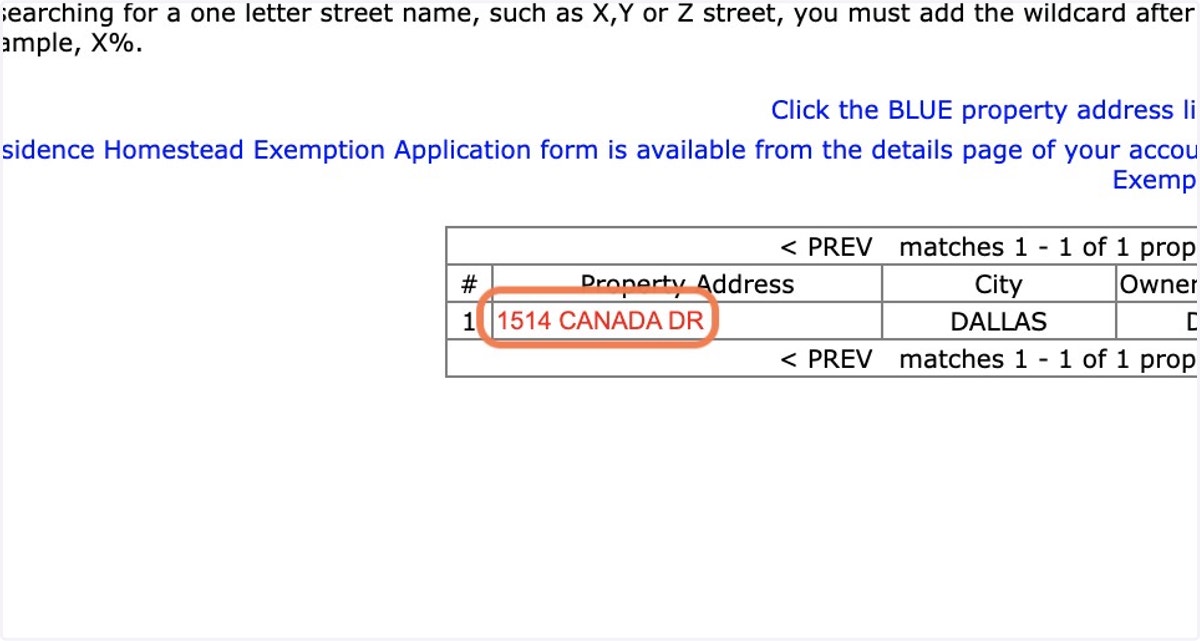
For this example, we used the address of a newly constructed West Dallas home that was on the May 7, 2022, Dallas Parade of Homes: 1514 Canada Drive, 75212, from Divino Homes. It was listed at $885,000 and had a pending contract from a buyer.
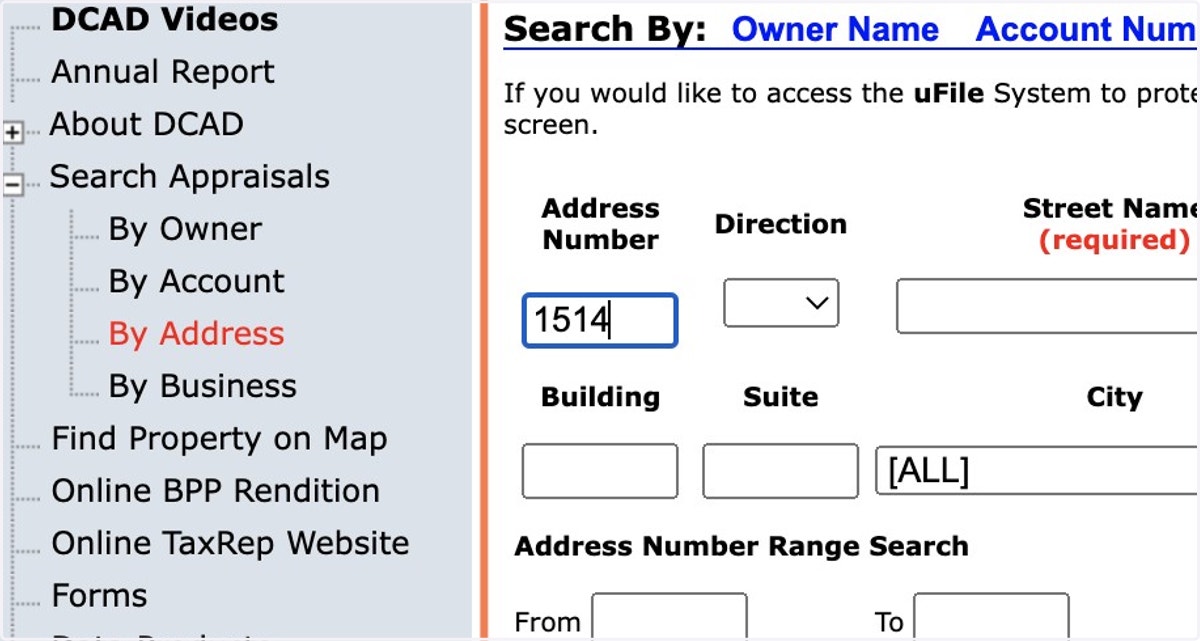
6. Type in your street name
Tip: For a cleaner search, don't add "street," drive," "place," etc.
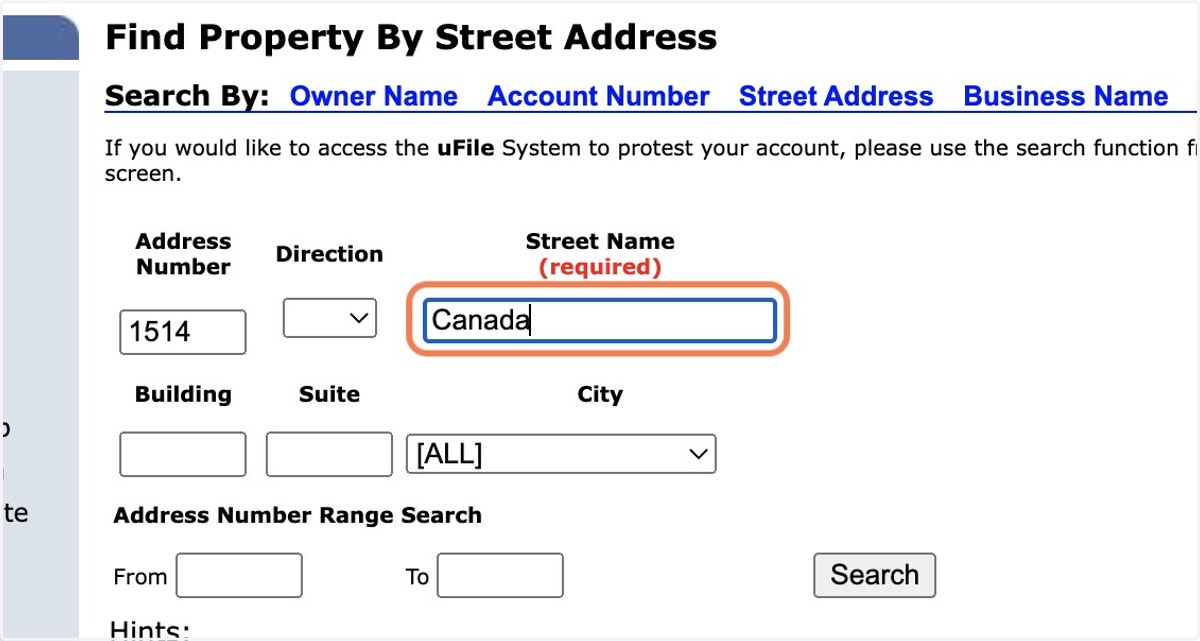
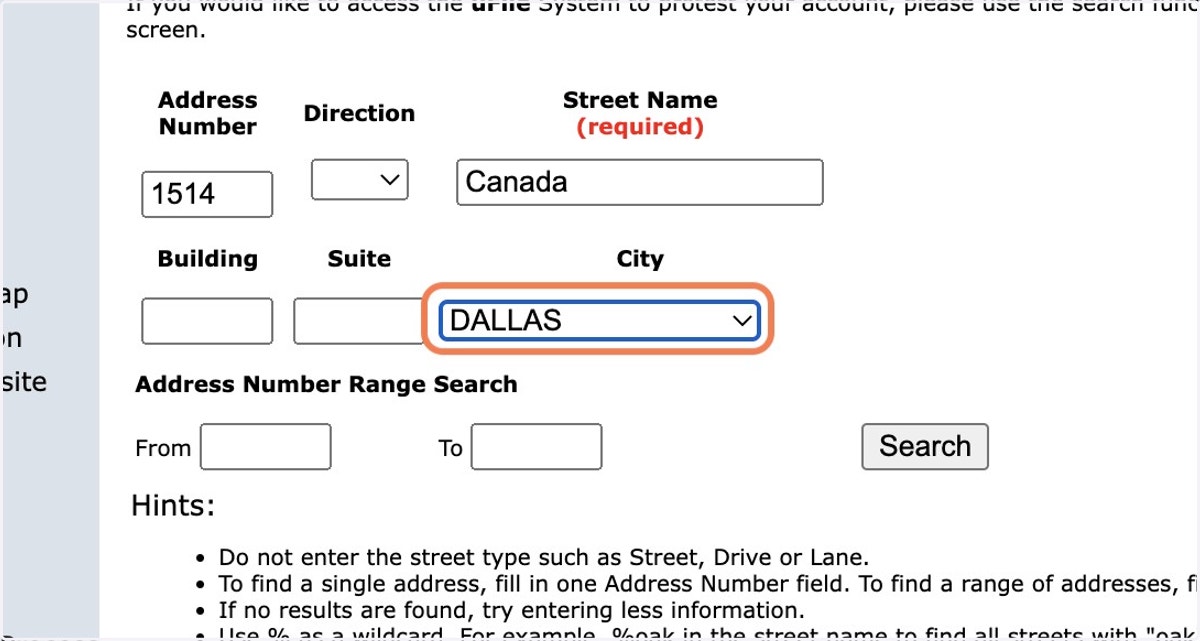
7. Select the City of Dallas
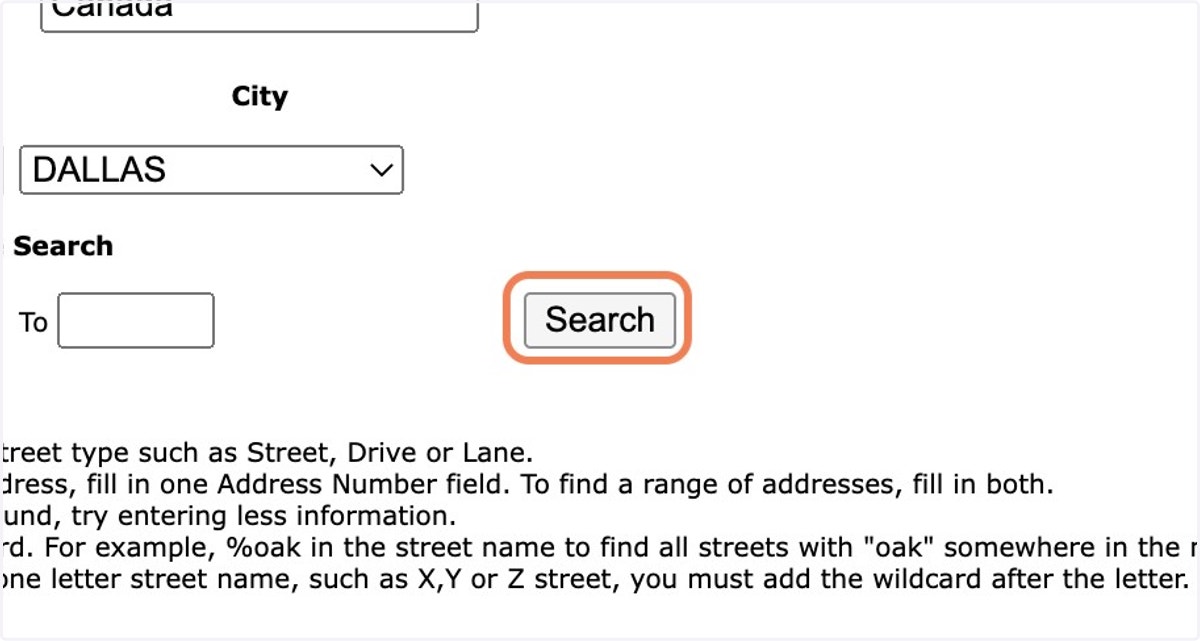
8. Click on Search
9. Click on your address
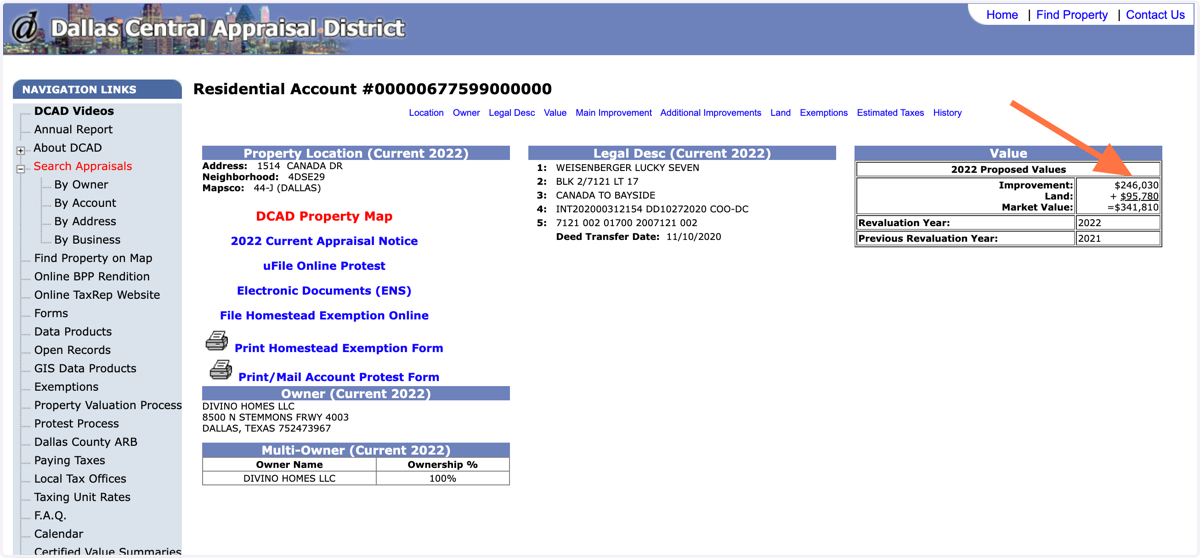
10. Look at the Improvement value
"Improvement" means whatever structure(s) is on the land, such as your home. This is the appraisal value to protest. The land value of your appraisal is a fixed, constant number you likely cannot change, Toler says.
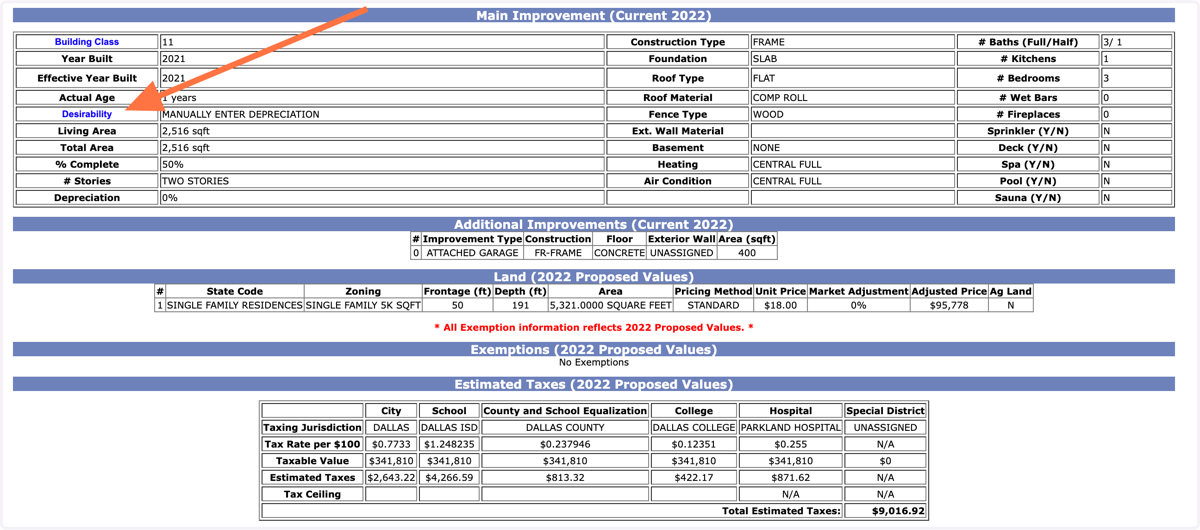
11. Scroll down to look at your home's Main Improvement details
Look specifically at the Desirability column, which usually states a value ranging from Excellent to Uninhabitable.
If anything in this record is wrong, you can correct it in your protest and/or your conversation with the appraiser.
12. Decide your home's "Desirability" according to DCAD's definitions
Excellent: virtually new
Very Good: recently new or updated/renovated
Good: above average, such as recent air-conditioning equipment
Average: middle of the road (DCAD deems most houses "Average")
Fair: the roof is near the end of its life, the air conditioning equipment is older and needs repairs, the bathrooms are not renovated or renewed (more like original condition)
Poor: needs significant maintenance repairs and improvements; roof is in need of replacement, foundation repairs may be needed, air-conditioning equipment is exhausted, bathrooms may have a leaking shower pan or plumbing issues, the exterior of the house may need significant attention.
Very Poor: just think of a slightly worse version of Poor, above
Uninhabitable: very few meet this criterion — needs everything
Source: Toby Toler of The Toler Co.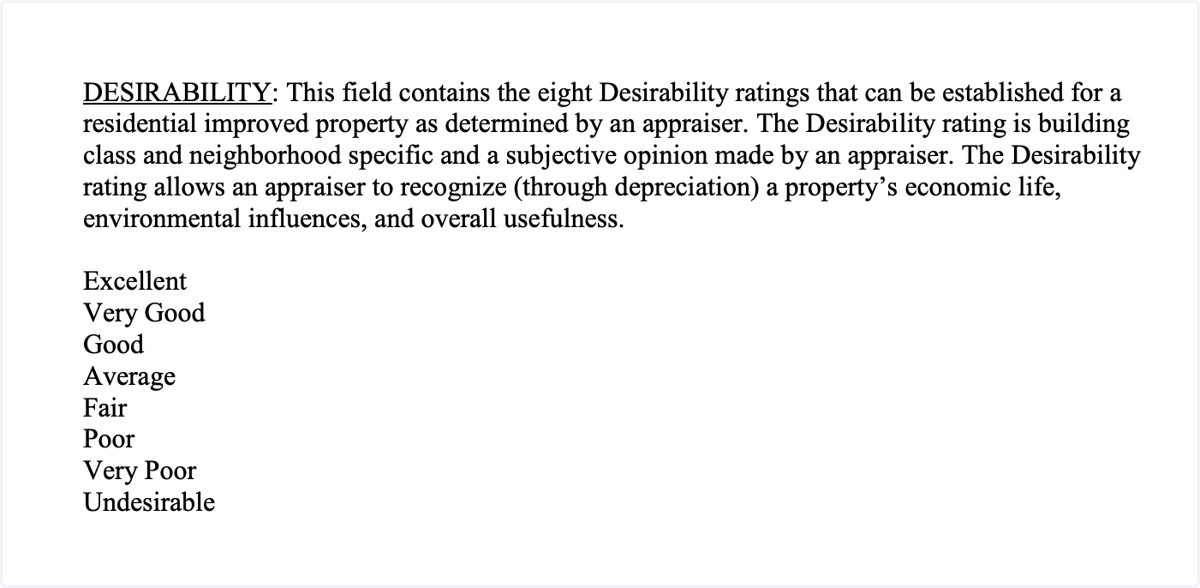
13. Does your home's condition match DCAD's definition? If not, file a protest
Each time you lower the desirability to the next category down the list, the value of your improvements goes down. Based on your condition, you may ask for your Improvement value to move from Average to Poor, or from Average to Very Poor, and should ask for a corresponding deduction.
Photos are key evidence and the best way to receive a change in Desirability. Contractor or repair estimates can be used, also.
Source: Toby Toler of The Toler Co.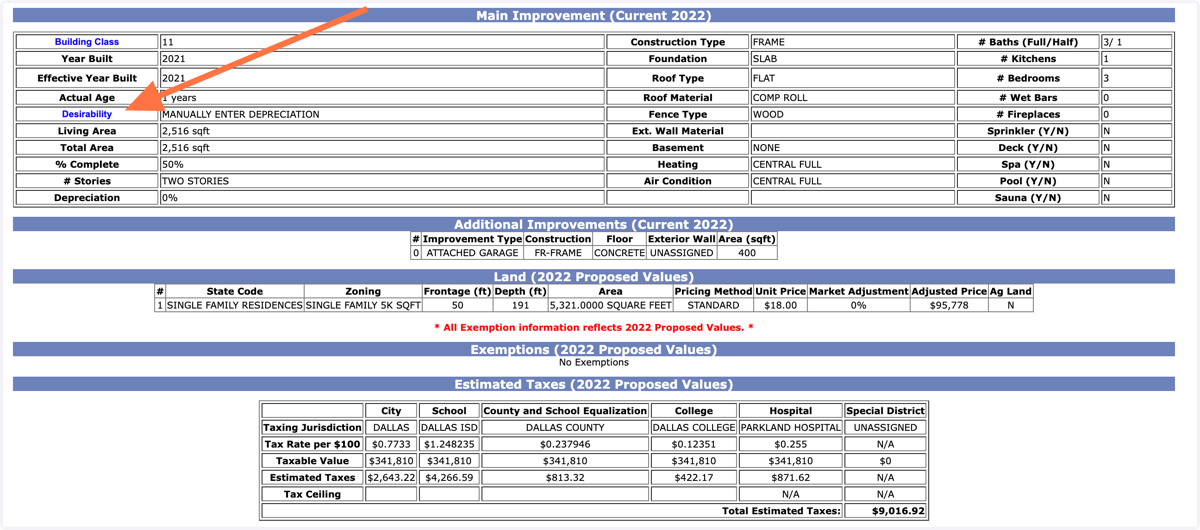
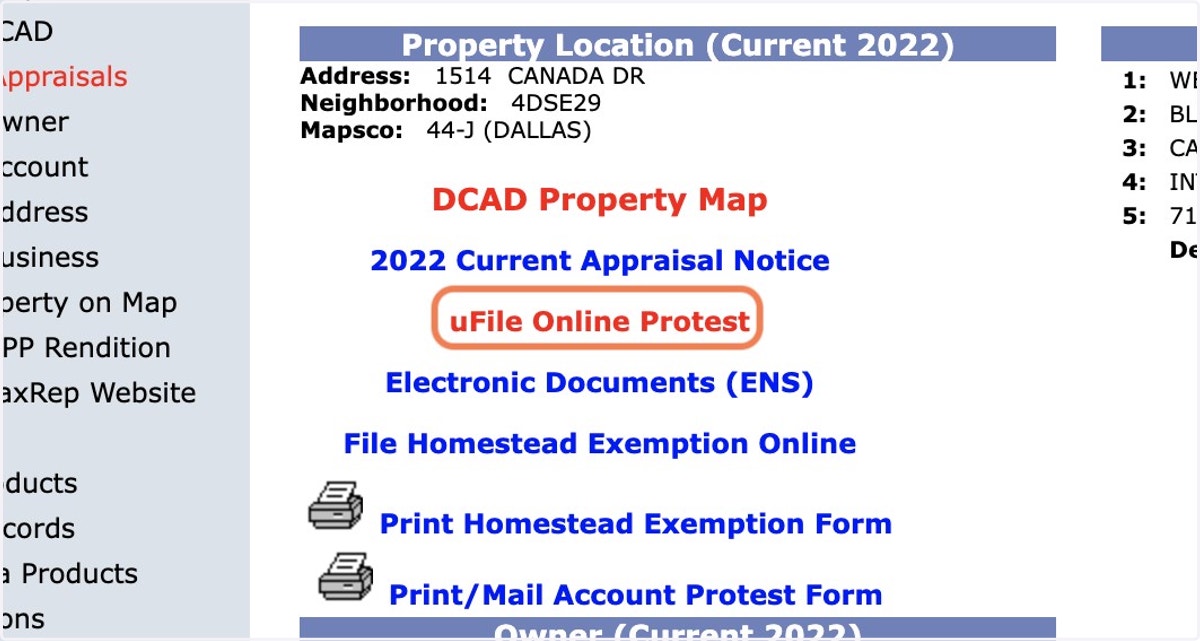
14. To file a protest online, scroll back up and click on uFile Online Protest
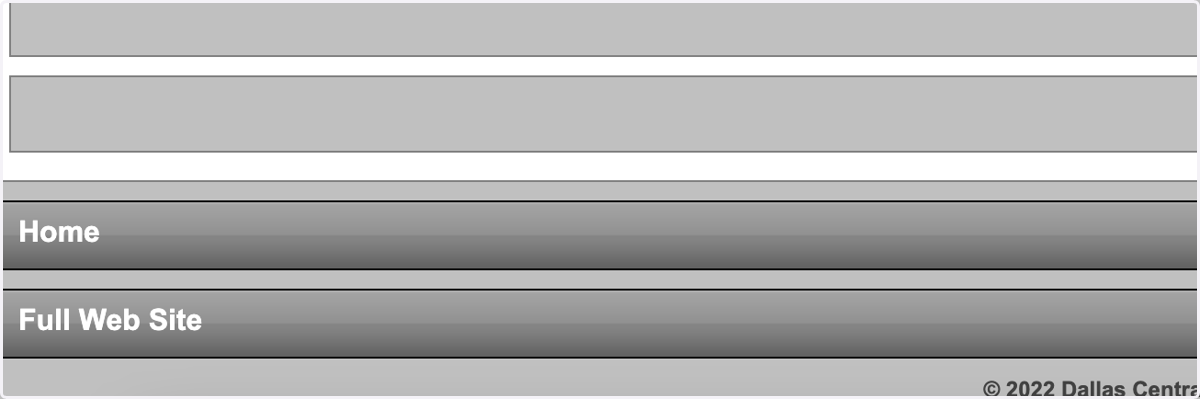
15. Note: If you're on the mobile view, scroll down and click Full Web Site to file the protest
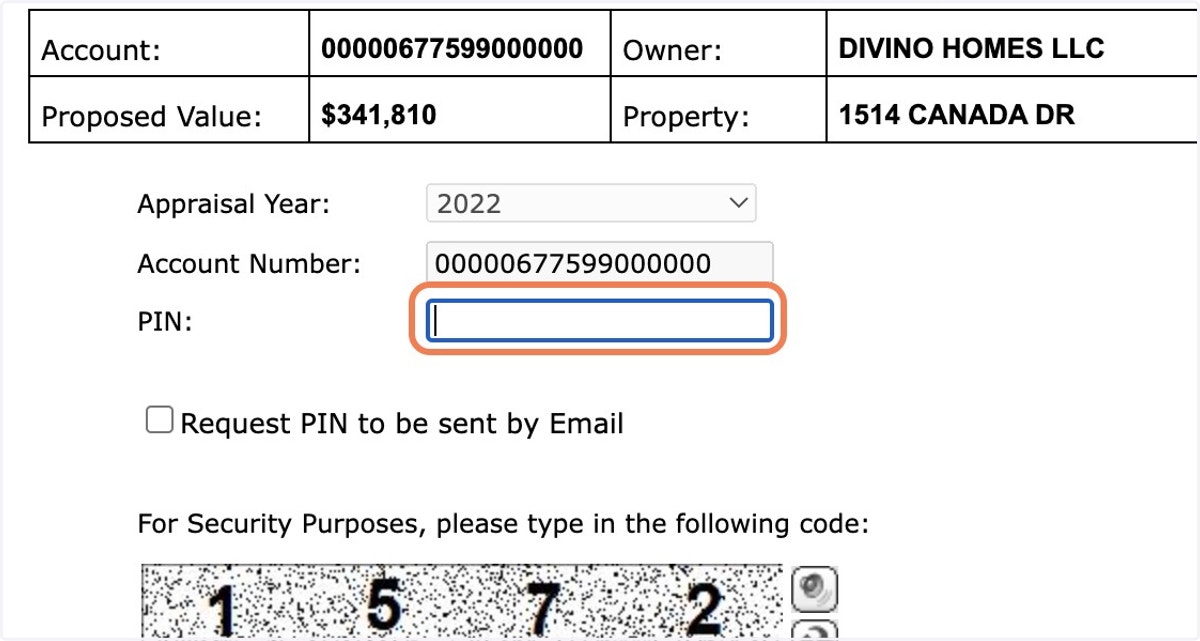
16. Enter the PIN listed from the original Notice of Appraised Value mailed to you by DCAD
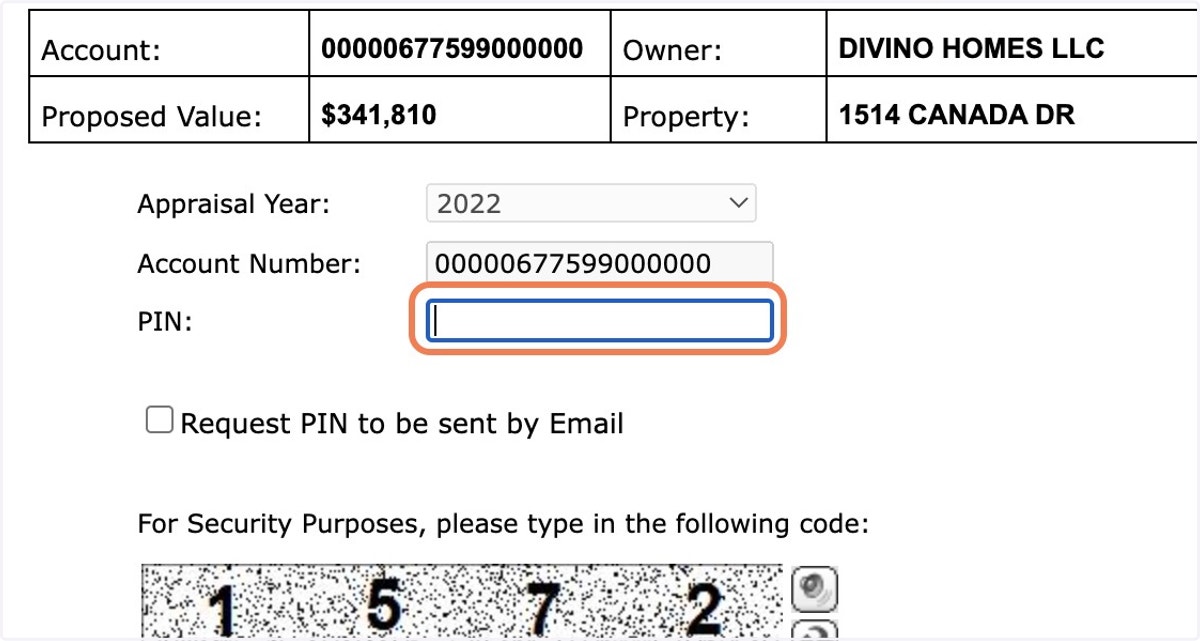
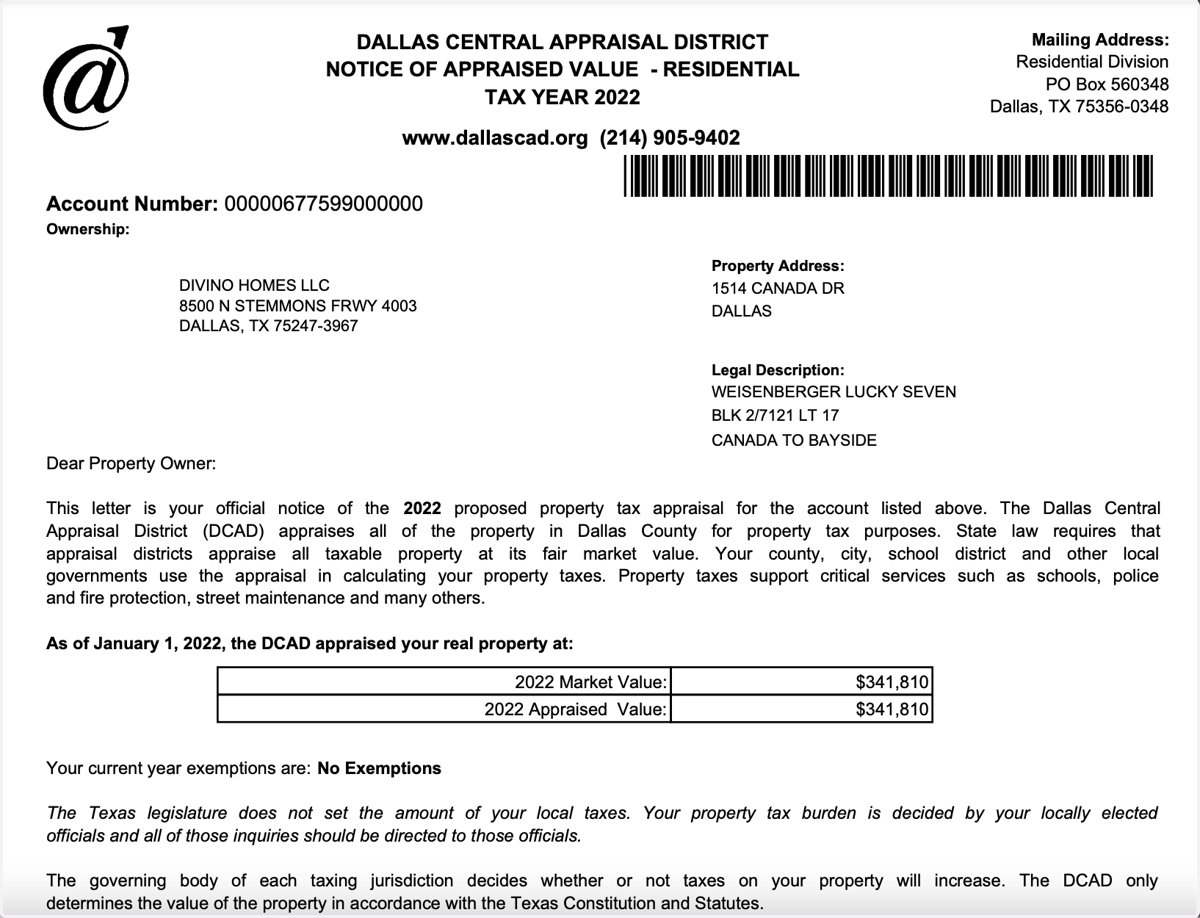
17. This is an example of what your Notice of Appraised Value looks like, except your mailed version would include a PIN
18. If you don't have the mailed notice, check Request PIN to be sent by Email and enter your email address
You also can call the appraisal district to request a PIN: 214.631.0910
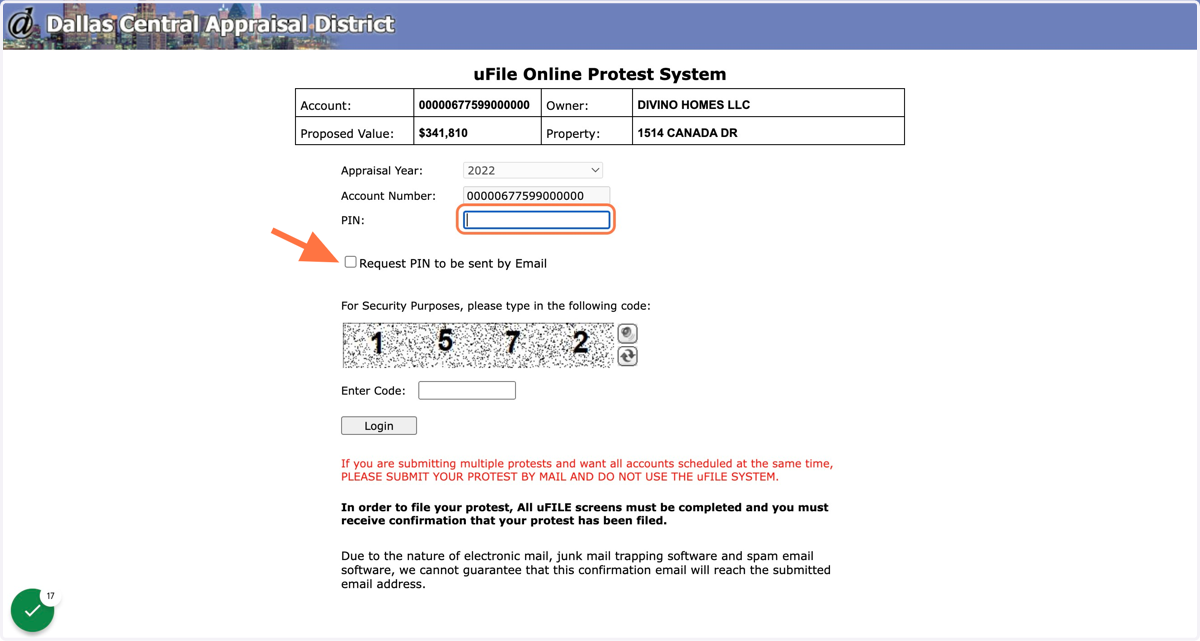
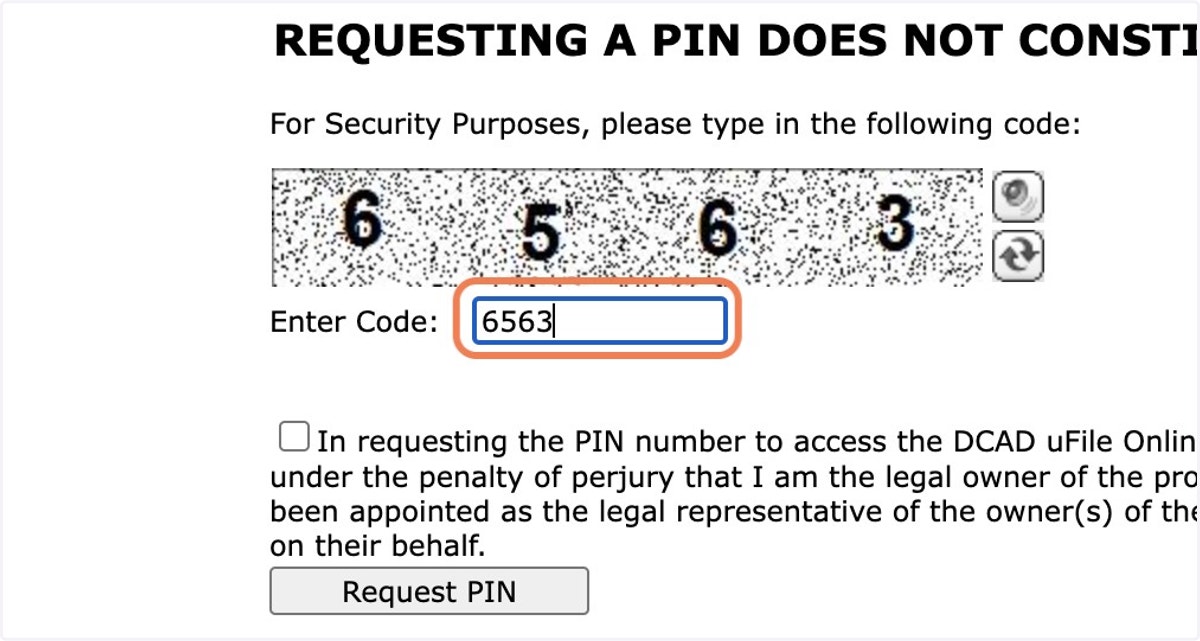
19. Type in the security code
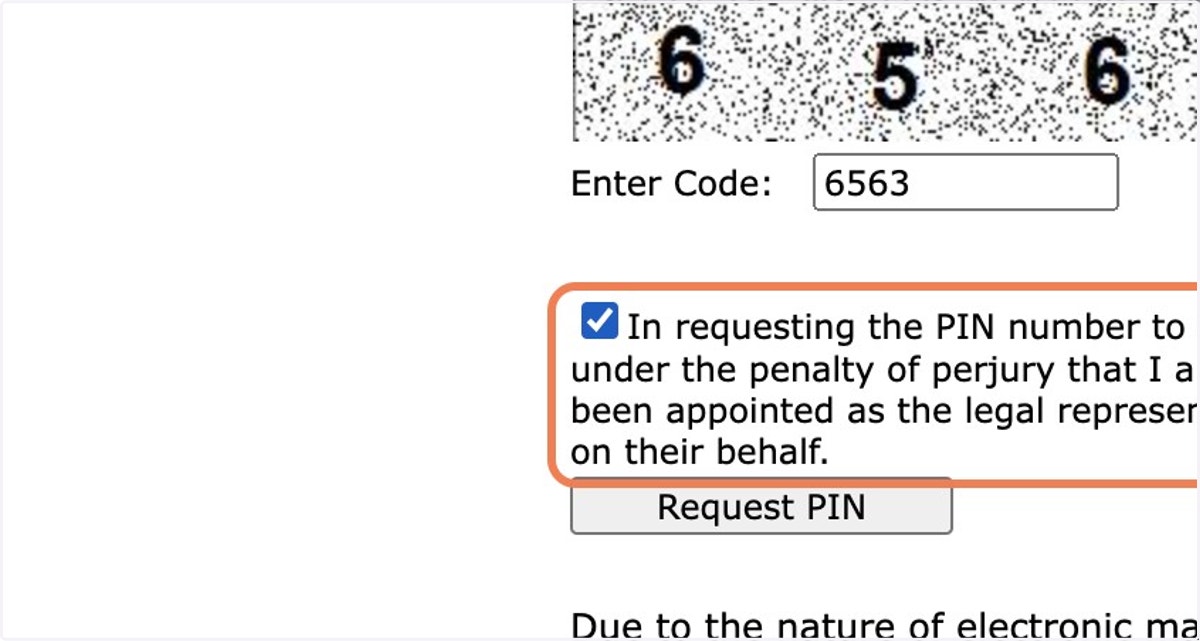
20. Check the box verifying that you are the property owner
21. DCAD will remind you that requesting a PIN does not mean you've filed a protest
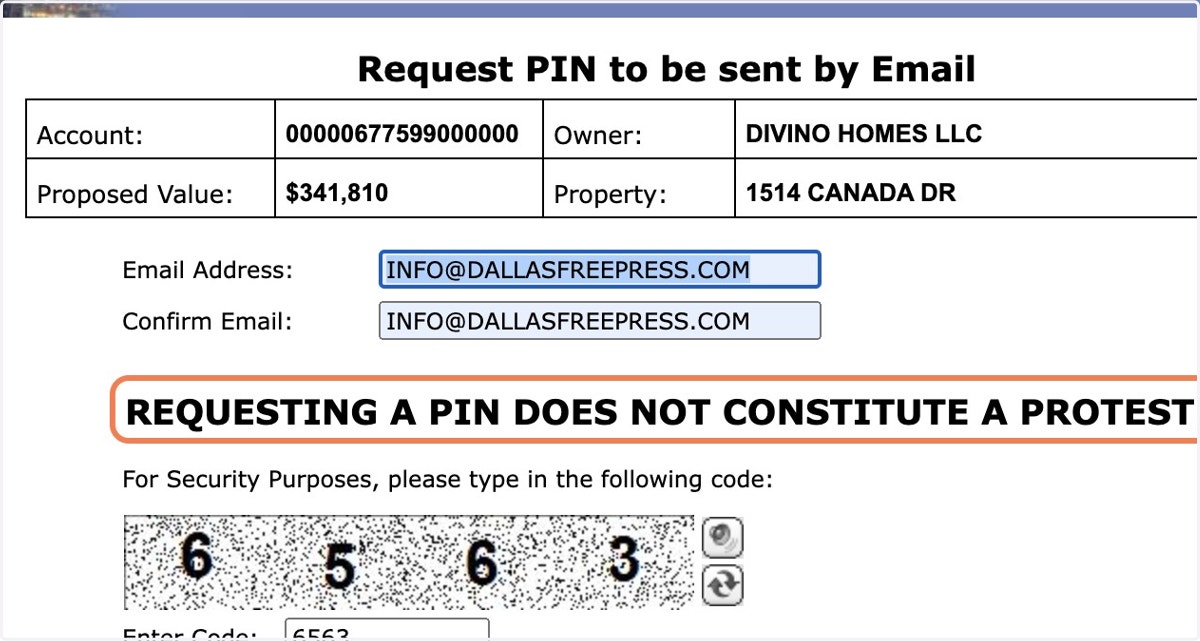
22. Click on "Request PIN"
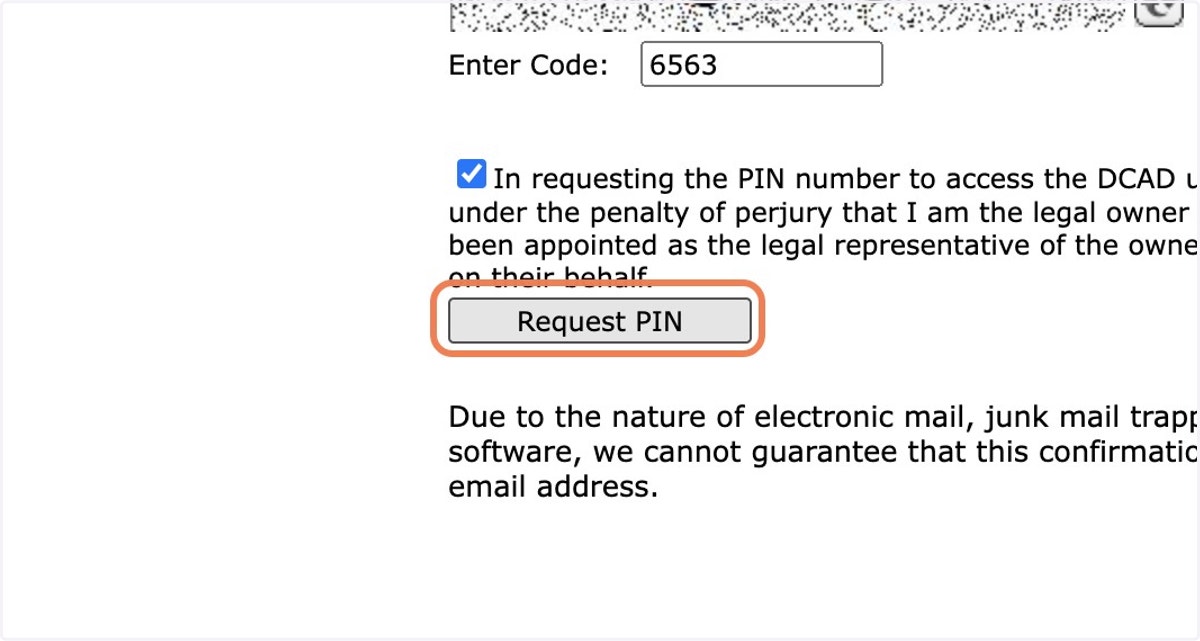
23. Momentarily, you should receive an email from no_reply@dcad.org with your PIN.
24. Enter the PIN emailed to you
25. Enter the 4-number code for “Security Purposes” and click “Login”
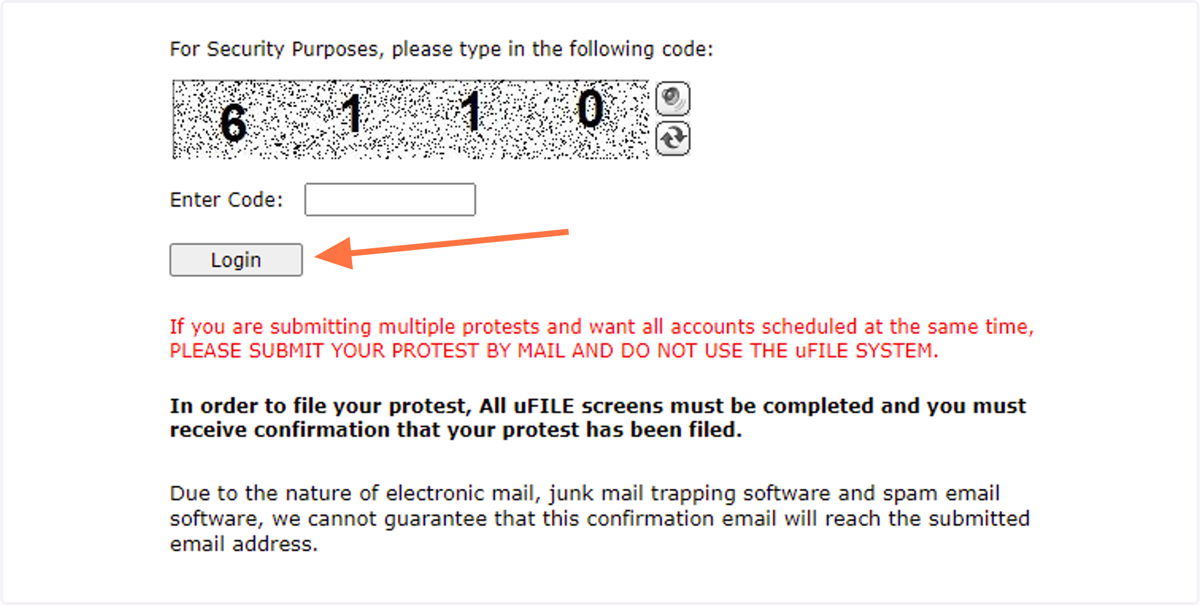
26. File your protest online
The importance of an appeal is to tell the appraisal district something they don’t already know. The appraisal district has all the listings and sales from Realtors, so searching for comparable sales is generally not productive. But they generally don't send appraisers to look at individual homes, so you can take a few photos with your phone to upload and show them through this protest process.
What won’t happen: No one from the appraisal district is going to come and ask for an inspection or a walk-around. The process is going to take place at the appraisal district office at Inwood Road. It's all virtual.
Source: Toby Toler of The Toler Co.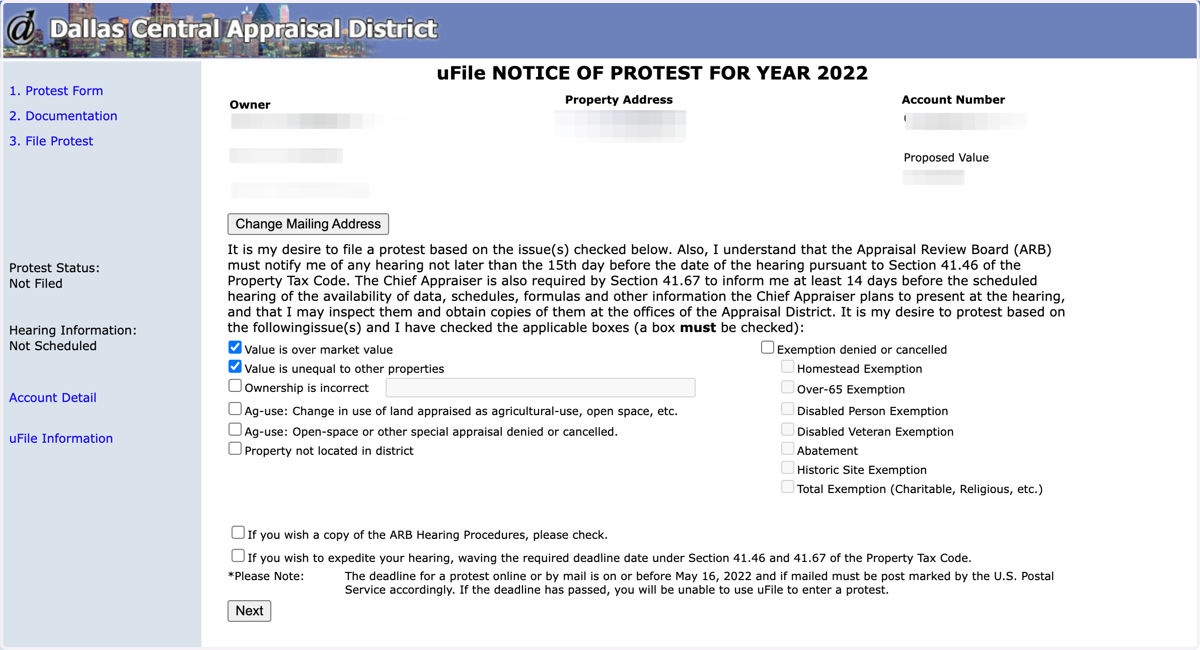
27. Check "Value is over market value" and/or "Value is unequal to other properties"
We’re trying to tell a story to the appraiser, and the story is that if you own an older home that needs some repairs, your property is not comparable to newly constructed homes. You want to be equitable with your neighbors and make sure they have your house described fairly.
Source: Toby Toler of The Toler Co.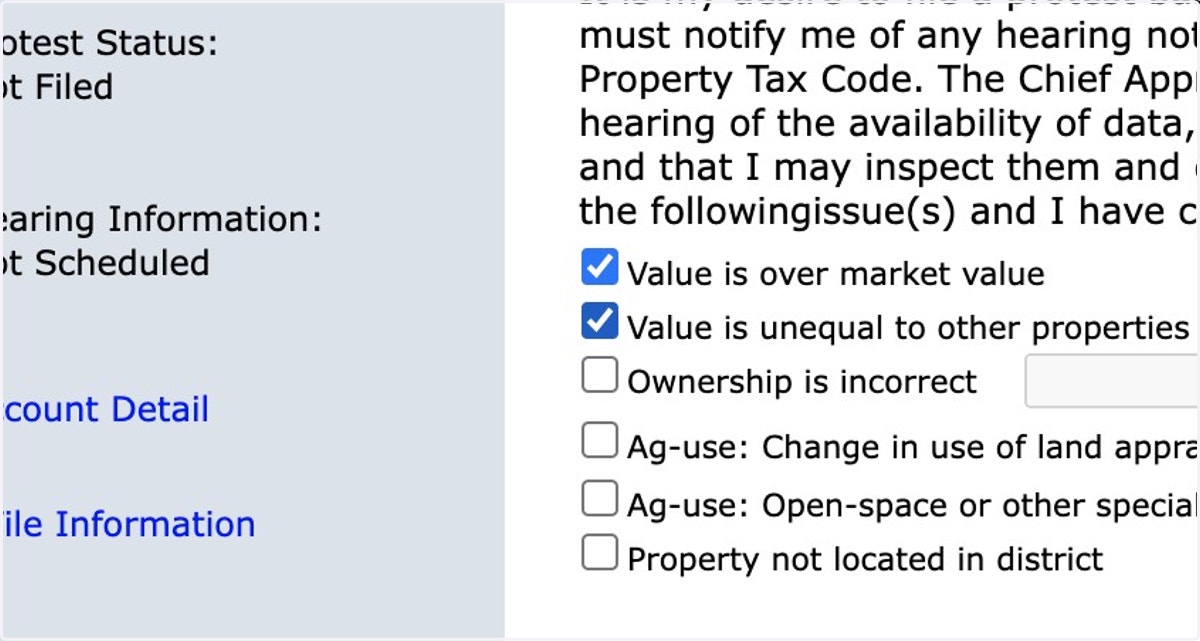
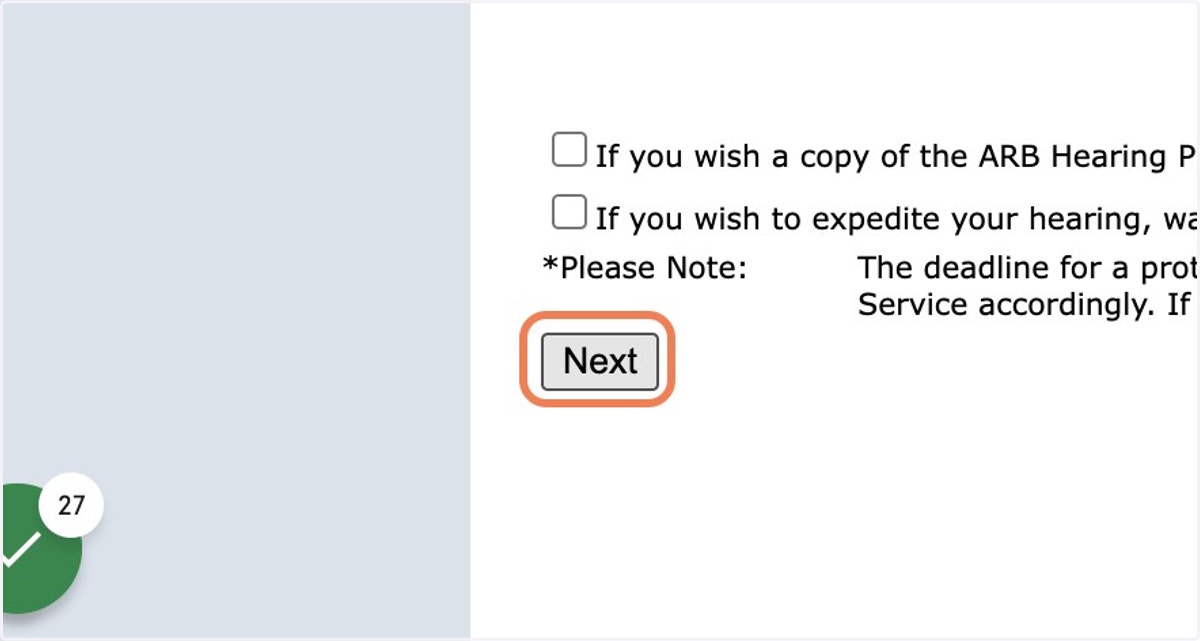
28. Click on Next
29. Click Browse and select photos from your computer or mobile phone
All we’re trying to do is tell the appraisal district the condition of your home. A good set of pictures would be: all bathrooms, the kitchen and 2-3 photos of the general condition of the exterior, such as the air-conditioning unit (whether central air or window units), peeling paint or anything that needs repair (foundation, roof, flooding, etc.). You don't need photos of the bedrooms or other areas.
Source: Toby Toler of The Toler Co.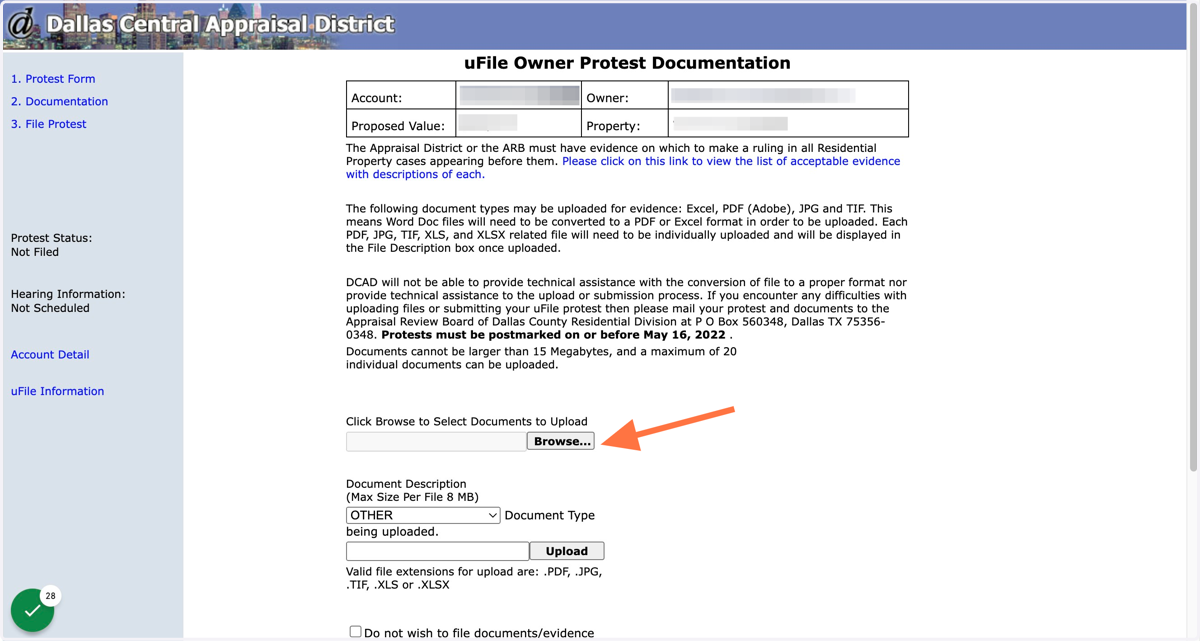
30. Select PHOTO as the file type
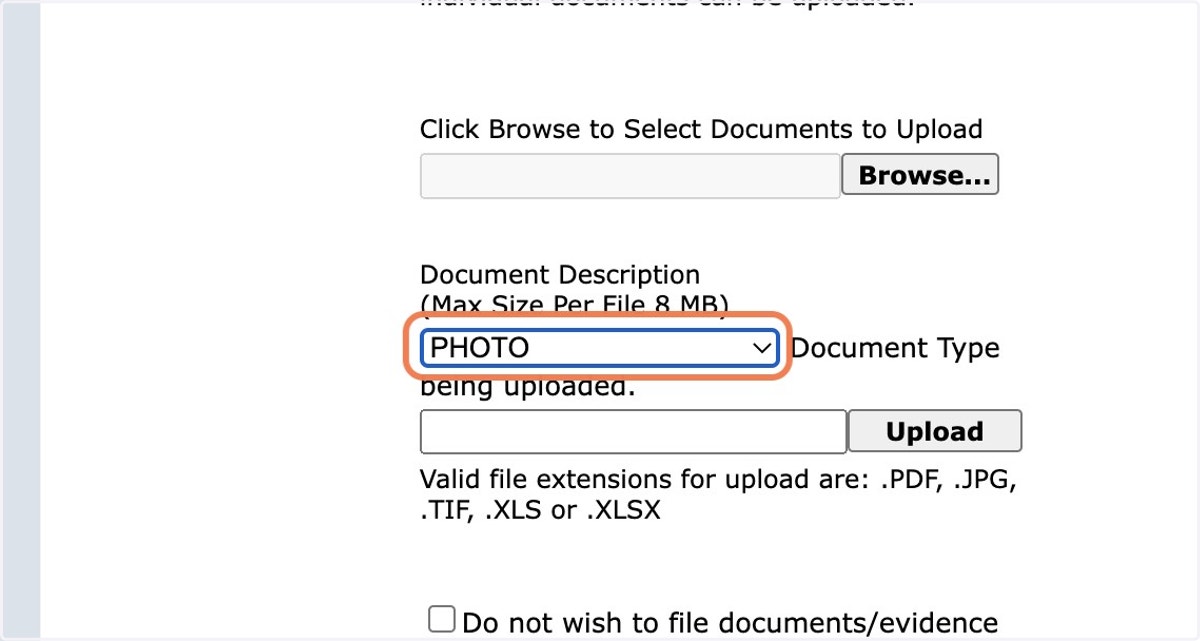
31. Click on Upload, then repeat these steps to add the rest of your images
You can upload up to 20 documents, no more than 15 MB each
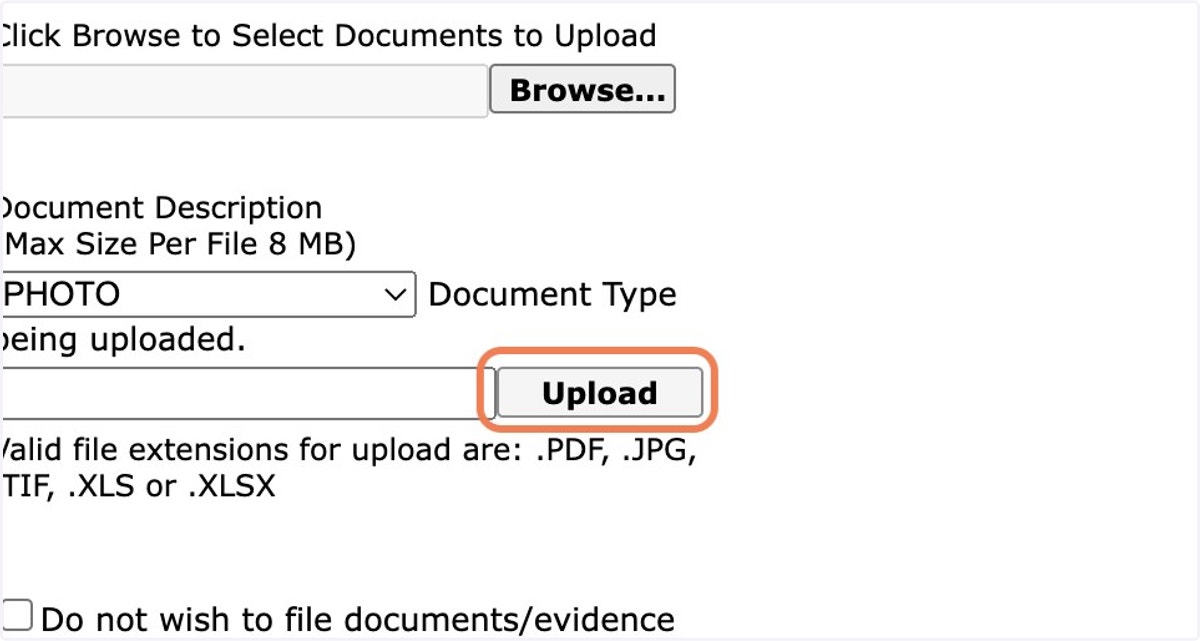
32. Once you've uploaded all of your images, select "Next"
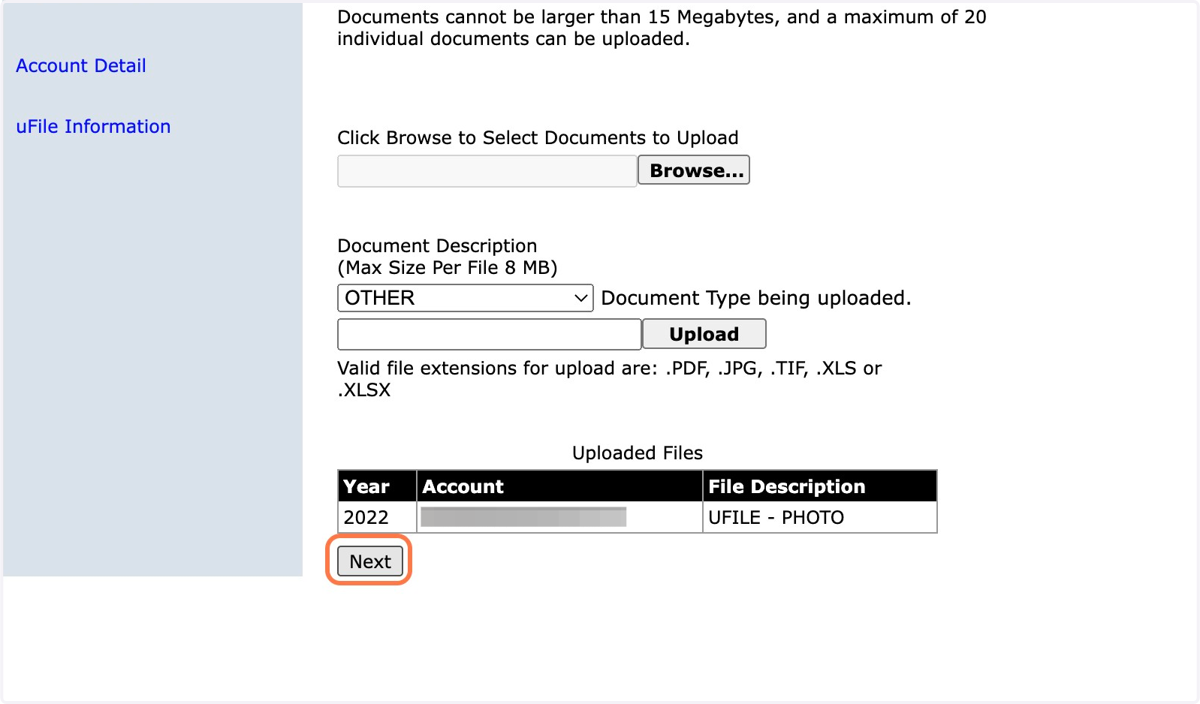
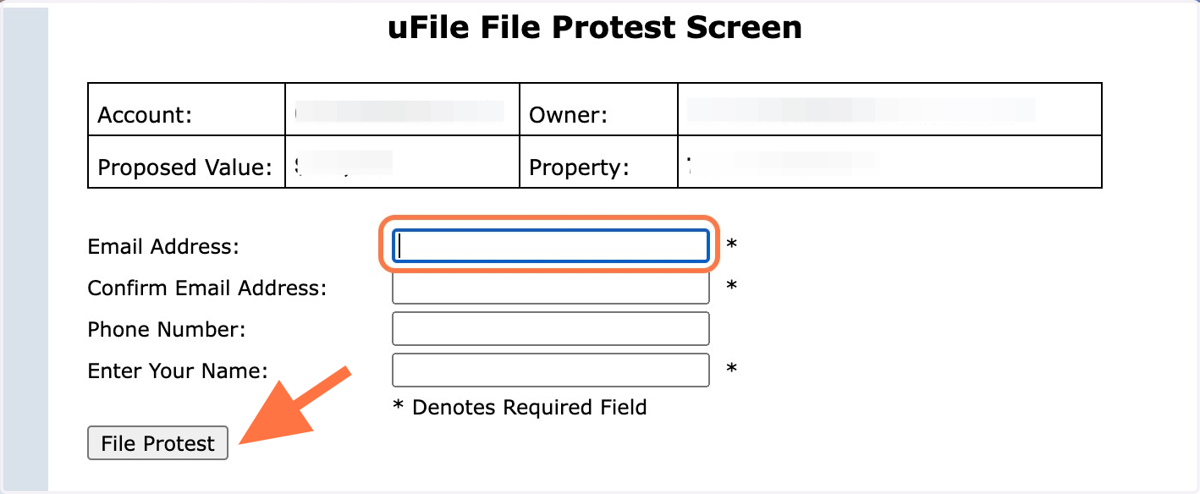
33. Enter your email address, name and phone number where it's easiest to reach you, then click File Protest
34. What happens next?
Keep your eye on your email inbox. Within about three hours, you should have a response from the appraisal district. With an electronic protest, they usually respond very quickly.
Always maintain a considerate and respectful tone, and communicate as clearly and effectively as possible. Any sign of hostility or anger will get you nowhere with an appraiser. Don’t expect to have a lengthy conversation; they are dealing with thousands of protests.
If an appraiser calls you after you file electronically, respond to them quickly while it’s on their mind. You can also call them (214.631.0910). It's OK to negotiate and not take their first offer.
The best offer you’ll likely receive is on a phone call with an appraiser. An appraisal board hearing typically is less likely to yield results because DCAD has already seen and considered your evidence.
Source: Toby Toler of The Toler Co.