How to print event page QR code

  1. 1. Log into eTeamSolutions and find your upcoming events. Click view all to expand.
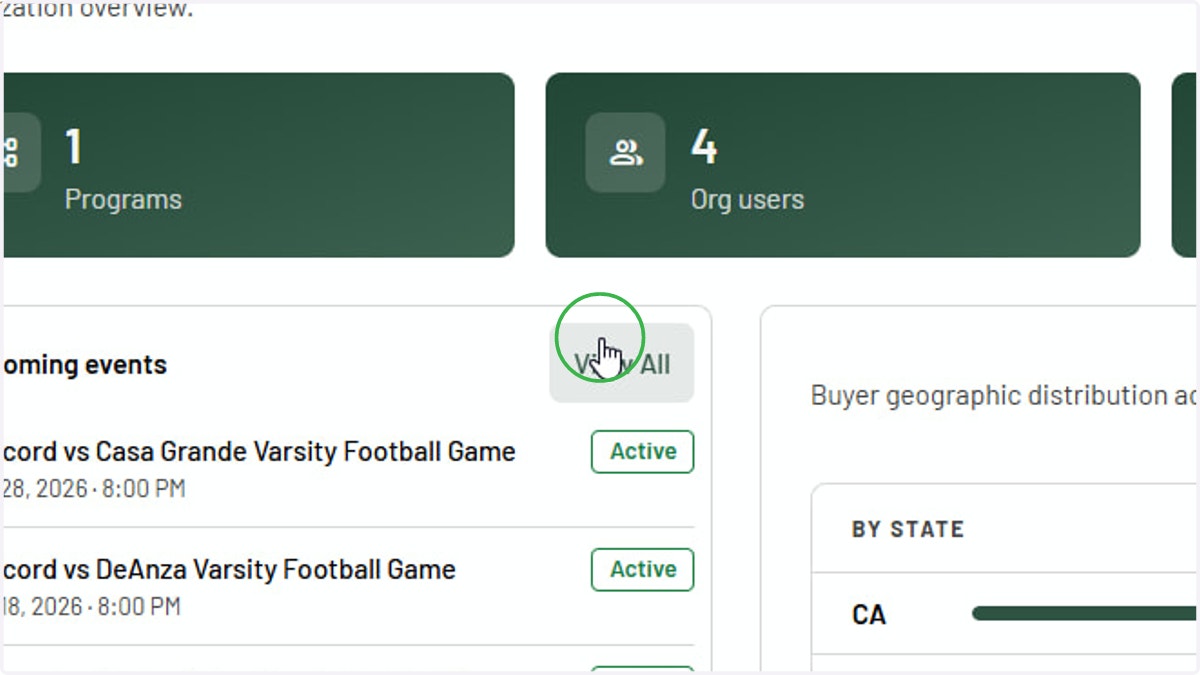
    Log into eTeamSolutions and find your upcoming events. Click view all to expand.
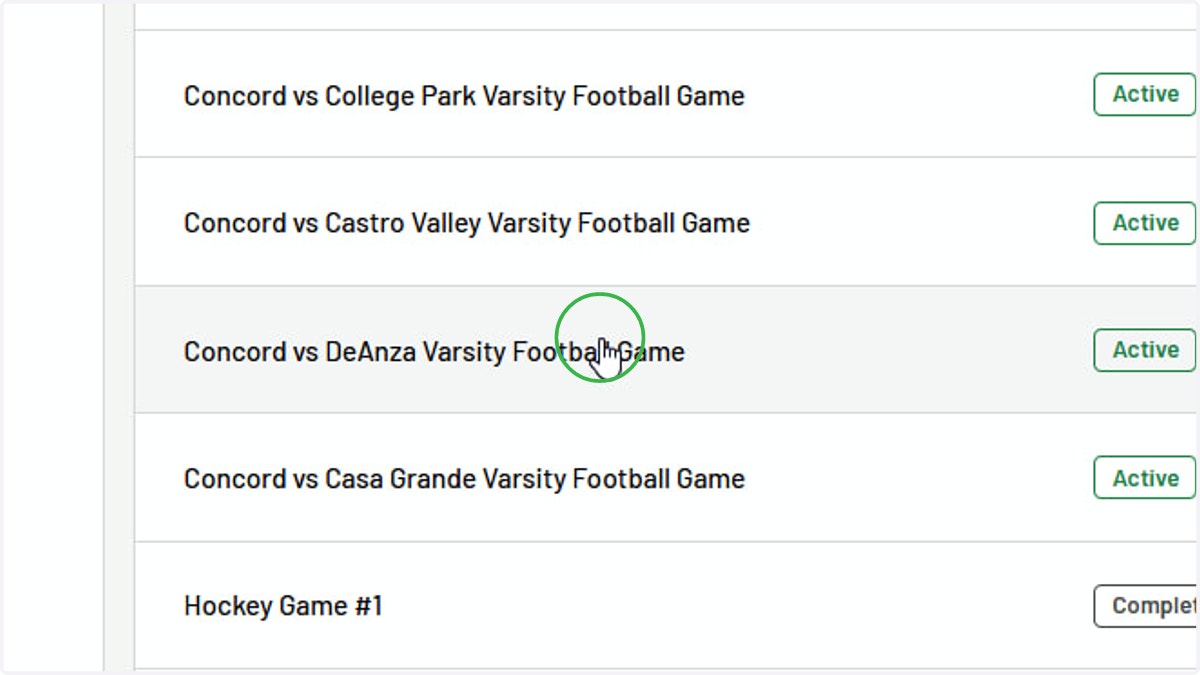
  2. 2. Select event

    Select event
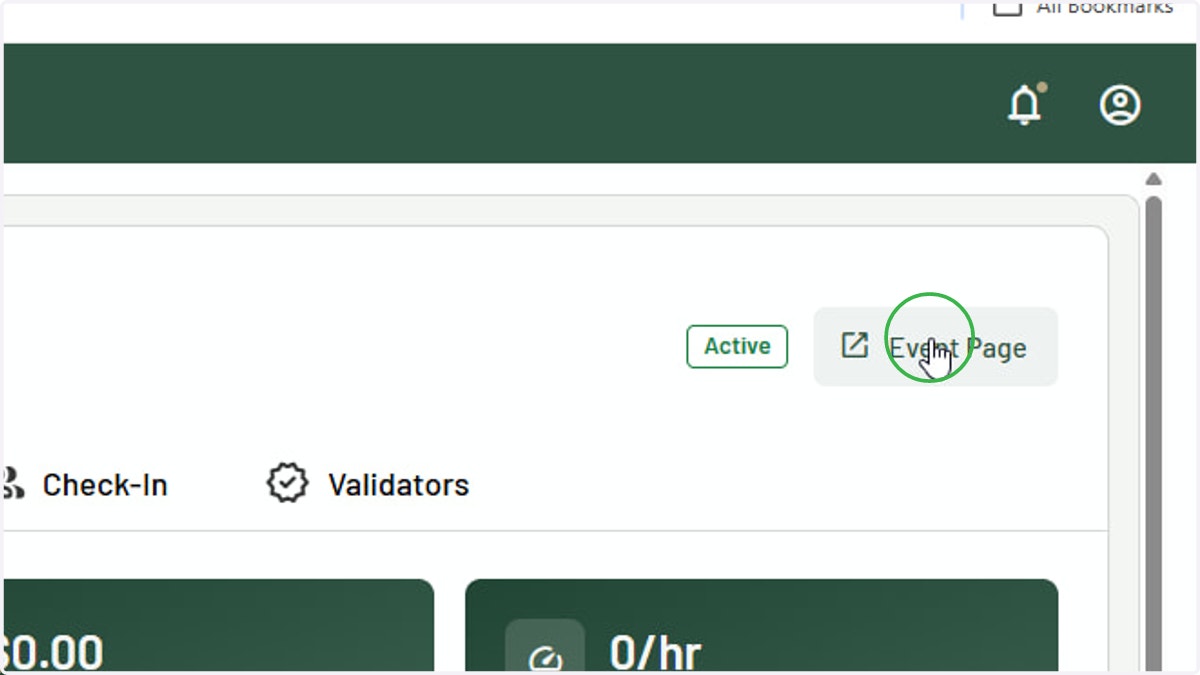
  3. 3. Click Event Page

    Click Event Page
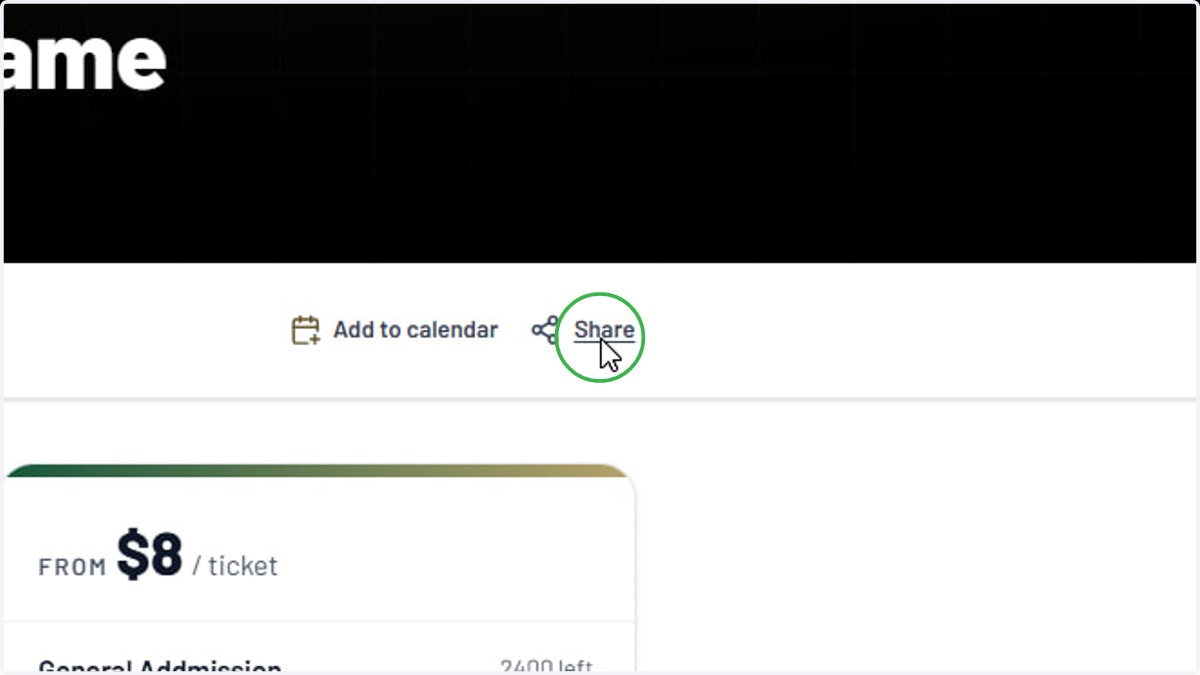
  4. 4. Click Share

    Click Share
  5. 5. Click Generate QR Code and it will download as a PNG file
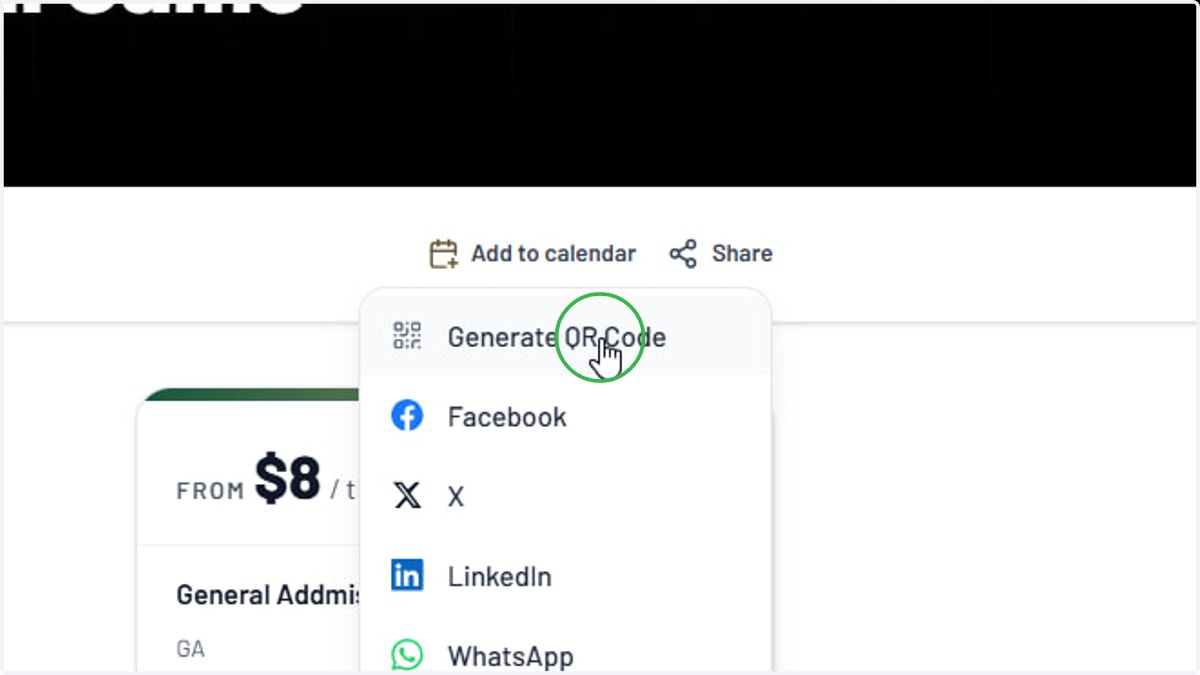
    Click Generate QR Code and it will download as a PNG file
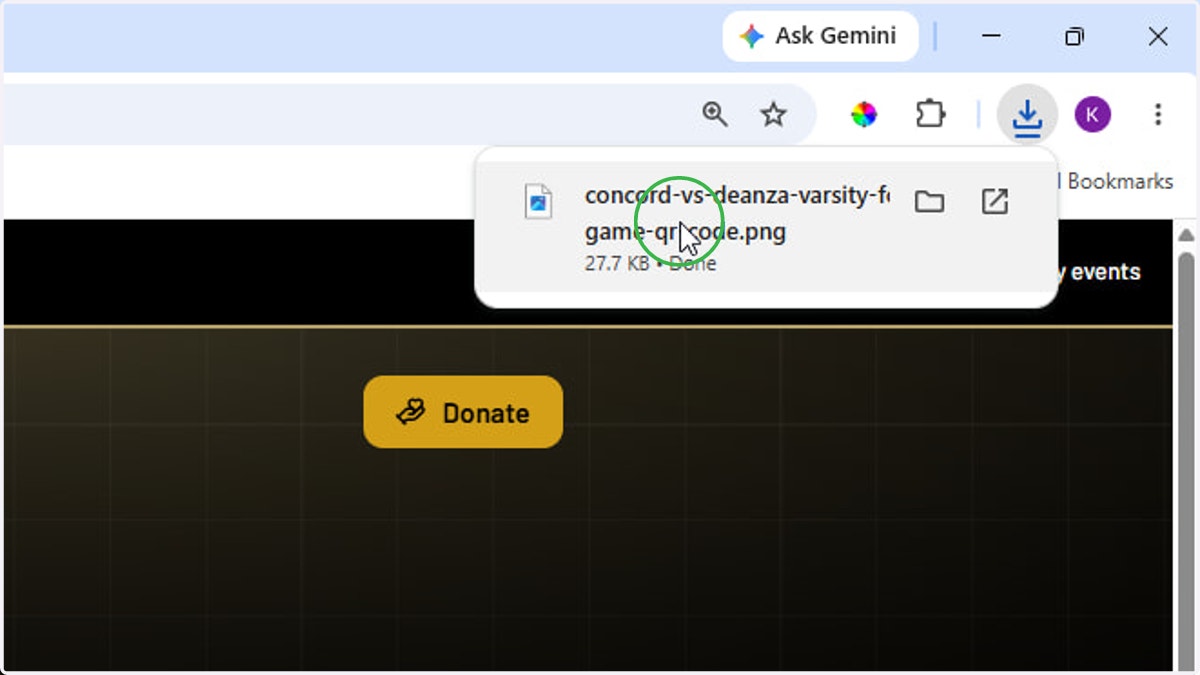
  6. 6. Open QR Code download

    Open QR Code download
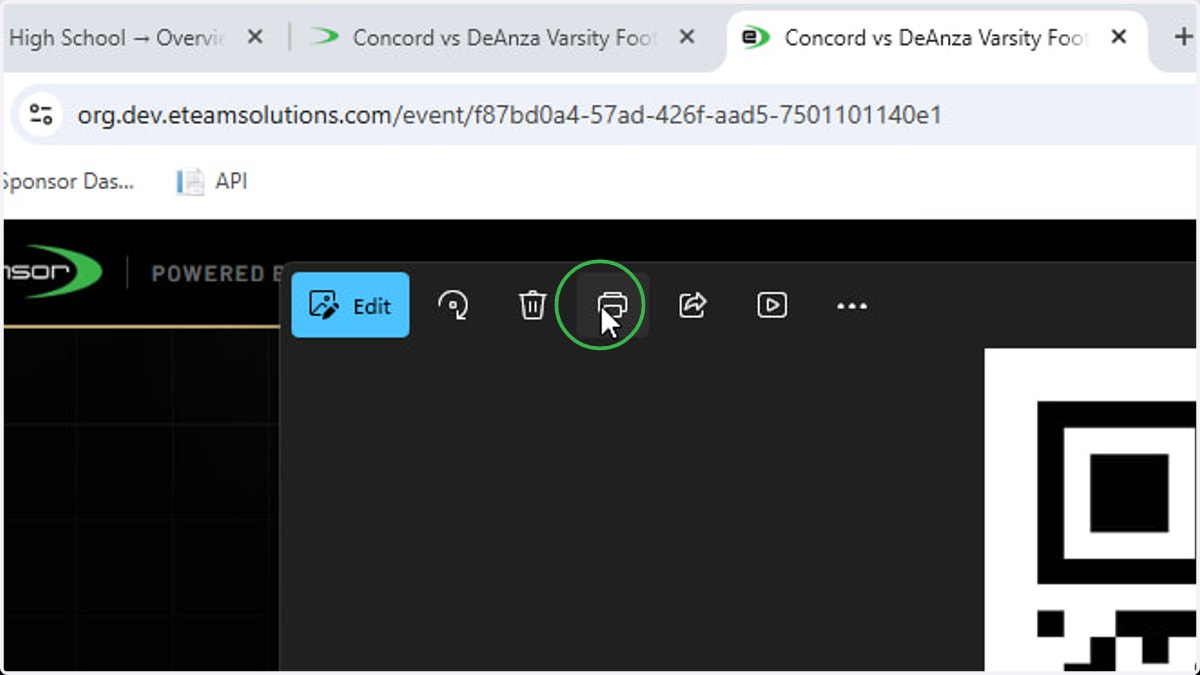
  7. 7. Click Print

    Click Print