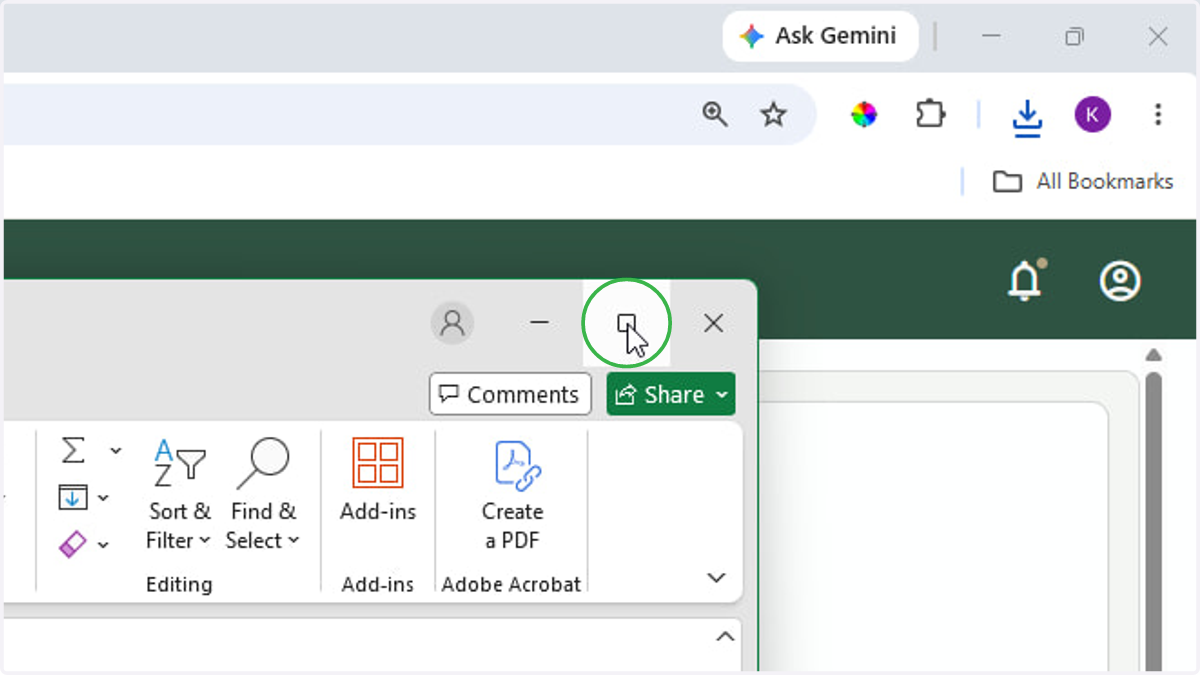
How to print an event manifest
1. Log into eTeamSolutions and click Ticketing
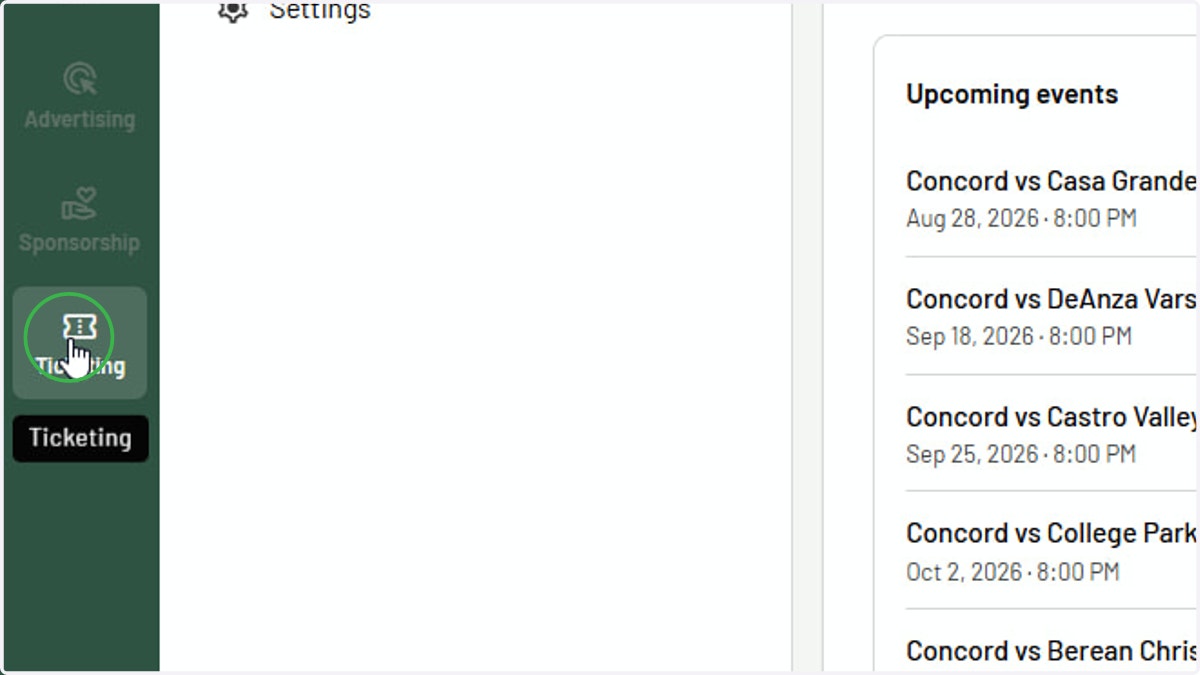
Events | Concord High School | eTeamSponsor - Google Chrome
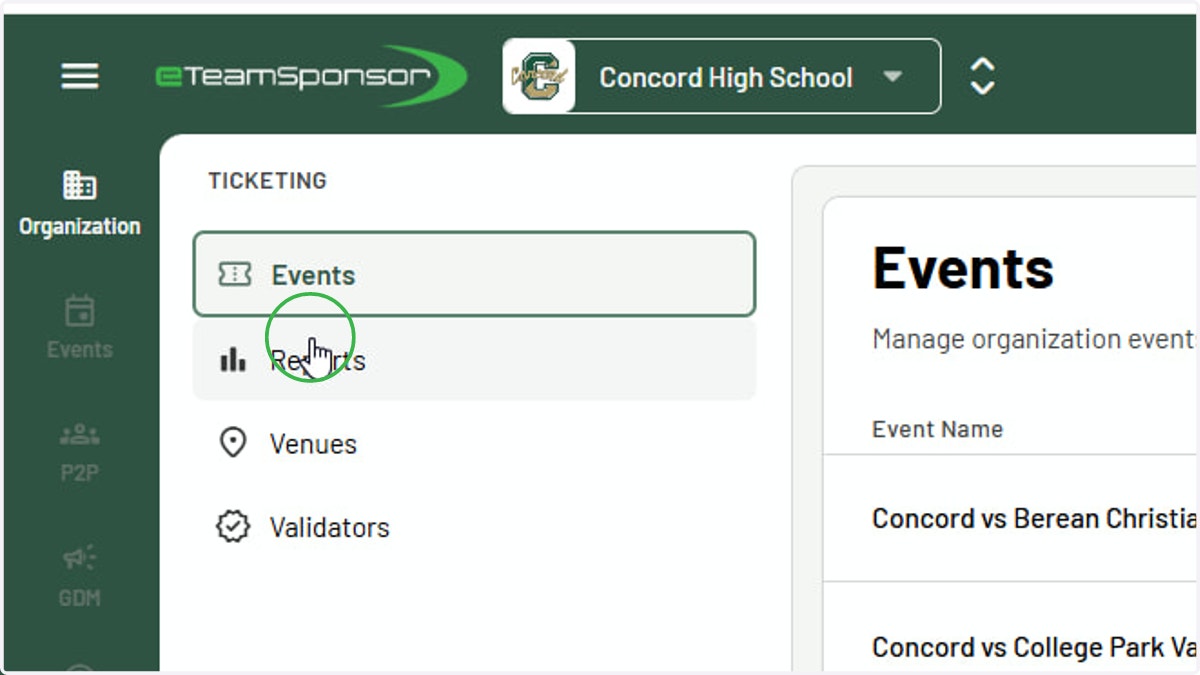
2. Click Reports
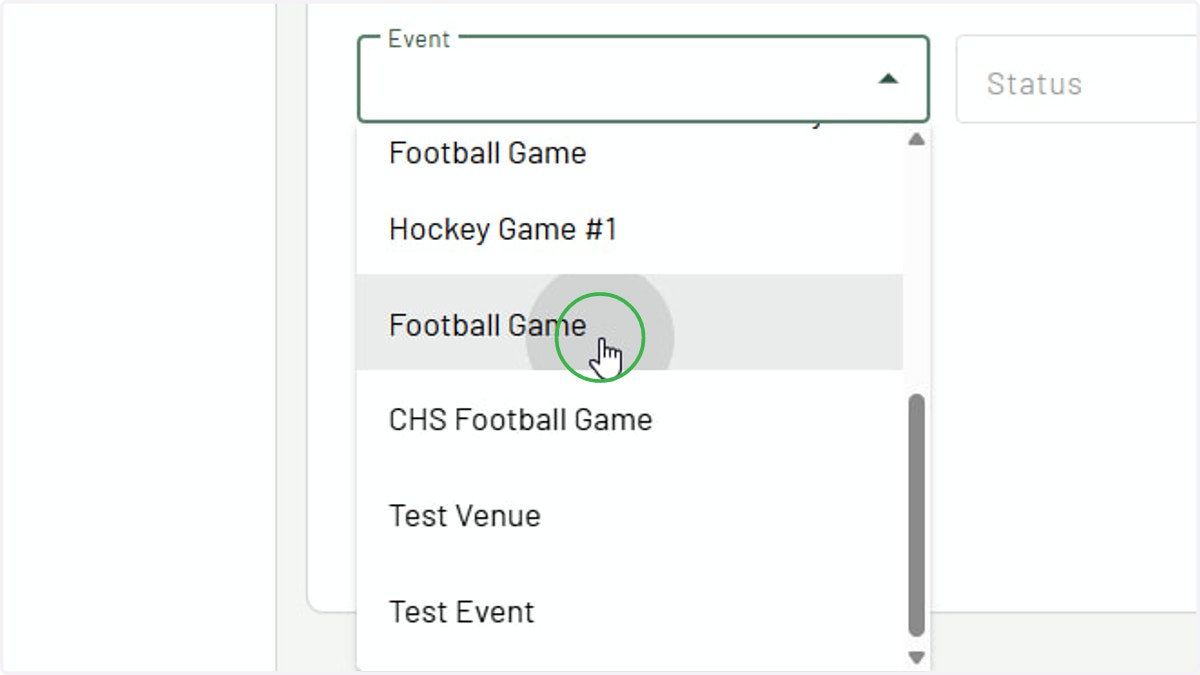
3. Select event you want to print event manifest for
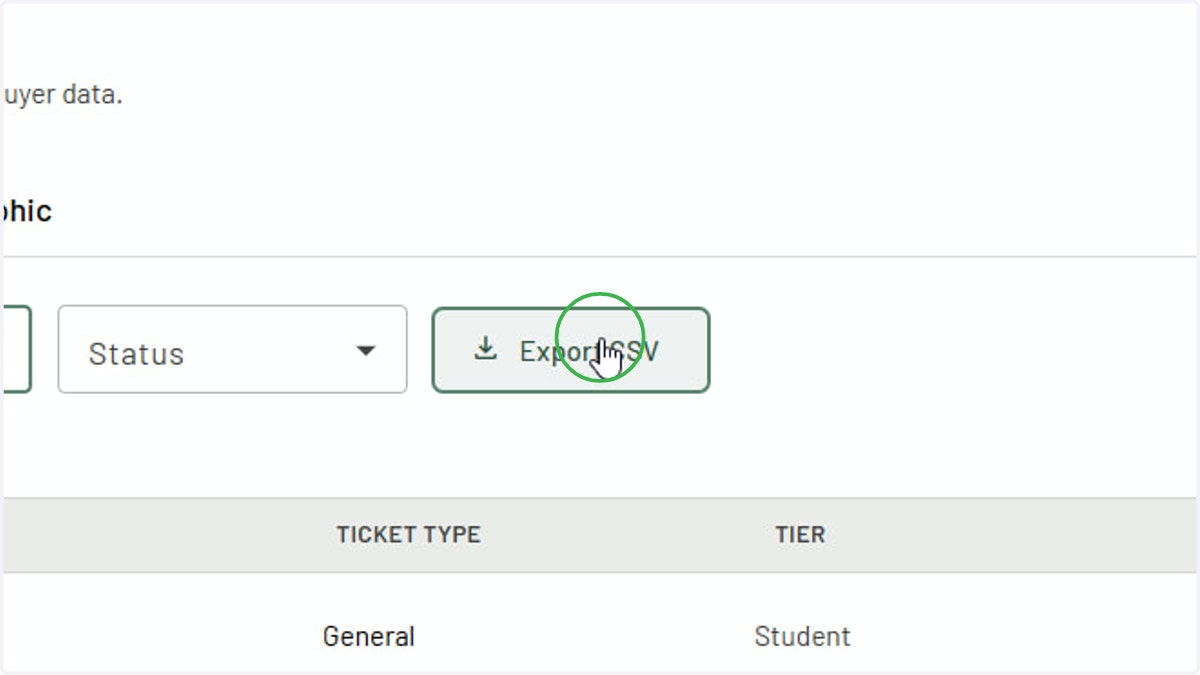
4. Click Export CSV
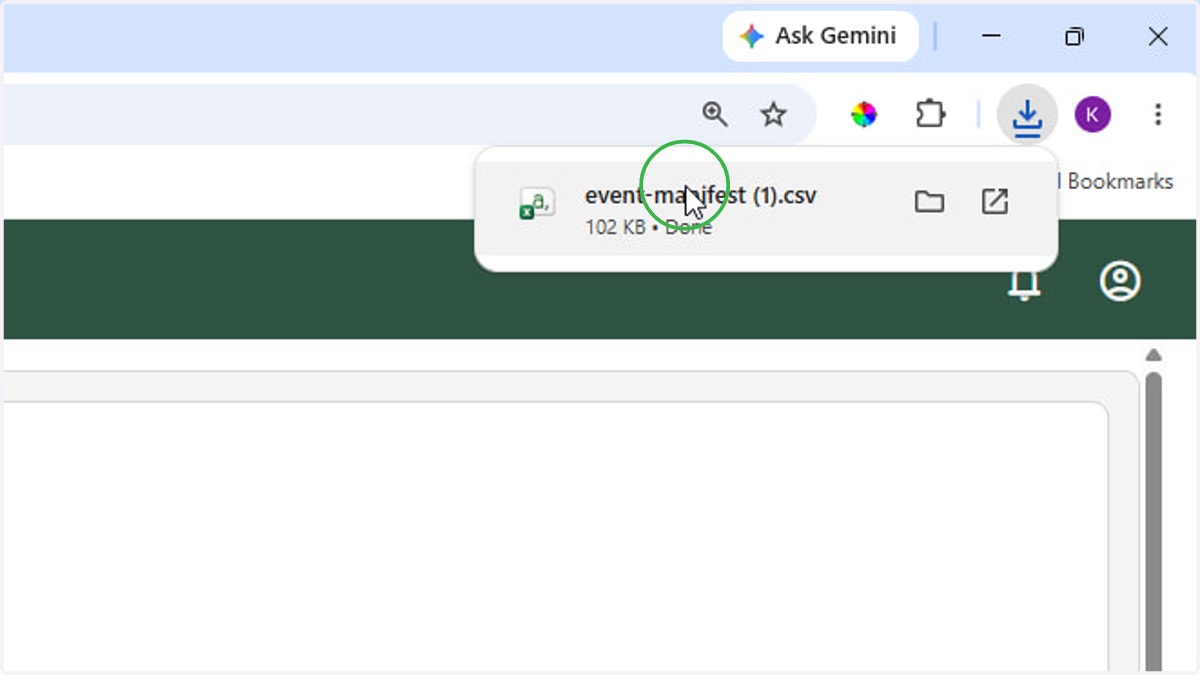
5. Open exported CSV
6. Print CSV file by clicking "File" then "Print"