How to order my boxes on Shop me ça corporate portal
1. Go to https://corpo.shopmoica.ca/en
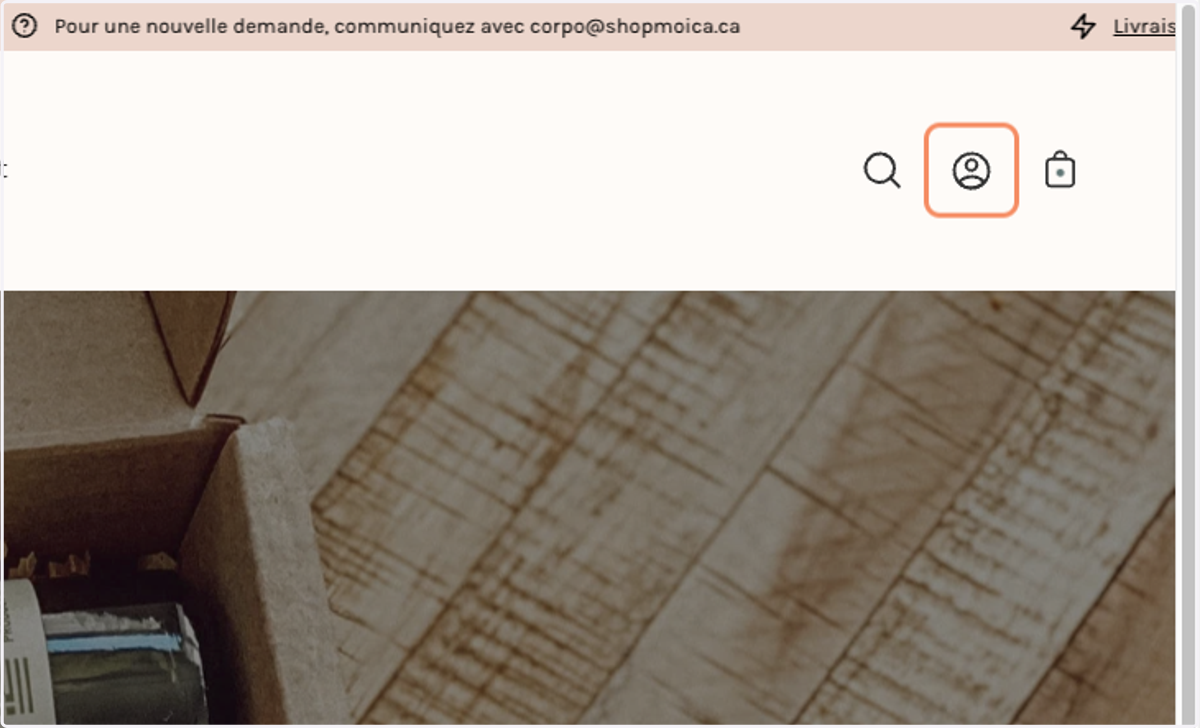
2. Log in "Your account"
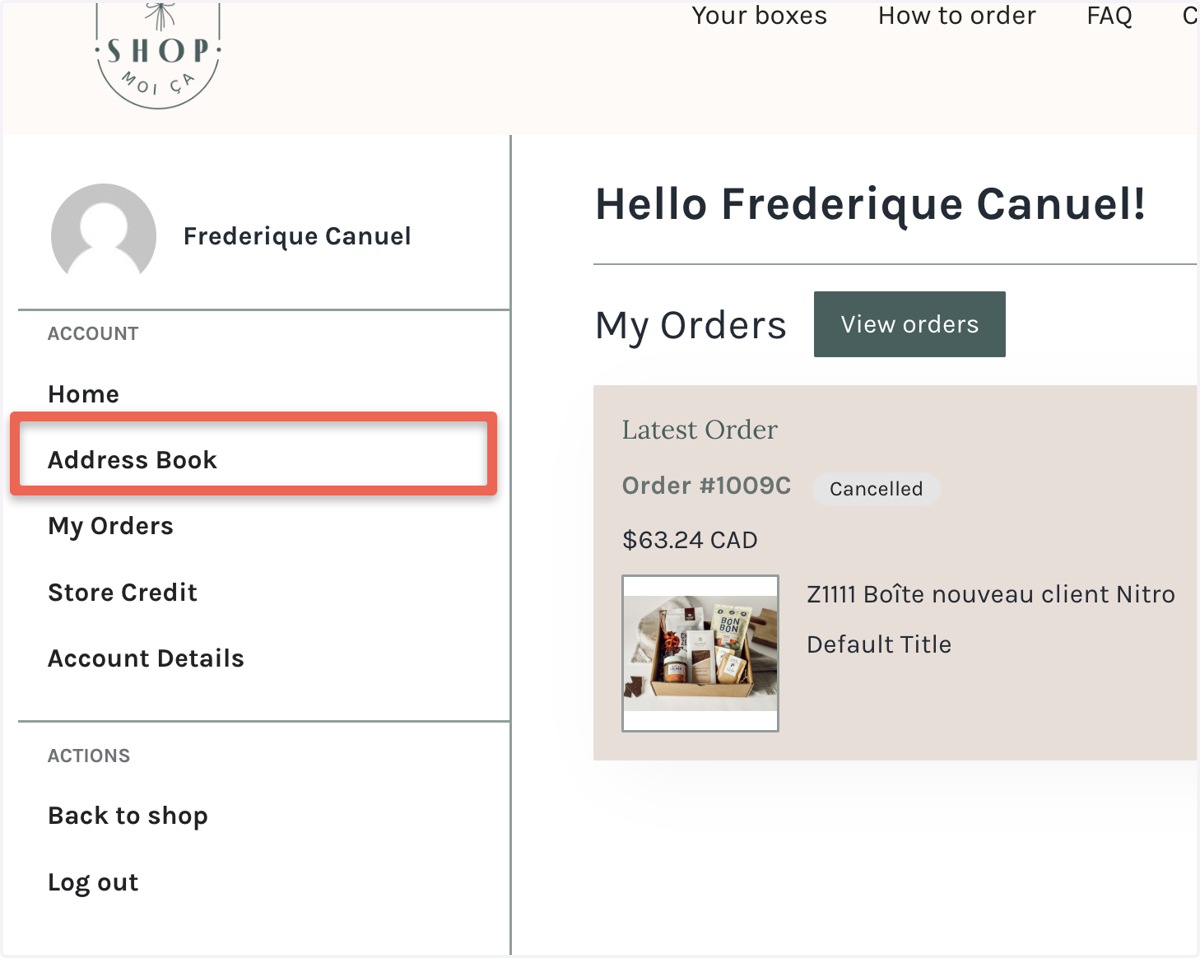
3. Go to "Address Book"
To enter new addresses, change addresses or validate shipping addresses prior to placing an order.
It is your responsibility to ensure the accuracy of the shipping information provided.
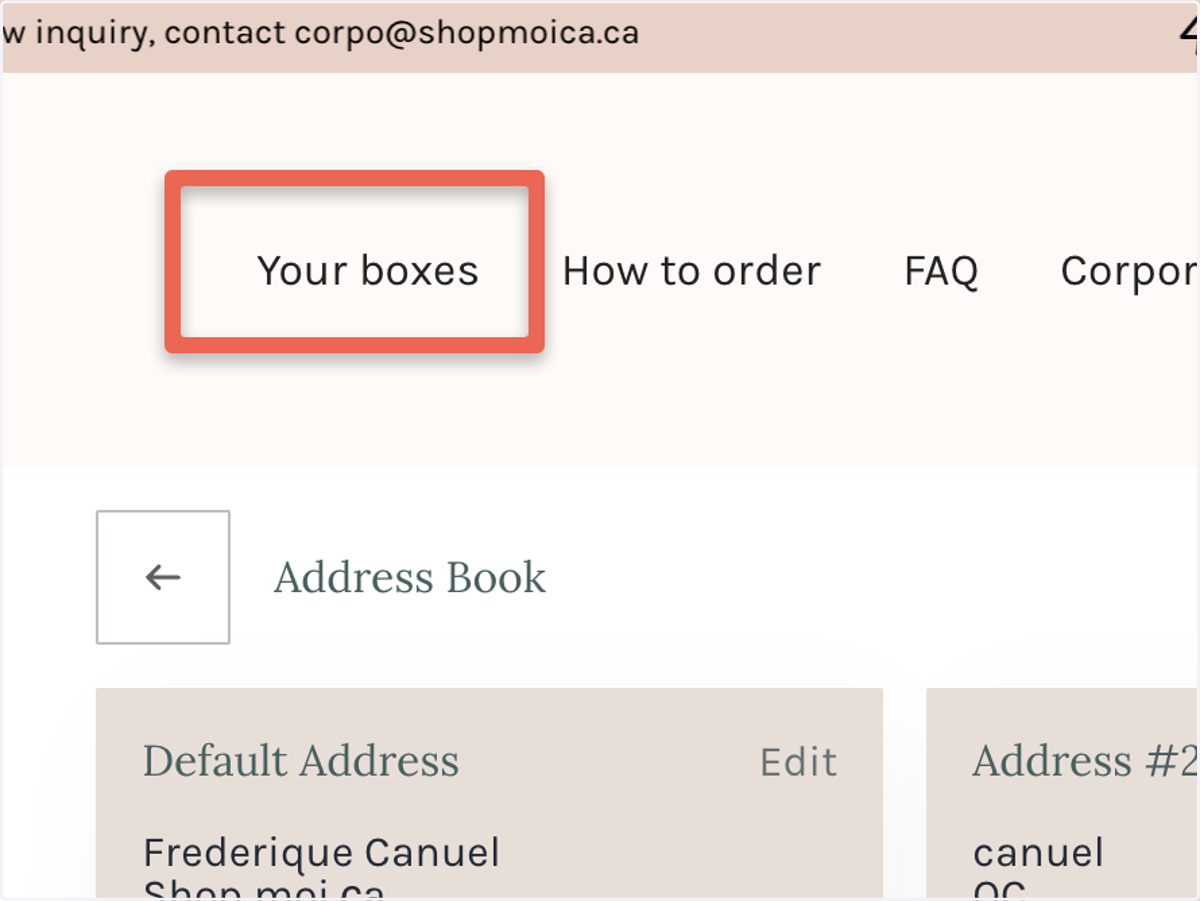
4. Click on "Your boxes"
5. Click on your company's collection
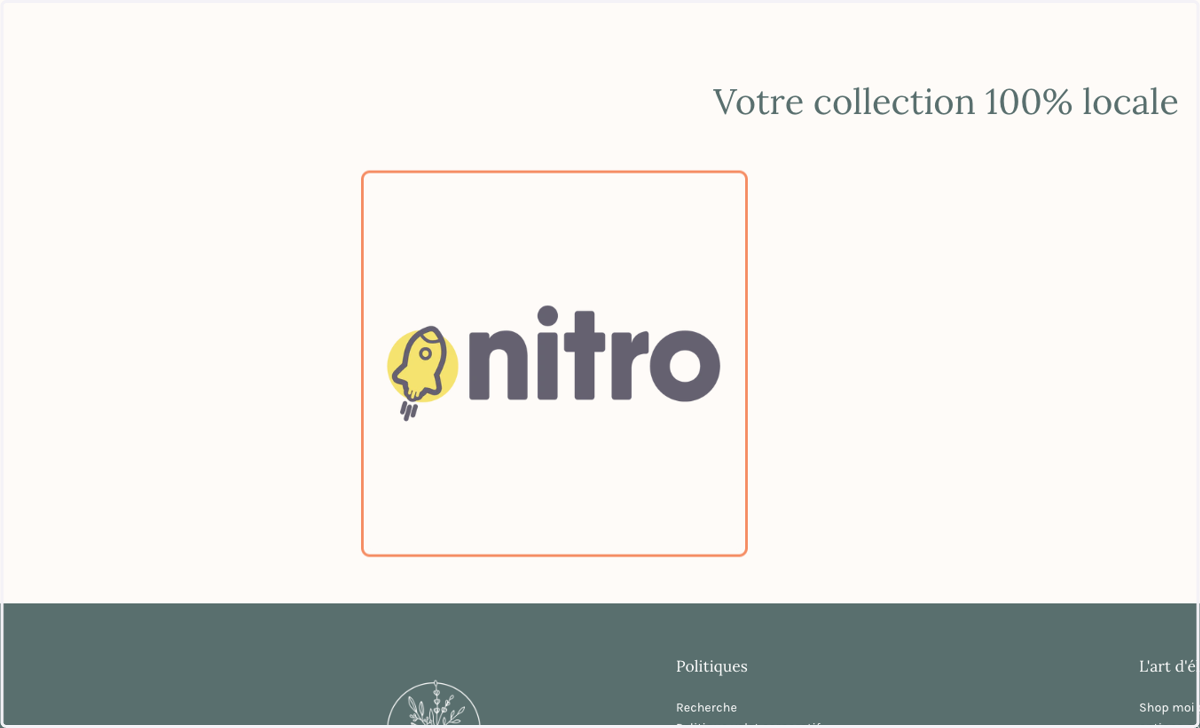
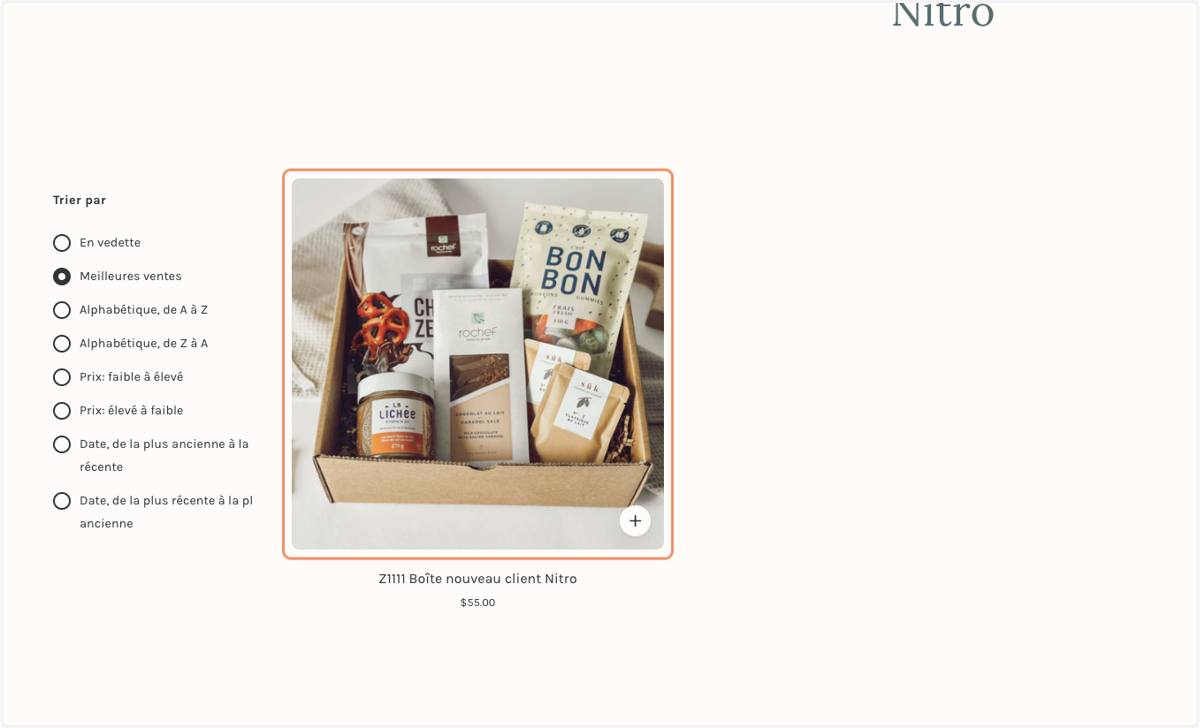
6. Click on the box to order
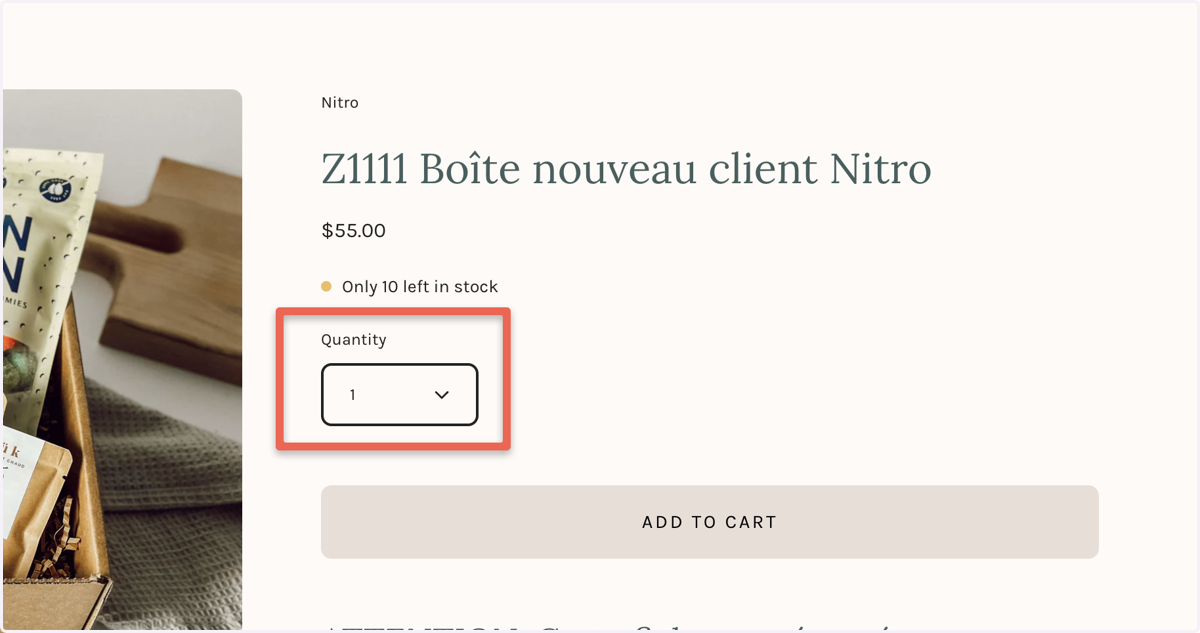
7. Select the quantity of boxes to order
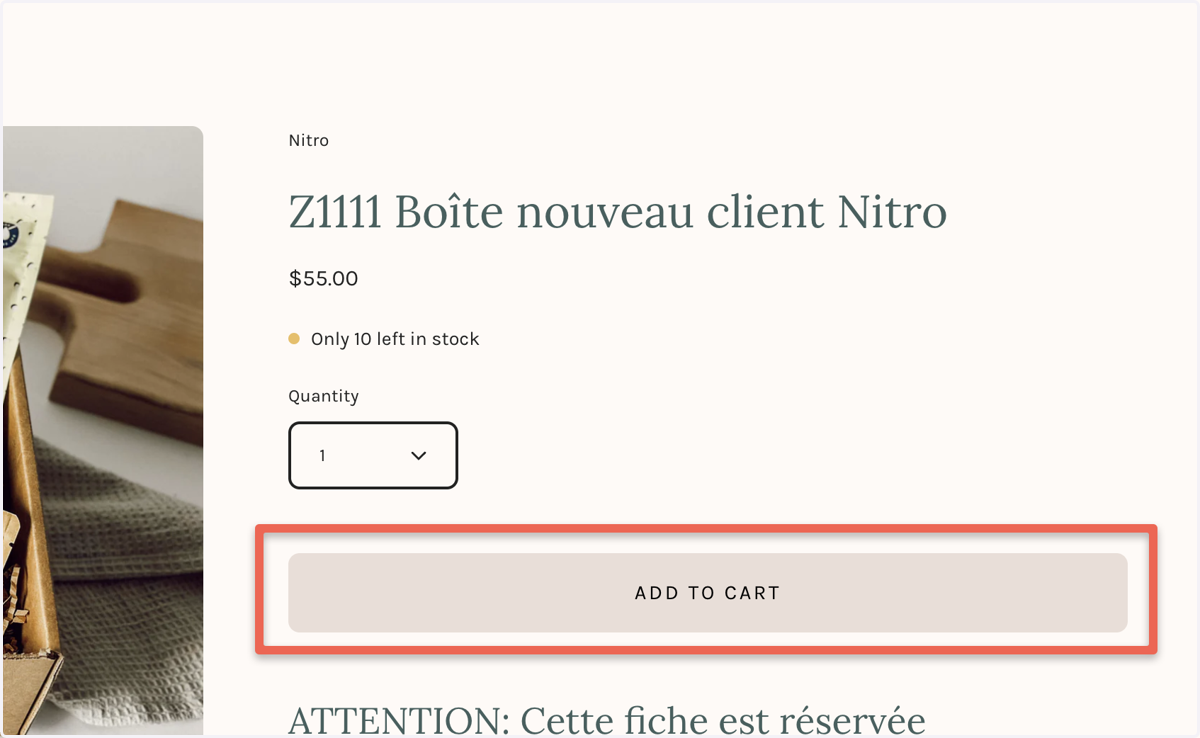
8. Click on Add to cart
9. Check the "Ship to multiple addresses" box
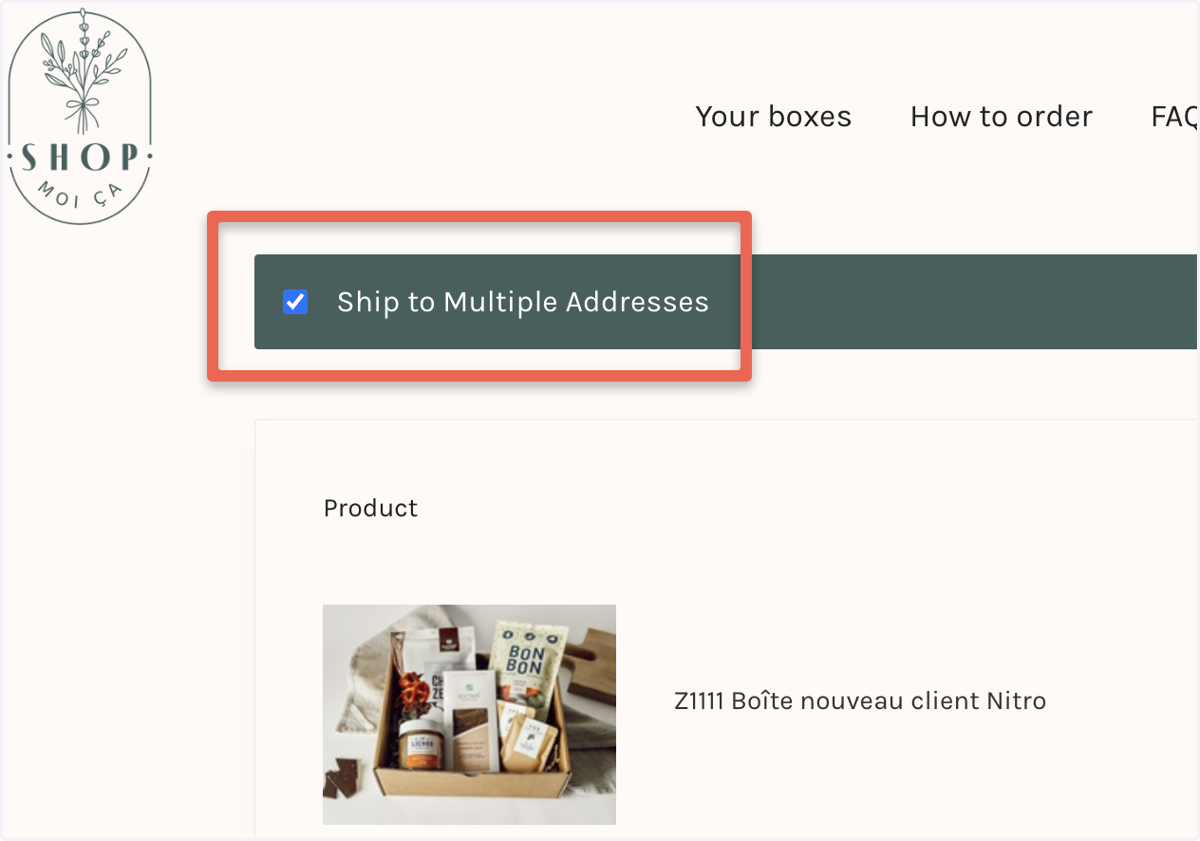
10. Adjust the quantity per recipient and select the corresponding shipping address for each recipient
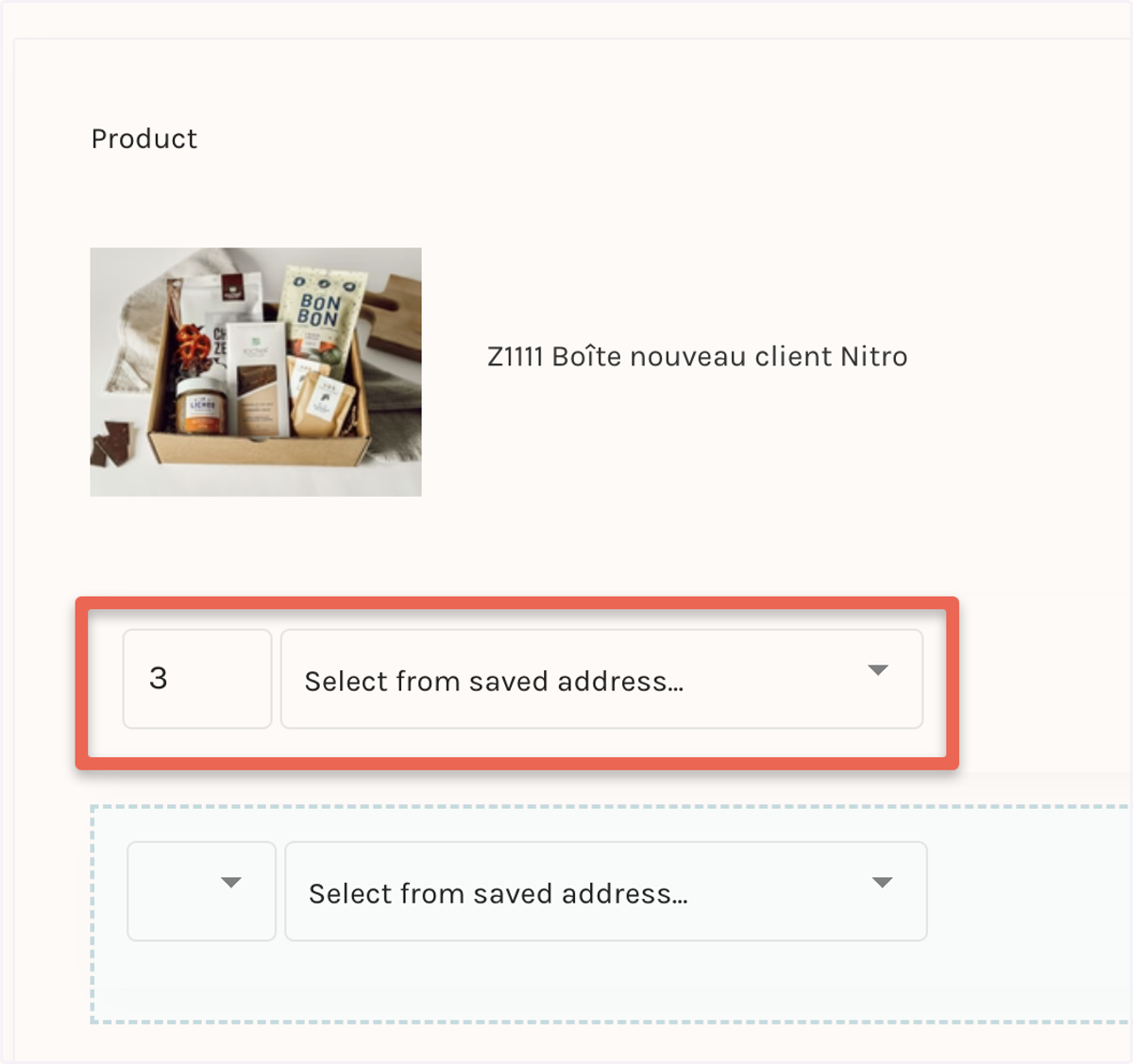
11. For example, here are 3 boxes to send to 3 different recipients (3 addresses).
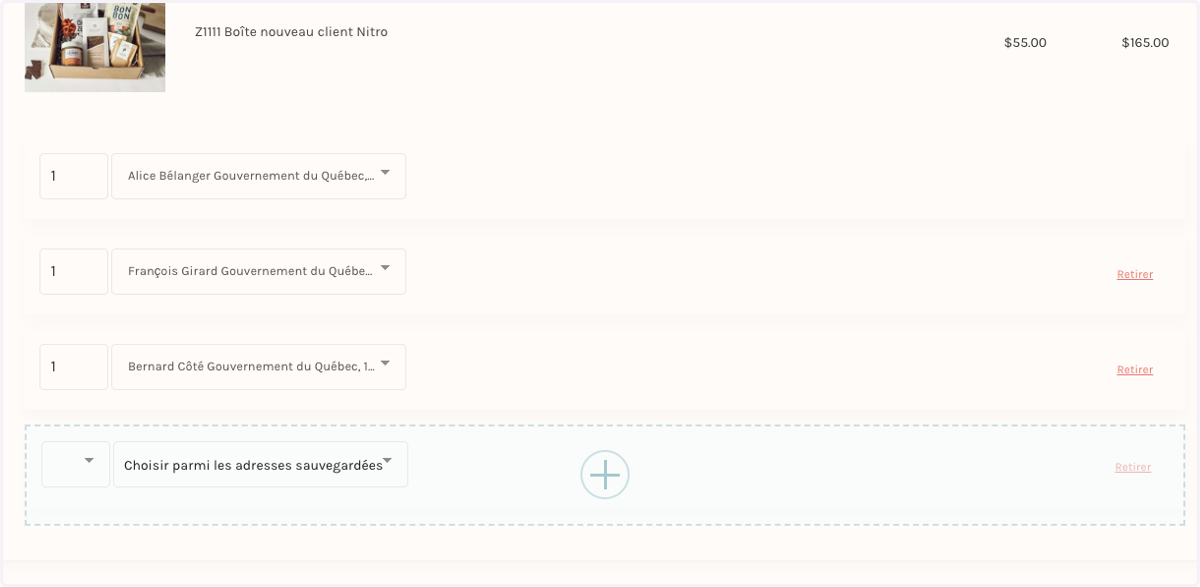
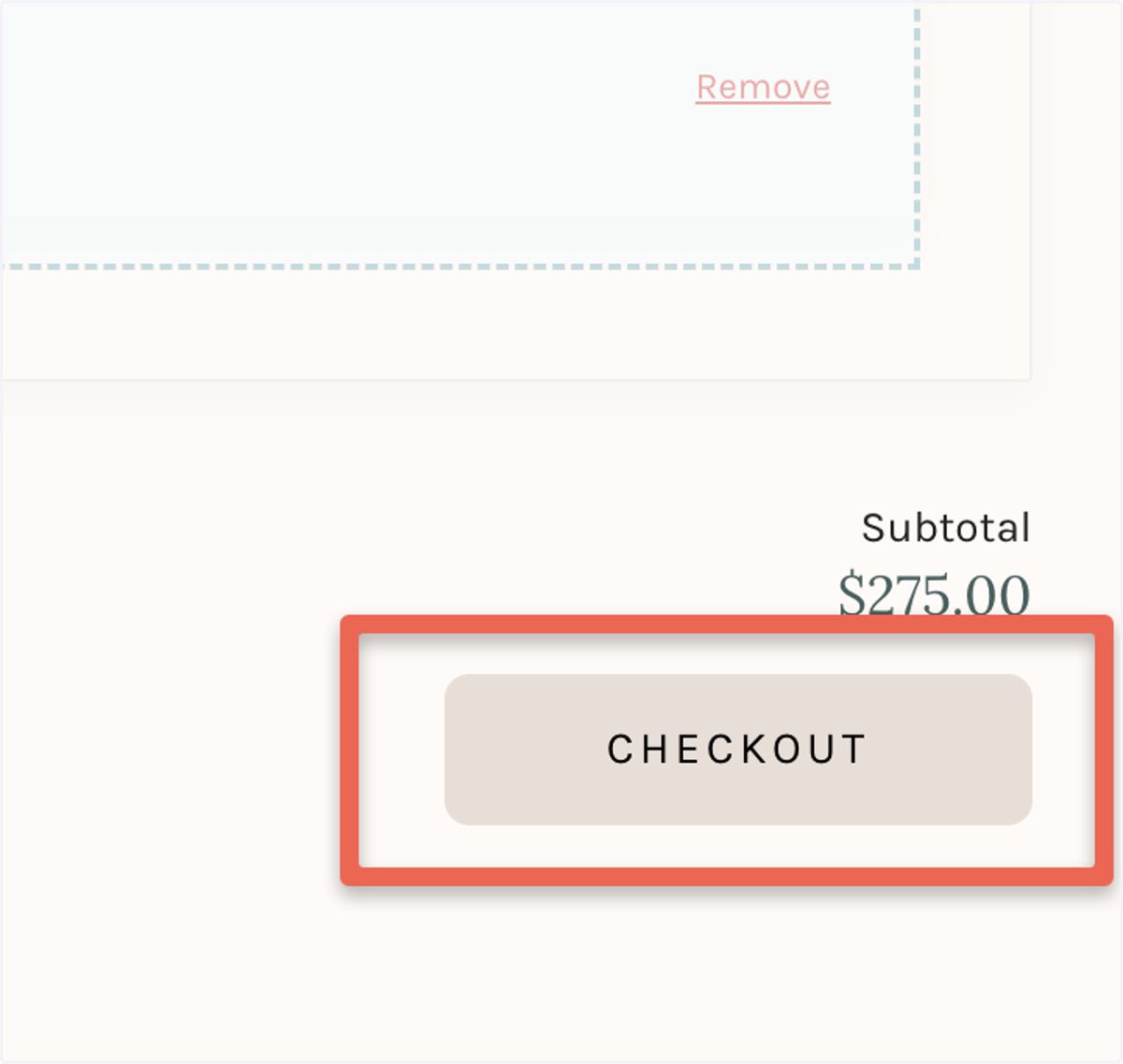
12. Click on CHECKOUT
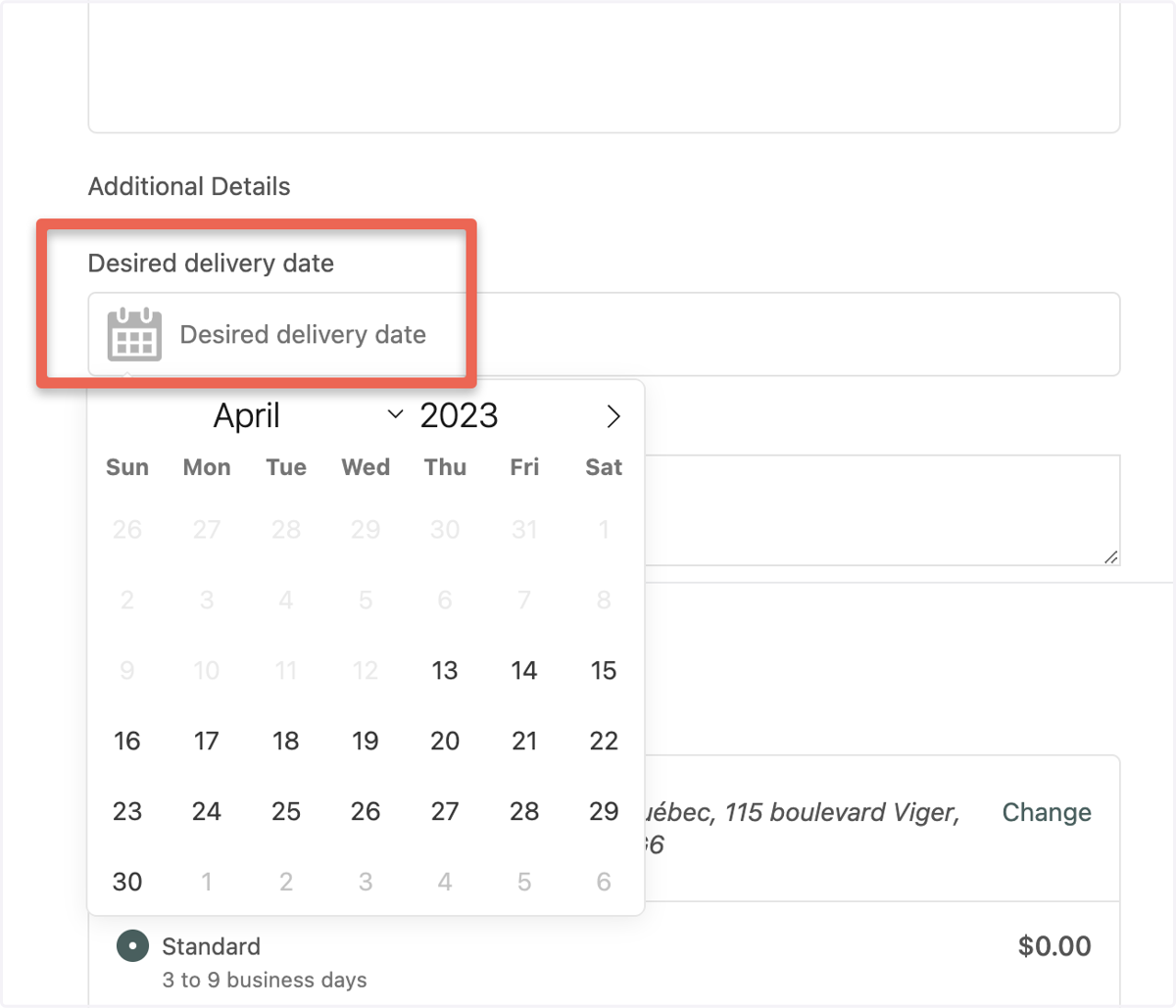
13. For each box and recipient, click to determine the "Desired delivery date
If no delivery date is selected, the box will be sent by default 24-72 business hours after the order is placed.
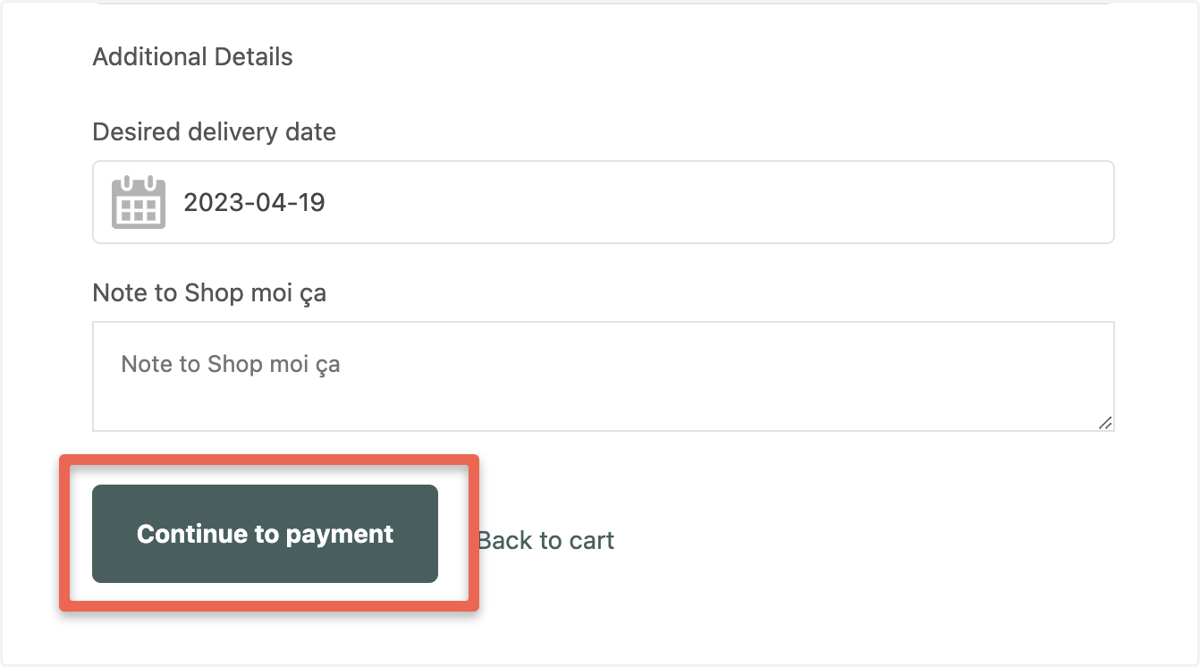
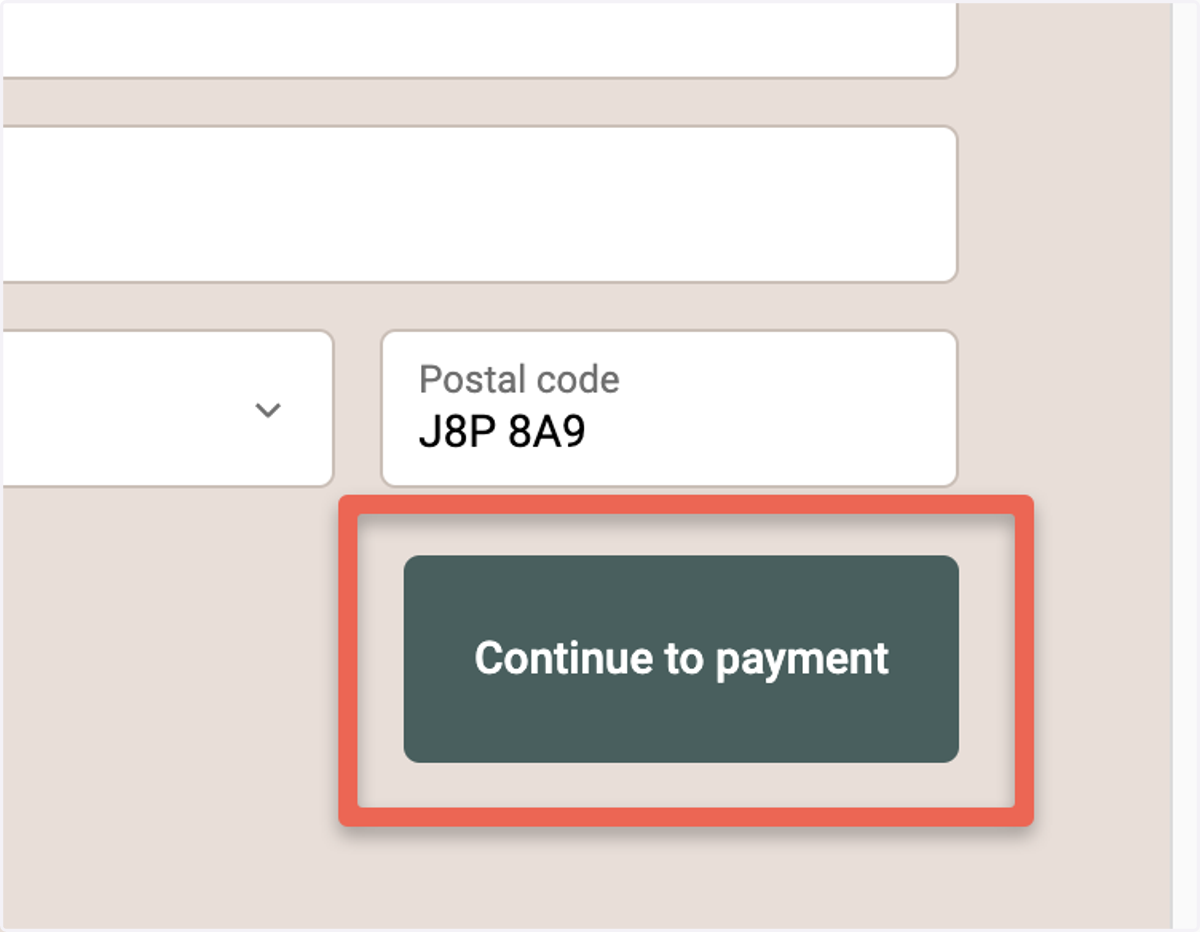
14. Once all boxes, recipients and dates are confirmed, click on "Continue to payment".
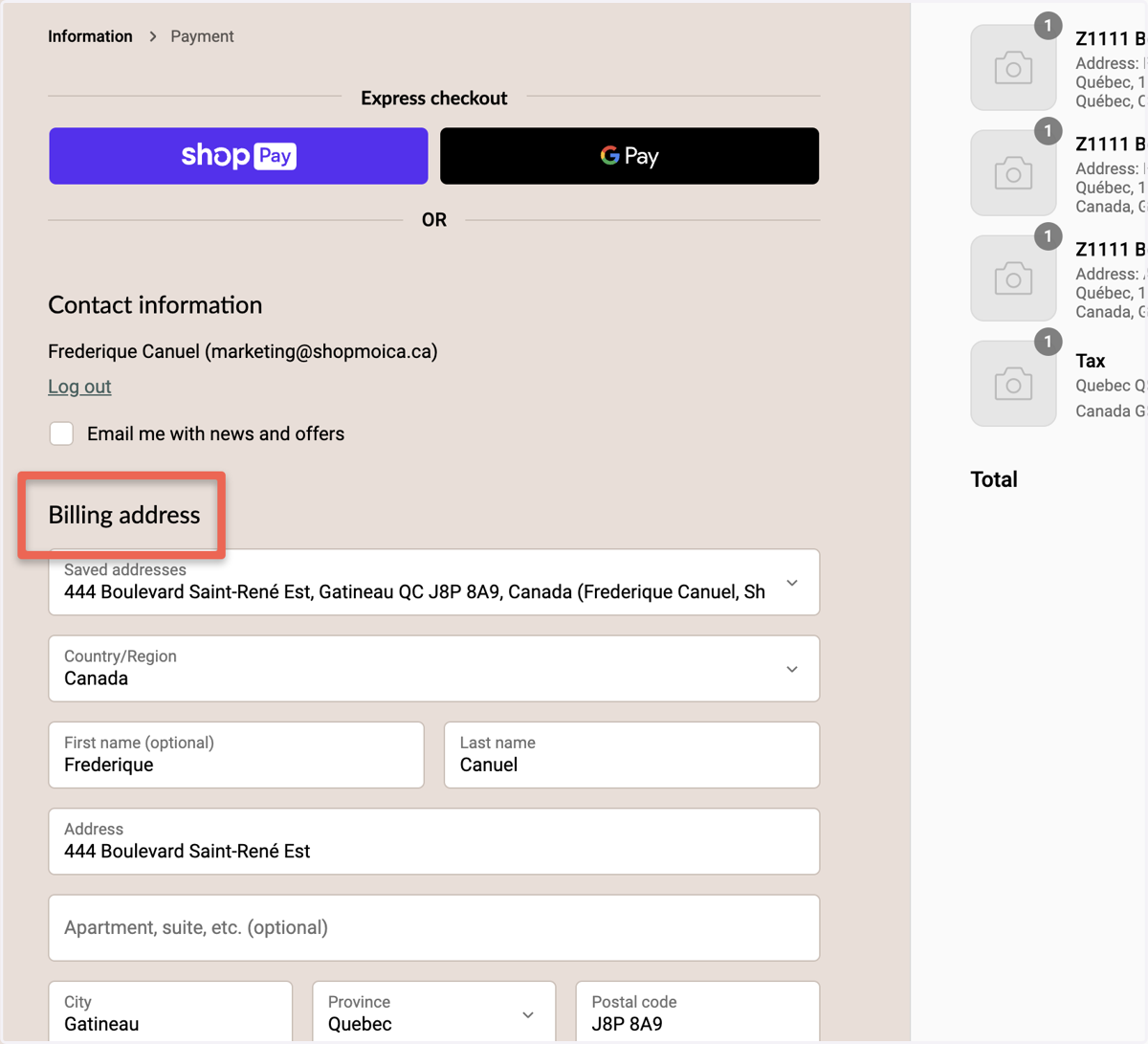
15. Fill in or select the Billing Address
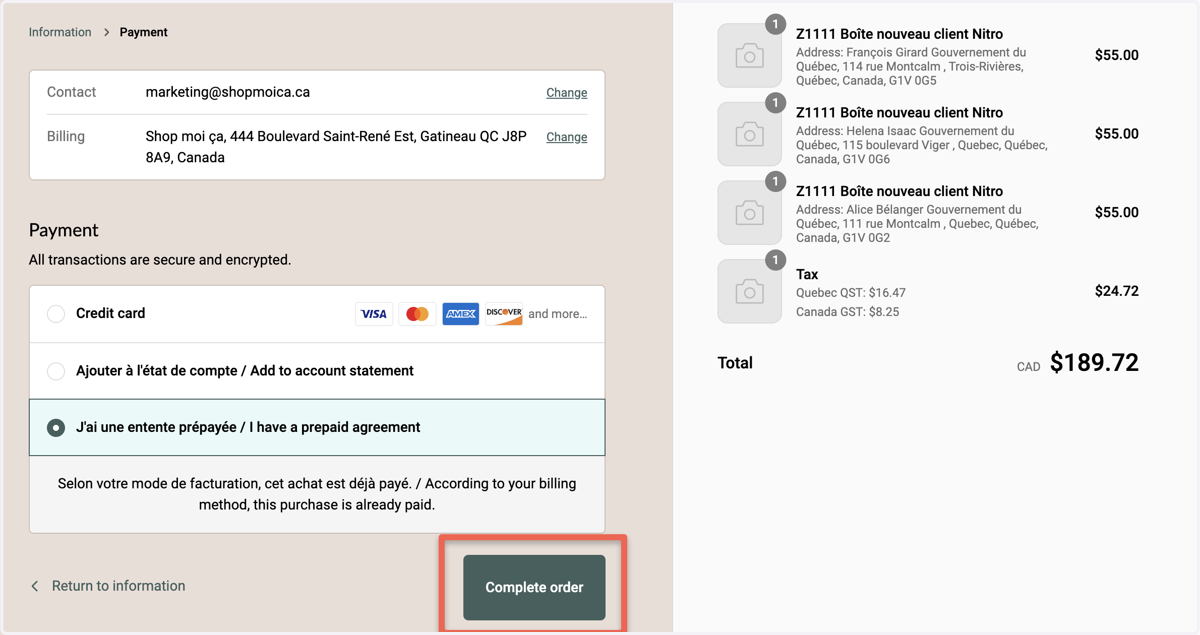
16. Check the order information on the right before proceeding to the payment options
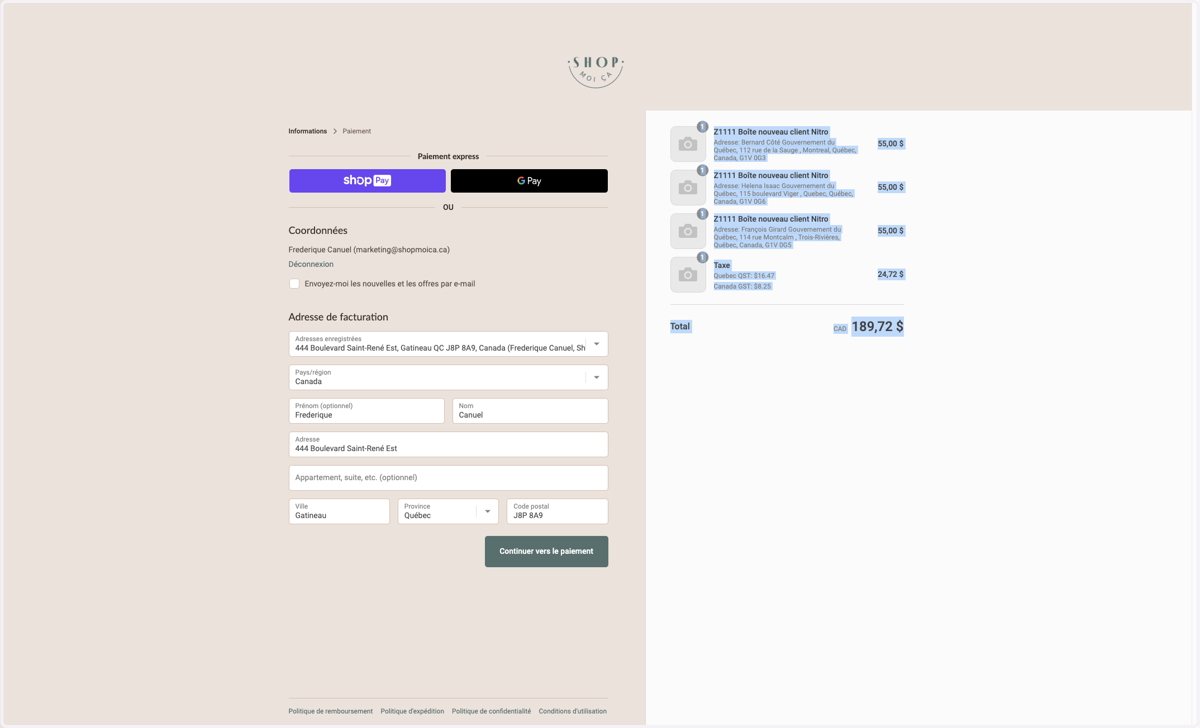
17. Click on Continue to payment
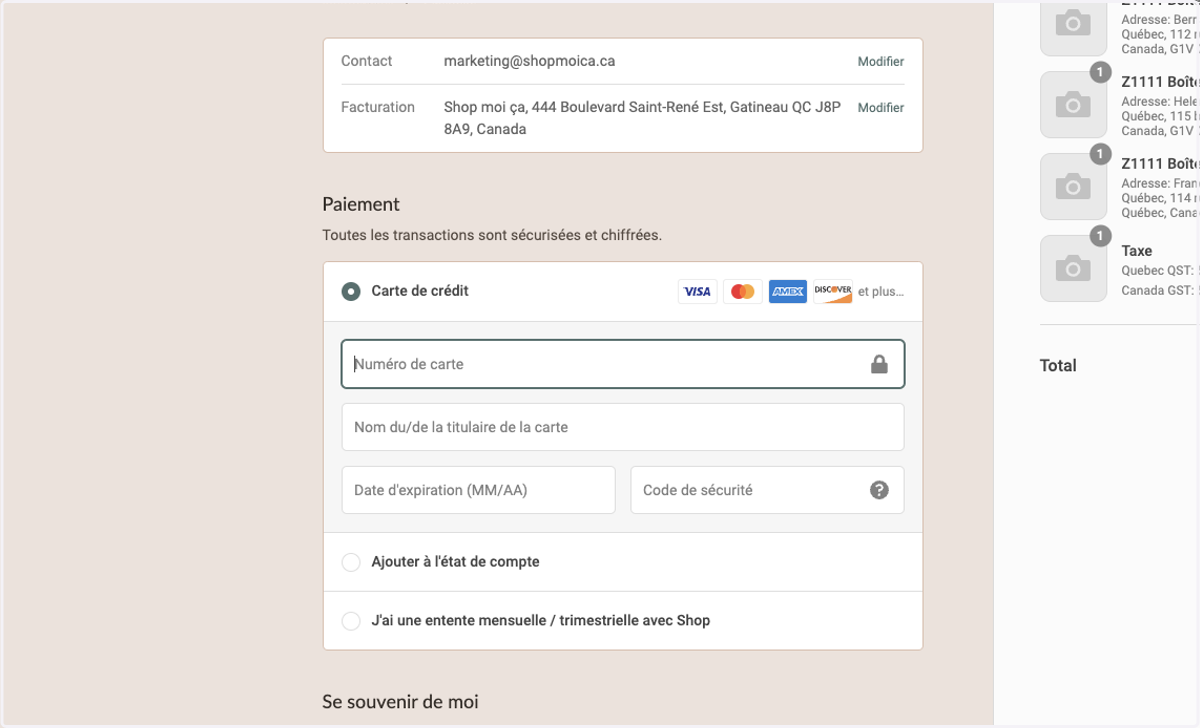
18. OPTION #1: Select Credit Card if ordering by the piece (without confirmed volume agreement)
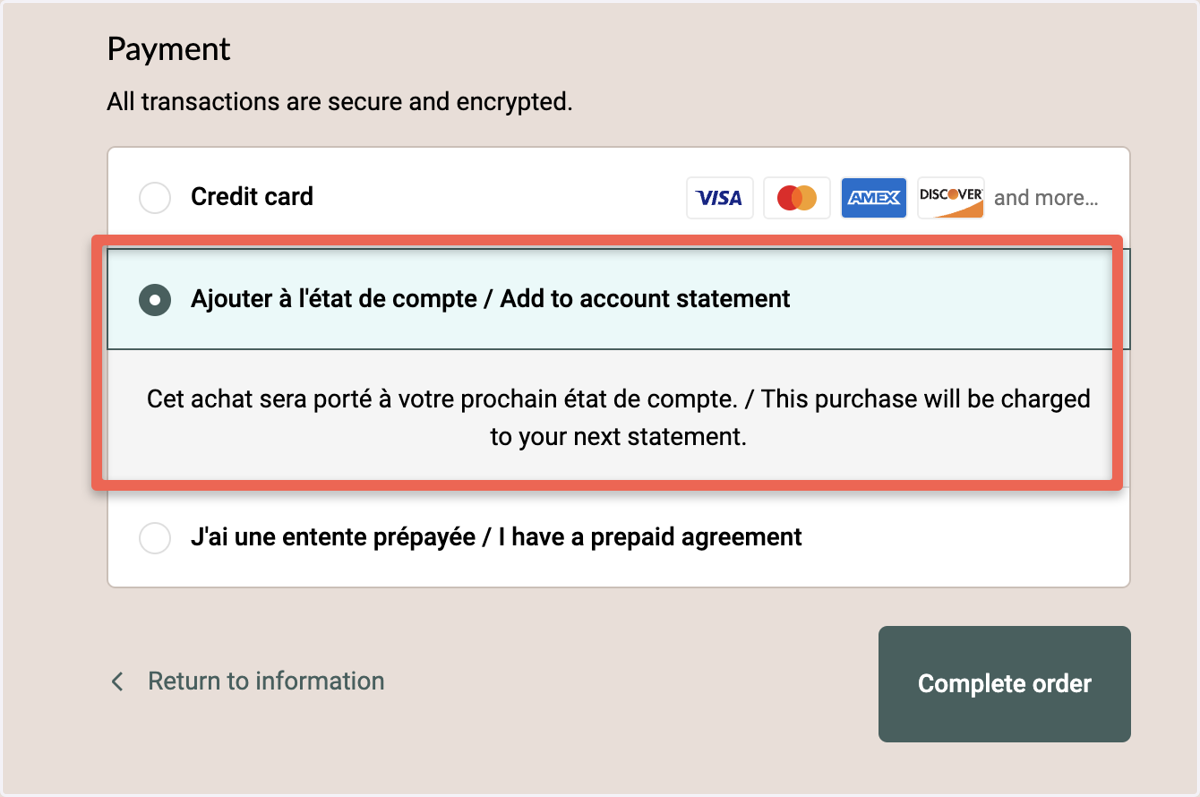
19. OPTION #2: Select Add to Statement if monthly/quarterly billing agreement
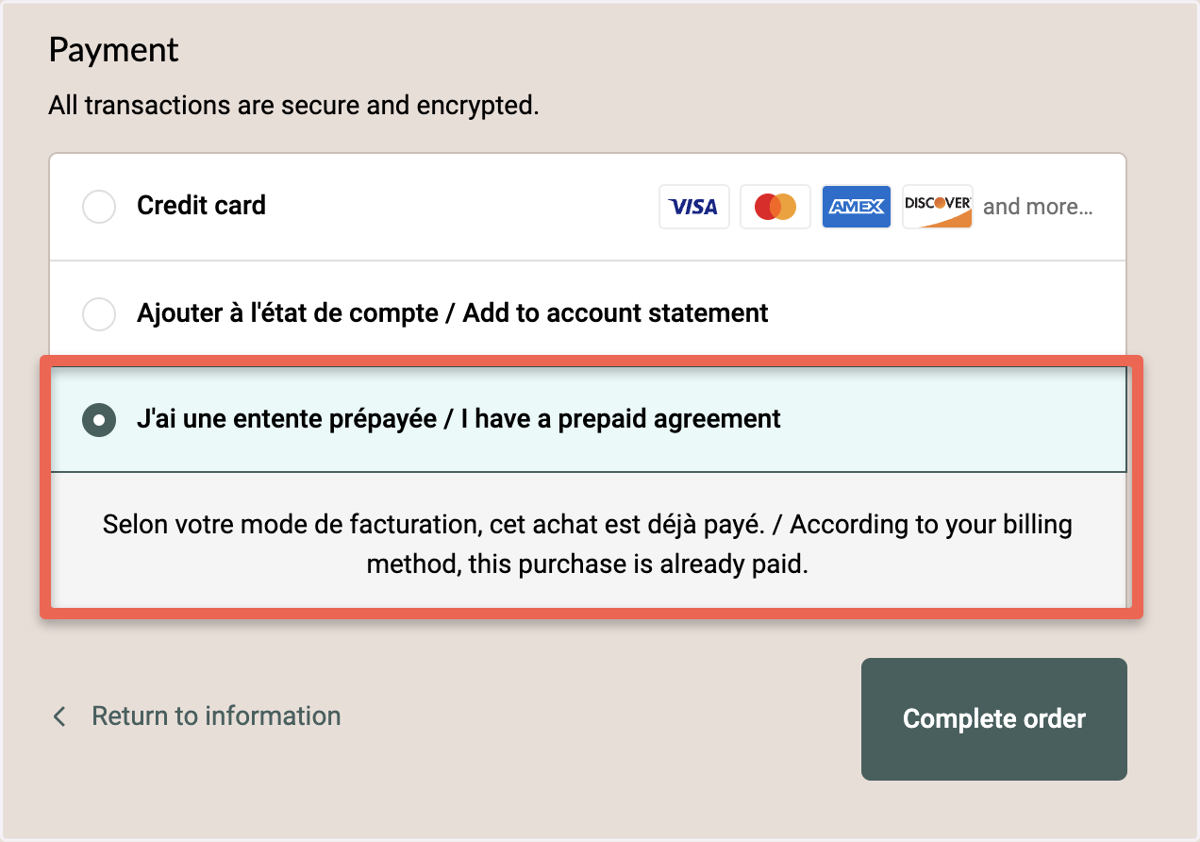
20. OPTION #3: Select "I have a prepaid agreement with Shop" if your boxes are prepaid
21. Check your order information one last time
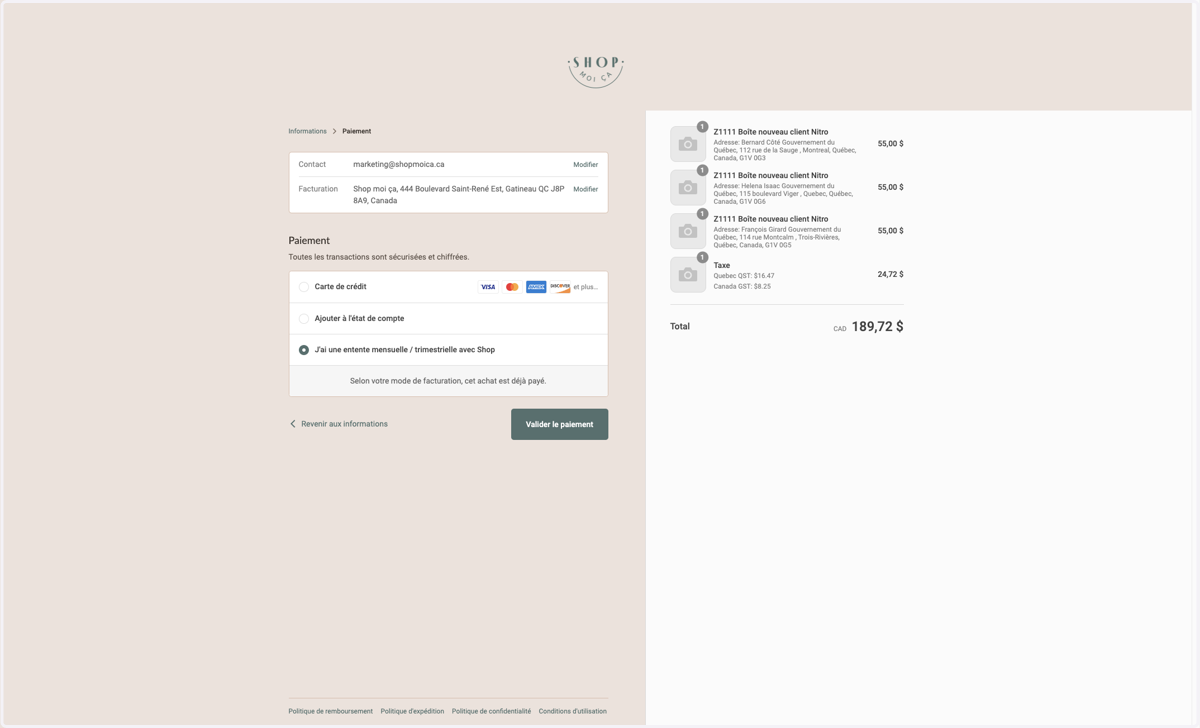
22. Click on "Confirm payment" to complete the order.