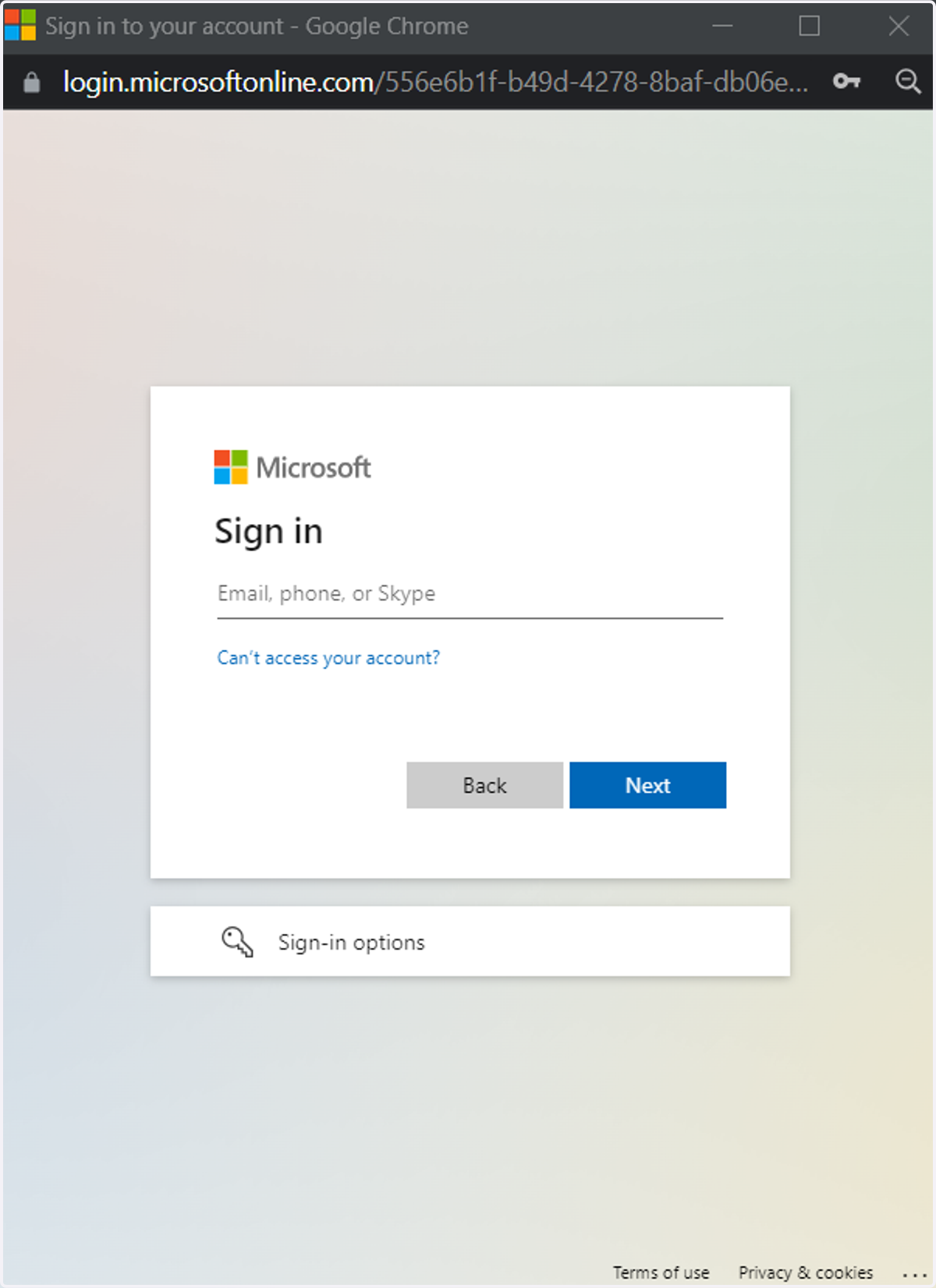
How to log into MyMedGas if you are having difficulties
Mymedgas
MyMedGas login
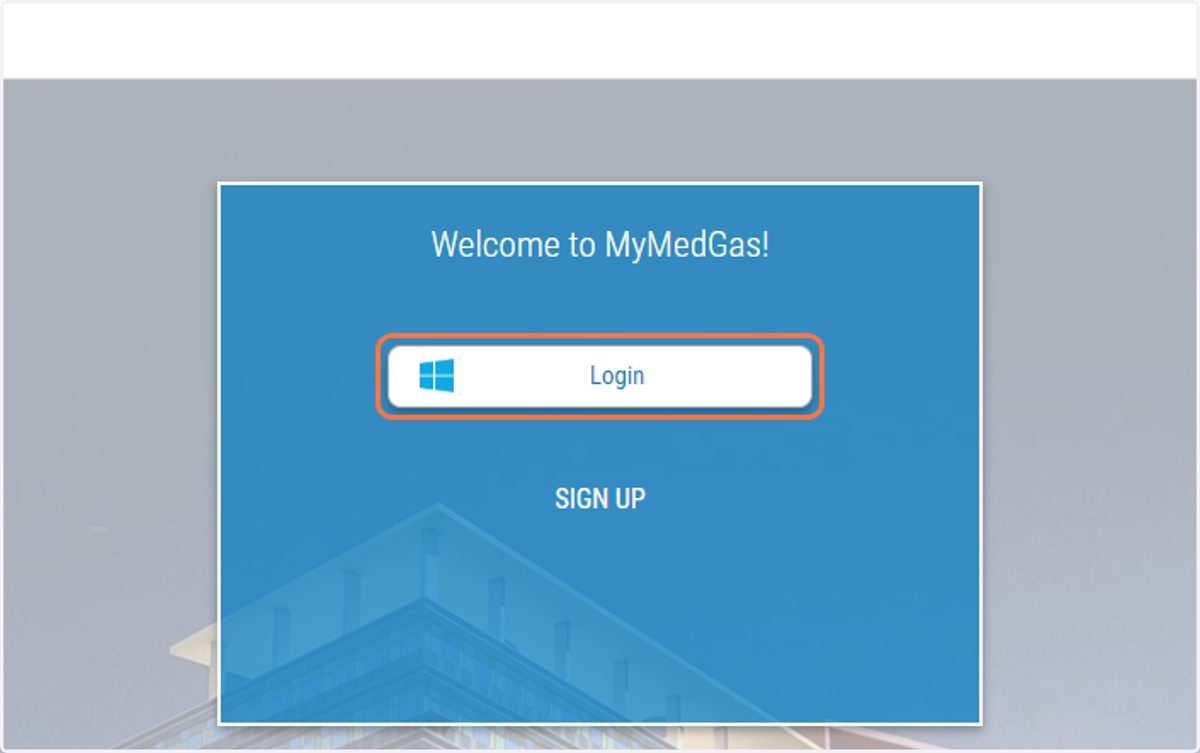
2. Click on Login
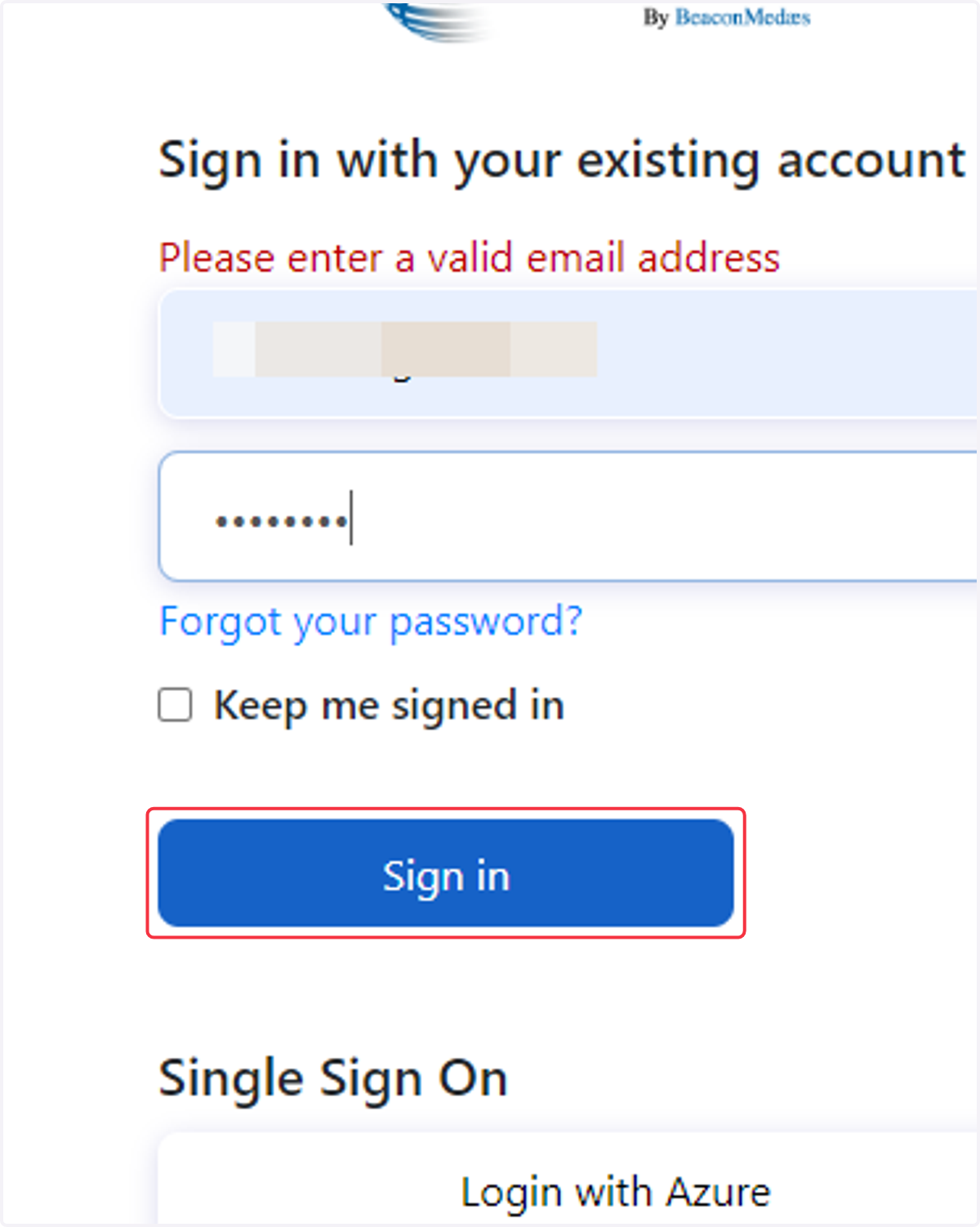
3. delete the existing text and type in your email
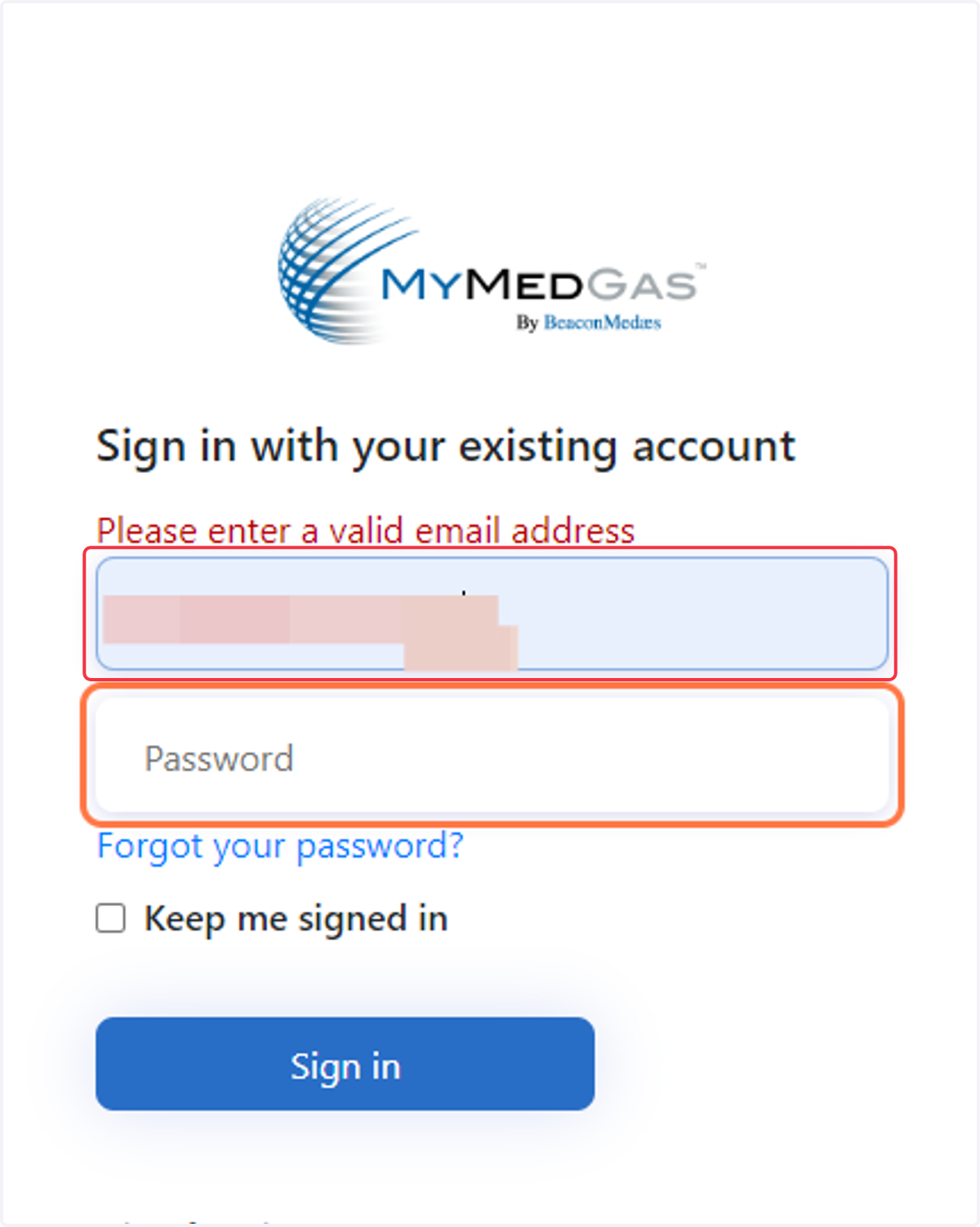
4. Enter yout password
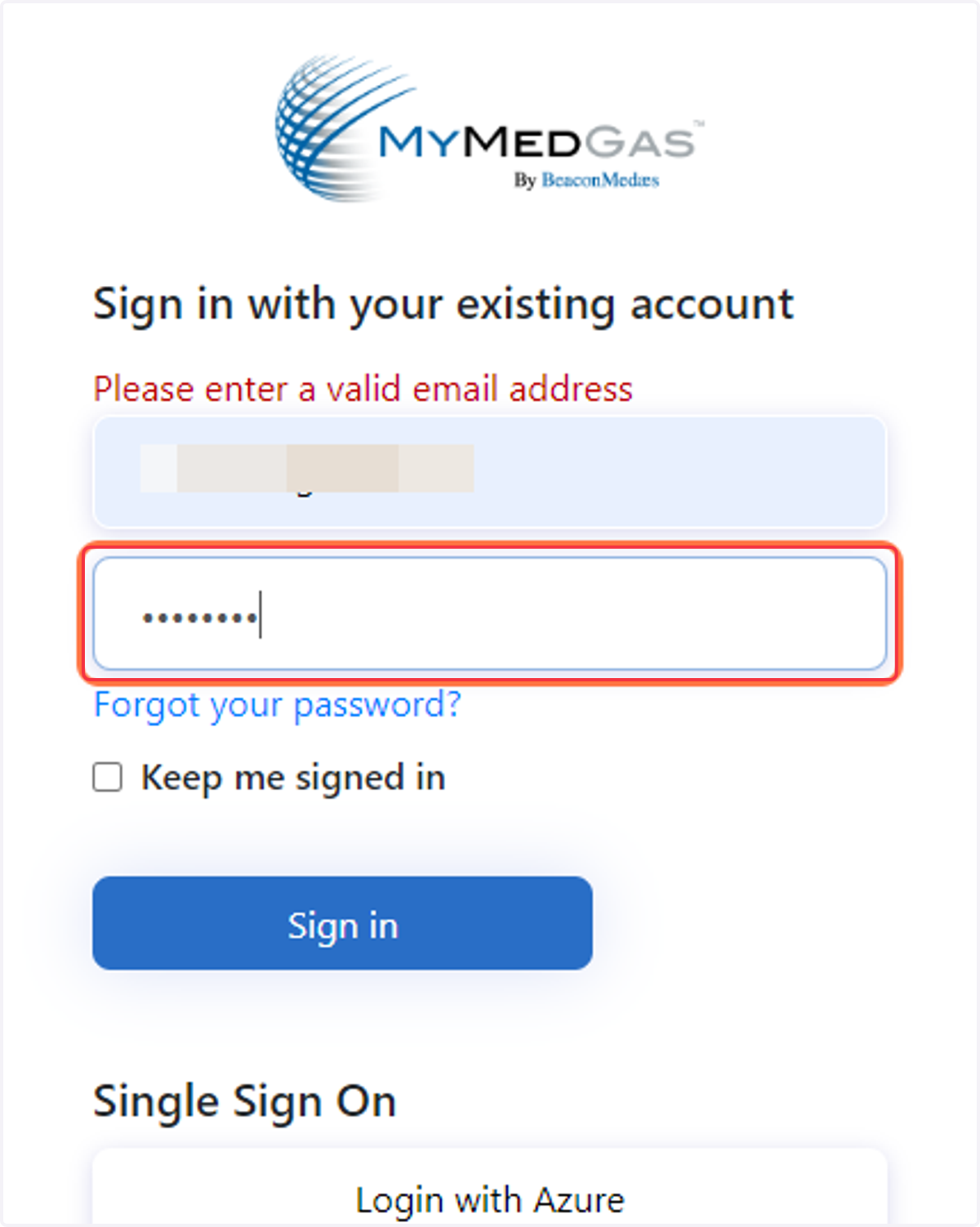
5. Click on Sign in
6. Click on Login with Azure
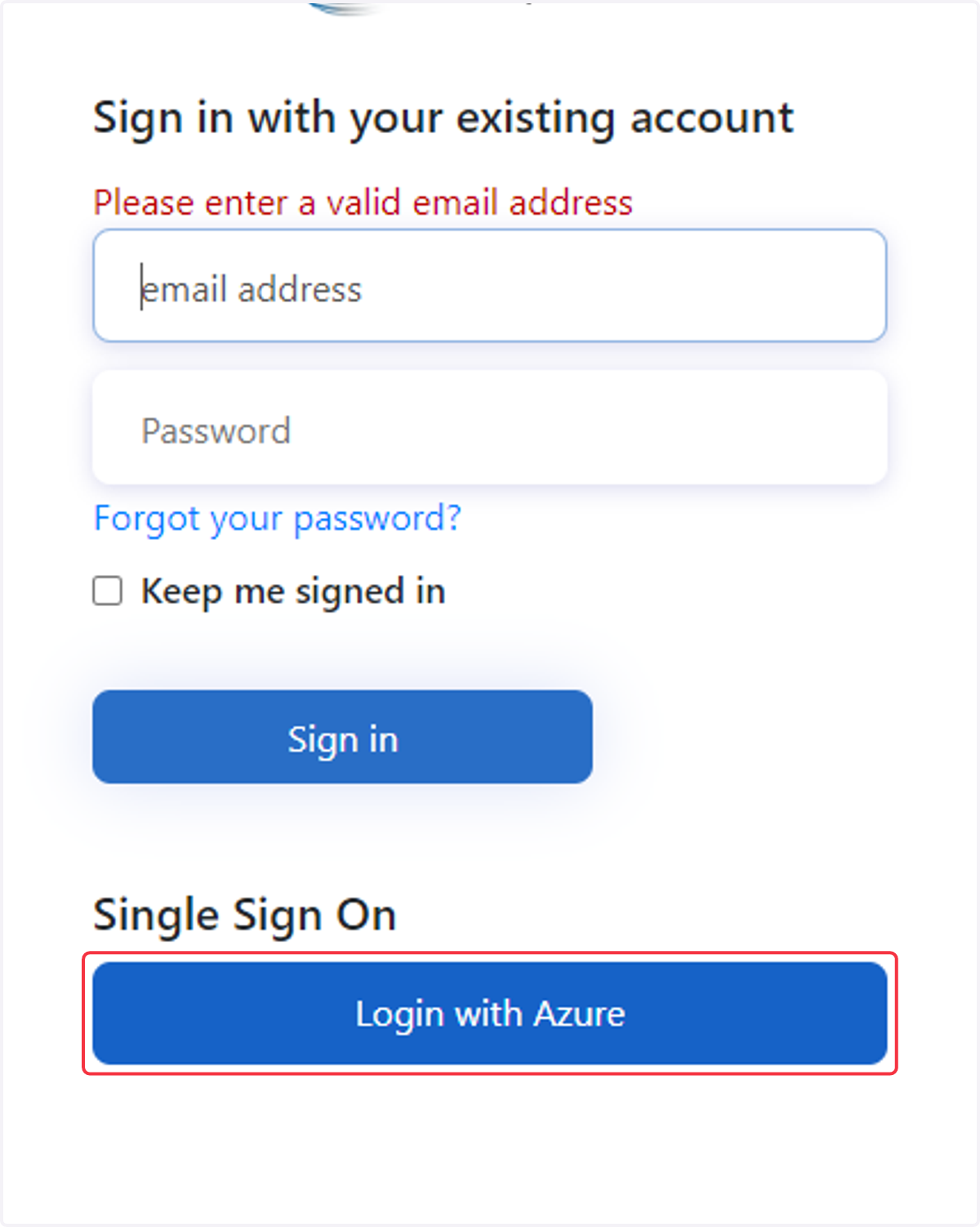
7. It will then as you to enter your own personal Windows Sign in and Password.
Remember this is your MICROSOFT login and Password. Not necessarily the password you used to sign up with.