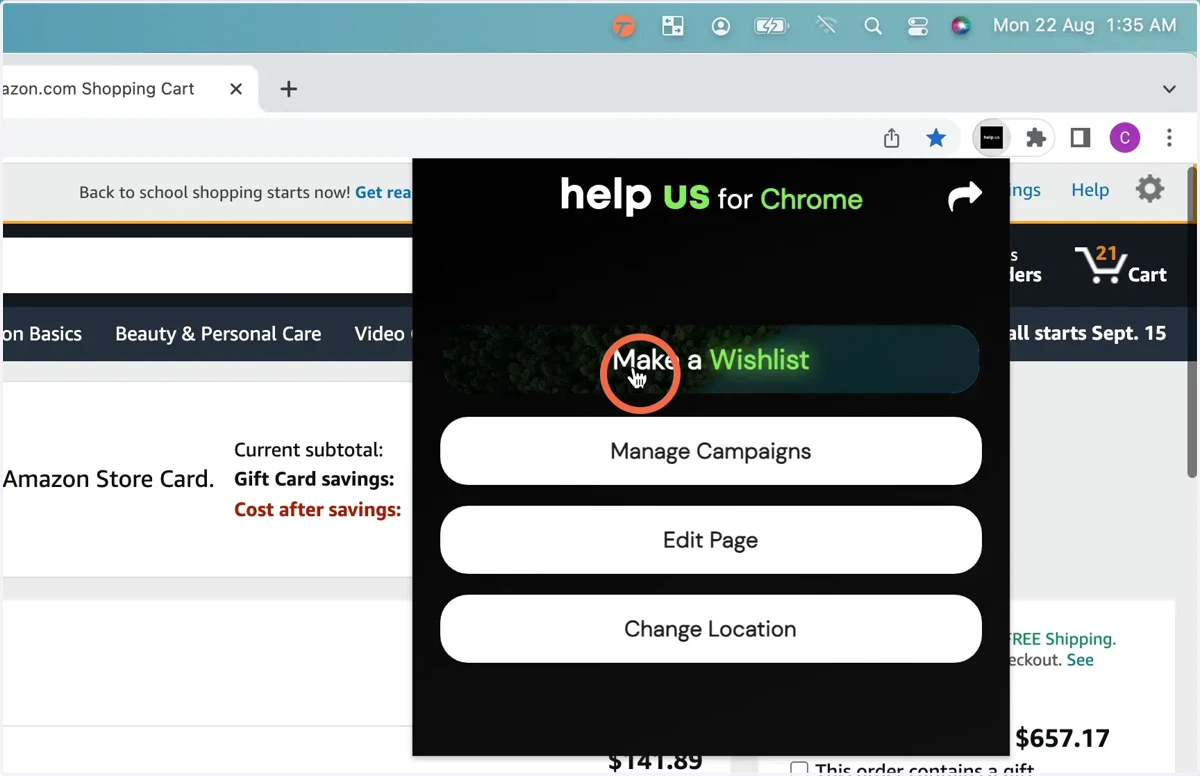
How to install help us for Chrome (Developer Build)
finder
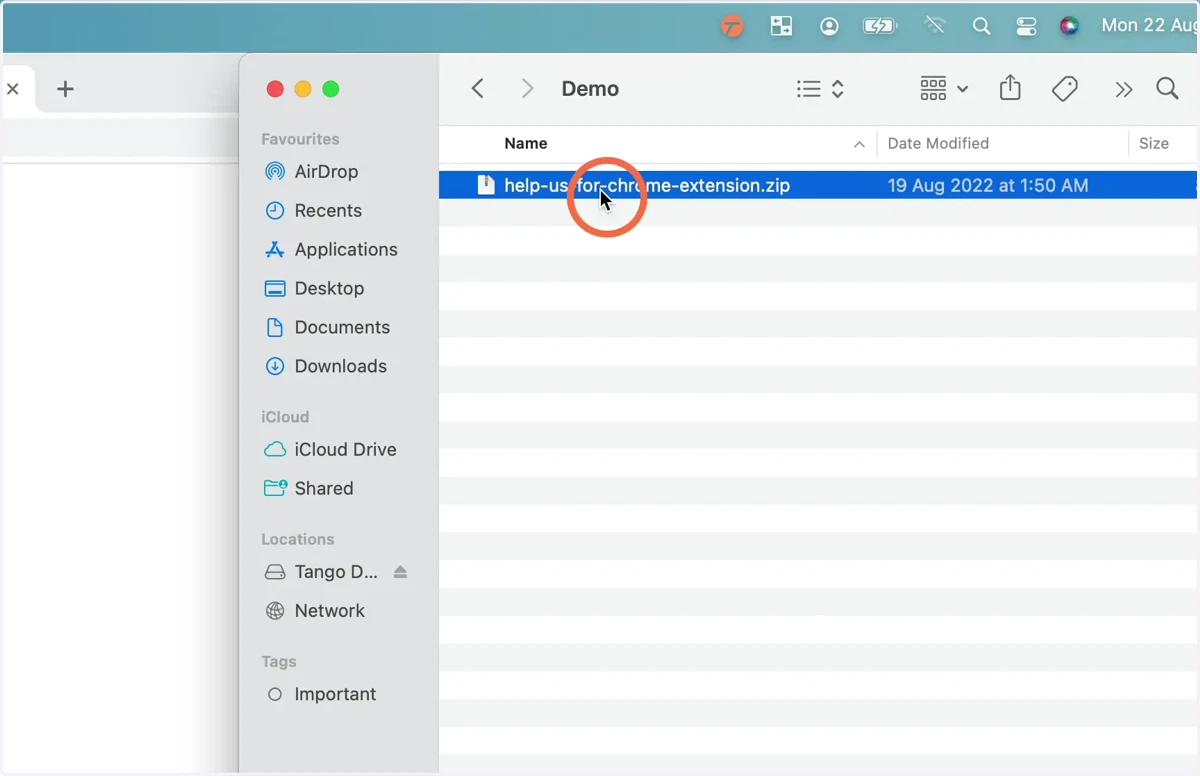
1. Download and extract the help us for Chrome extension.
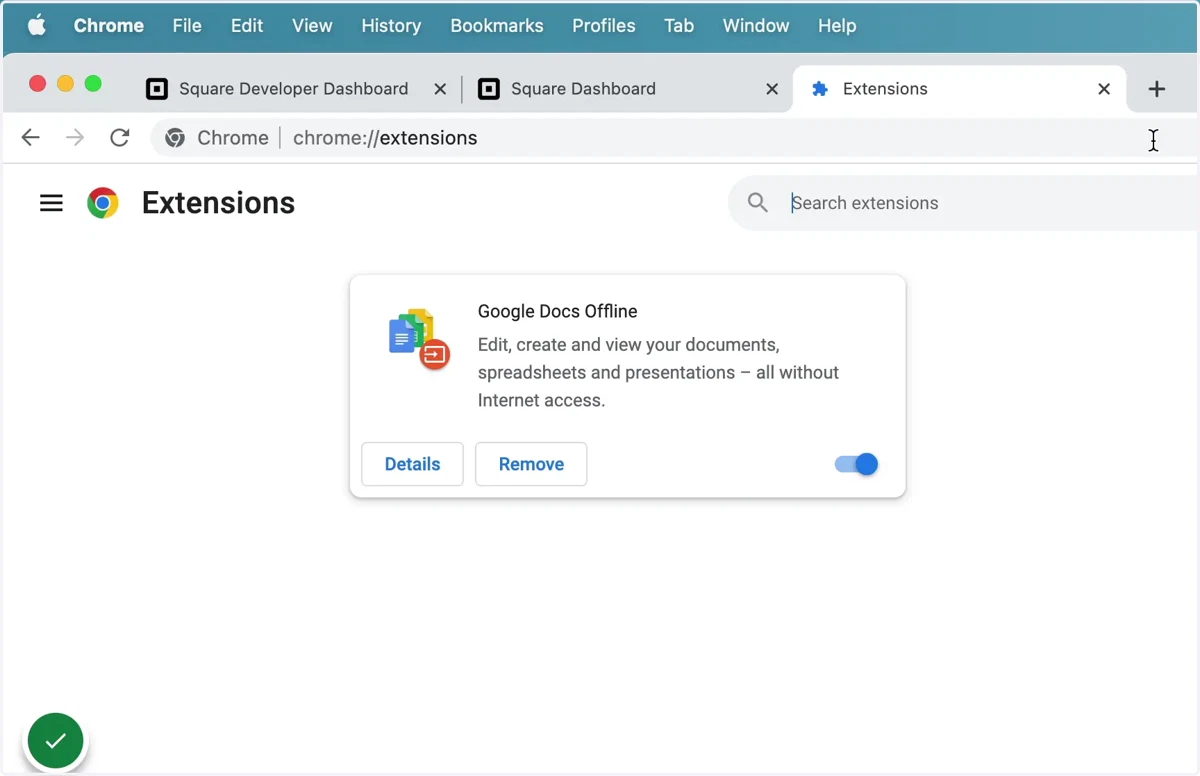
2. Open the extension page in chrome by typing chrome://extensions in the url bar.
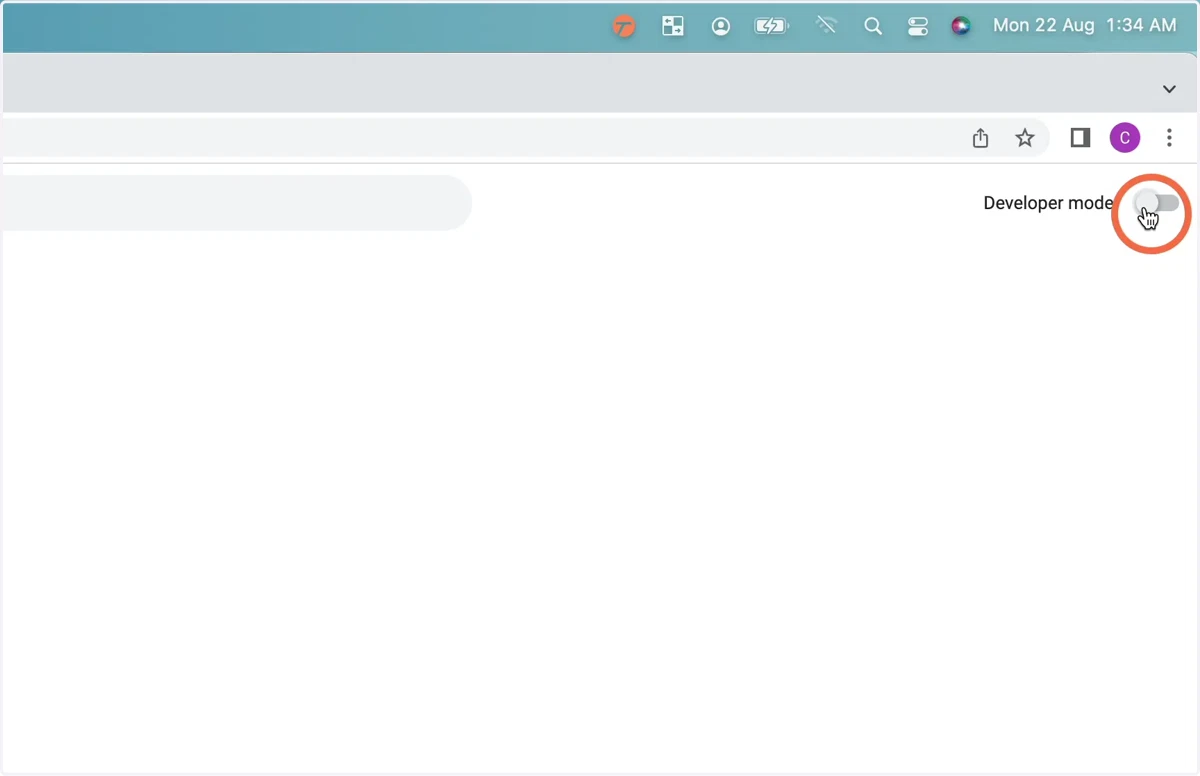
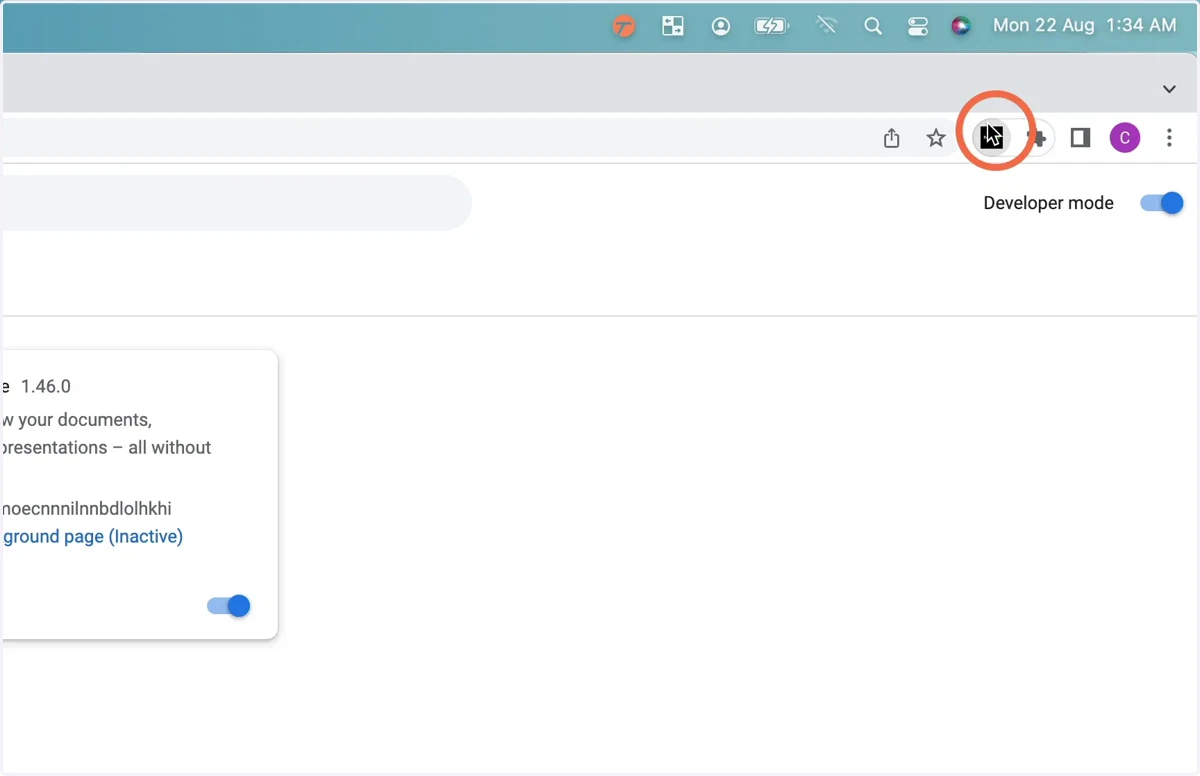
3. Activate developer mode, turn on the switch on the top right on the page that says ‘Developer mode’.
4. Click ‘Load unpacked’
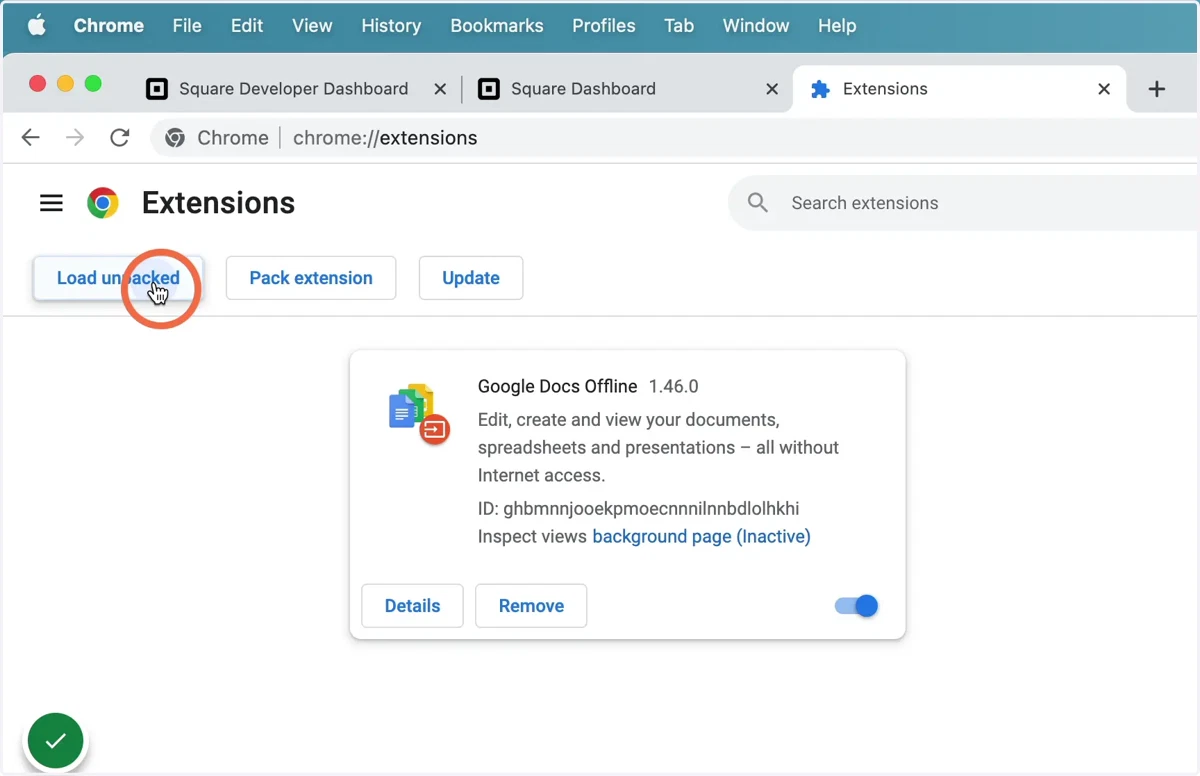
extensions
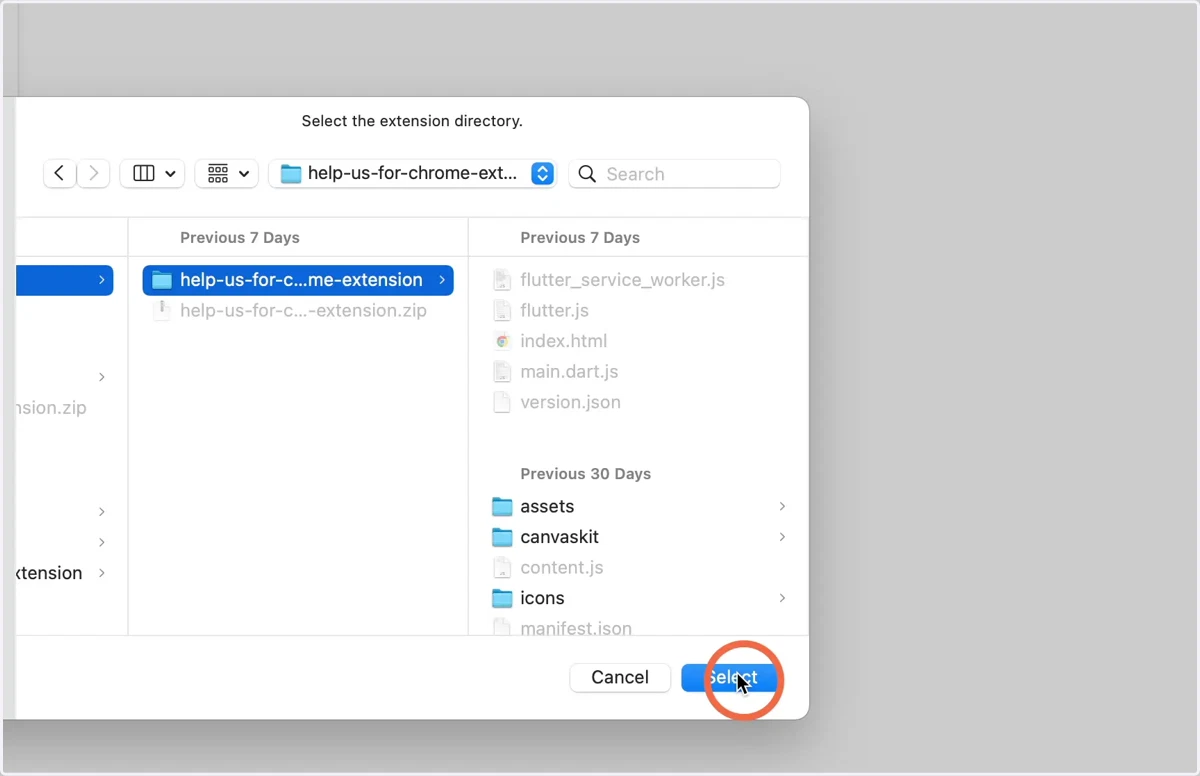
5. Navigate to the extracted files folder with the manifest.json and select it.
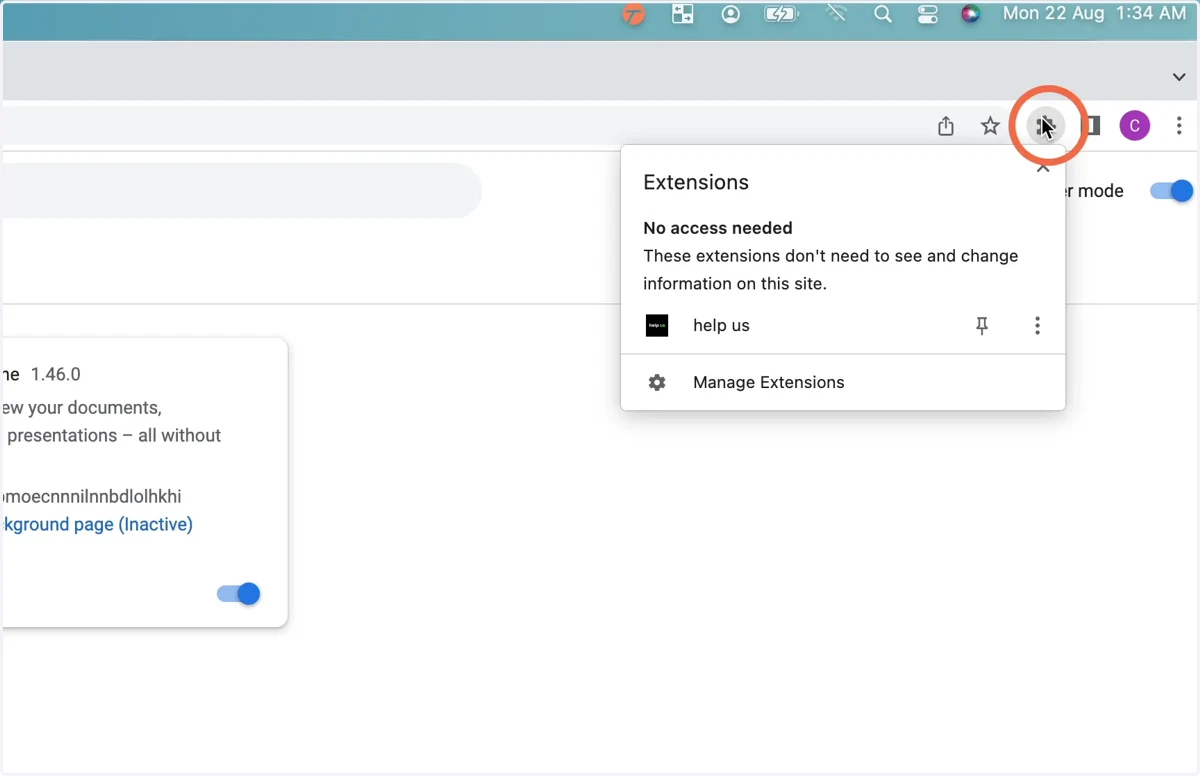
6. Click the extensions button from the right of the toolbar at the top of Google Chrome.
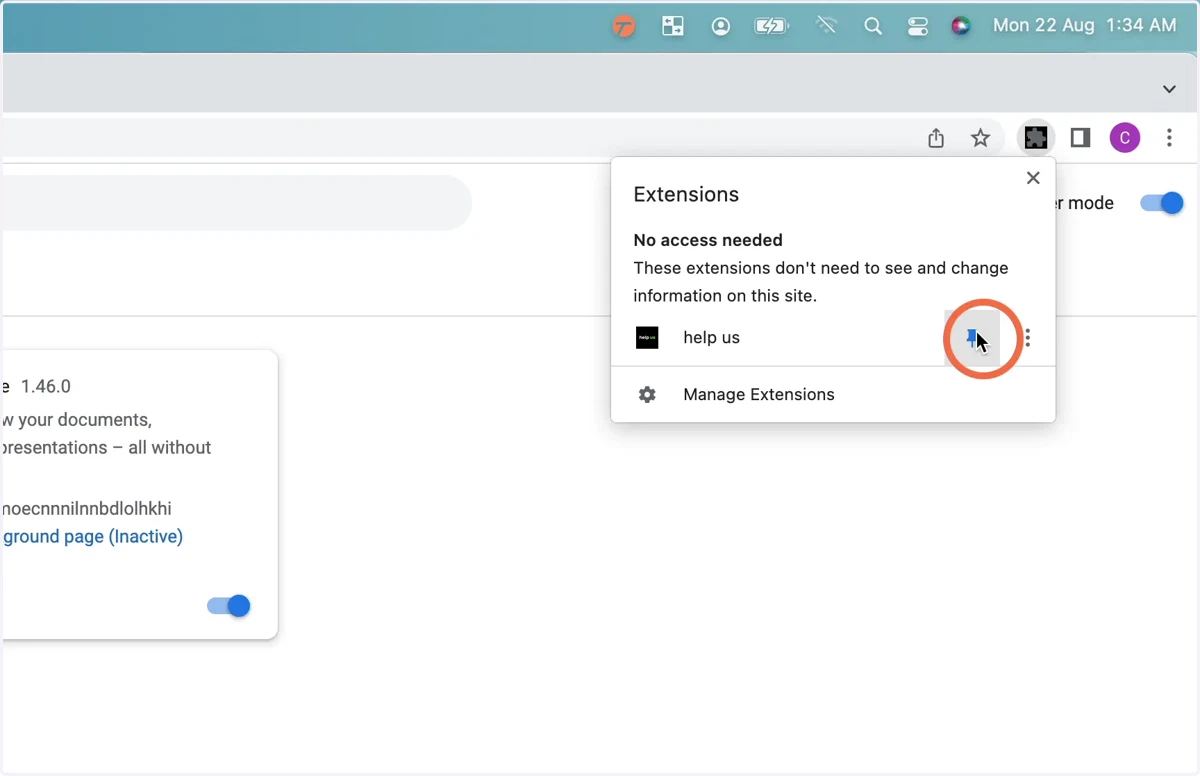
7. Select the button to pin help us.
8. Click the help us plugin.
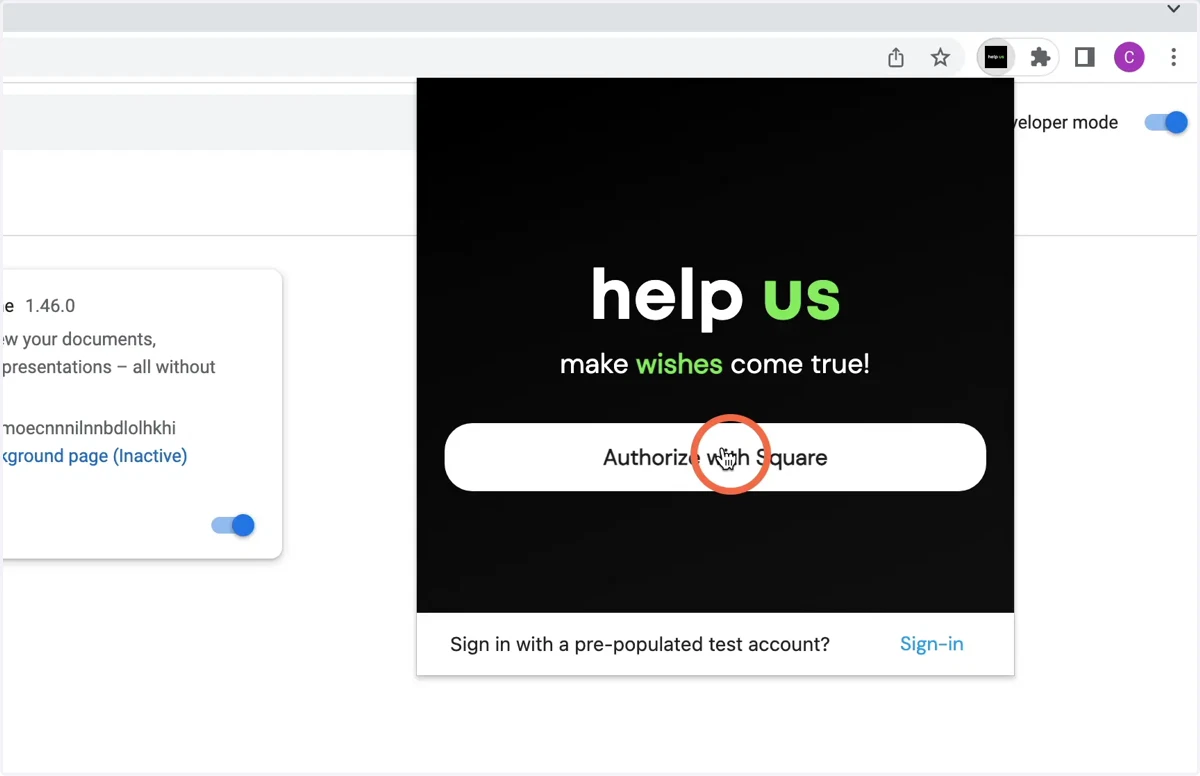
9. Click authorise with Square, and authorise with a sandbox account or click the option at the bottom to authorise with the pre-populated account.
extensions
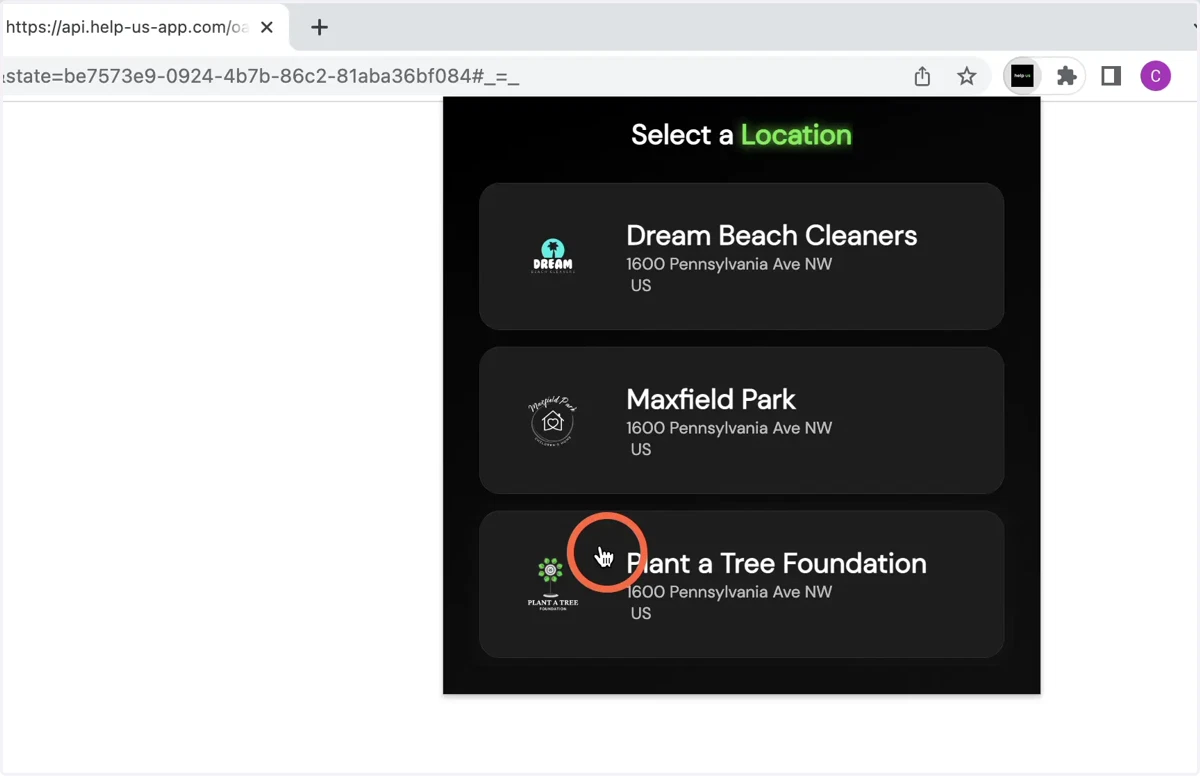
10. Select a default location from your Square account.
11. Enjoy the help us app ! It currently works on Target USA , Amazon USA and Ebay USA by visiting the carts of those websites and clicking make a wish-list.