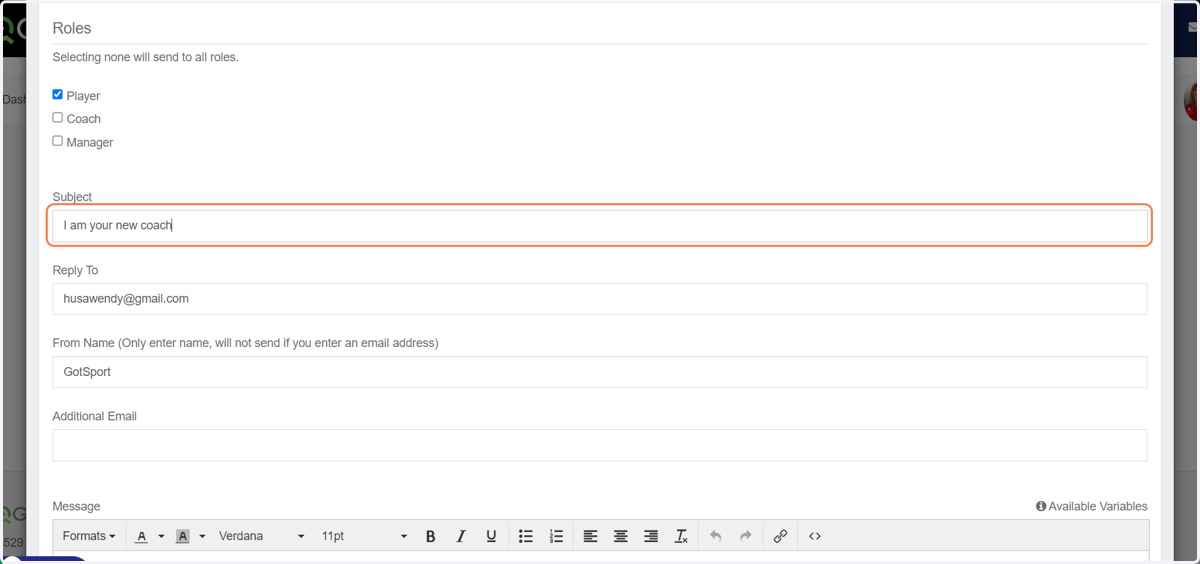
How to email your team correctly through Got Sport
Gotsport
1. Go to GotSport
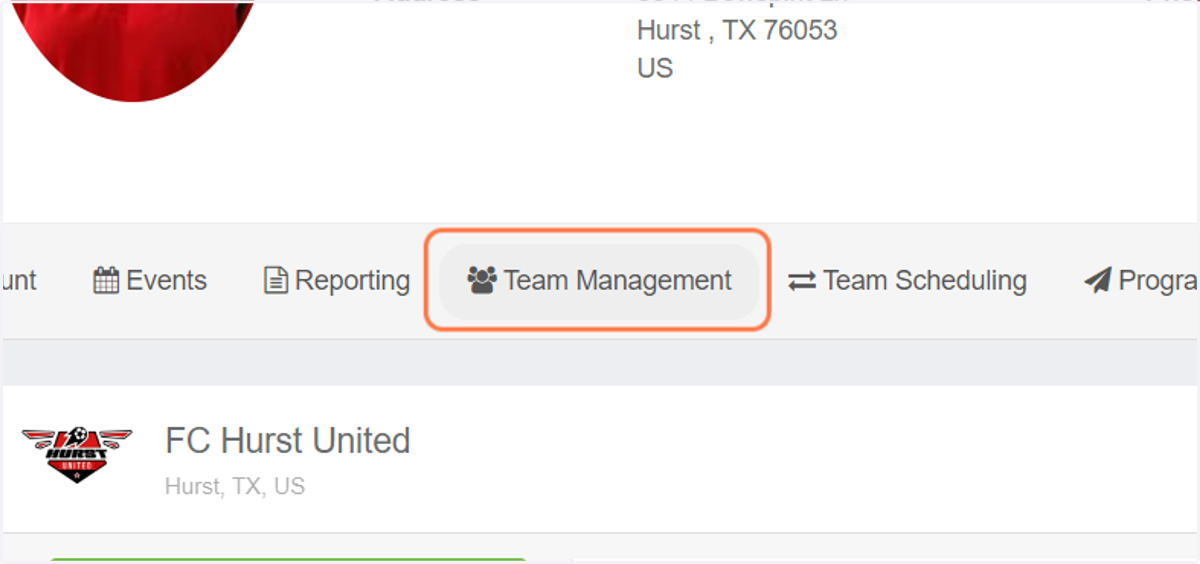
2. Click on Team Management
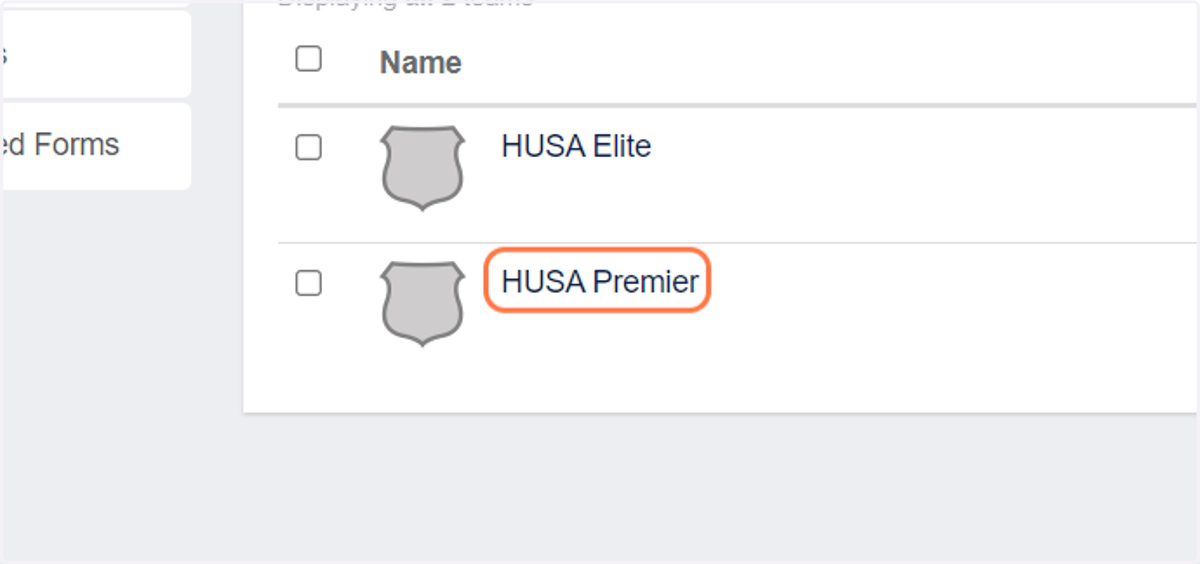
3. Click on your team name
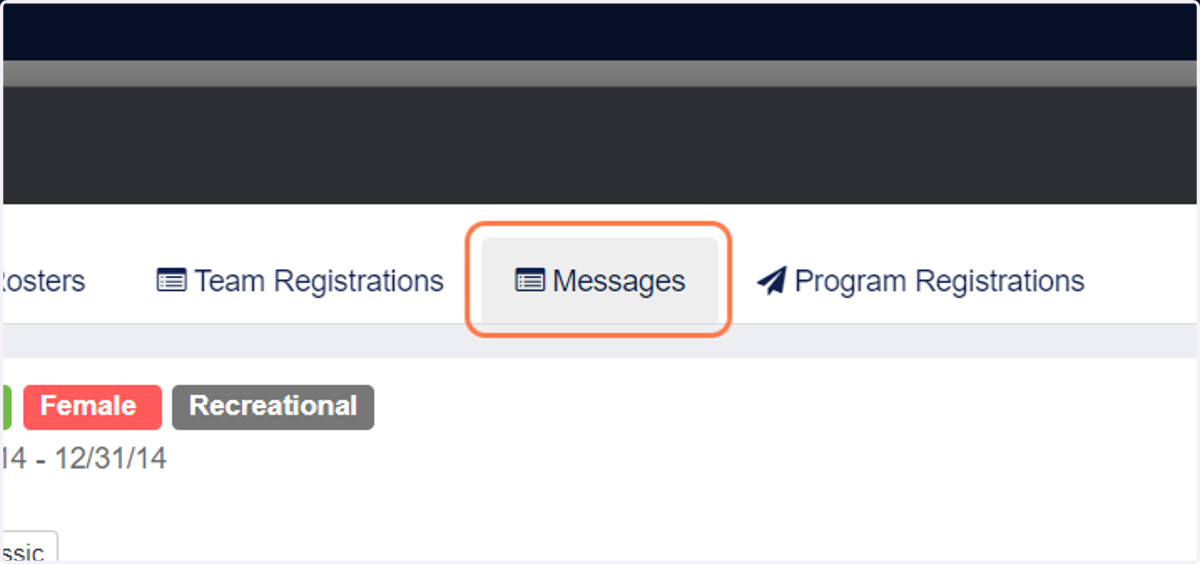
4. Click on Messages
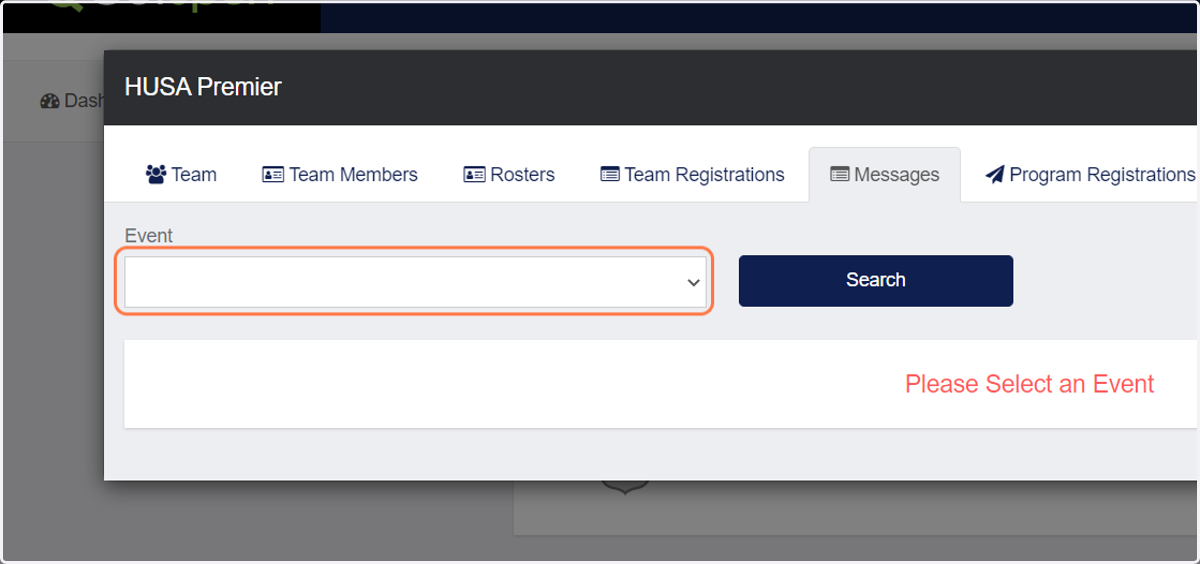
5. Click on Hurst United SA 2022/2023 Recreational Registration from Event
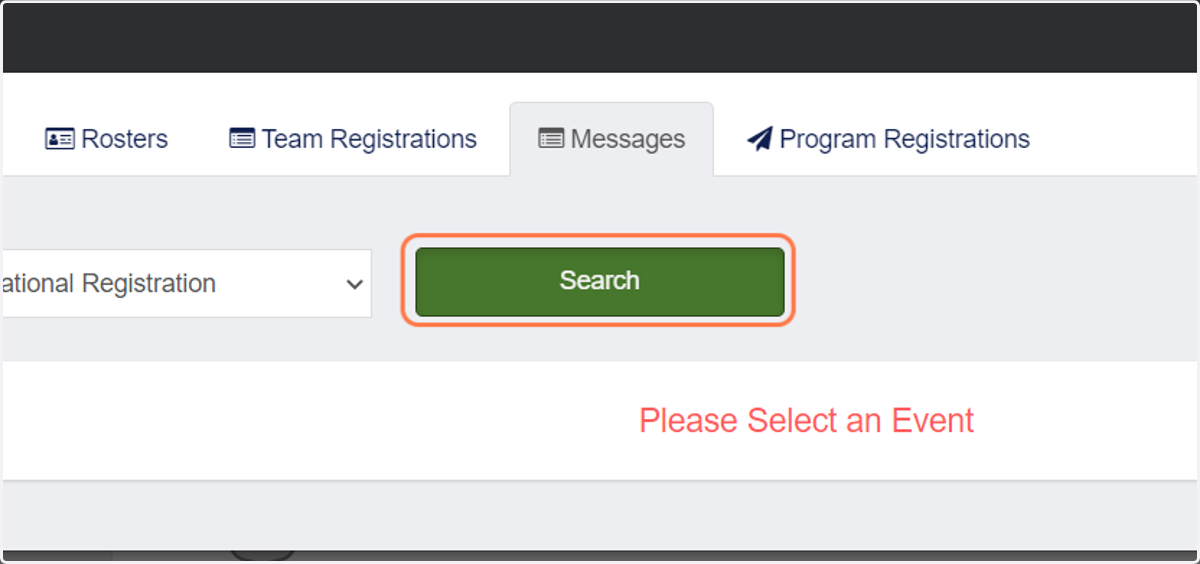
6. Click on Search
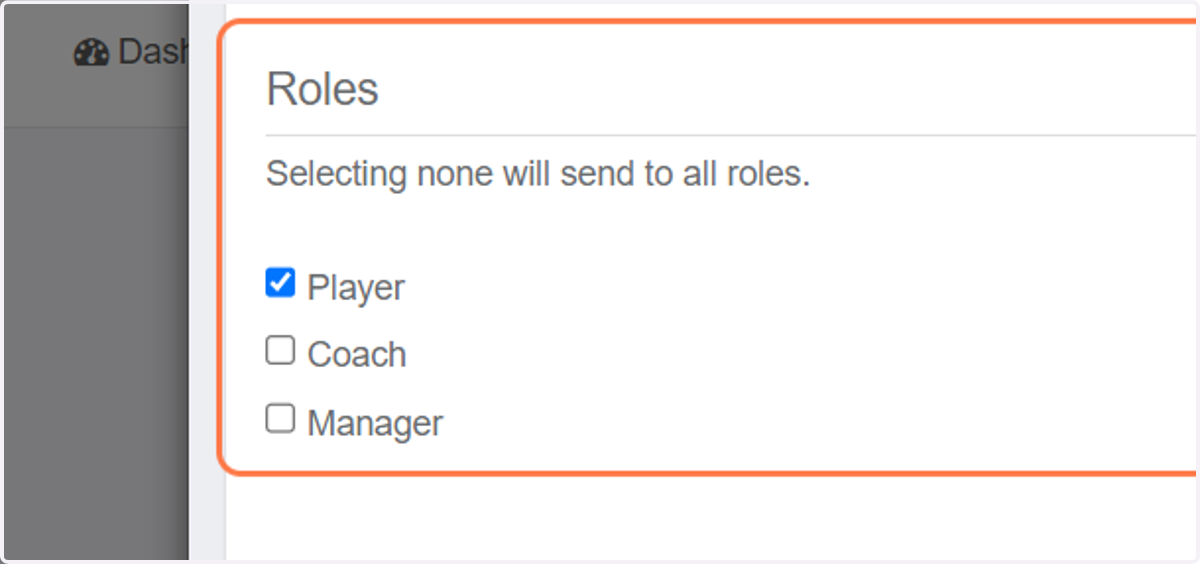
7. Select who you want the message to go to or leave blank for all
8. Type your message and send