How to edit your profile in Slack
Fields of your Slack profile that can be added:
Start date
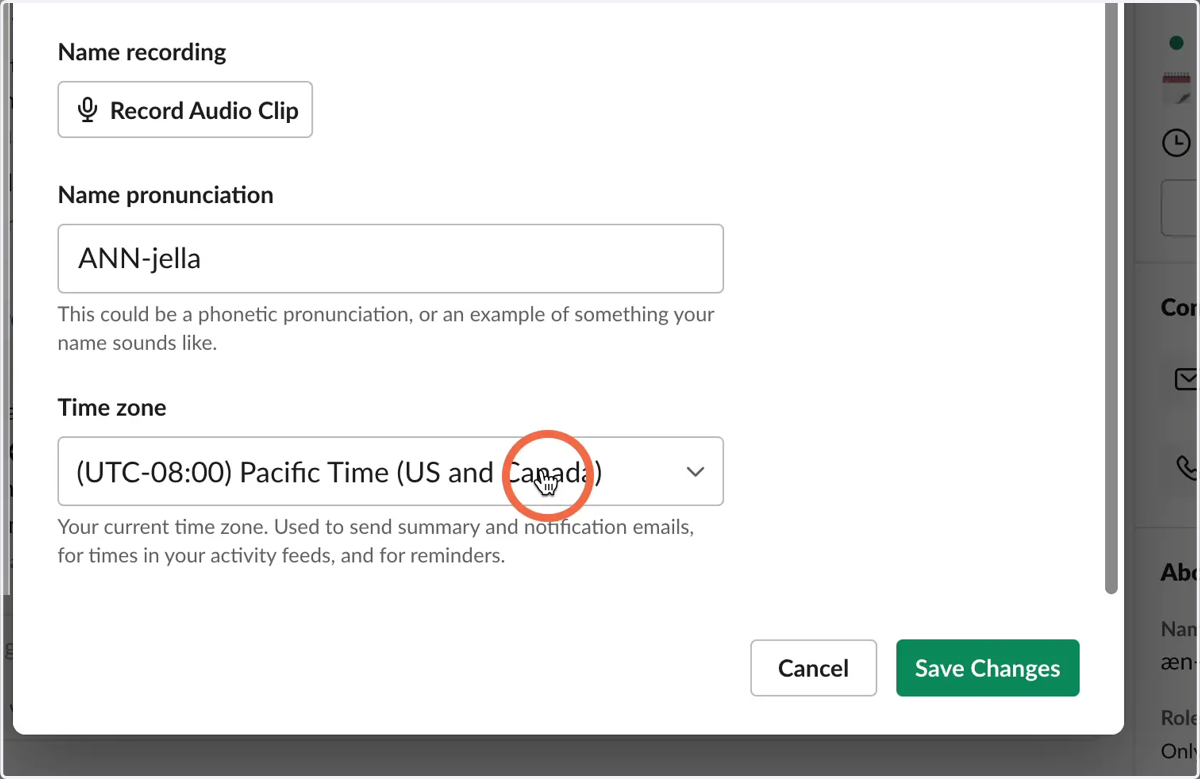
Name pronunciation
Location & Timezone
User Manual
Slack Profile
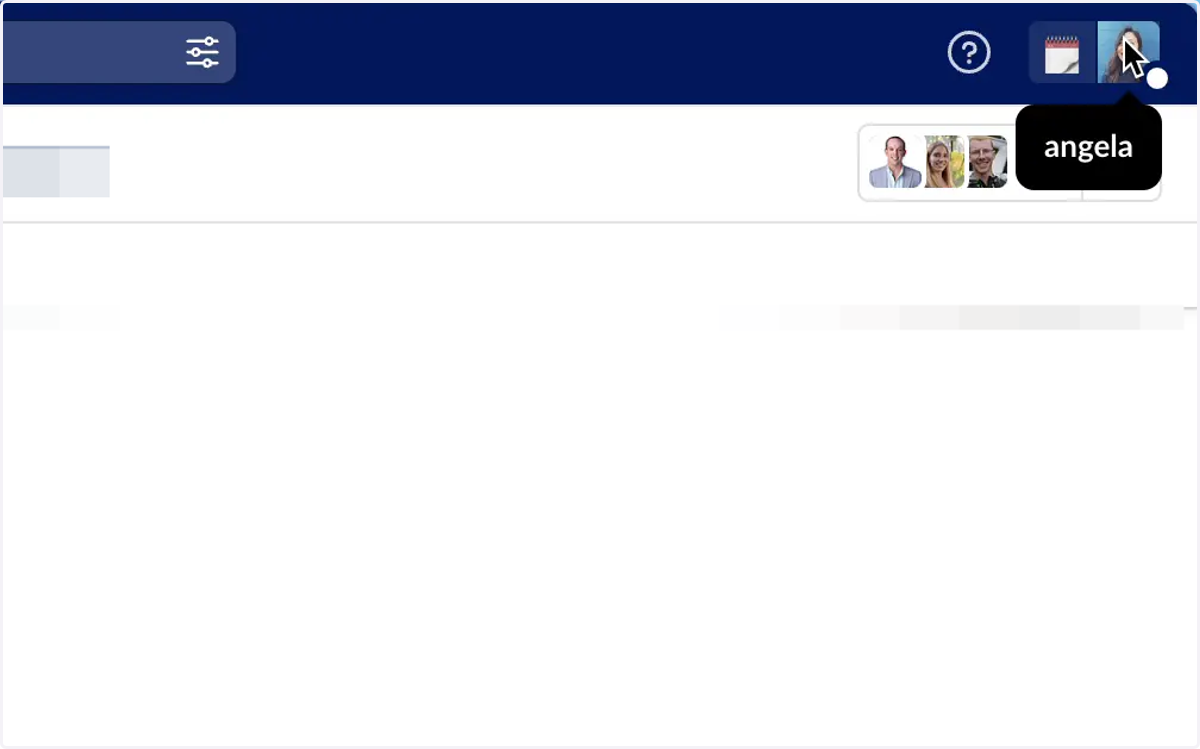
1. Open up Slack and click on your profile photo
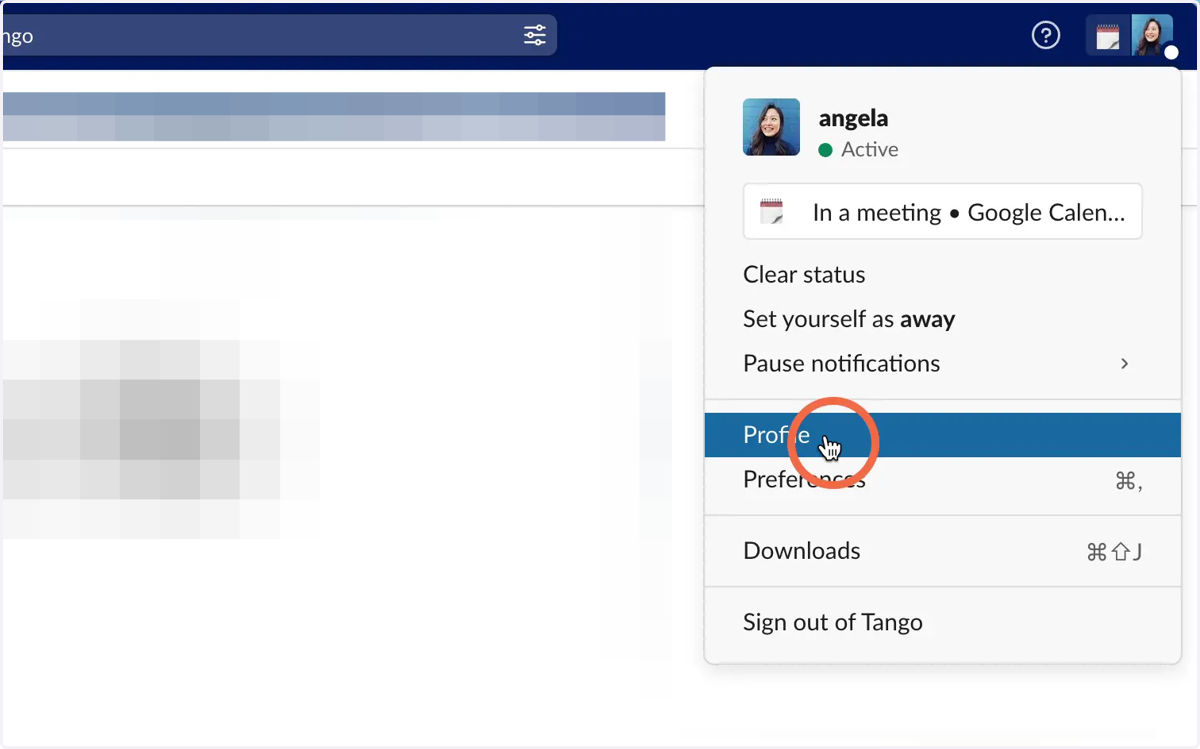
2. Click on Profile
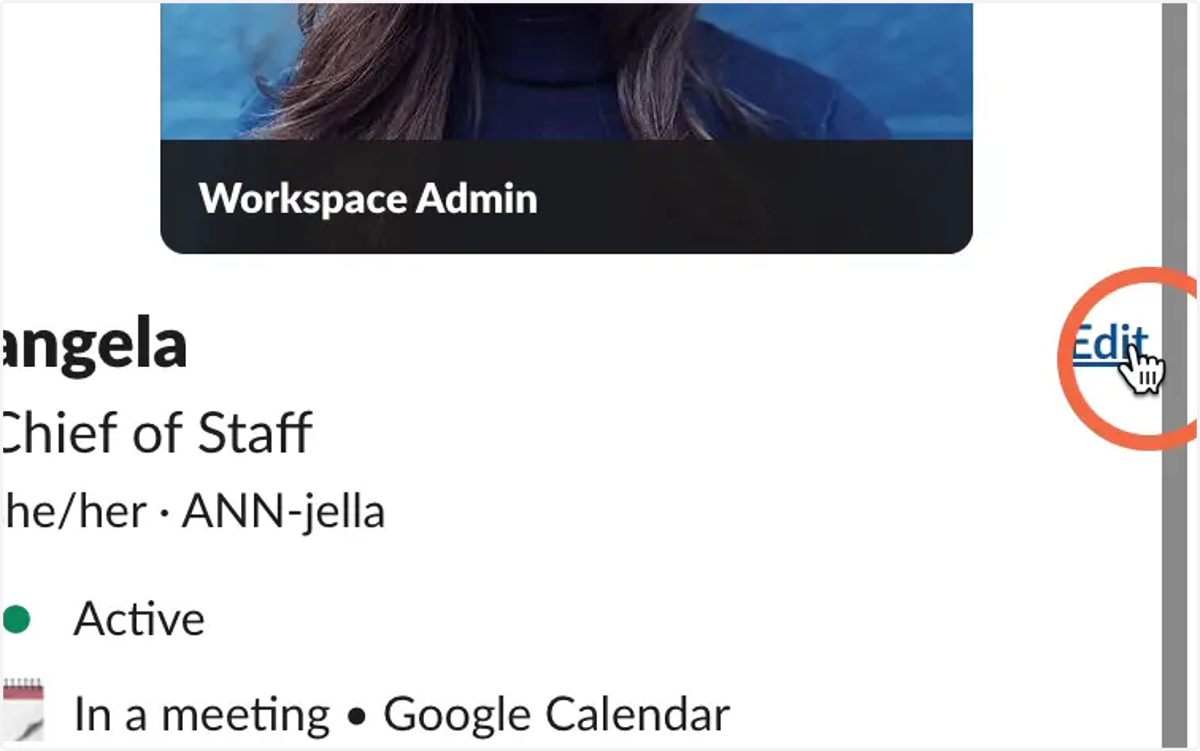
3. Click on Edit
4. Type in Full Name
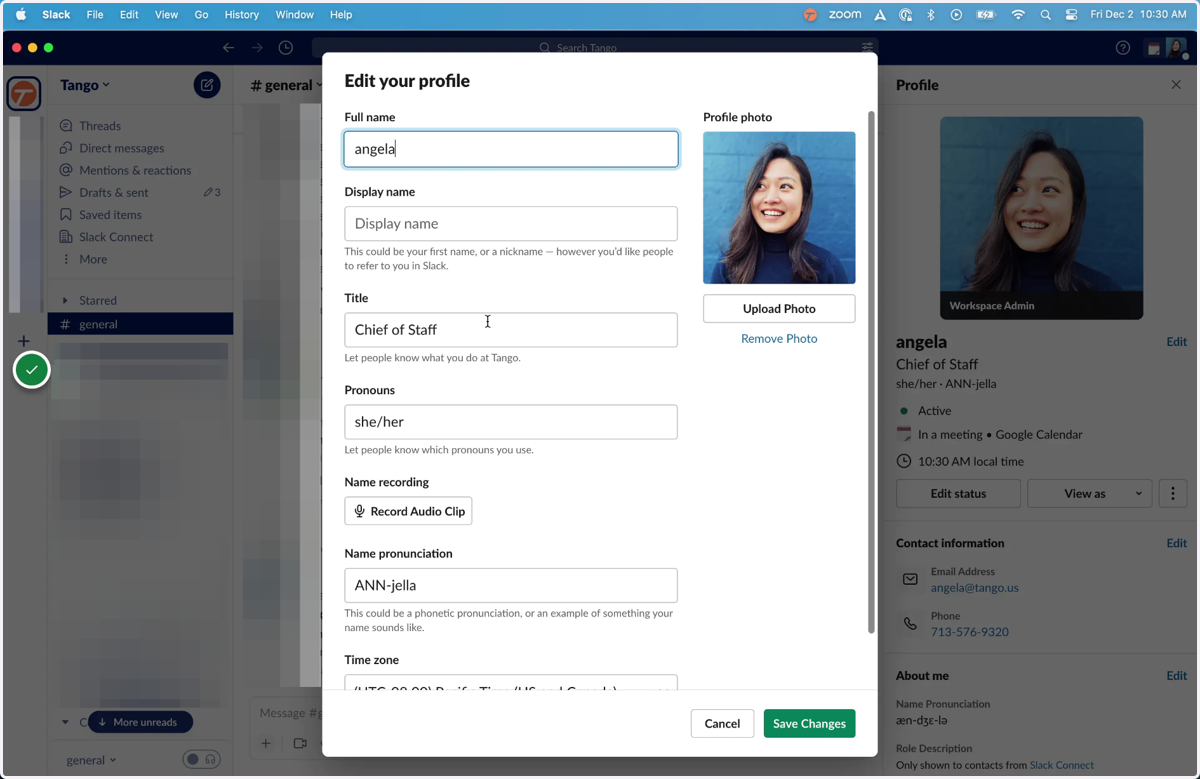
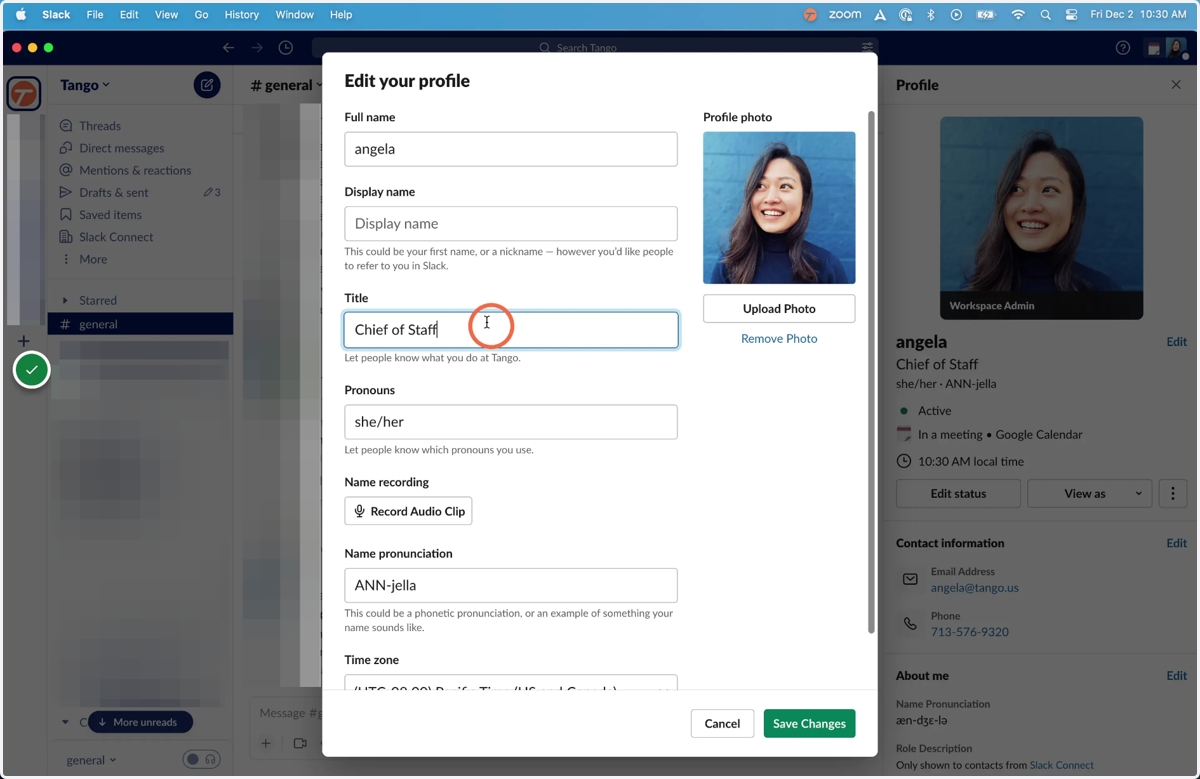
5. Type in Title
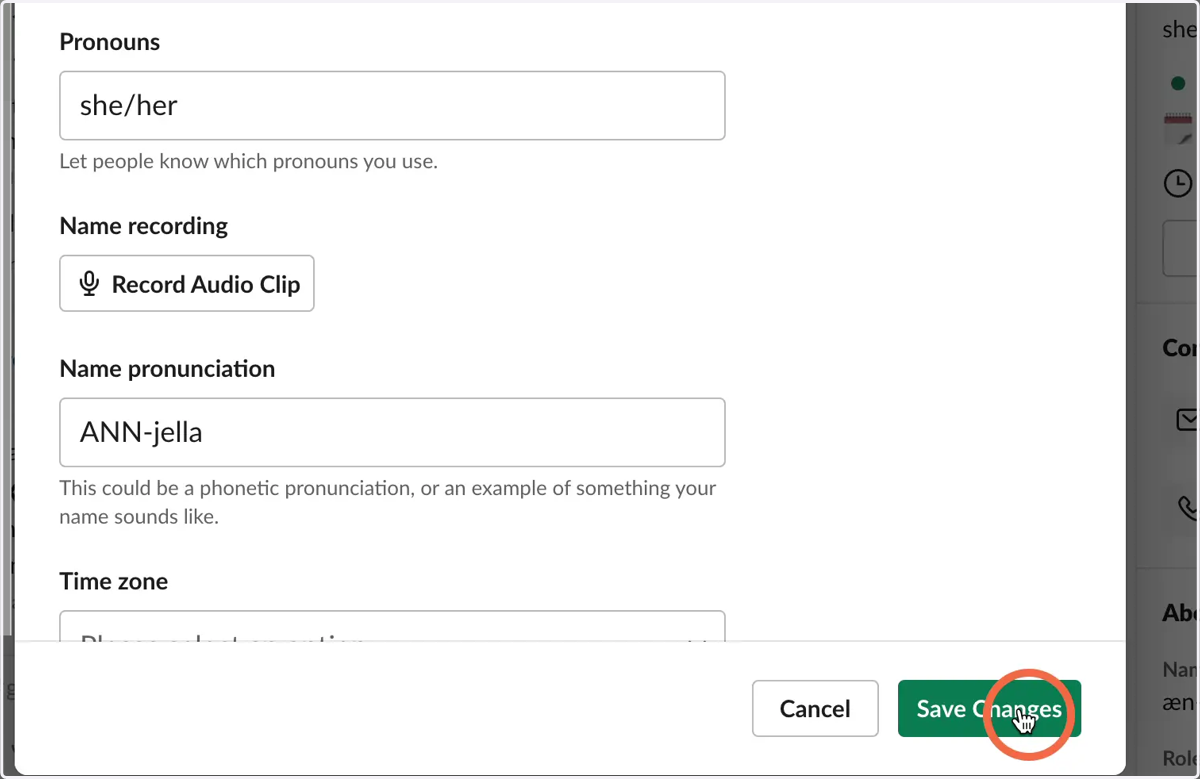
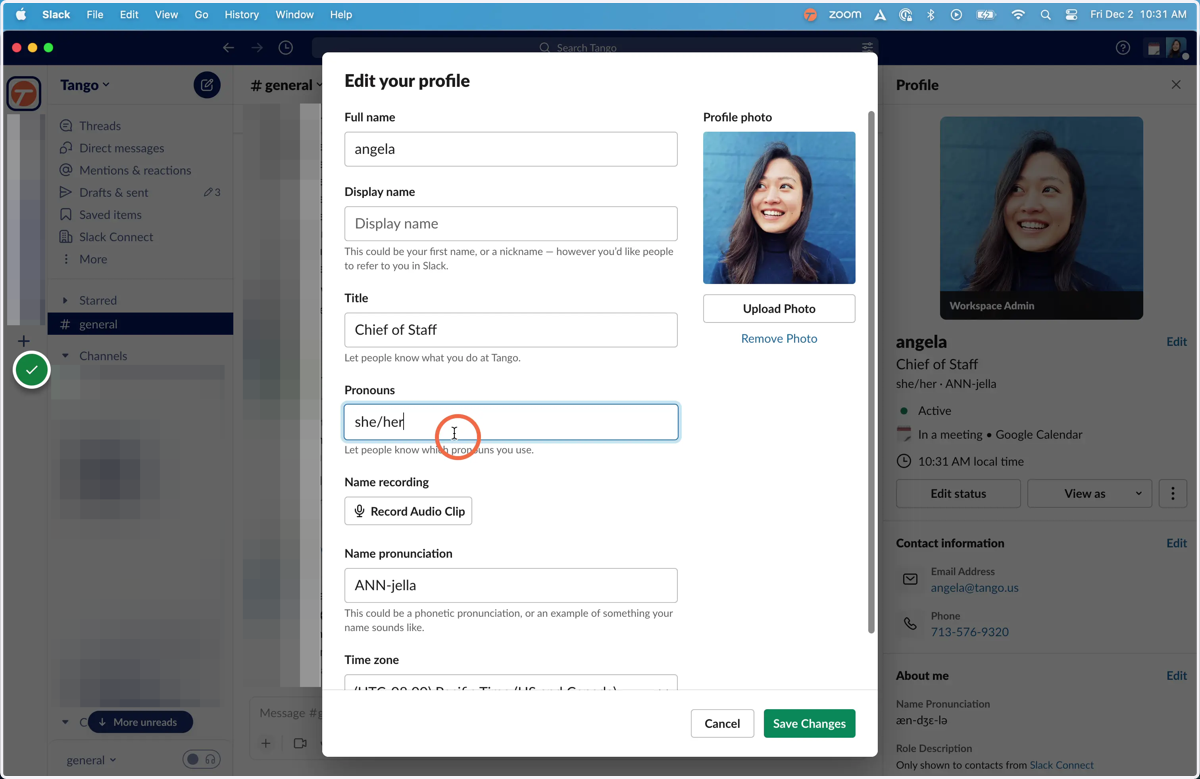
6. Type in Pronouns
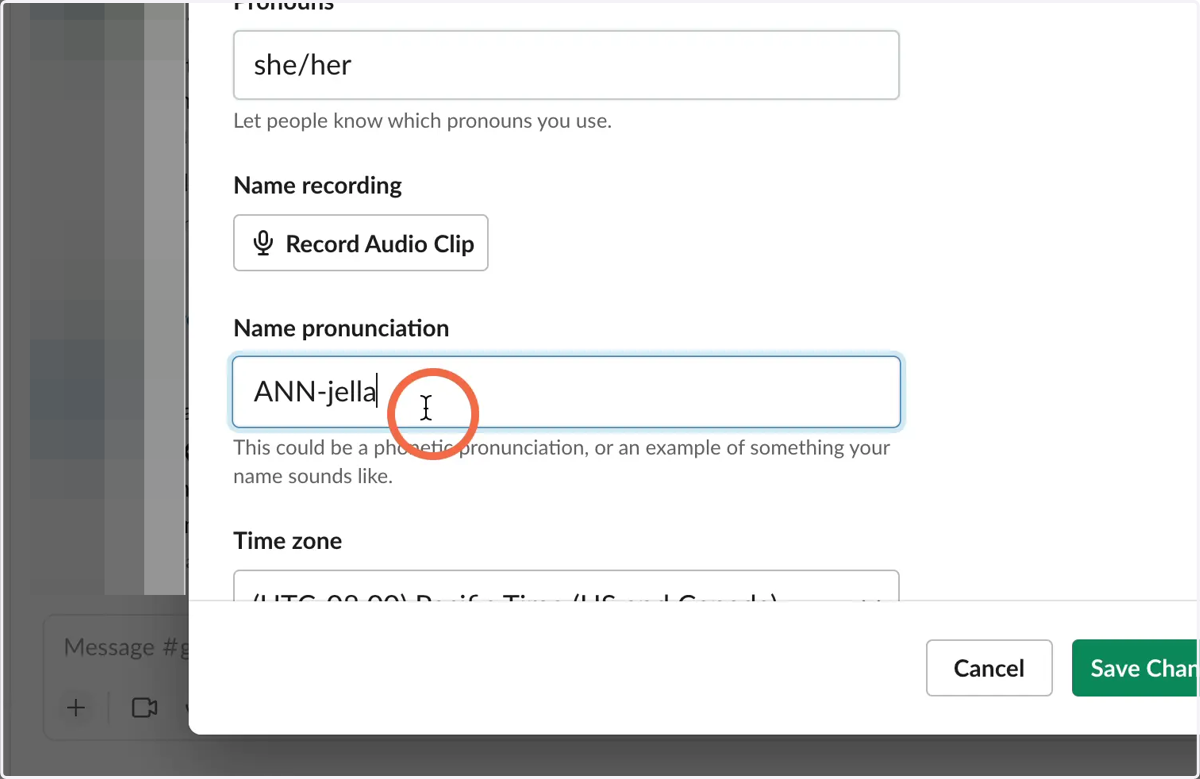
7. Type in Name pronunciation
8. Find your Time zone
9. Add a link to your User Manual
Your user manual is found in the Team Directory
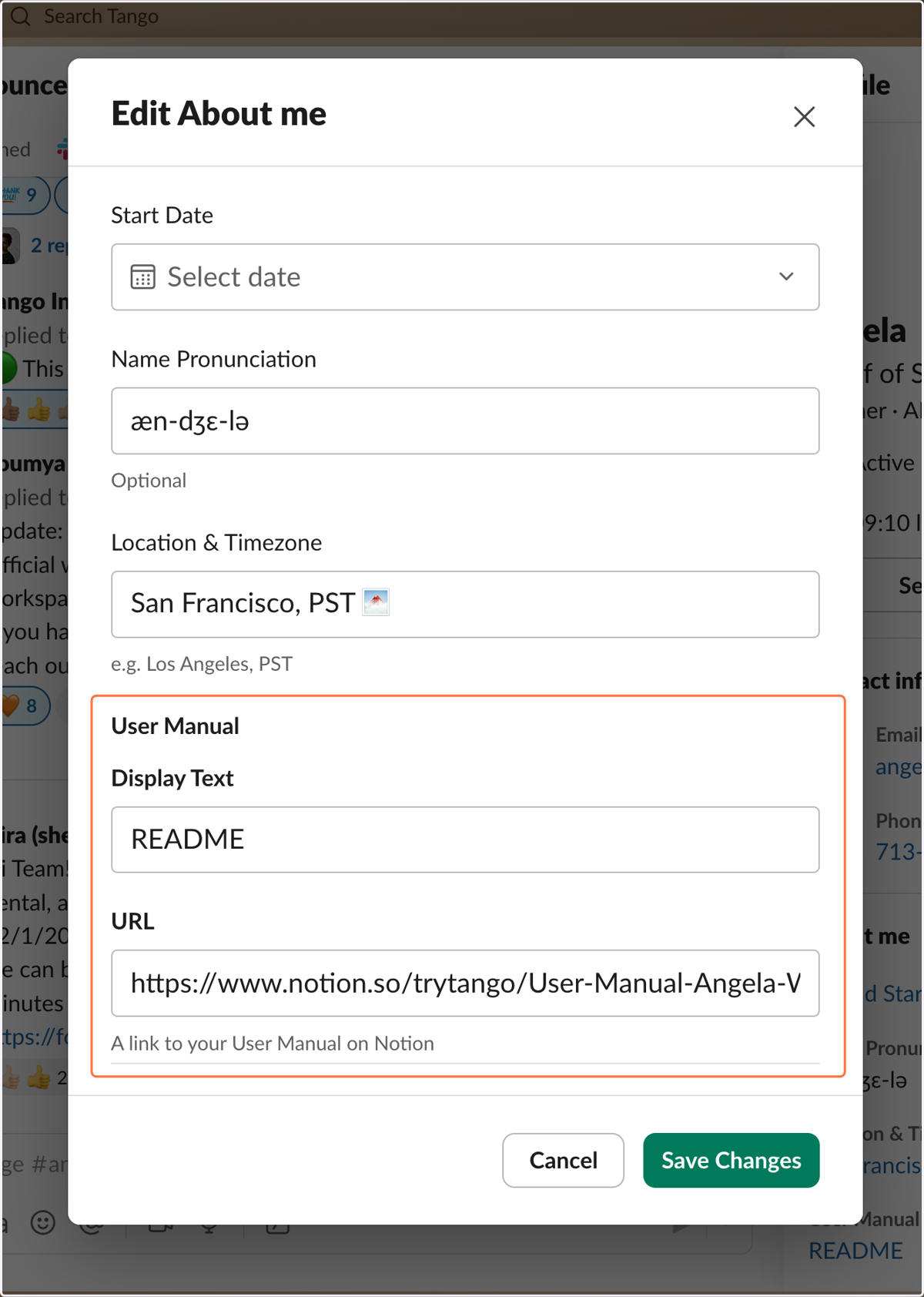
10. Save Changes