How to edit the new ticker on your mobile app
This guide shows you how to update the news ticker on your mobile app home screen. To get started, go to https://cms.lelandmgtapp.com/cms and login with your credentials (located in Caliber).
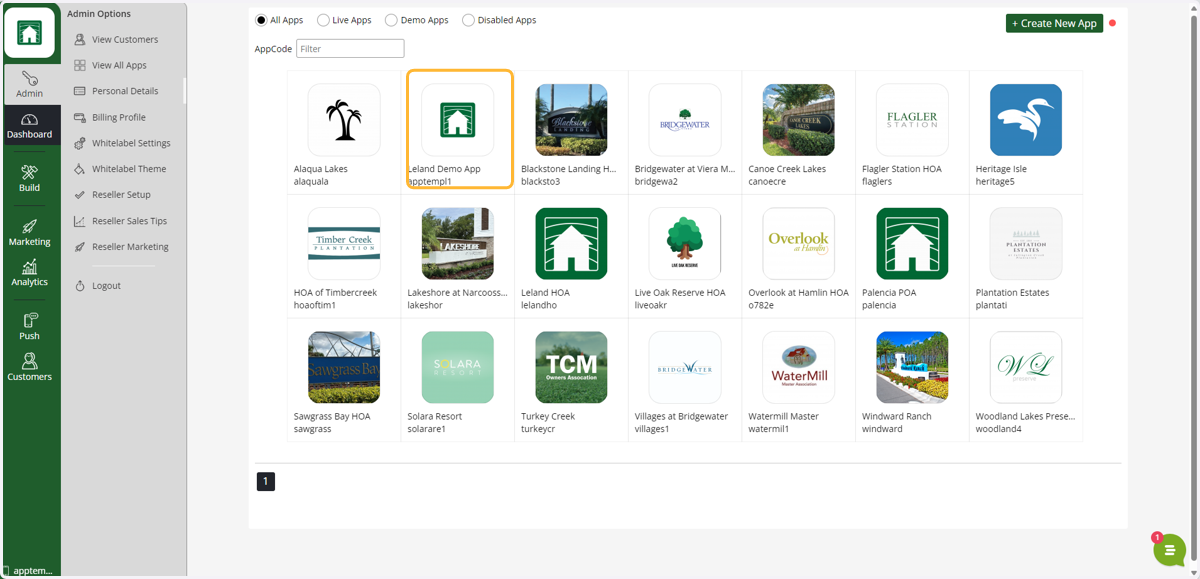
1. Select your app from the dashboard
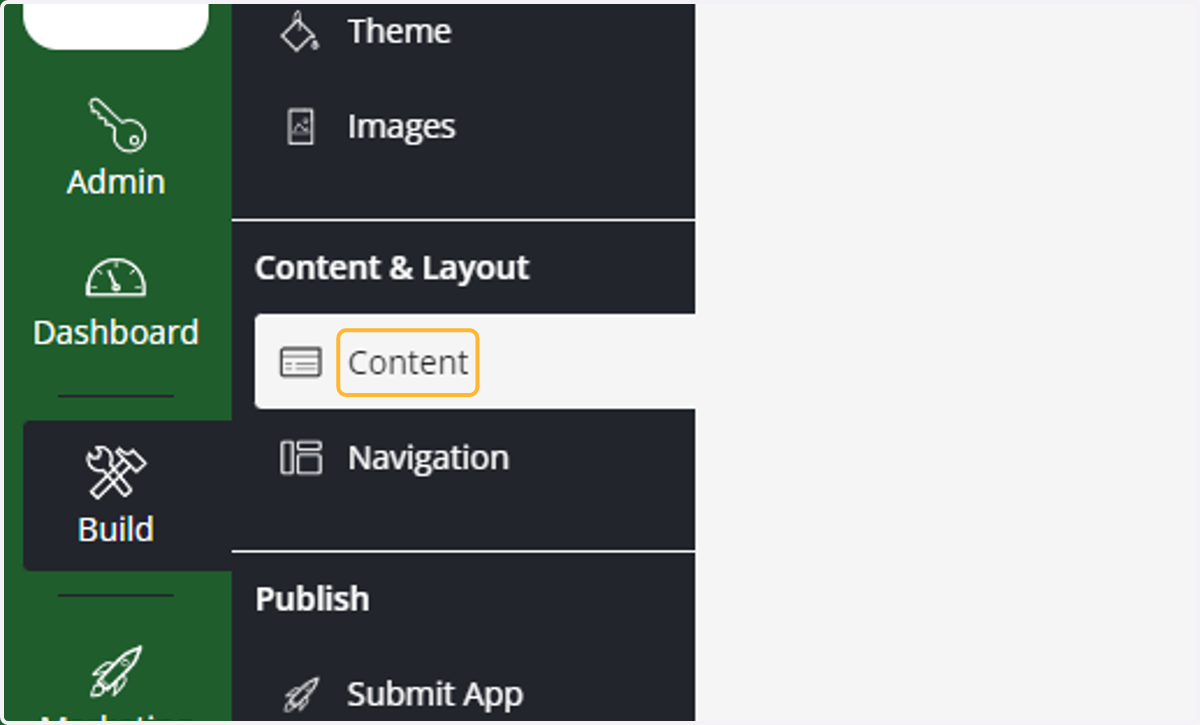
2. Click on Content
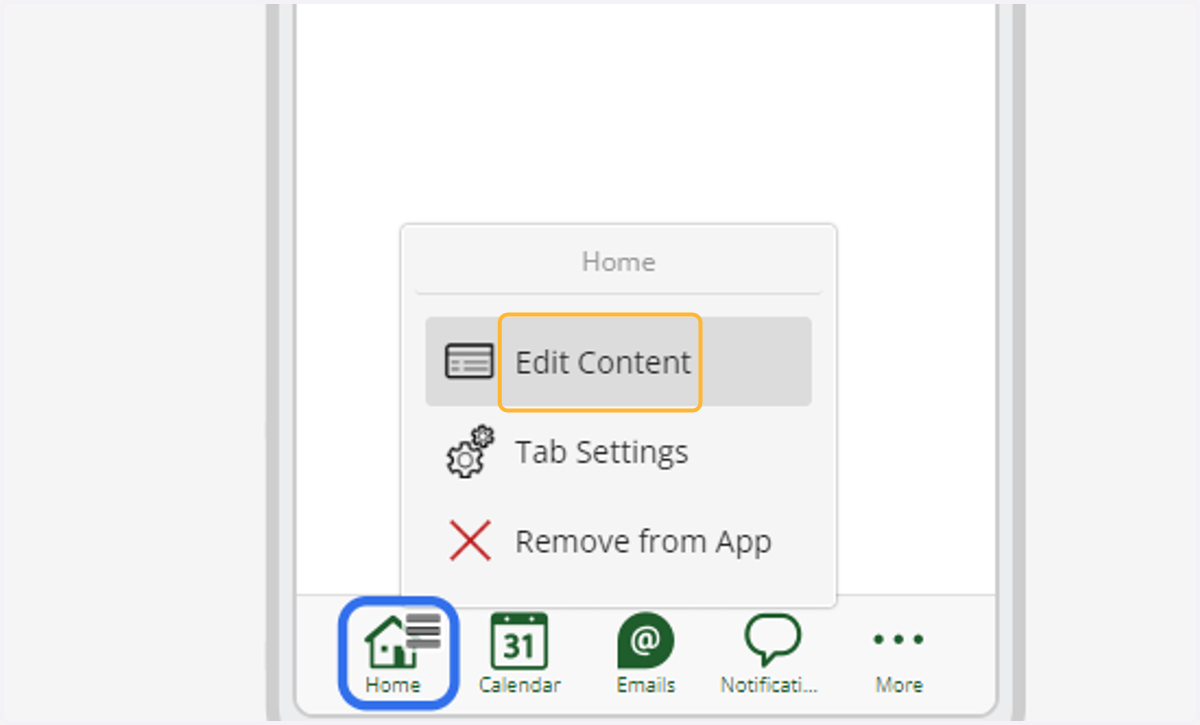
3. Click on Edit Content
Hover over the home icon (blue) to show the pop-up menu (yellow).
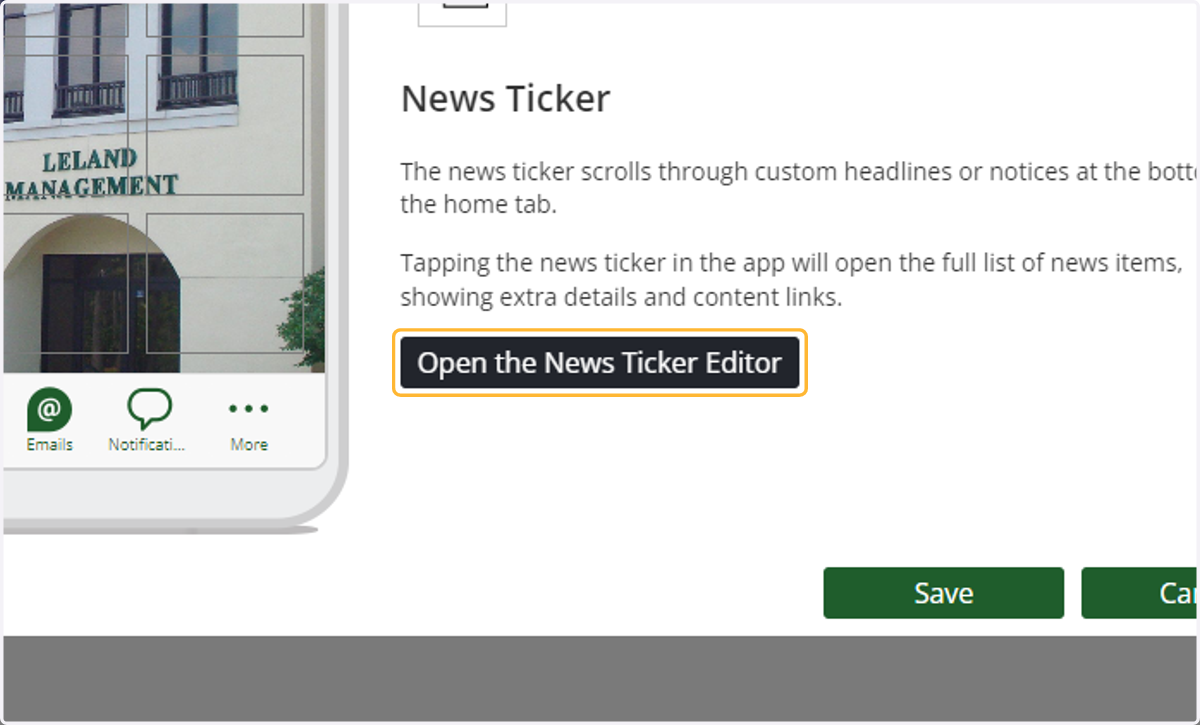
4. Click on Open the News Ticker Editor
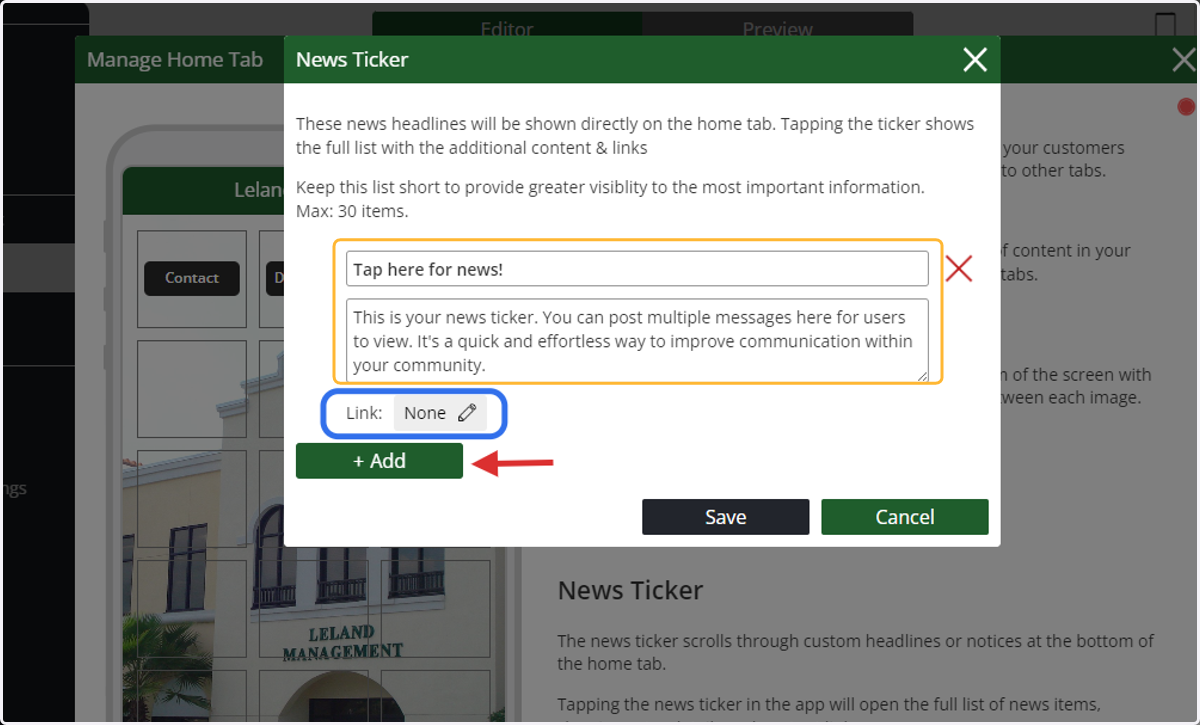
5. Edit the New ticker content
The editor allows you to create a headline and add content to your message (yellow). You can deep link the message (blue) to another page on the app, external link, or even an email. The new ticker also allows you to post multiple messages. To add a new one to the list, click the Add Button (red arrow).
6. Click on Save again
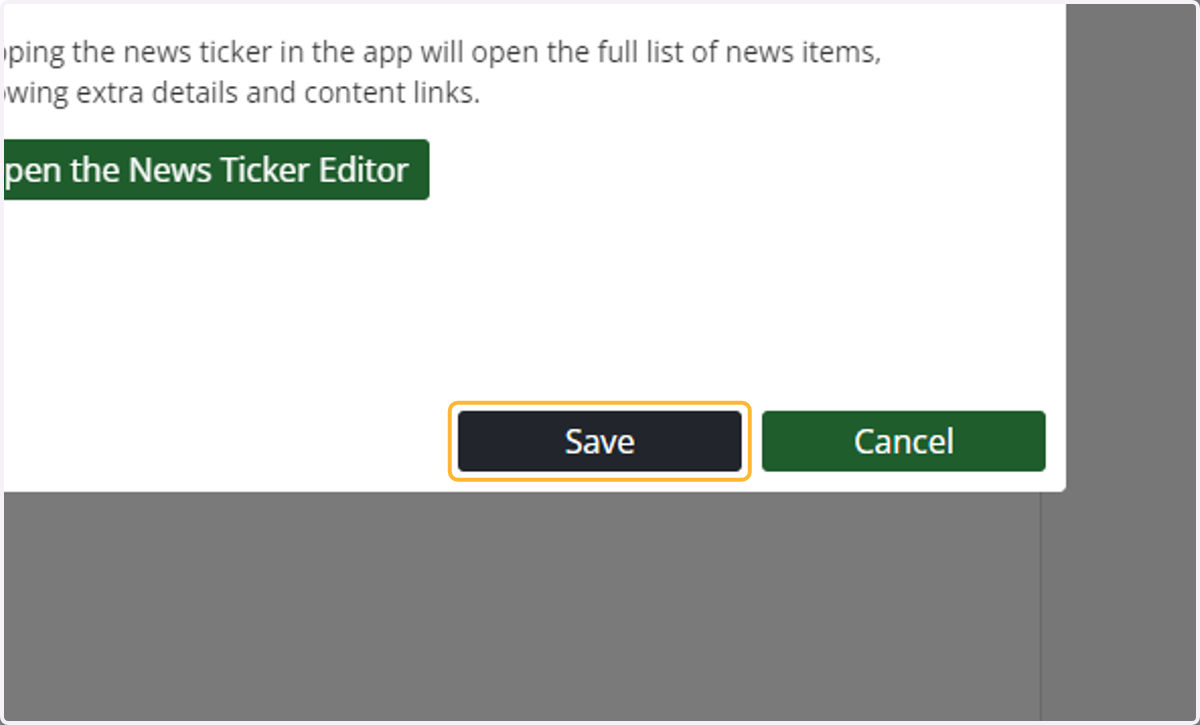
7. Click on Save