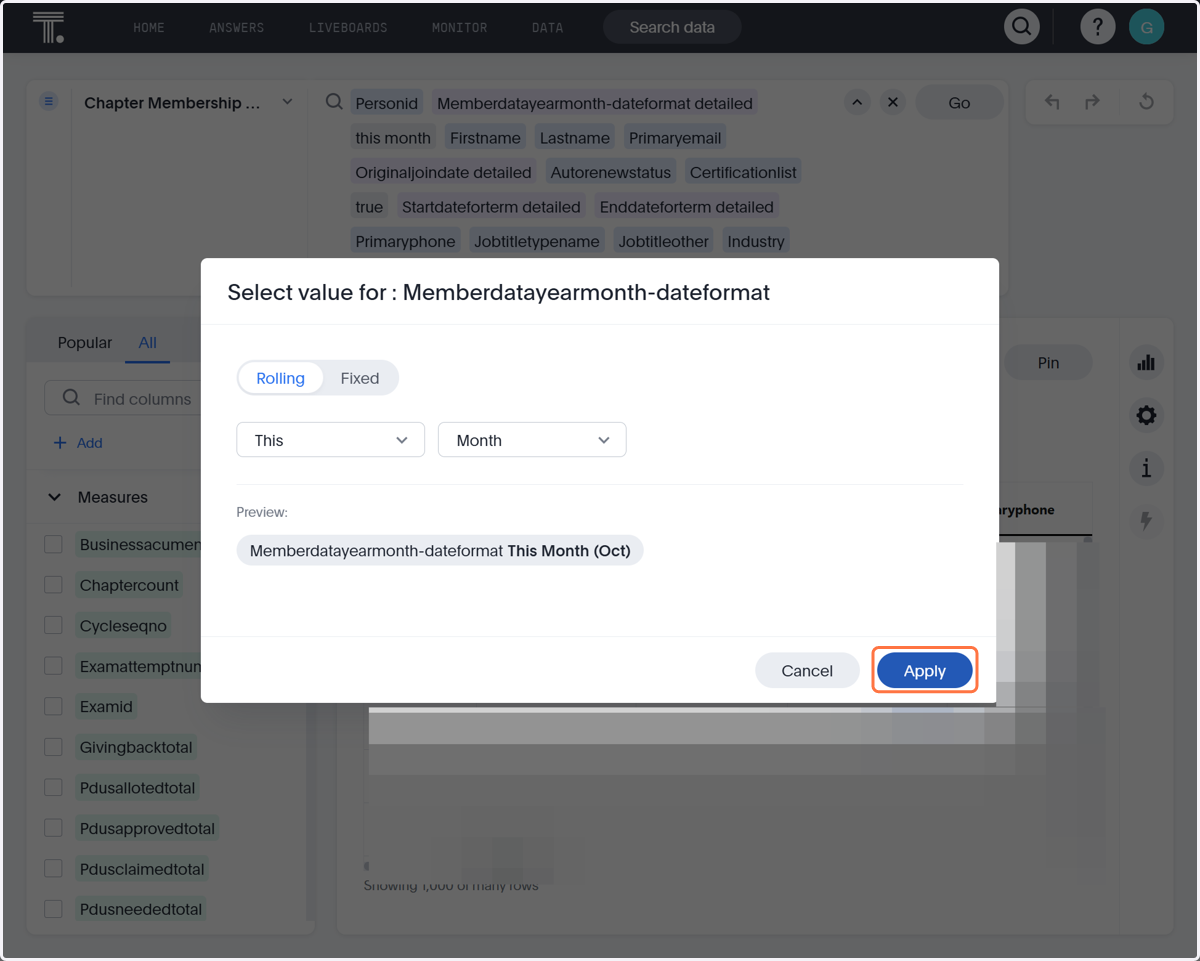
How to download the active membership list(without duplicates)
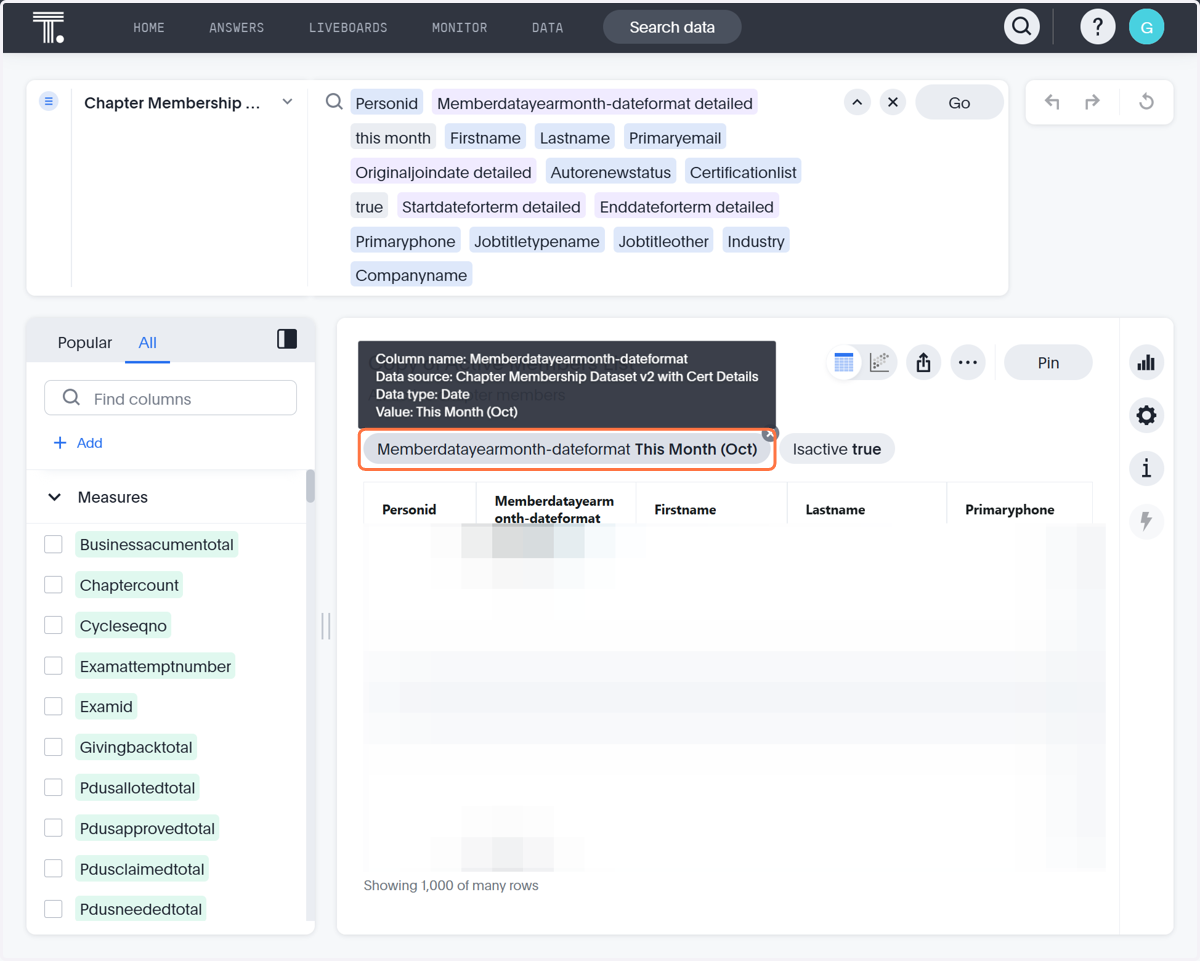
Please note the active list already does not contain any duplicates by default. This tutorial shows you how to ensure there are no duplicates if you've modified it in any way. This is shown in step 5 by ensuring you apply the (this month) filter to memberdatayearmonth-dateformat.
ThoughtSpot
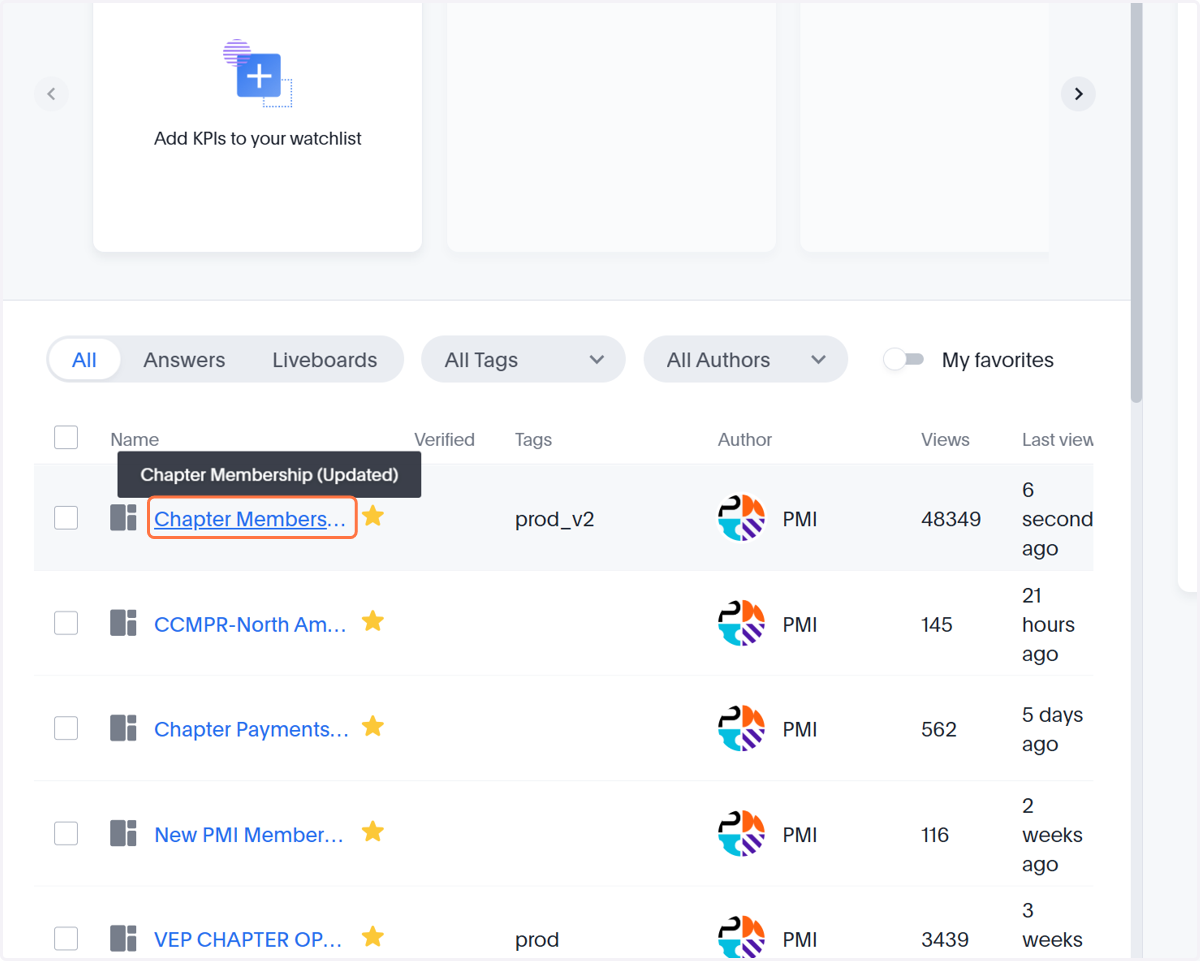
1. Click on Chapter Membership (Updated)
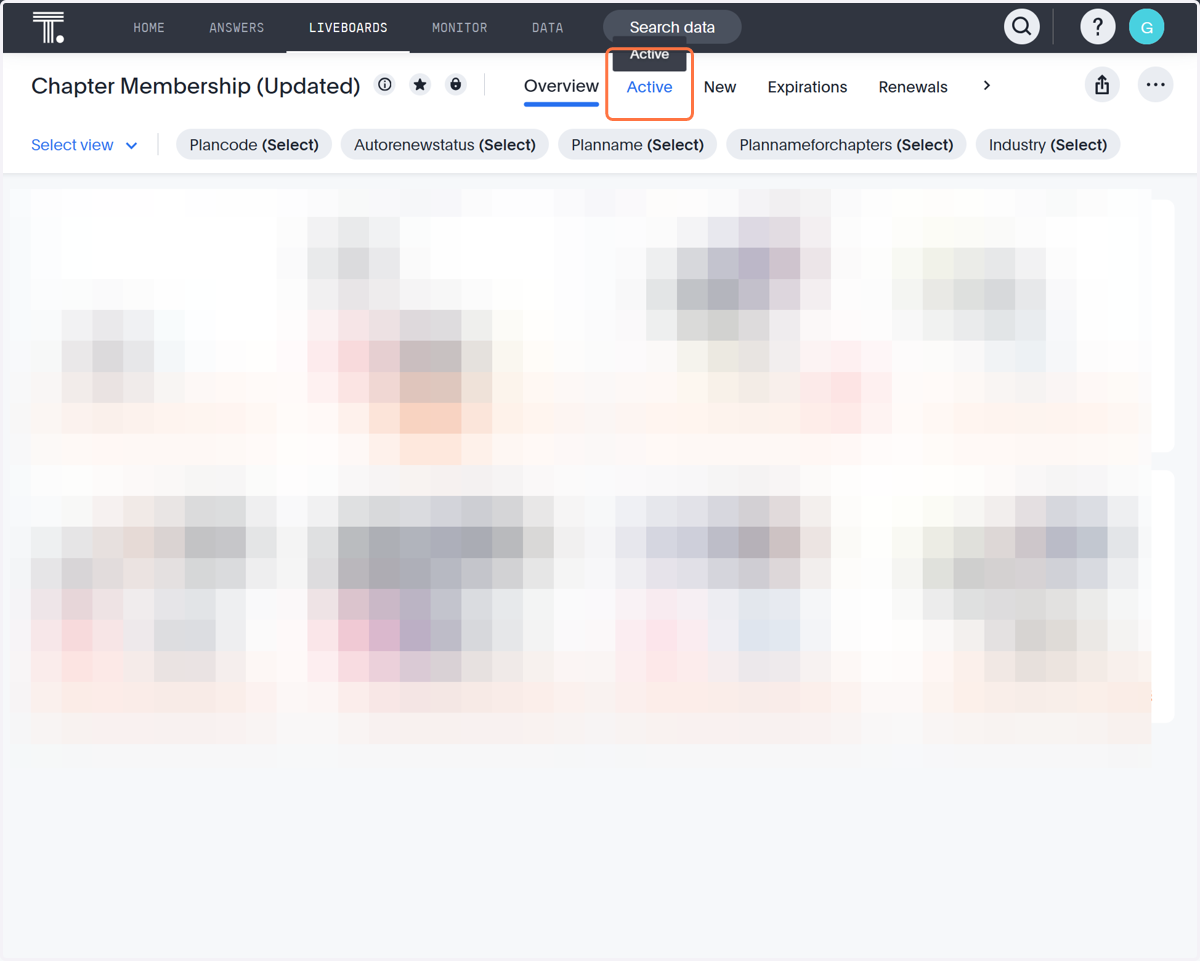
2. Click on Active tab
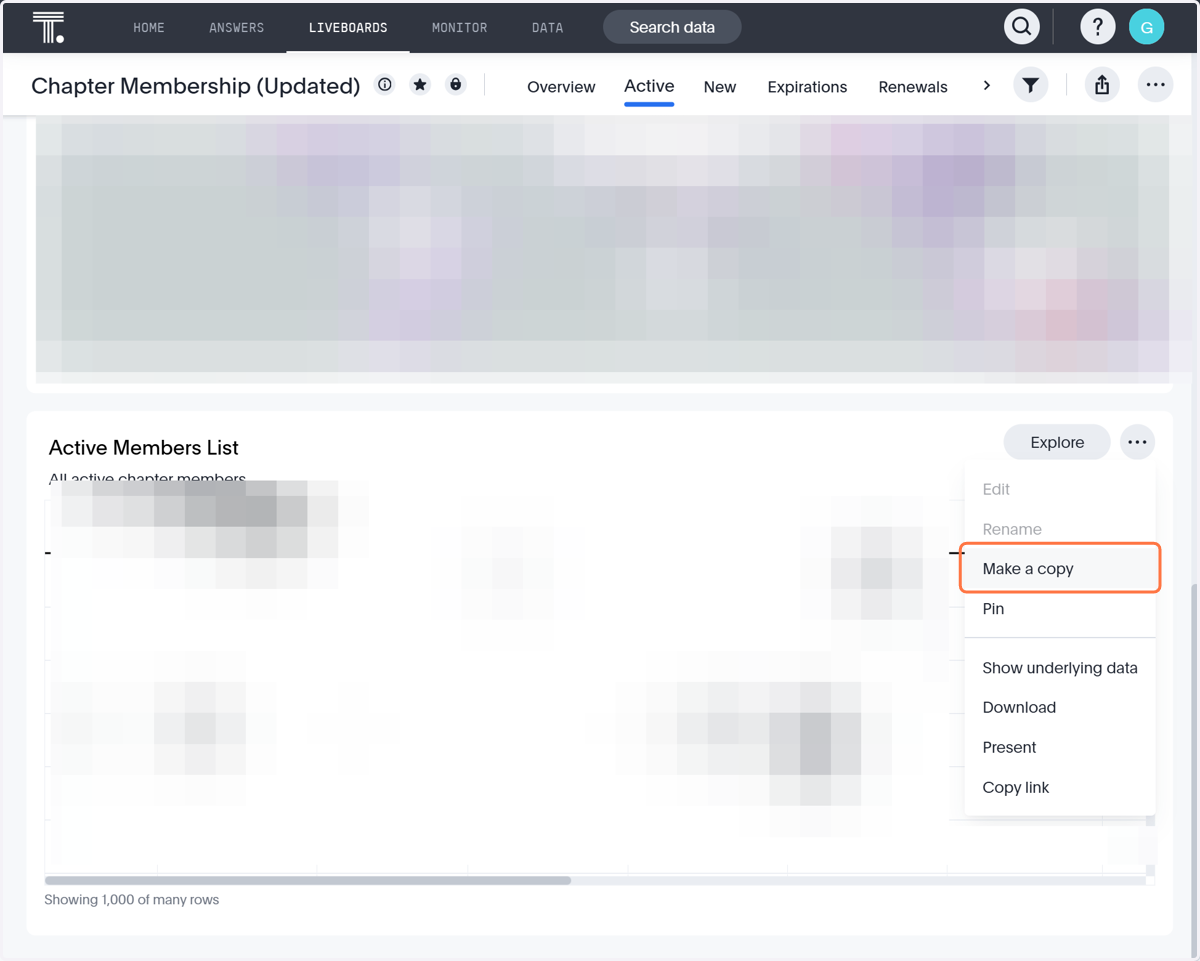
3. Click on More
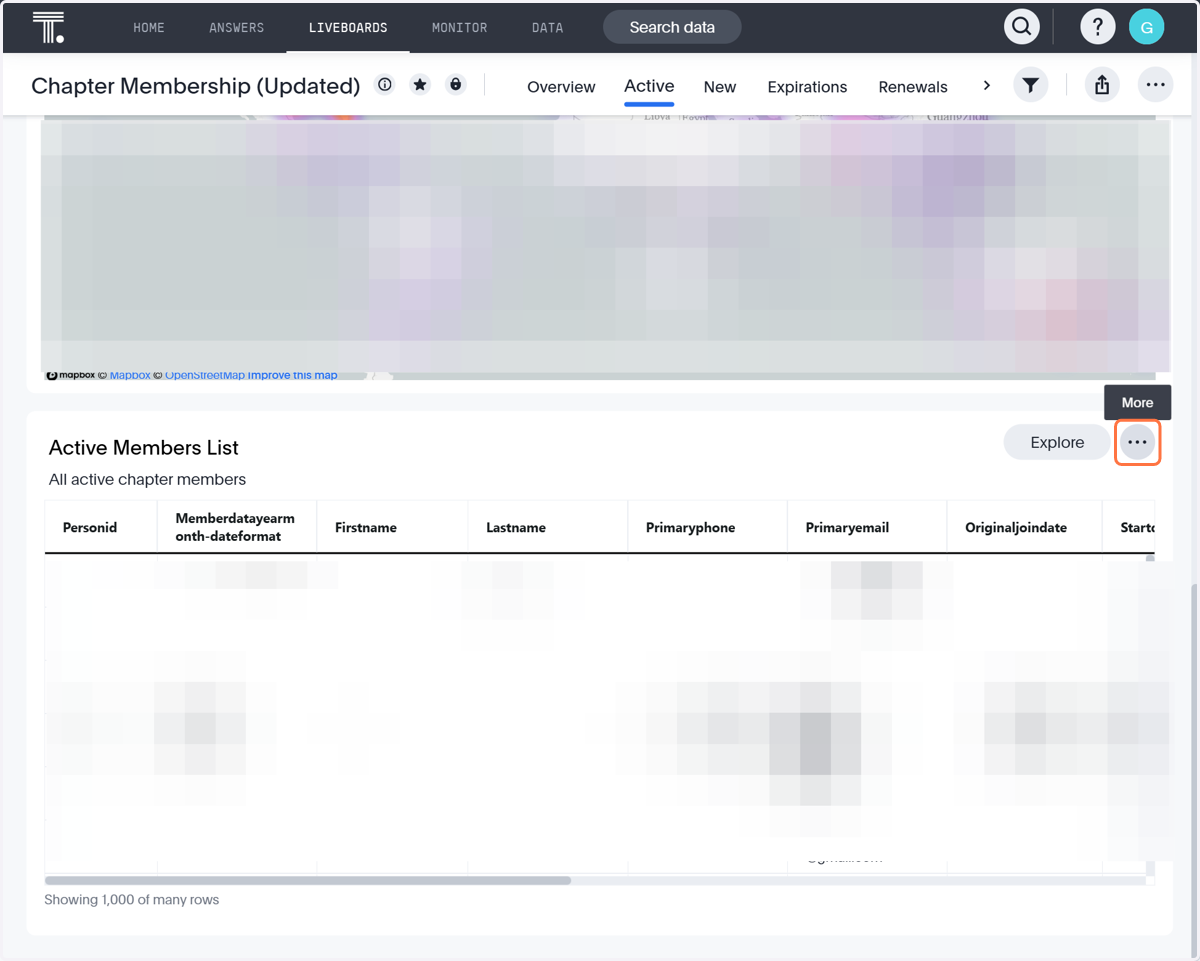
4. Click on Make a copy
5. Click on Memberdatayearmonth-dateformatThis Month (Oct). PLEASE ENSURE THIS FILTER IS SET UP EXACTLY LIKE THIS. If not, this is what will cause errors and duplications
6. Click on Apply