How to delete cookies from app.tango.us
In some cases, SSO sign in will error out when an invalid authentication cookie is present. This Tango shows you the steps to clear out cookies and hopefully let you log back in!
Tango
1. Having trouble signing in with SSO?
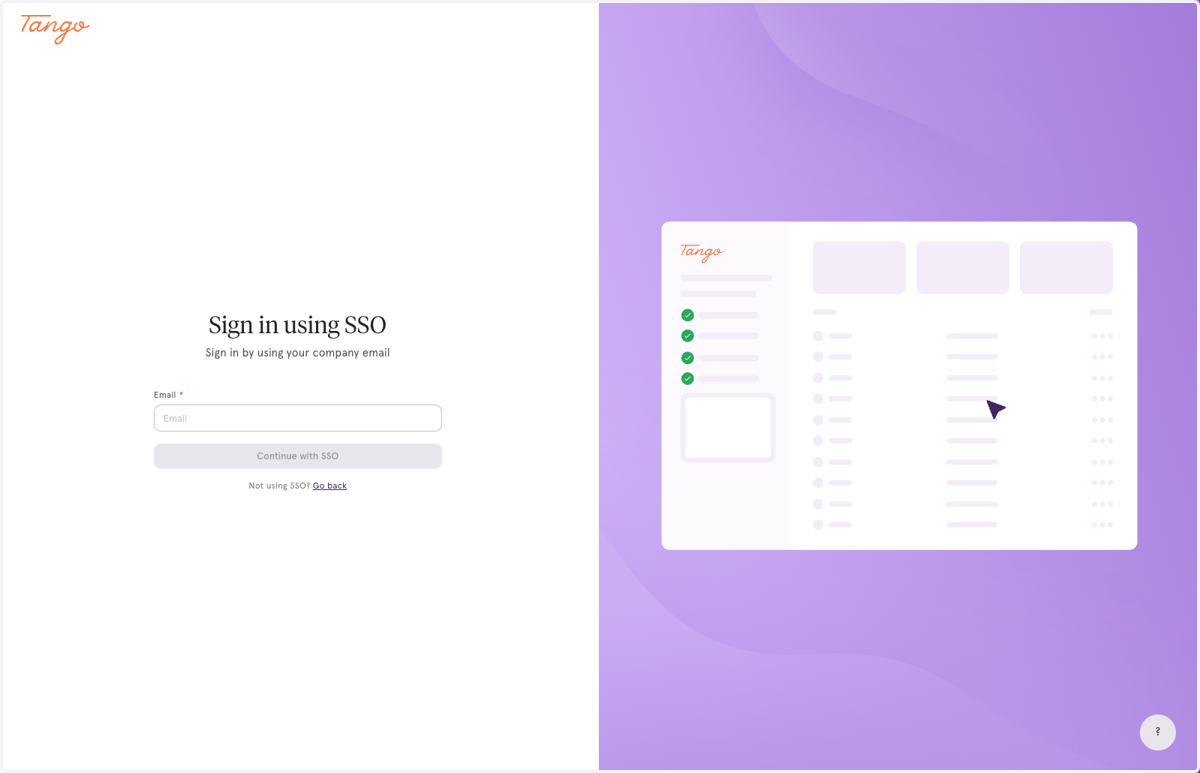
🍪 Delete cookies on app.tango.us
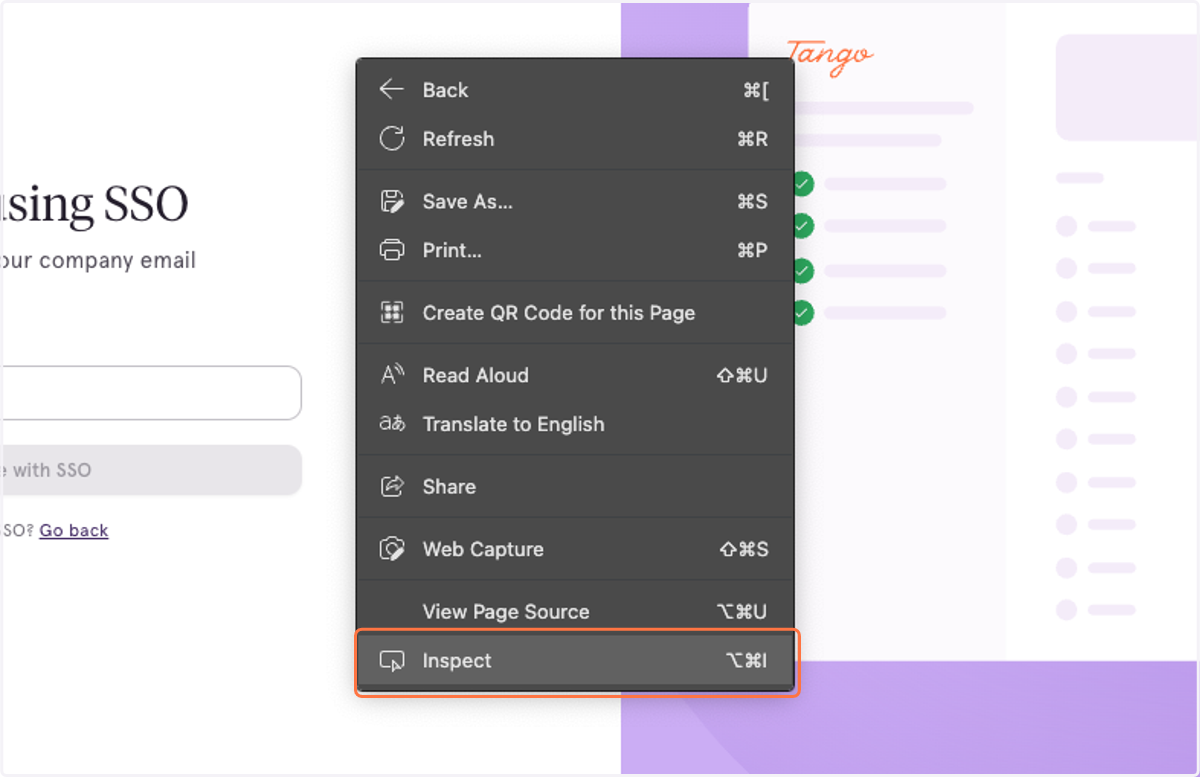
2. Right click on the page and click "Inspect"
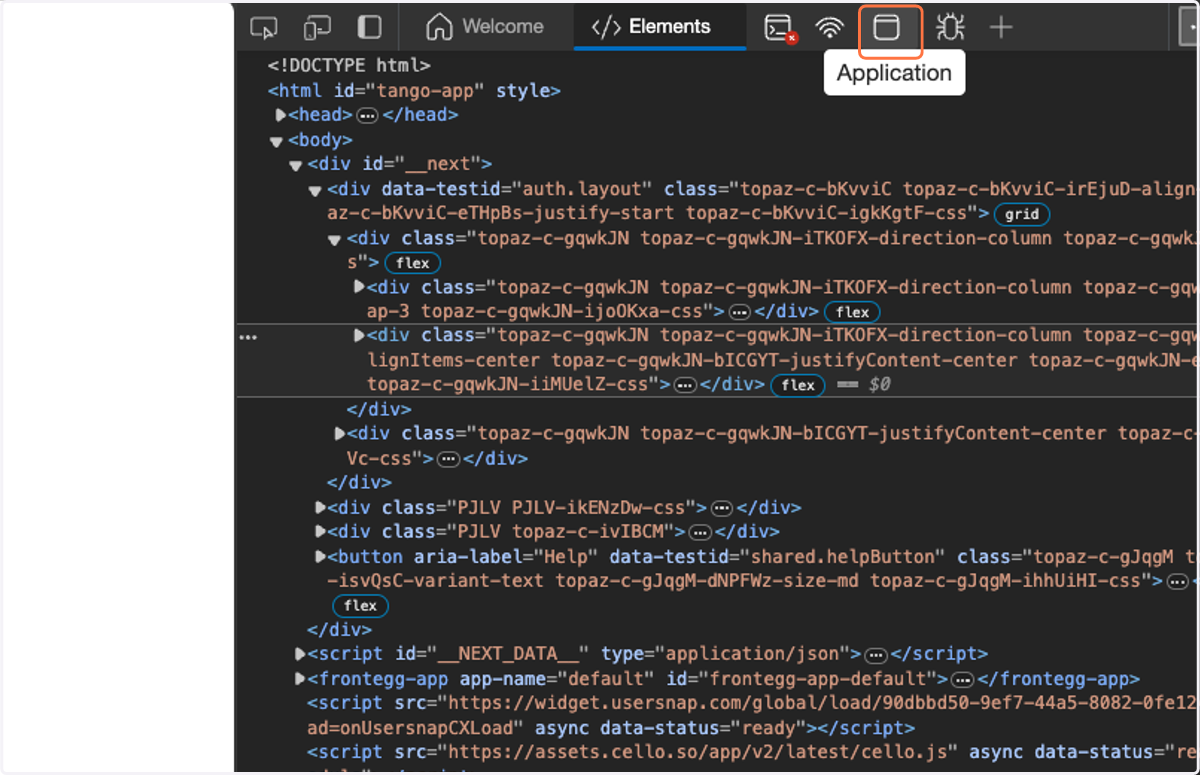
3. With the panel open, click on the "Application" Tab
Note: It might look slightly different depending on which browser you're using
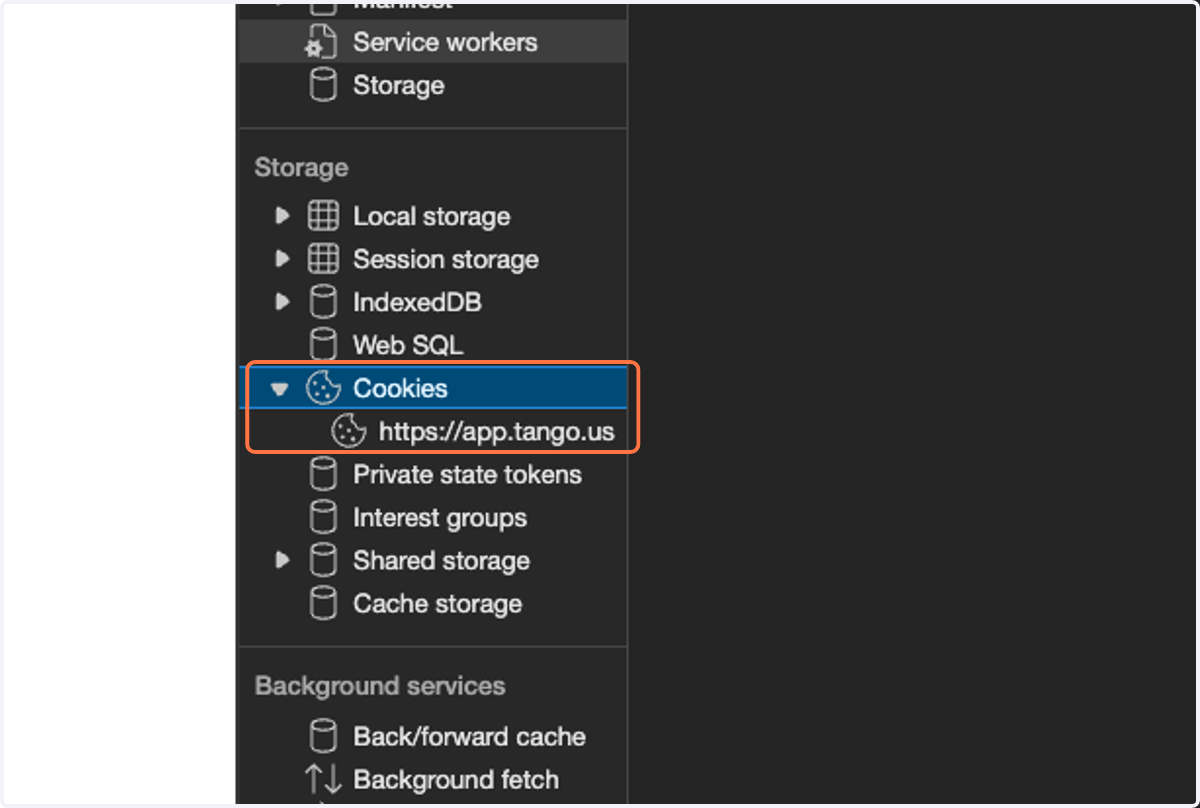
4. Find the "Cookies" menu item and click on the triangle to expand
Double clicking will work as well
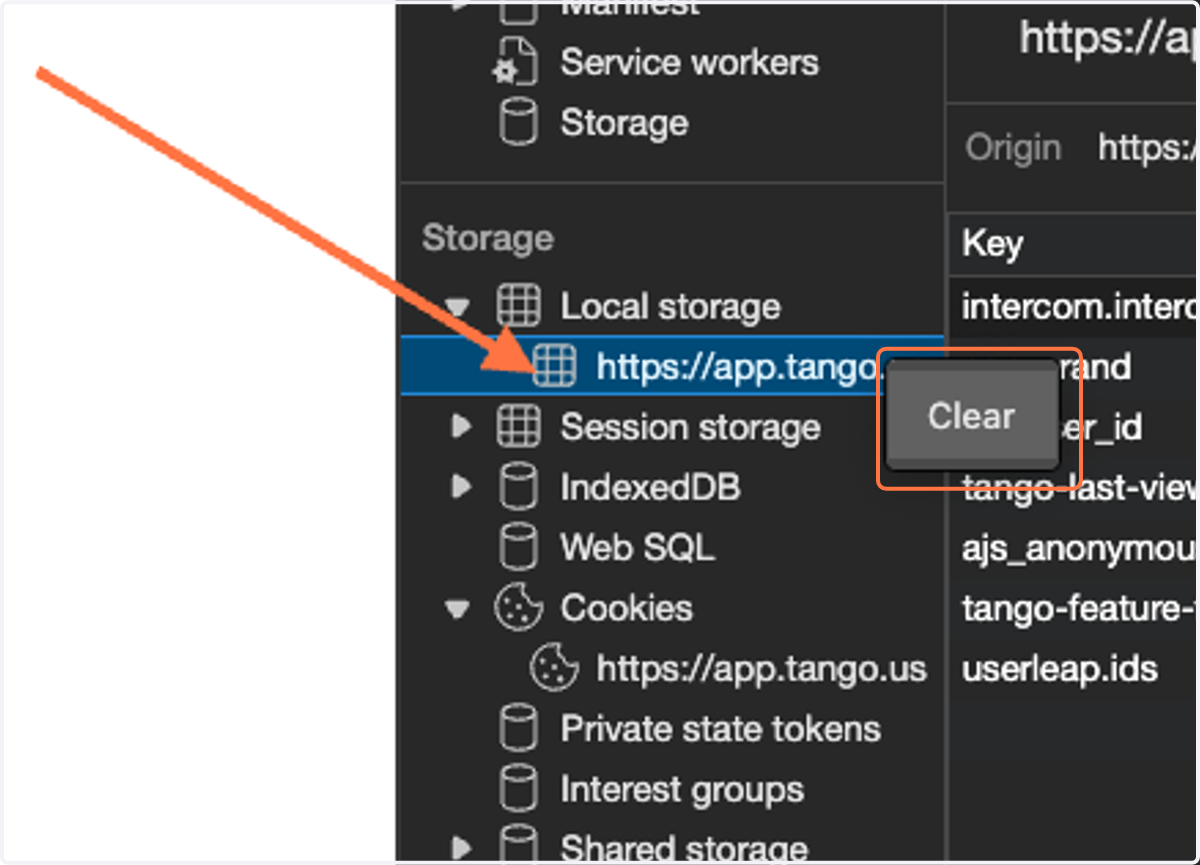
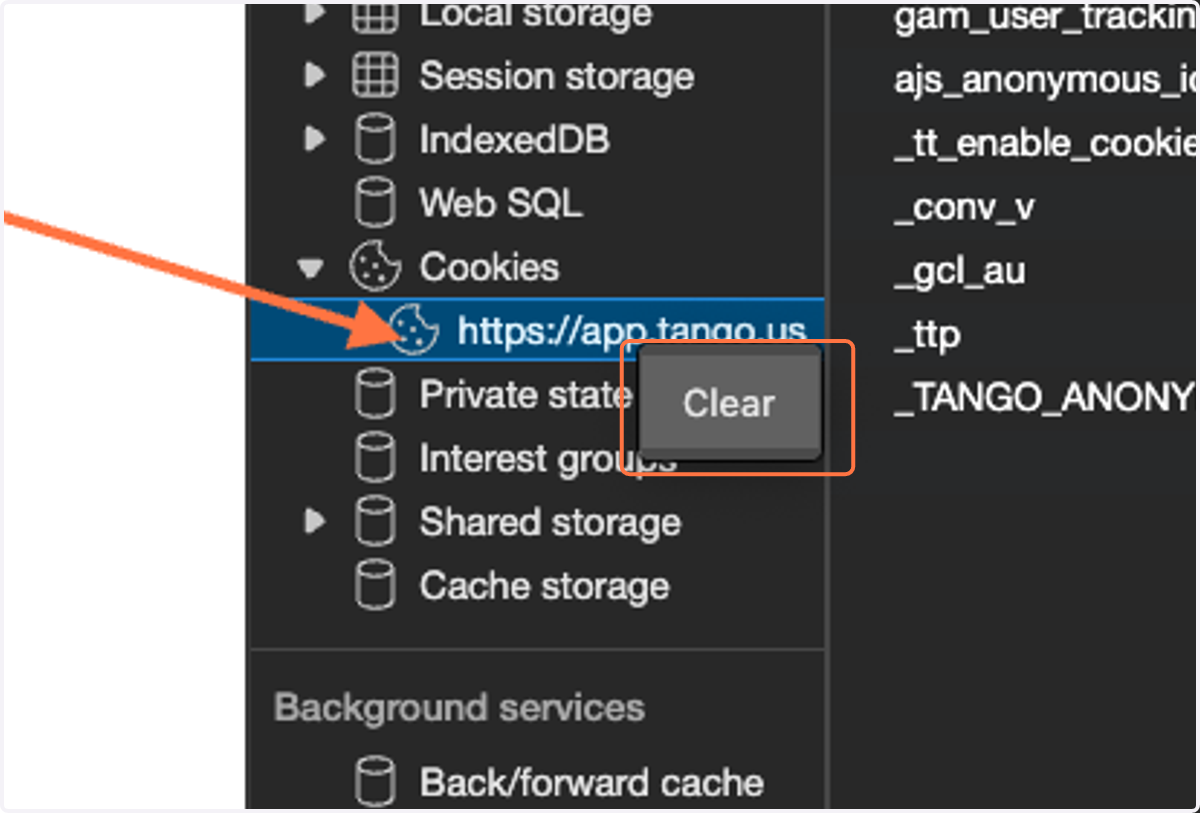
5. Right click on "https://app.tango.us" and click "Clear"
This will wipe out all your cookies for Tango
6. Do the same thing for "Local storage"