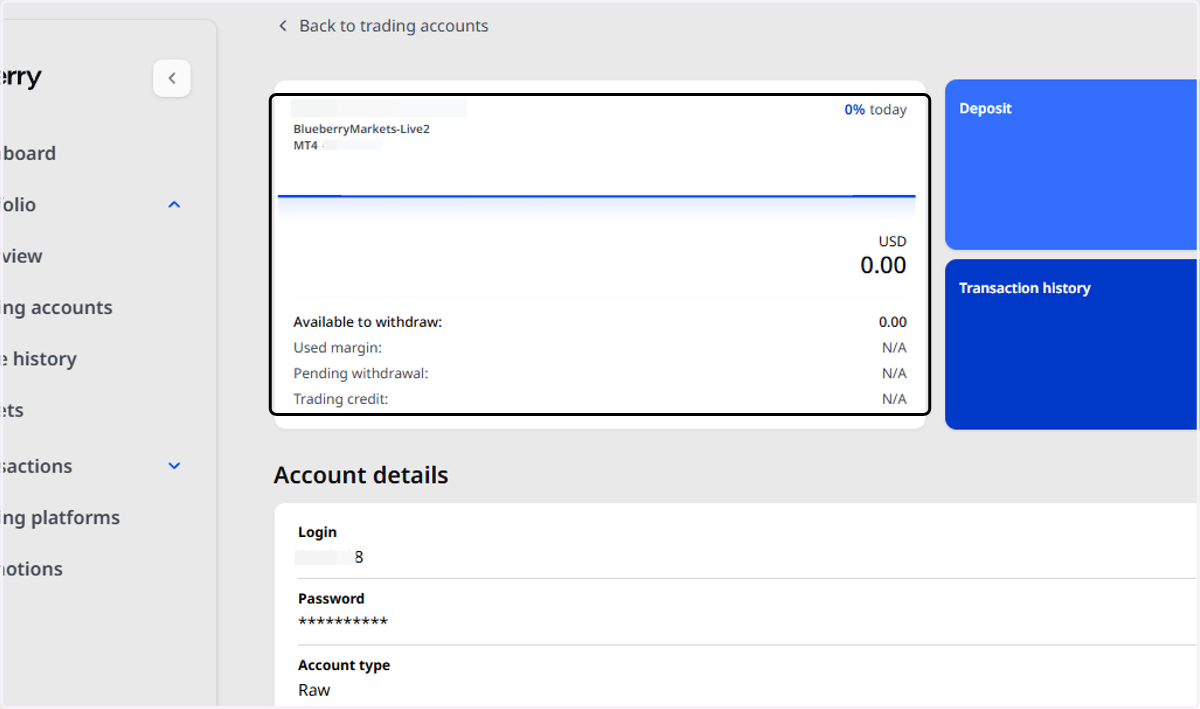
How to create a MT4/MT5 Live2 Account
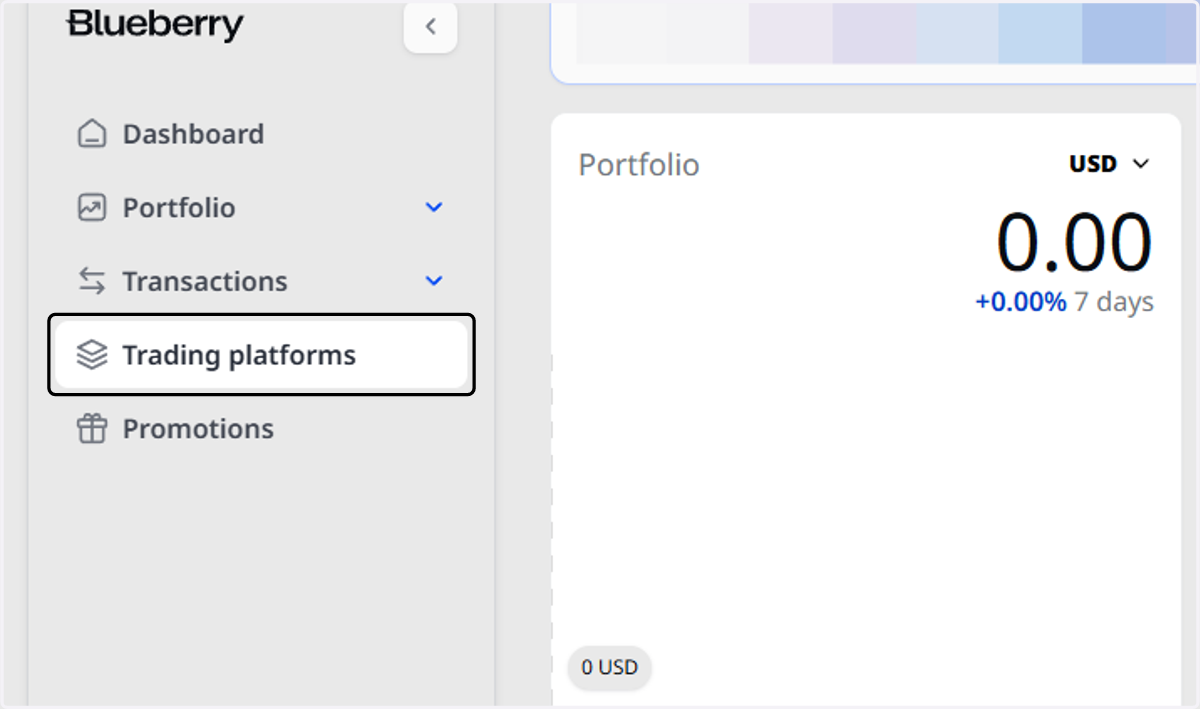
1. Once you have logged into the Client Portal, click on Trading platforms.
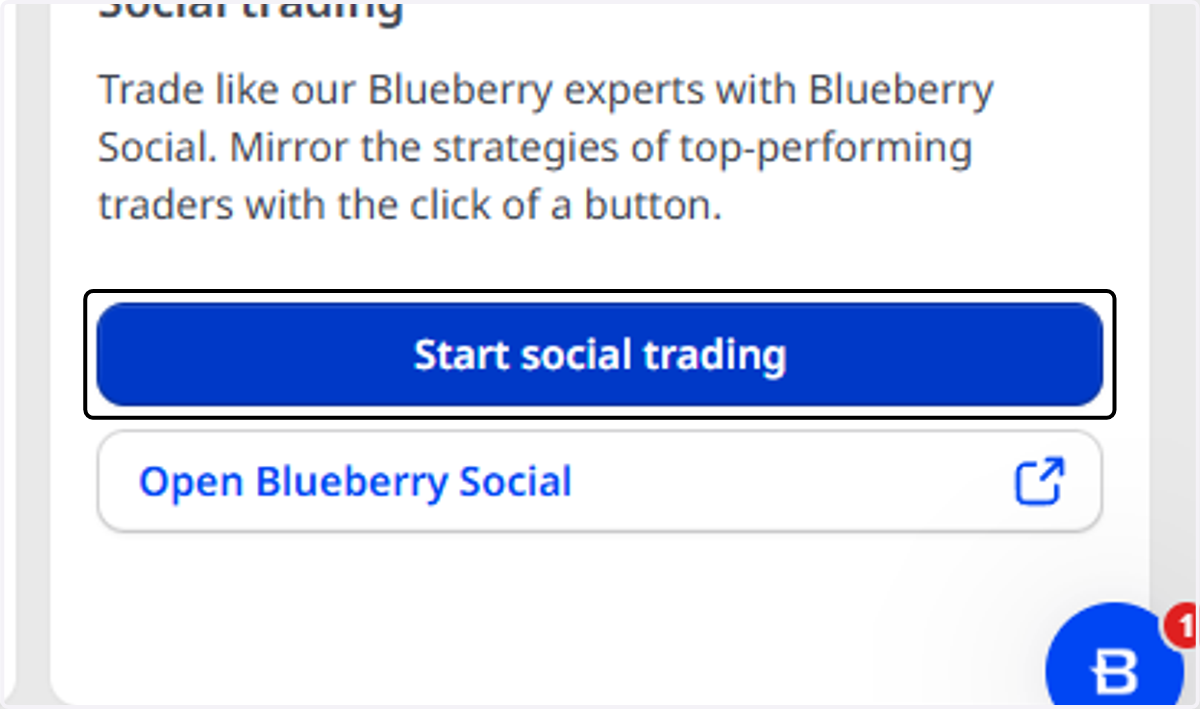
2. Scroll to the bottom, and you will find the option for Social trading

3. Click on Start social trading
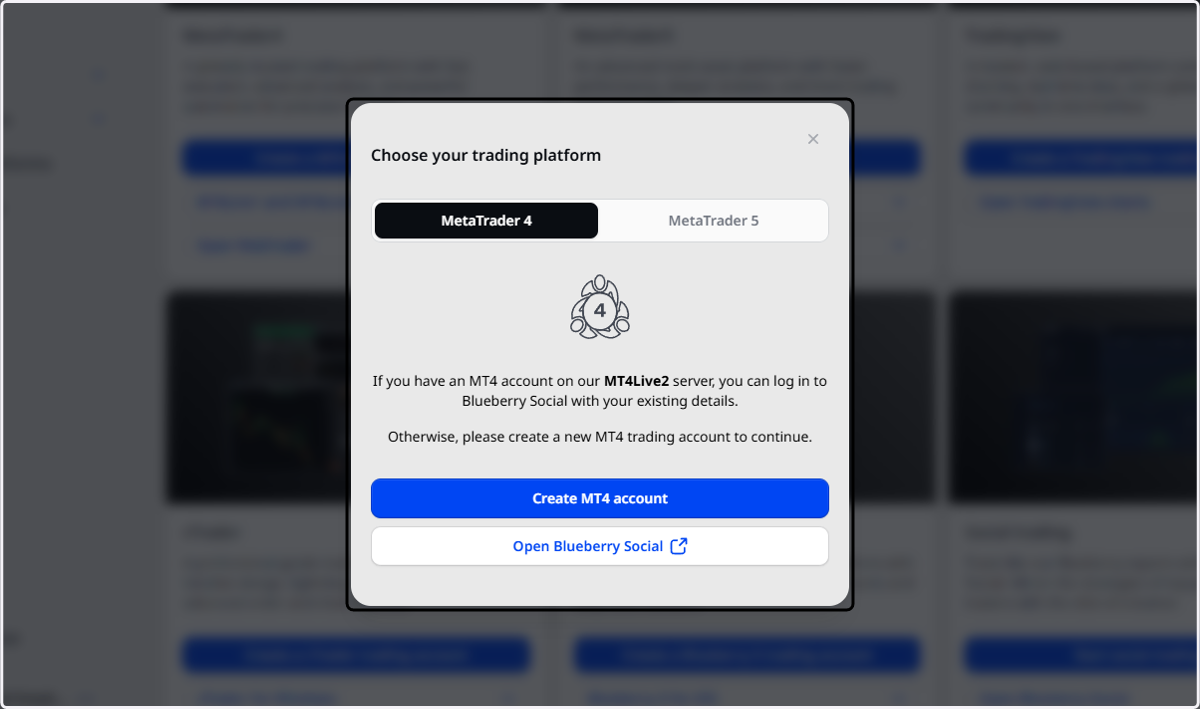
4. This window will pop up, allowing you to choose either an MT4/MT5 Live2 account to be created.
5. Your new MT4/MT5 account will then be created with a Live02 server, ready to be used for Copy Trading!