How to create a HIMSS Account
How to create a HIMSS account
Go to himss.org
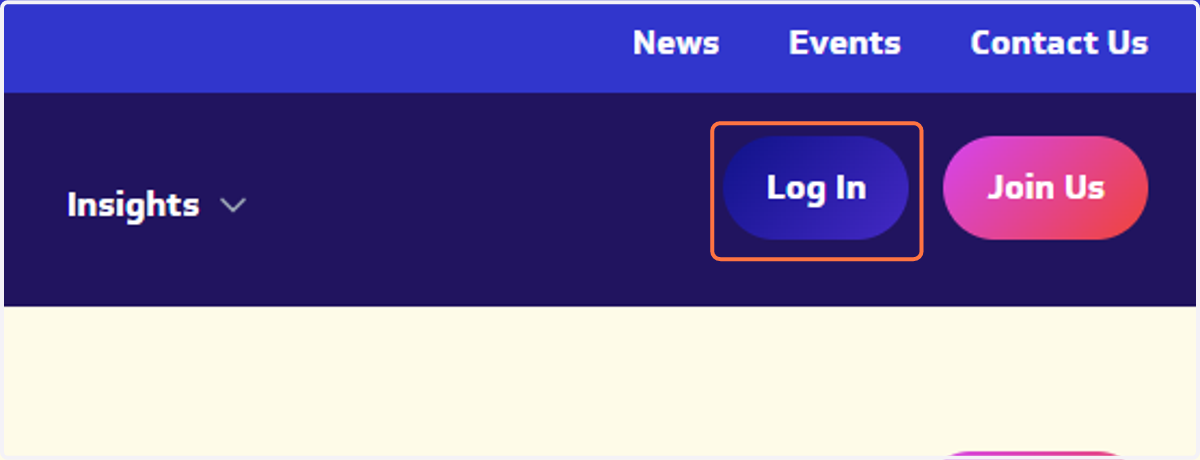
1. Click on Log In
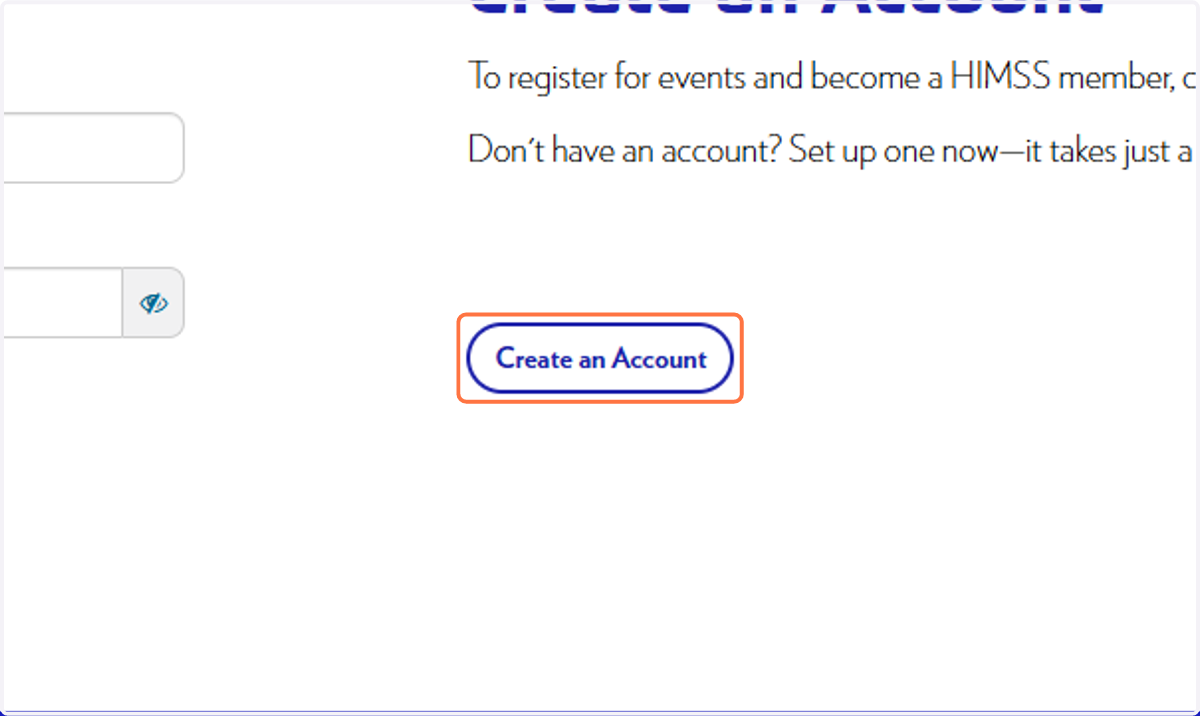
2. Click on Create an Account
3. Enter your details
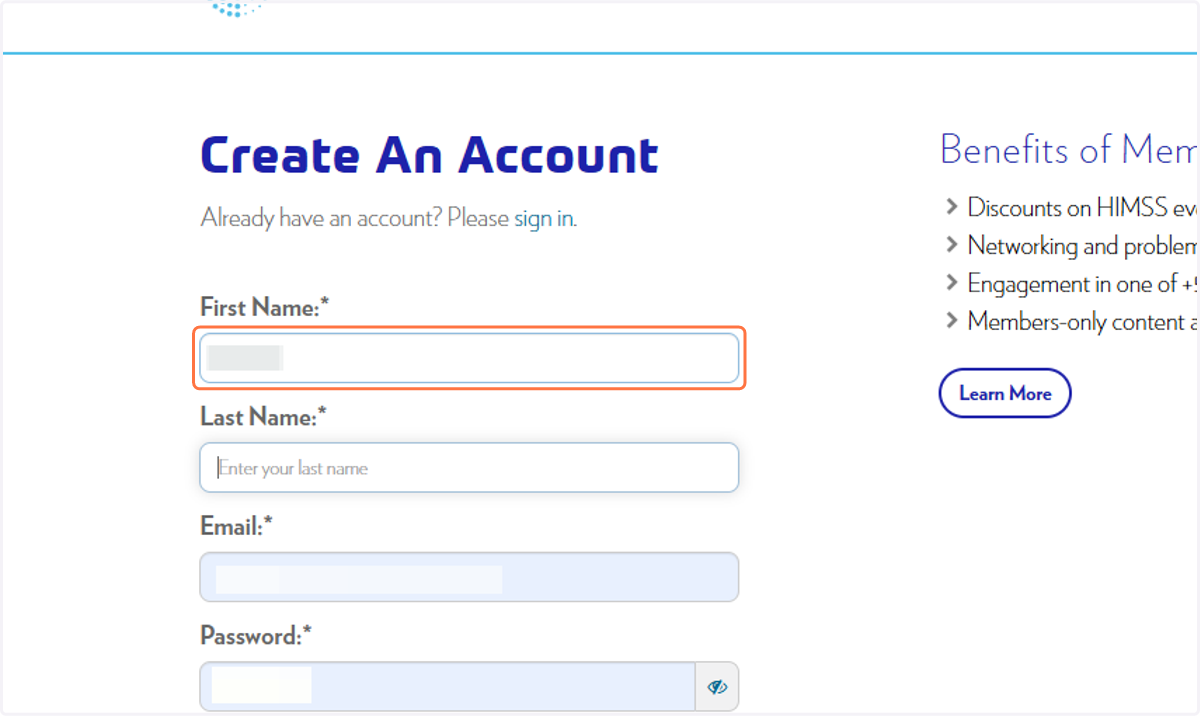
4. Use your Monash Health email address
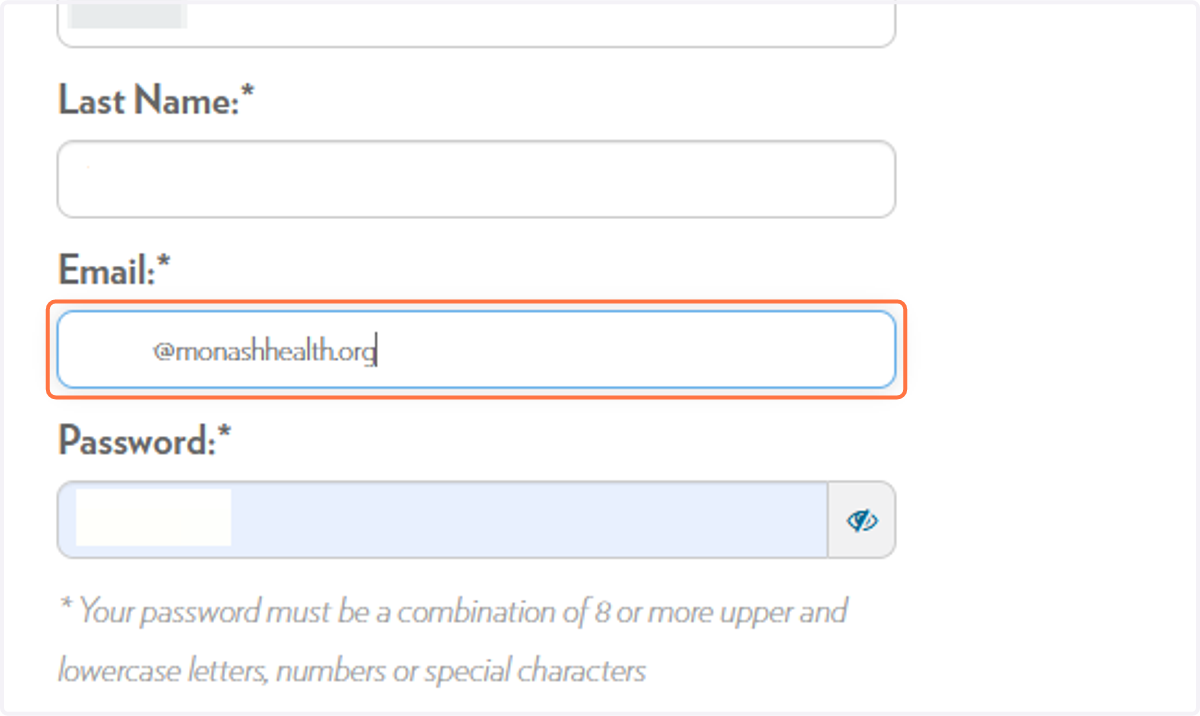
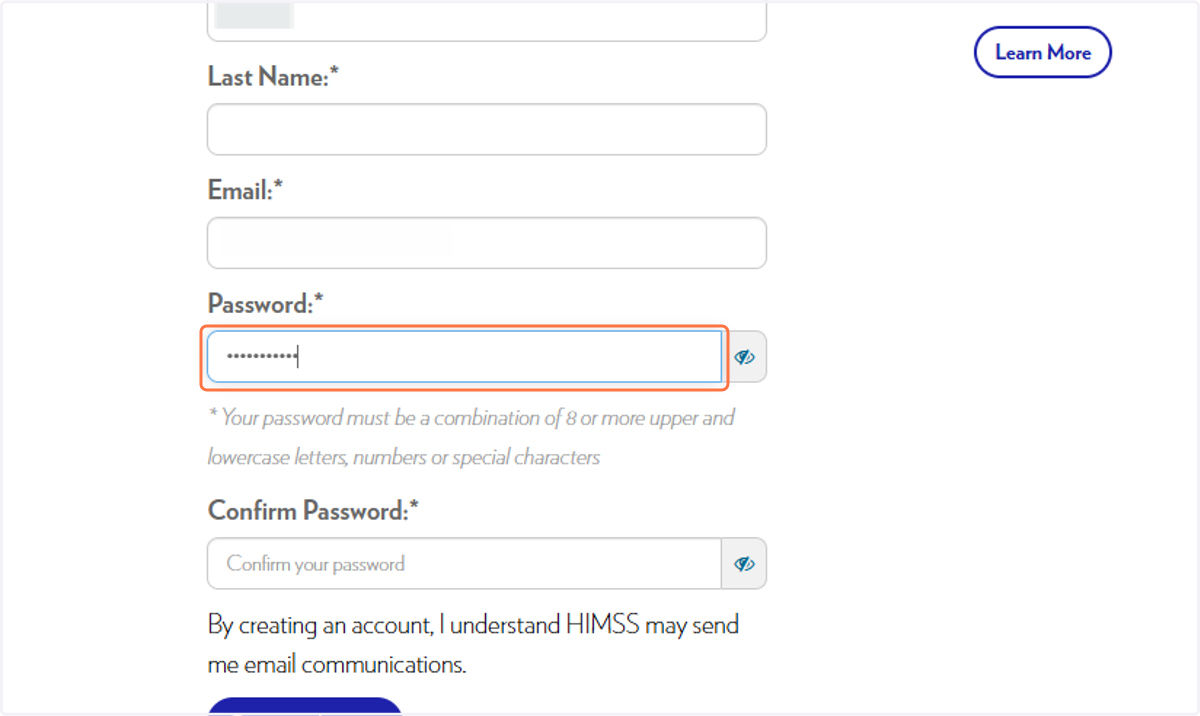
5. Type and confirm your password
6. Click on Create an Account
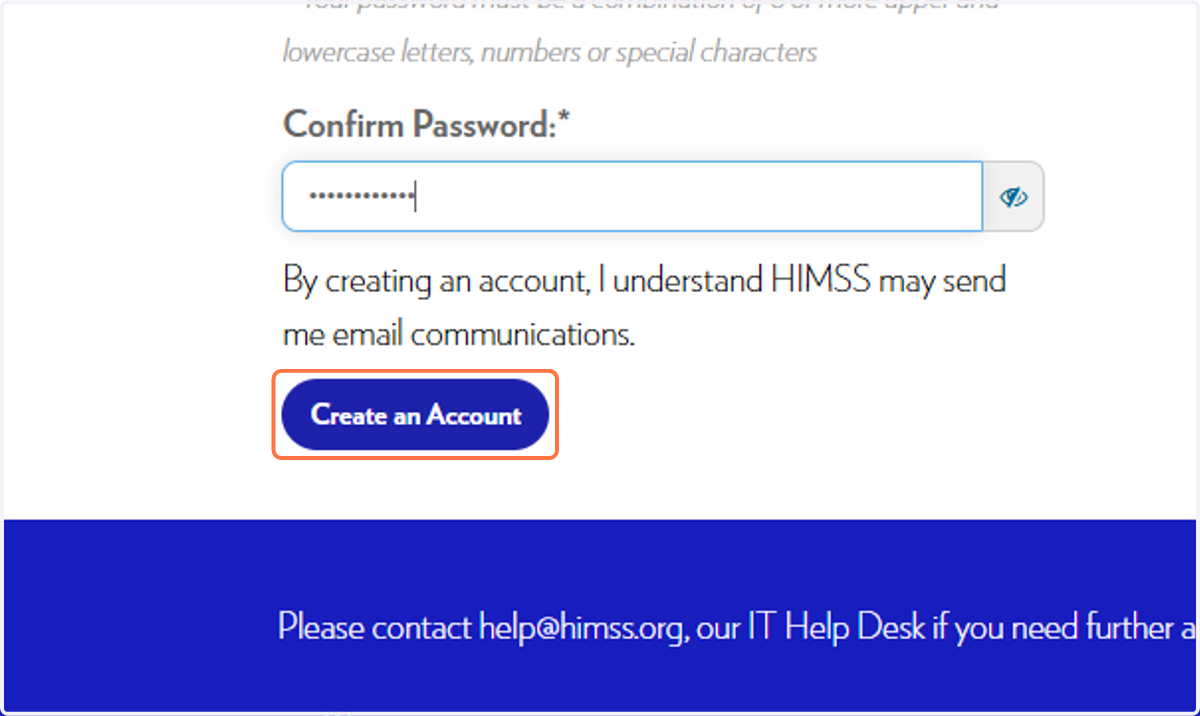
7. After you click on Create an Account, you will be sent a verification email.
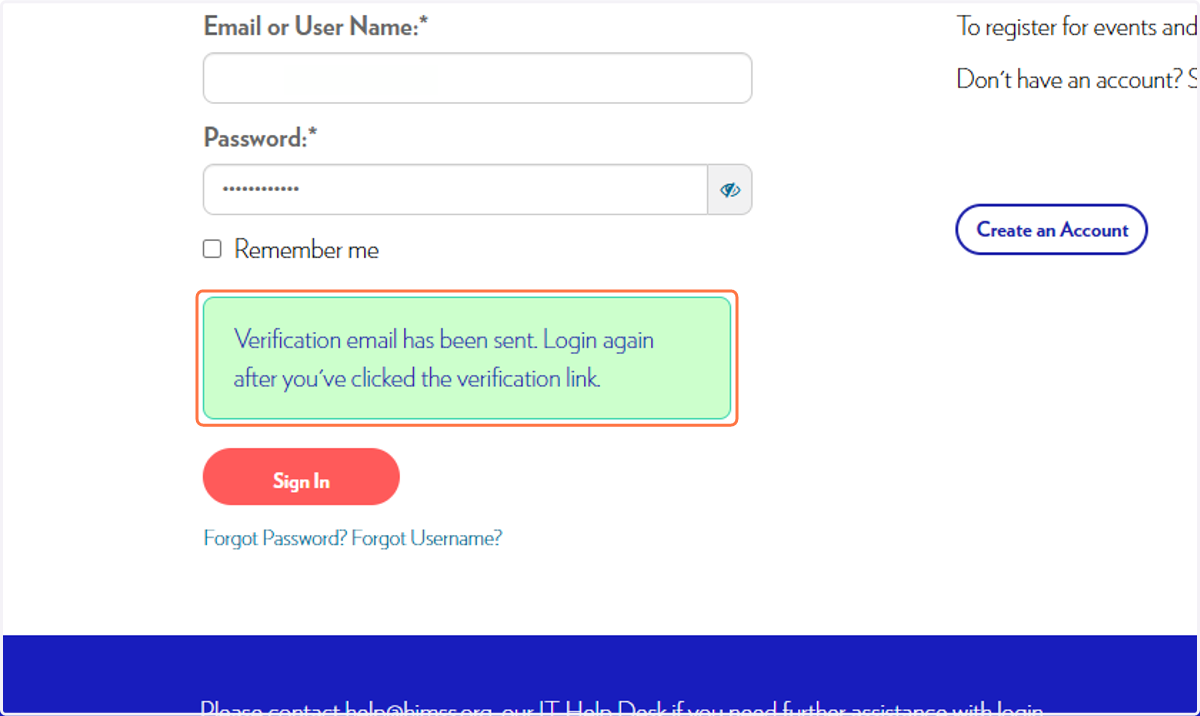
Open your email inbox
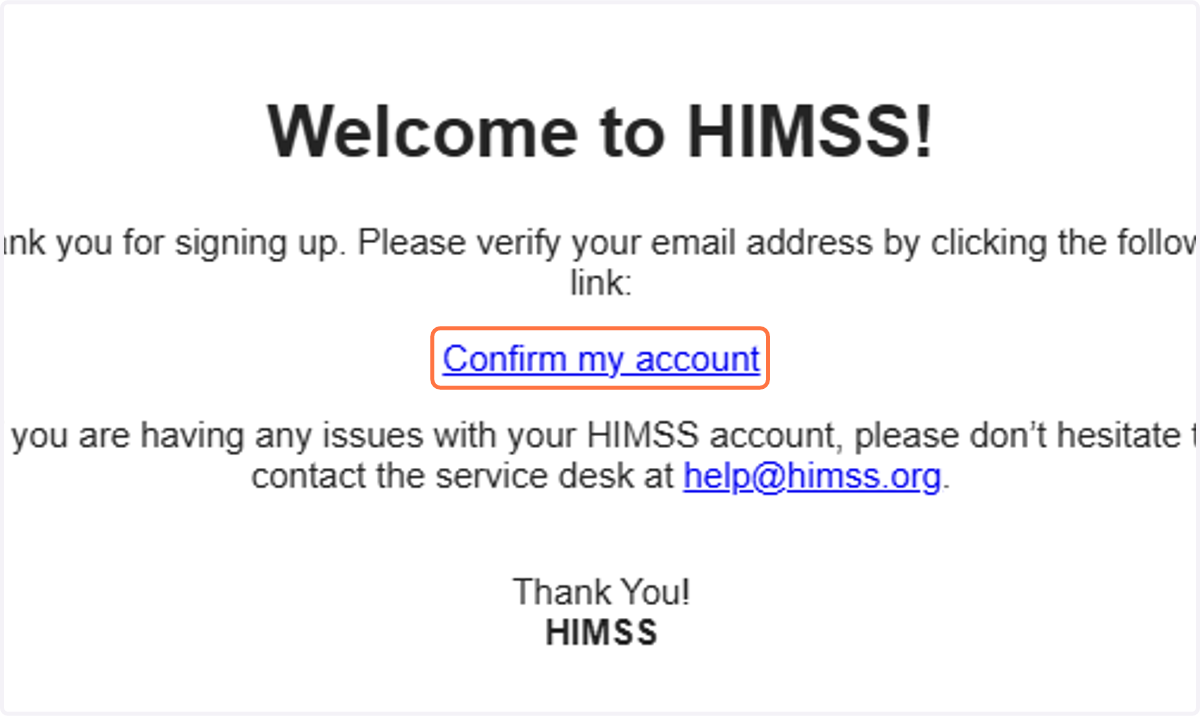
8. Click on Confirm my account
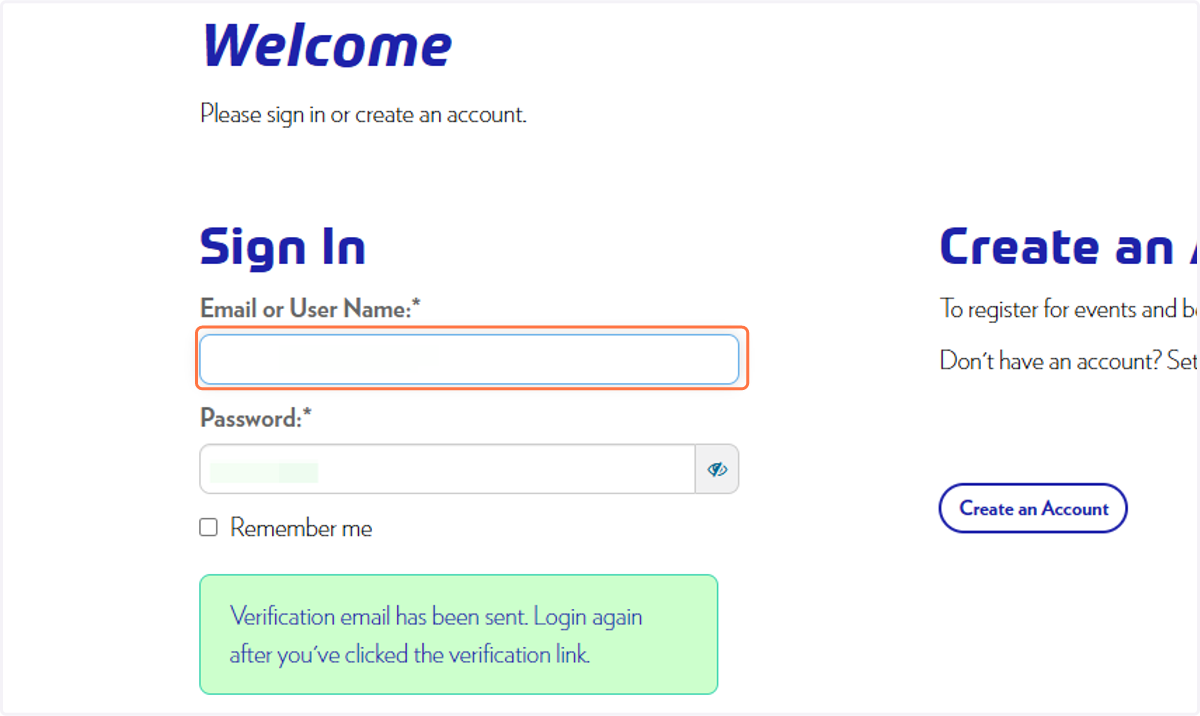
9. Enter the username and password you signed up with
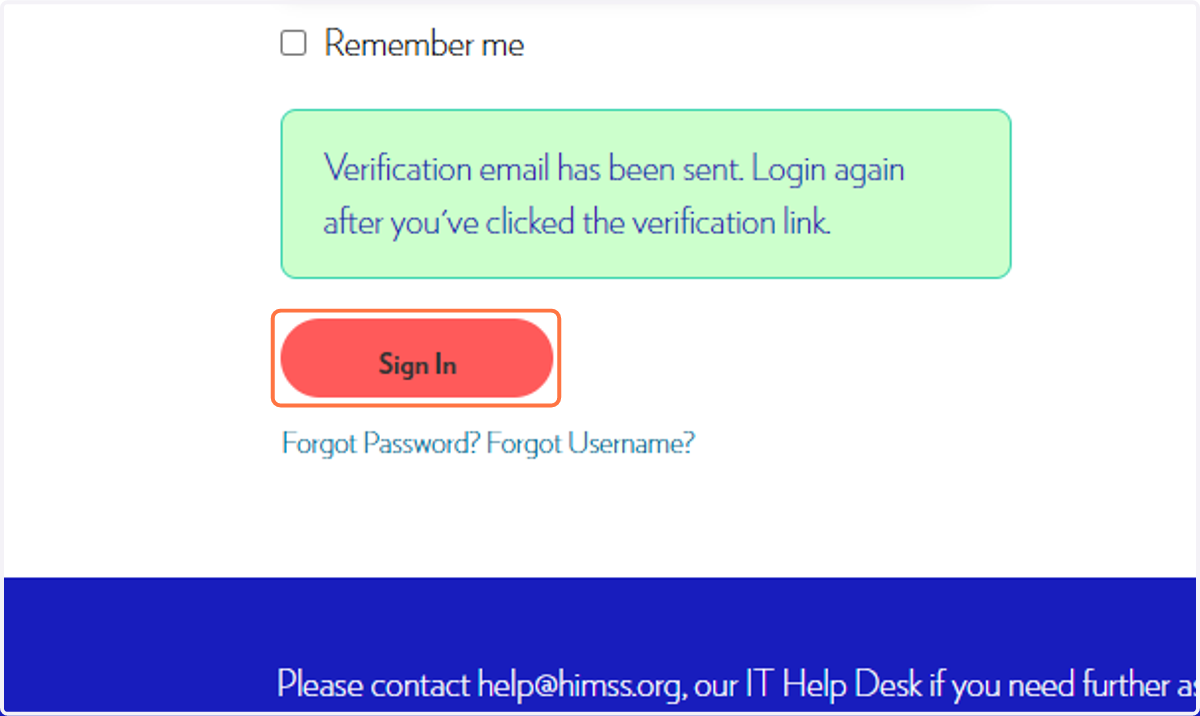
10. Click on Sign In
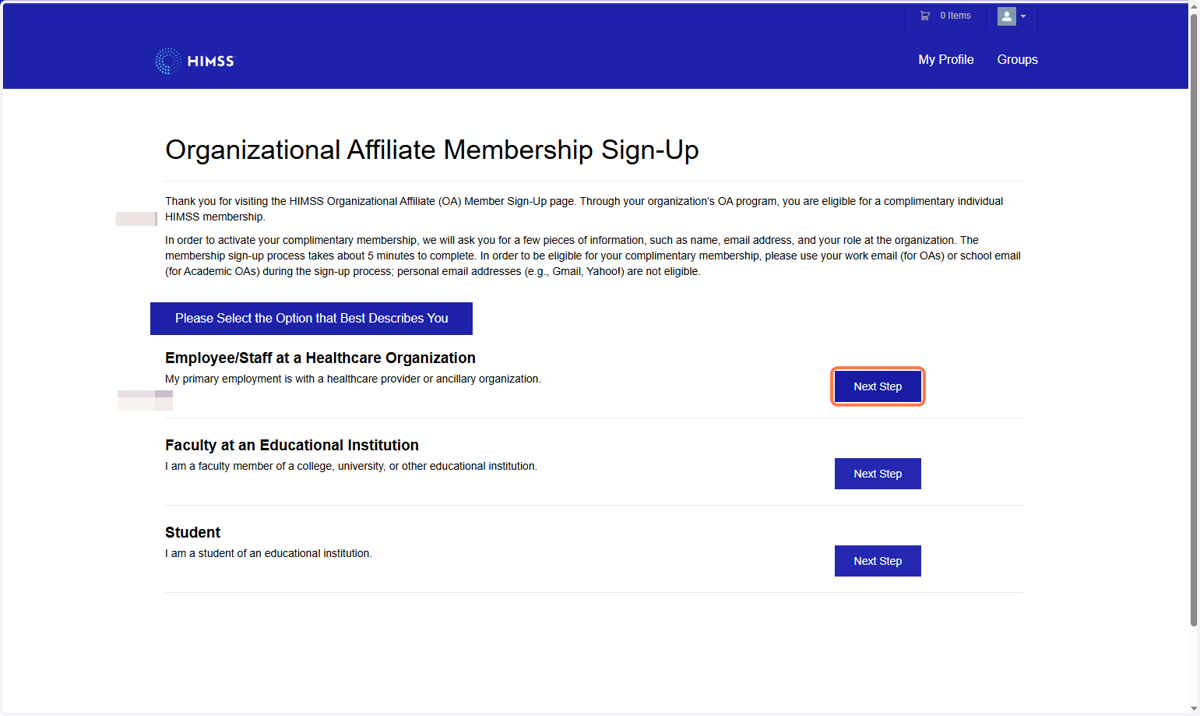
11. You should see the following page. Click on 'Next Step' for Employee/Staff at a Healthcare organisation
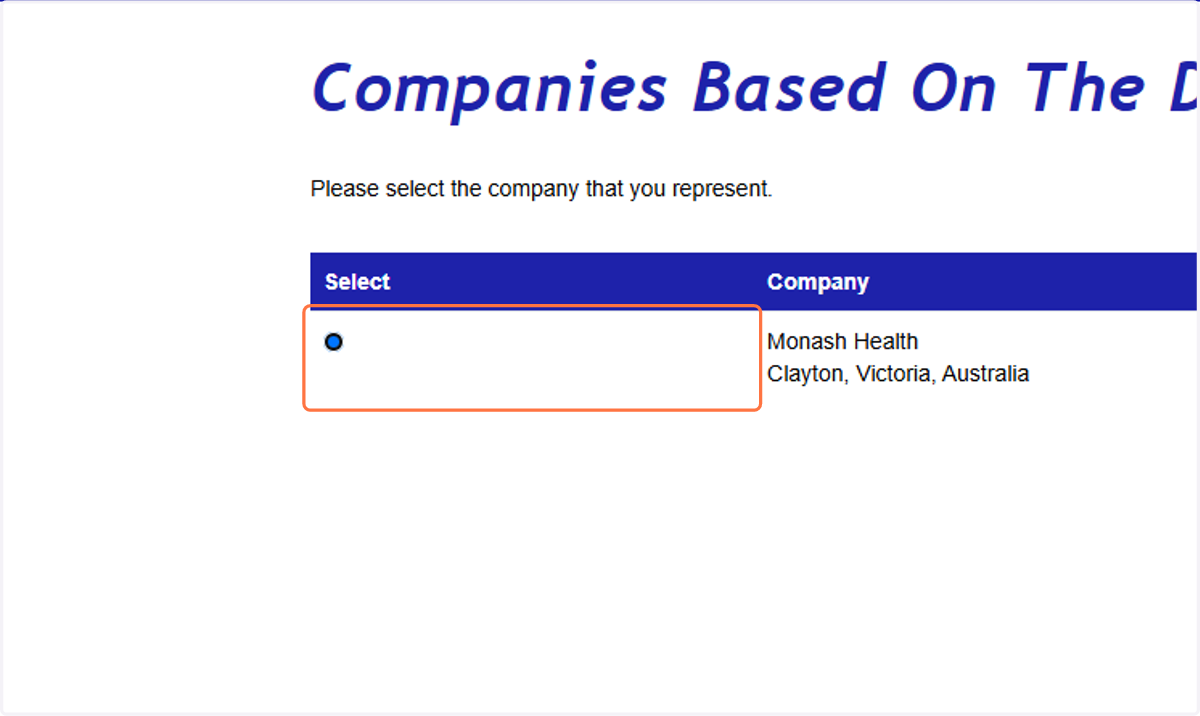
12. Select the button for Monash Health
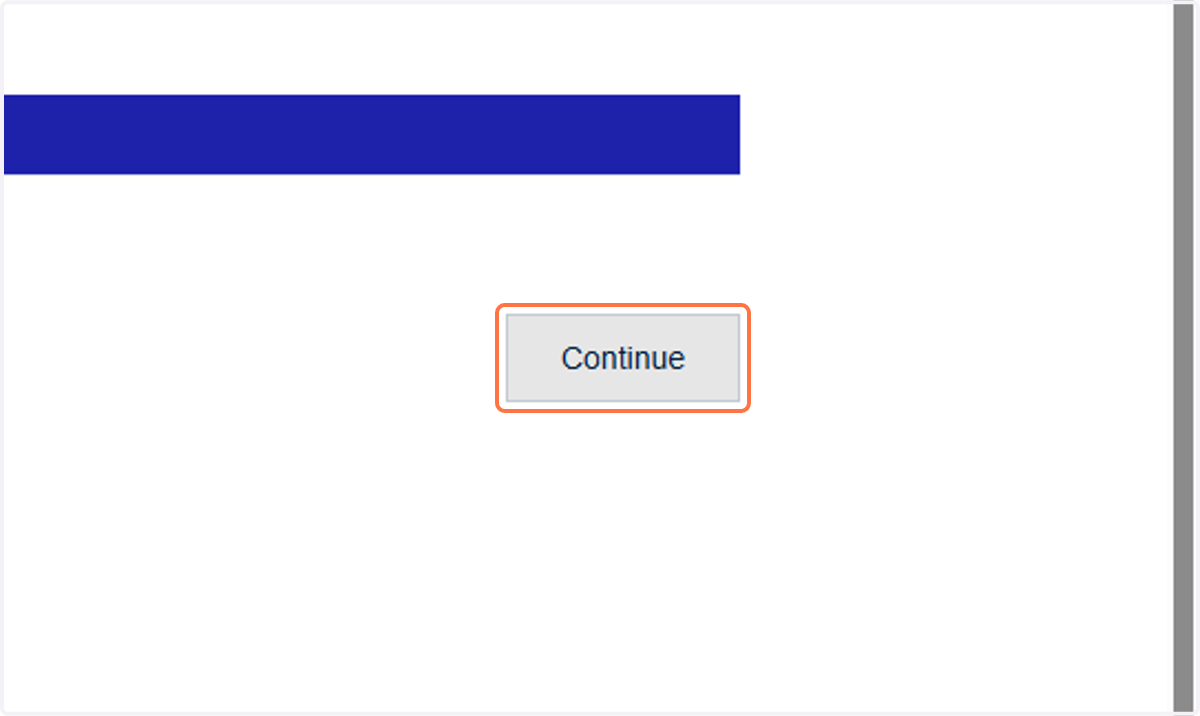
13. Click on Continue
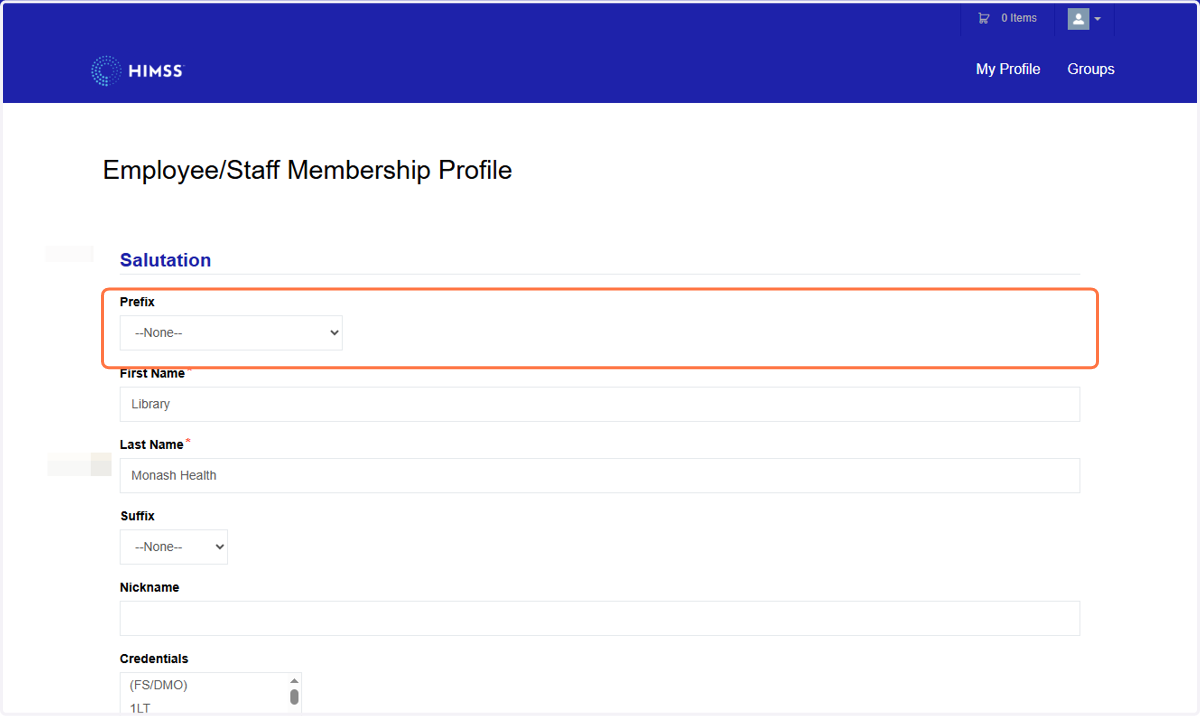
14. Enter your details
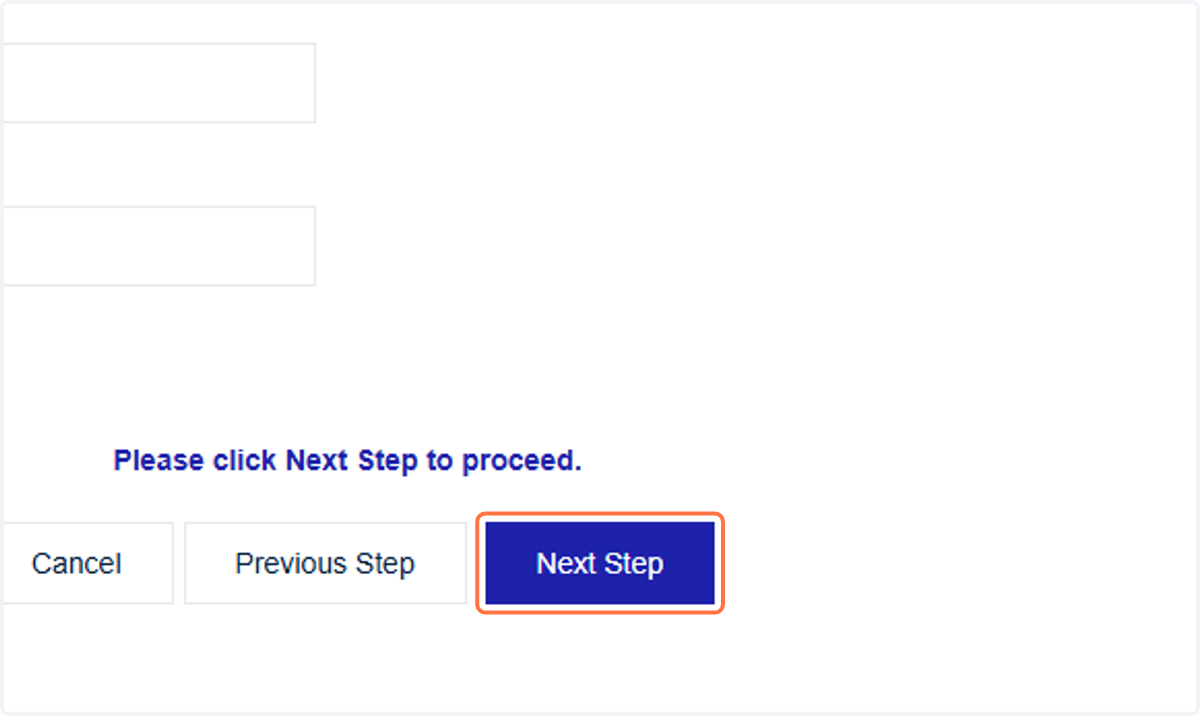
15. Click on Next Step
16. Enter your details
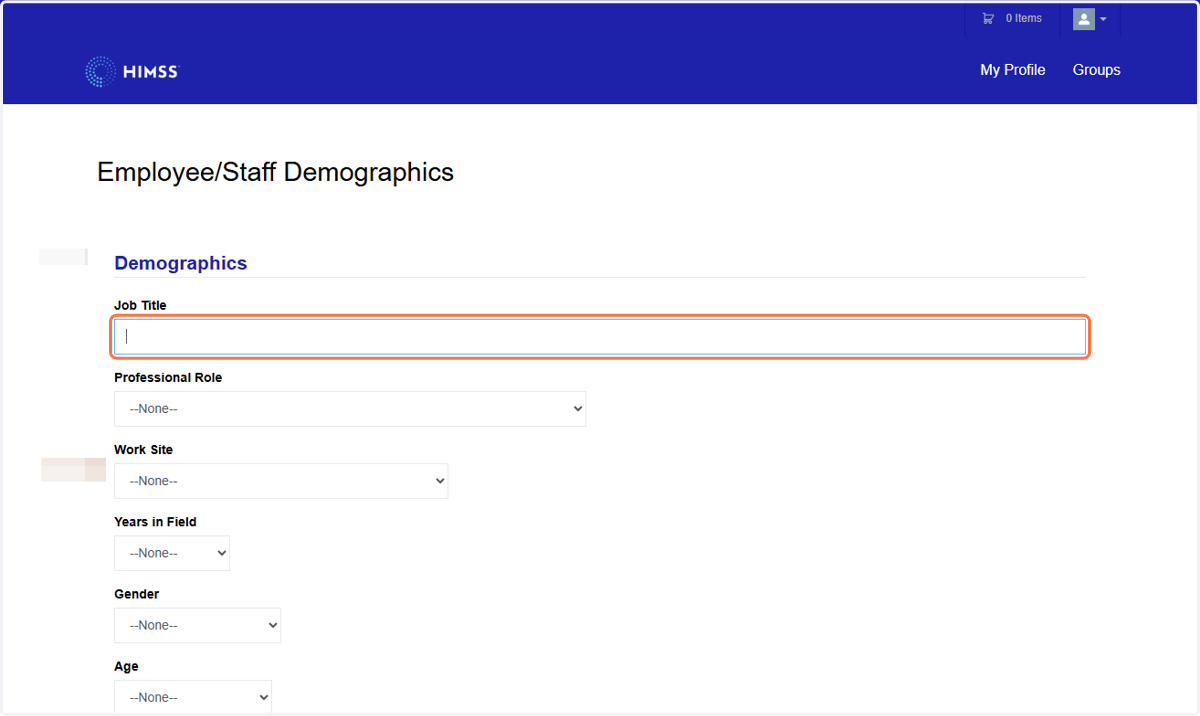
17. Click on Next Step
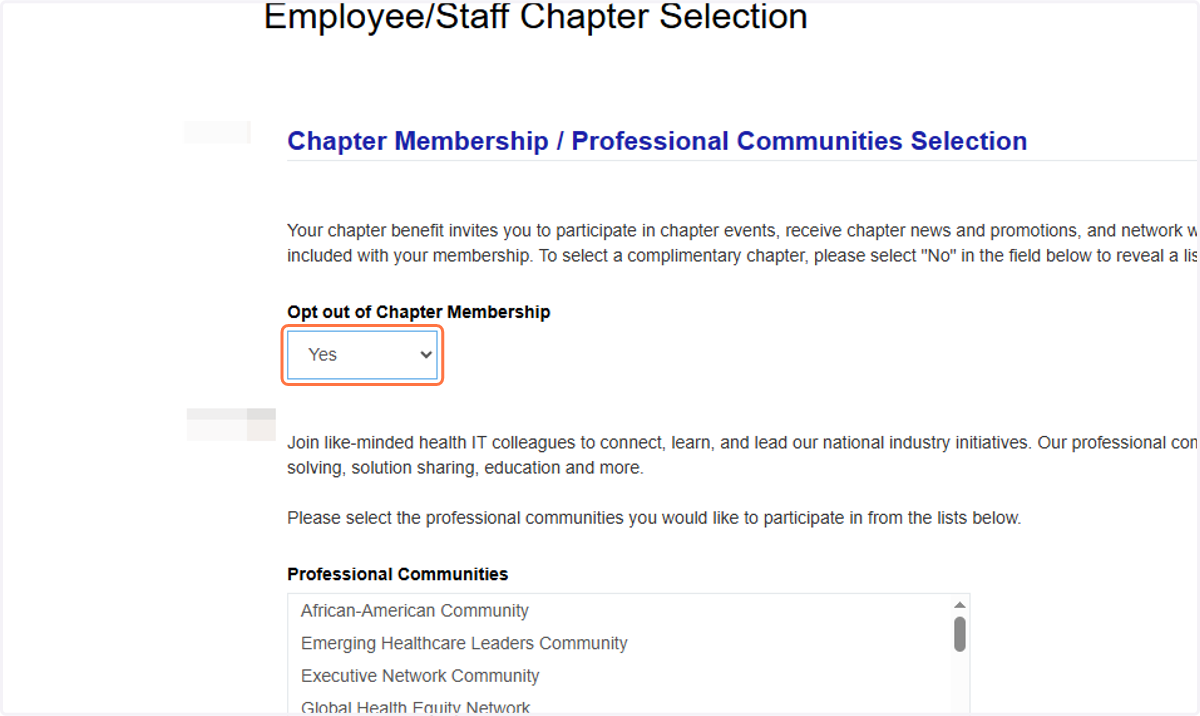
18. Select the committees and memberships you would like to be a part of
19. Click on Next Step
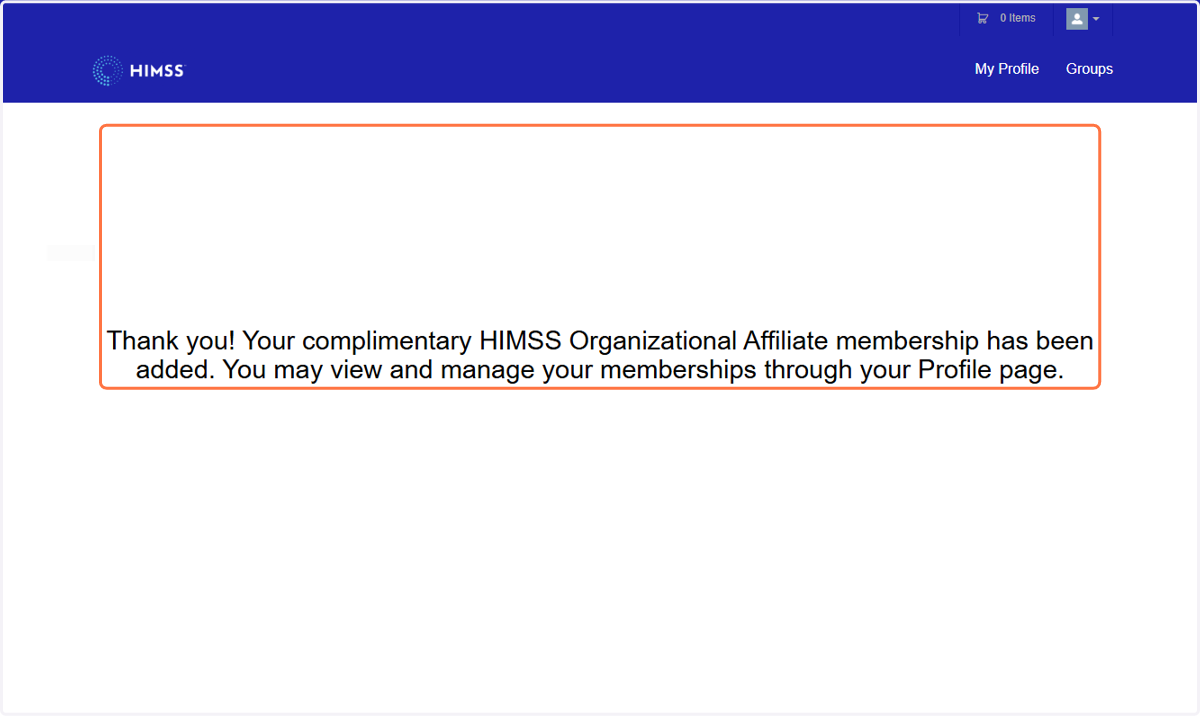
20. You now have organisational affiliate membership. You will receive a confirmation email.