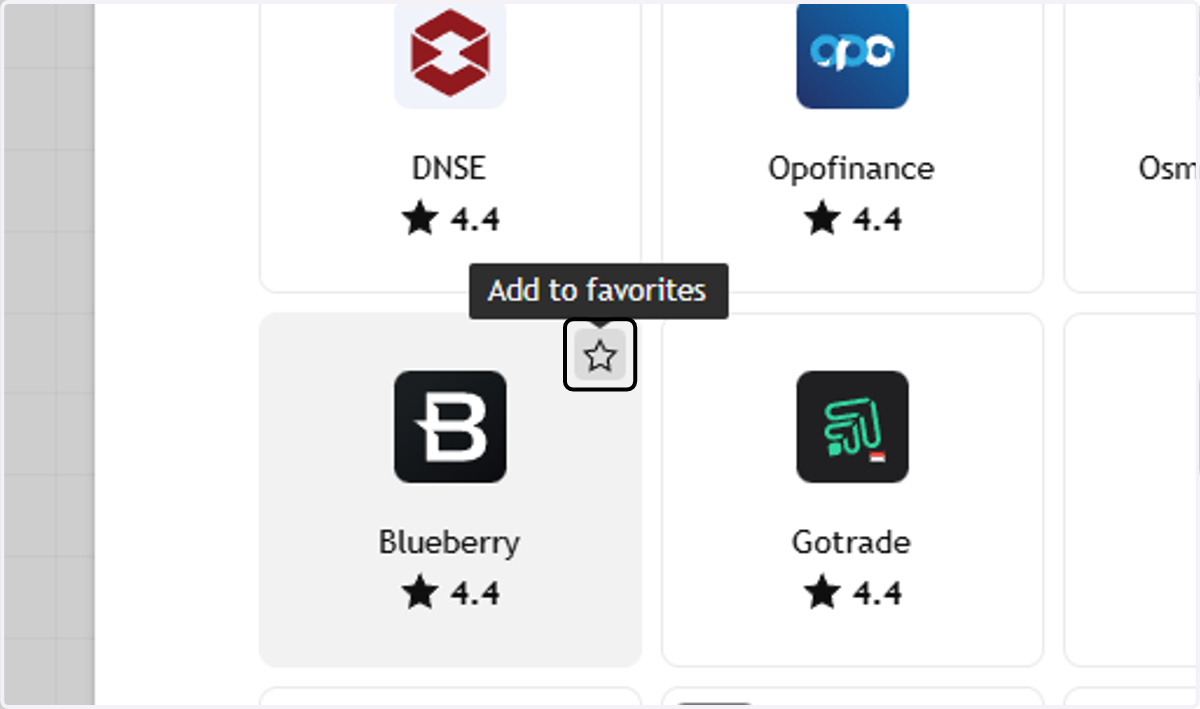
How to connect your TradingView account to Blueberry
TradingView
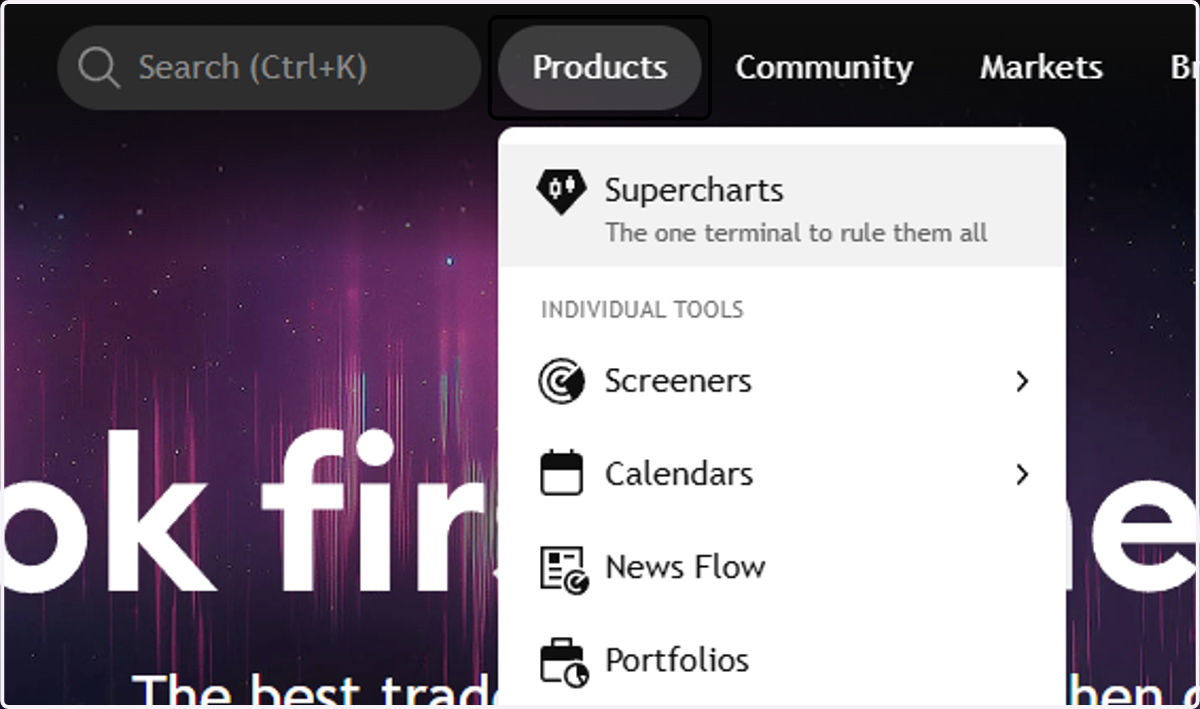
1. Click on Products and Select Supercharts
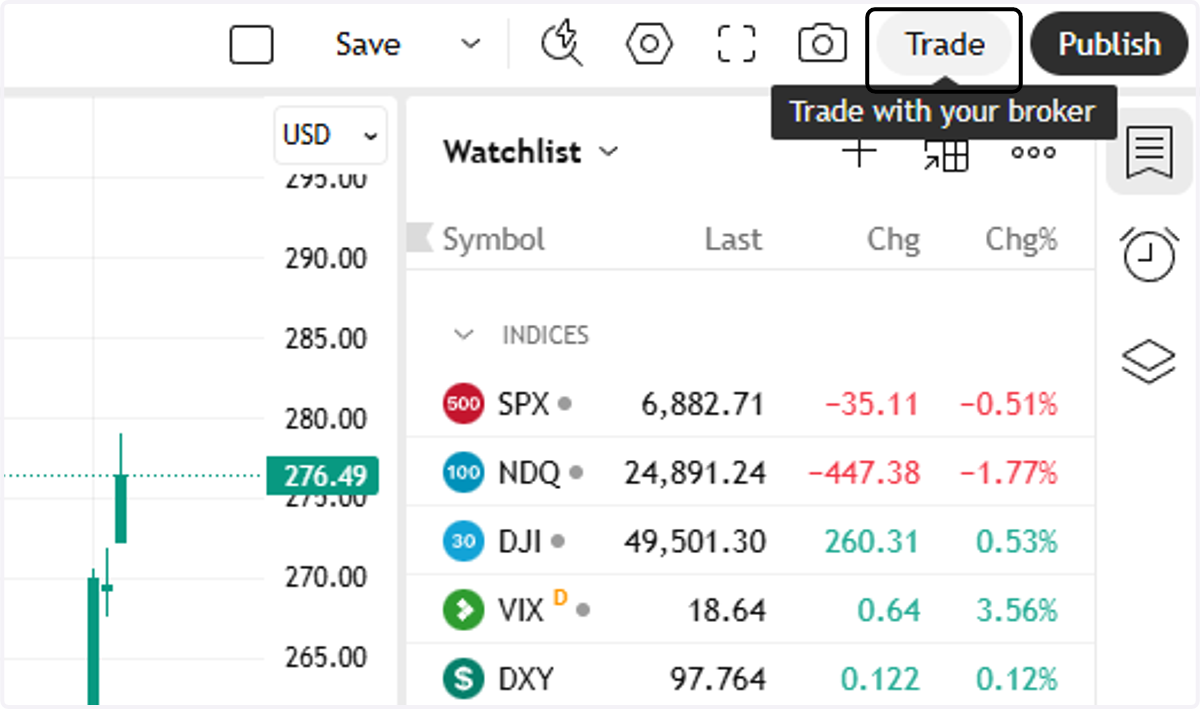
2. Click on Trade
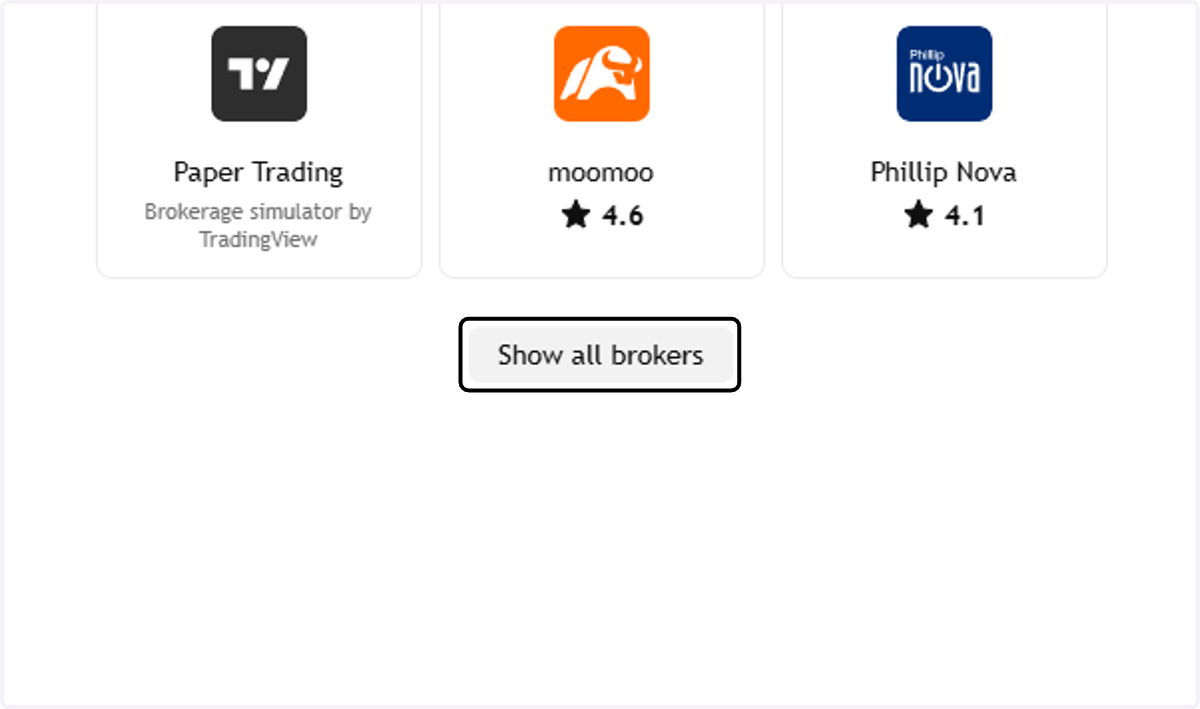
3. Click on Show all brokers
4. Click on Broker card - Blueberry, and you will be directed to Log In
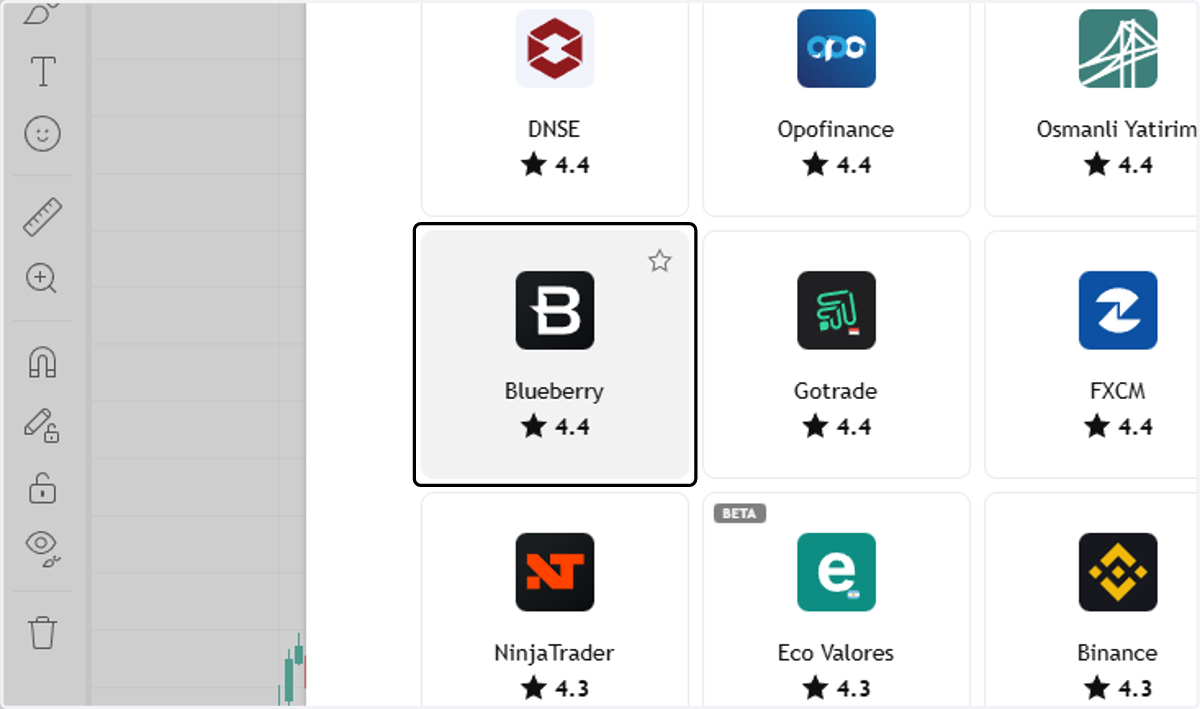
5. Addtionally, you can also click on Add to favorites, by hovering over the Blueberry logo, and click the star icon.