How to connect Seekom to RoomPriceGenie?
1. Go to RoomPriceGenie Login Page
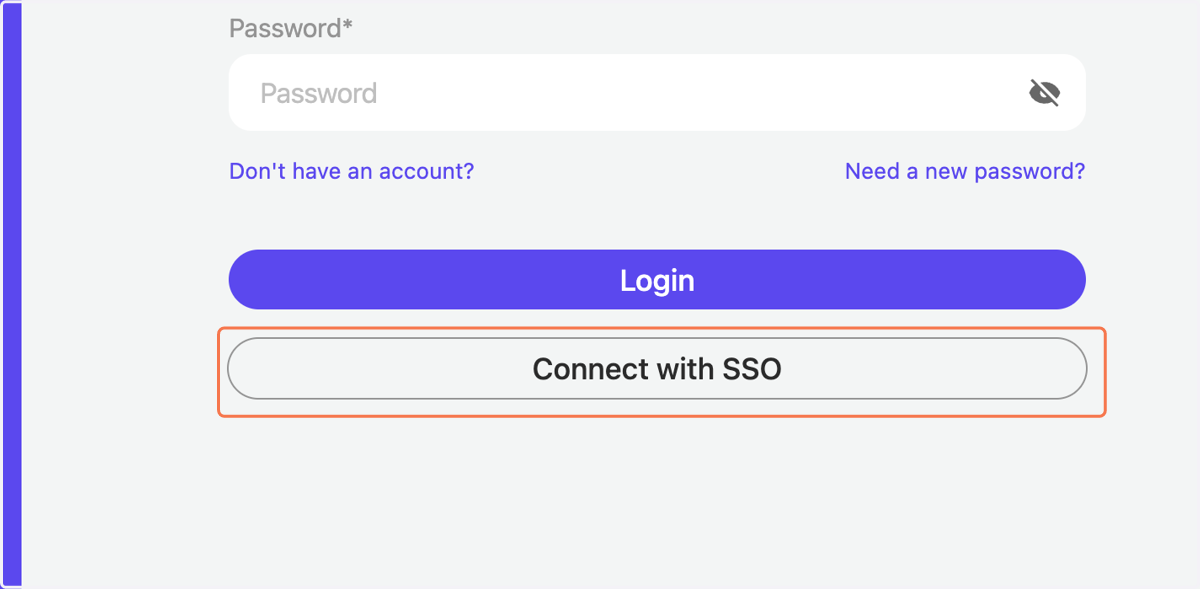
2. On the Login page click on "Connect with SSO"
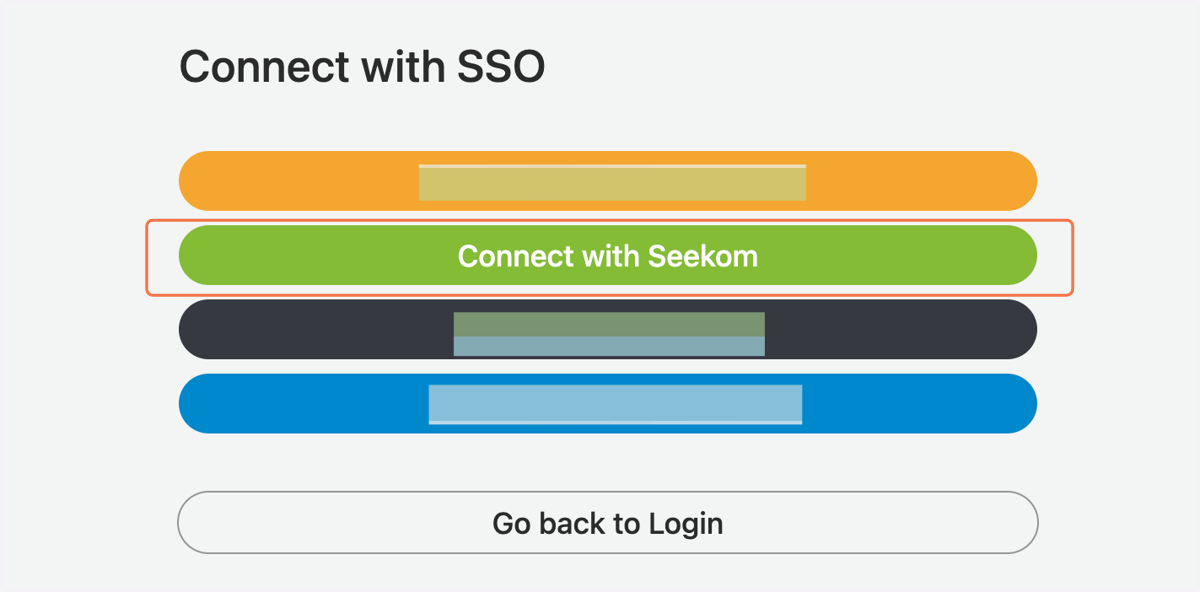
3. Now, click on "Connect with Seekom"
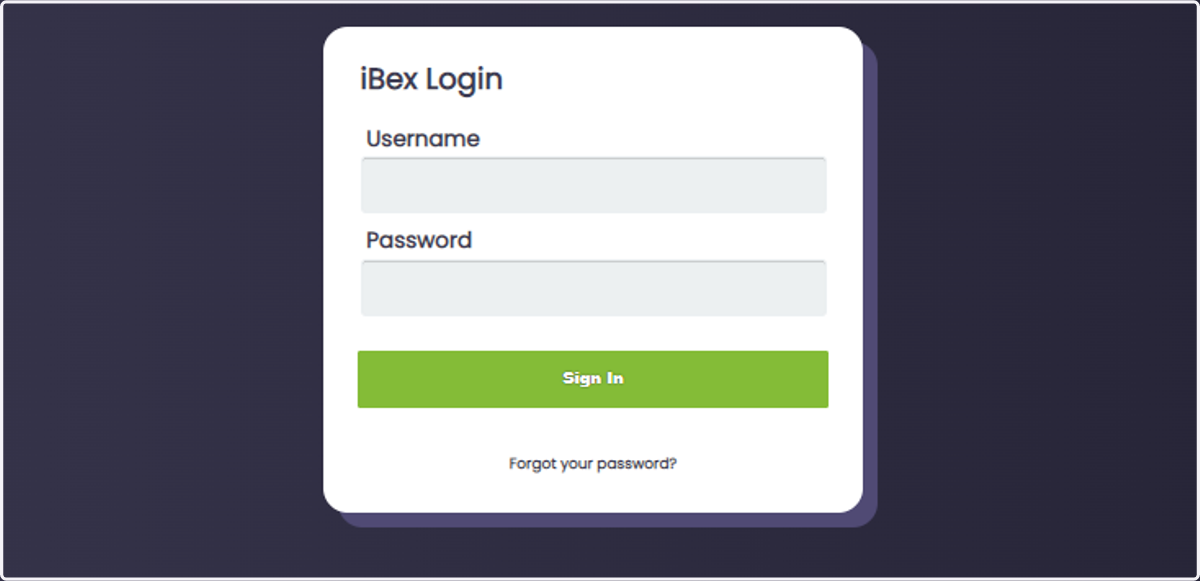
4. You will be redirected to the Seekom / iBex Login page. Enter your Username and Password and click on Sign In.
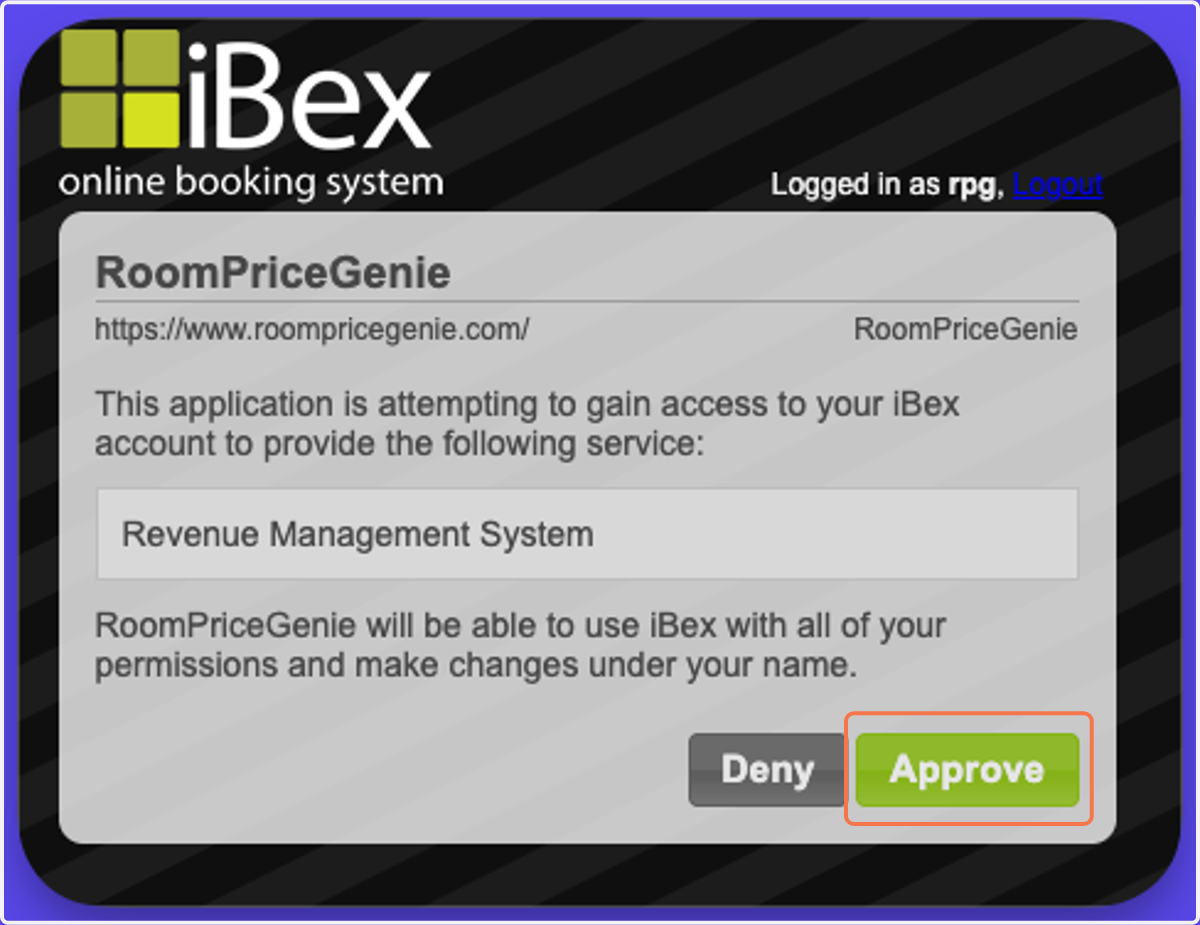
5. Untitled step
On the next screen, click on Approve.
Re-connect your Seekom account
If, for any reason, you need to re-connect your Seekom account to RoomPriceGenie, you can follow this steps
6. Make sure you are logged into RoomPriceGenie. Then, go to Integration Settings,