How to connect SabeeApp to RoomPriceGenie?
Sabeeapp
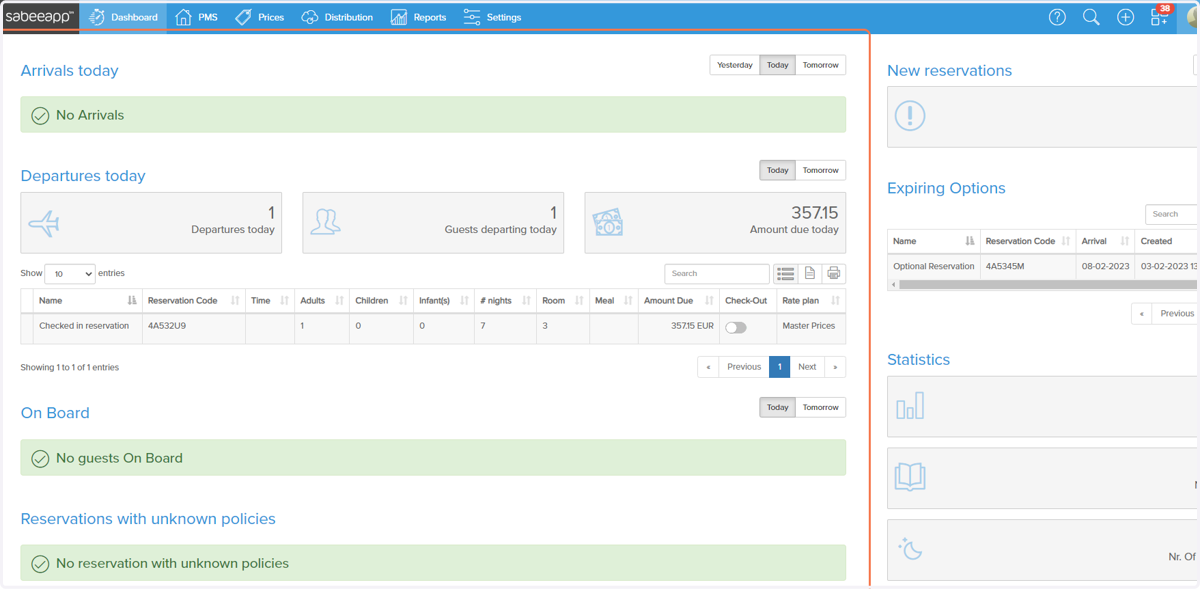
1. Go to SabeeApp - Dashboard
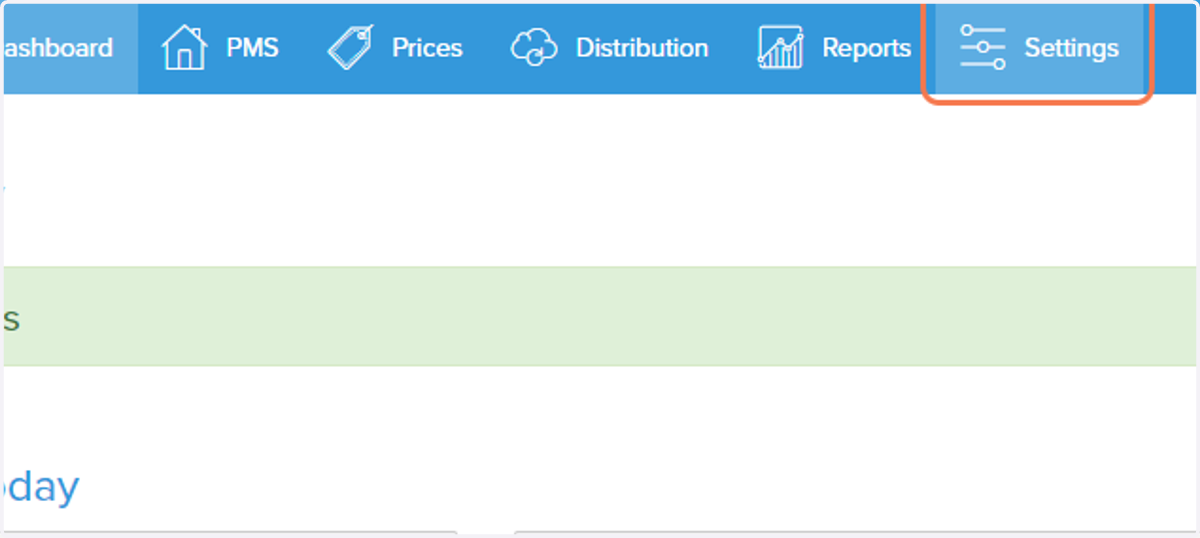
2. Click on Settings
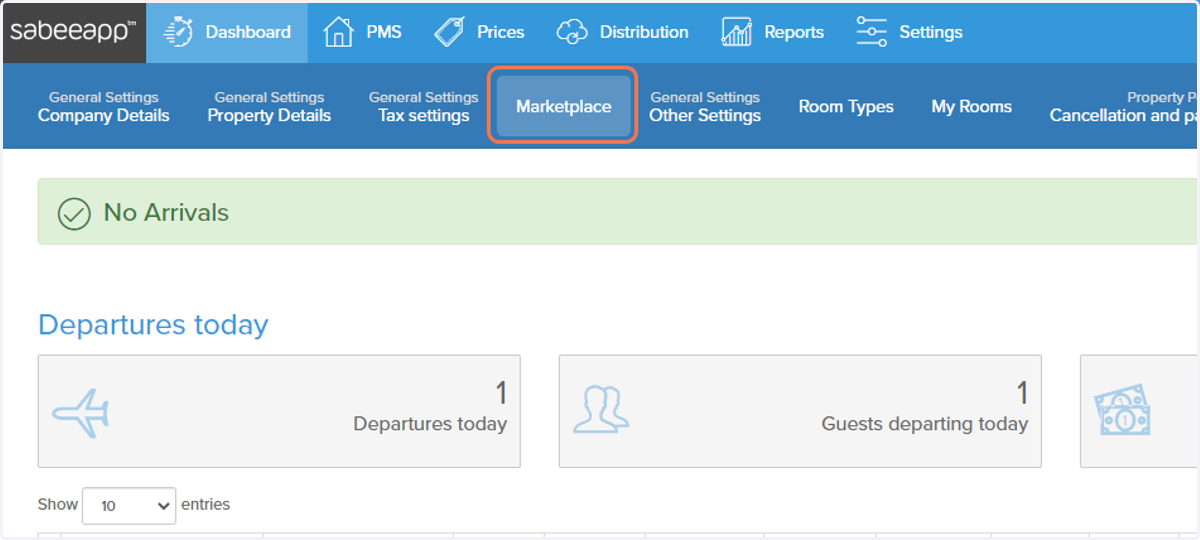
3. Click on Marketplace
4. Scroll down to RoomPriceGenie…
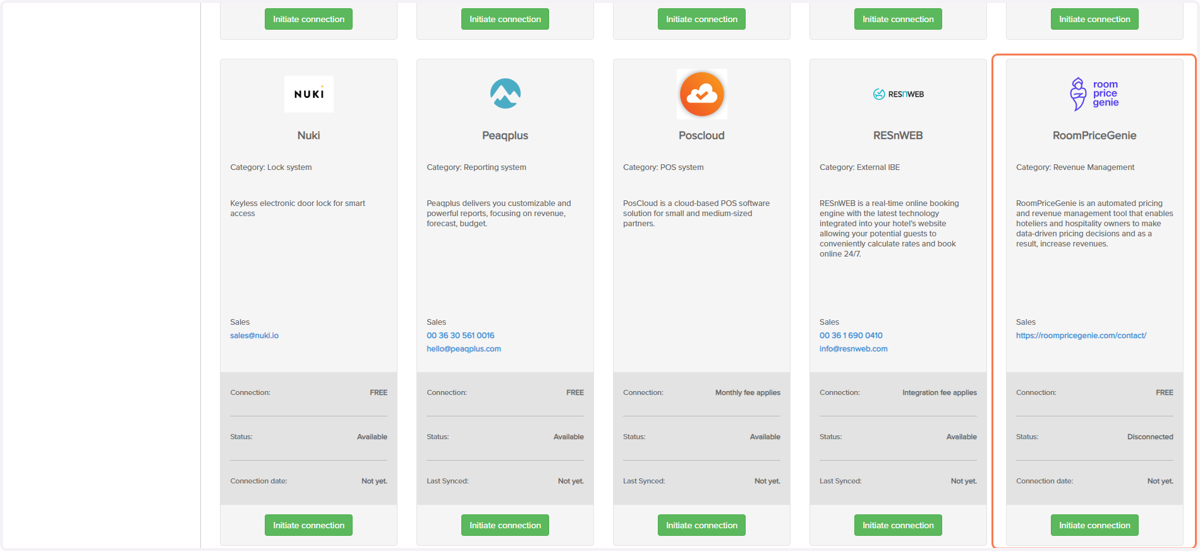
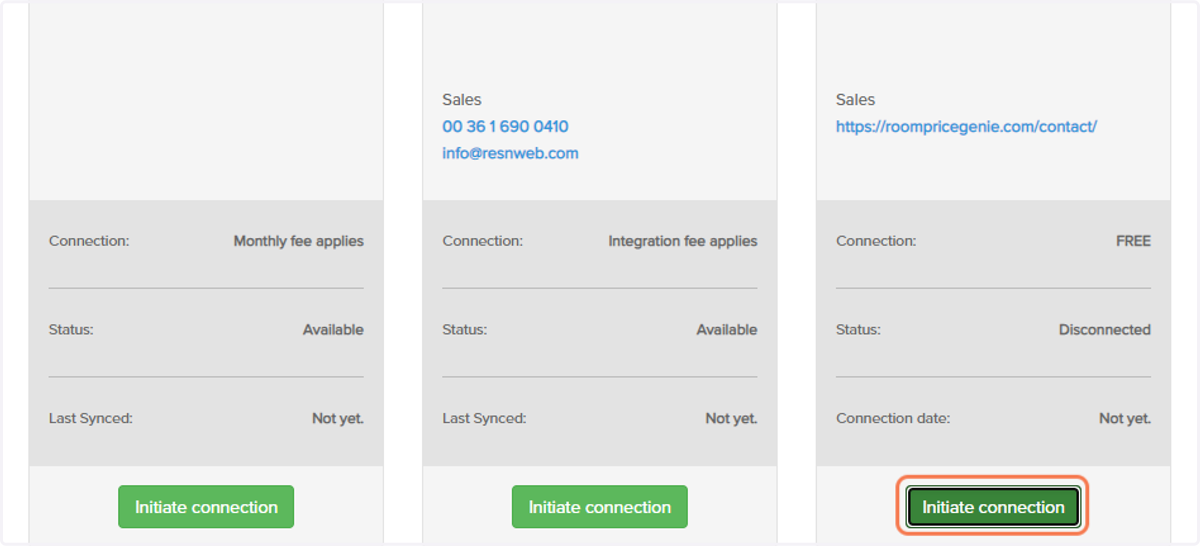
5. Click on Initiate connection
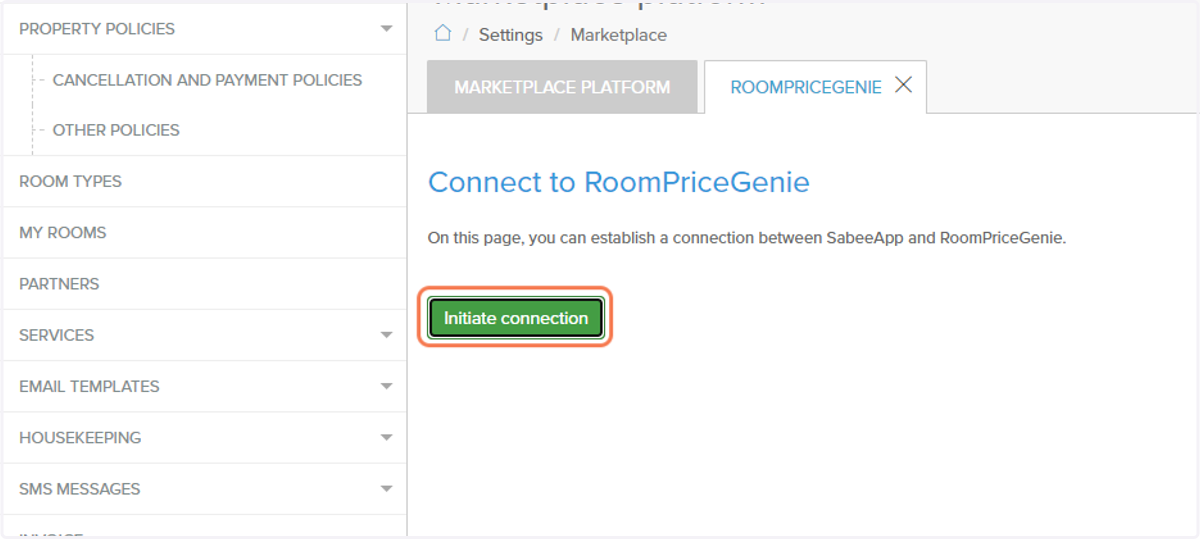
6. A new page opens - Once again click on Initiate connection
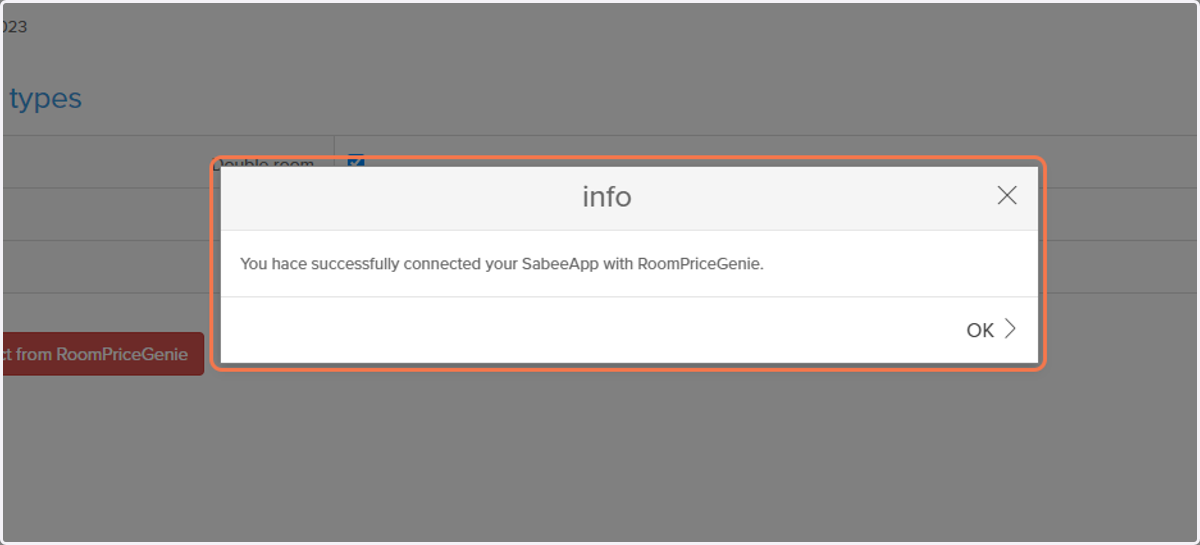
7. Click on OK
Sabeeapp
8. Select all the Room Types
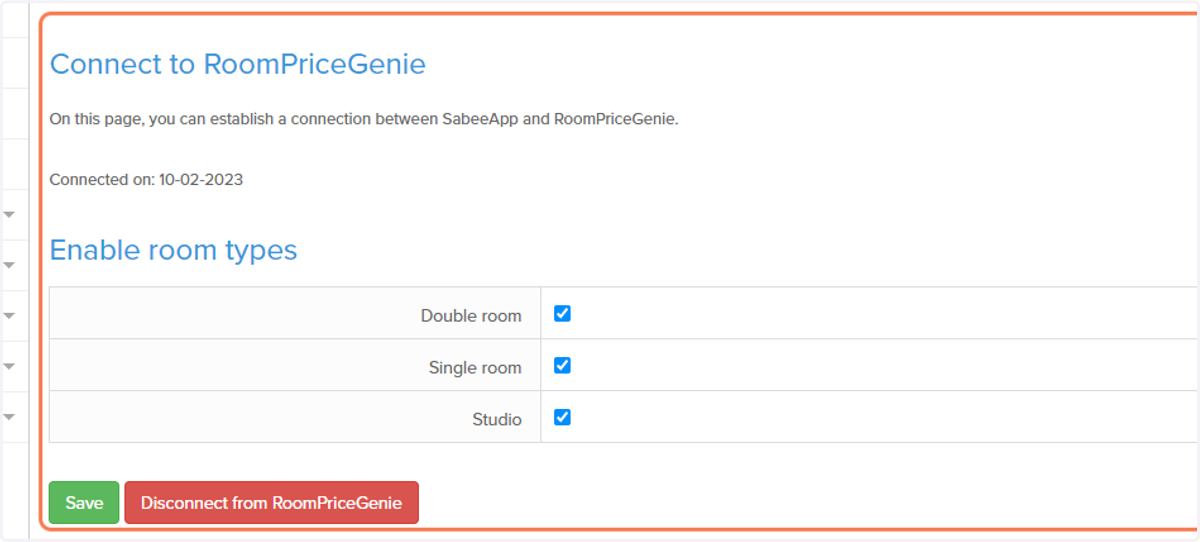
9. Click on Save
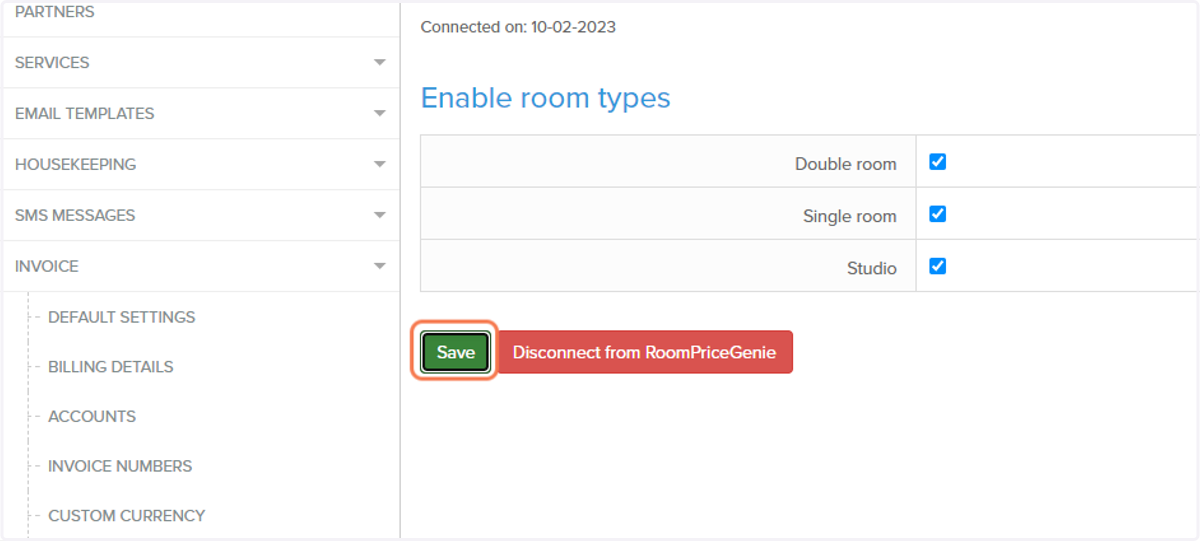
10. RoomPriceGenie will now receive all the necessary information needed to proceed further with the setup. A contact person from RoomPriceGenie will get in touch with you soon!