How to connect Booking Factory to RoomPriceGenie?
Thebookingfactory
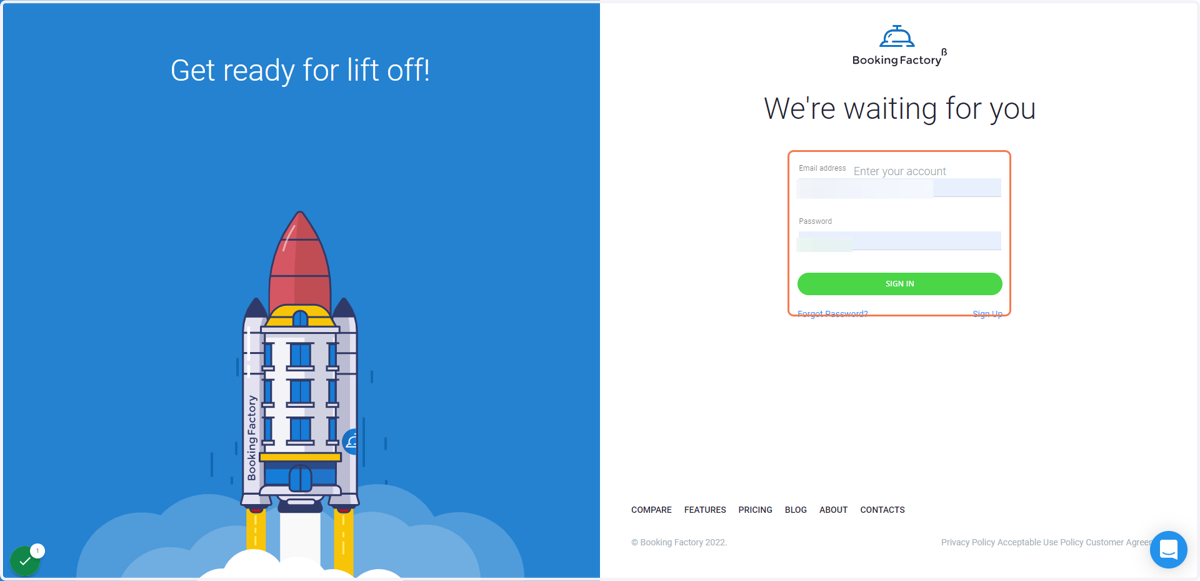
1. Go to The Booking Factory Login Page
Enter your Email and Password and click on Sign In
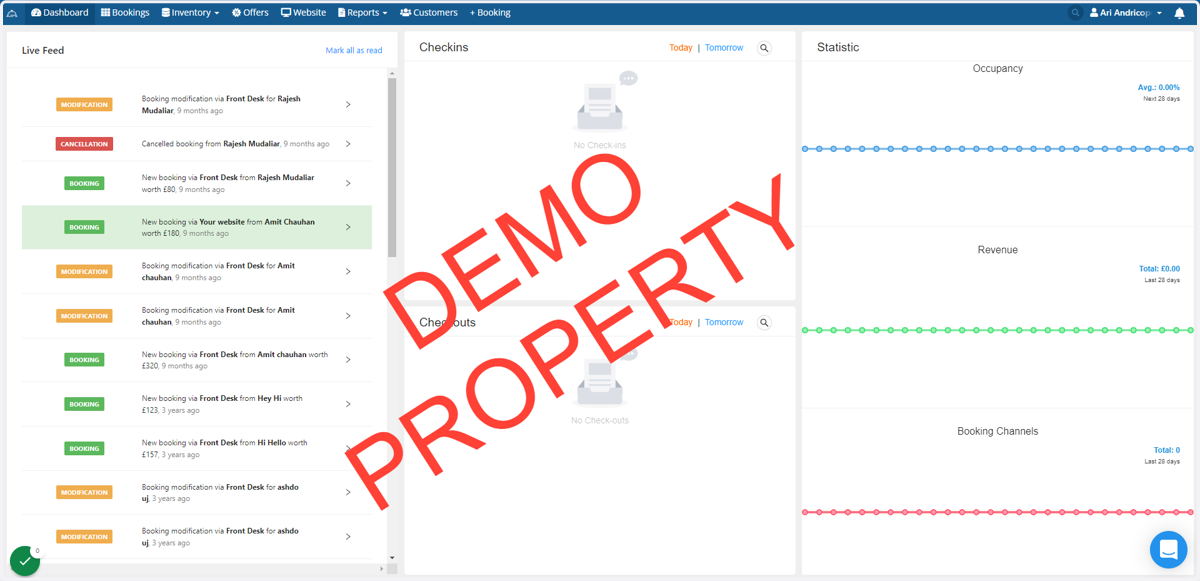
2. Click on your Account on the top right corner of the Dashboard
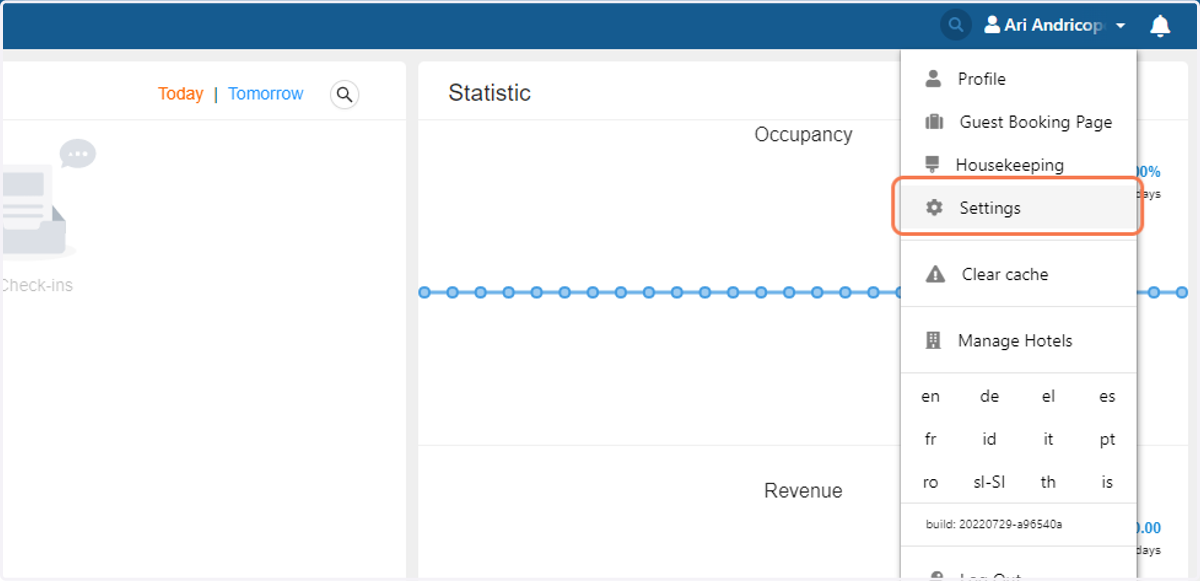
3. Click on Settings
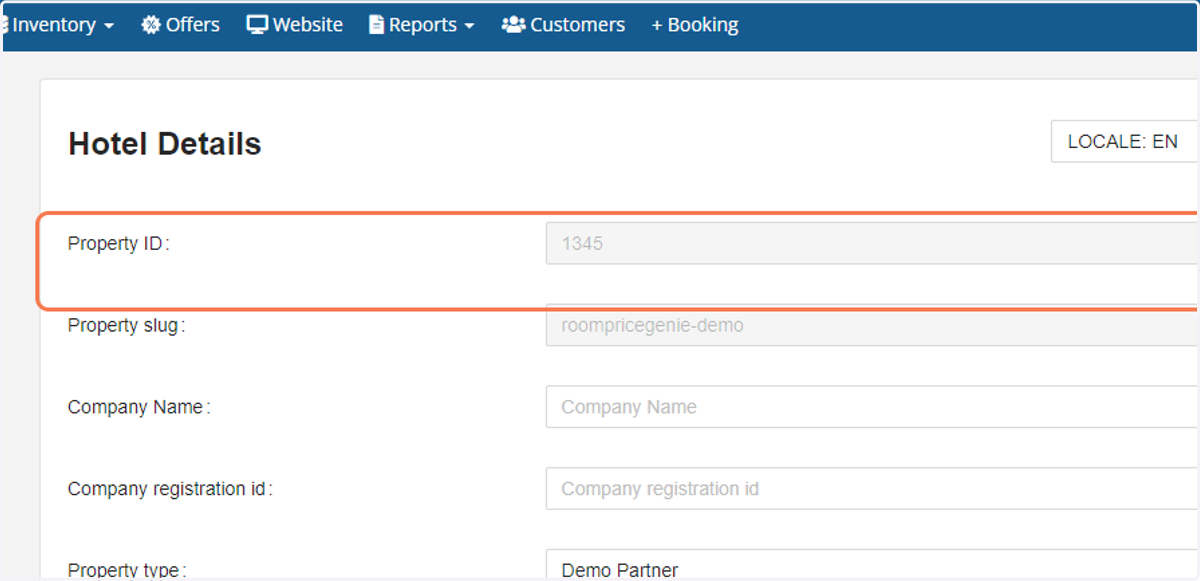
4. You will see your Property ID here
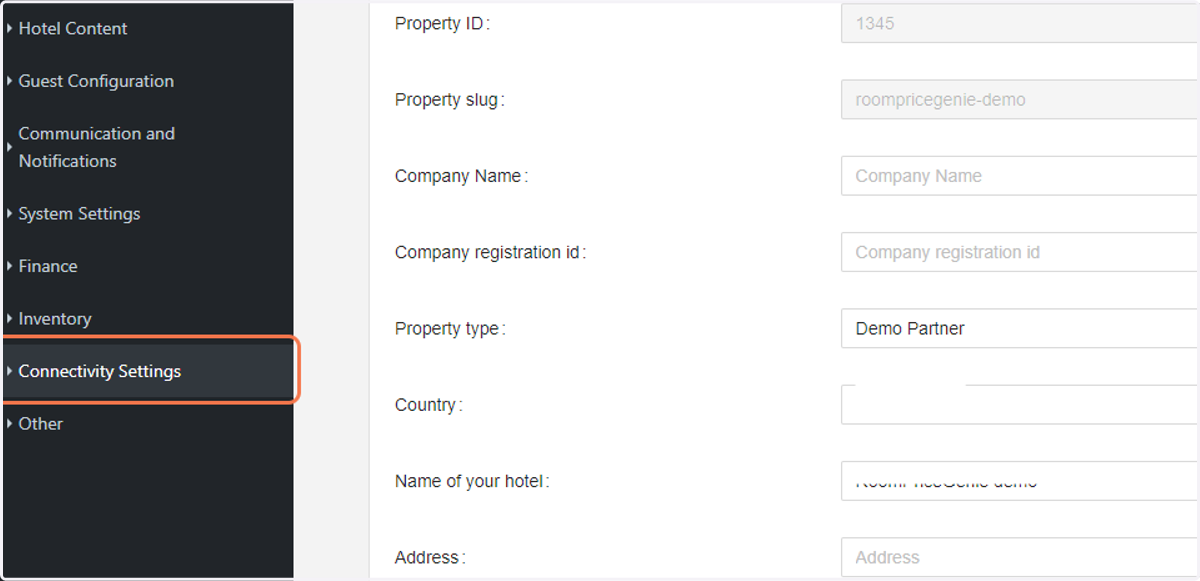
5. Click on Connectivity Settings on the left hand menu
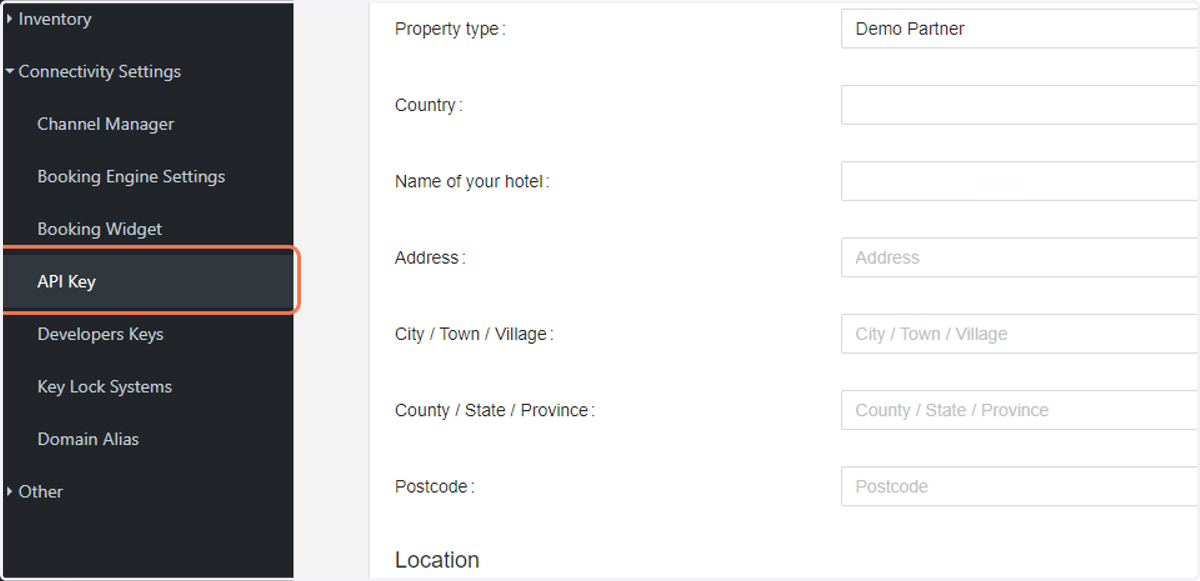
6. Click on API Key
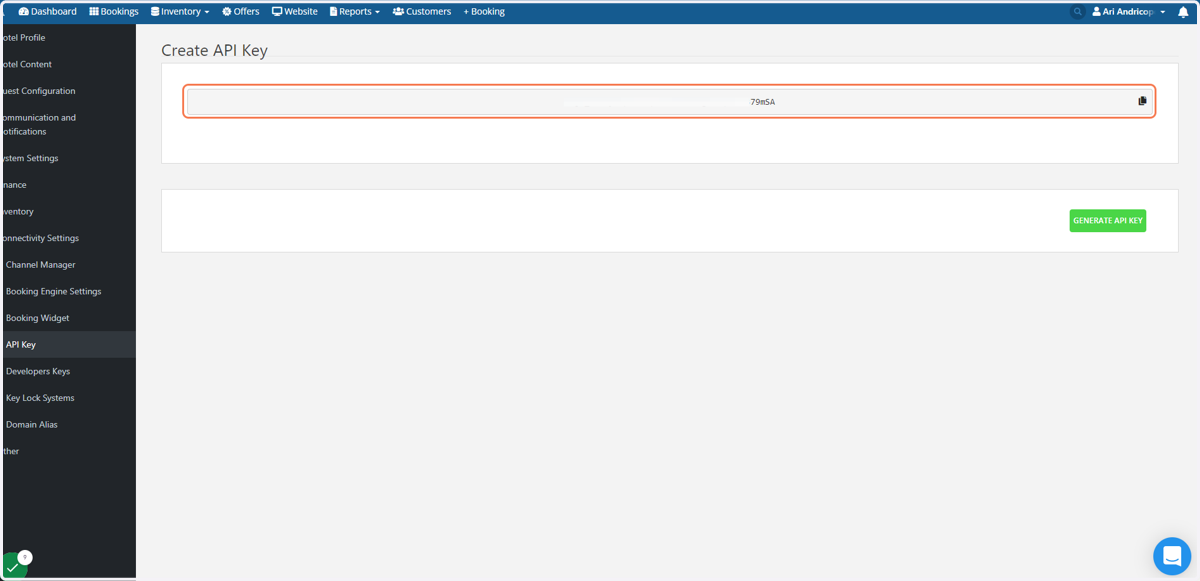
7. You will see the API Key here
If there is no key on the screen, then click on Generate API Key
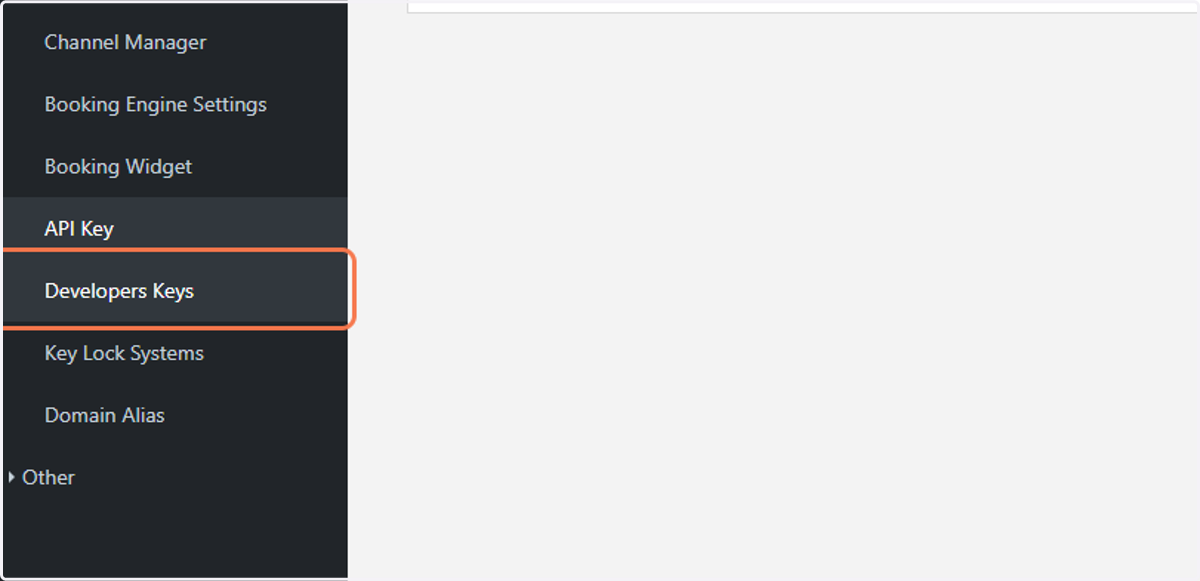
8. Next, Click on Developers Keys on the left hand menu
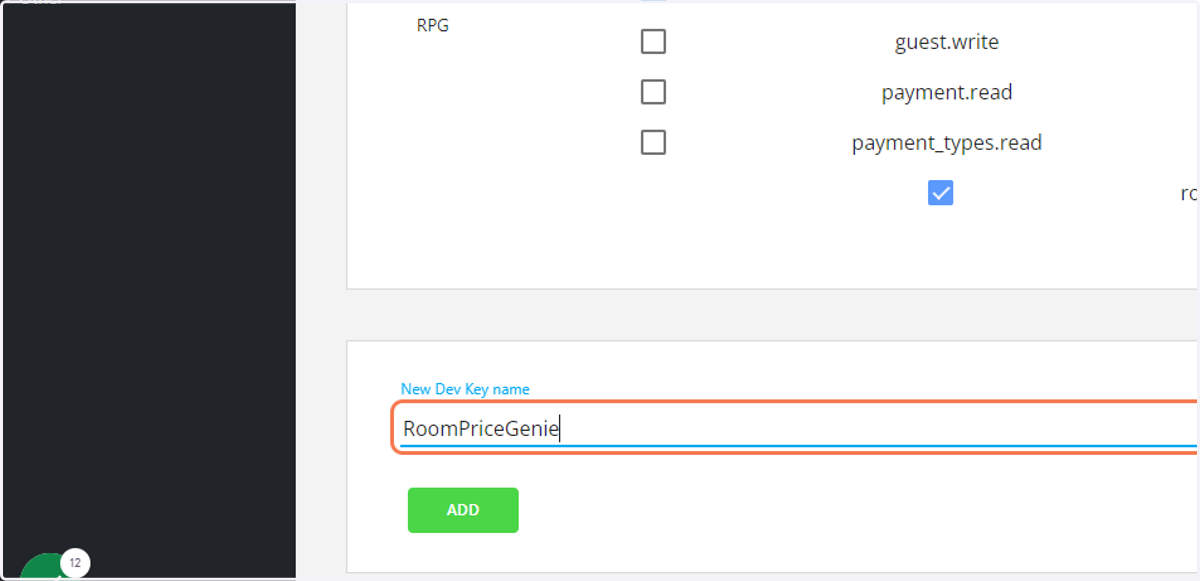
9. Scroll down and type ''RoomPriceGenie'' and click Add
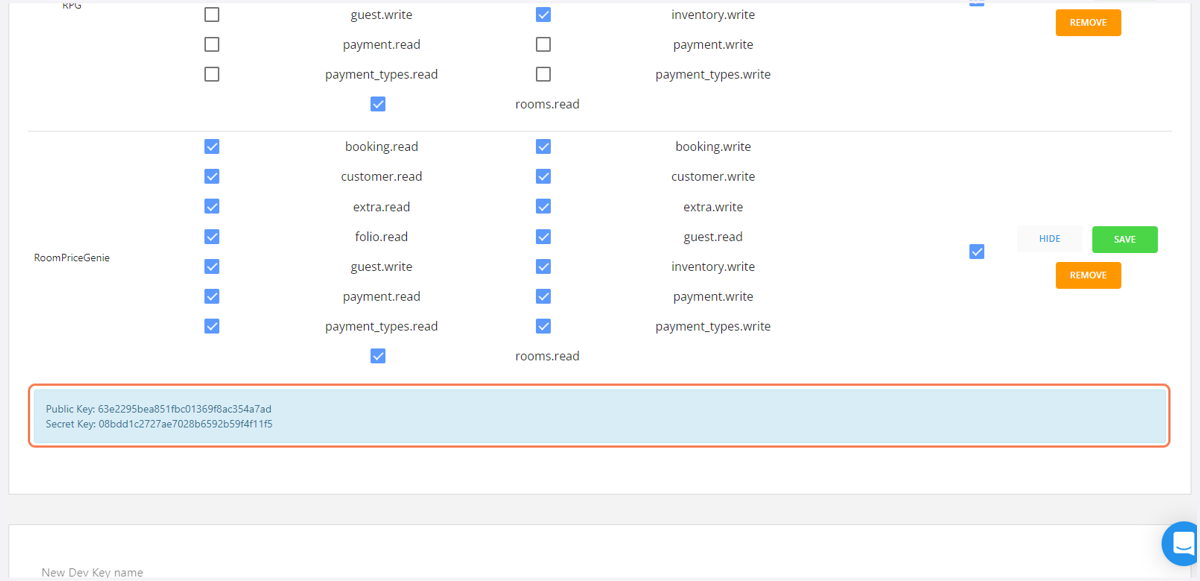
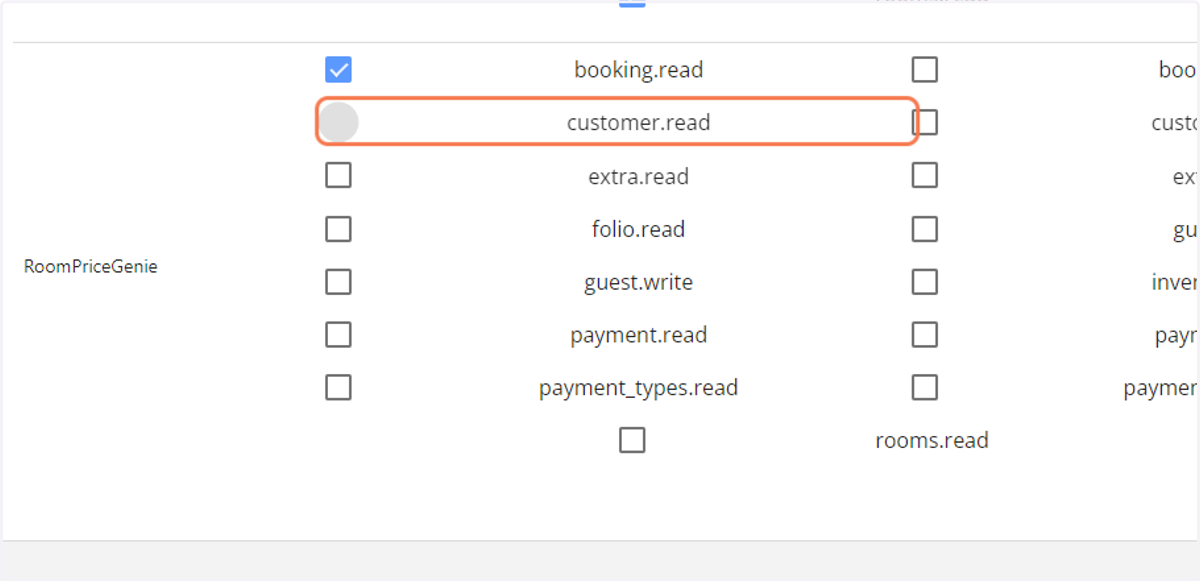
10. Select all checkboxes
11. Click on SAVE and then click on SHOW
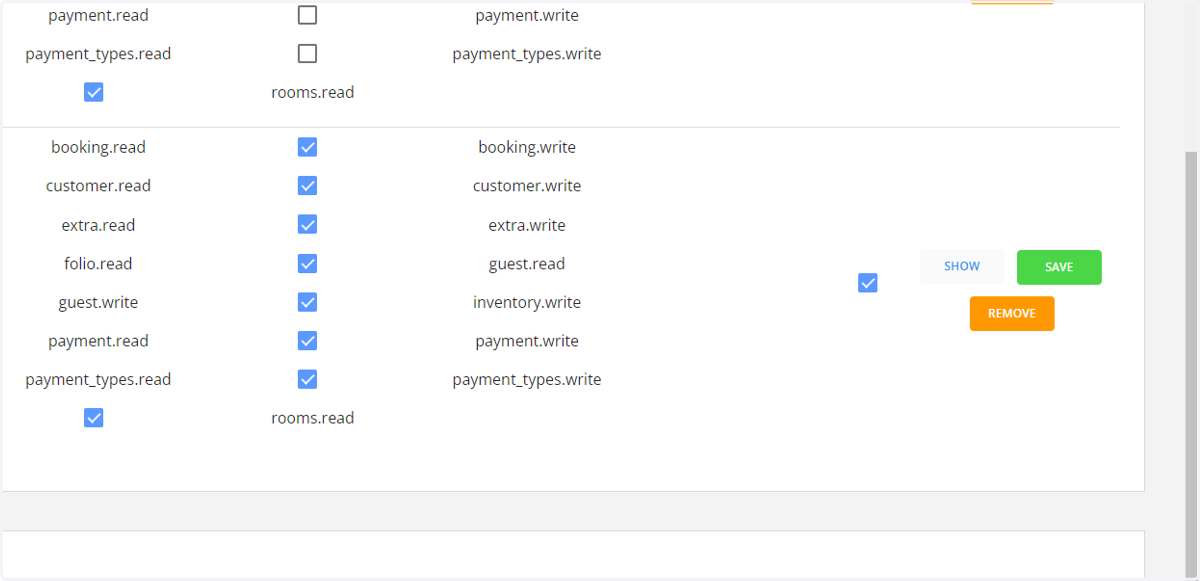
12. You will see the Public Key and Secret Key
Copy the keys and send it to RoomPriceGenie together with the API Key and the Property ID