How to connect Apaleo to RoomPriceGenie?
1. Go to RoomPriceGenie App Login (app.roompricegenie.com)
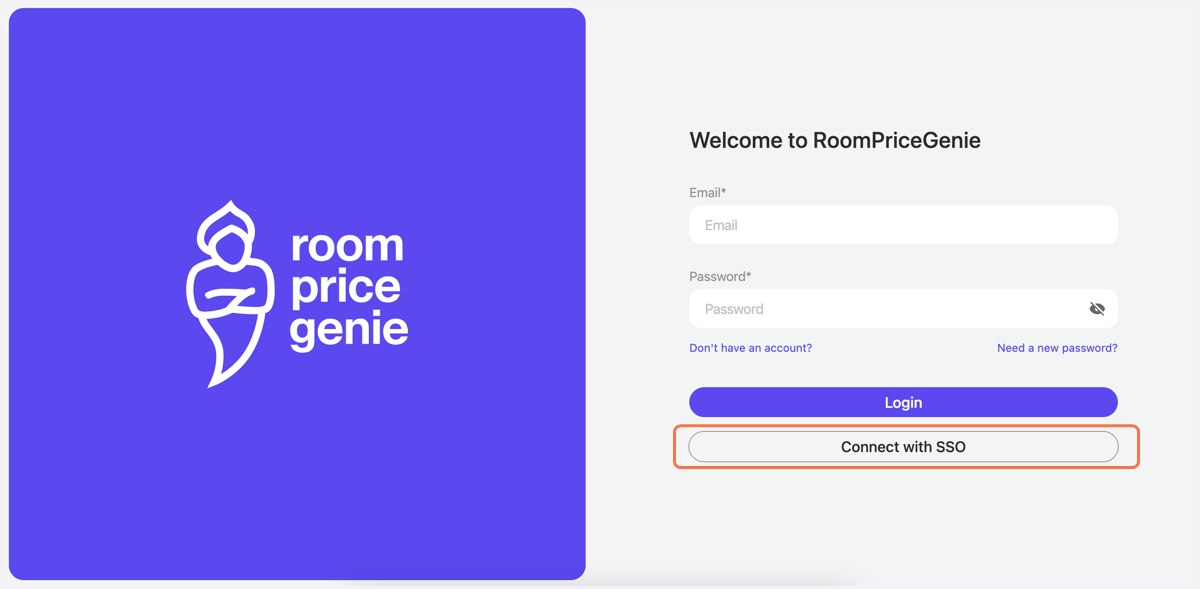
2. On the Login page click on Connect with SSO
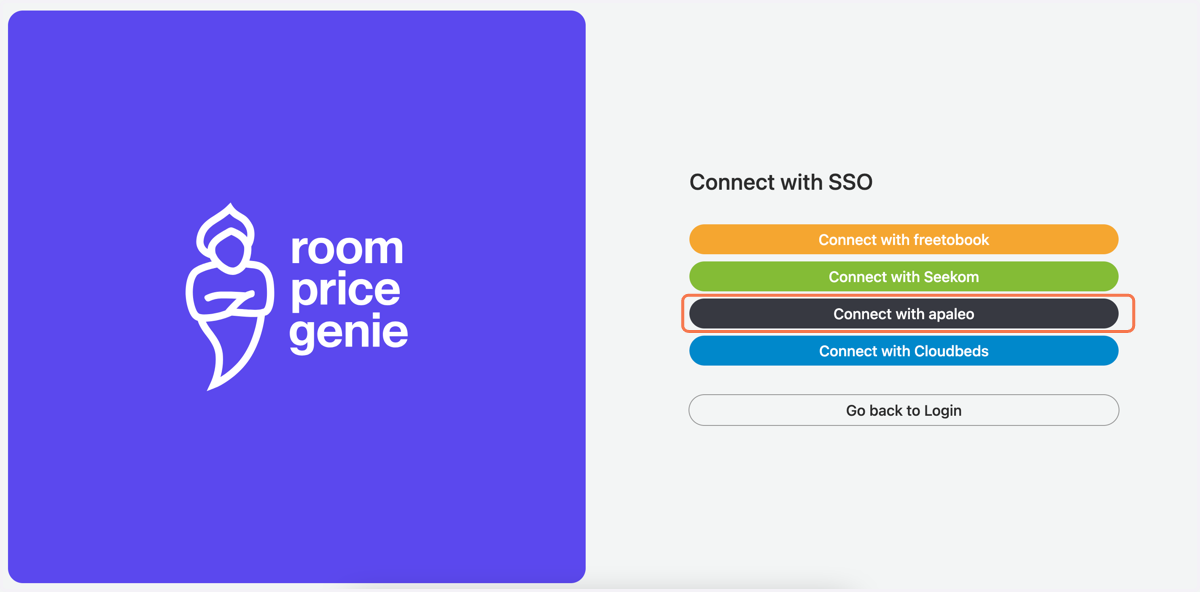
3. Now click on Connect with Apaleo
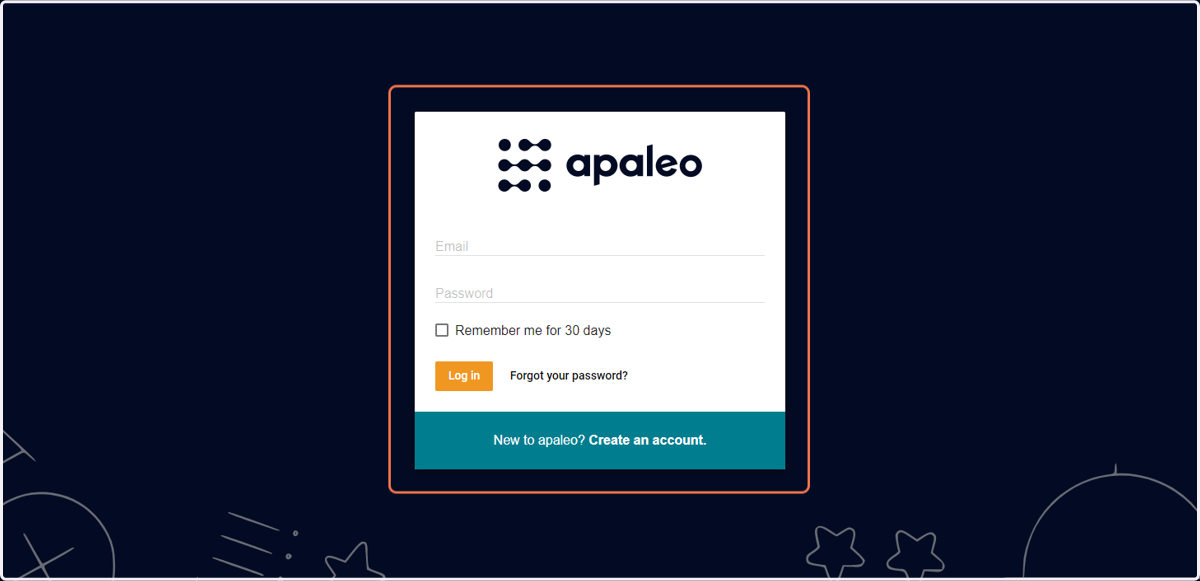
After you click on ''Connect with Apaleo'', you will be redirected to the Apaleo Login page
Apaleo
4. Enter your Email and Password
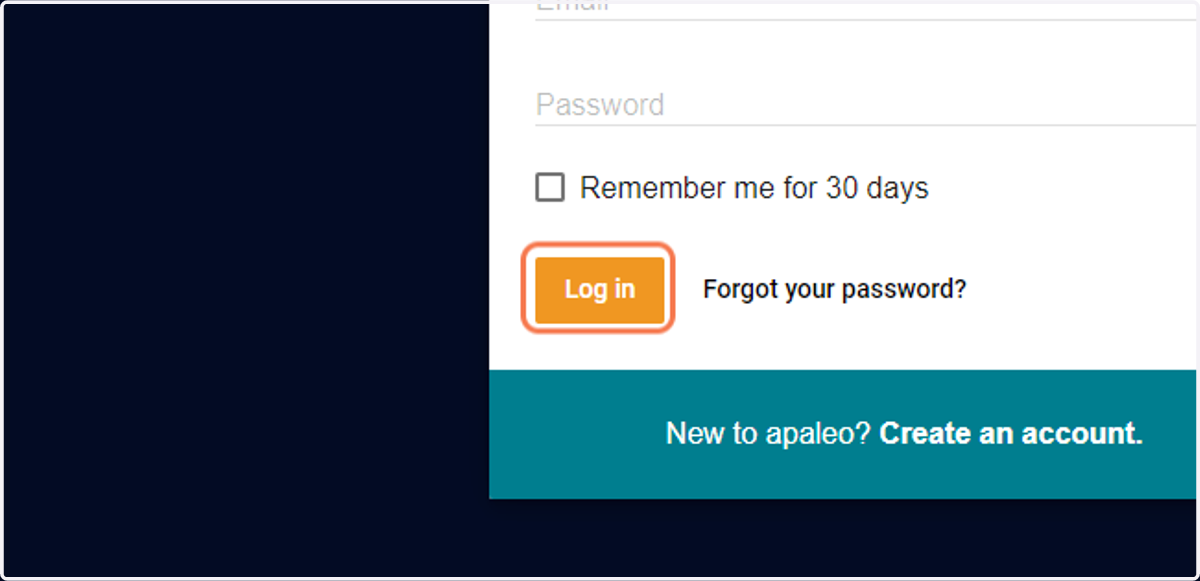
5. Click on Log in
Select the correct property from the list (please note only one property can be selected per SSO sign-up)