How to complete the Living Learning Section of the Housing Application
StarRez Portal
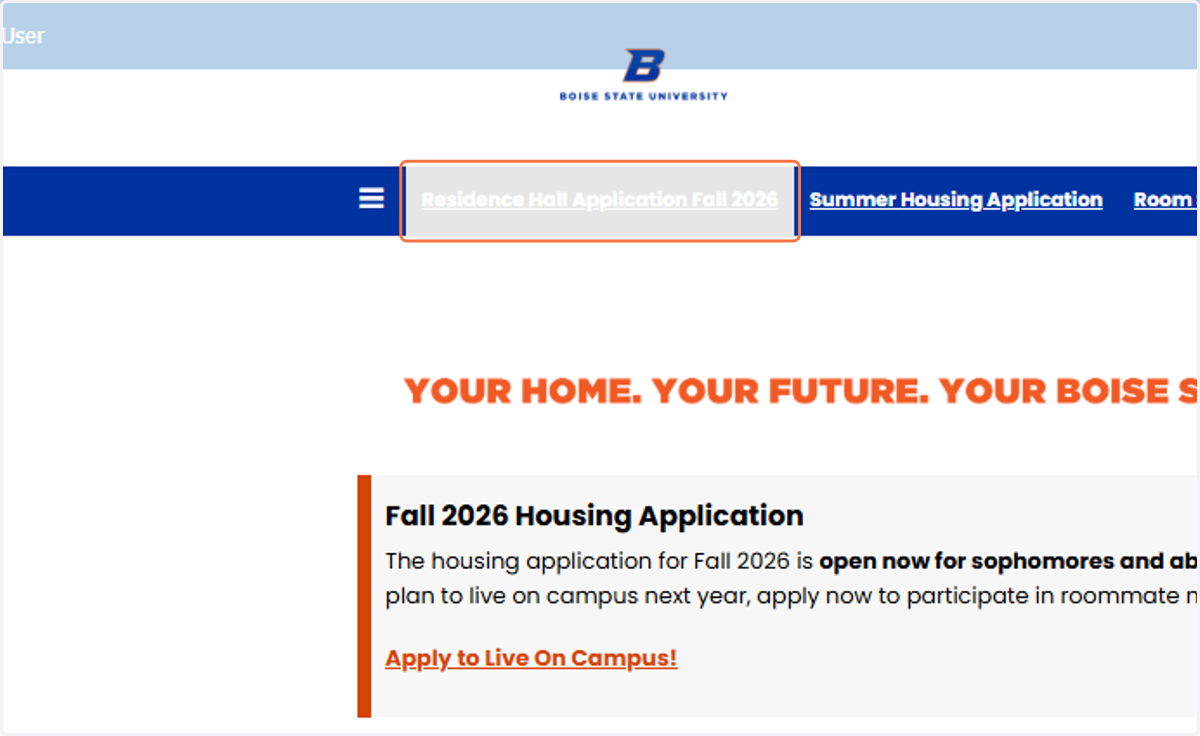
1. Click on Residence Hall Application Fall 2026
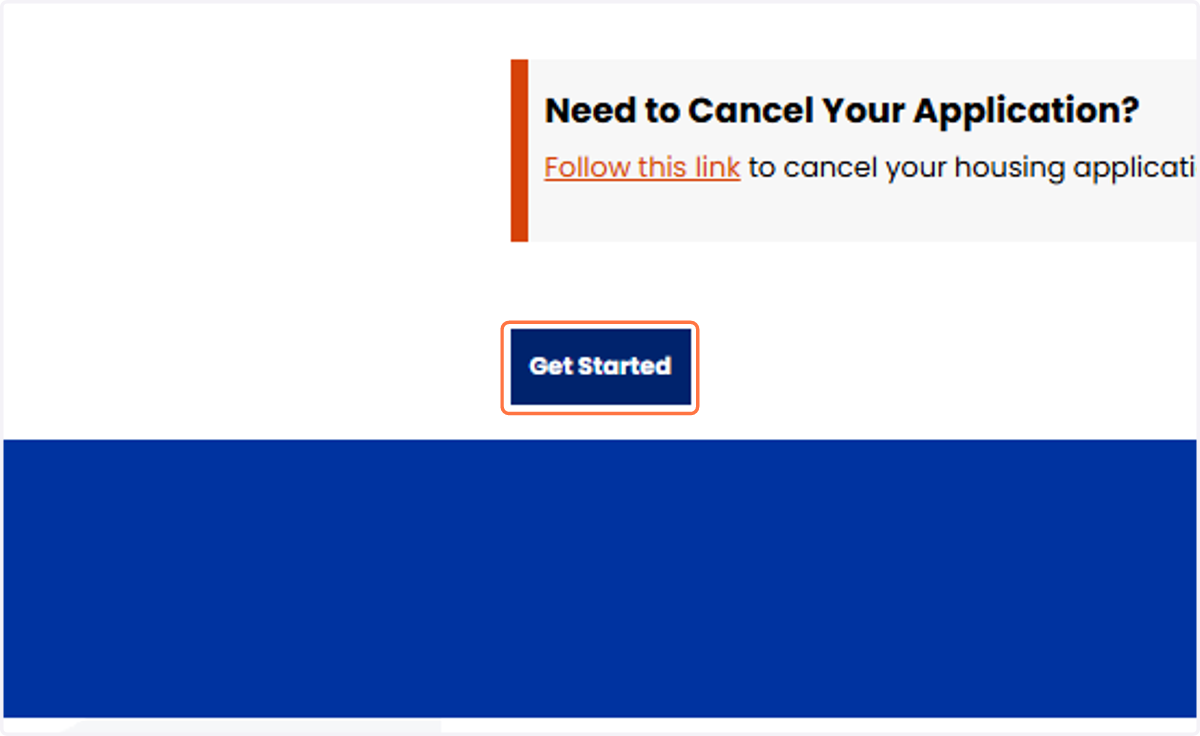
2. Click on Get Started
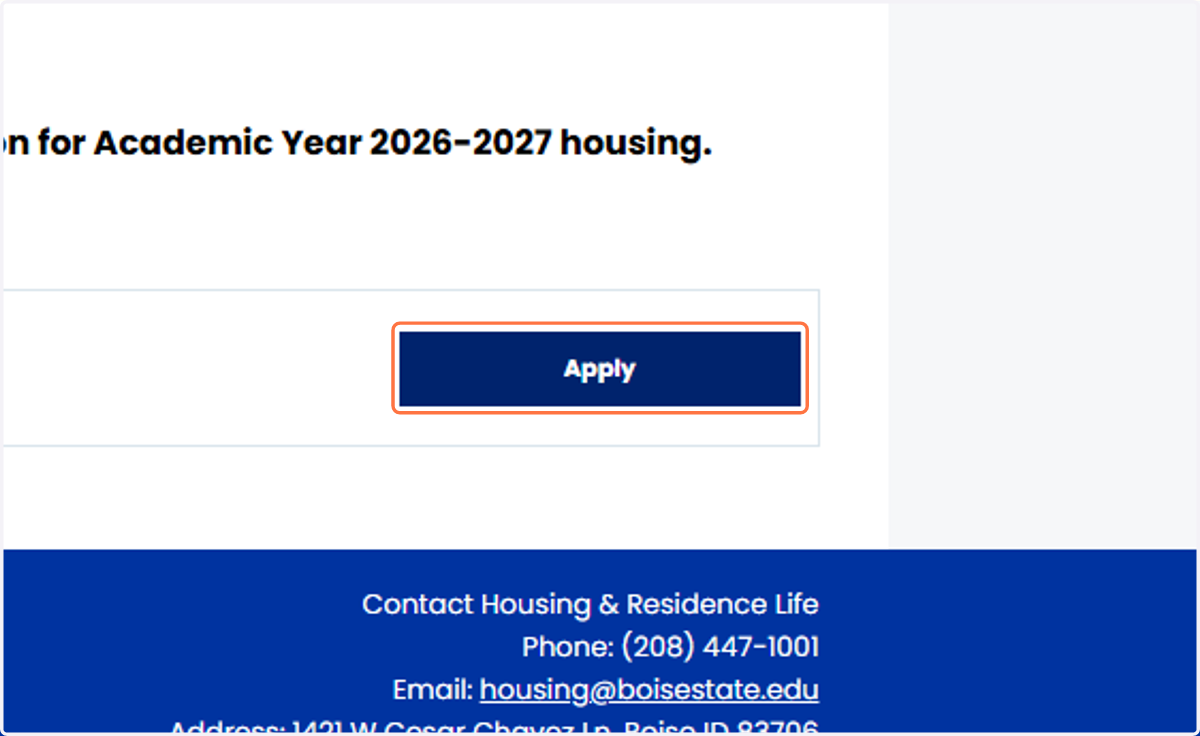
3. Click on Apply for Academic Year 2026-27
4. Select Yes from 1. Considering the LLC expectations, would you like to unlock additional LLC Housing Options?
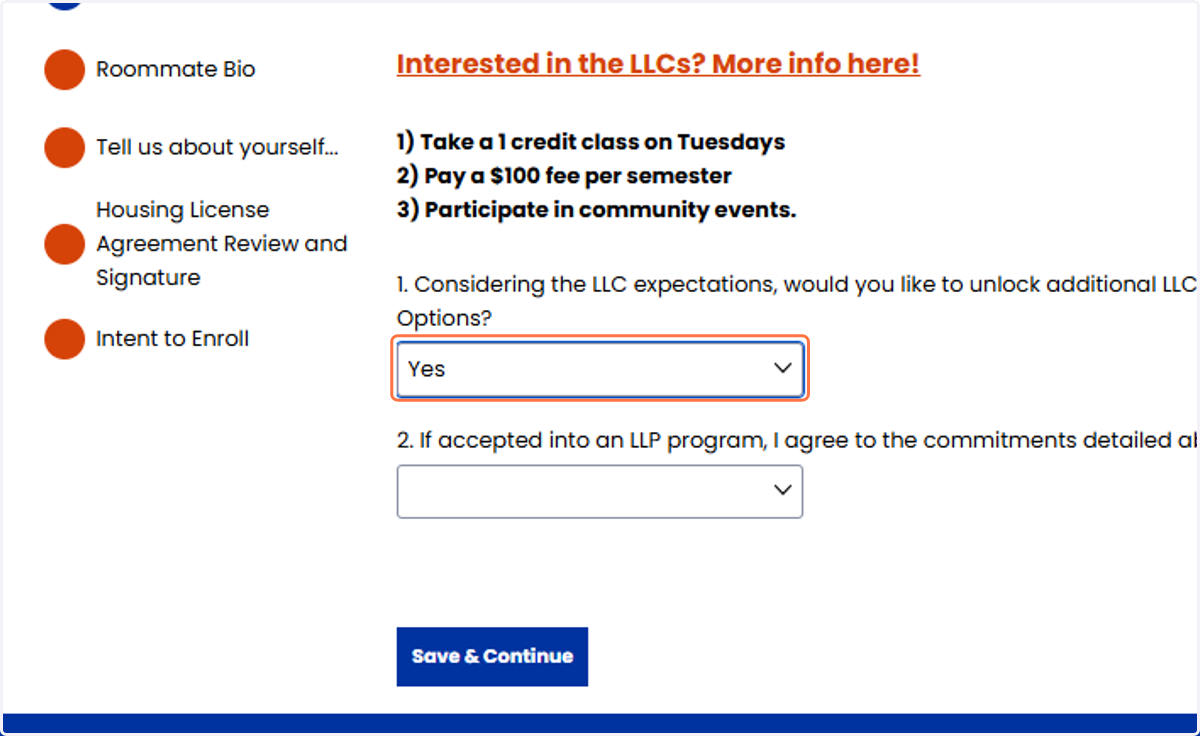
5. Select I agree from 2. If accepted into an LLP program, I agree to the commitments detailed above.
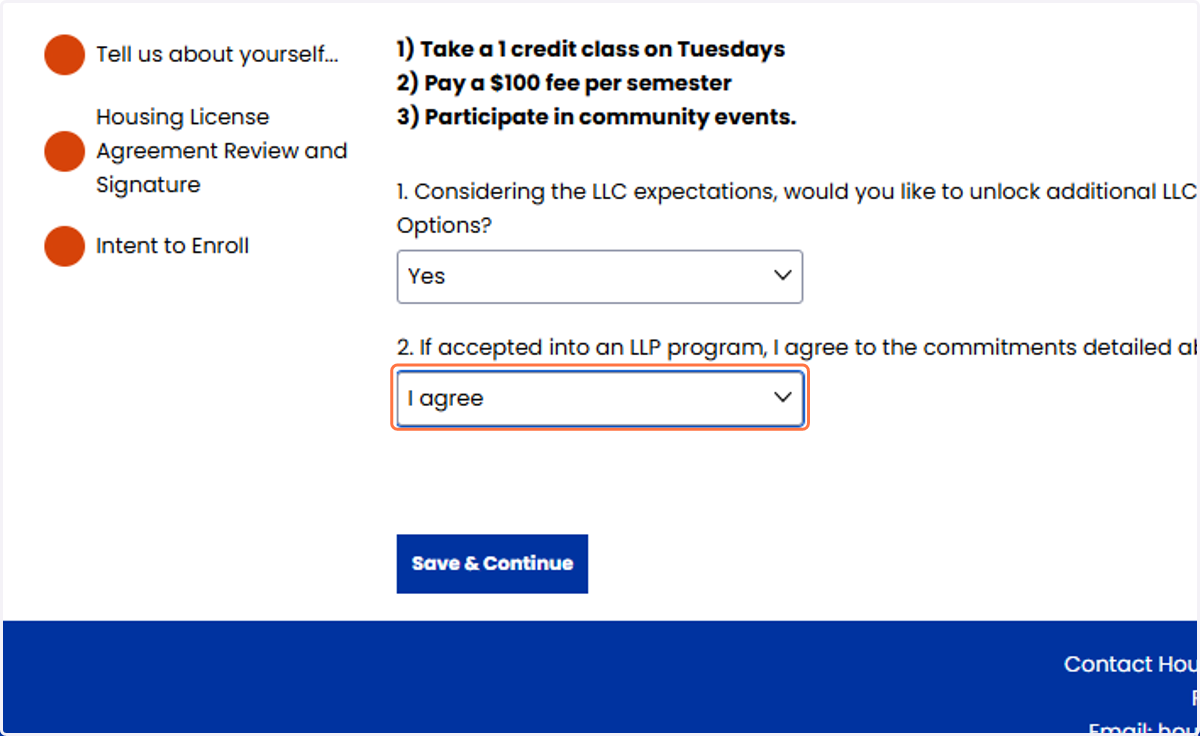
6. Click on Save & Continue
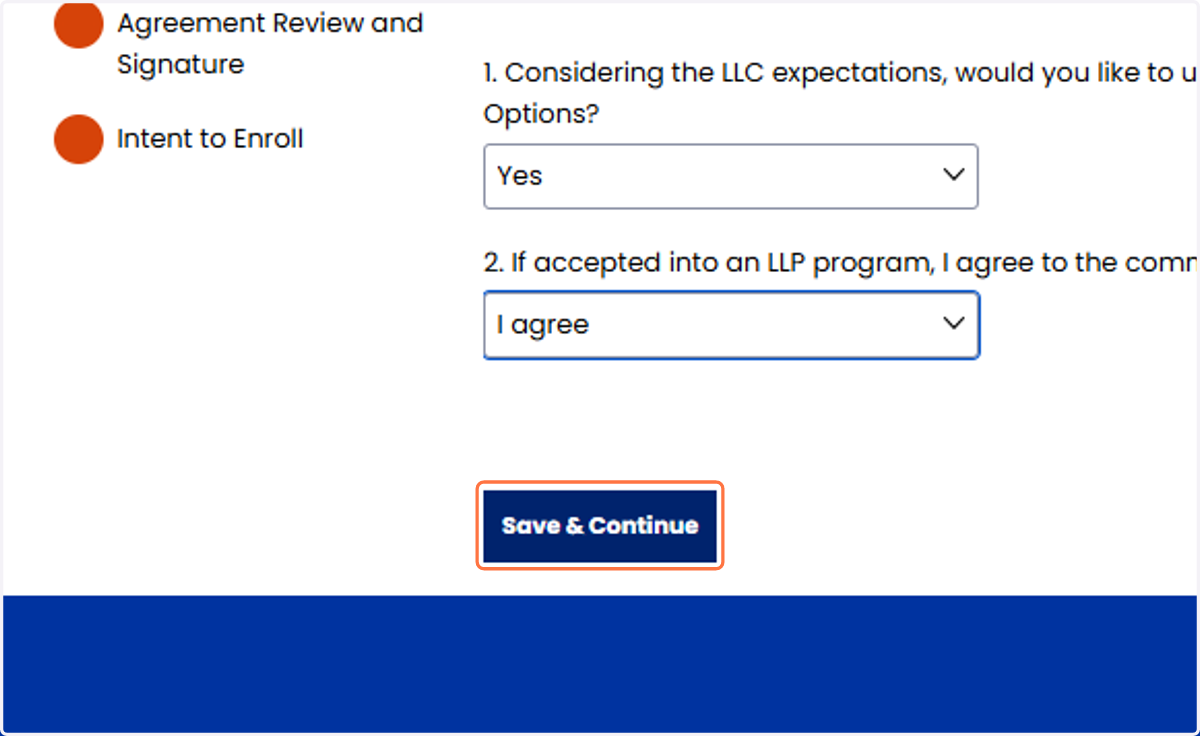
7. Select at least one of the Living Learning Communities, you may select up to three. Keep in mind these are only to help our staff decide who to accept in to the Living Learning Program.
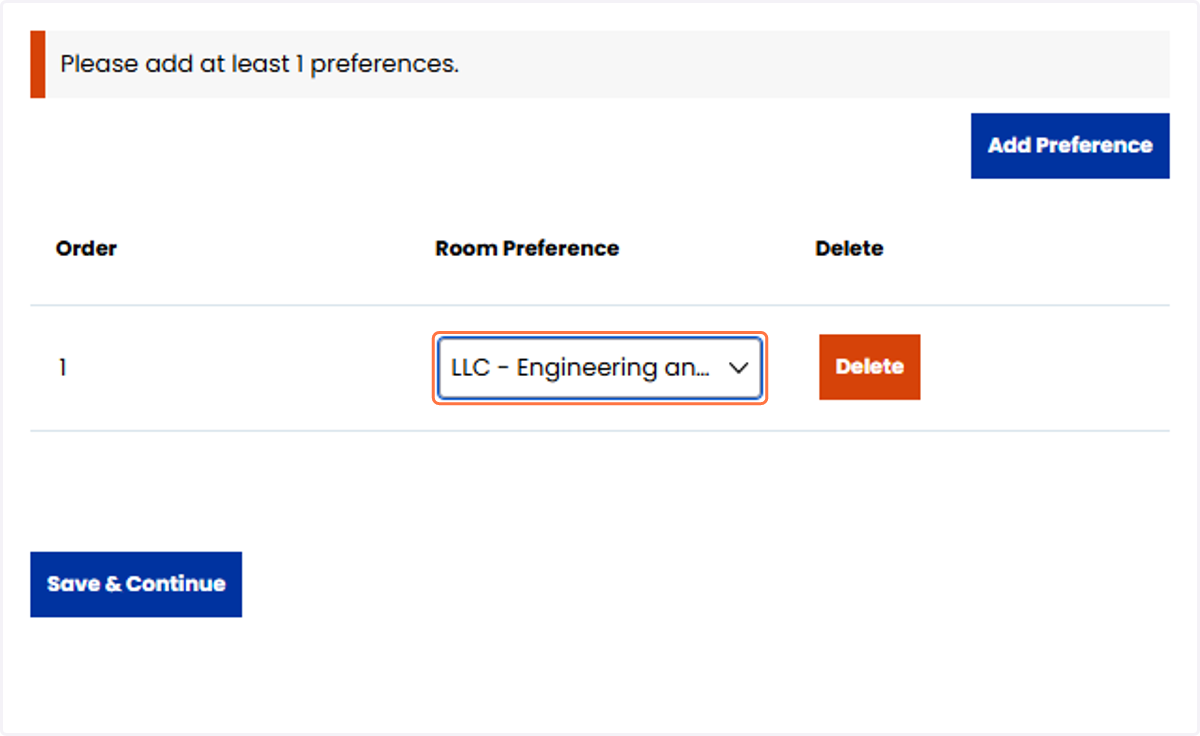
8. One you have added your LLC preferences, click on Save & Continue
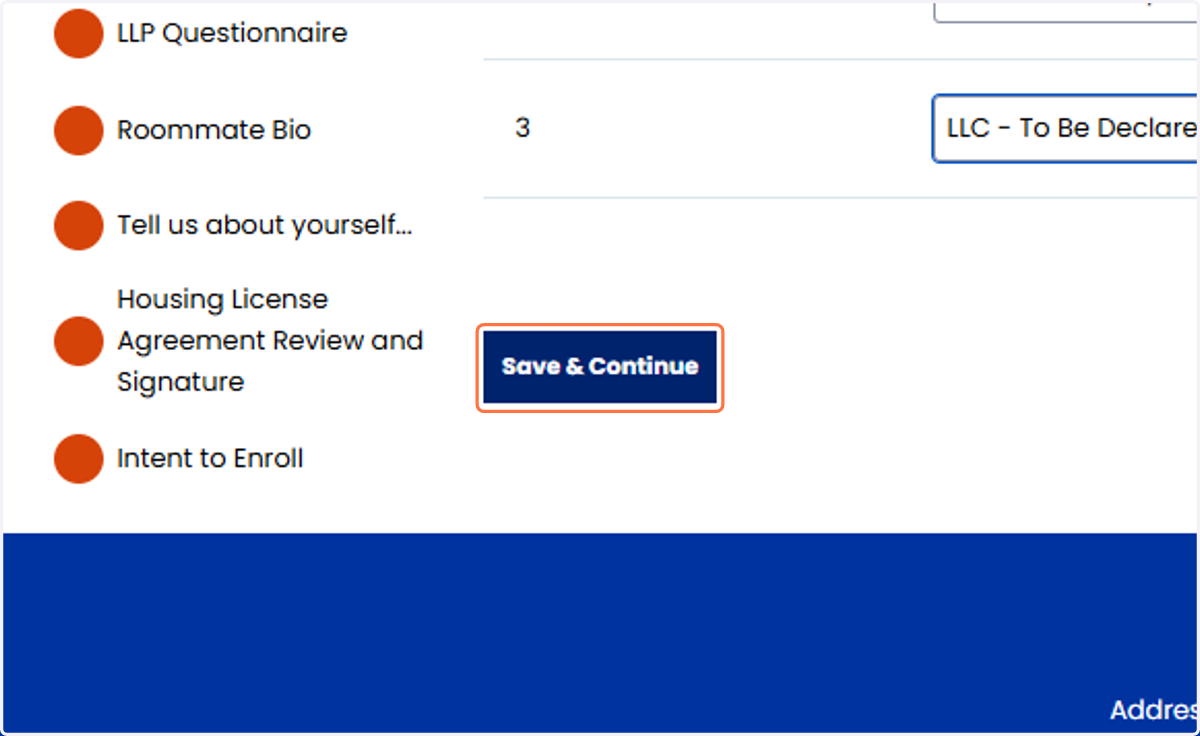
9. Please write your responses to the LLP evaluation questions!
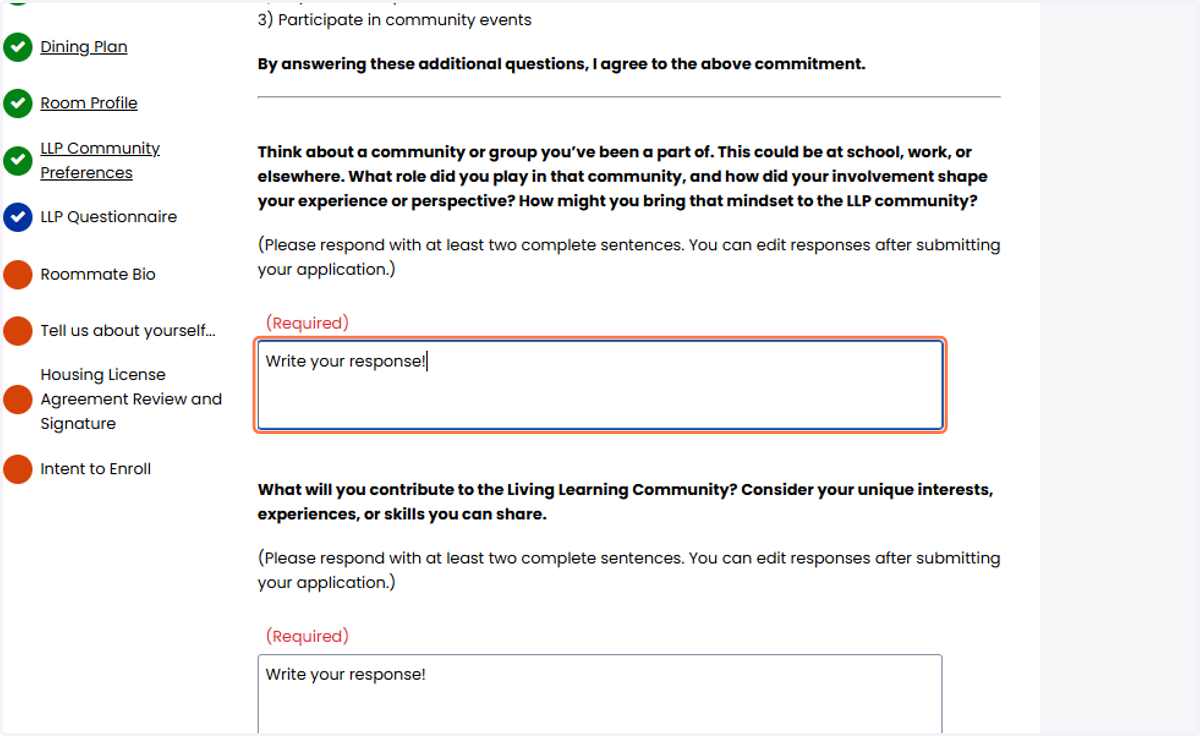
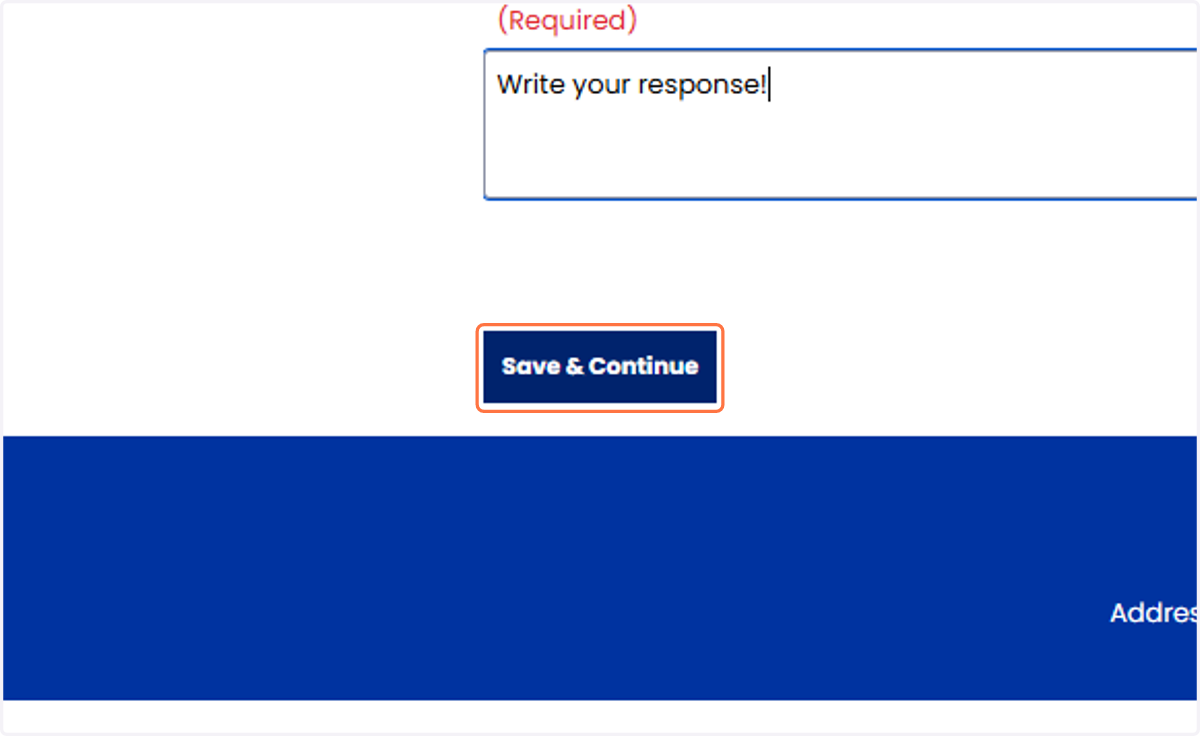
10. Once you have responded to both of the LLP evaluation questions, click on Save & Continue
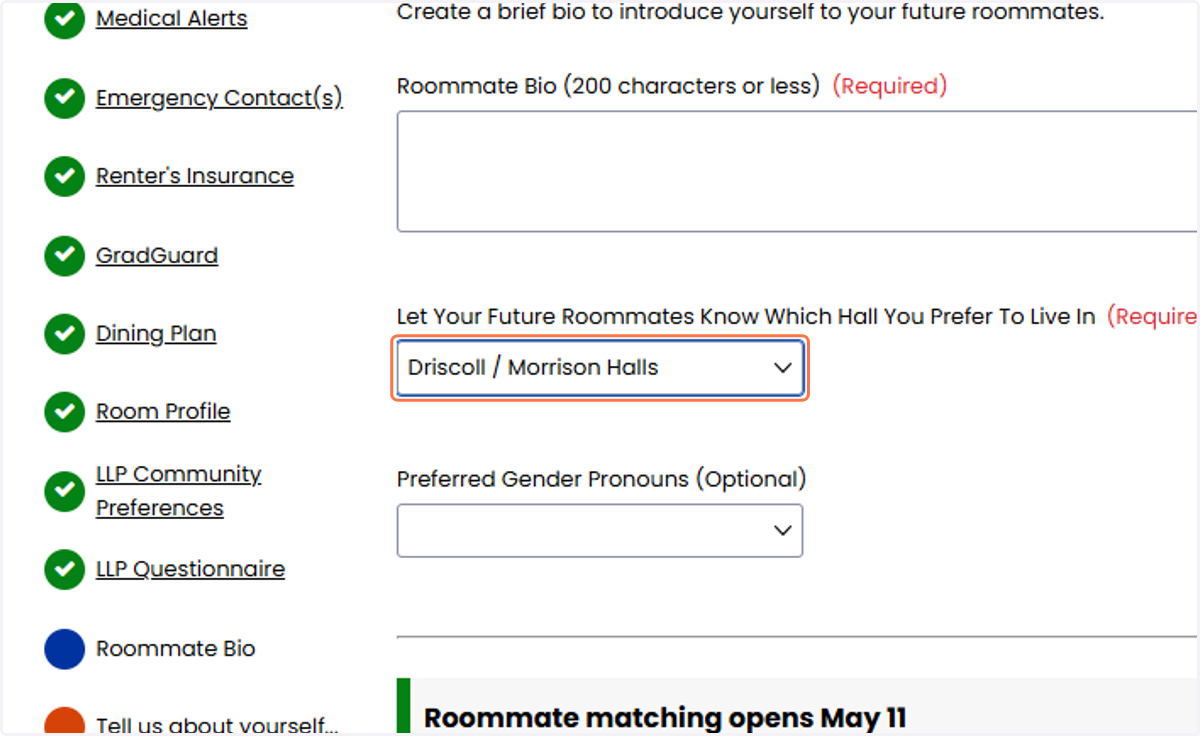
11. In the roommate section, put the residence hall that your top choice Living Learning Community is located in! You can use this link here https://www.boisestate.edu/housing/llp/living-learning-communities/ to view what hall your top choice is located in.
12. Completed your Residence Hall application!
Once you have signed your license agreement, paid the application fee and completed the application in it entirety you are good to go! Keep an eye on your Bronco Mail account as we will be sending emails to you directly all summer long!