How to change trading account leverage via the Client Portal
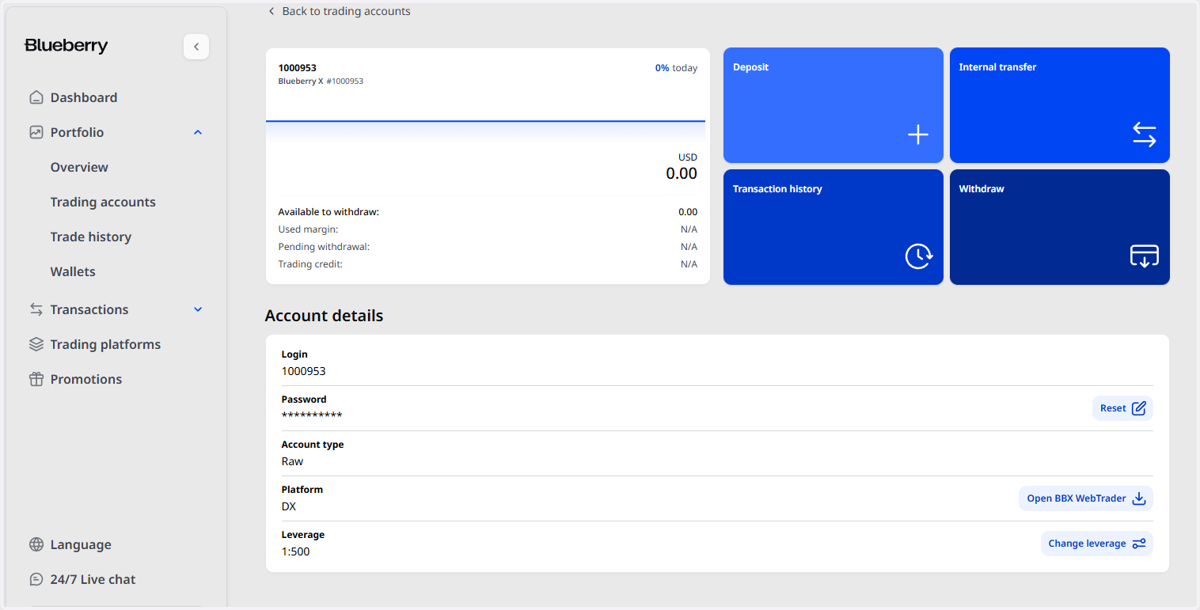
1. Open the trading account to see the account details, from the trading accounts section via the Client Portal
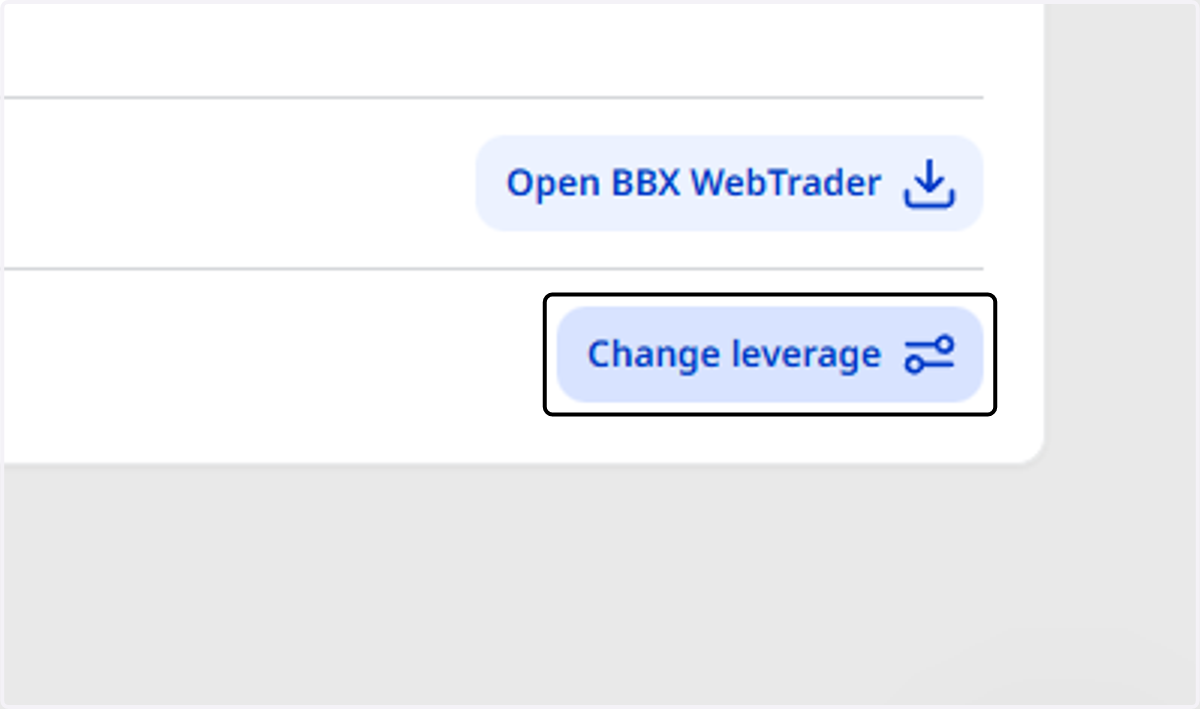
2. Click on Change leverage
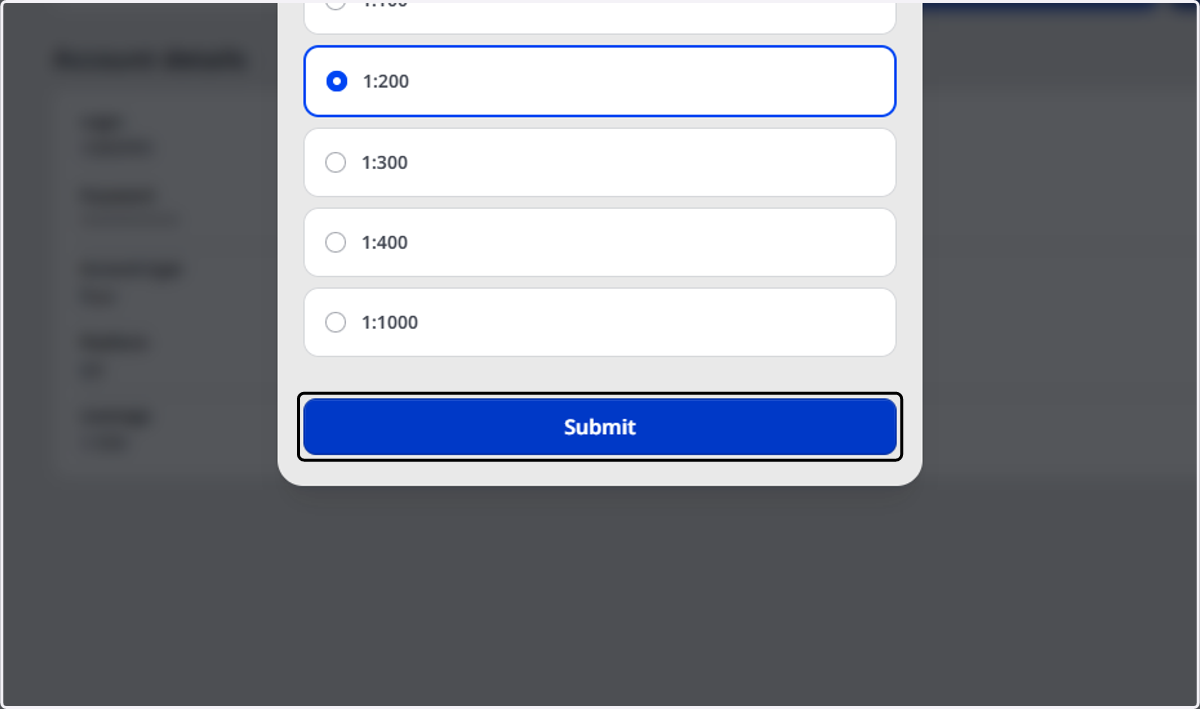
3. Choose the preferred leverage from the given options
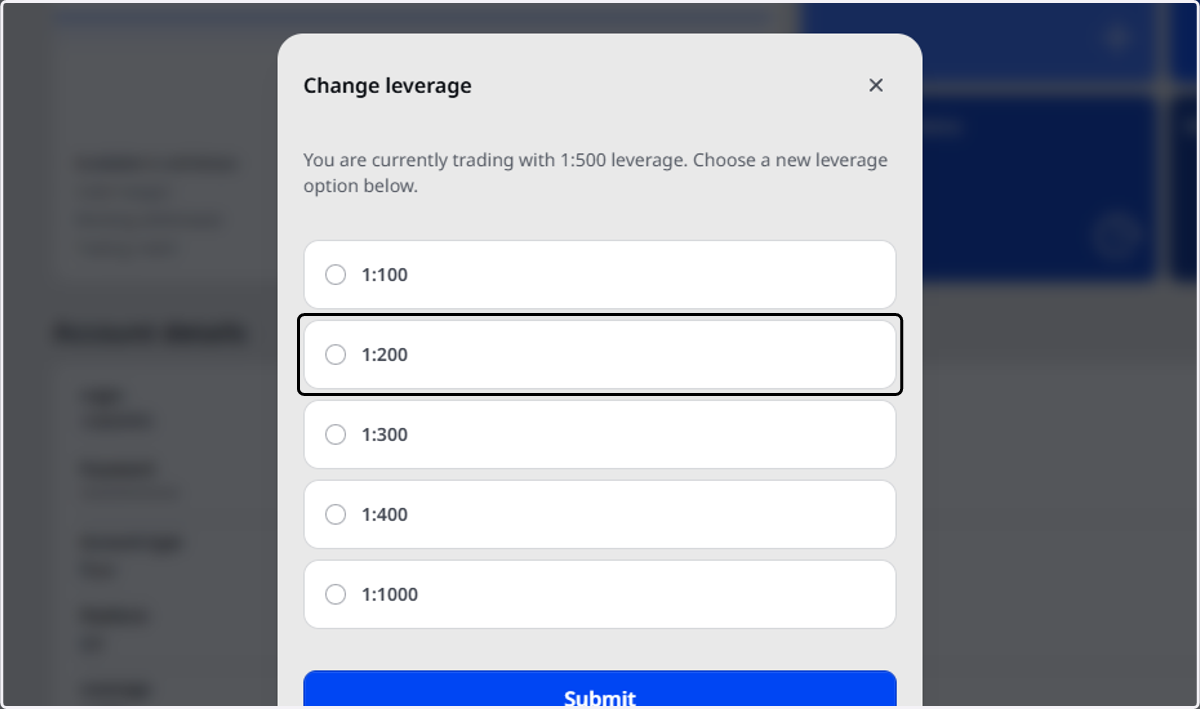
4. Click on Submit
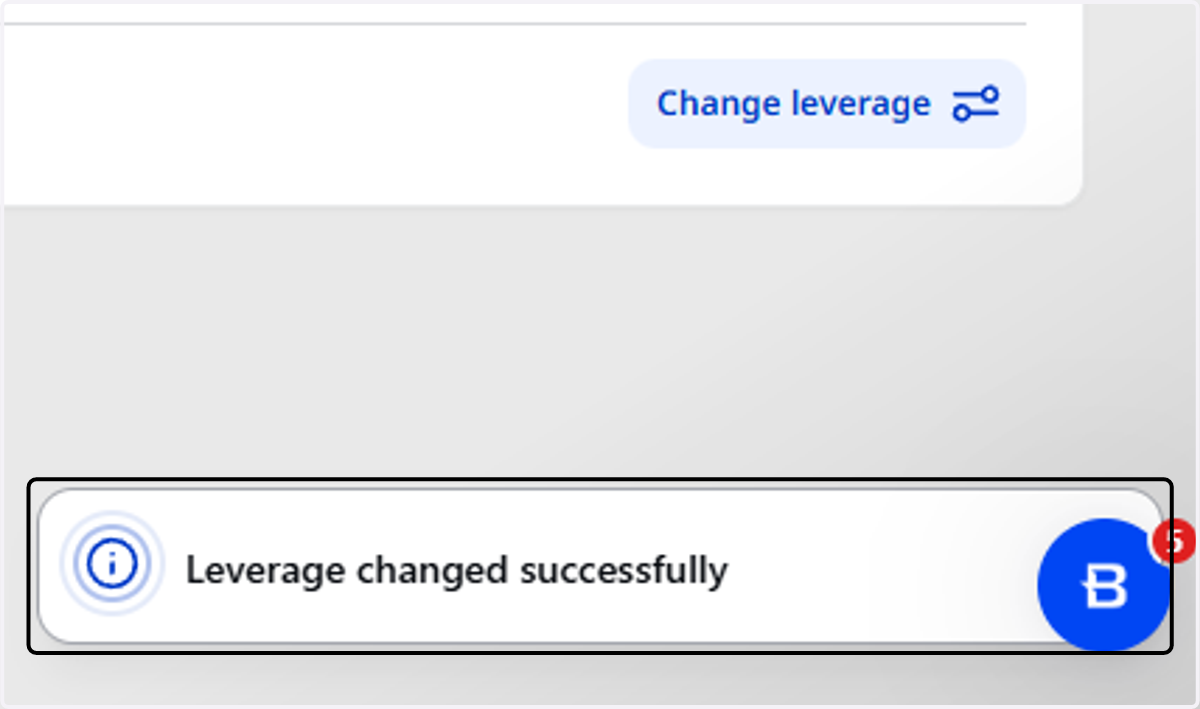
5. A notification of the successful change will show at the bottom.