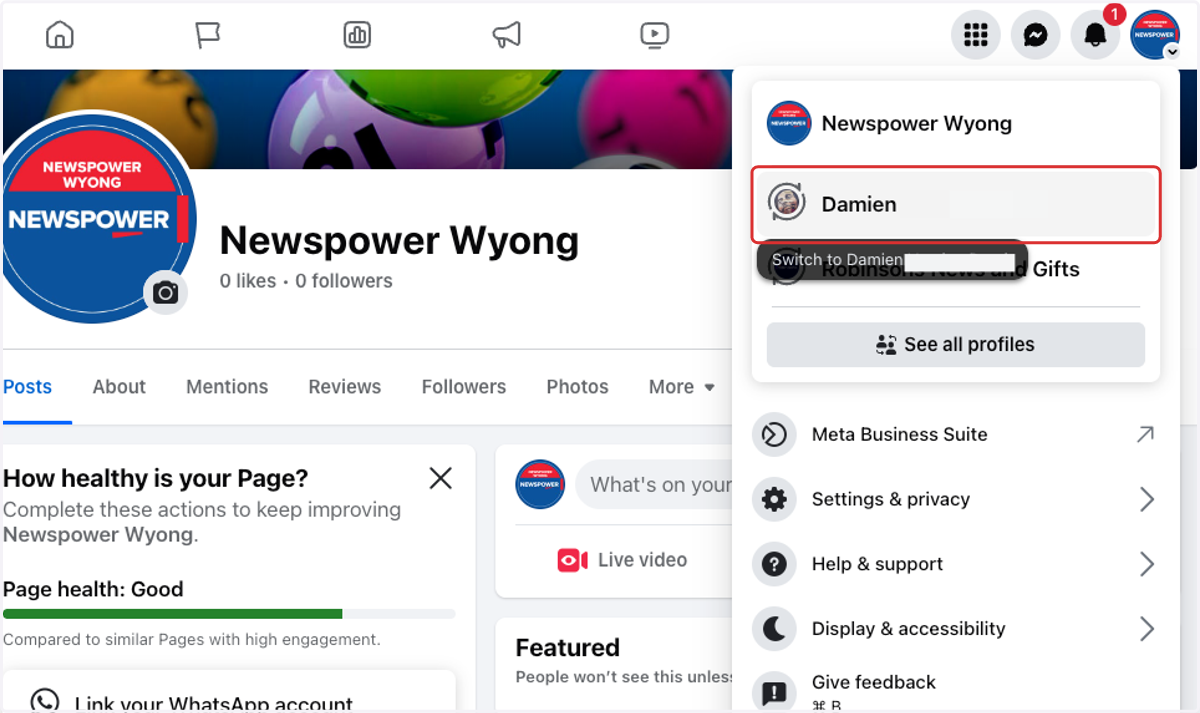
How to change between your Facebook page and business Facebook Page
If you're managing a business page on Facebook, it's important to know how to switch between your personal profile and your business page. This ensures that any comments, posts, or interactions are made from the correct profile—especially when responding to customers or updating your page.
Understanding how to switch between the two helps avoid confusion, maintains a professional presence, and ensures you’re using all of Facebook’s business tools effectively. The steps below will guide you through the process.
1. Sign into your personal Facebook account.
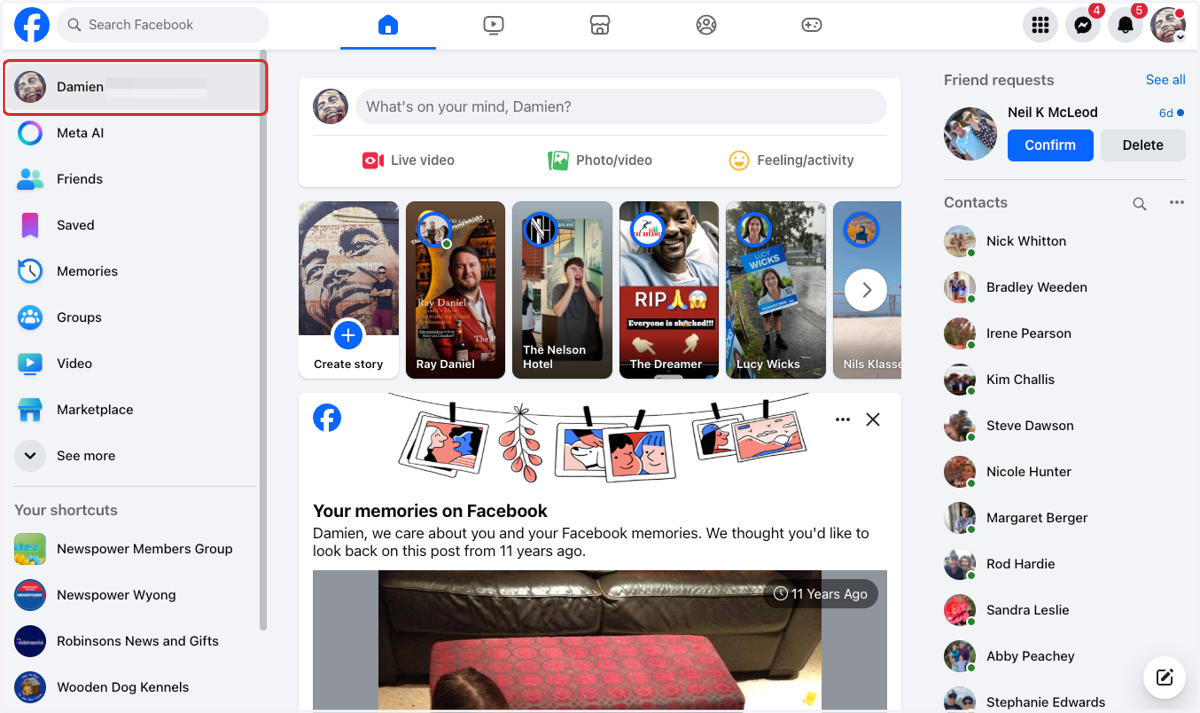
2. Click on your profile image in the top right corner.
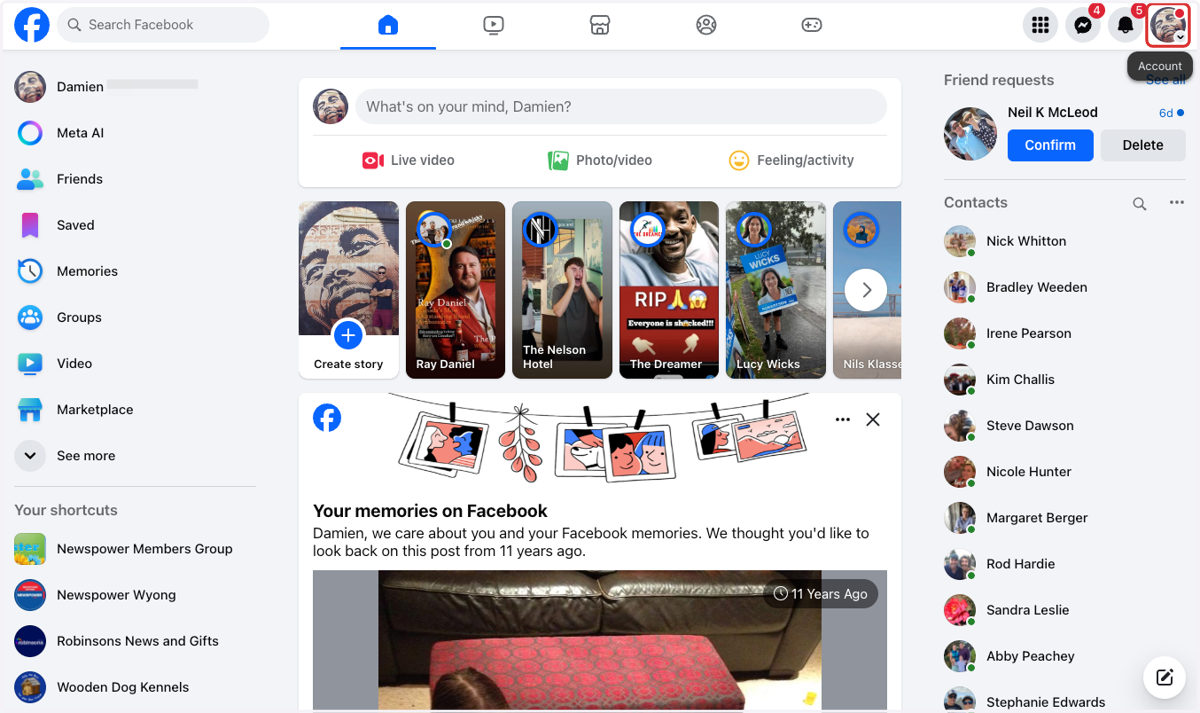
3. Select your business Facebook page from the dropdown.
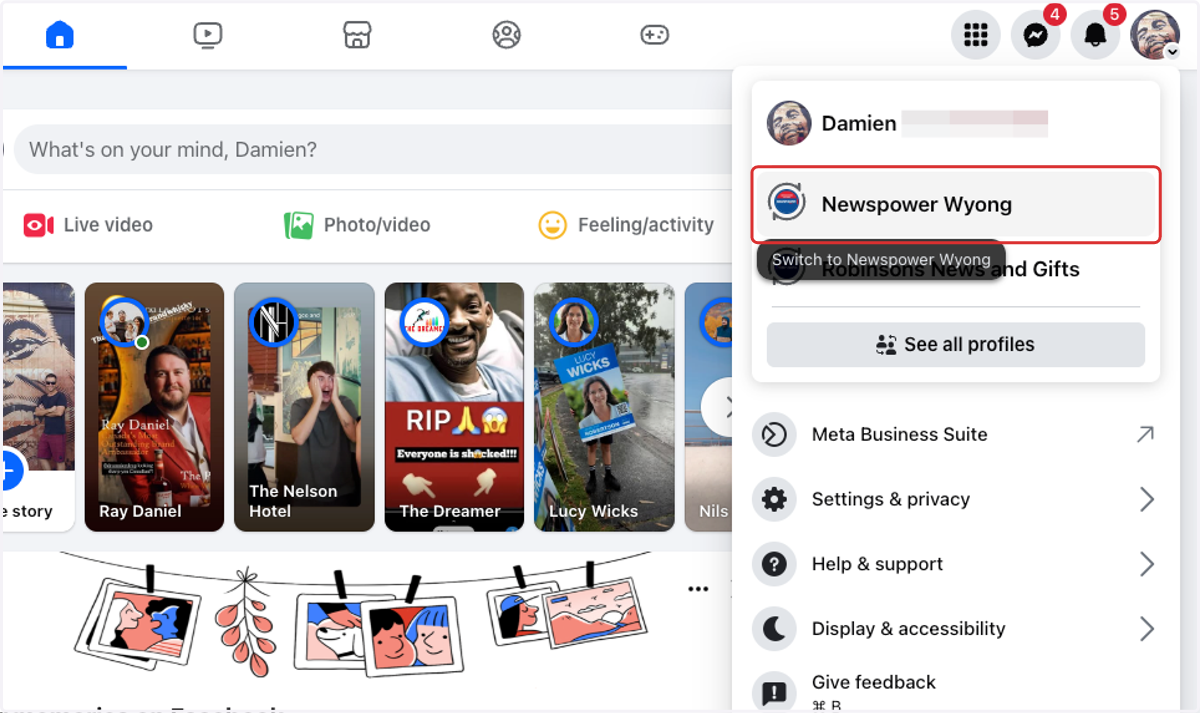
4. Click on you business page name in the top left corner.
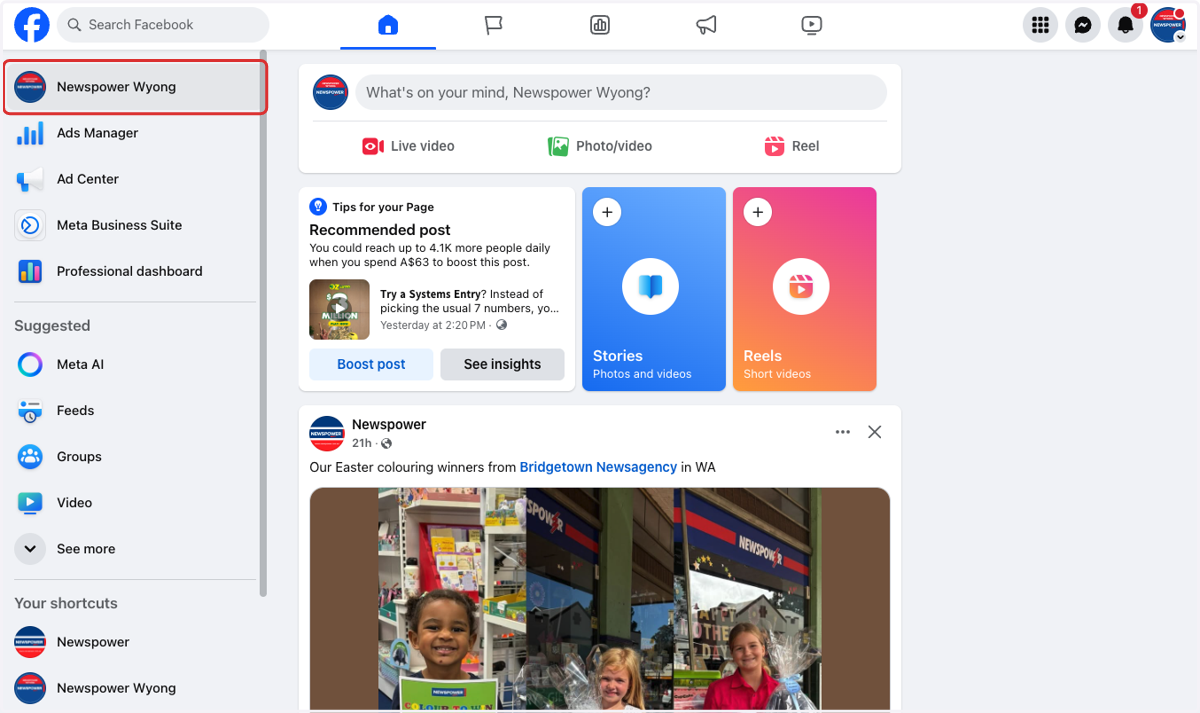
5. Now you are in your business Facebook page.
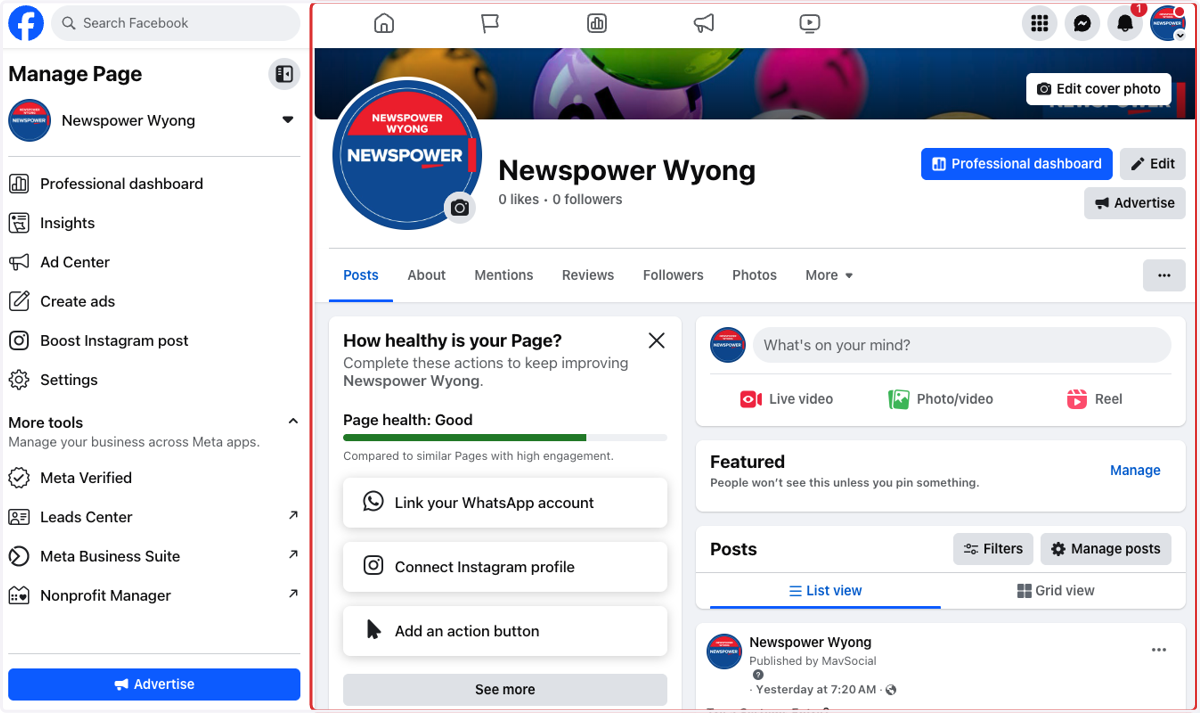
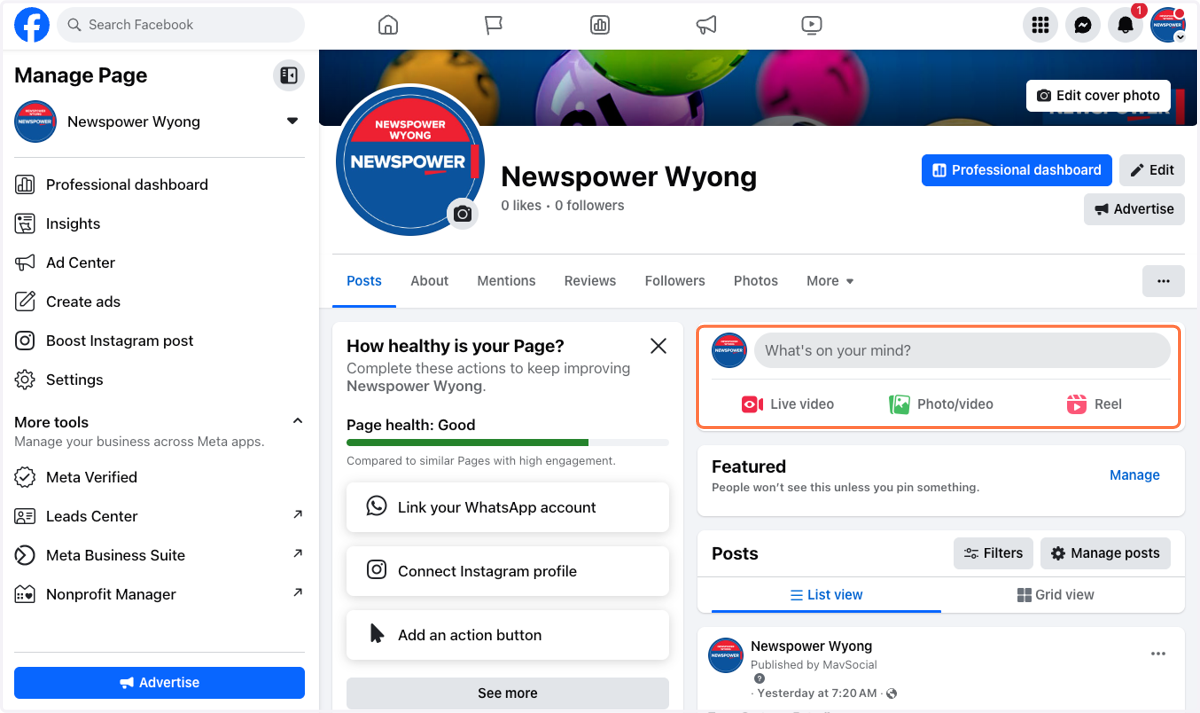
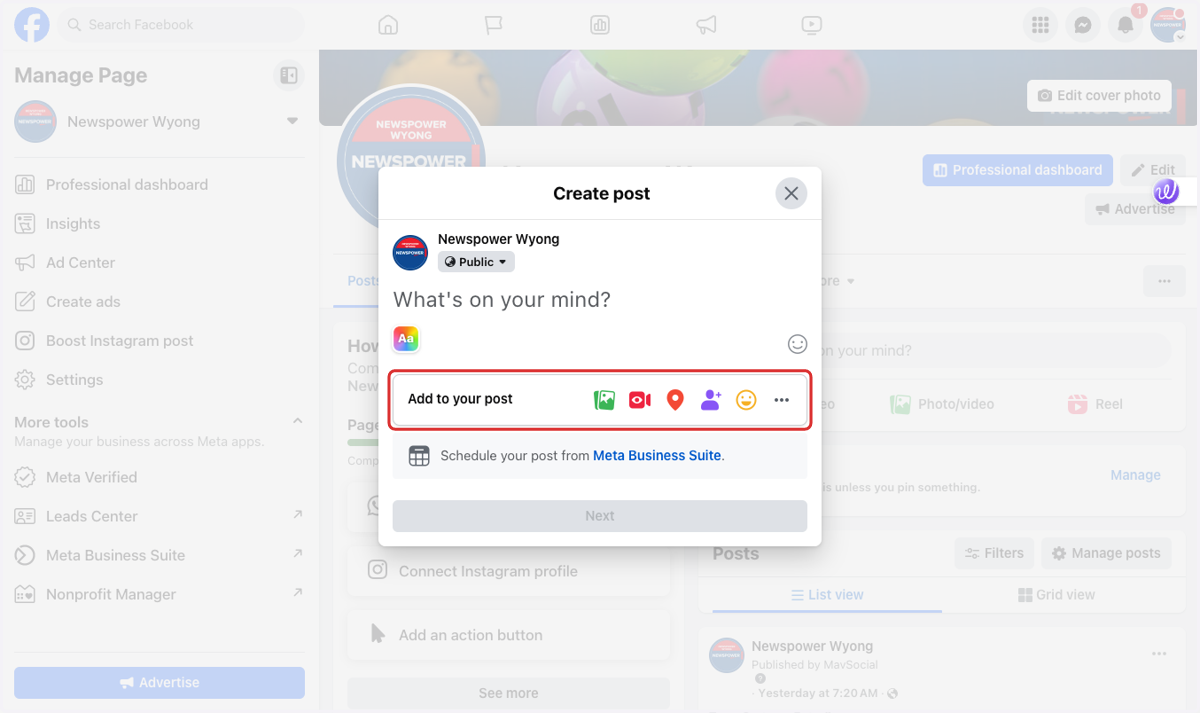
6. Here is where you can create a post for your page.
7. Add you post copy here.
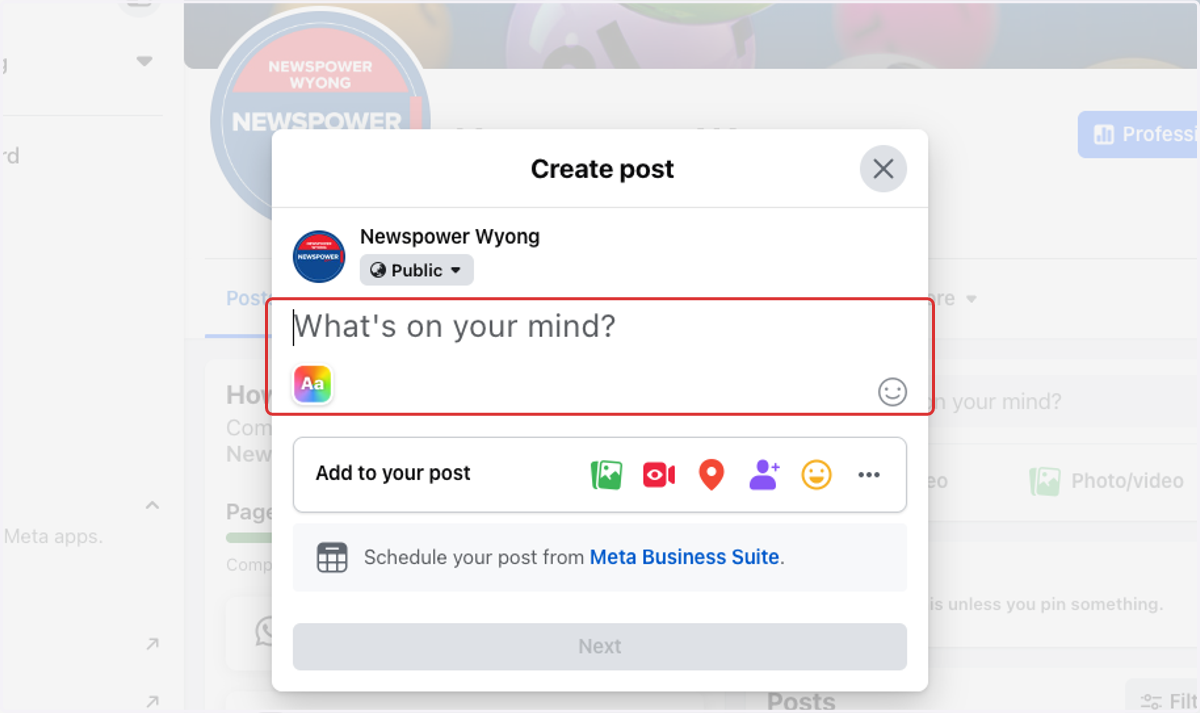
8. Here you can add a photo or video, tag people and location plus much more.
9. To revert back to your personal page click your business page profile in the top right corner.
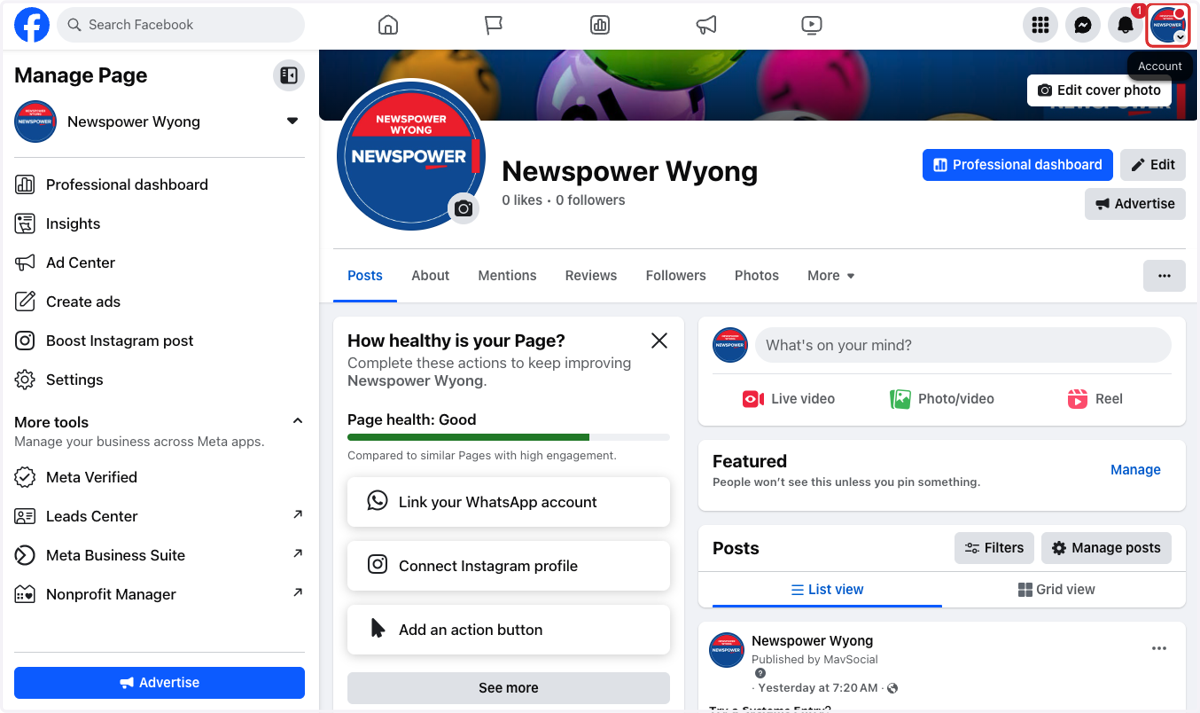
10. Select your personal profile again.