How to Upload your WMS 2023 Presentation Files in 5 Easy Steps
Your Email Client
For the purposes of these instructions we used a Google Email Inbox
1. Click on your email in your inbox
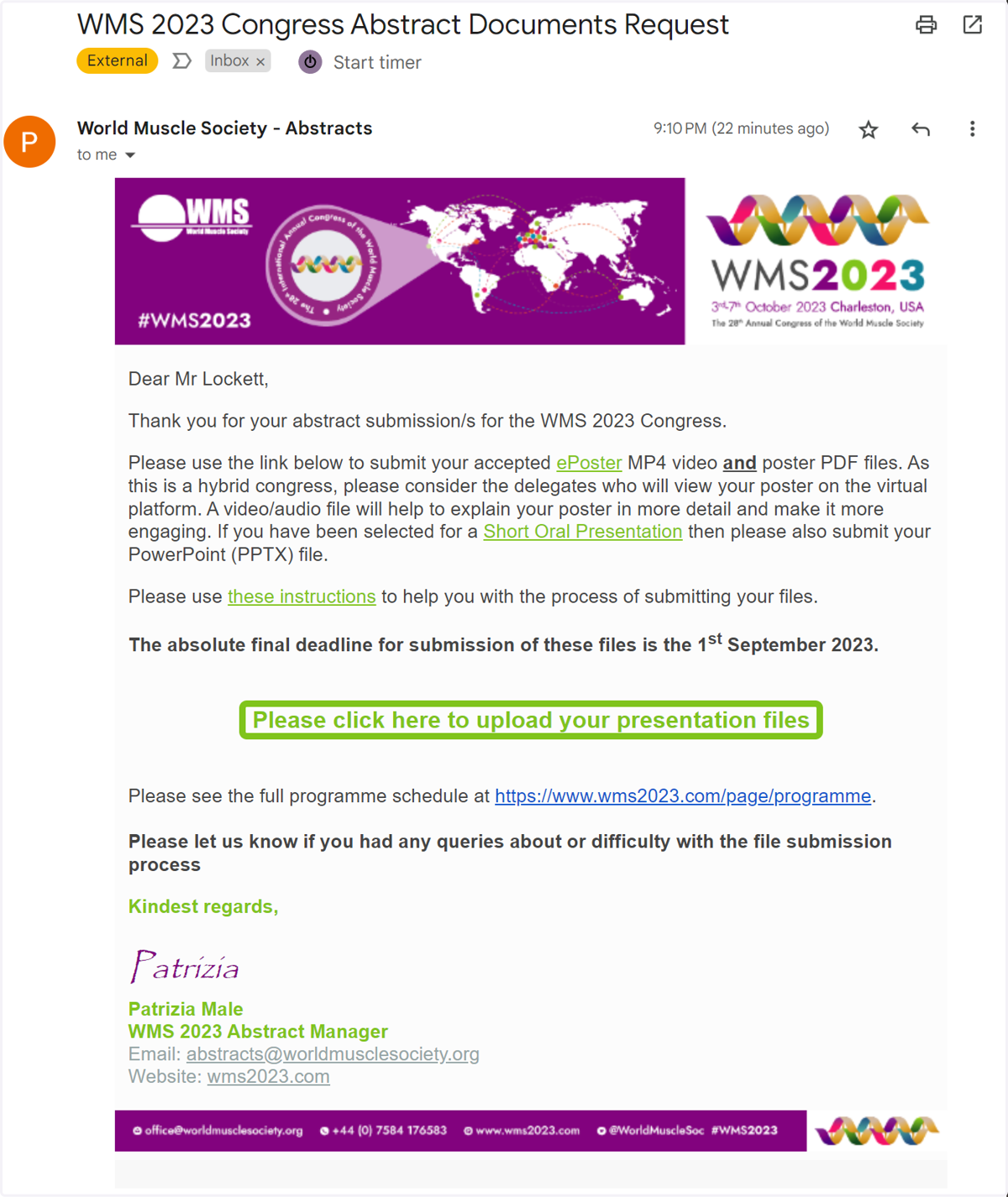
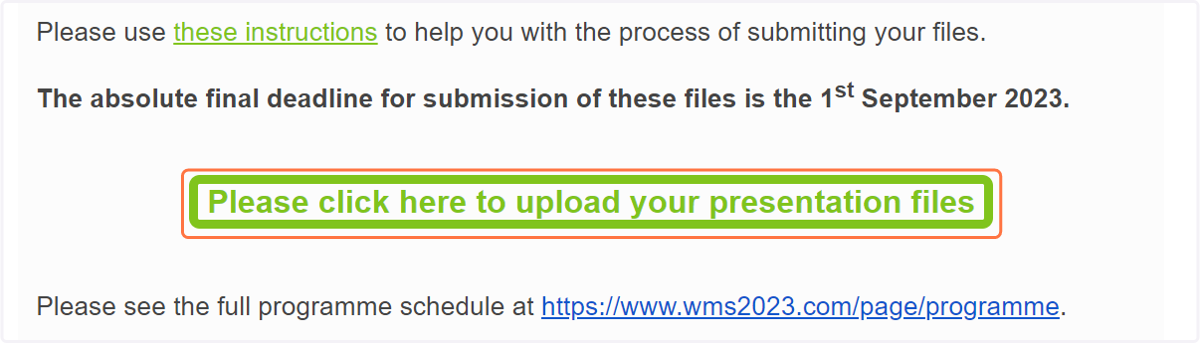
2. Click on Please click here to upload your presentation files
3. You will be brought to the Presentation Management Port
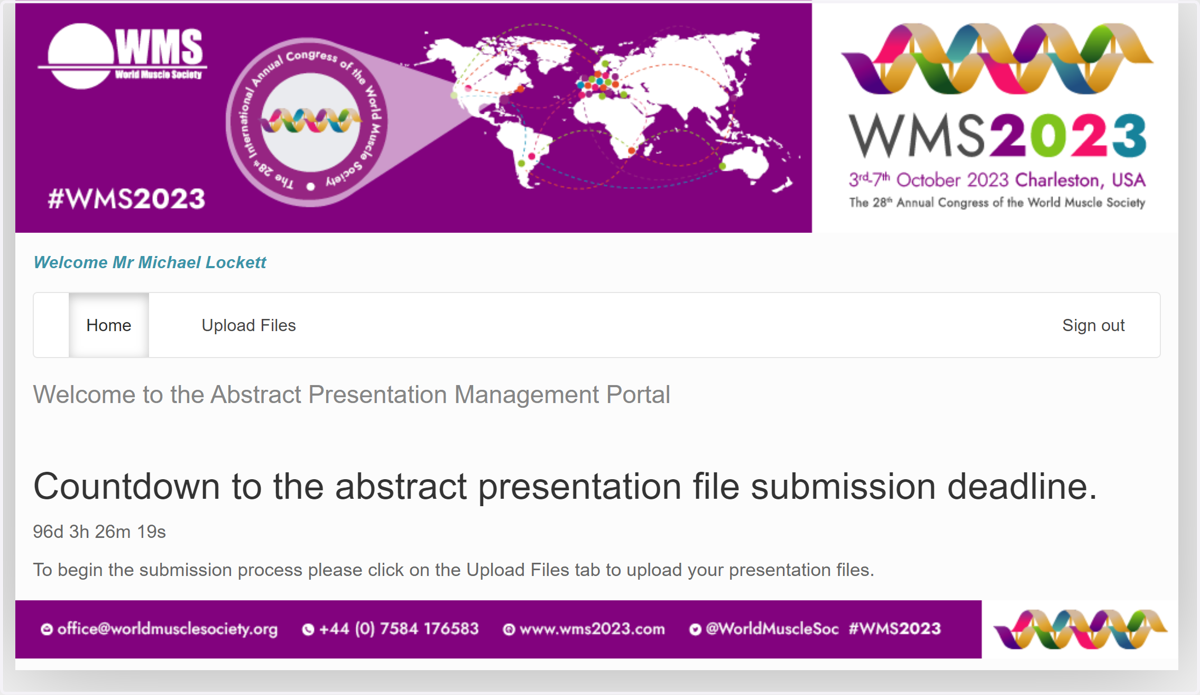
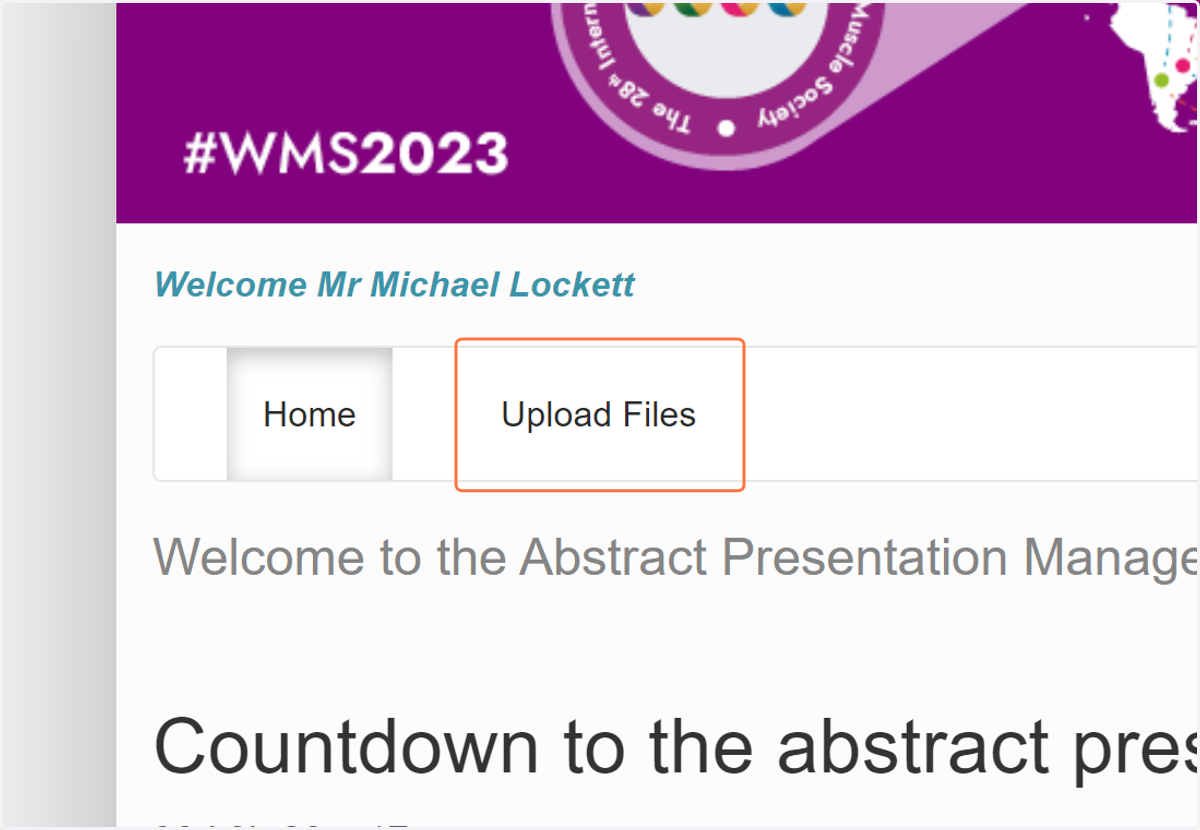
4. Click on Upload Files
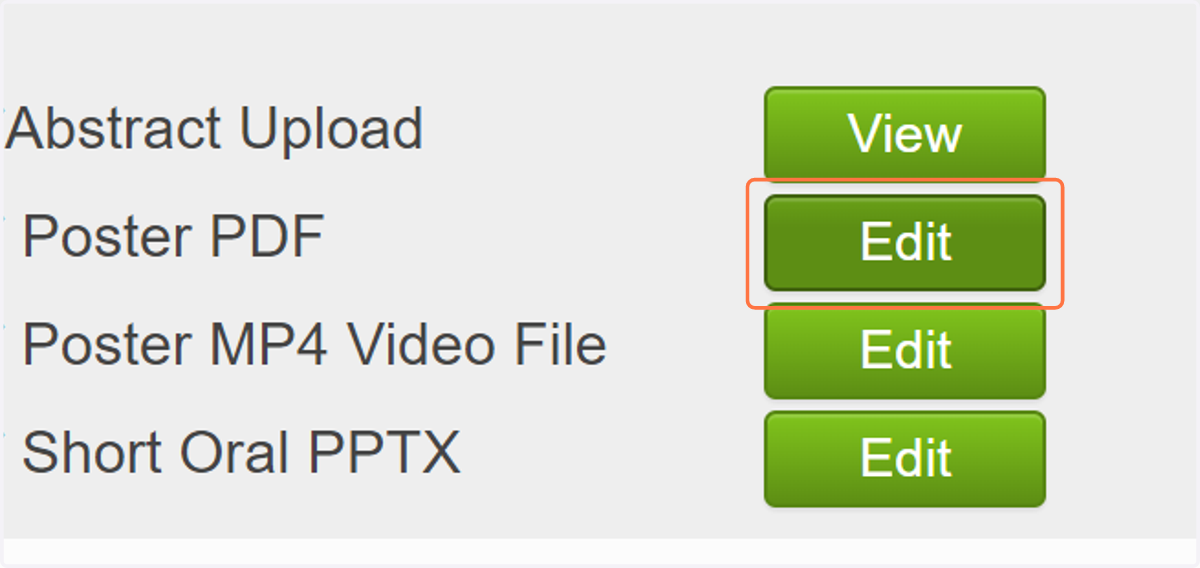
5. Click on Edit
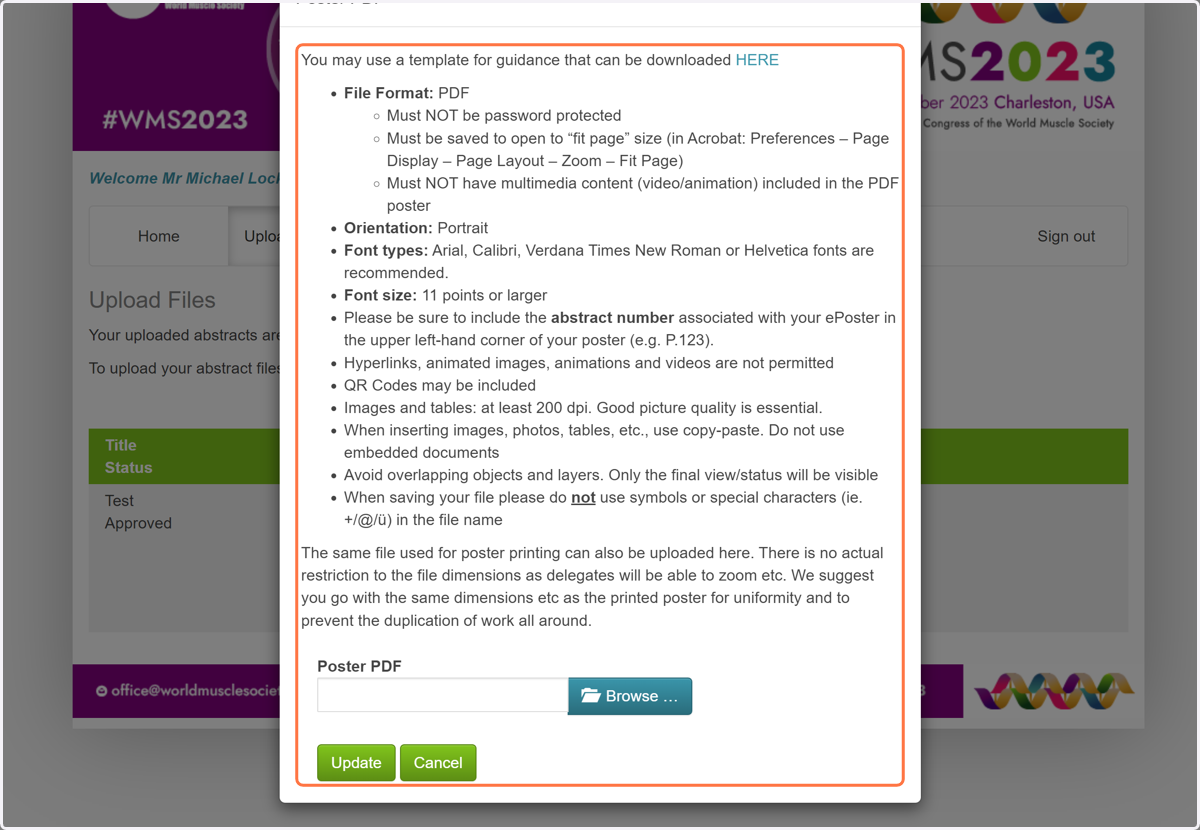
6. Click Browse to search for your PDF file
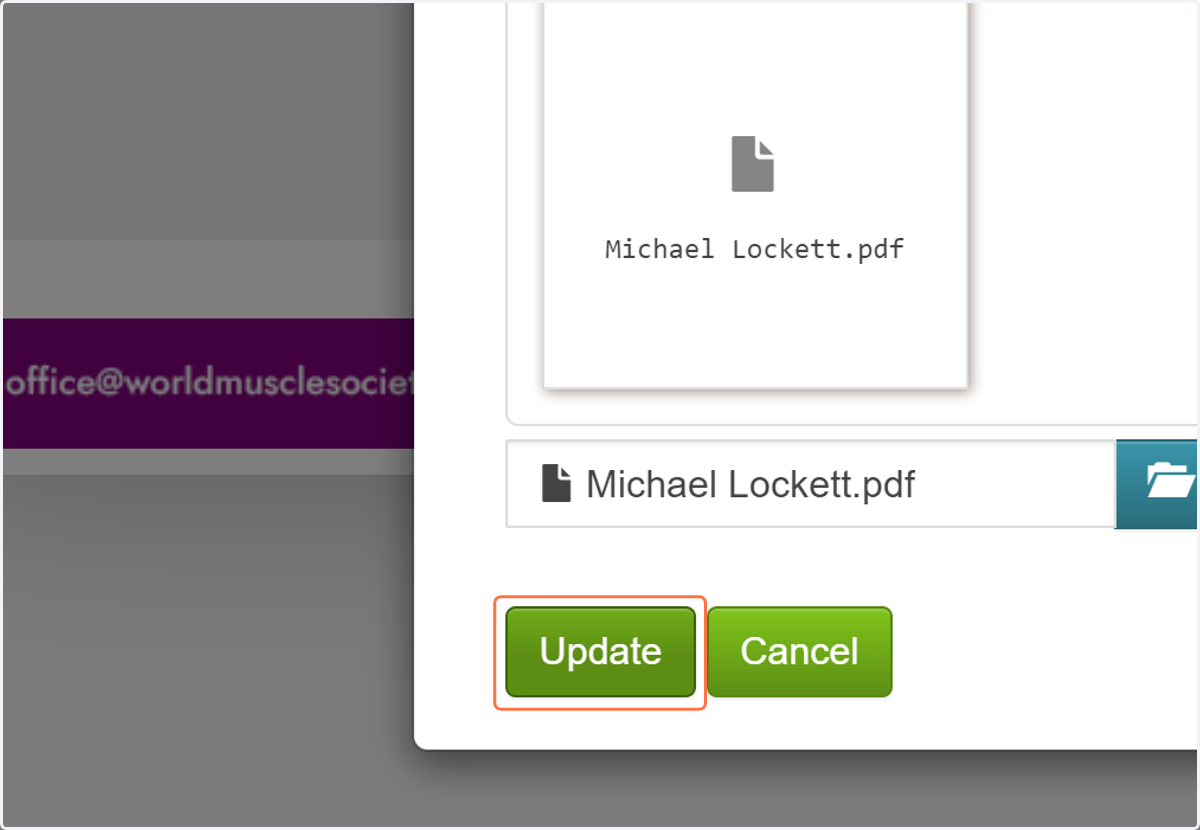
7. Click on Update
8. Click on Edit
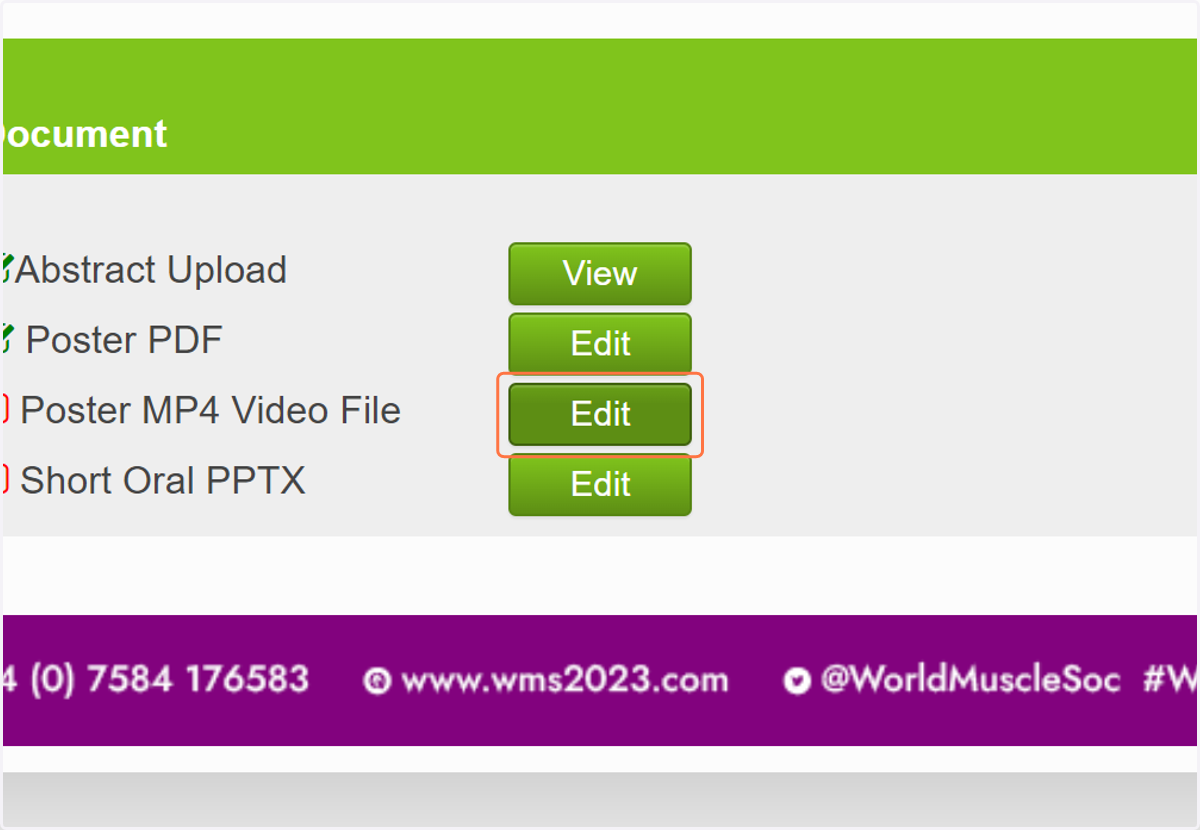
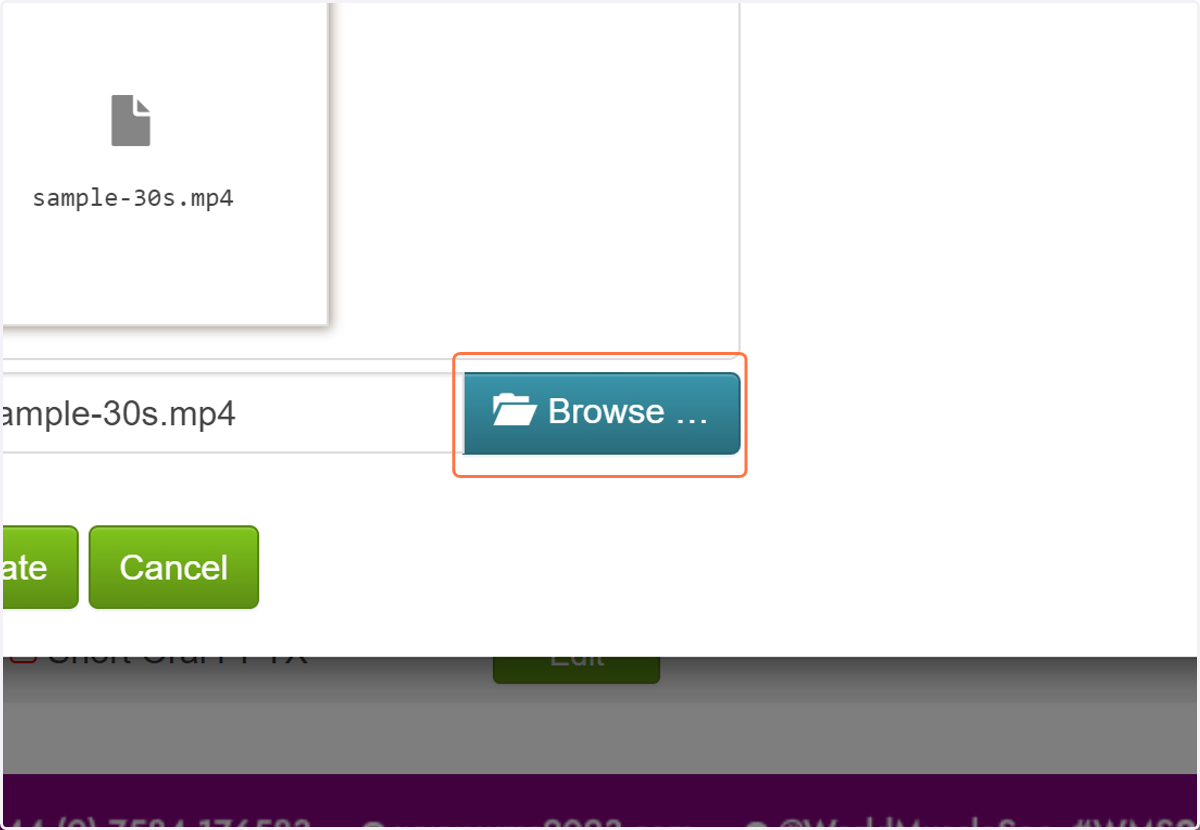
9. Click On Browse and find your MP4 file.
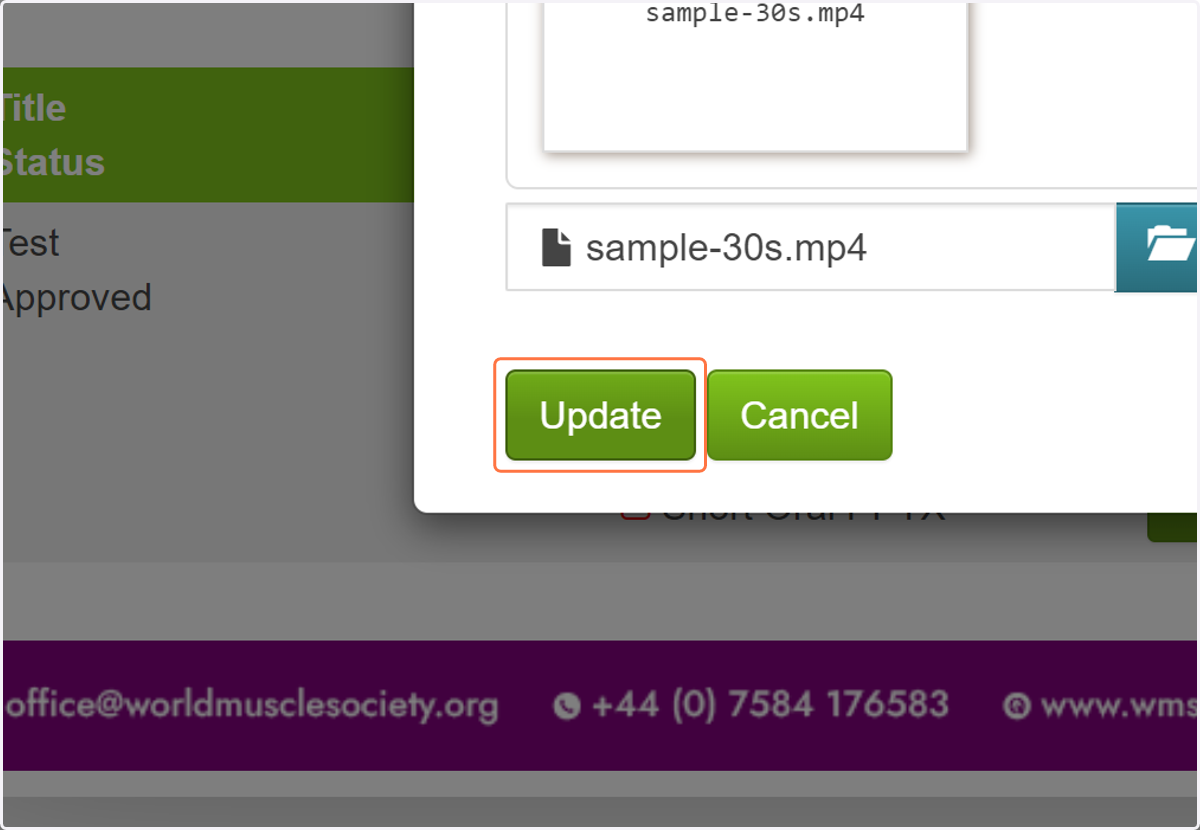
10. Click on Update
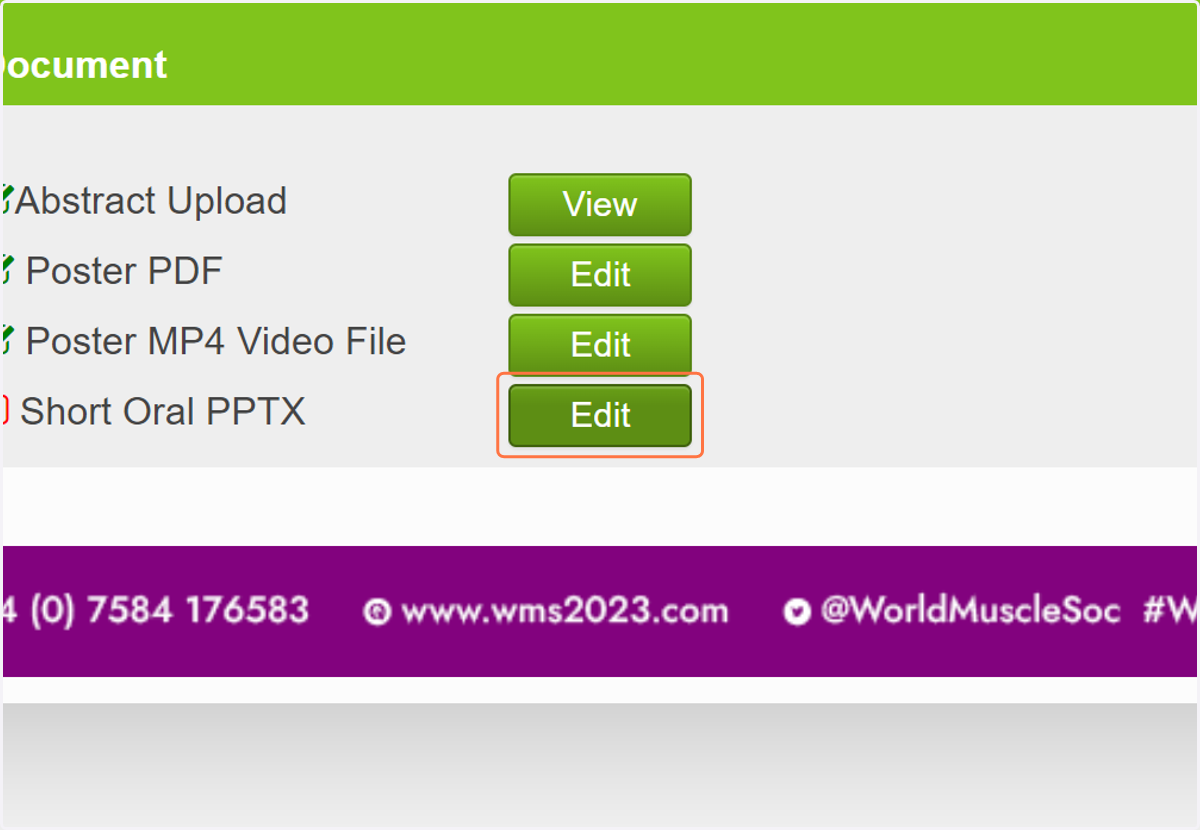
11. Click on Edit
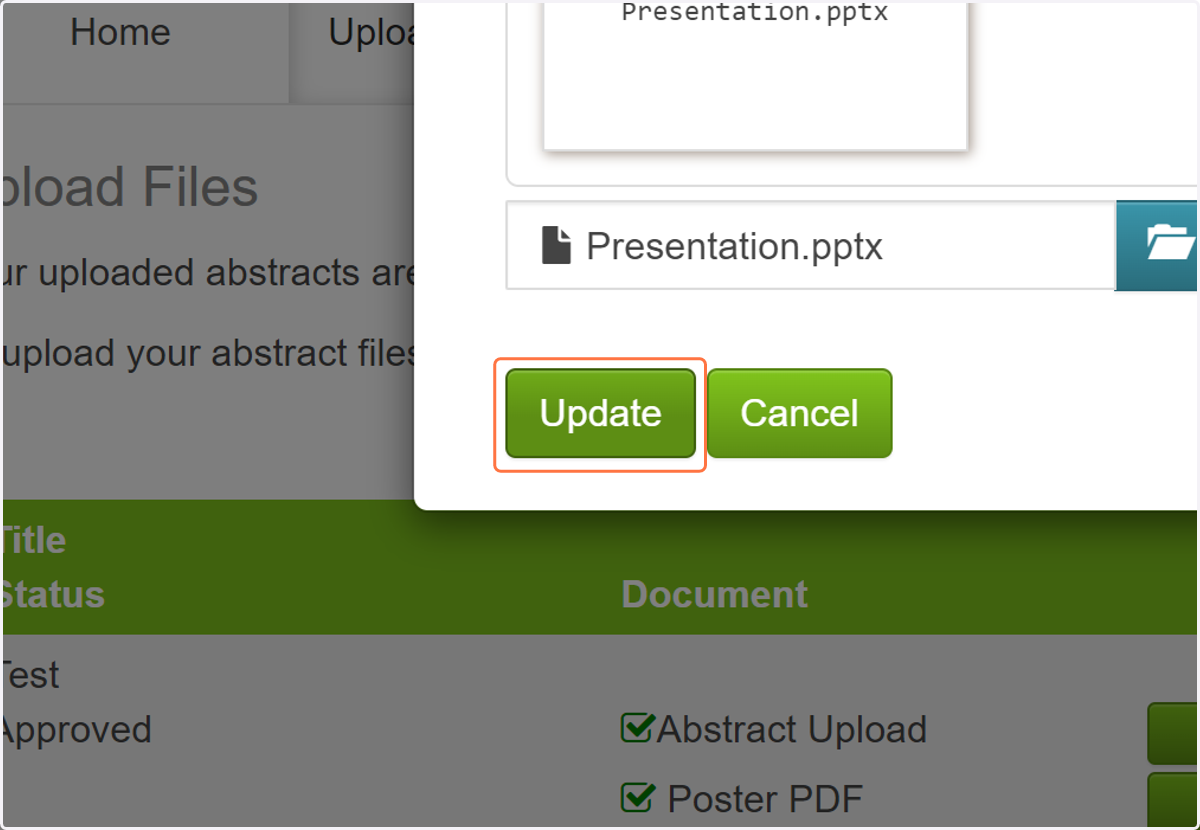
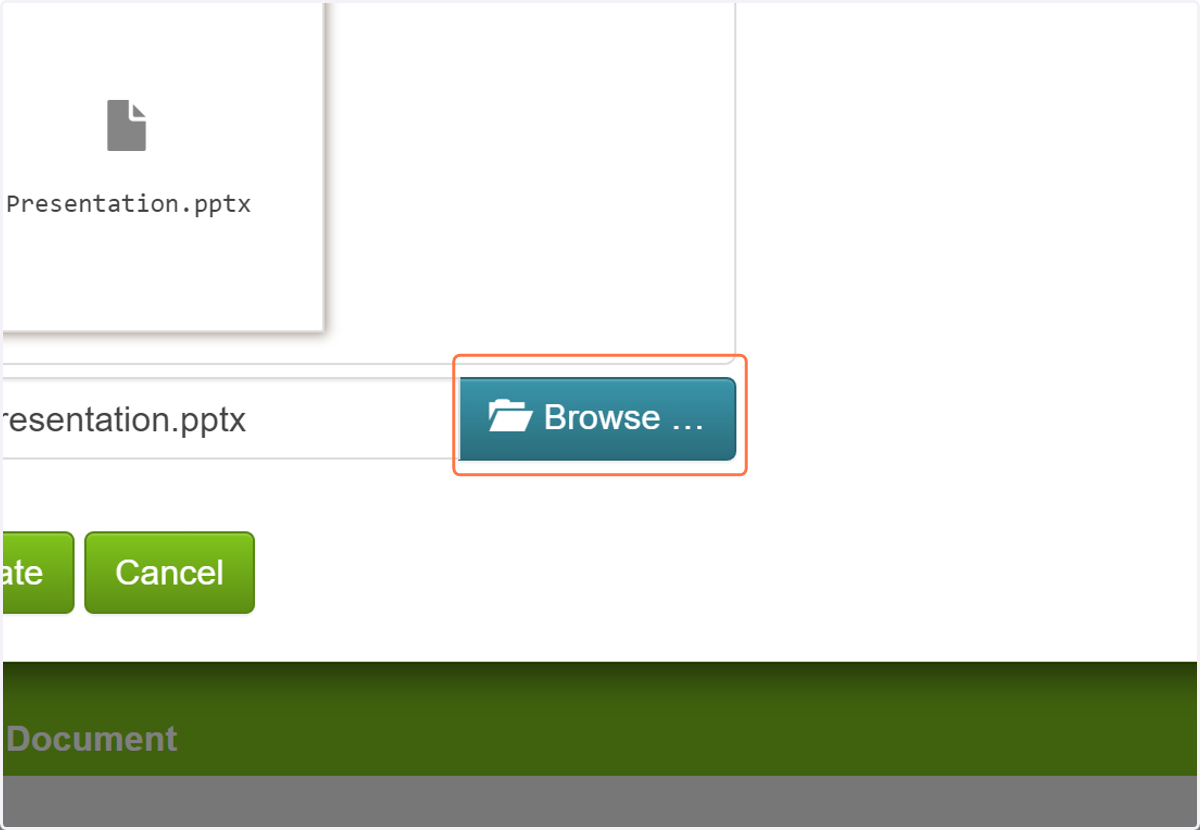
12. Select "Your Presentation.pptx" from file upload menu
13. Click on Update