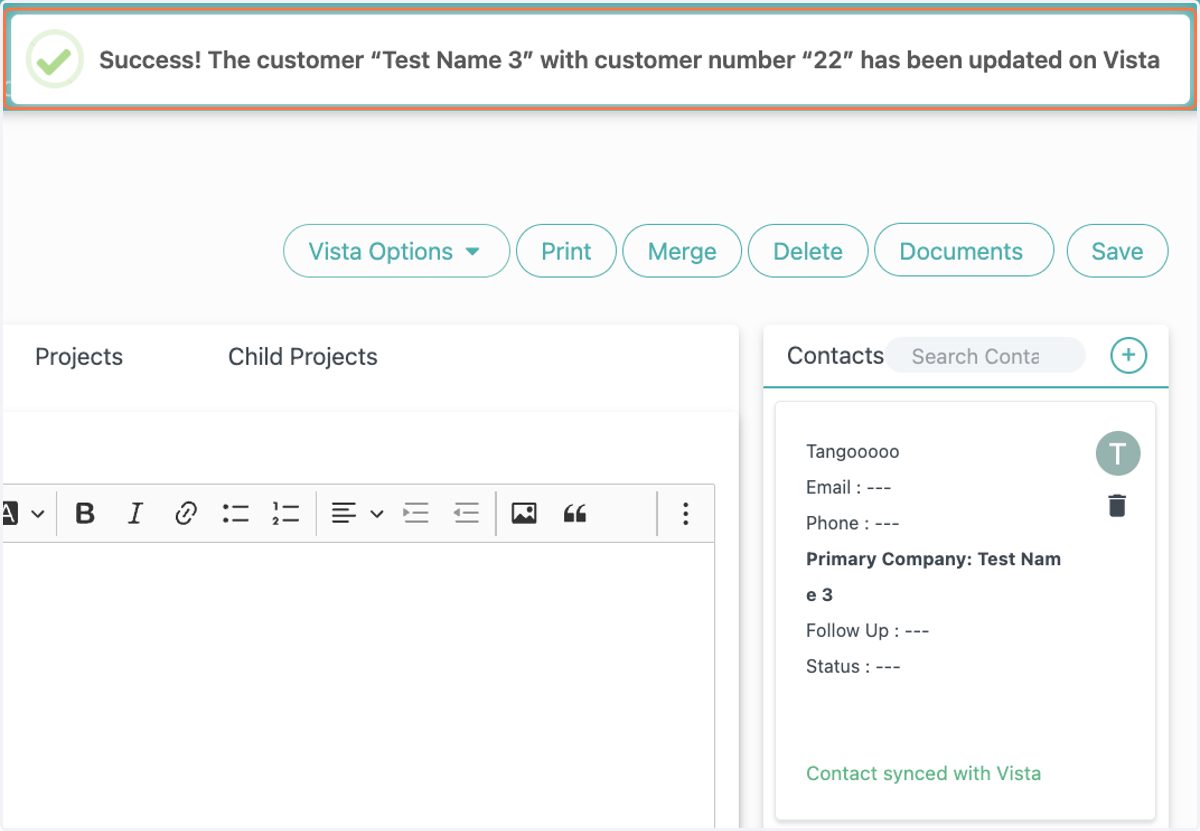
How to Update a Customer's Information on Vista using FollowUpCRM
FollowUpCRM
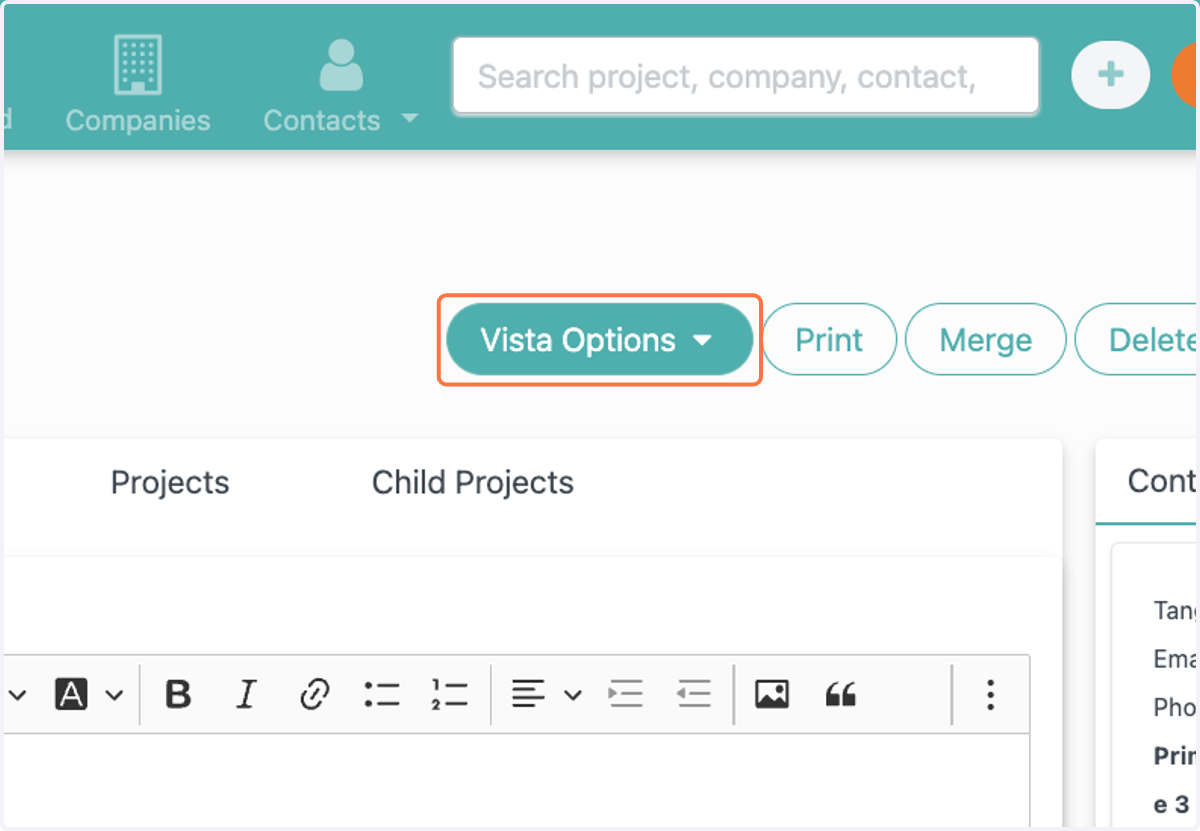
1. On the Contact page, click on dropdown trigger
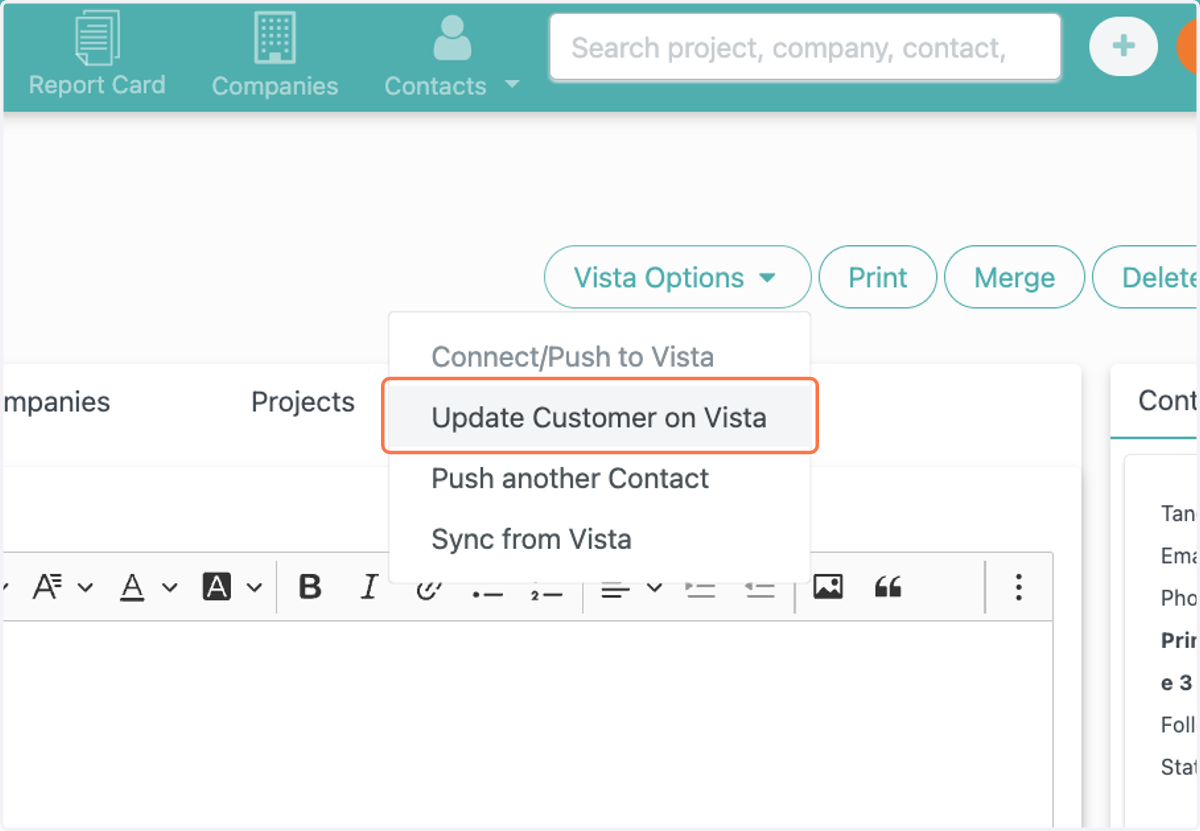
2. Click on Update Customer on Vista
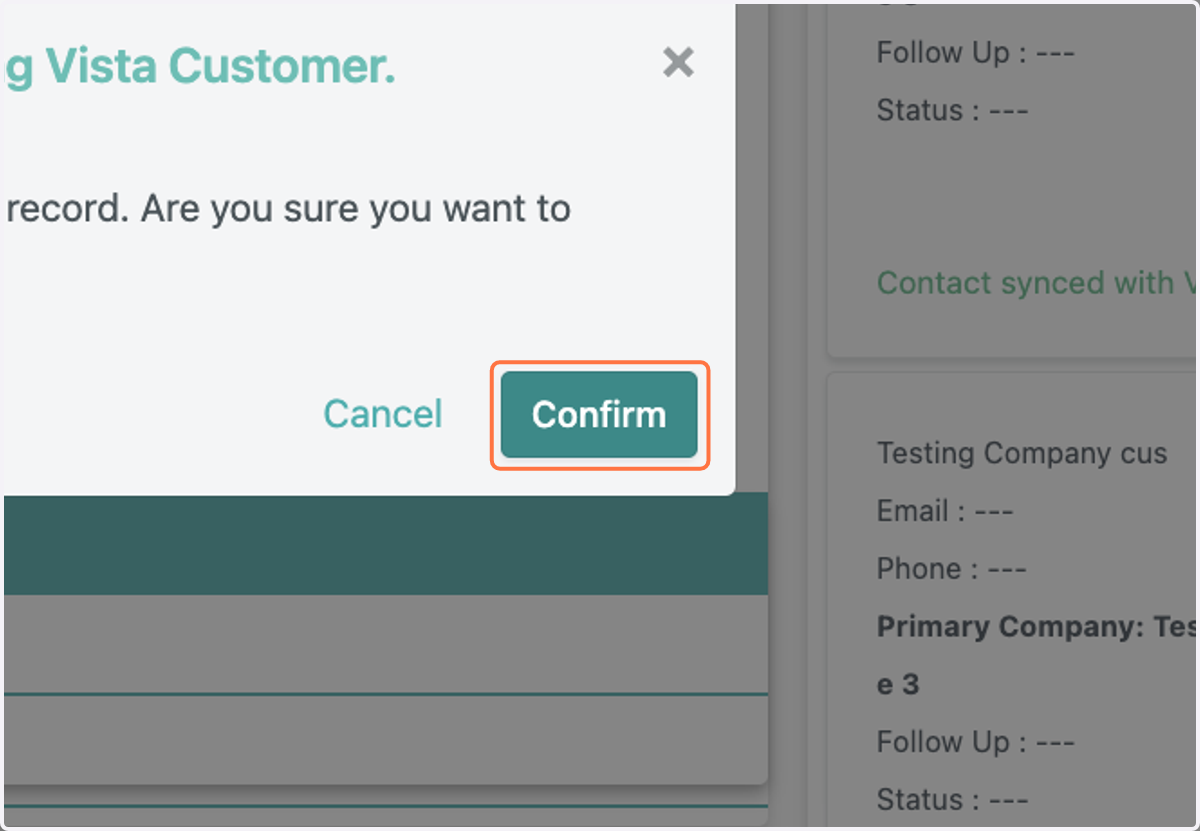
3. User will receive the notifcatoin: WARNING! - This will over-write the info of an existing Vista Customer.…
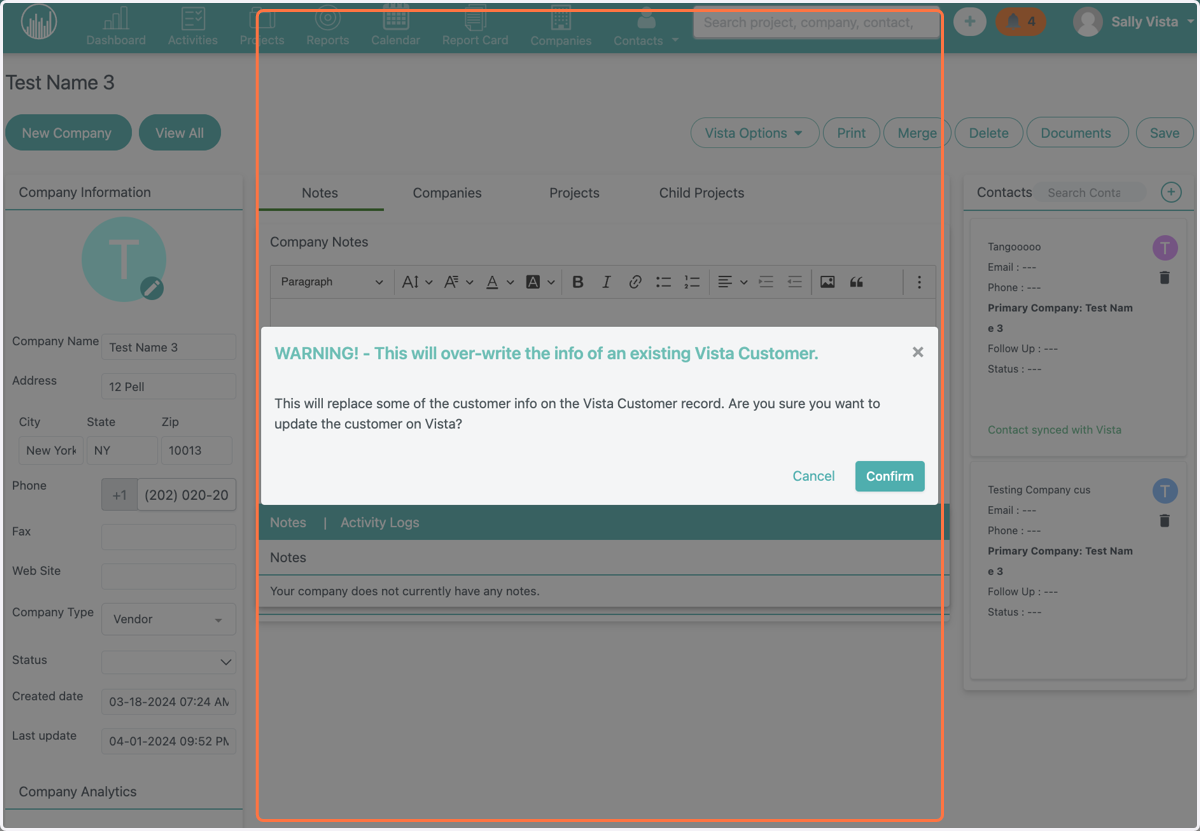
4. Click on Confirm
5. User will receive a confirmation notificaiton.