How to Trigger Campaigns from QR Landing Page Submissions in Affinect
This guide shows you how to automatically trigger campaigns whenever someone submits a QR landing page form. By using tags and dynamic audiences, you can instantly send welcome offers, coupons, follow-up emails, or nurture campaigns without any manual intervention.
Affinect
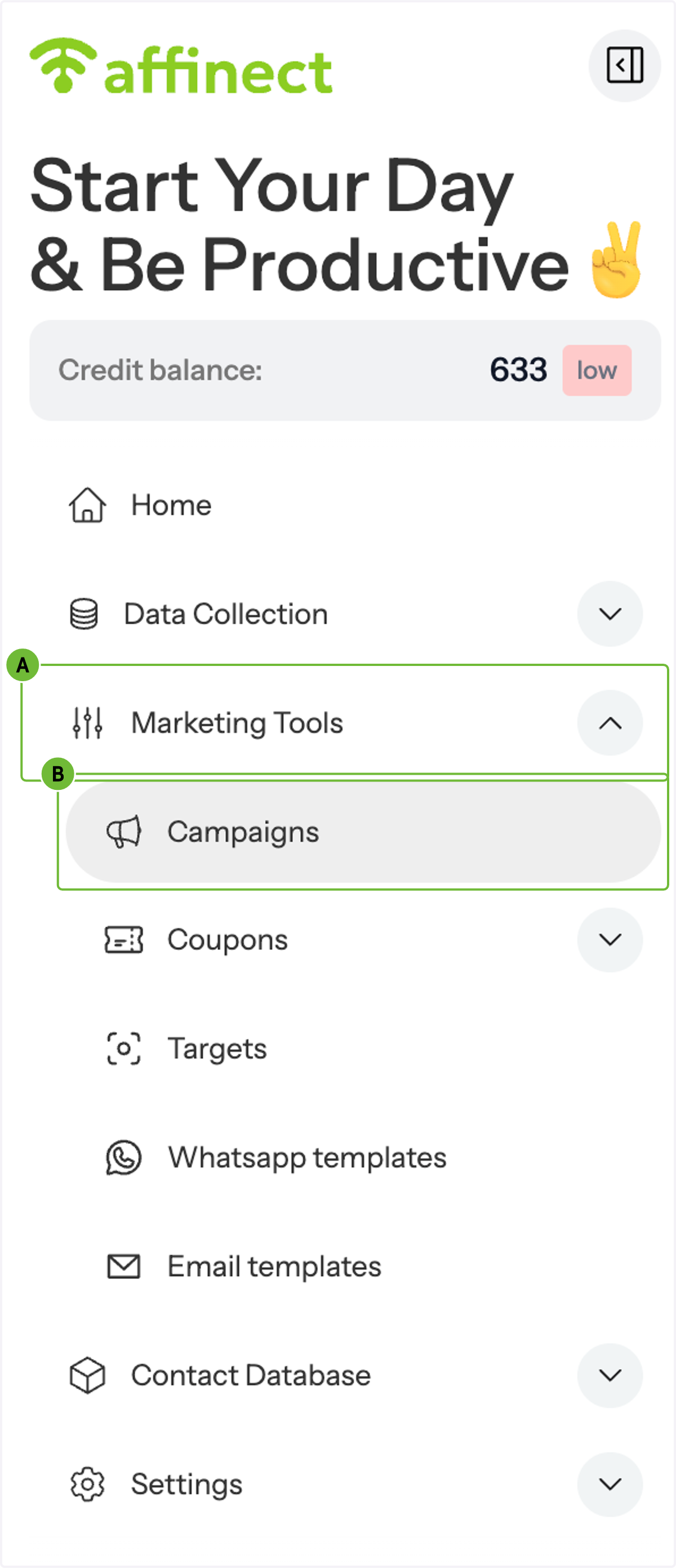
1. A. Click on Marketing Tools
1. B. Click on Campaigns
Navigate to Campaigns.
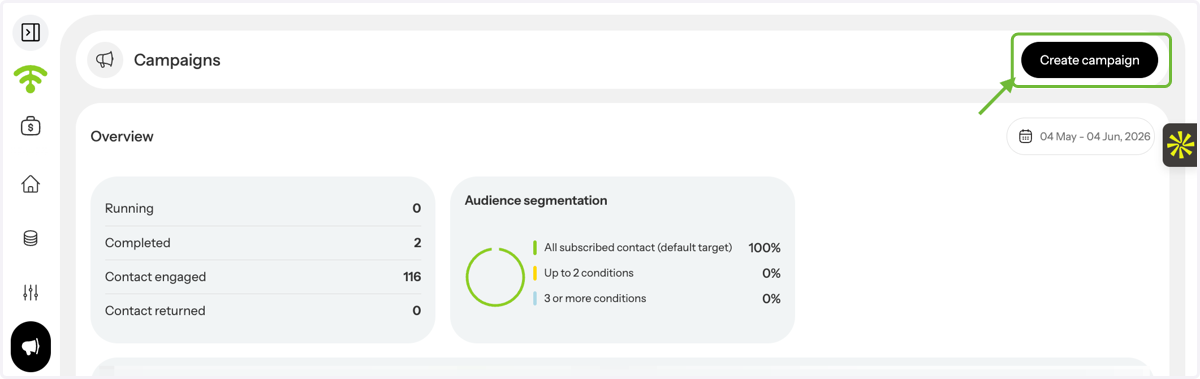
2. Create a New Campaign
From the Campaigns dashboard, click Create Campaign.
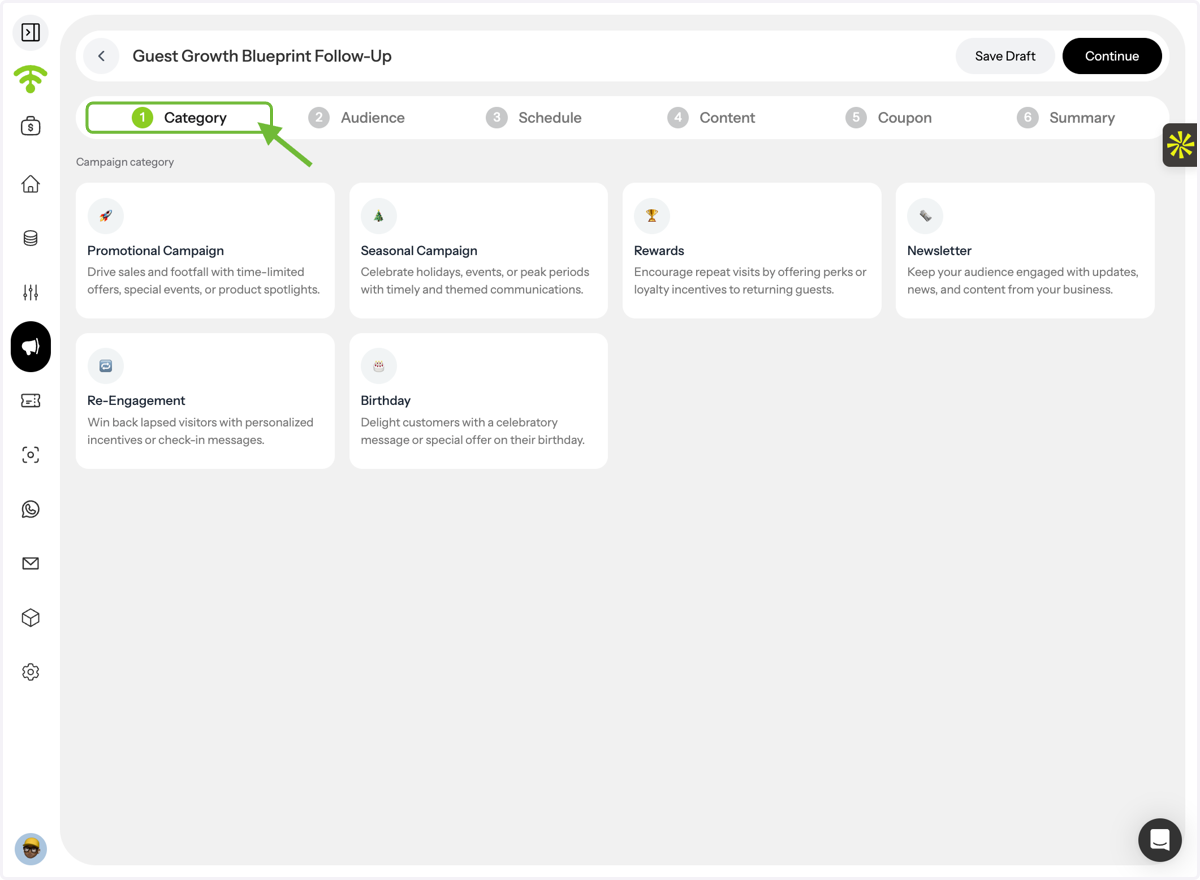
3. Select a Campaign Category
Choose the category that best matches the purpose of your campaign.
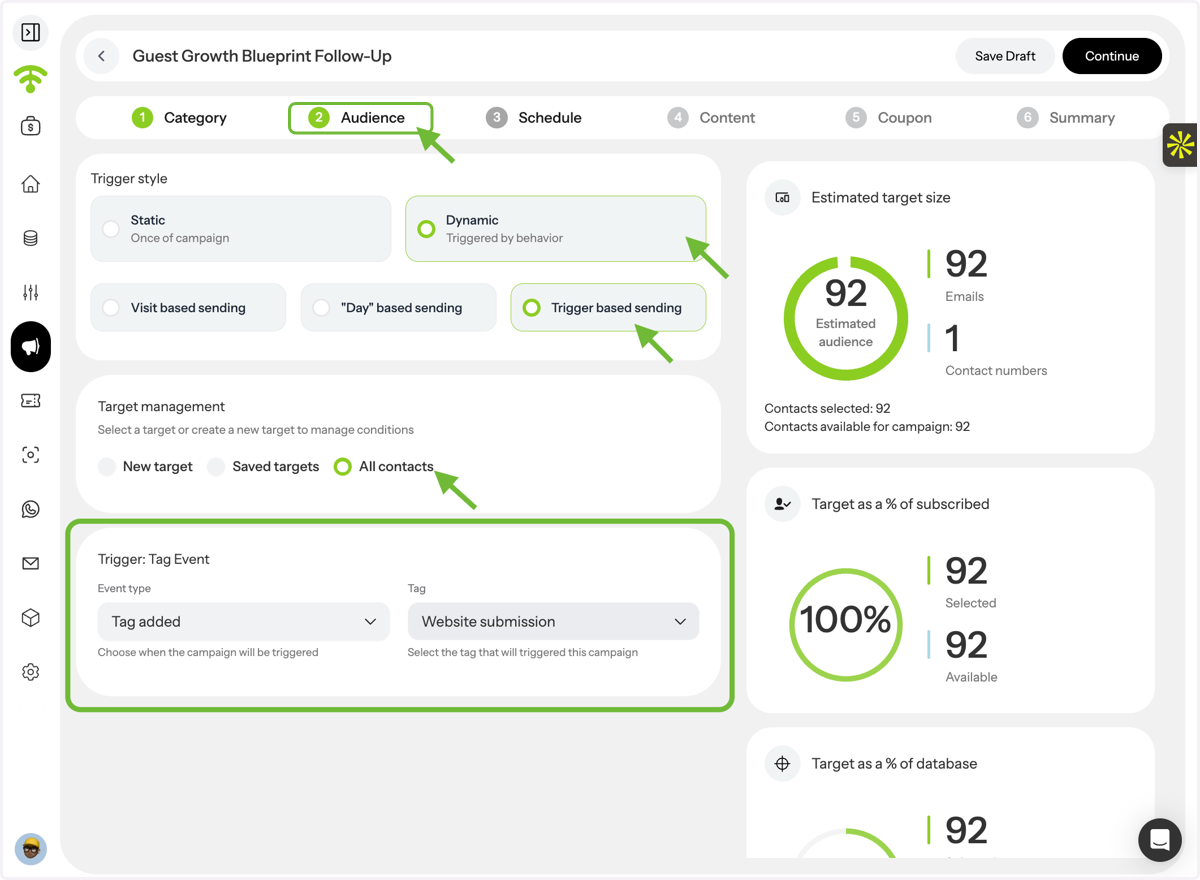
4. Configure Your Audience Trigger
Under Audience Settings:
Select Dynamic Audience
Choose Trigger-Based Sending
Select Tag Added as the event type
Choose the tag(s) applied to your QR landing page submissions
This ensures the campaign is automatically triggered whenever someone completes the landing page and receives the selected tag.
5. Build Your Campaign Content
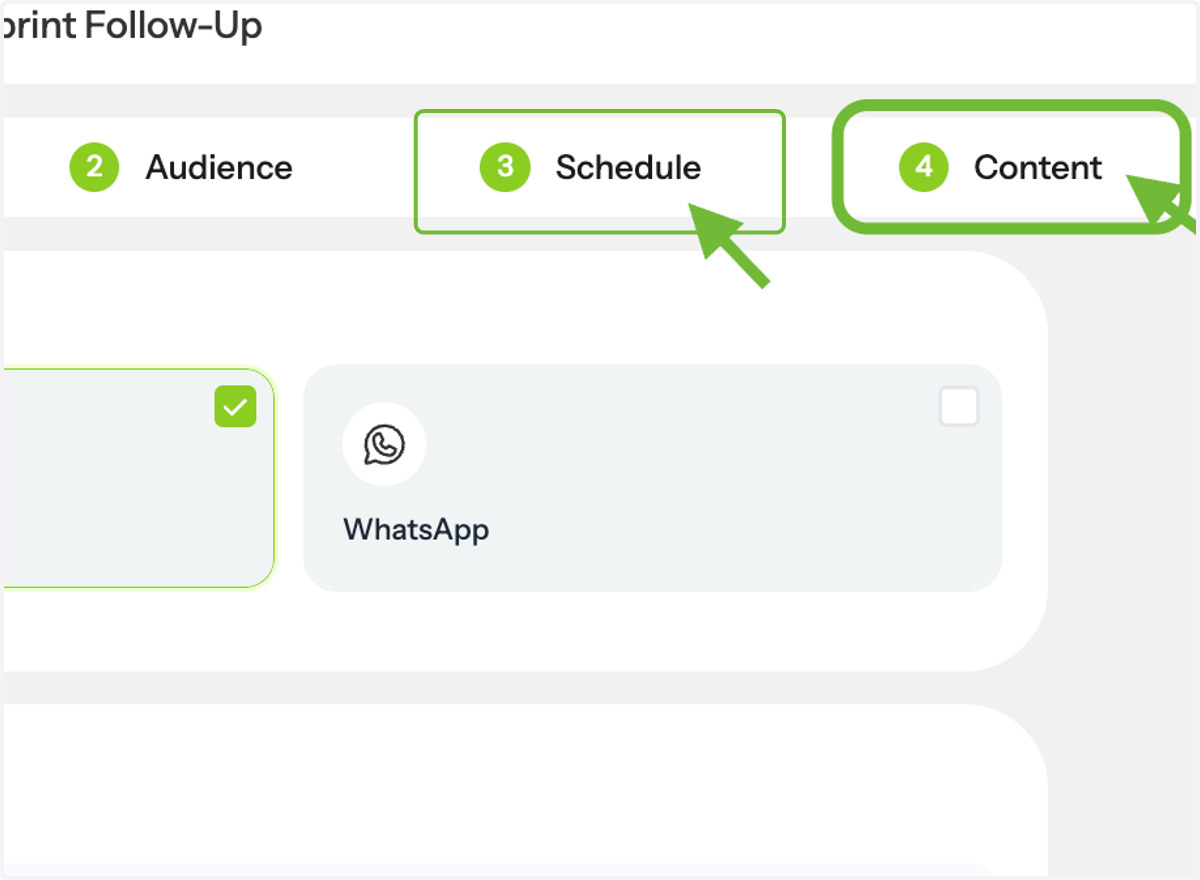
Configure your campaign by:
Setting the delivery schedule
Creating your email content
Enabling coupons (optional)
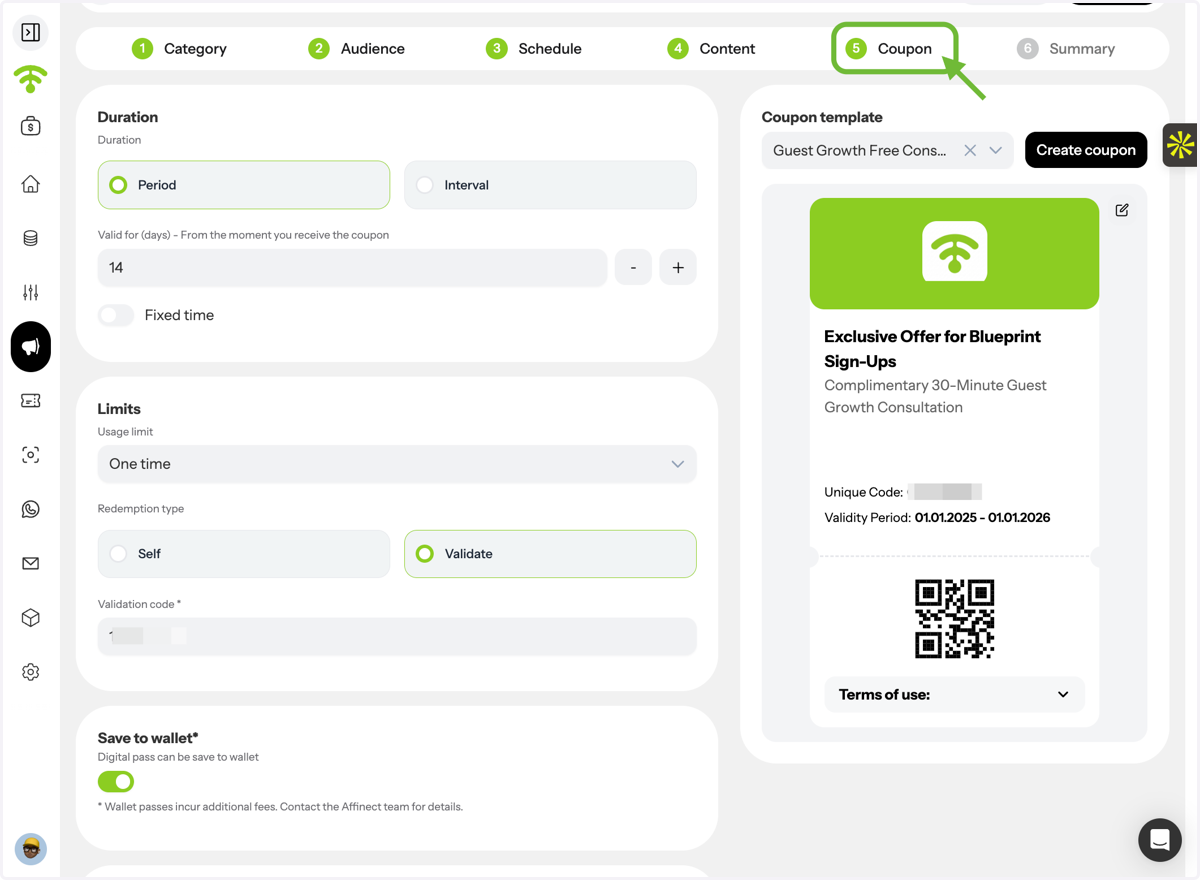
6. Configure Your Coupon (Optional)
If you're including a coupon, set up:
Coupon validity period
Redemption limits
Save to Wallet option
Once configured, save your coupon settings.
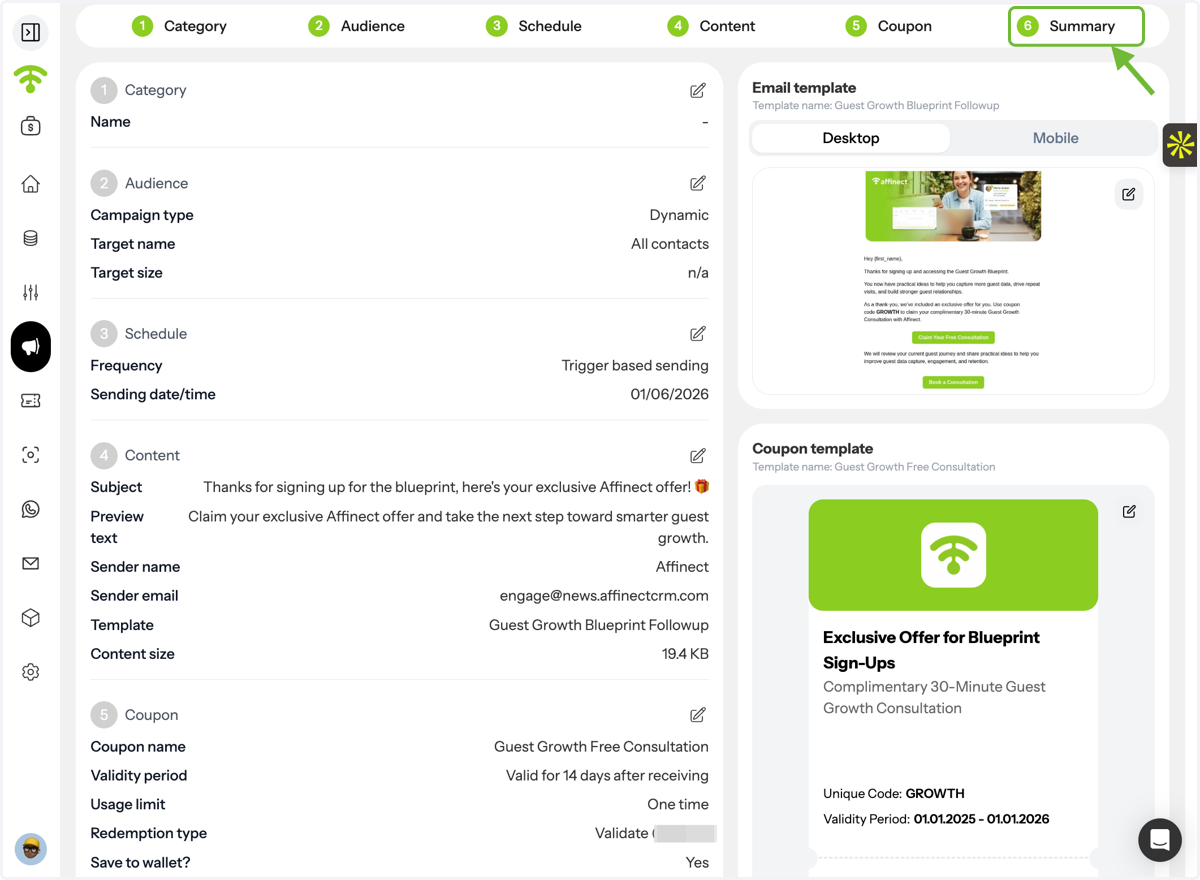
7. Review & Publish
Review the campaign summary, confirm all settings, and click Publish.
That's it! Your automated campaign is now connected to your QR landing page and will be triggered automatically whenever a qualifying submission is received.