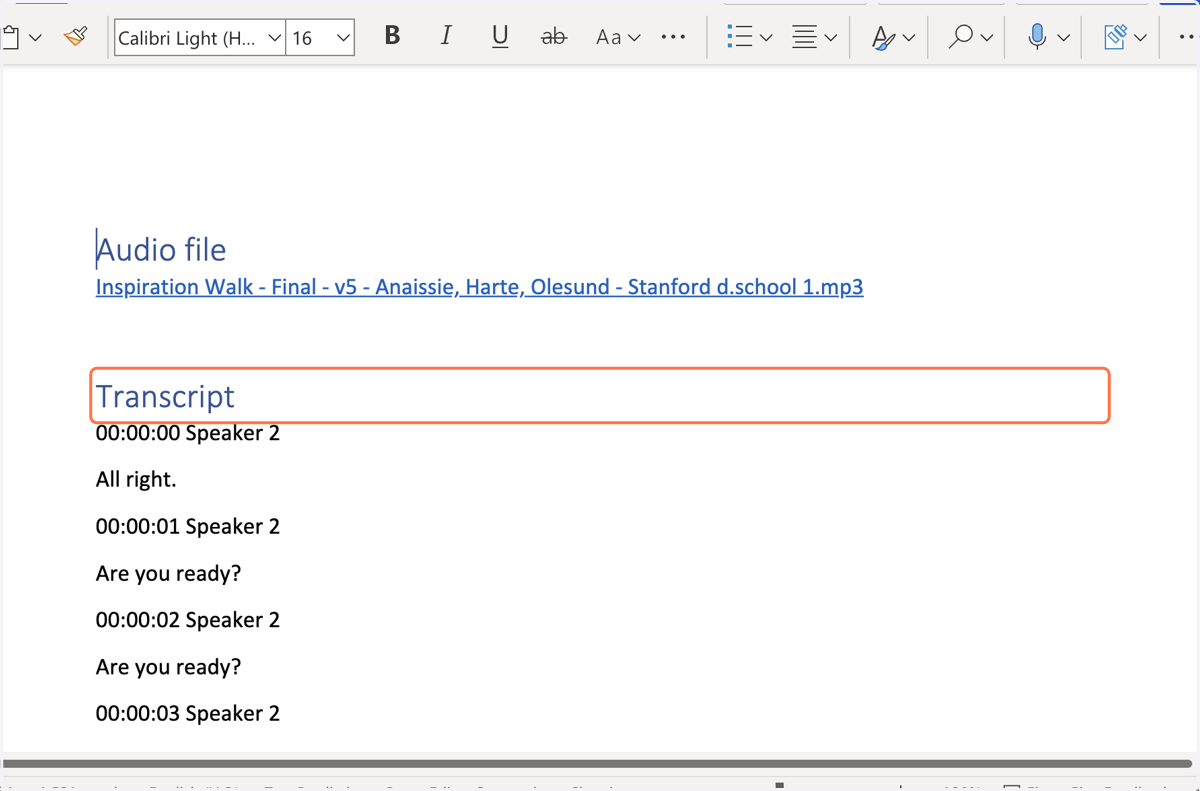
How to Transcribe Audio in Microsoft Word 365
1. Create a blank document in Word | Microsoft 365
Note: currently this only works on the web version of Word, not the desktop app
Live
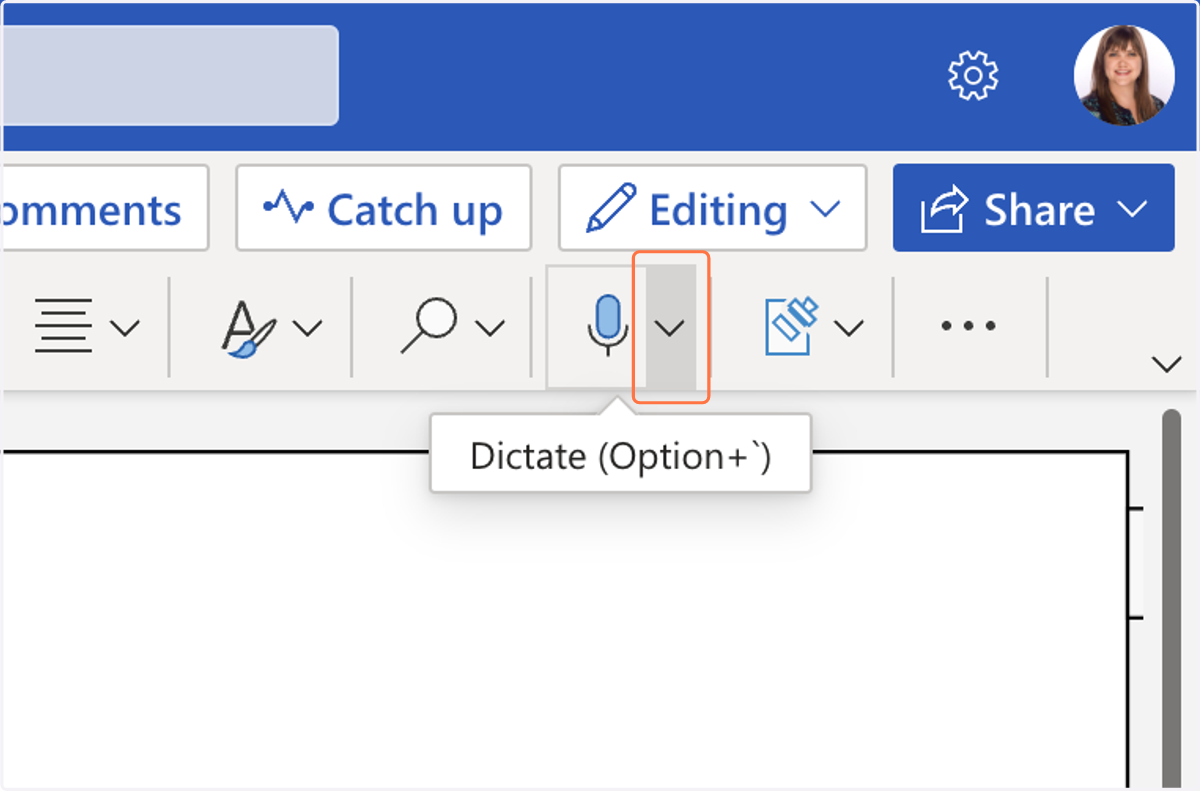
2. Select the Dictate Microphone dropdown arrow to Show More Options
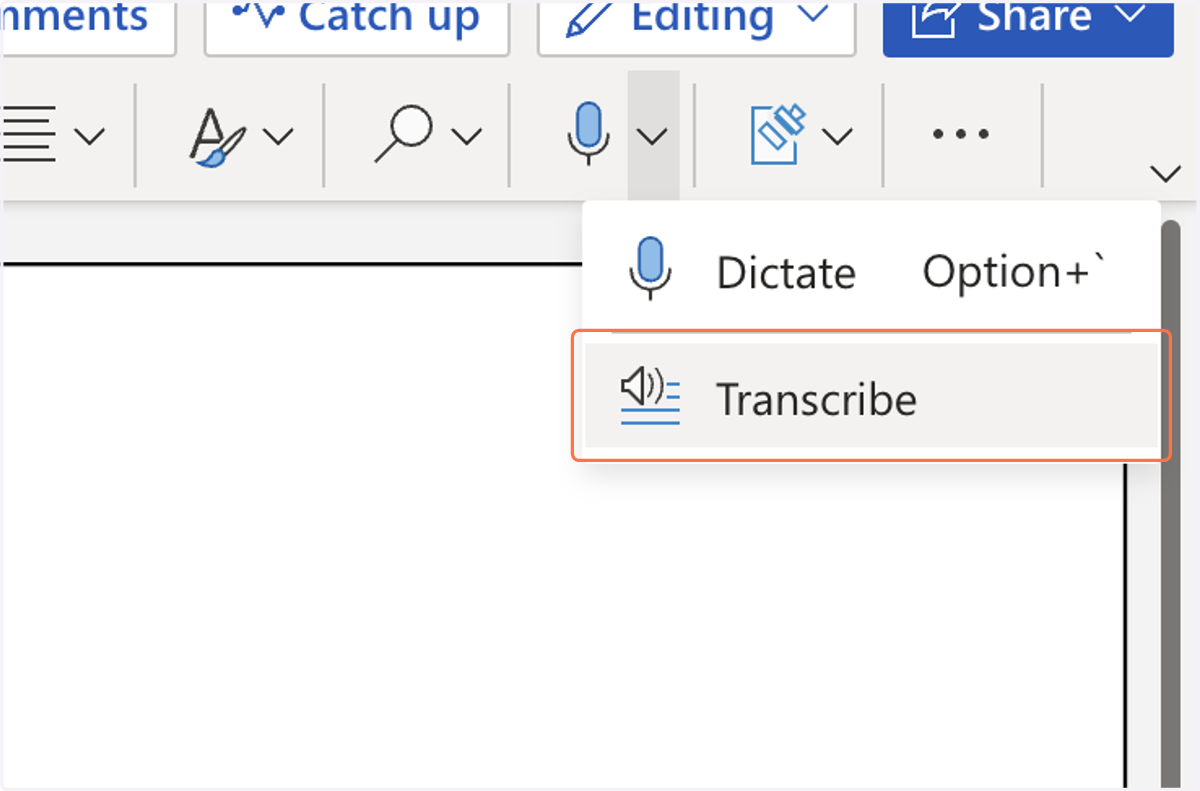
3. Select Transcribe
Office
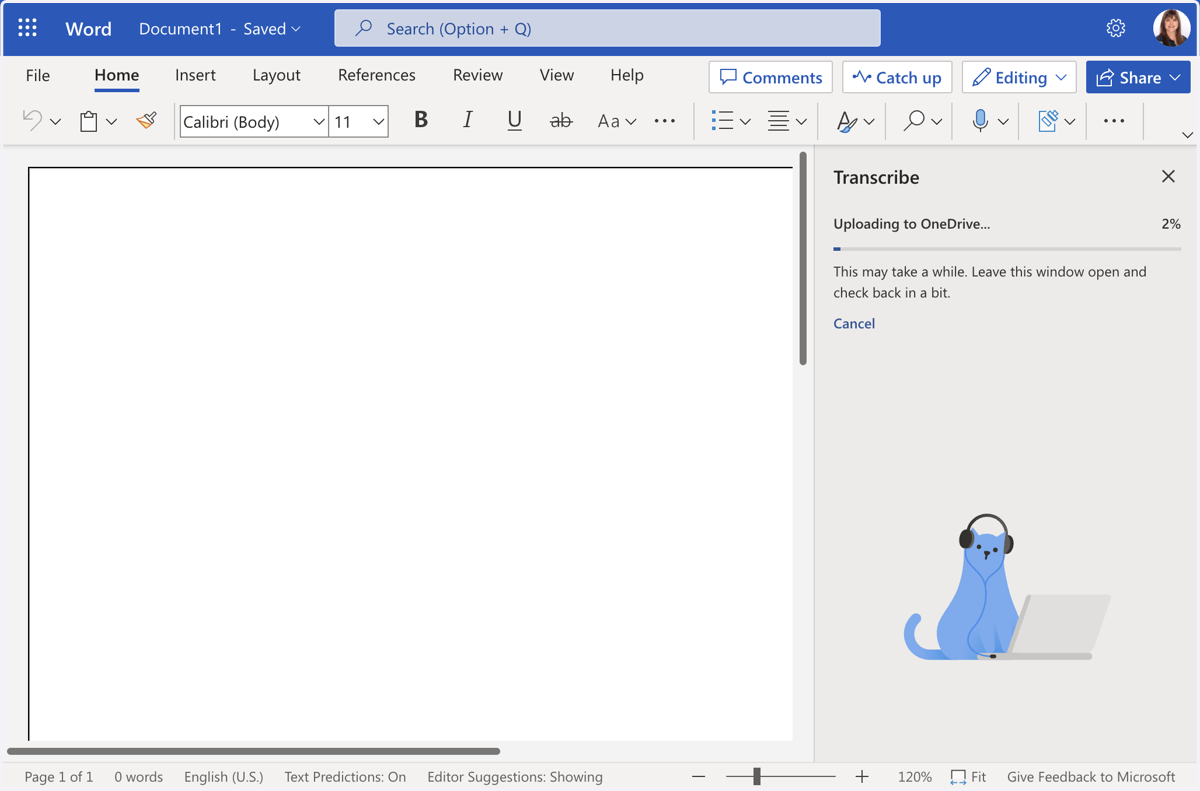
4. Select Upload Audio and choose the file you want to upload from file upload menu
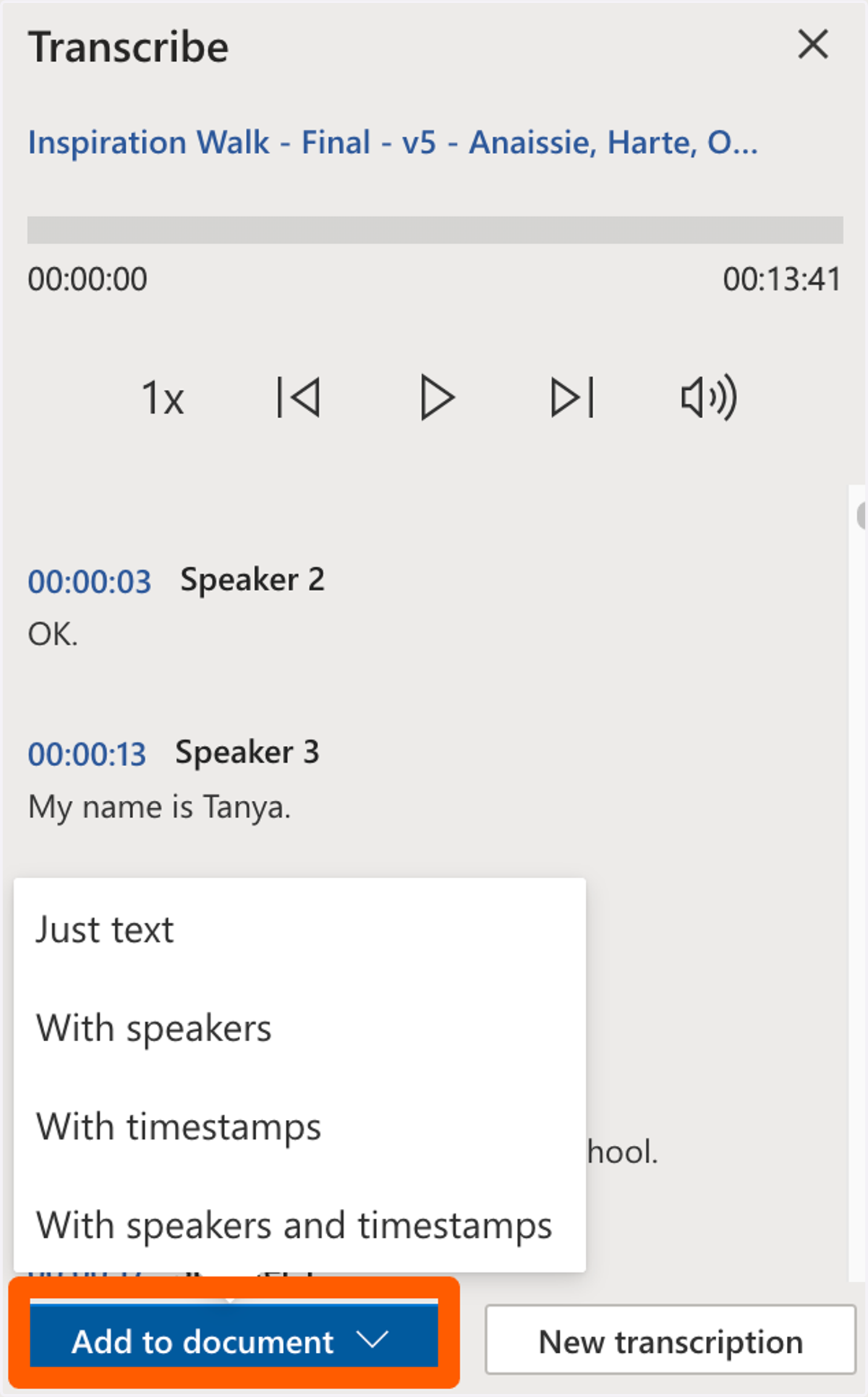
5. Select Add to document and choose Just text, With speakers, With timestamps, or With speakers and timestamps
Live
6. Review the transcript of your file