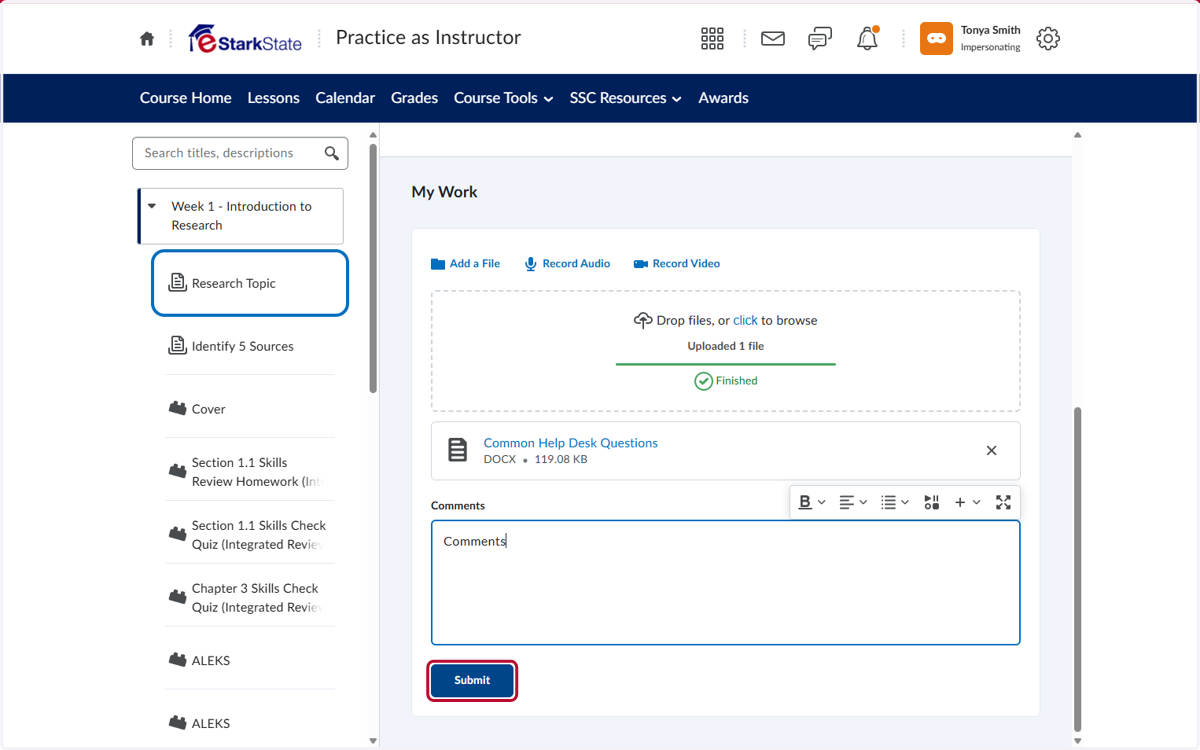
How to Submit to an Assignment Box
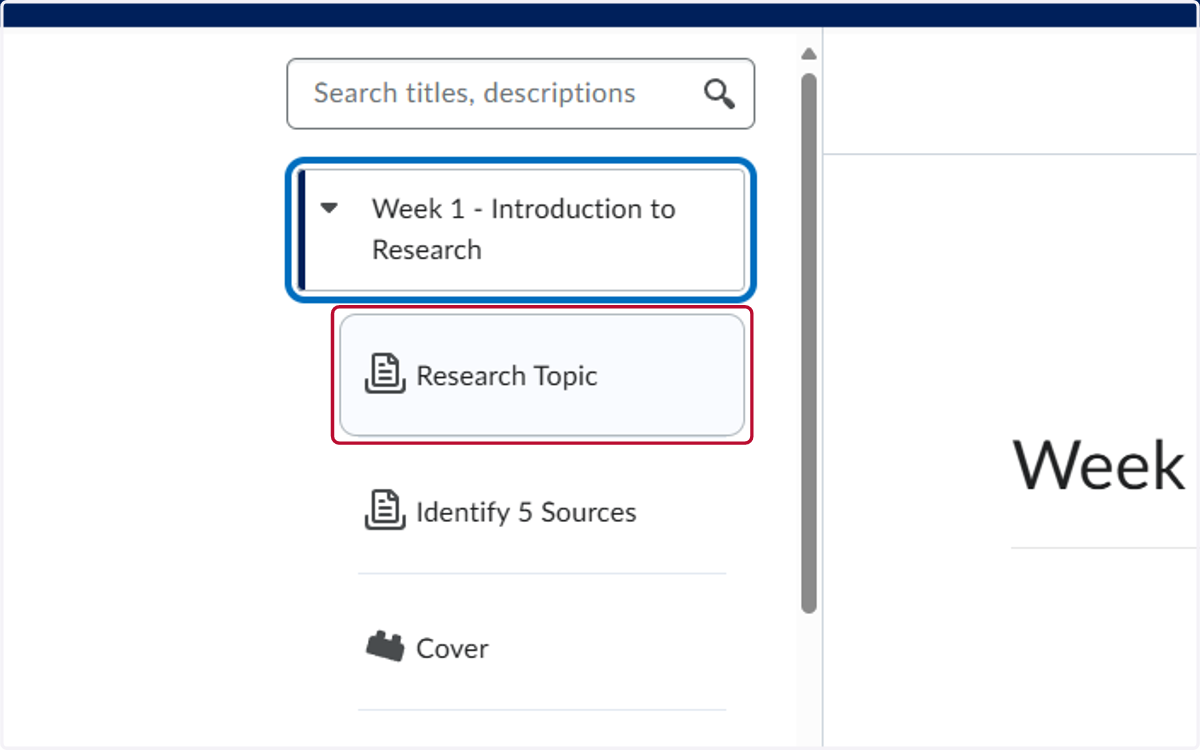
Locate the assignment in your weekly folder
1. Click on the name of the assignment
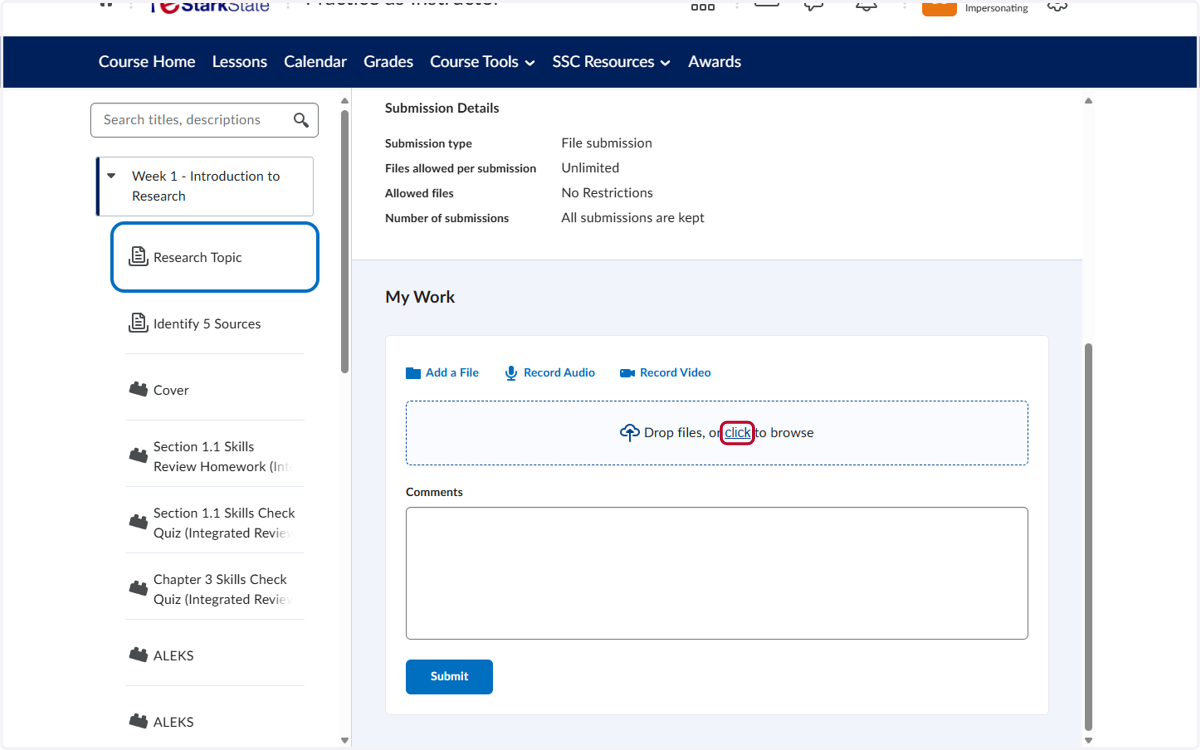
2. Submit your file
You can either drag the file to the Drop files are or click to browse your computer and locate the file to upload.
3. You can add comments to the text box if need and then you click on Submit