How to Submit NCCC Foundation Payroll Deduction Form
Supporting SUNY Niagara students is easier than ever with online payroll deduction. Even a few dollars per paycheck can make a meaningful difference throughout the year.
NCCC - For Your Information - Home
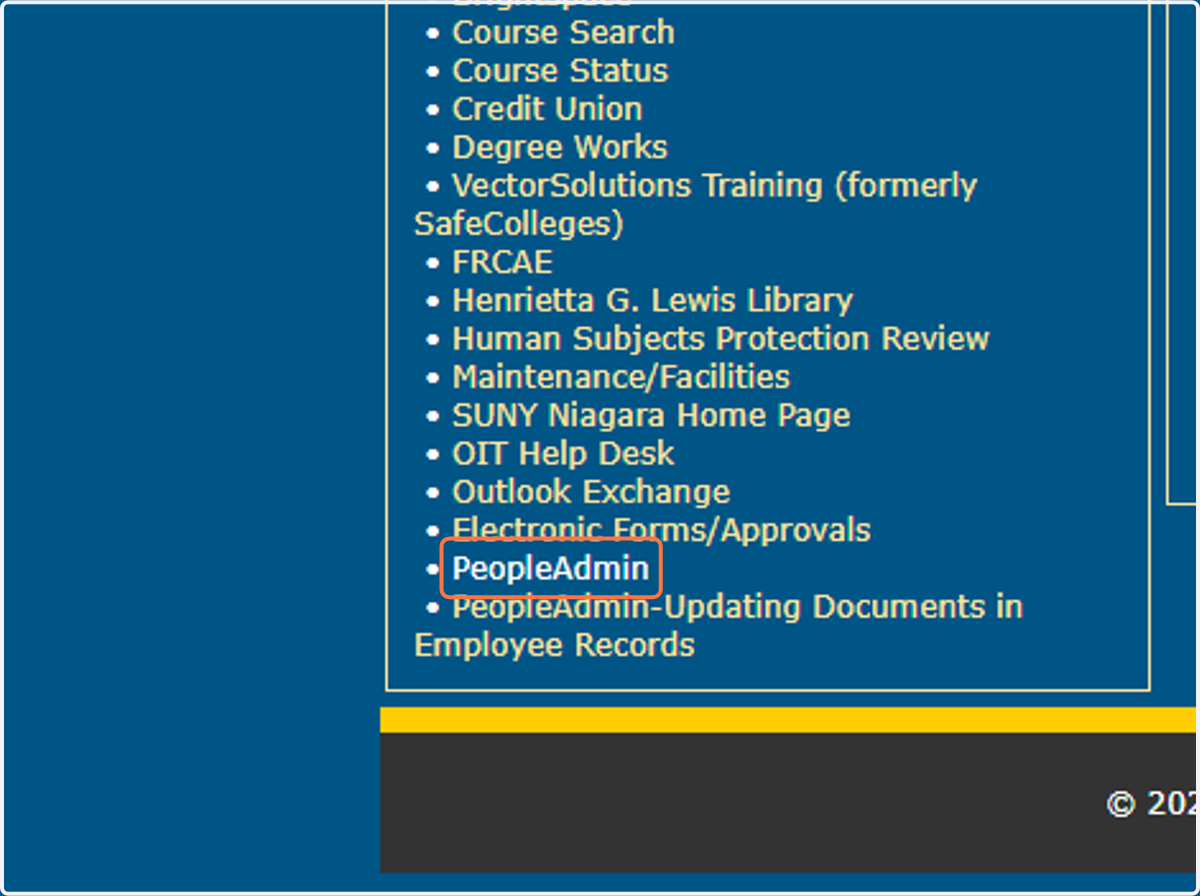
1. Click on PeopleAdmin
SUNY Niagara : Login
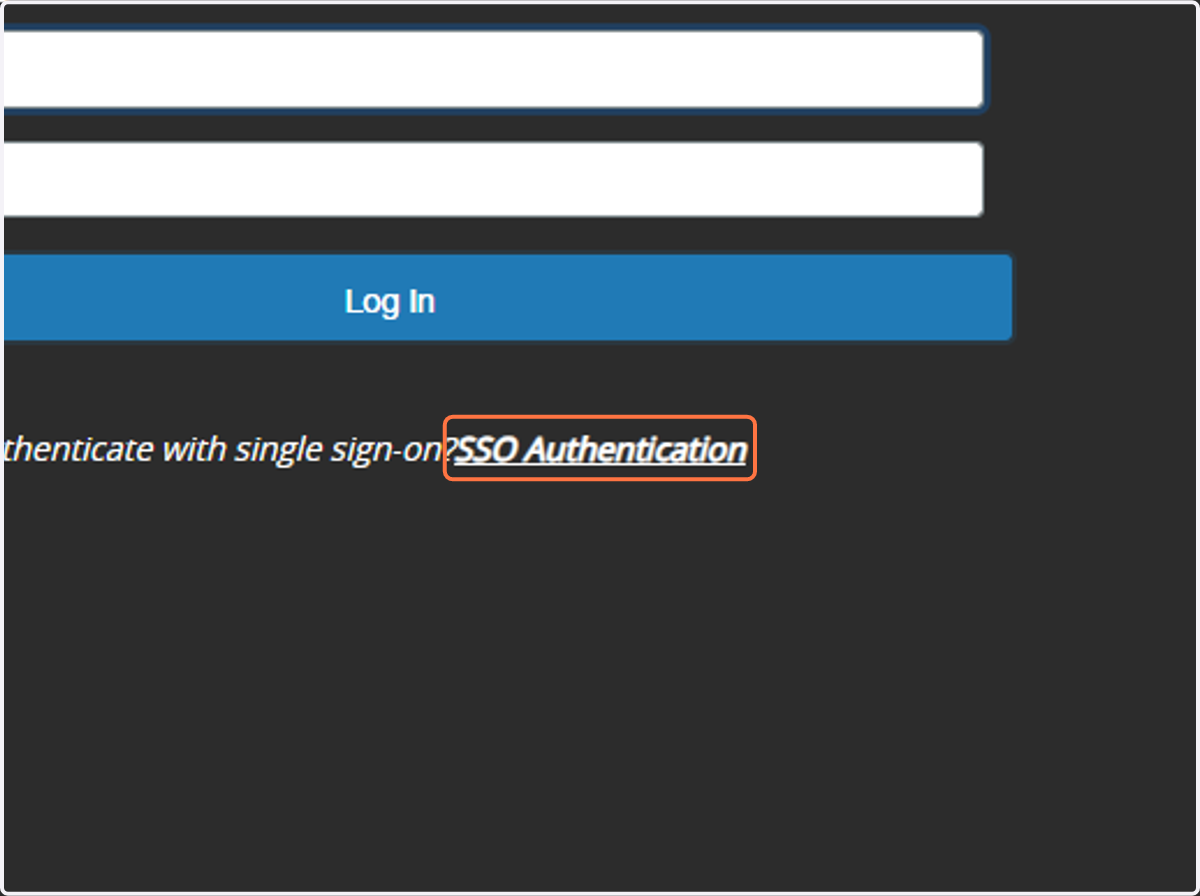
2. Click on SSO Authentication
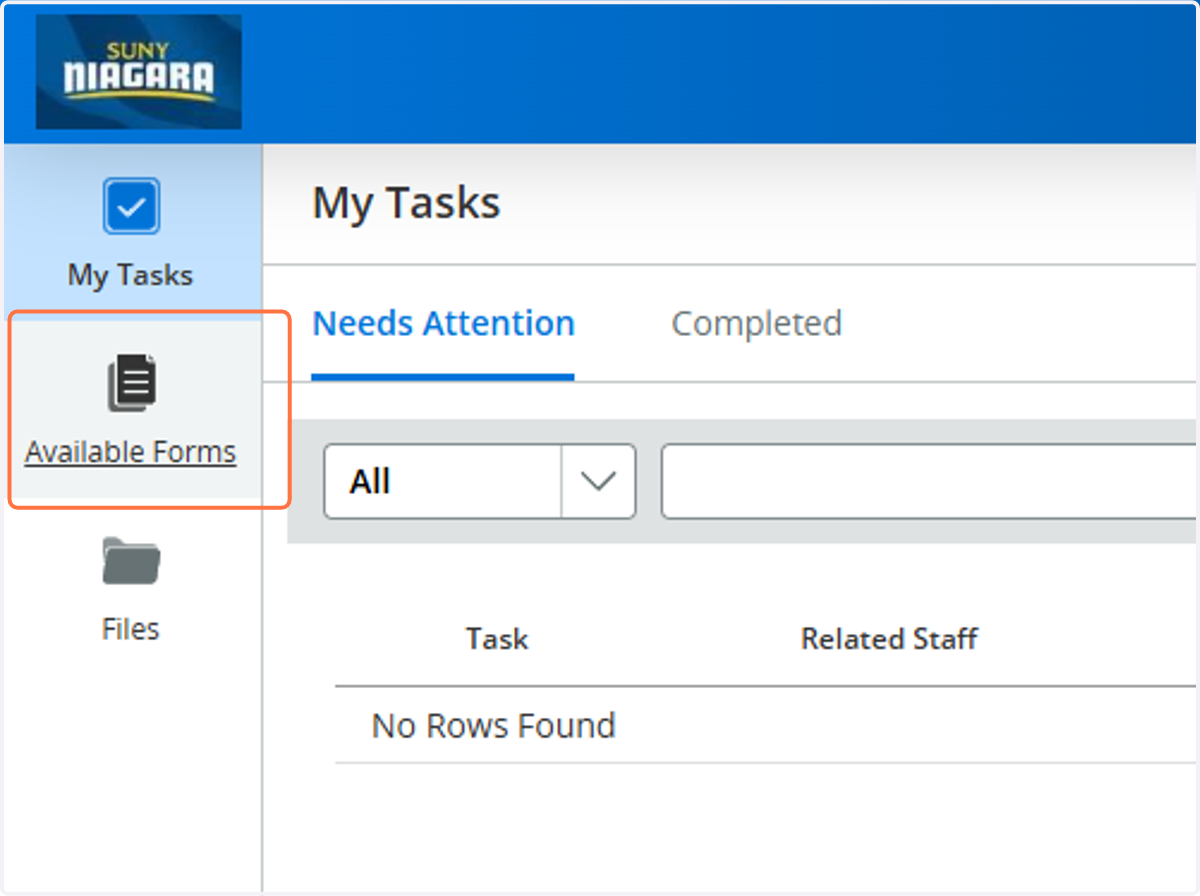
3. Click on Available Forms
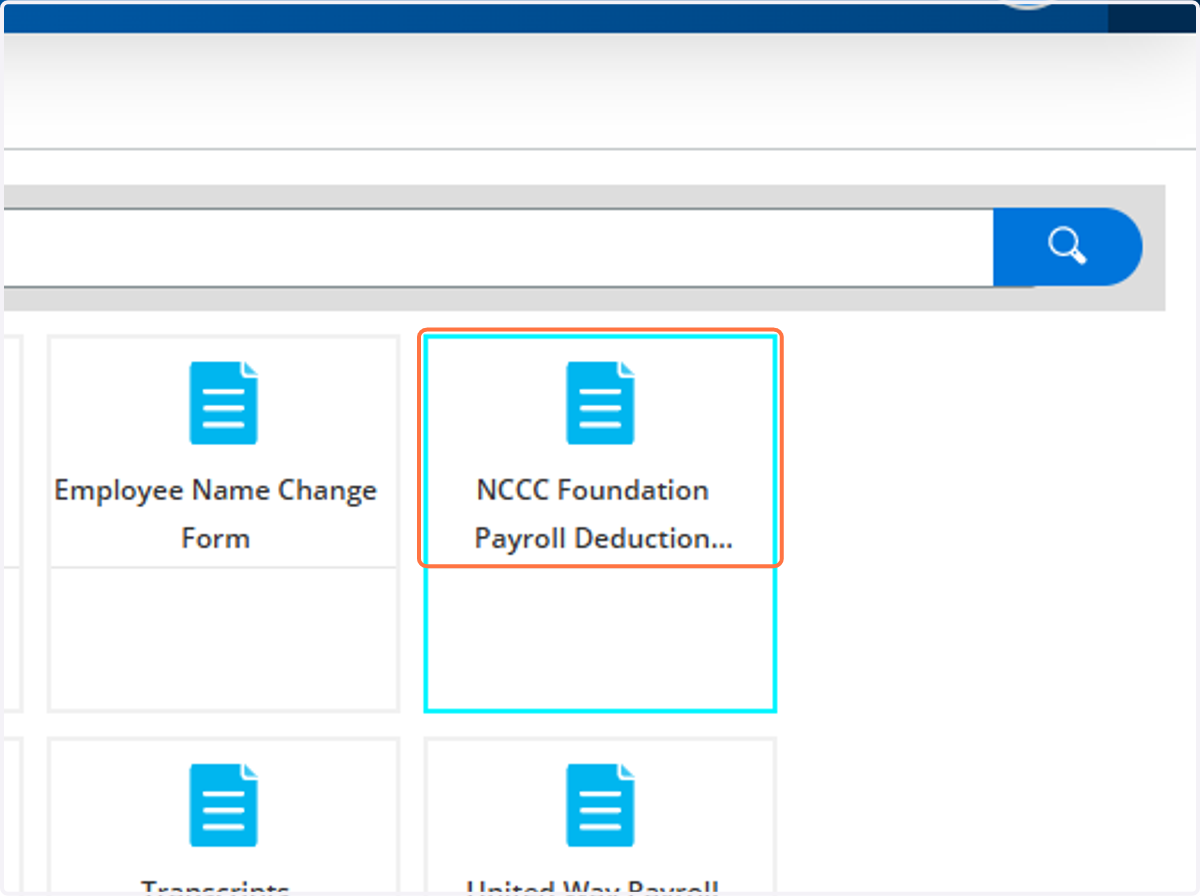
4. Click on NCCC Foundation Payroll Deduction Pledge Form
5. Complete the Form
You can choose where you'd like to direct your gift:
Scholarships
The Student Emergency Fund
Annie's Closet
Athletics Scholarships
Student Showcase
The Annual Fund
Other areas that are meaningful to you
You can also choose whether this is a recurring gift or a one-time donation as well as the date to start your deduction.
6. Click on Save Final

7. Next Steps
After you hit "Save Final" the Foundation office will be notified to approve the form.
Once approved, it moves on to payroll for processing.
Wait for your first deduction to come out on the date you selected!
If you ever need to change or cancel your deduction, please fill out a new form.
8. Thank you for all you do for our students and for supporting the next generation of Thunderwolves.