How to Share a Tango
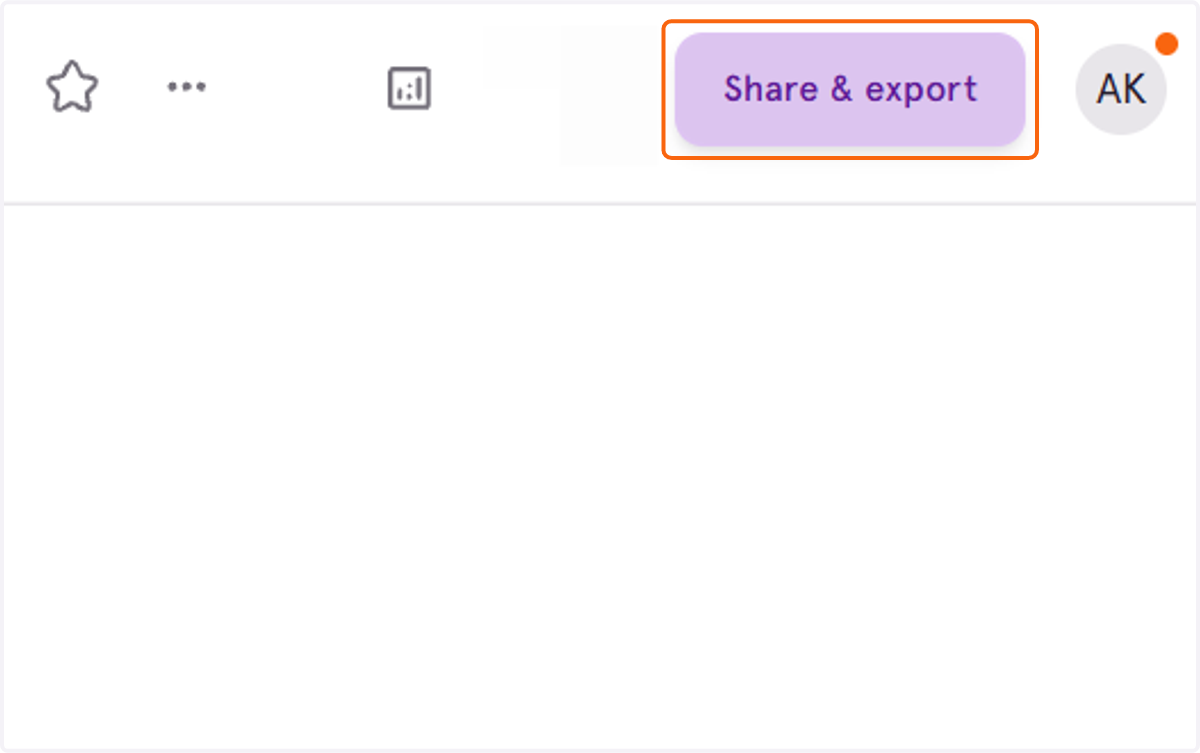
1. Click on Share & export
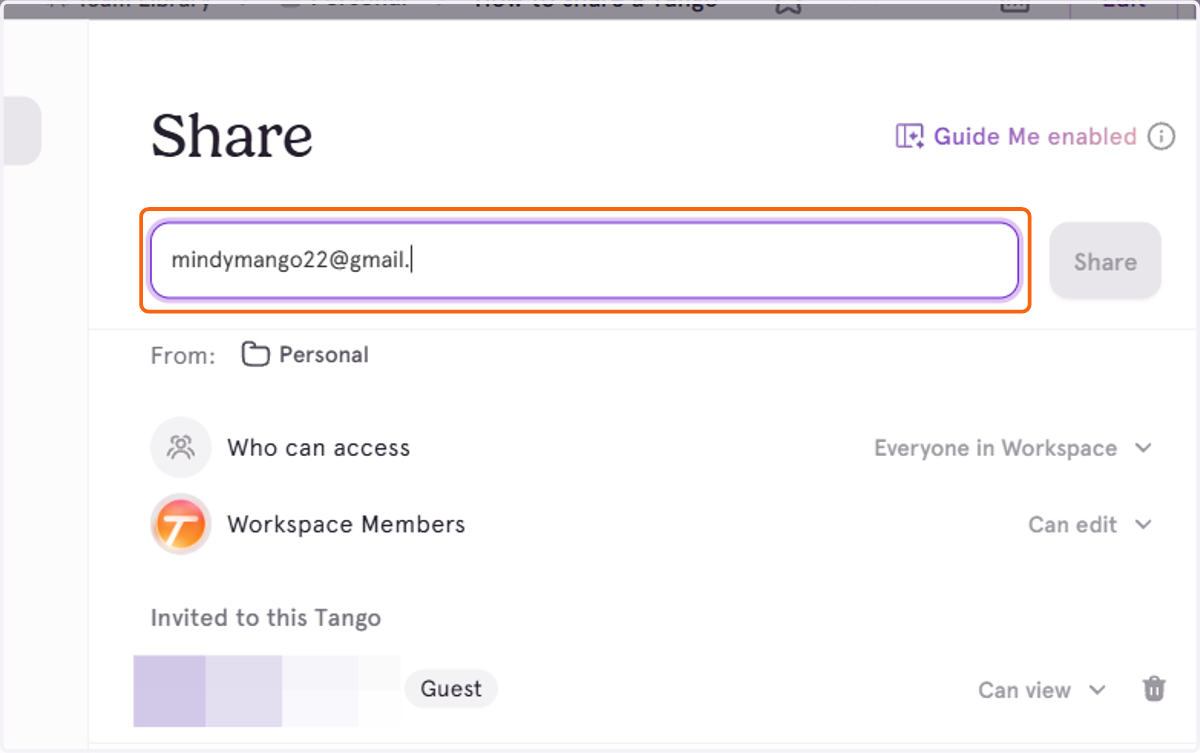
2. Type their email address
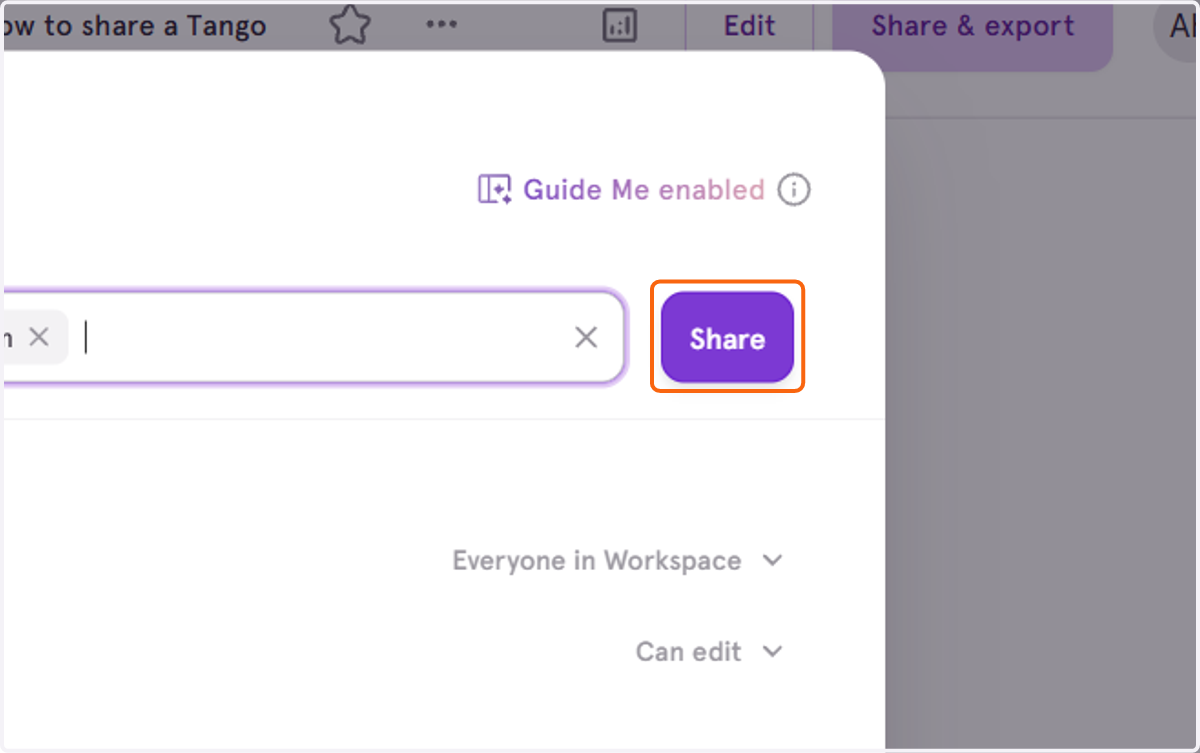
3. Click on Share
Note: If the Tango is public, the recipient will receive an email with a link to view the Tango directly. If it is private, they will be instructed to sign up for or sign in to Tango to see the Tango in the "Shared with Me" Library of the Workspace.
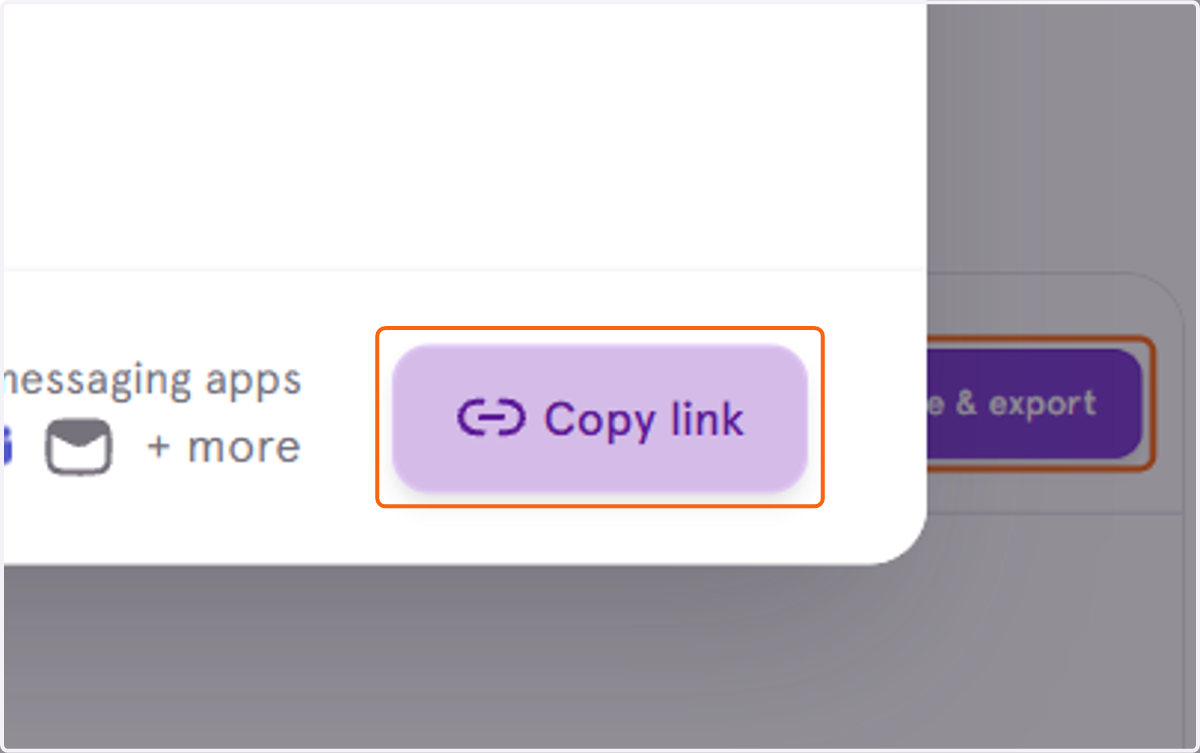
4. You can also share by sending them a link.
Make sure the Tango sharing settings are set to "Anyone with the Link". Click on Copy link. If you're sharing with someone who does not have a Tango account, when you paste the link, make sure you remove /play from the end of the URL.