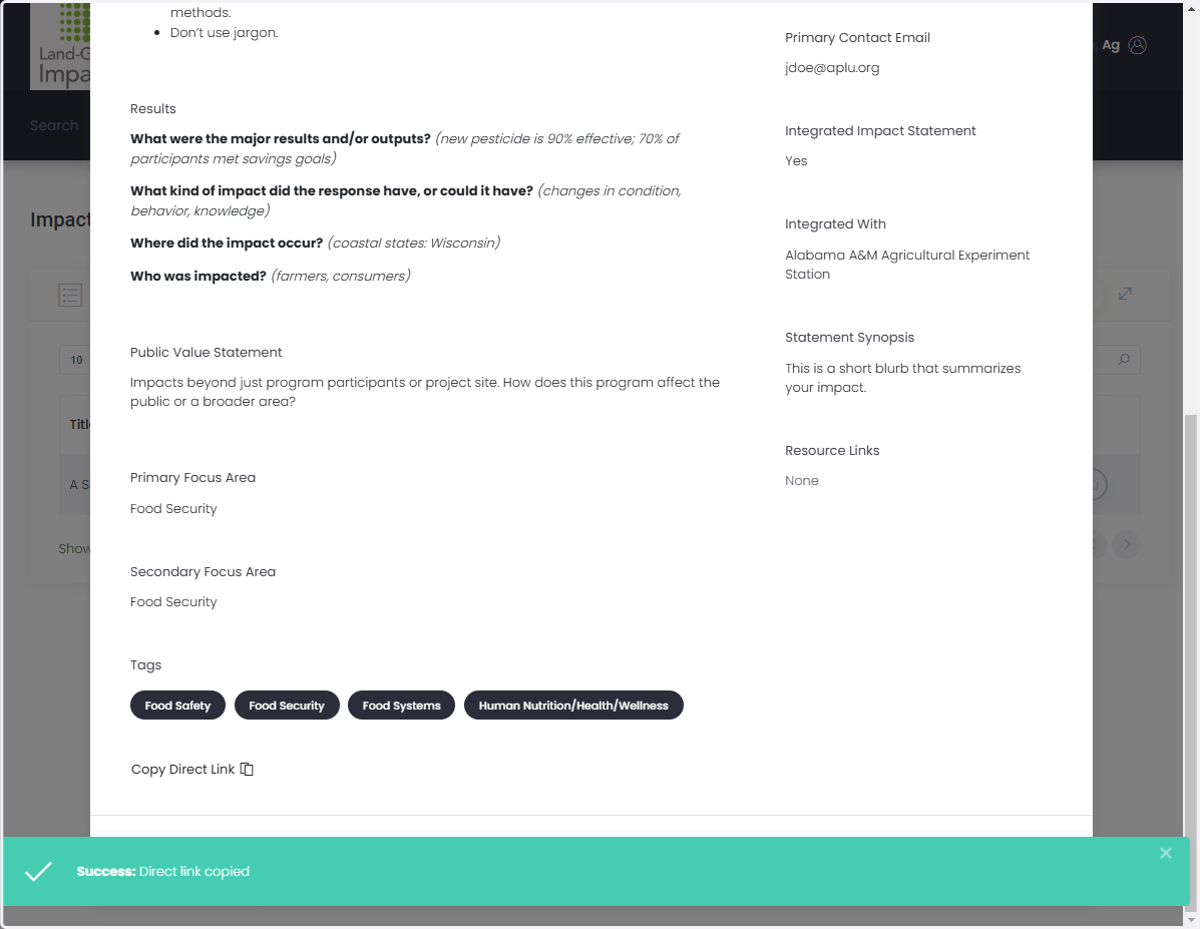
How to Share Your Impact Statement
➡️ Share from the Public-Facing Database.
Visit the NIDB.
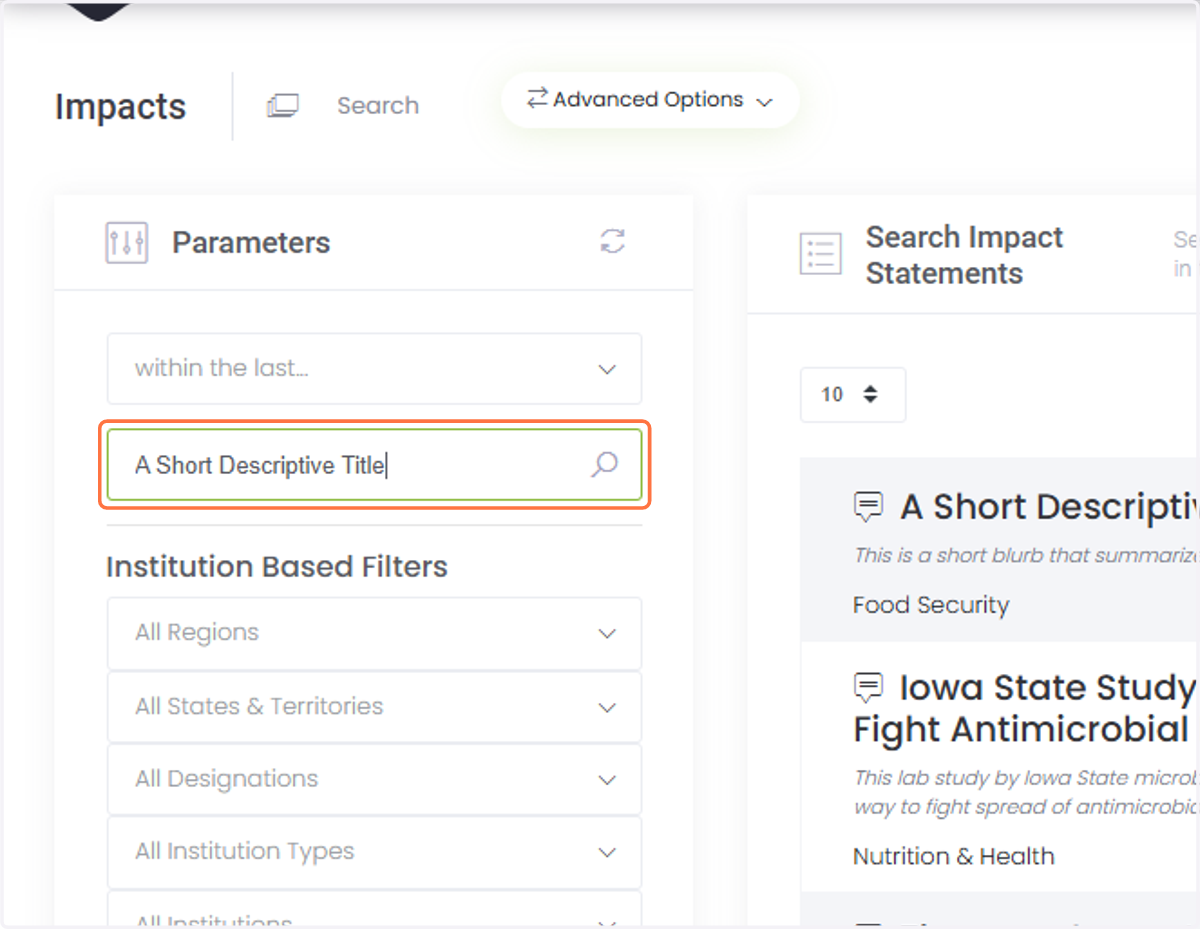
1. Search for your impact statement.
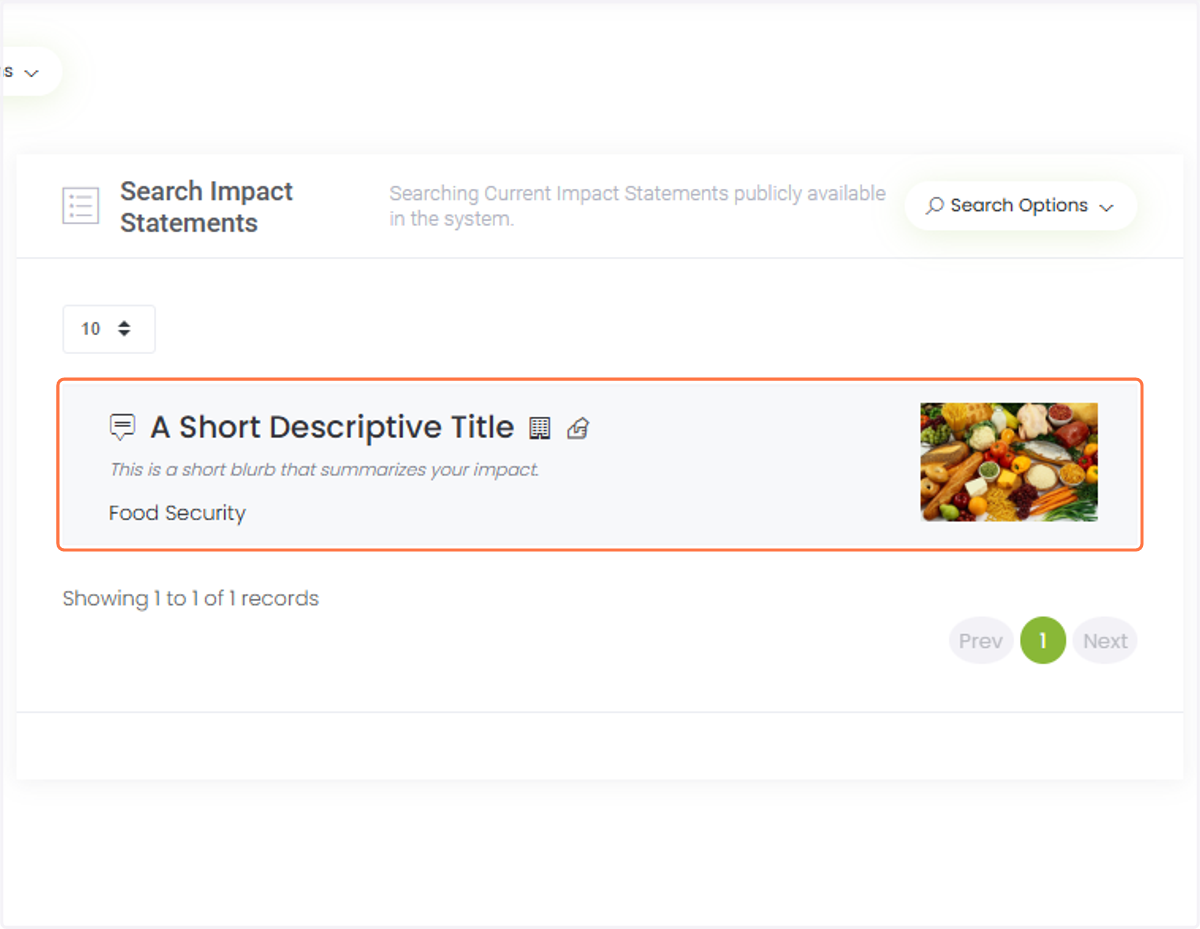
2. Select your impact statement.
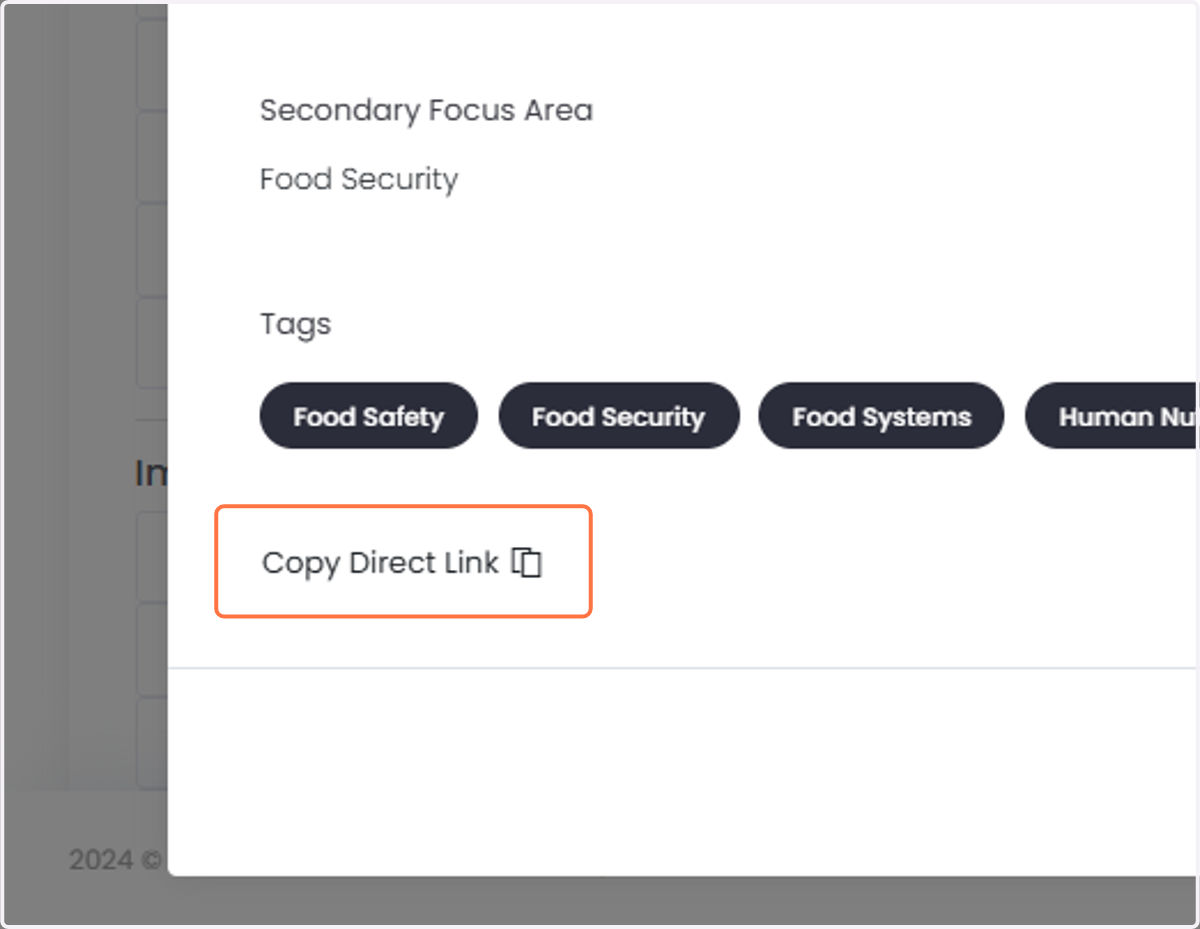
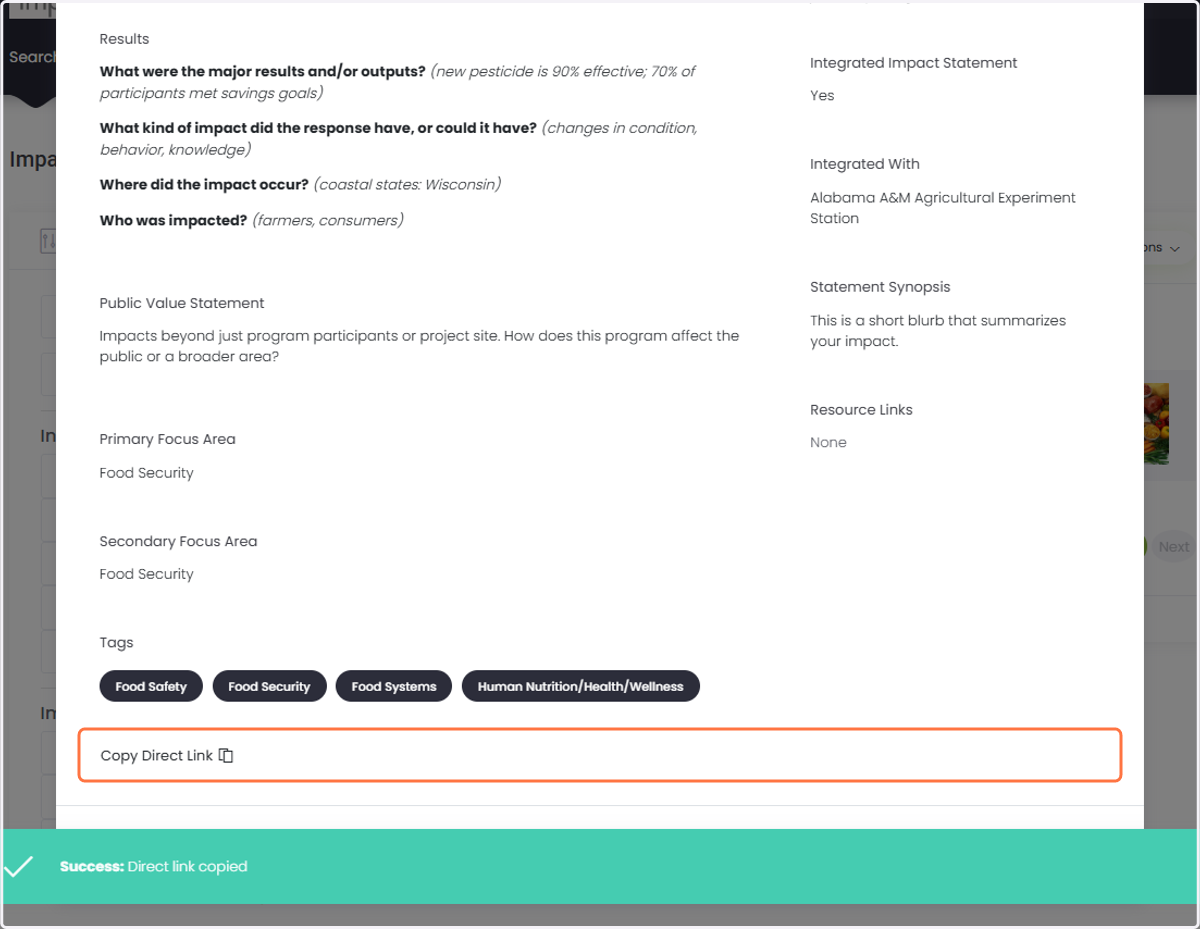
3. Click on "Copy Direct Link."
4. A pop up will appear to let you know the link is in your clipboard, ready to be pasted.
➡️ Share from Your Dashboard
Log in to the NIDB.
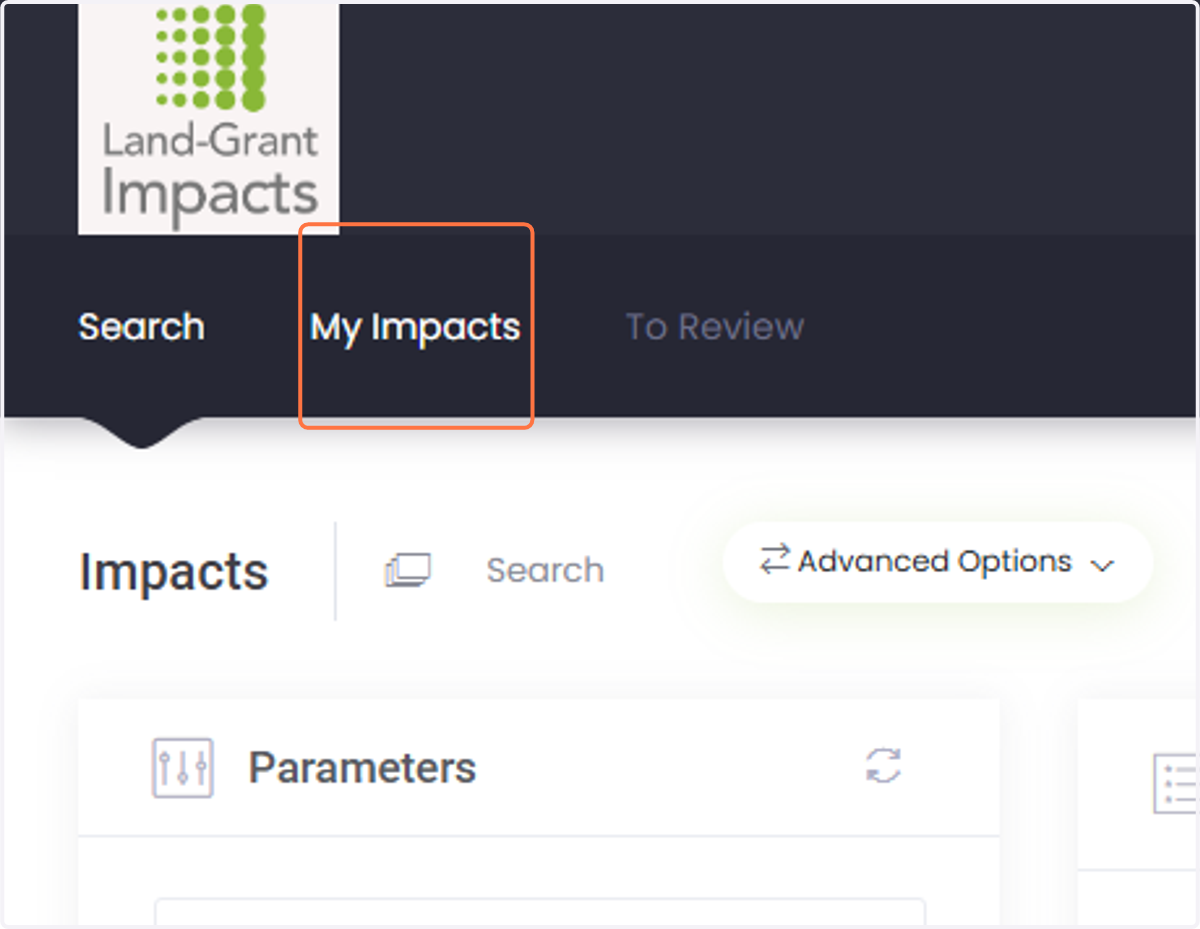
5. Click on "My Impacts."
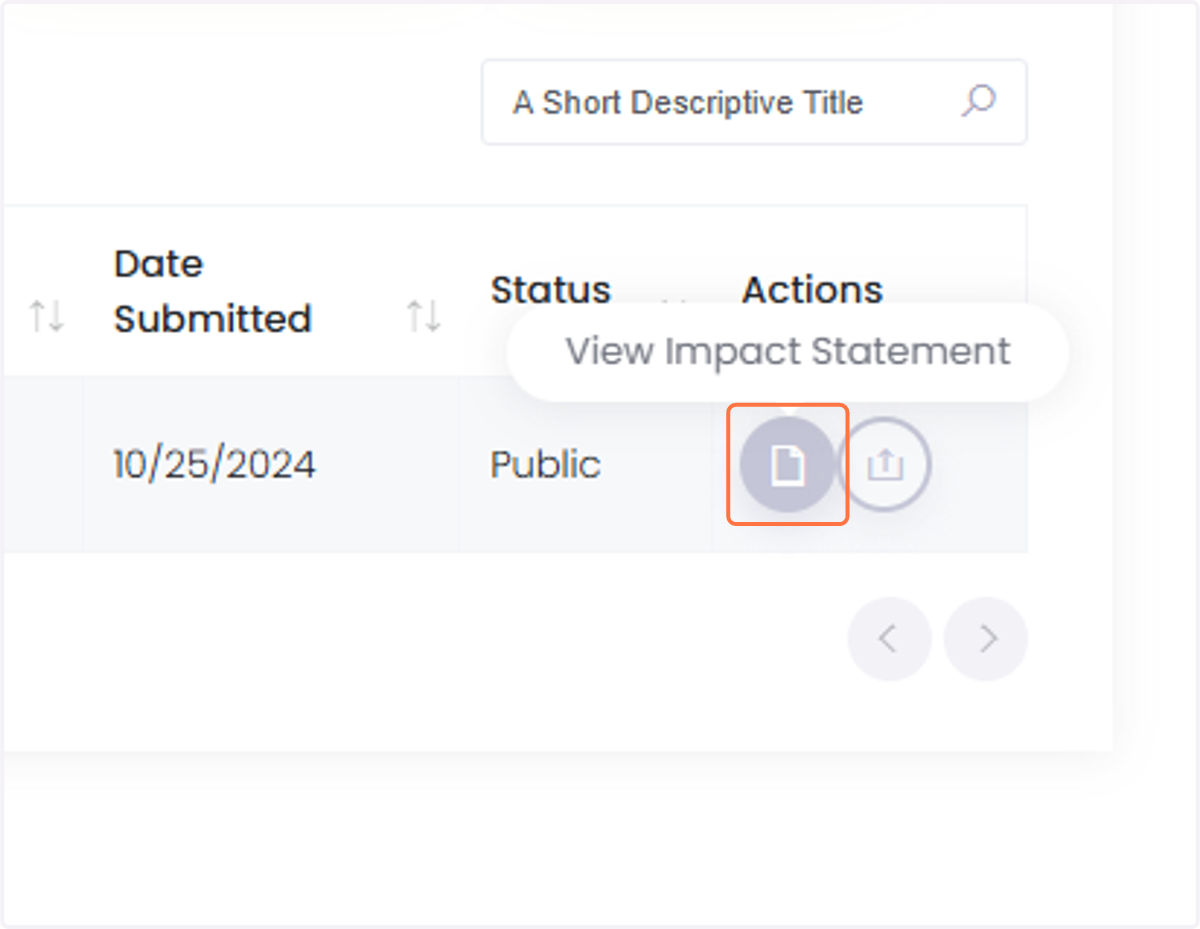
6. Click on "View Impact Statement."
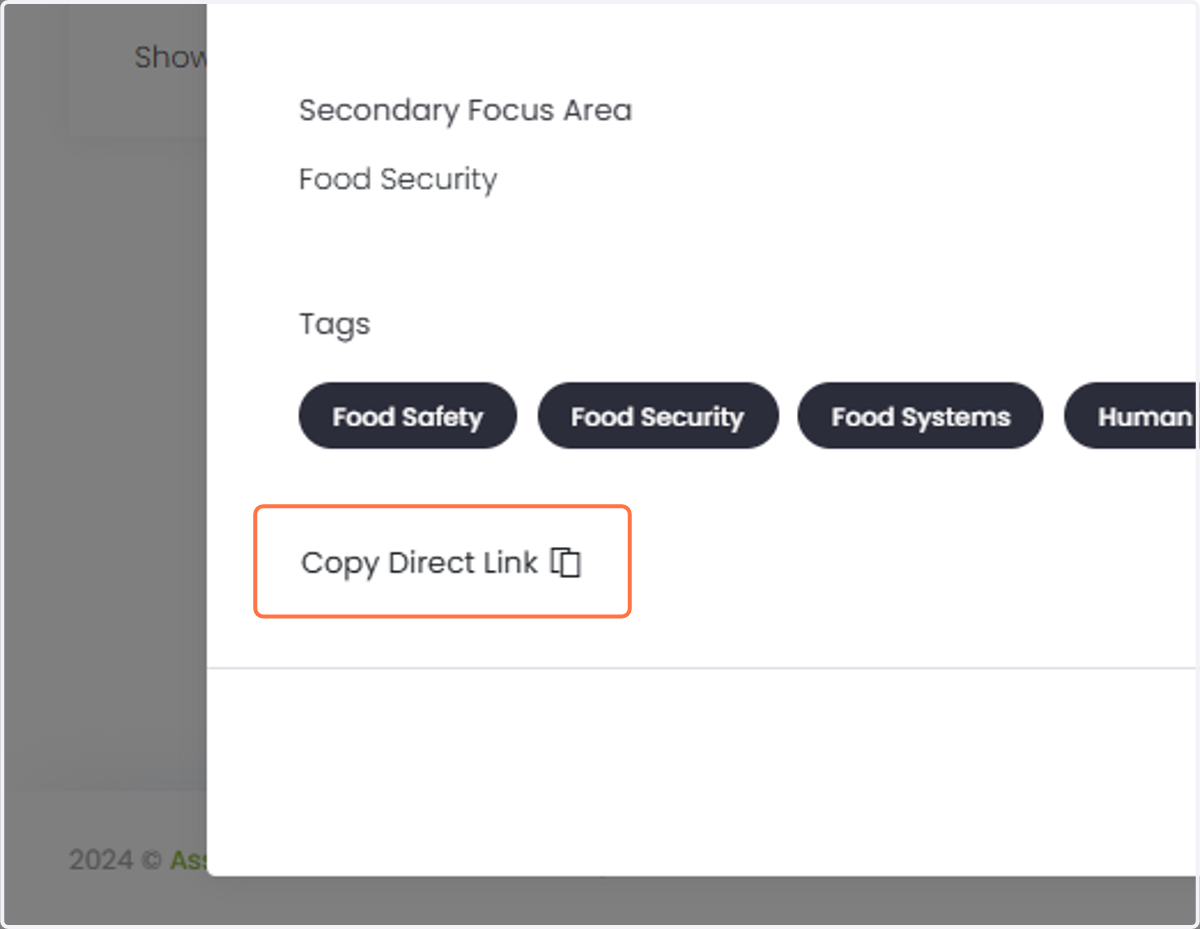
7. Click on "Copy Direct Link."
8. A pop up will appear to let you know the link is in your clipboard, ready to be pasted.