How to Set Extra Credit in a Weighted Gradebook
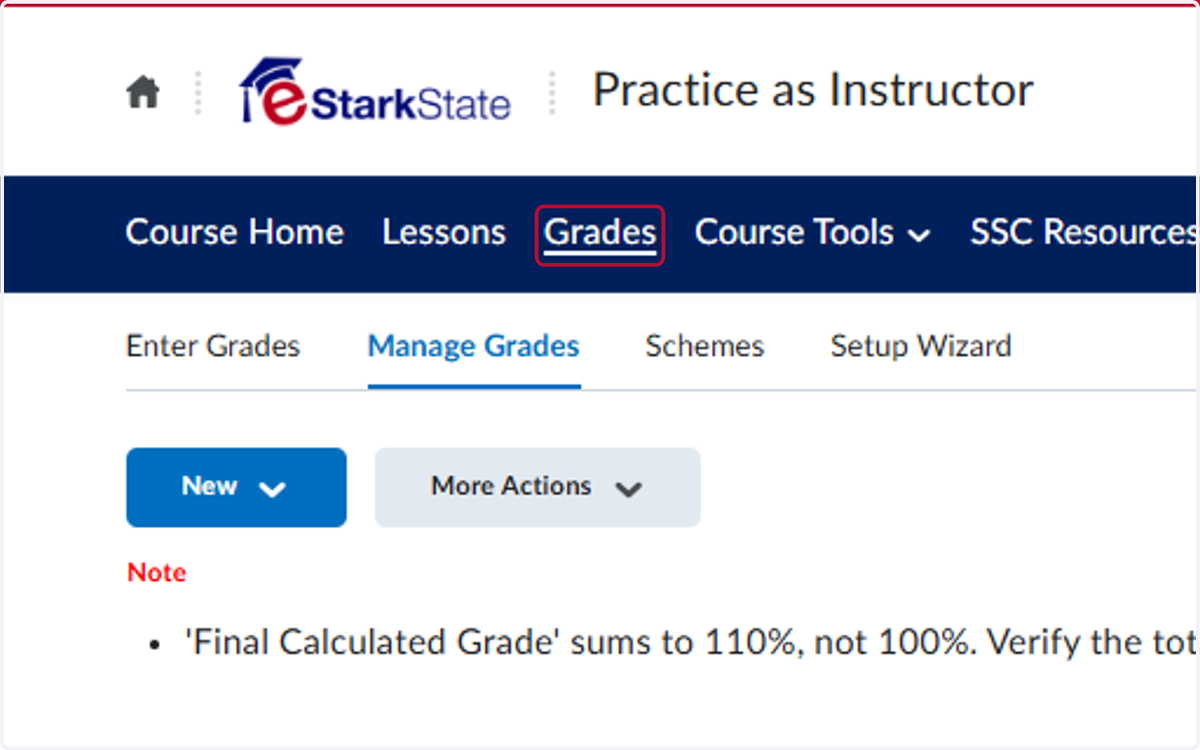
1. Click on Grades
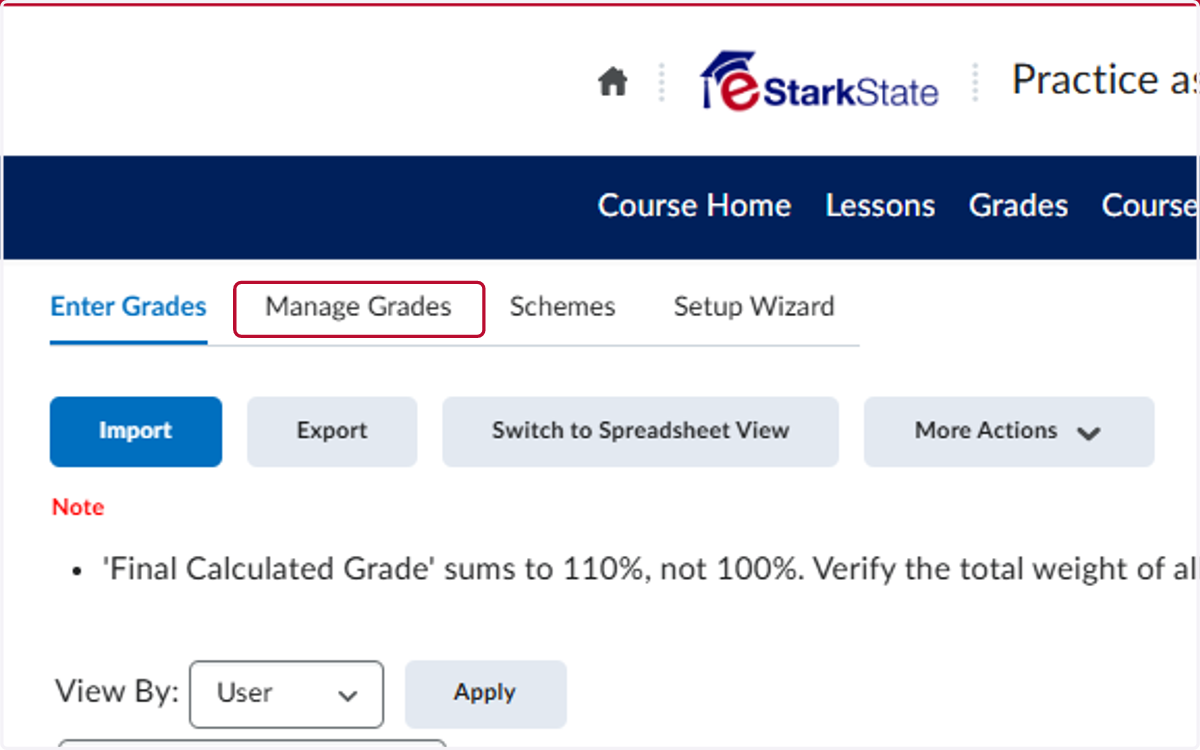
2. Click on Manage Grades
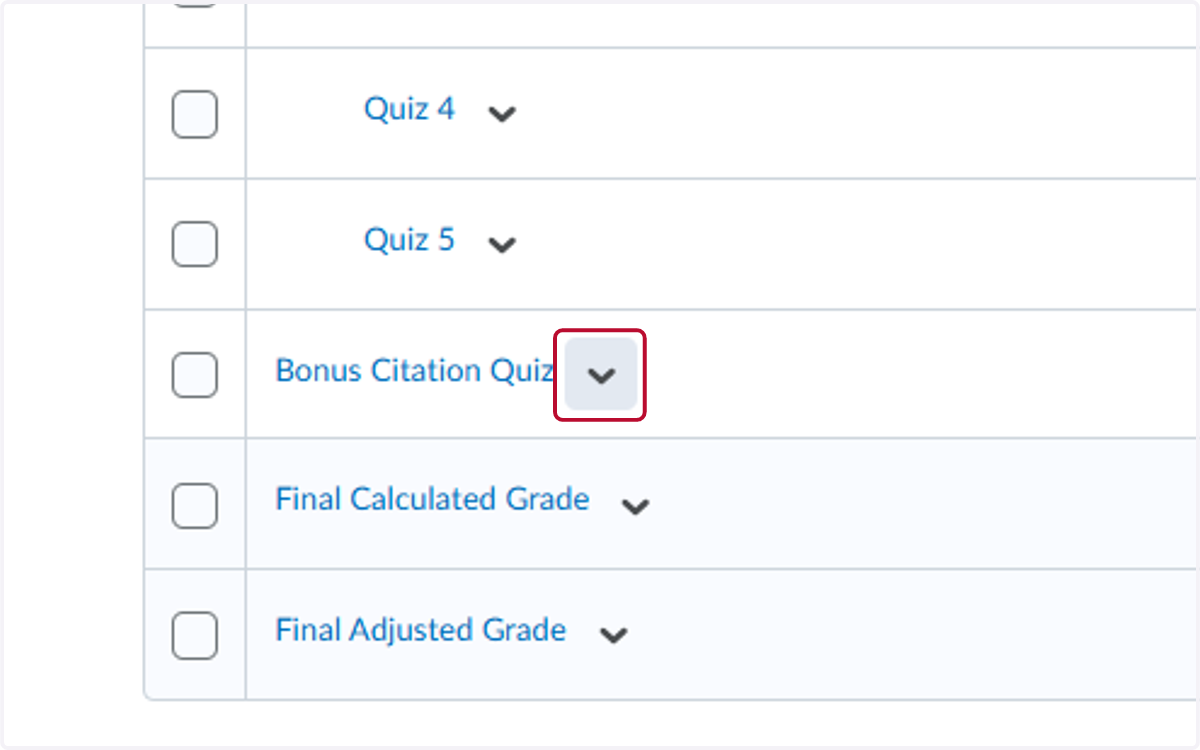
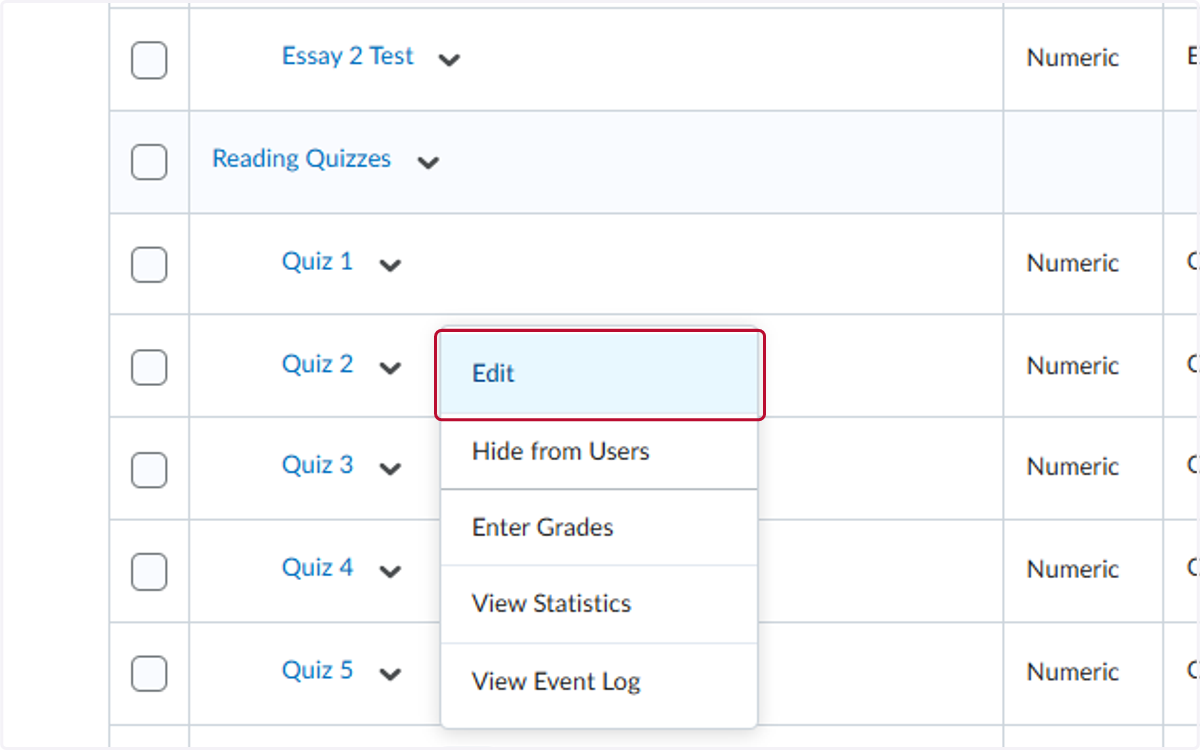
3. Click on the Assessment you want to set as extra credit
4. Click on Edit
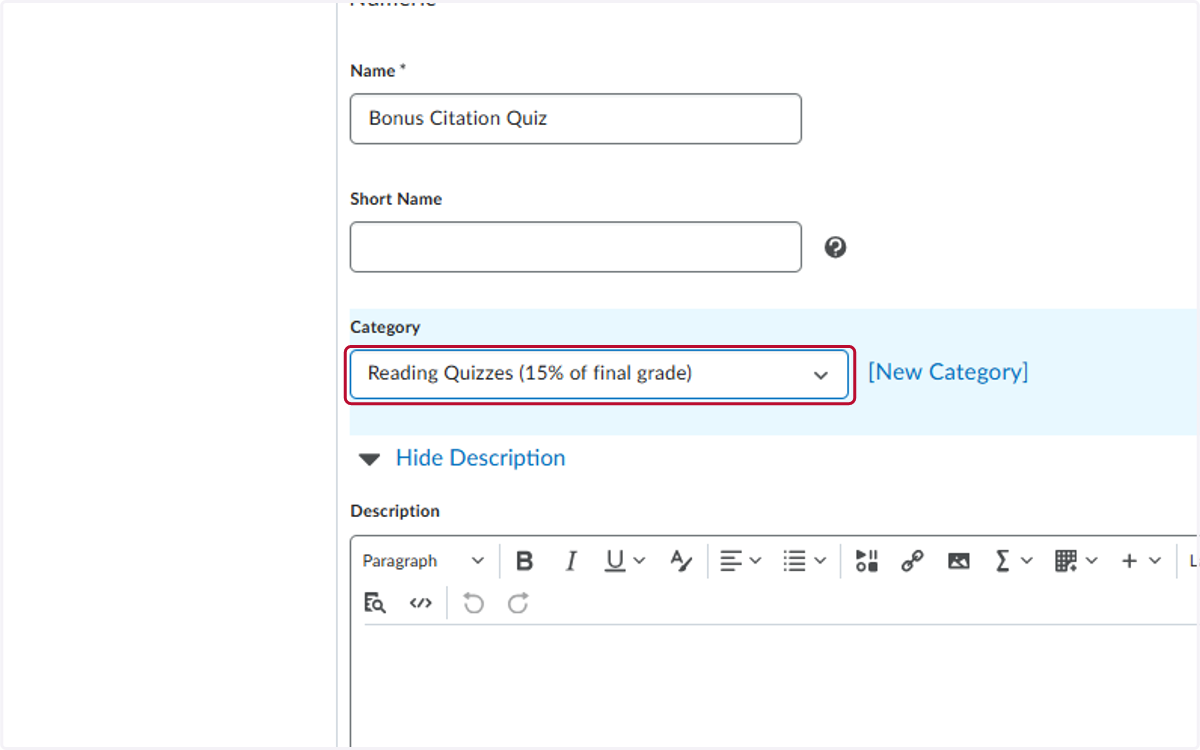
5. Select the Category it should be in
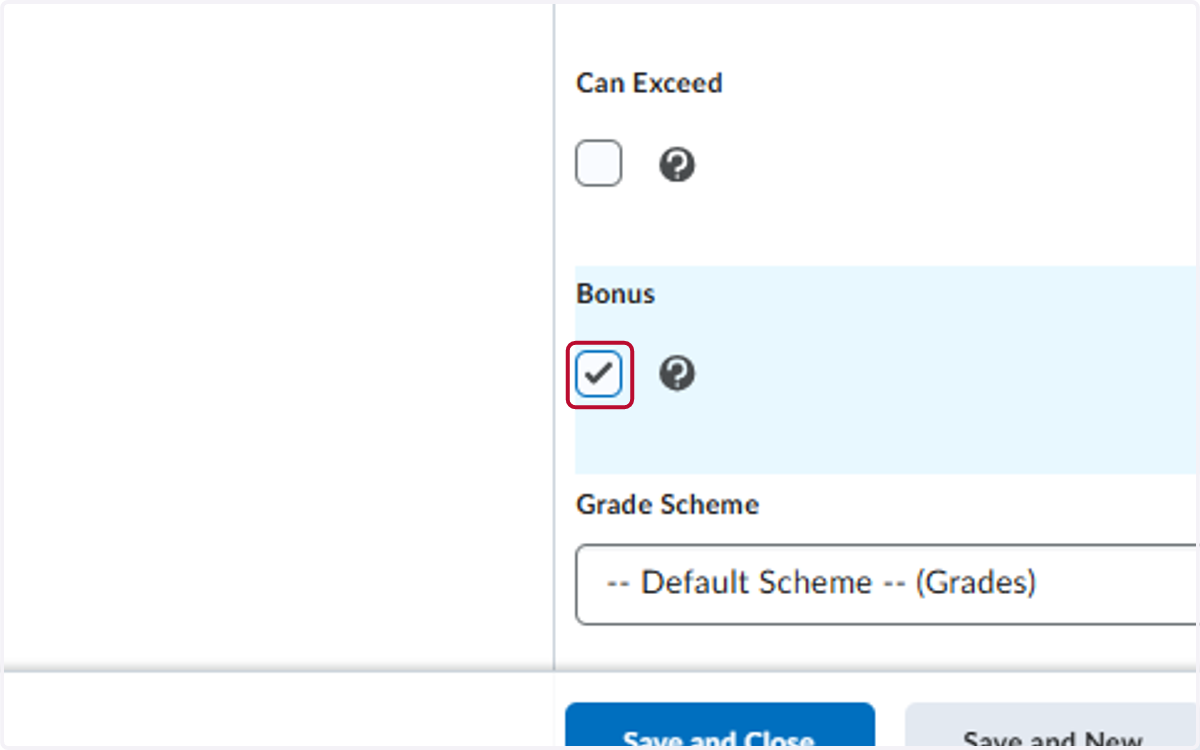
6. Check on Bonus
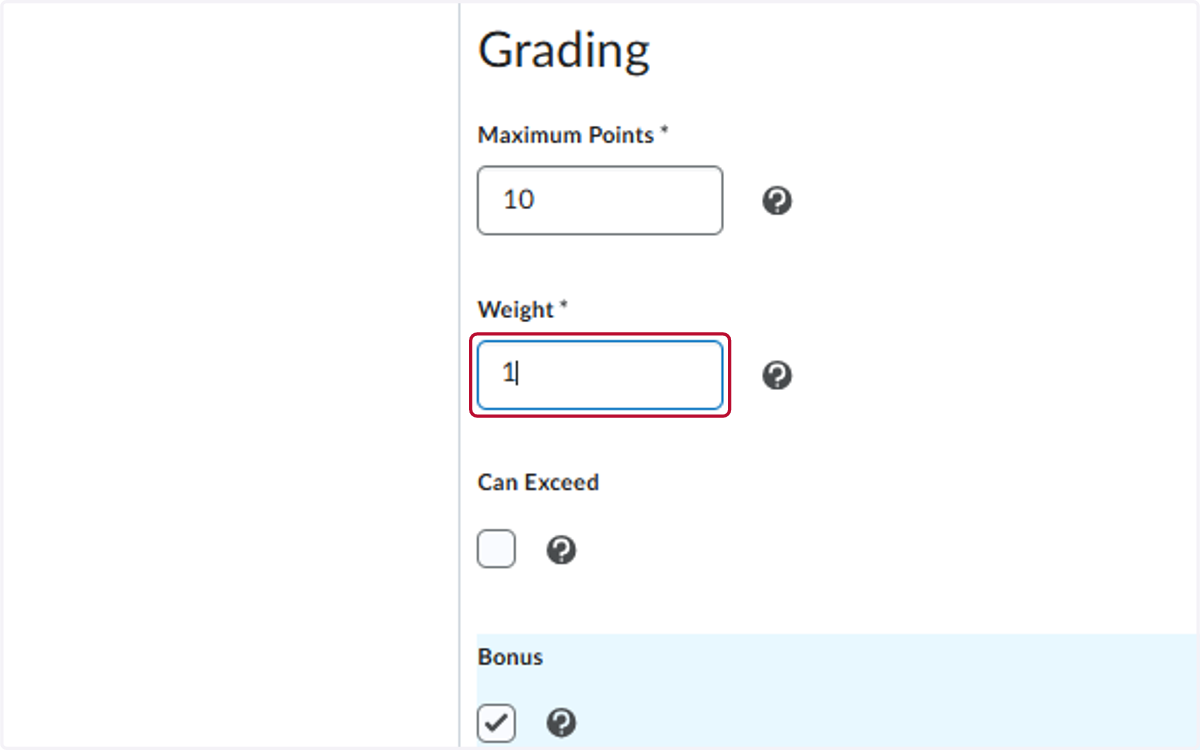
7. Type the Weight of the Assignment
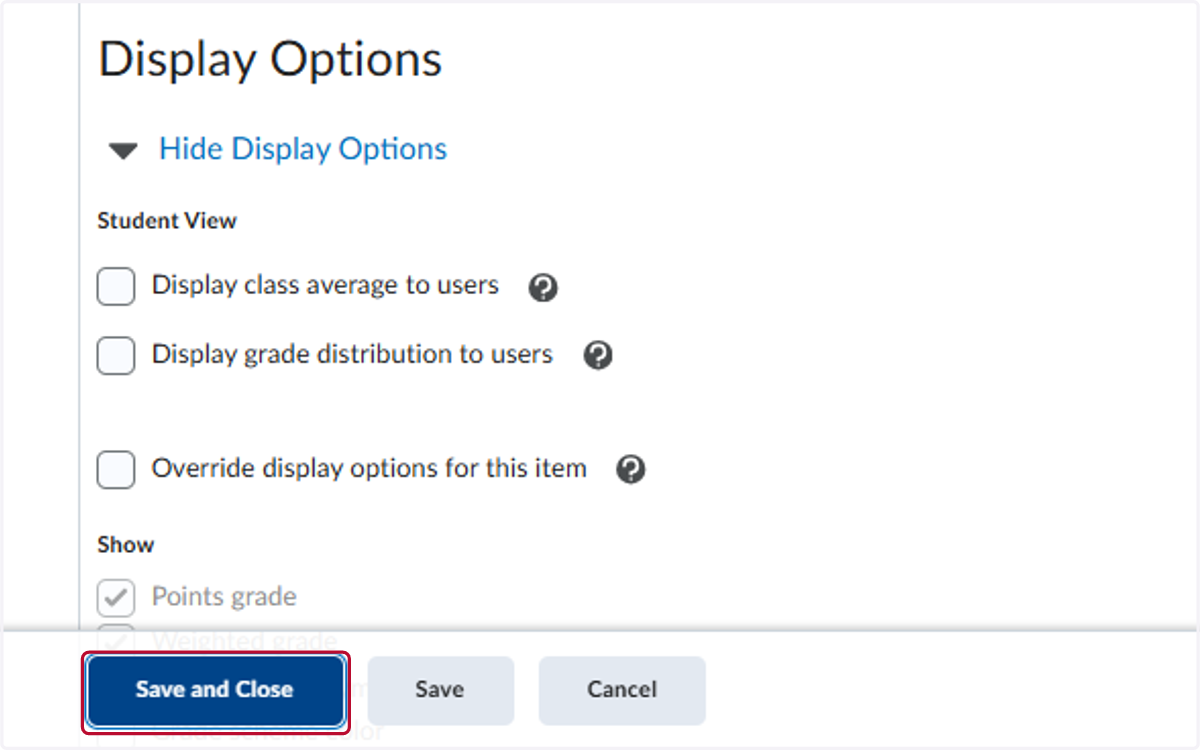
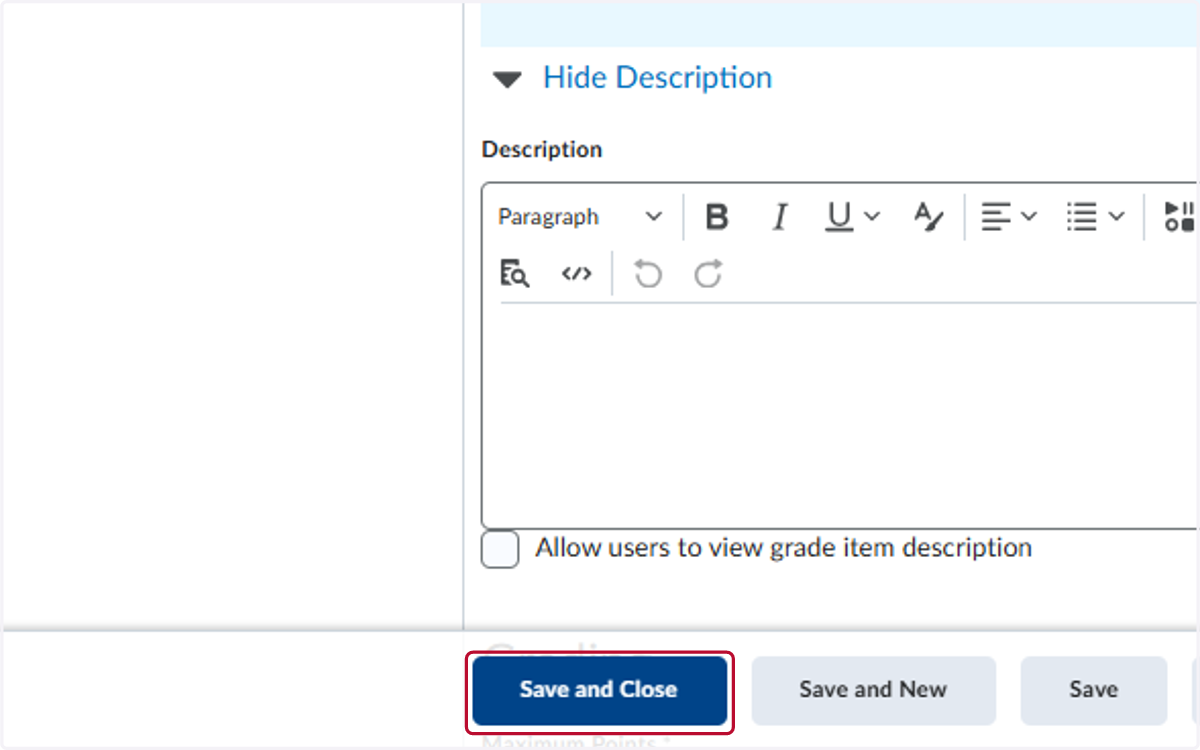
8. Click on Save and Close
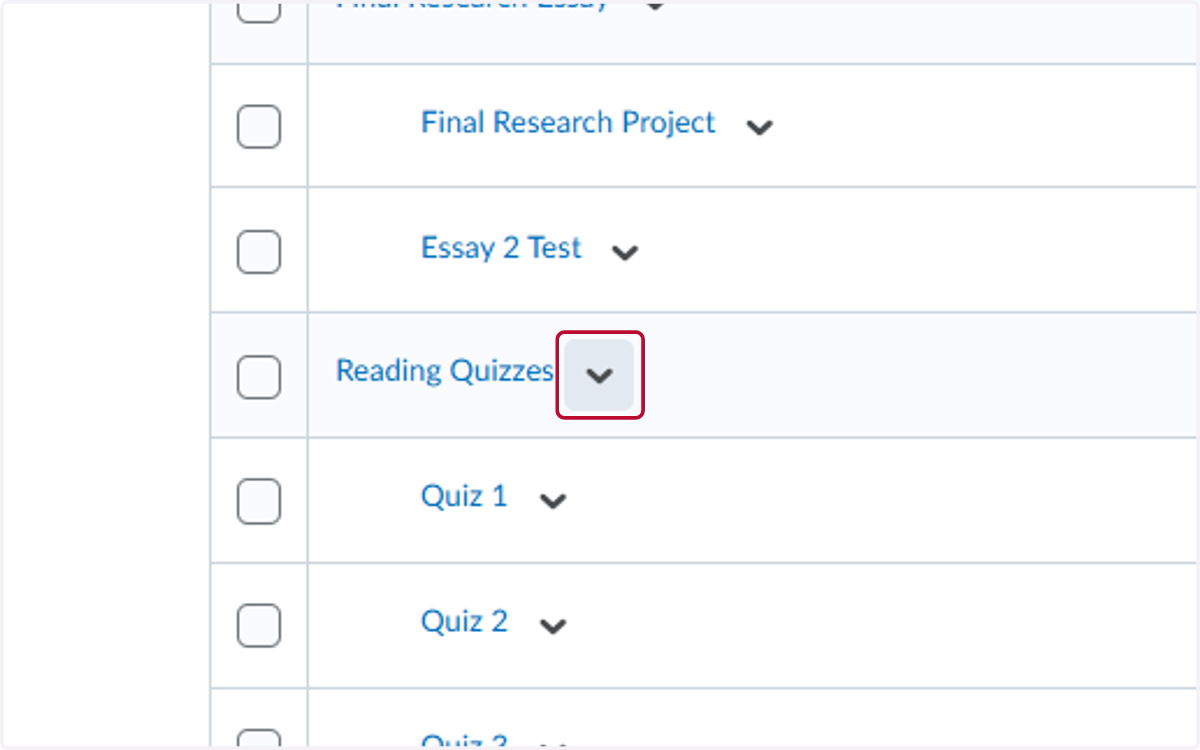
9. Click on the V for the Category the Extra Credit is in
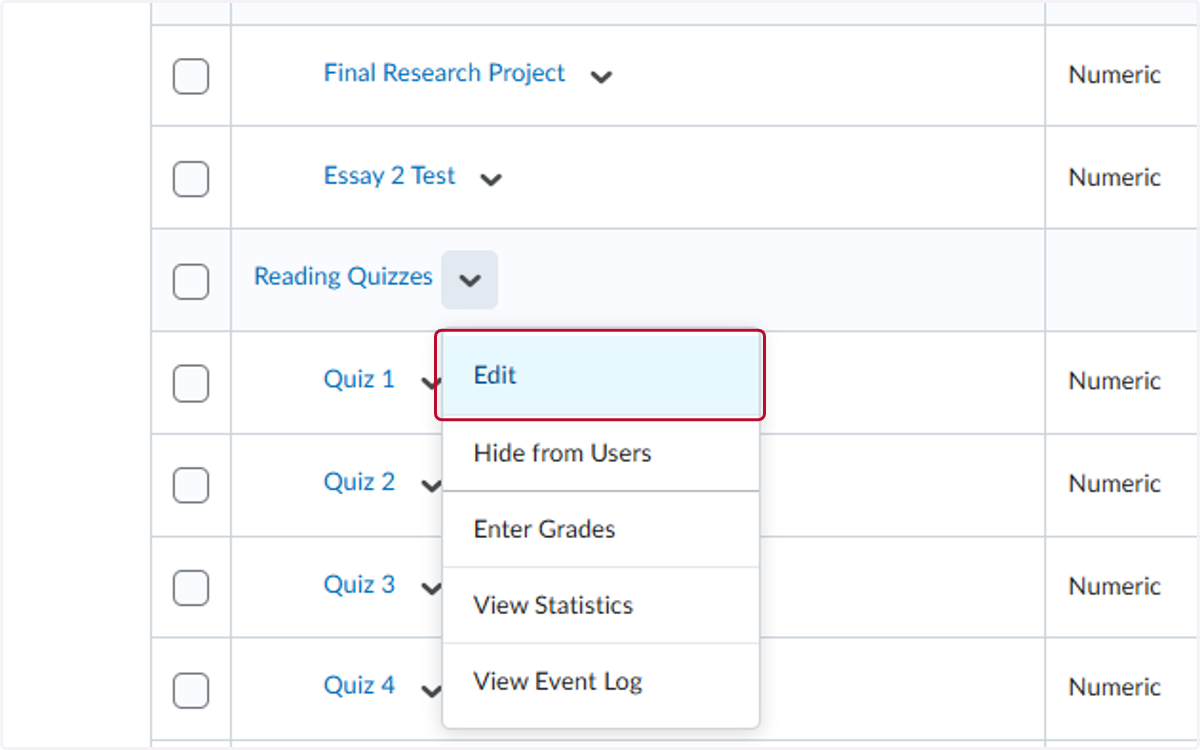
10. Click on Edit
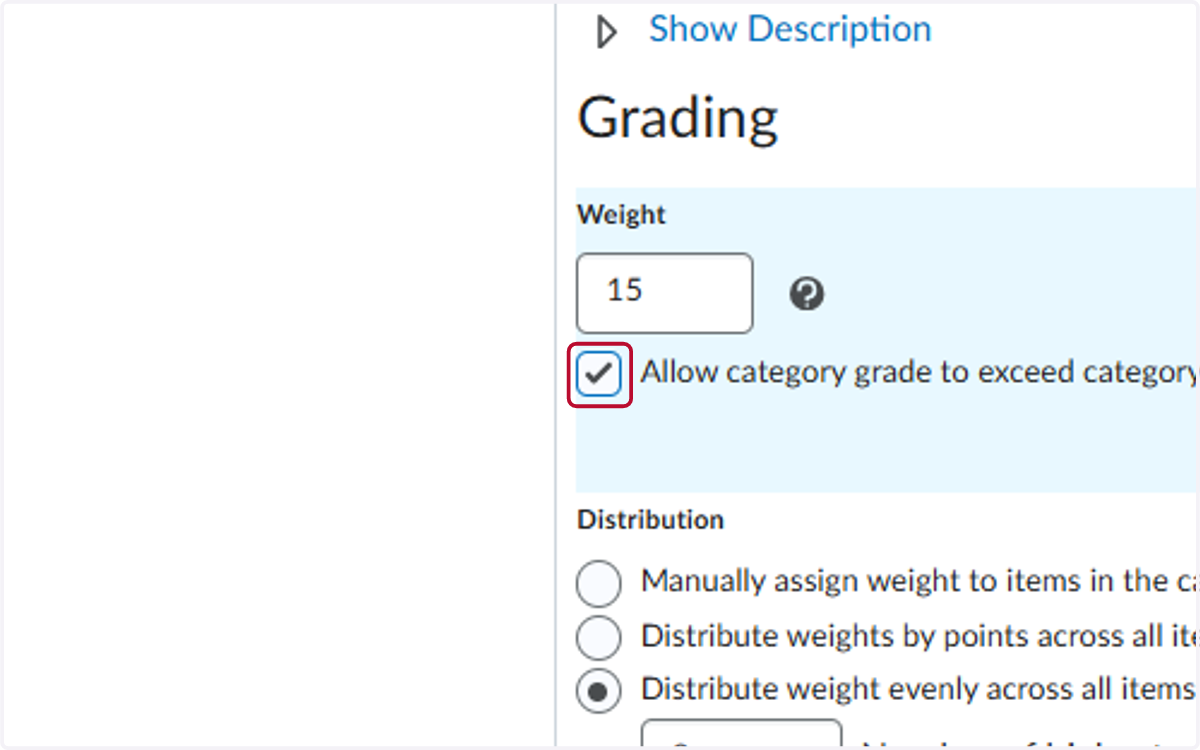
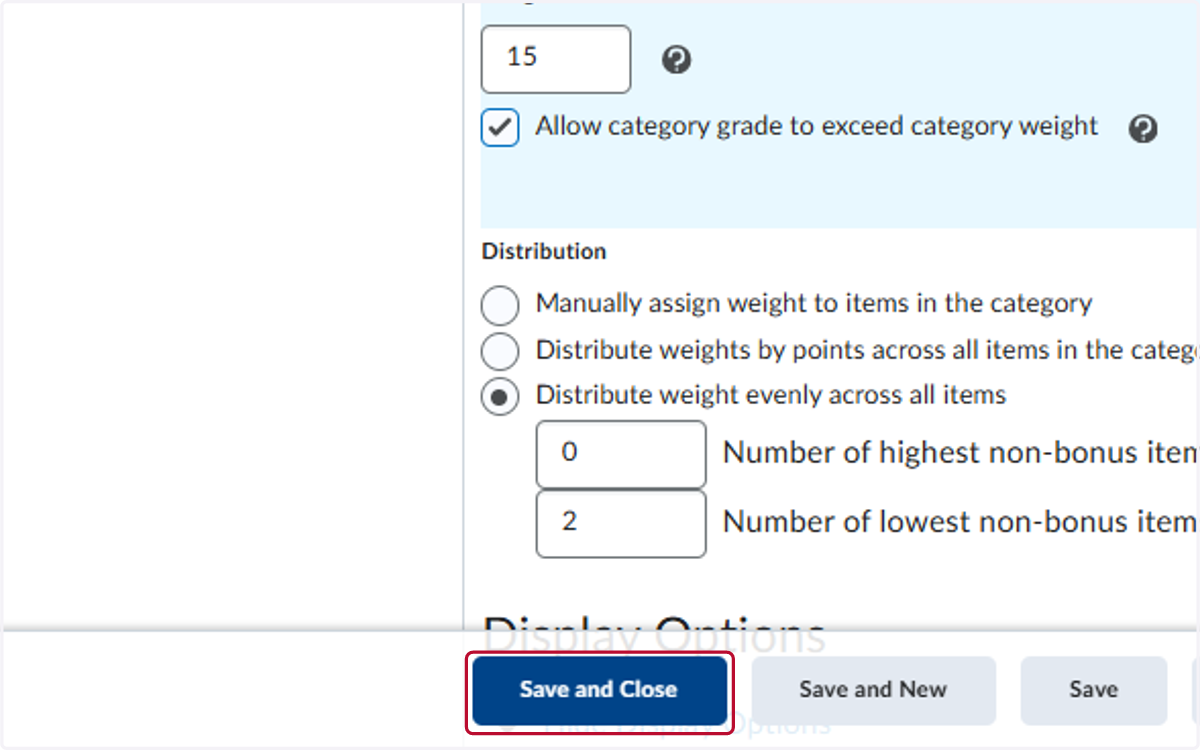
11. Check Allow category grade to exceed category weight
12. Click on Save and Close
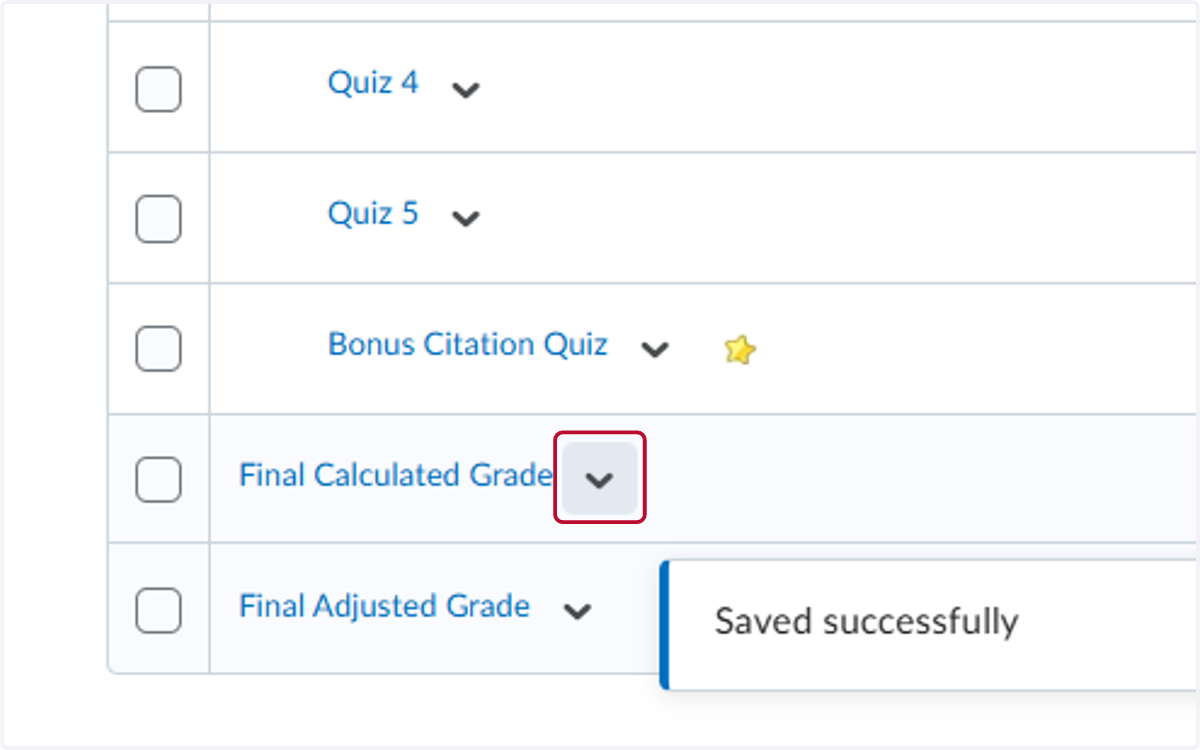
13. Click on V for Final Calculated Grade
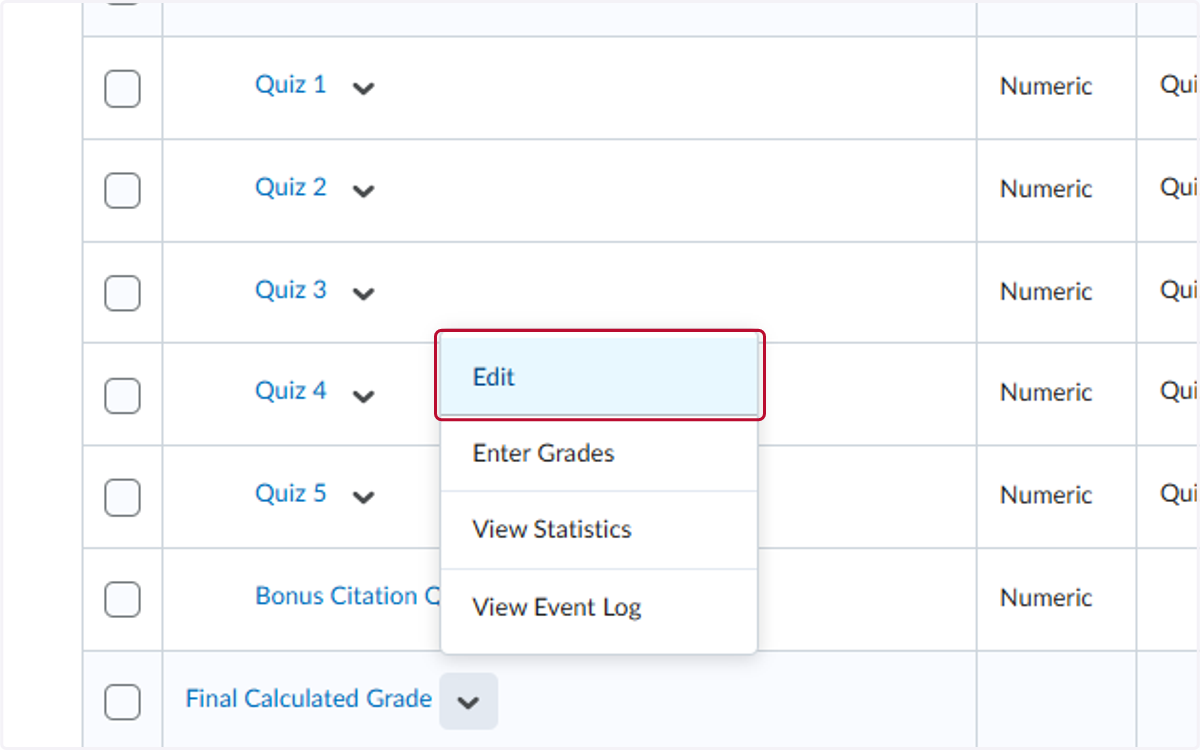
14. Click on Edit
15. Check CanExceedMaxGrade715723
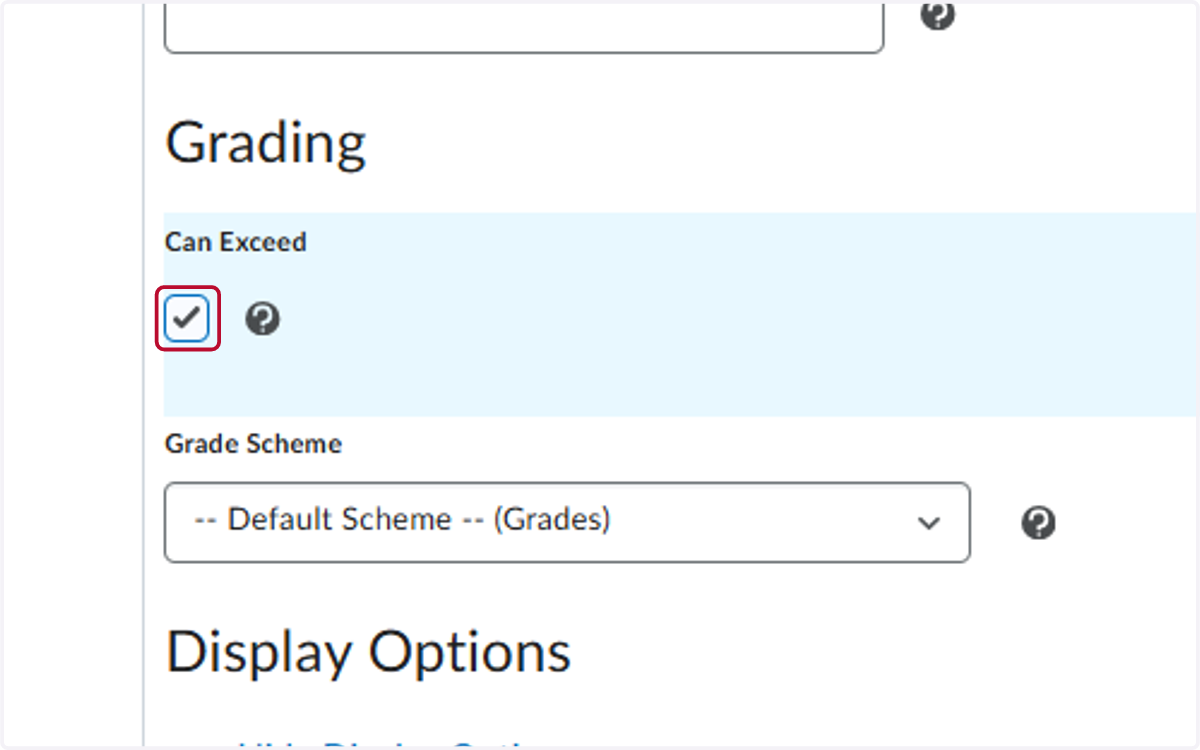
16. Click on Save and Close