How to Sanction an event "On-Platform"
On-platform events take registration through the Sport:80 platform vs an off-platform sanction which takes registrations through a third party link (ex: Eventbrite).
All valid clubs can sanction an event. To take registration through Sport:80 your club should set up a Stripe account through the "Finance Admin" panel
On-platform sanctions: $79
Off-platform sanctions: $99
Login to your Sport:80 account and switch into your club profile
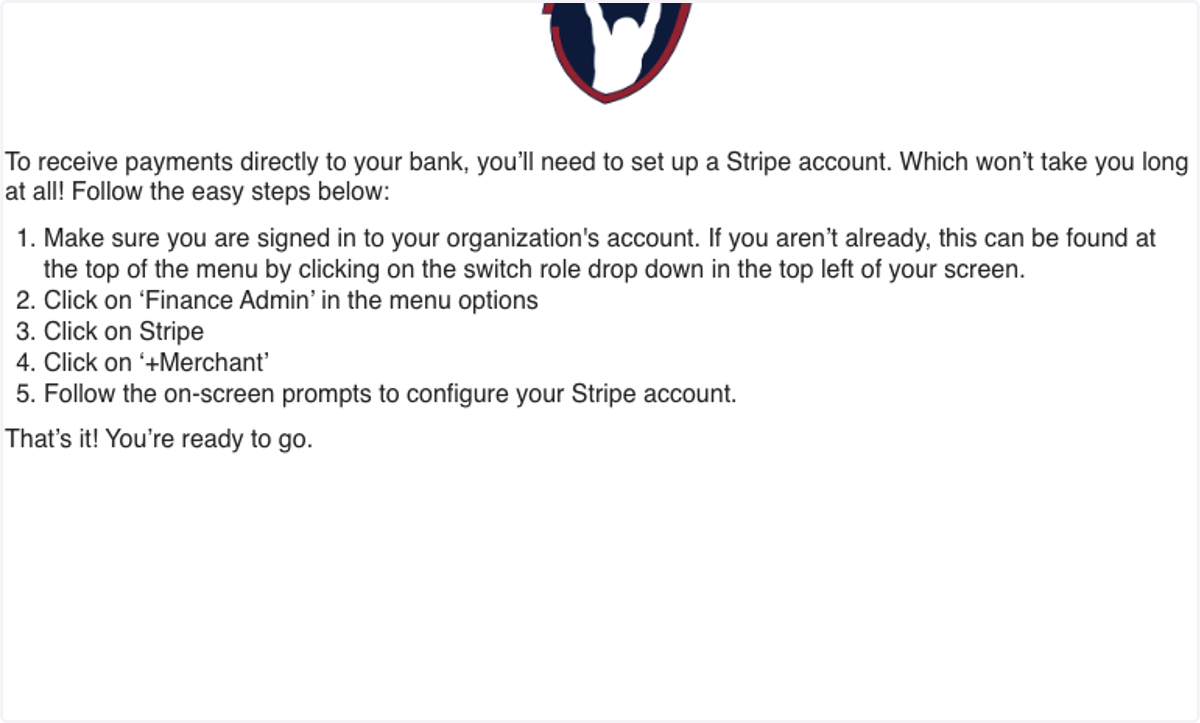
1. First, ensure you have your Club Stripe account set up
Follow these steps to set up your Stripe account
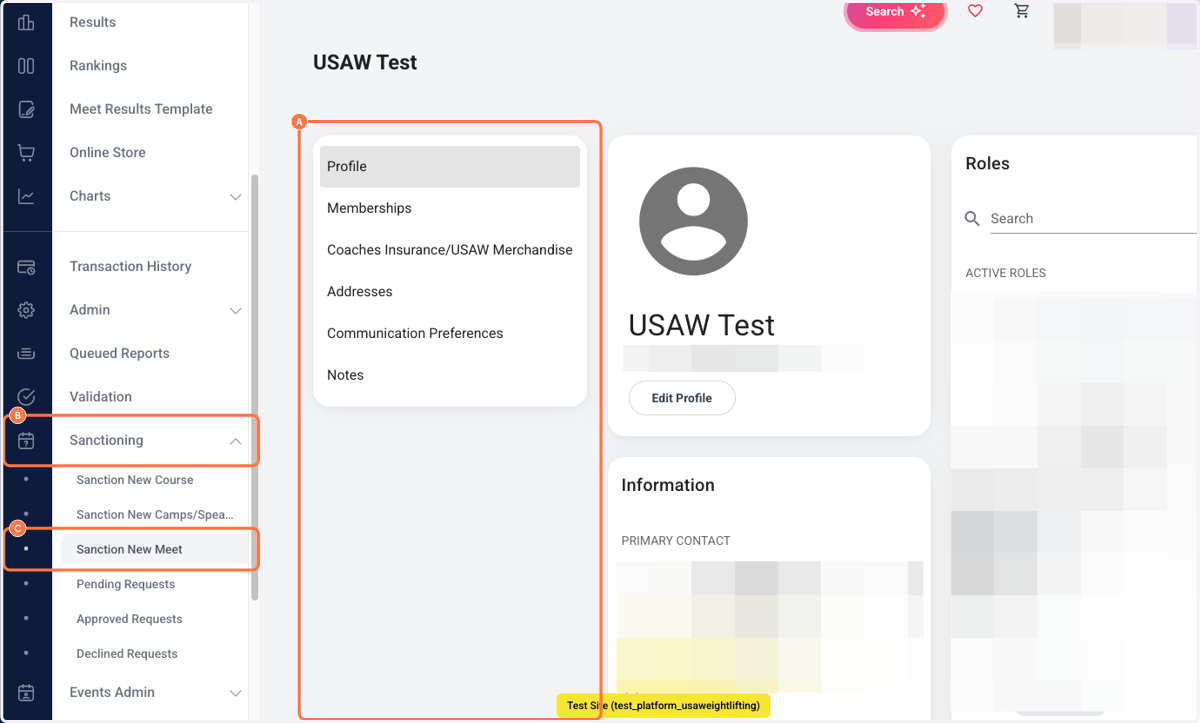
2. A. Login to your club profile
2. B. Click on Sanctioning
2. C. Click on Sanction New Meet
3. Click on Meet (On Platform Entries)…
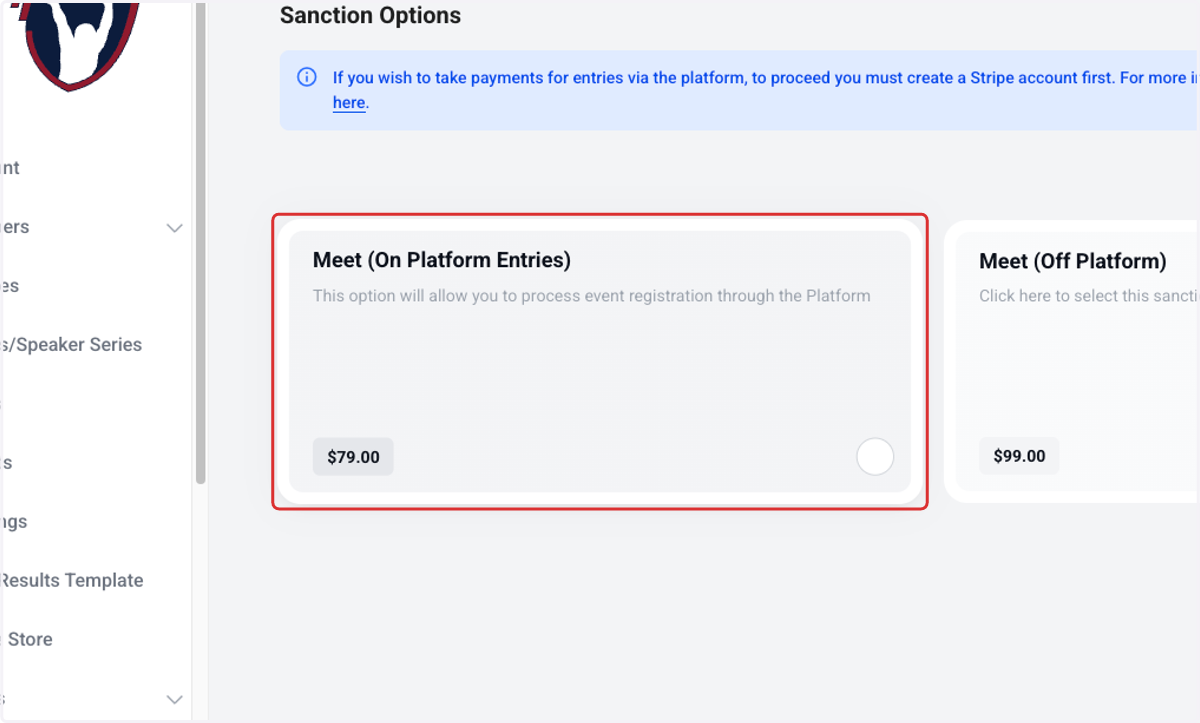
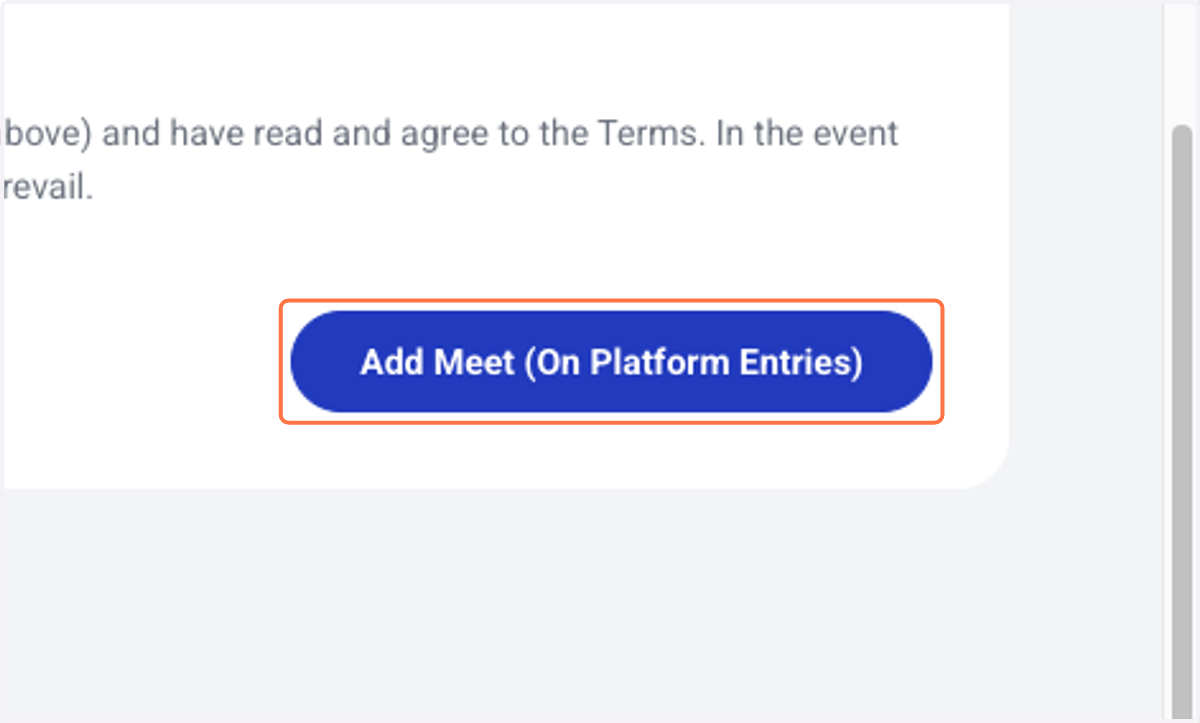
4. Click on Add Meet (On Platform Entries)
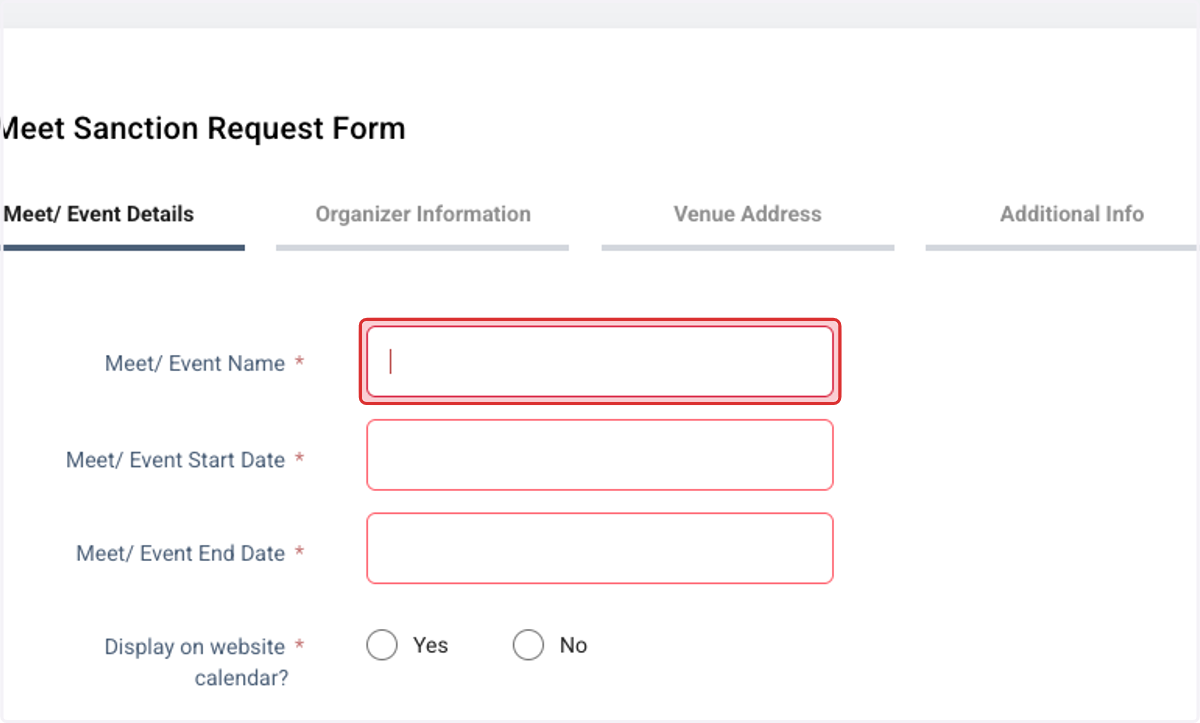
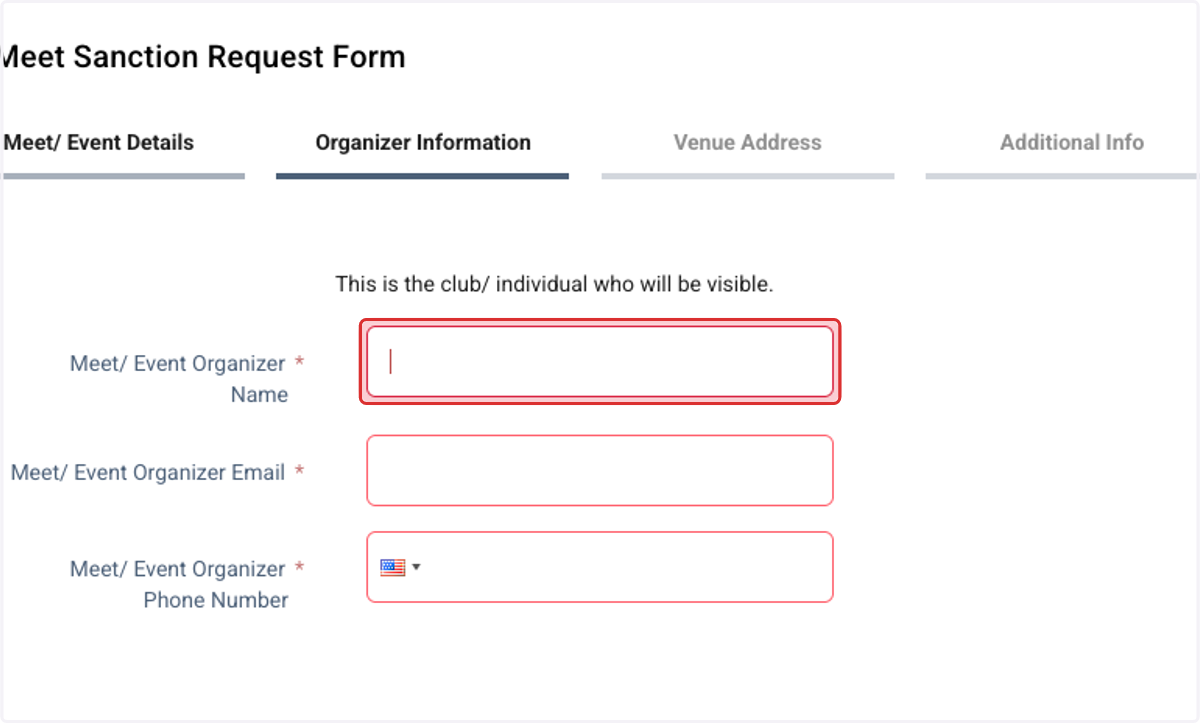
5. Fill out the sanction forms and input the details of your event
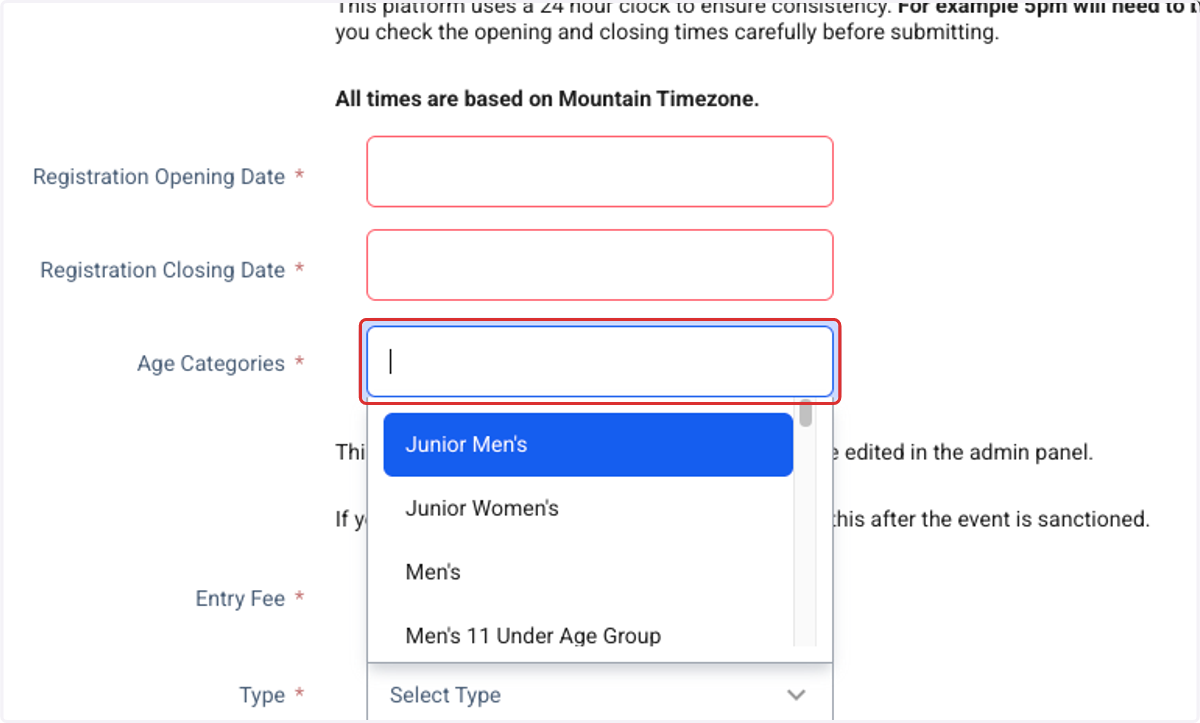
6. Make sure you select all of the categories that you want available for participation at your event
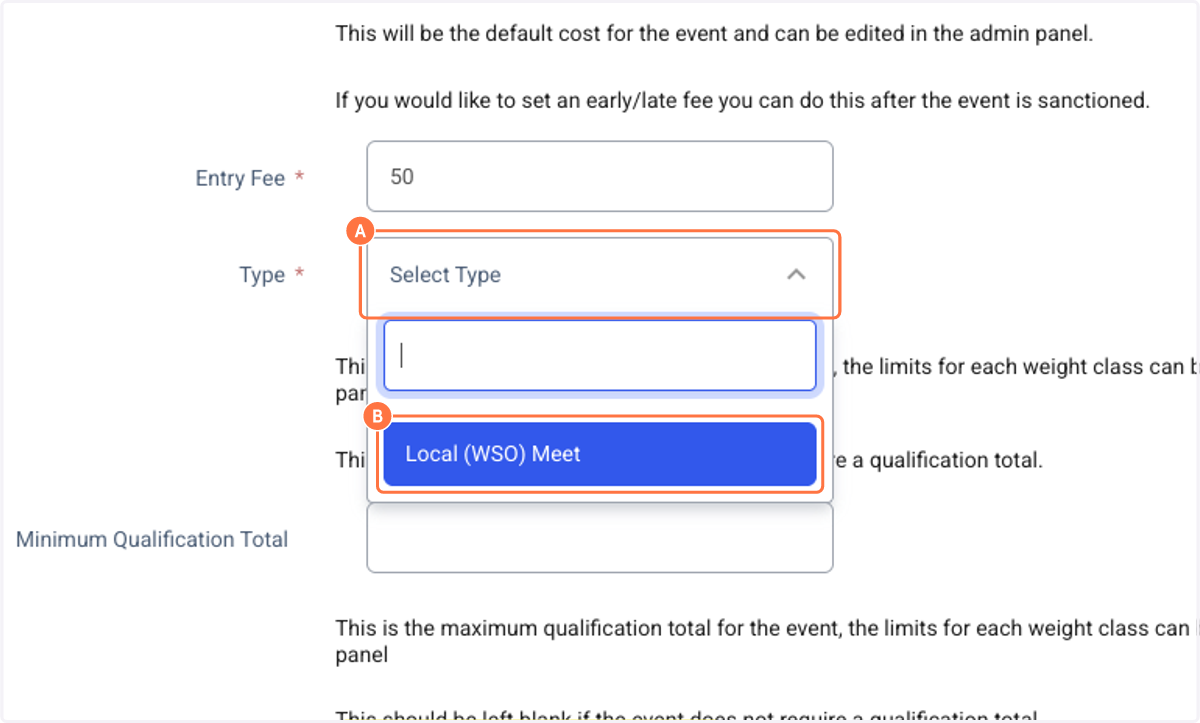
7. A. Click on Select Type
7. B. Click on Local (WSO) Meet
8. Fill out the remaining pages of the sanction form
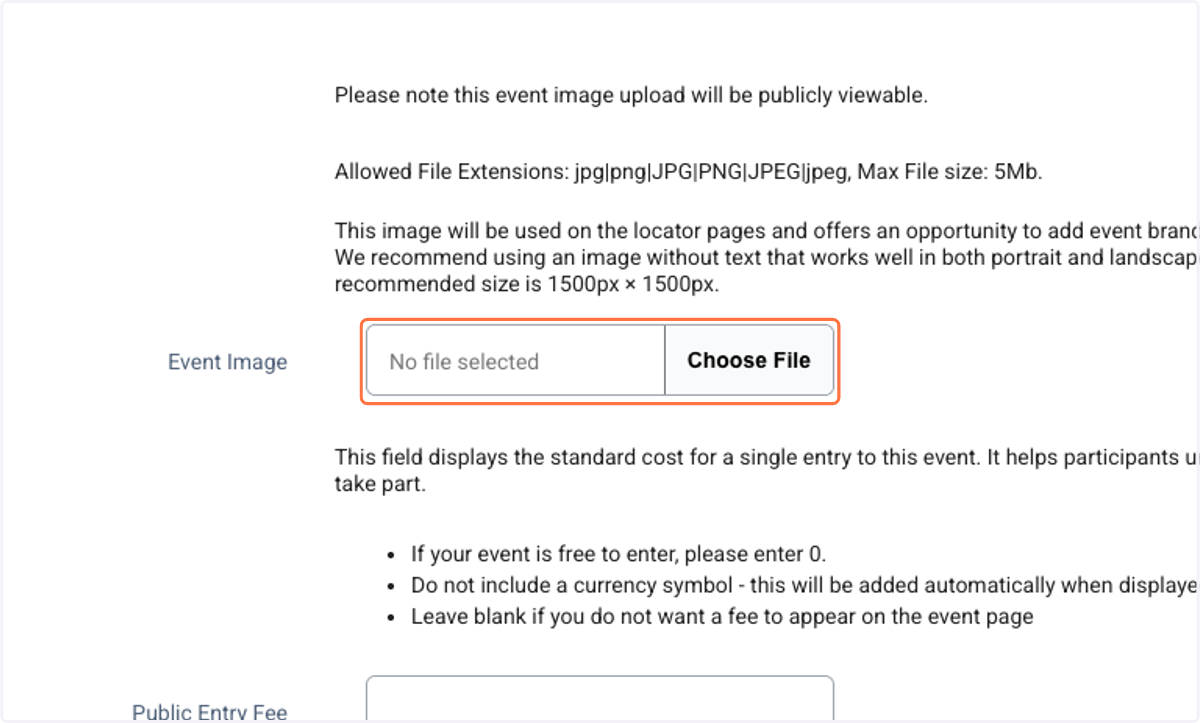
9. Select an image that will display on the event calendar or leave it blank and a USAW template photo will be used
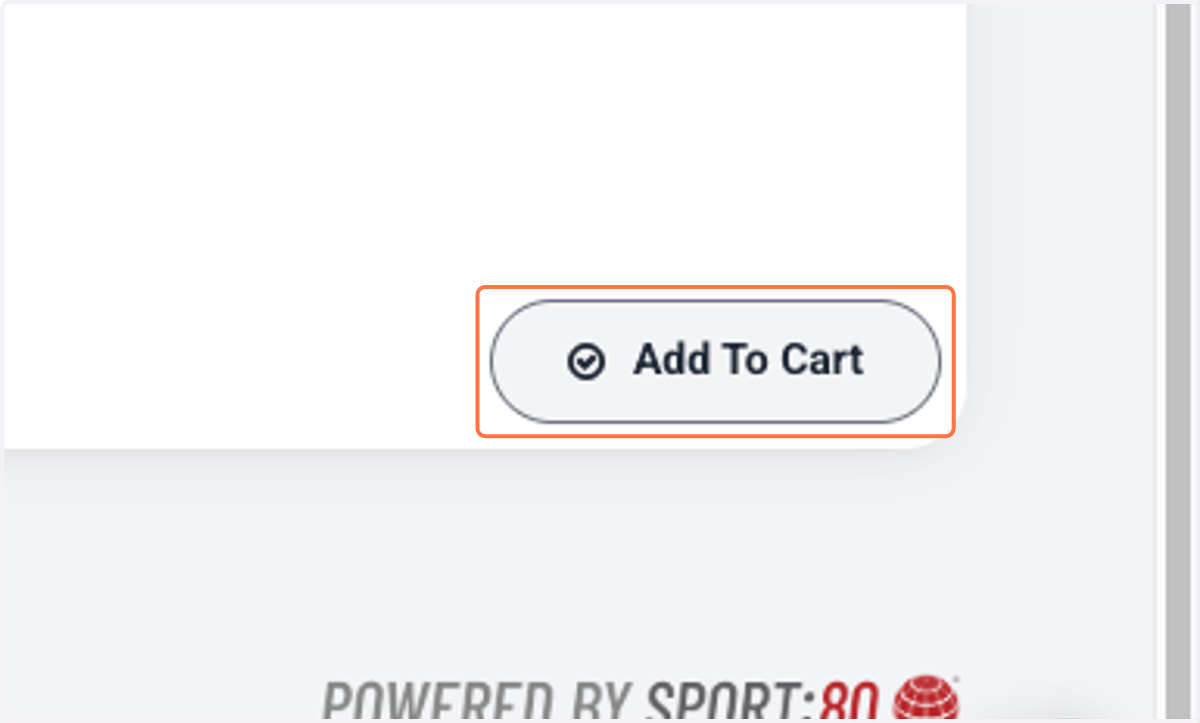
10. Click on Add To Cart
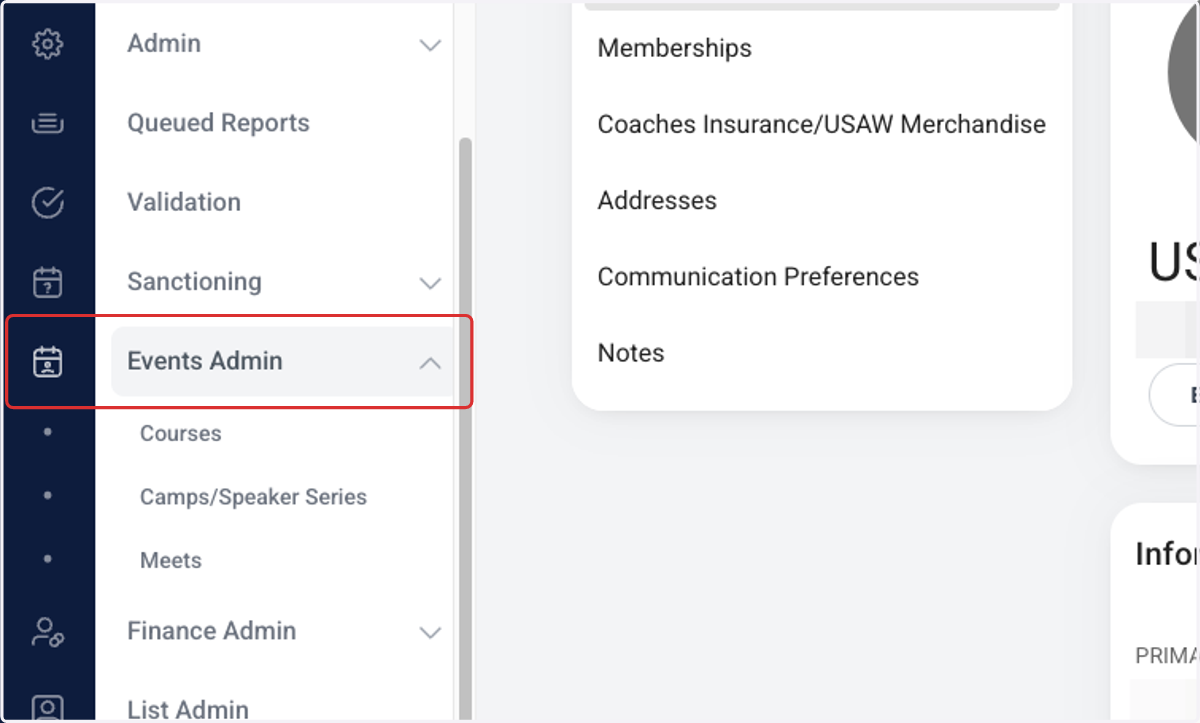
11. You can go back and edit your meet details at any point
Click on Events Admin --> Meets
12. Here you will see the different events you have sanctioned
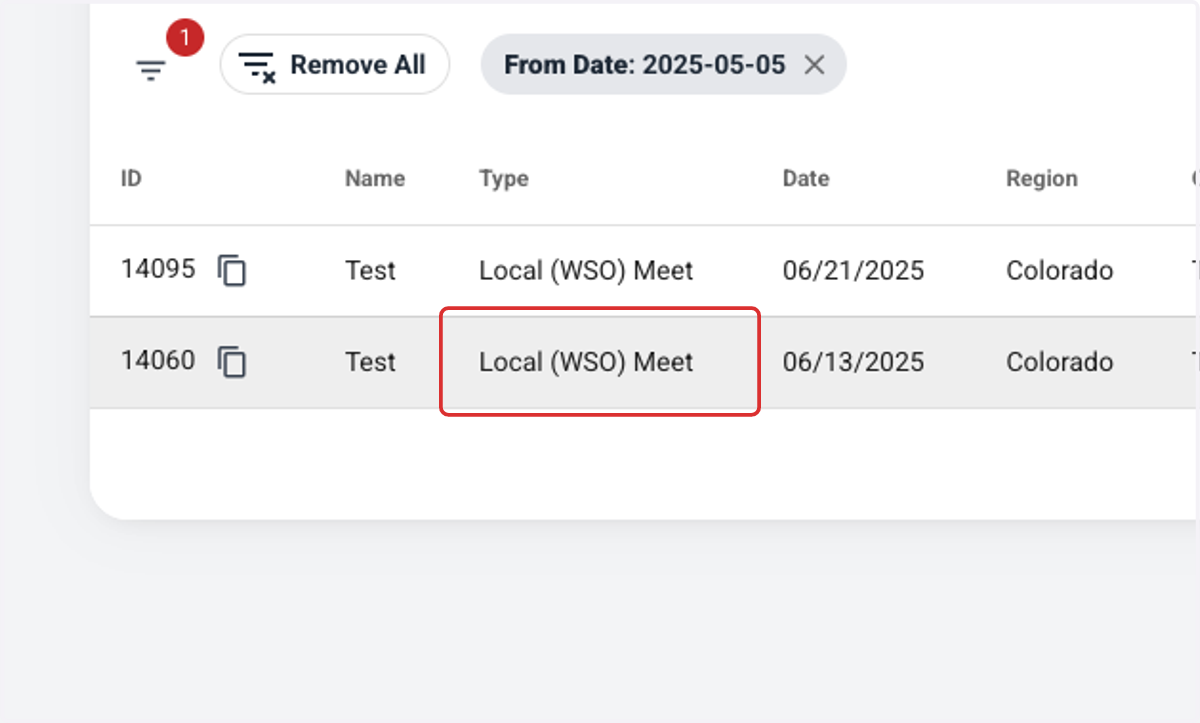
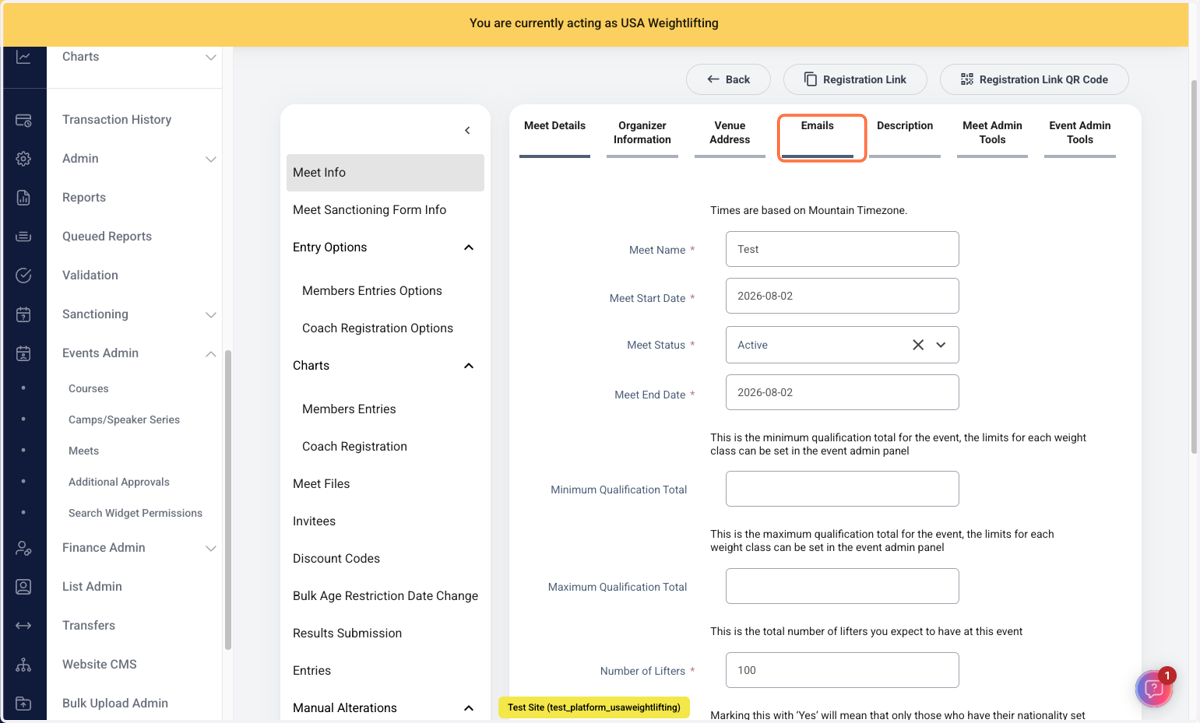
13. You can add various details to your event sanction
One popular tool is to add a message that is emailed to the athlete following their registration. You can find this under "Emails"
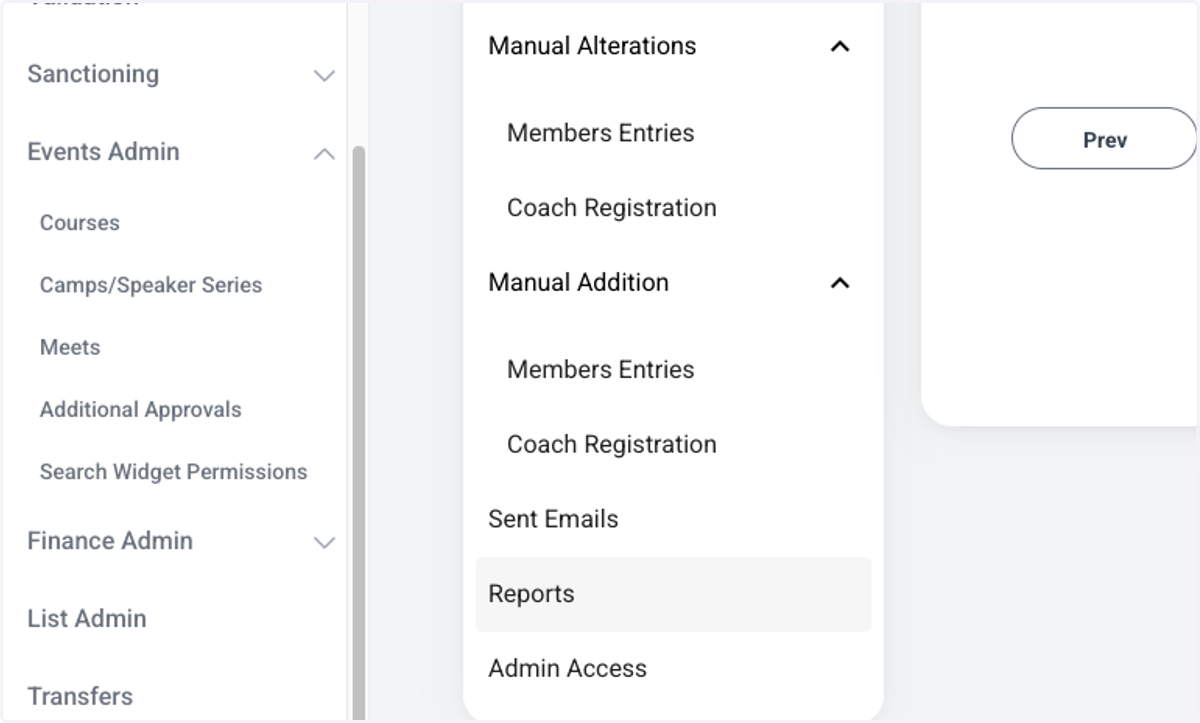
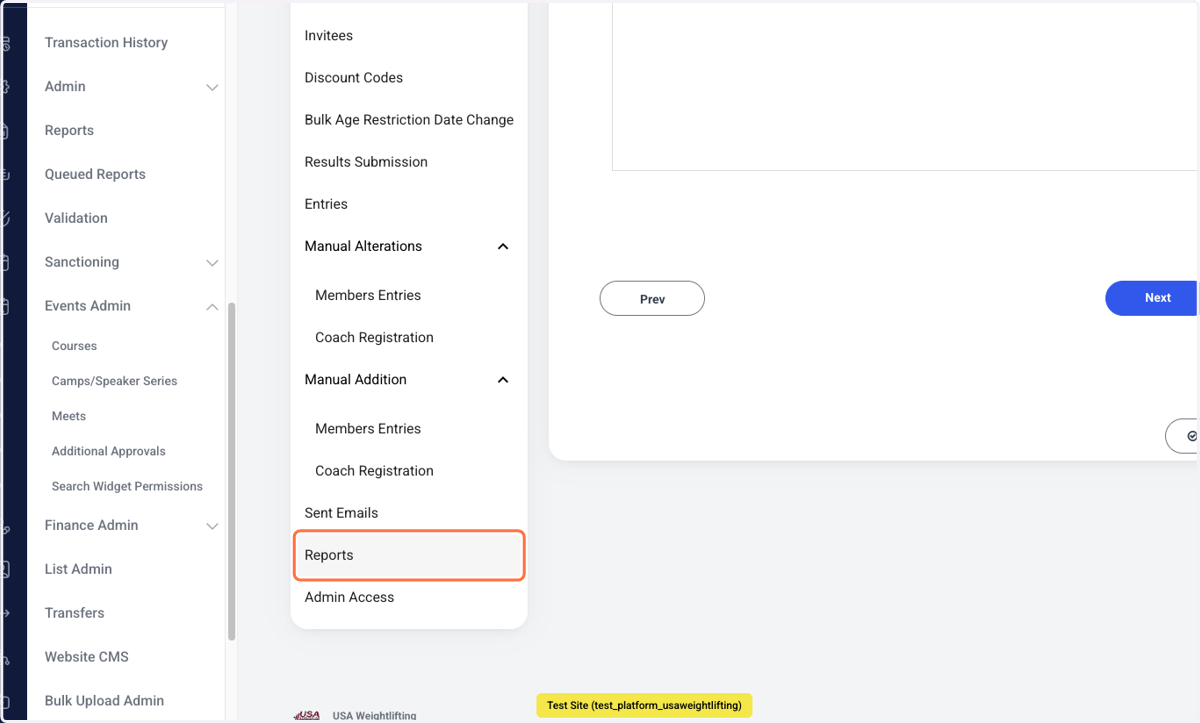
14. Click on "Reports" to find different downloadable files that show you information on registrations and finances
15. Click on different options to keep adding details.
You can add dependencies, coach registration fees and more in the event sanctioning form.