How to Review the Date of a Manually Graded Submission
1. Look on the Grades tab to locate the last assignment you graded
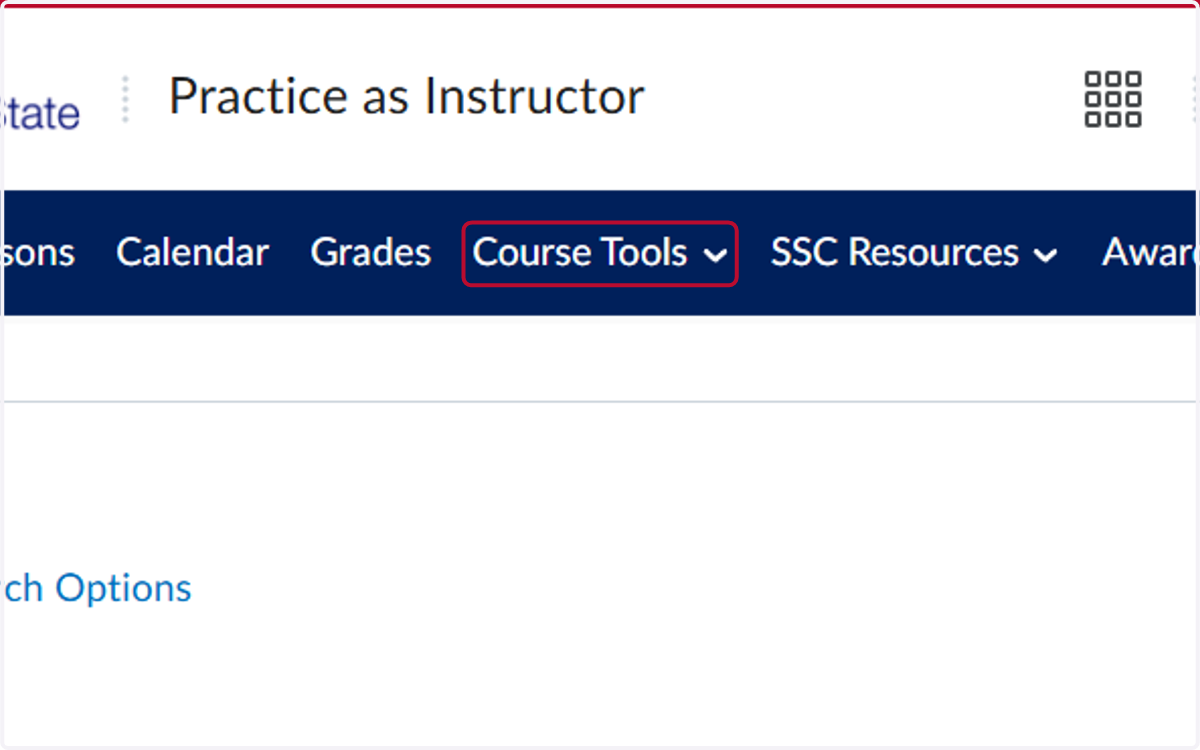
2. Click on Course Tools
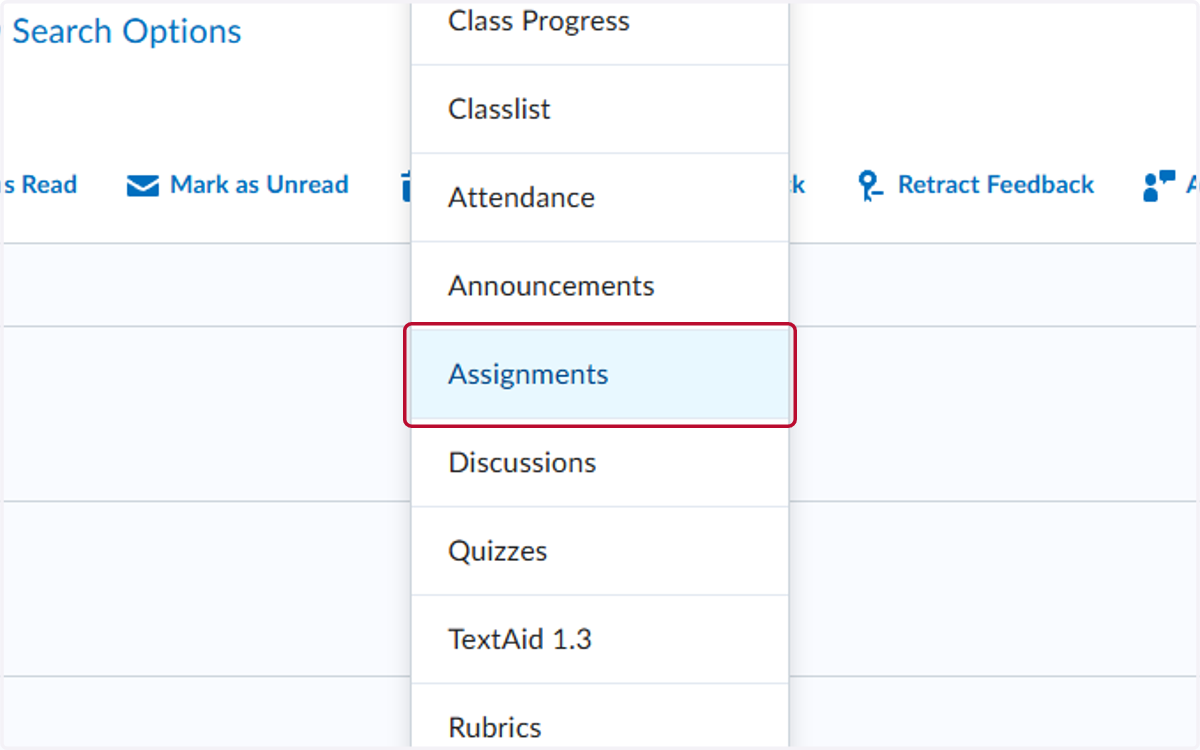
3. Click on Assignments
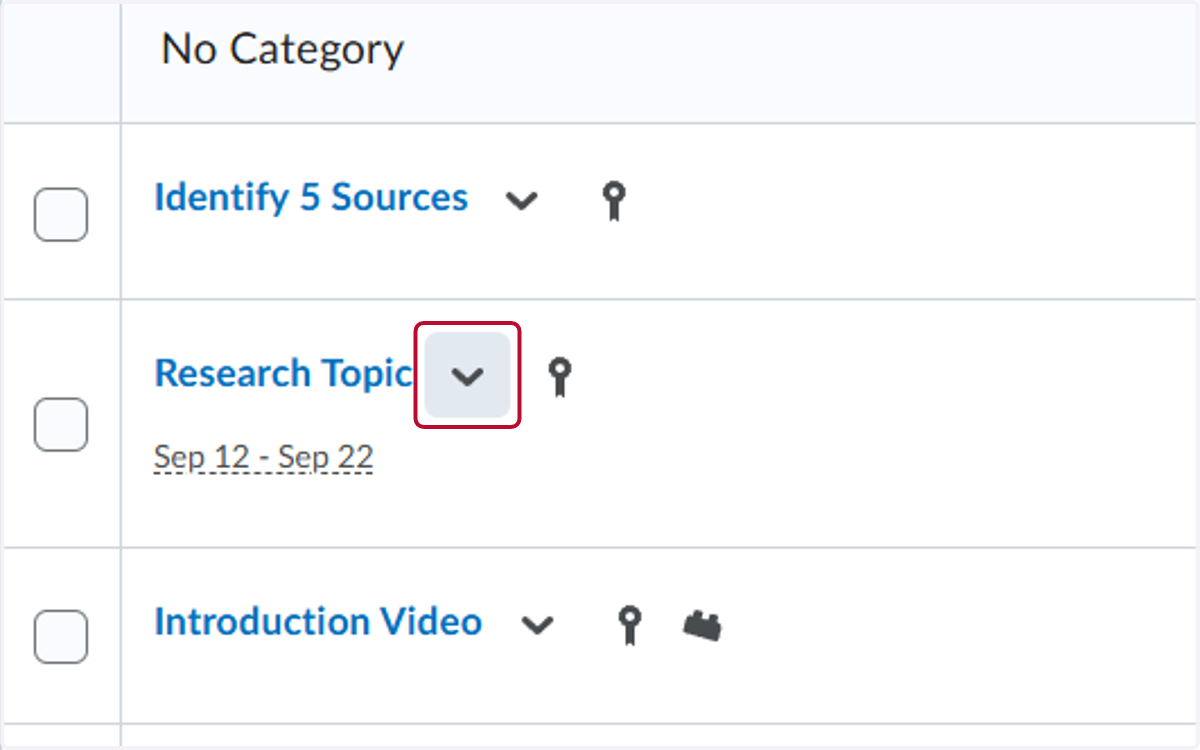
4. Click on the V by the assignment you want to check the submission date for
5. Click on View Submissions
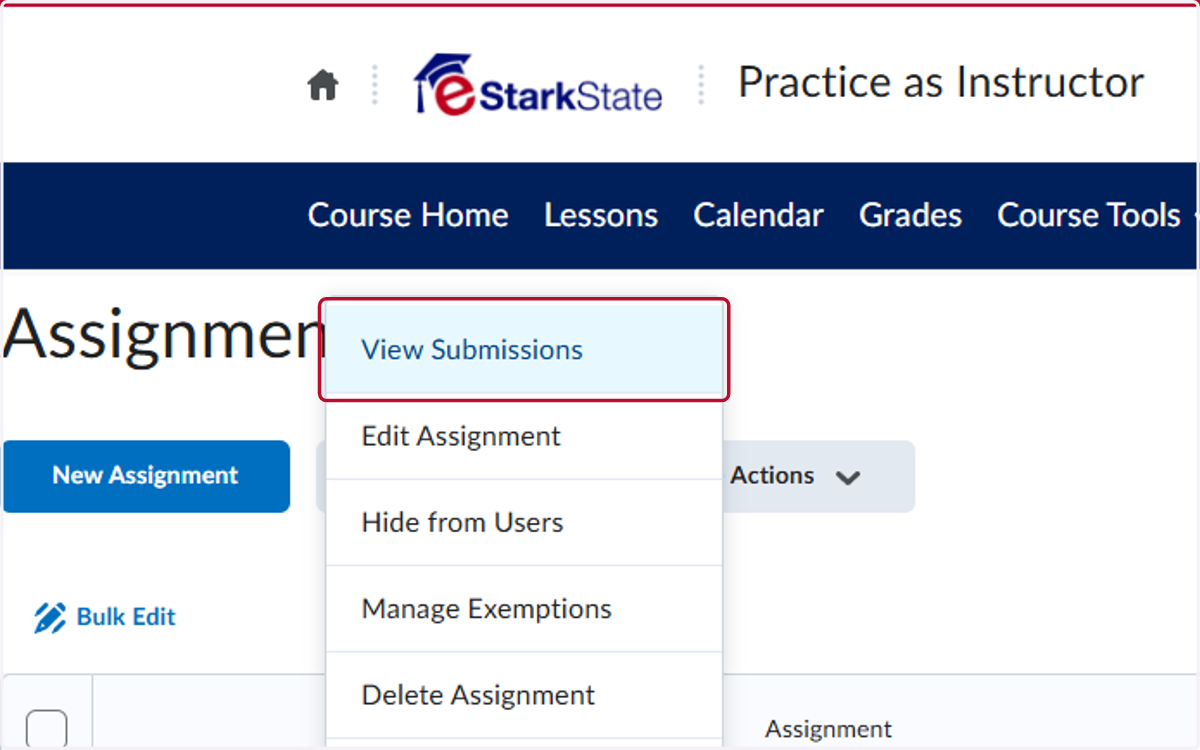
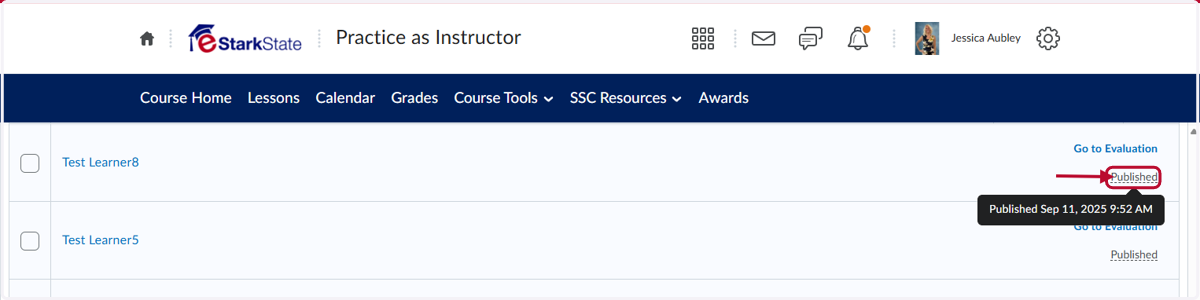
6. Locate the student's name. To the right you will see Published. If you put your mouse on it, the date appears.