How to Restore Files from Trash
1. Go to your home page
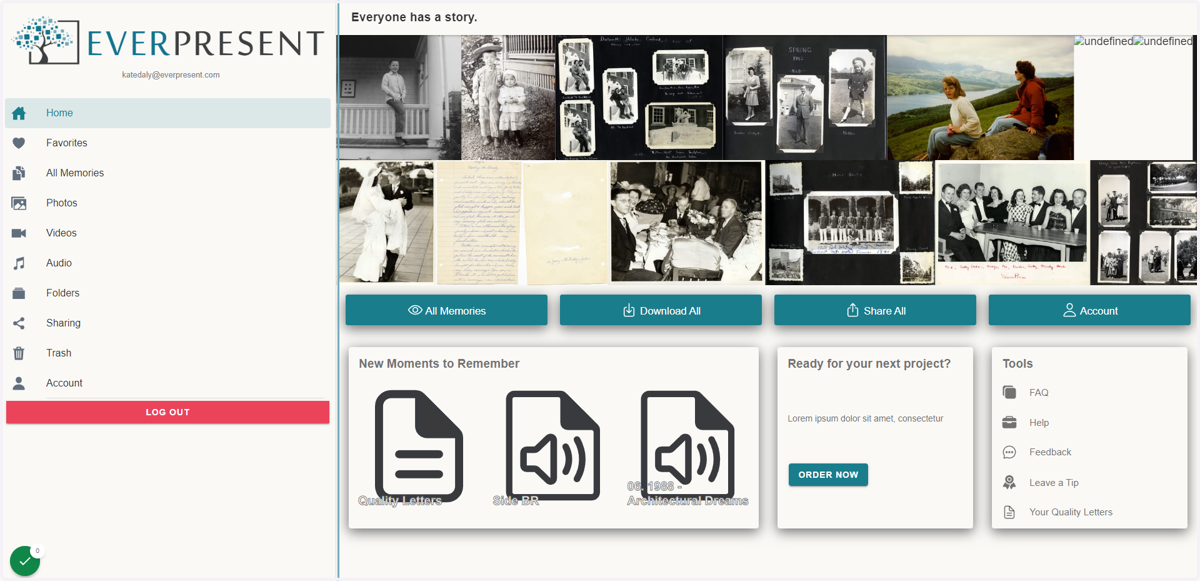
Everpresent
2. Click on 'Trash' on the left hand menu
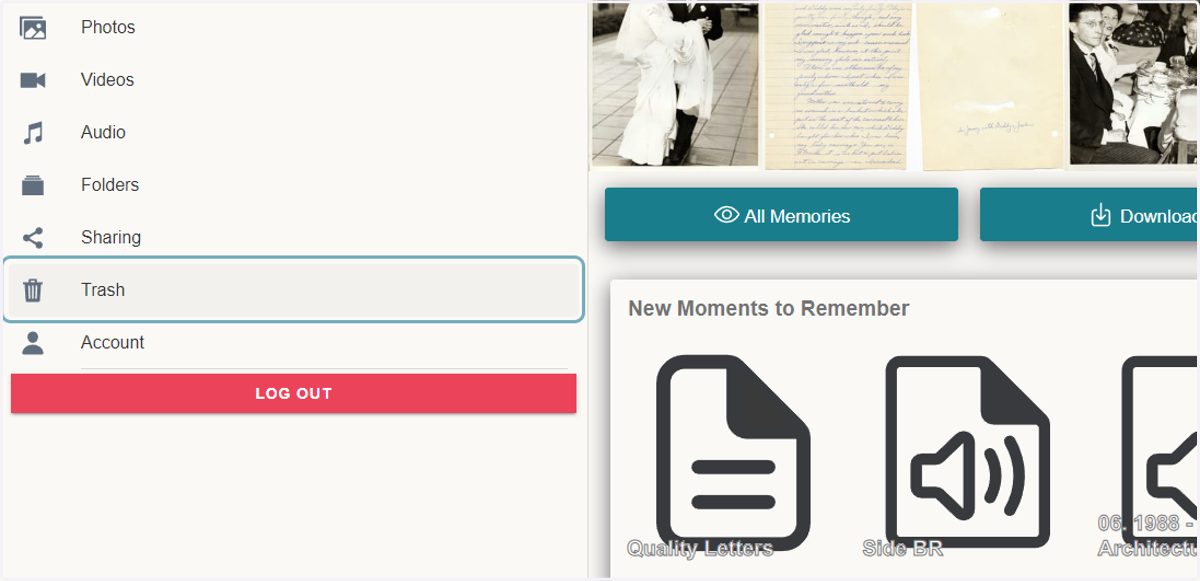
3. In the Trash page, you will find all of the files that have been sent to Trash
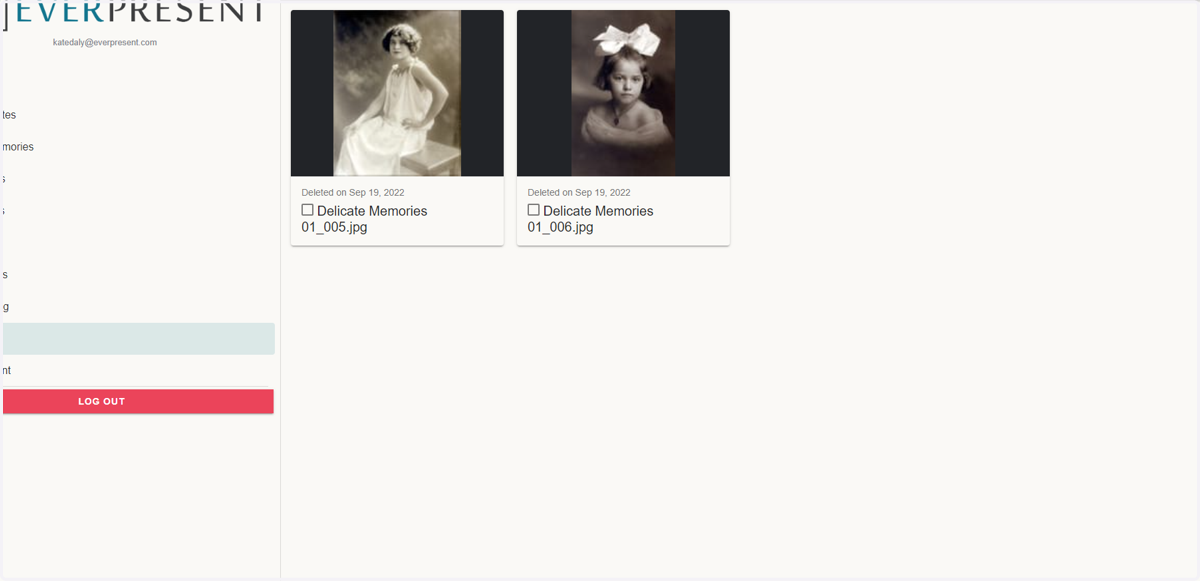
4. Select the files that you want to restore
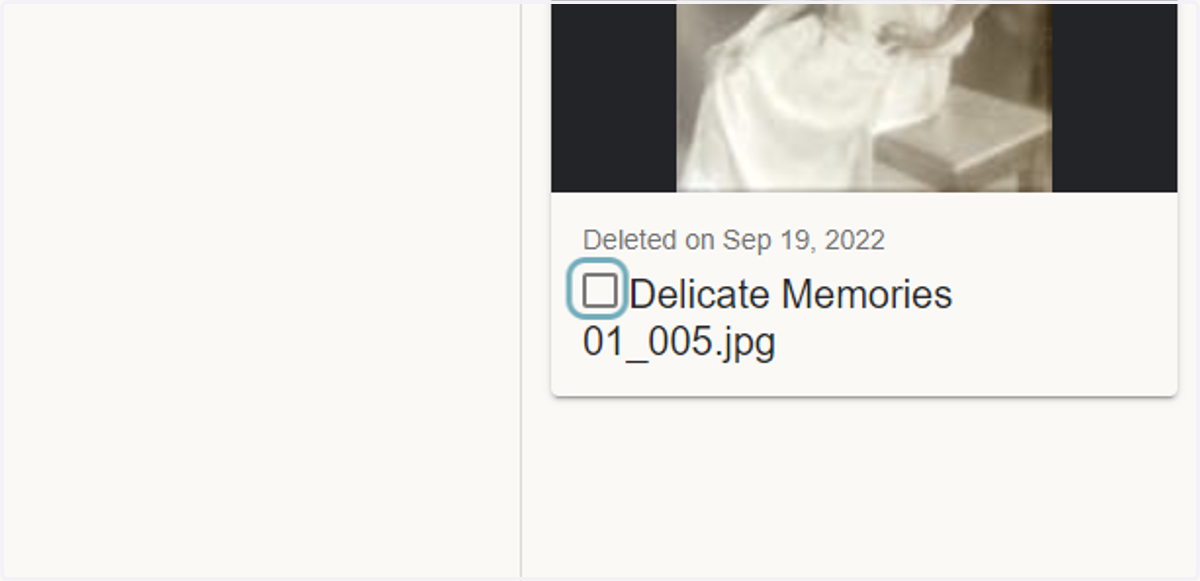
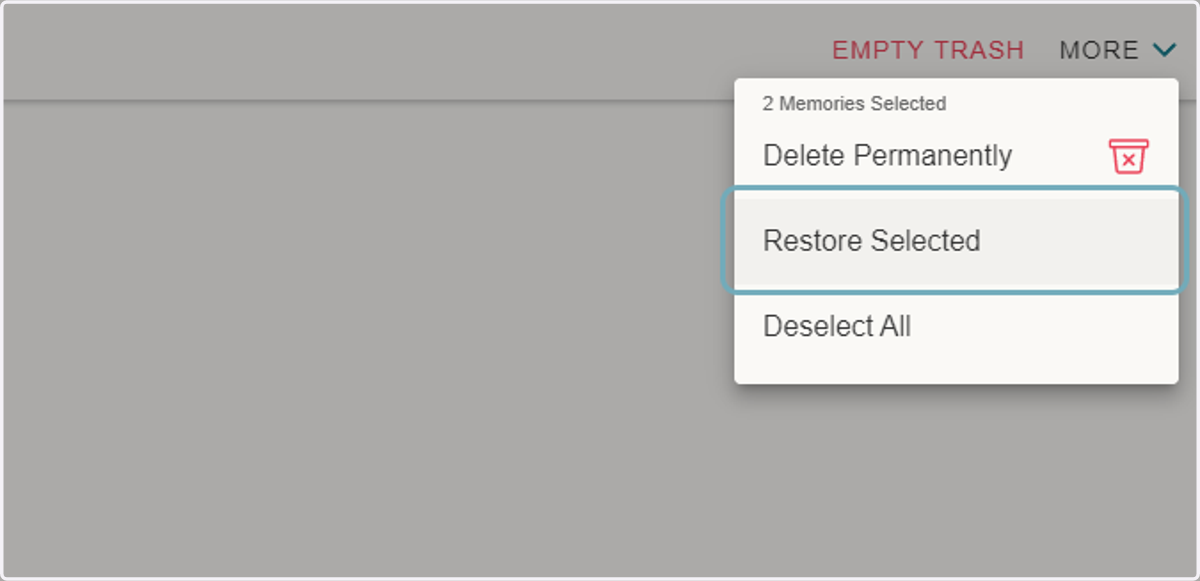
5. Once all of the files have been selected, click 'MORE' on the top right menu

6. Click on 'Restore Selected'
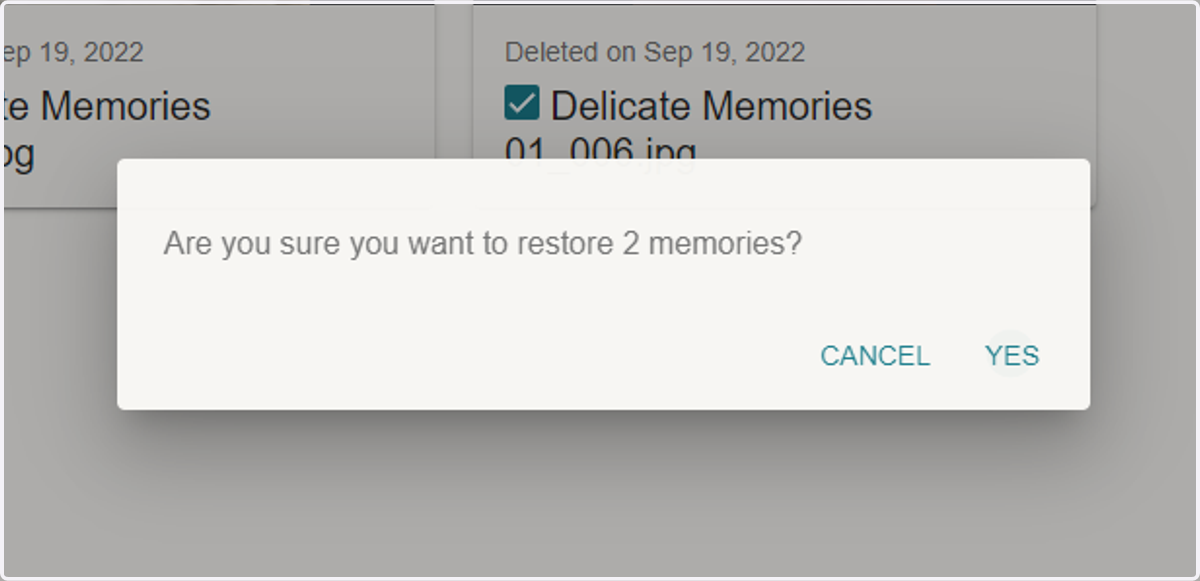
7. Click on 'YES' to confirm that you want to restore the files
8. Congratulations! You have successfully restored files from your trash.