How to Report an Issue
Myturn
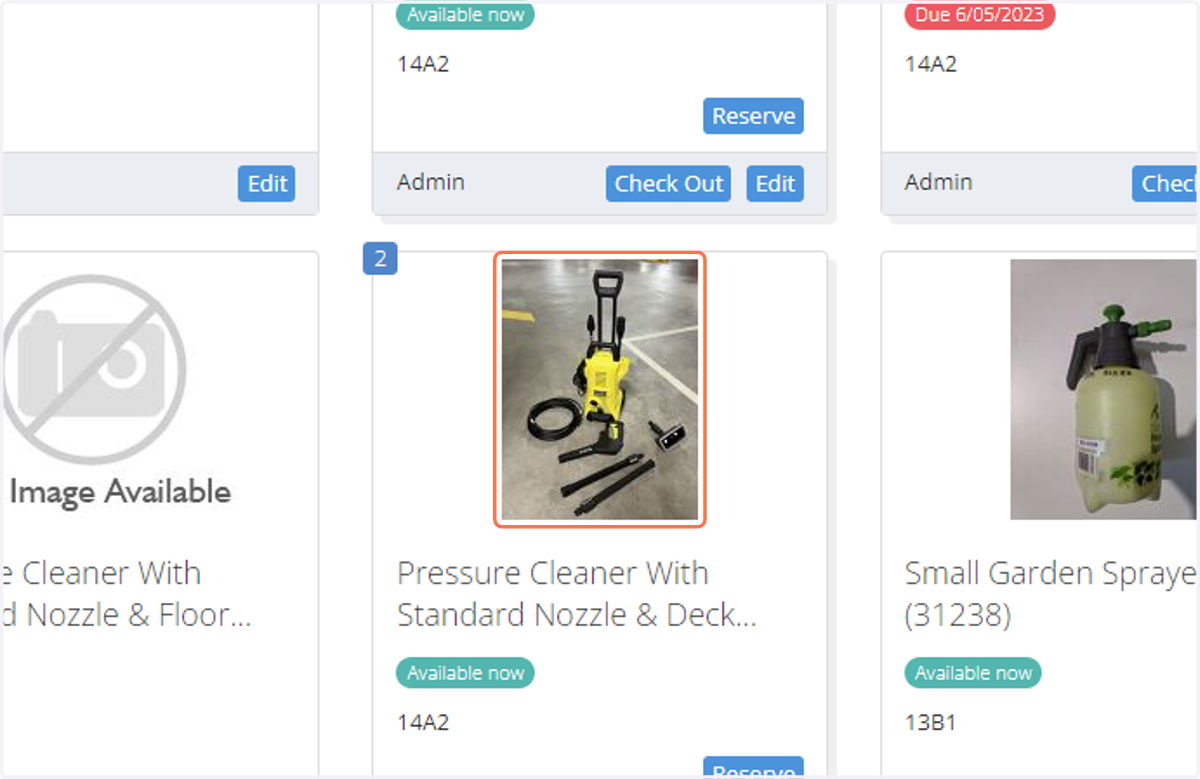
1. On the inventory page, select the item that needs maintenance or repair.
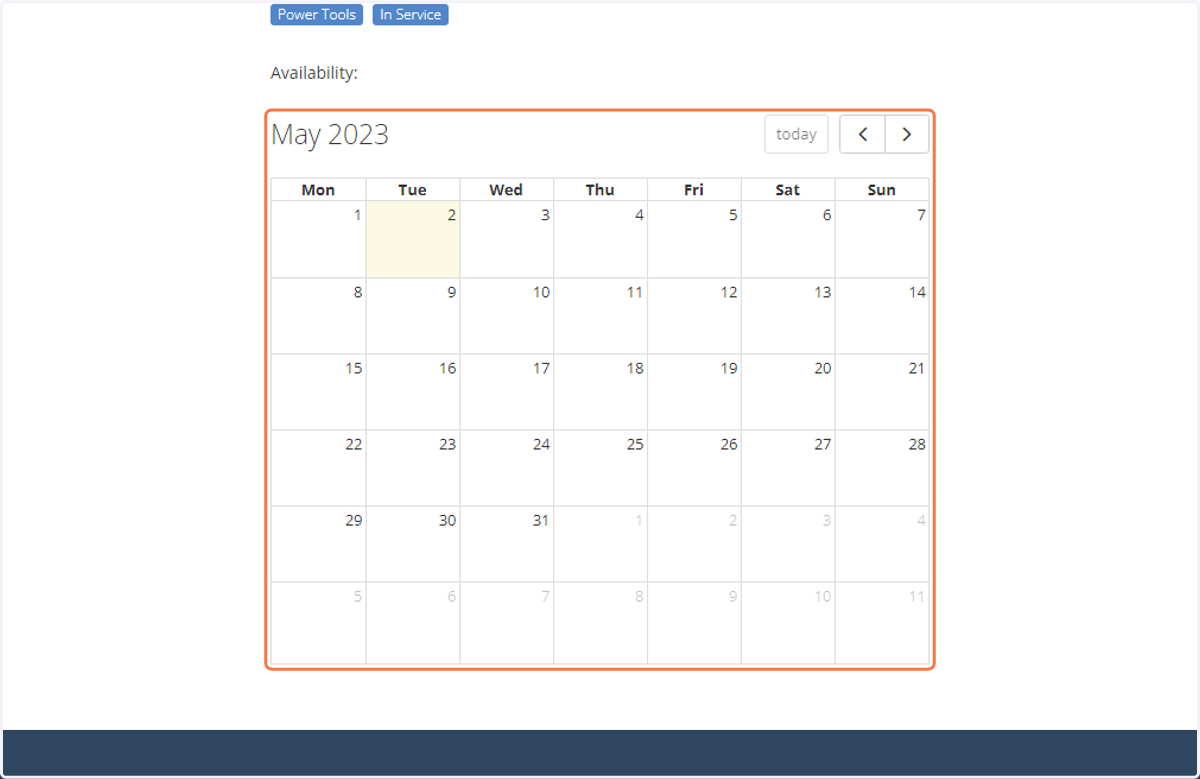
2. Make sure to check if the item has any upcoming reservations. If there are any upcoming reservations, try to assign a different tool to the reserving member.
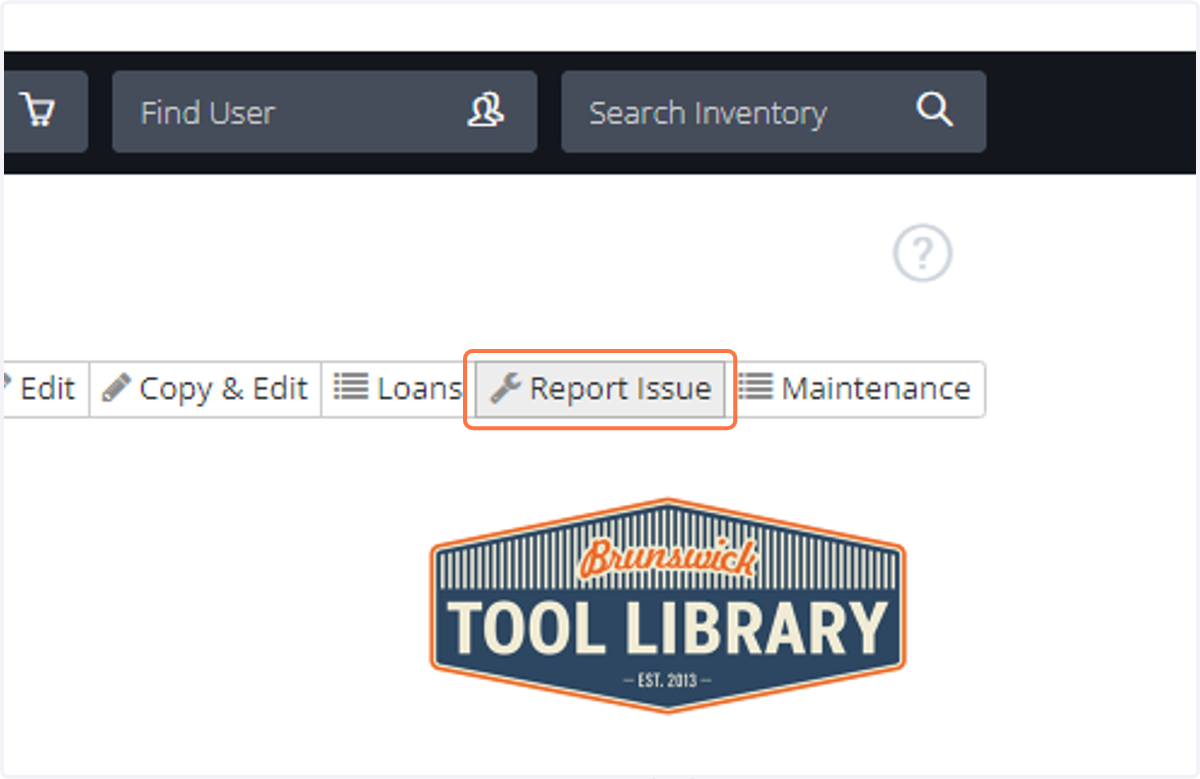
3. Click on Report Issue
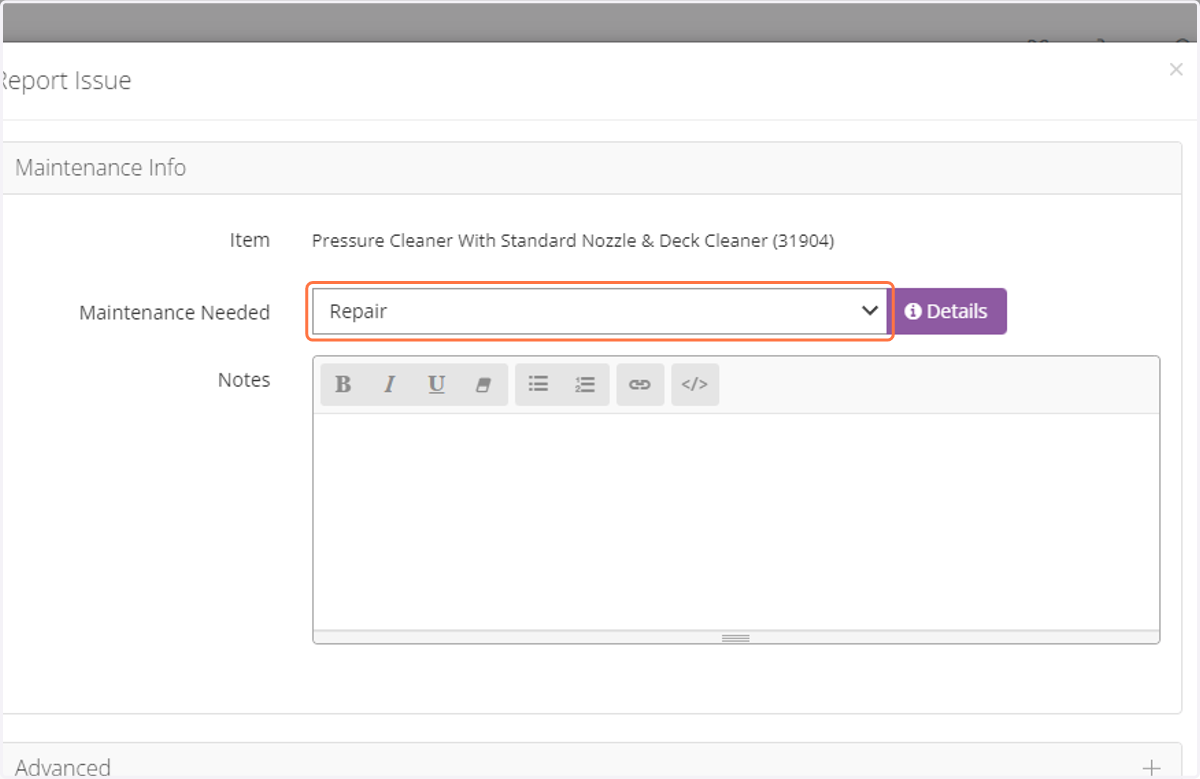
4. Select the relevant plan from the drop-down list.
Select the most appropriate plan, for example Sharpening, Needs Test & Tag, Refill Whipper Snipper Line, or General Clean.
For generic repairs, select Petrol Tool Repair for Petrol tools, or Repair for all other tools.
Out of Service is intended for when the tool can't be loaned but no repair or replacement is required. For example, when a member has forgotten to return a part but will bring it back on the next shift.
Chainsaw Service entails swapping the chainsaw chain and cleaning the unit, which is to be performed in between each hire.
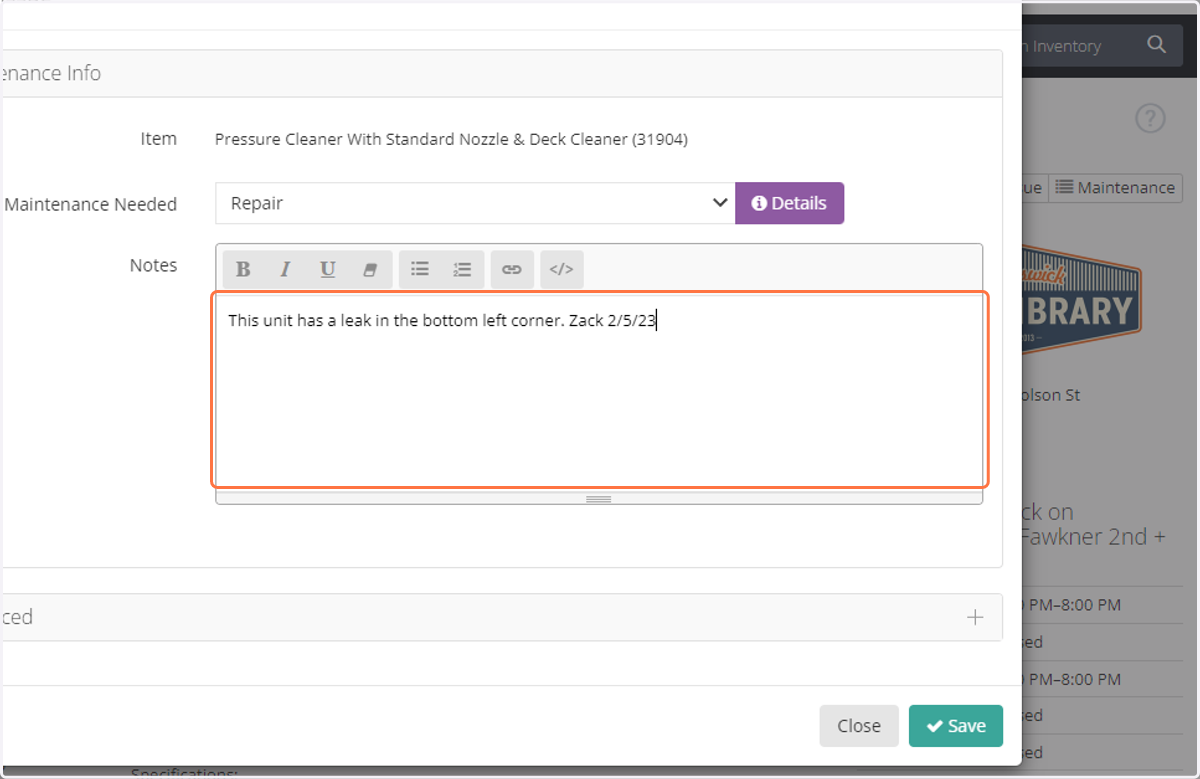
5. In the notes field, enter notes related to the repair. Include any comments made by the member or any indications you may have regarding the issue the tool has. Include your name and the date.
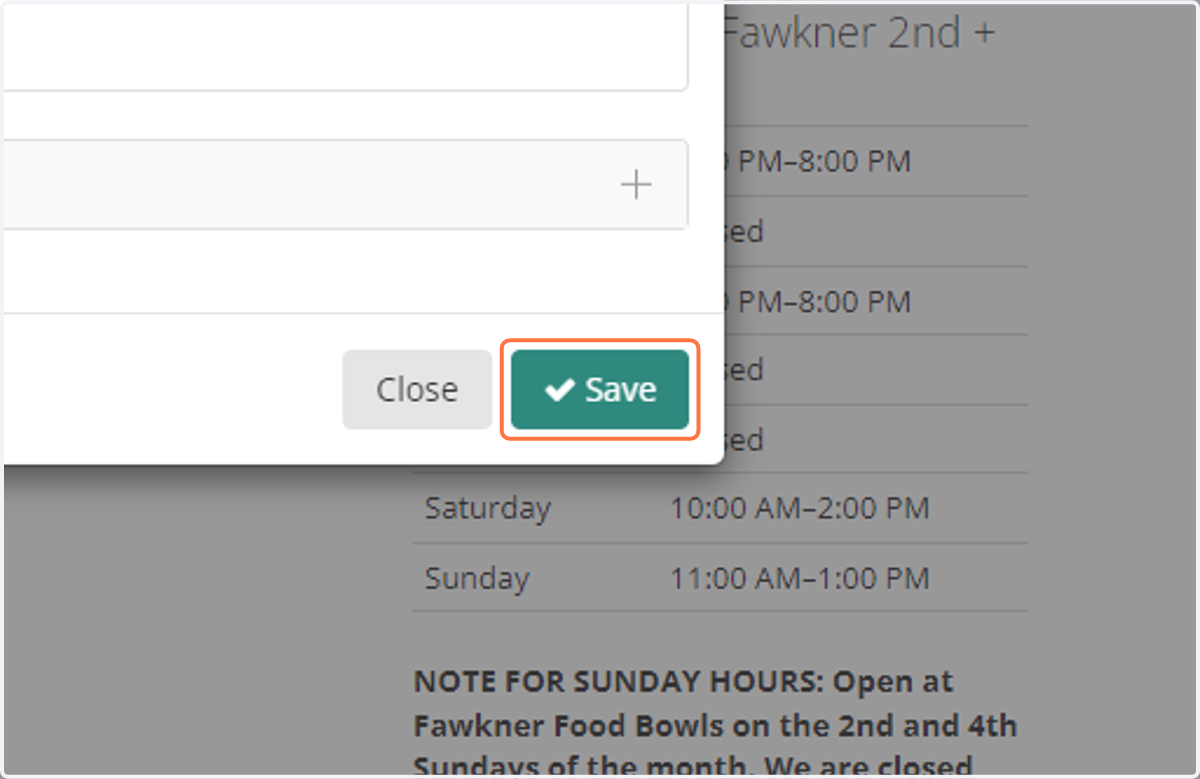
6. Click on Save
7. The tool will automatically be assigned the correct status.
For most Maintenance Plans, it is automatically assigned "In Sick Bay" and unassigned "In Service"
For Out of Service, it is automatically assigned "Not In Service"
For Needs Test & Tag, it is automatically assigned "Needs Test & Tag"