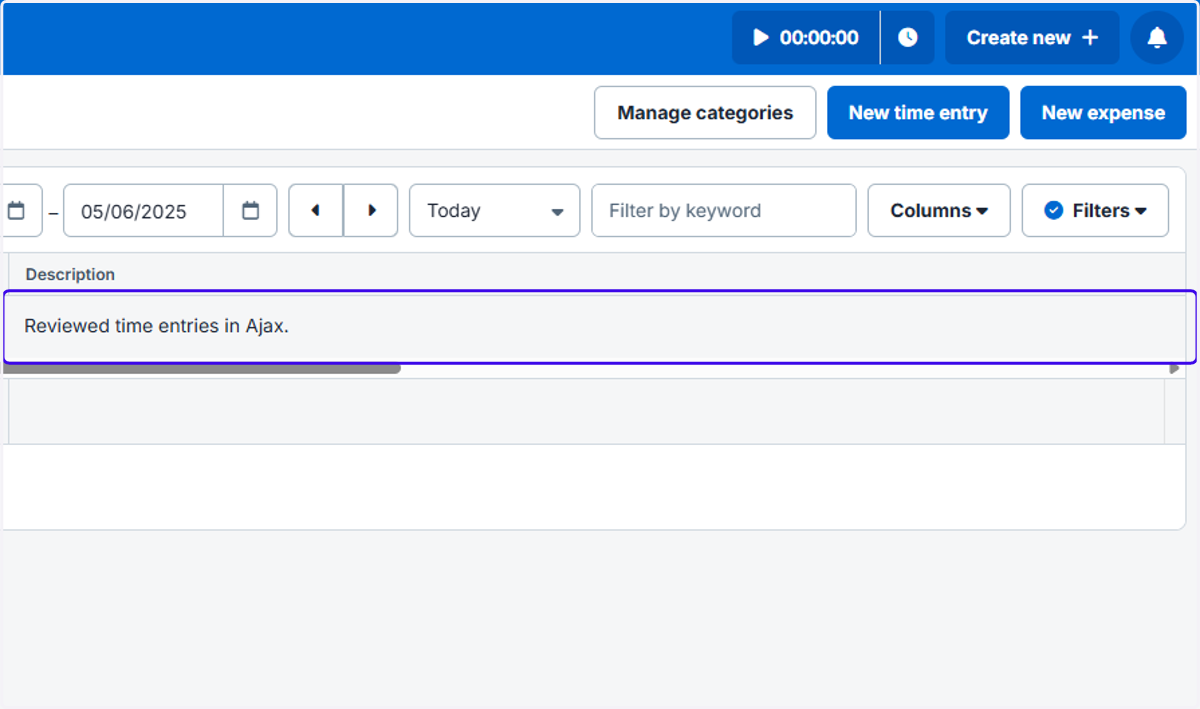
How to Release an Ajax-Generated Activity into Clio
Ajax
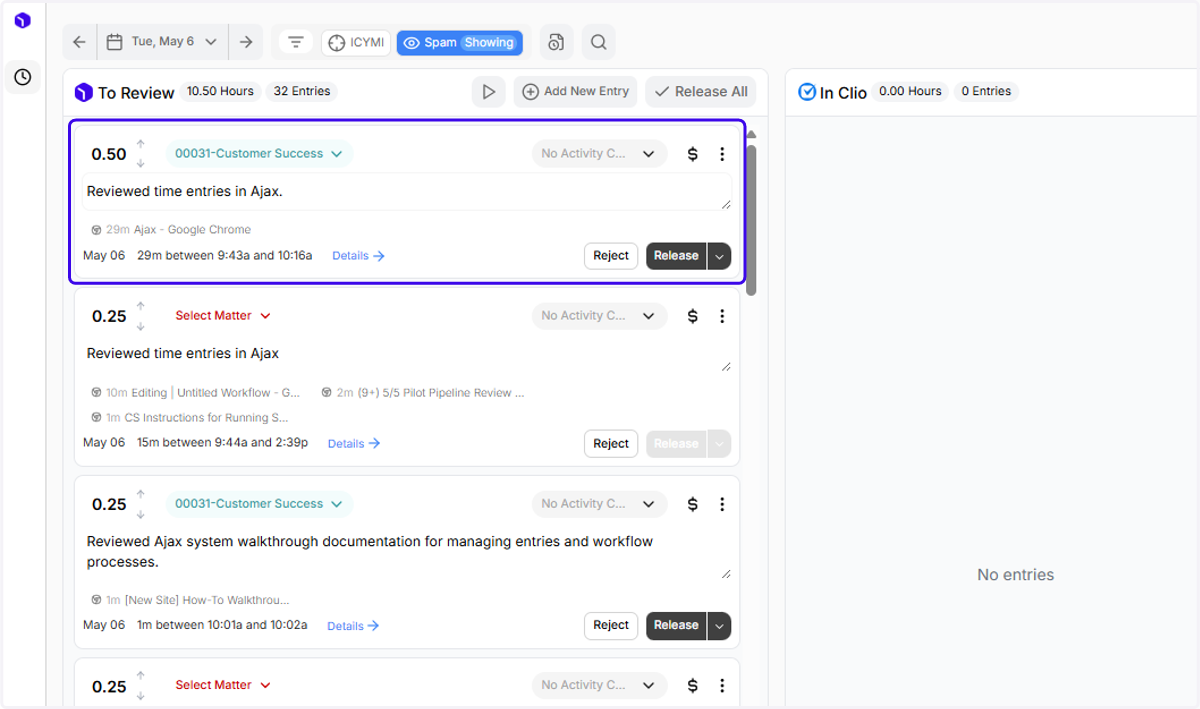
1. Here's an entry that's ready to release into Clio...
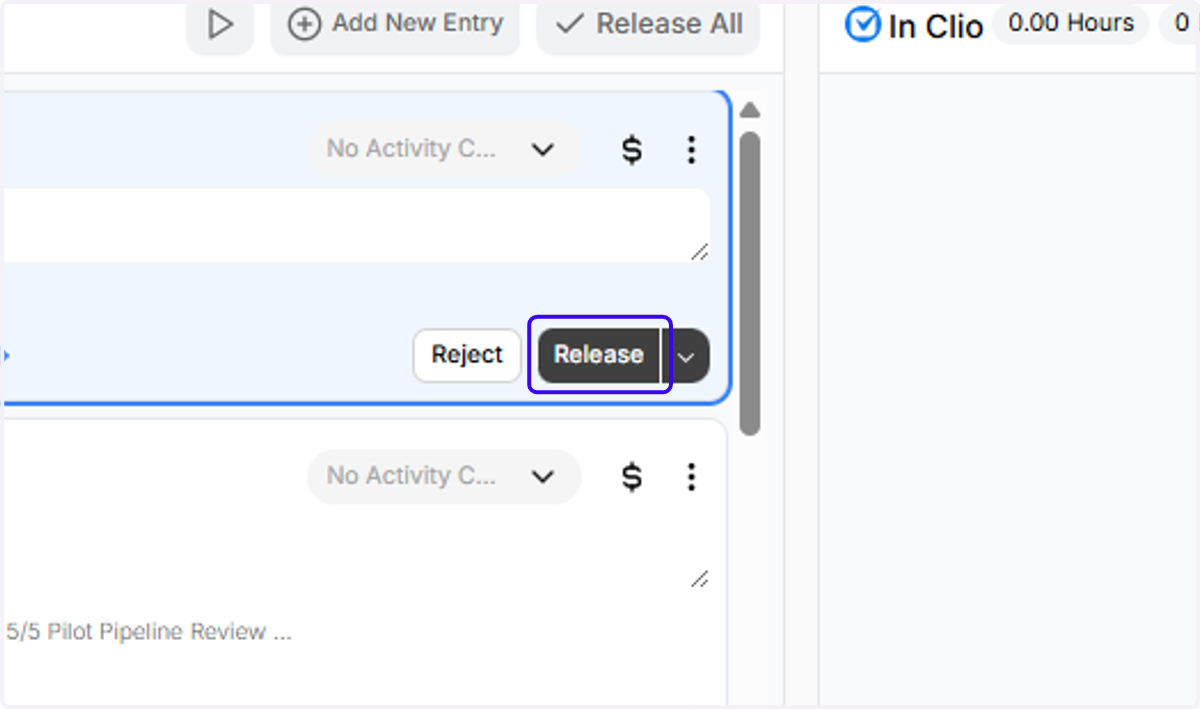
2. To release it into Clio, click on the black Release button
3. Entries that you've released from Ajax to Clio will appear under "In Clio"
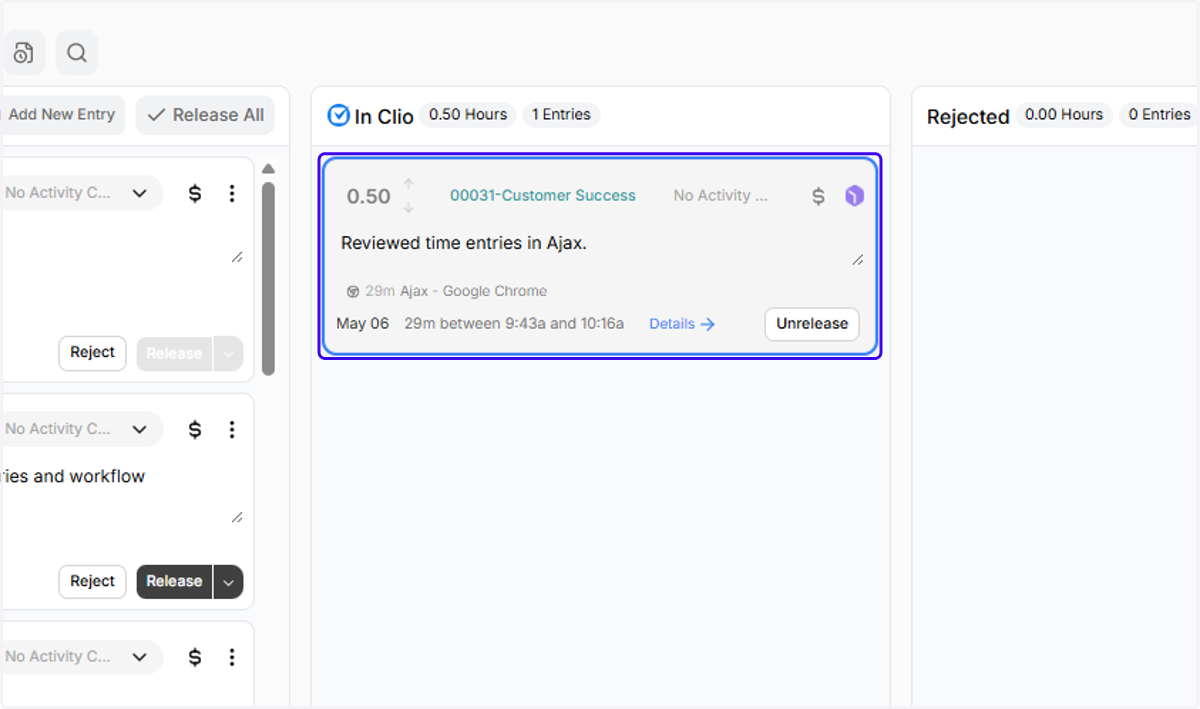
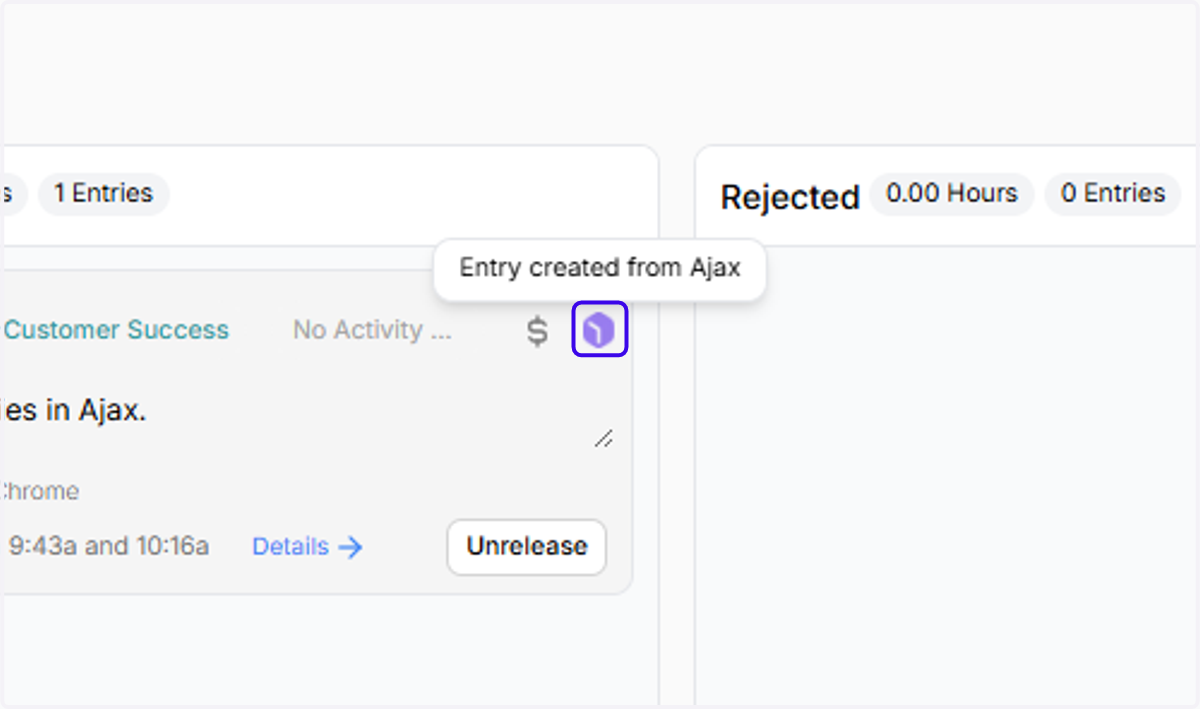
4. This icon tells you that the origin of the entry is Ajax. If the entry was created in Clio, the entry would show the Clio icon in the top right corner
5. Your Ajax entry is now an activity in Clio!