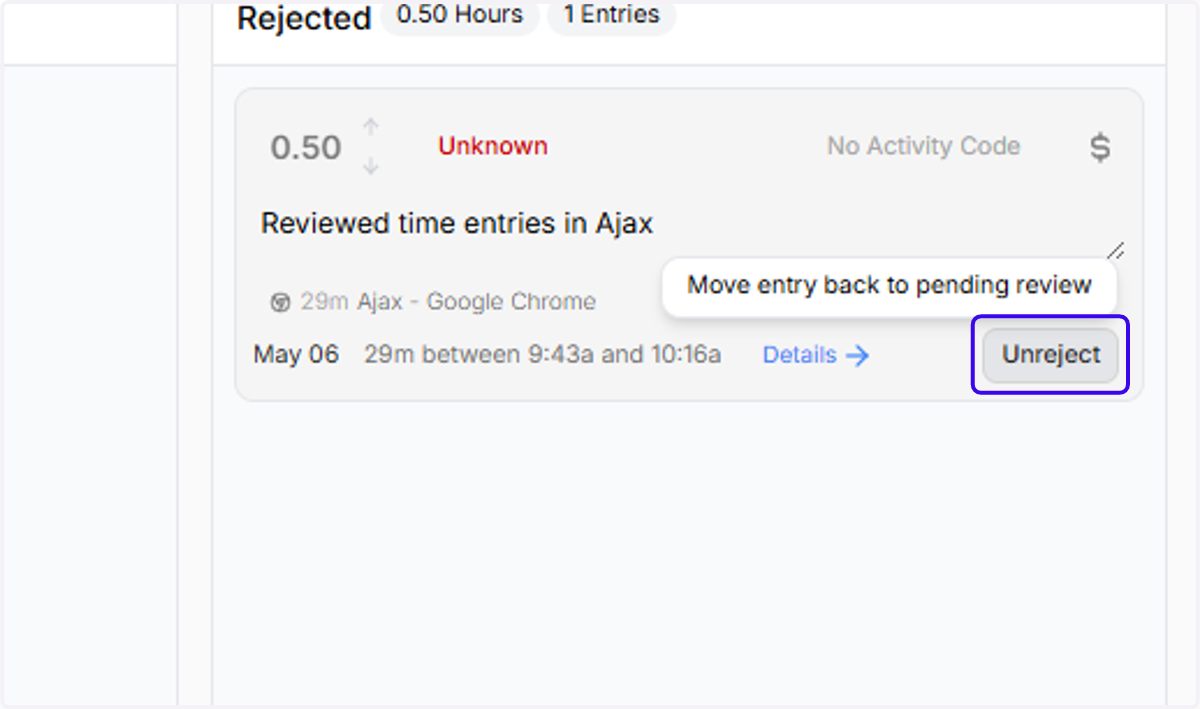
How to Reject or Unreject an Entry in Ajax
Ajax
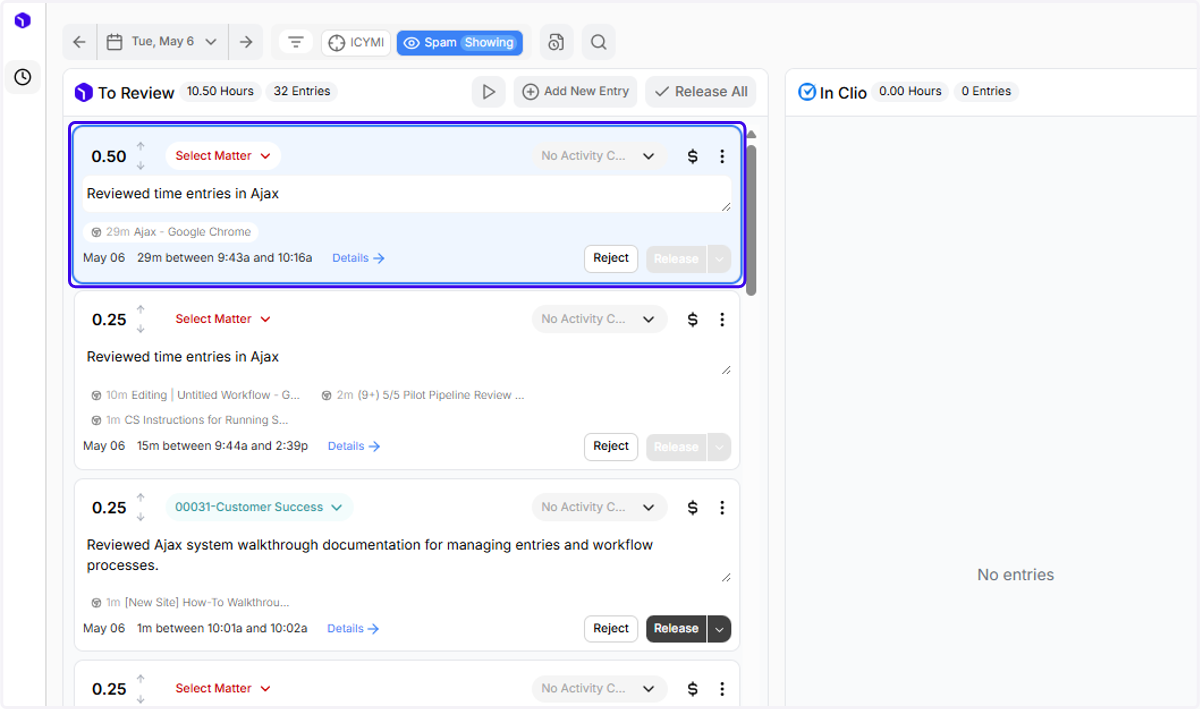
1. This entry doesn't look like something I would want to bill for. Let's reject it...
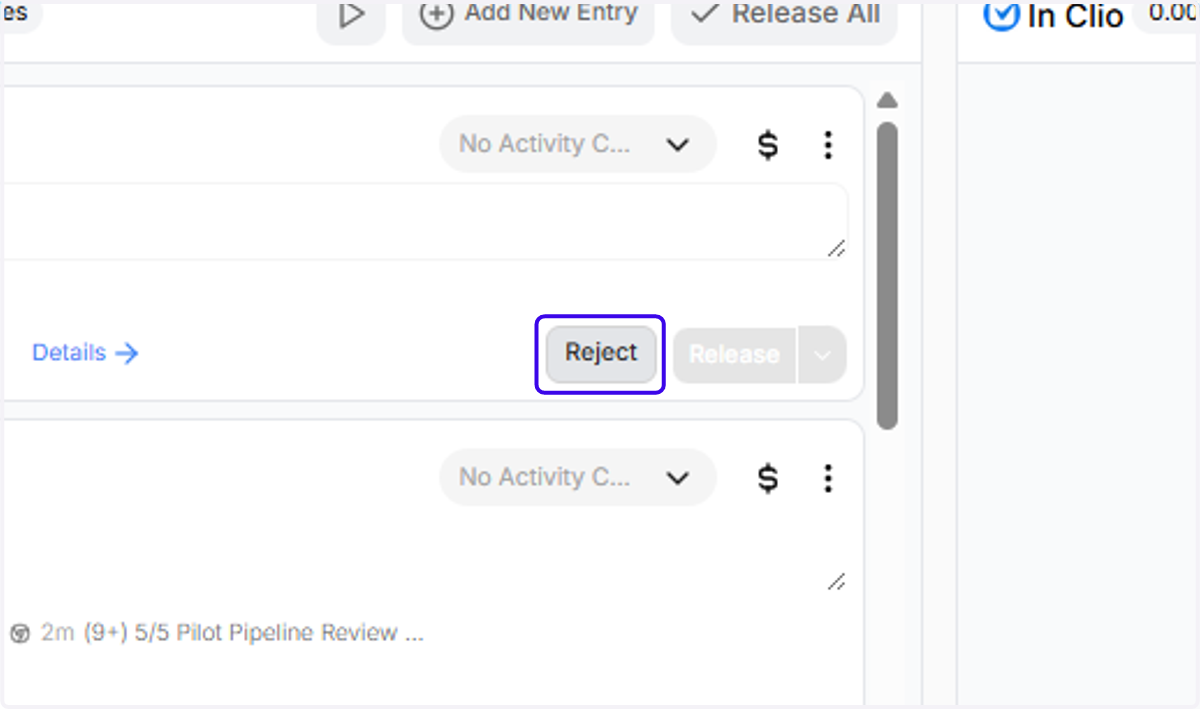
2. Click on "Reject"
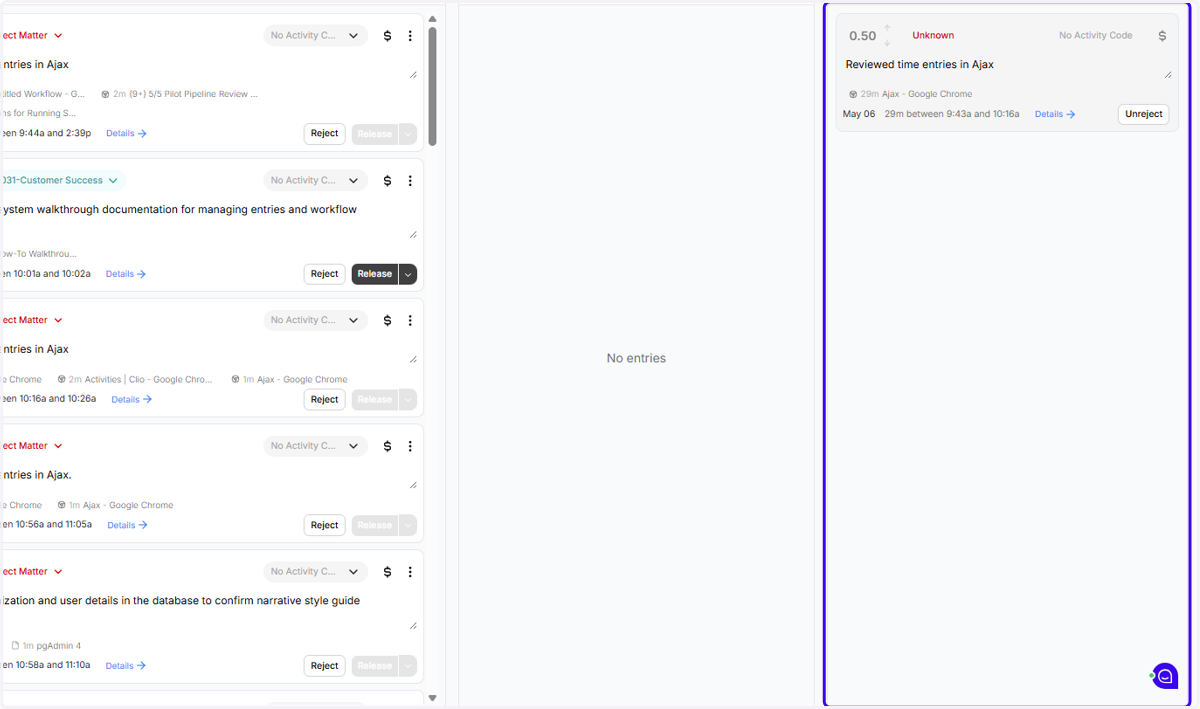
3. You can find all of your rejected entries on the far right of the page, under "Rejected"
4. To move the entry back into "Pending", click "Unreject"