How to Regrade a Quiz Attempt

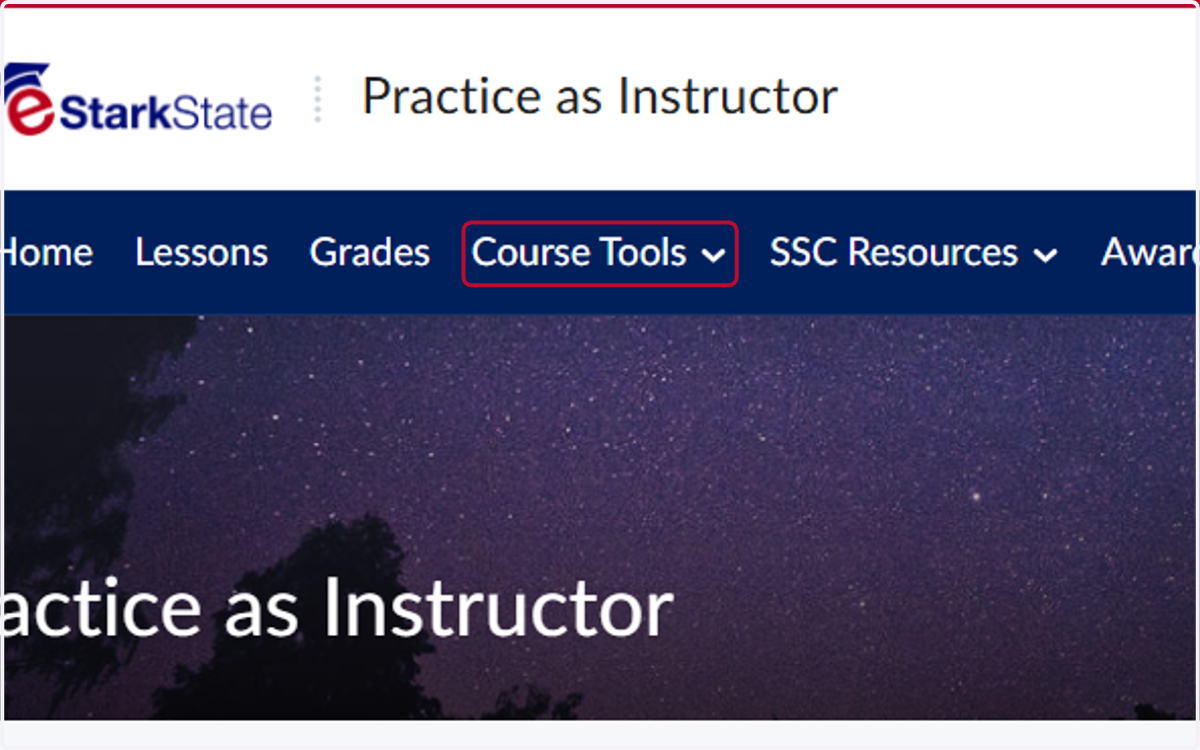
  1. 1. Click on Course Tools

    Click on Course Tools
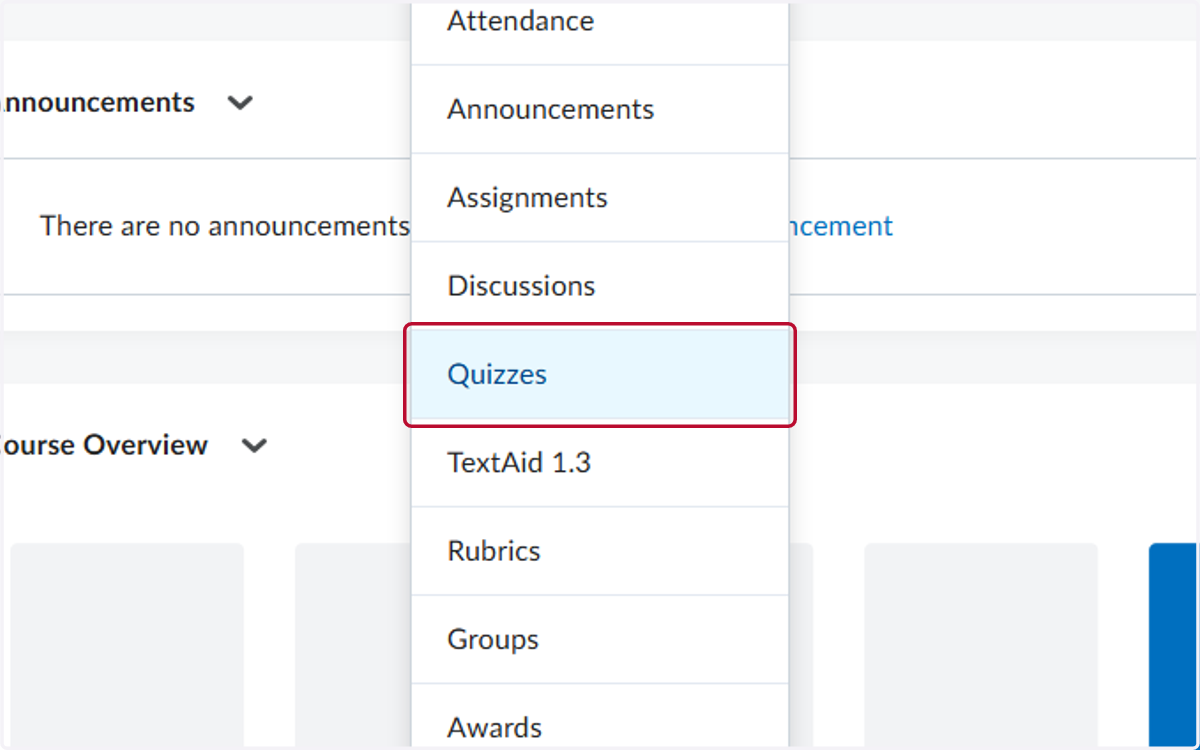
  2. 2. Click on Quizzes

    Click on Quizzes
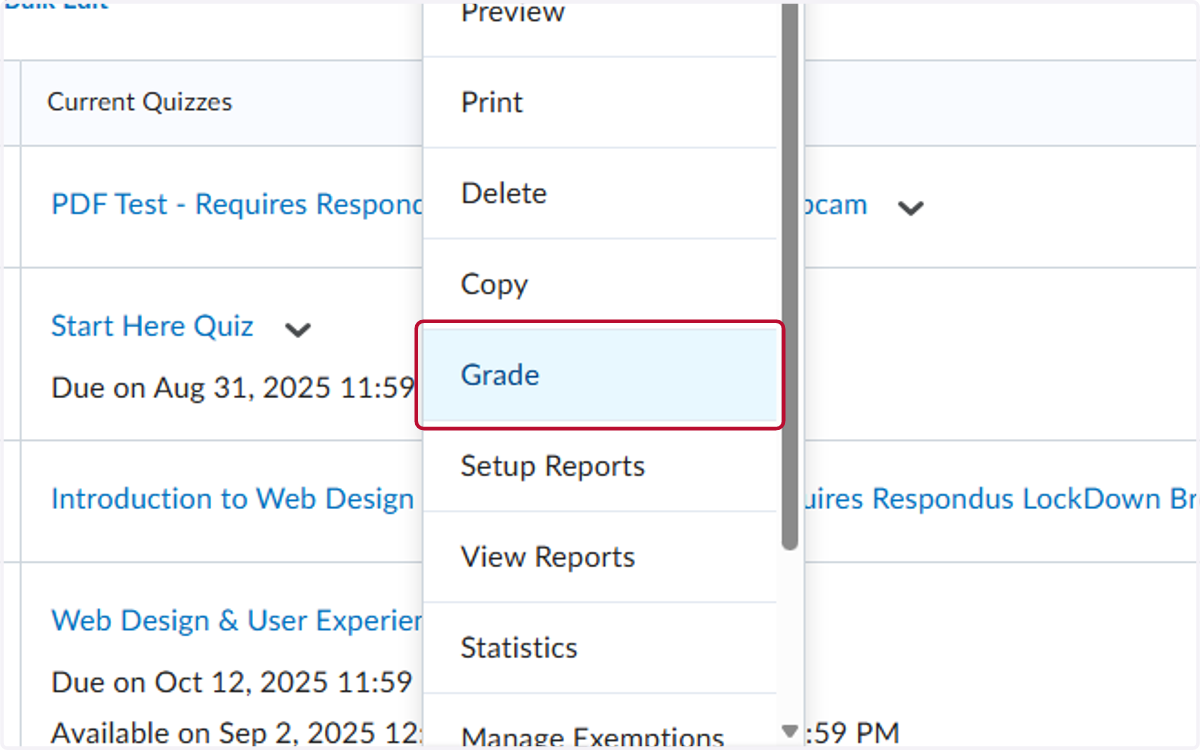
  3. 3. Click on the V for the quiz you want to regrade
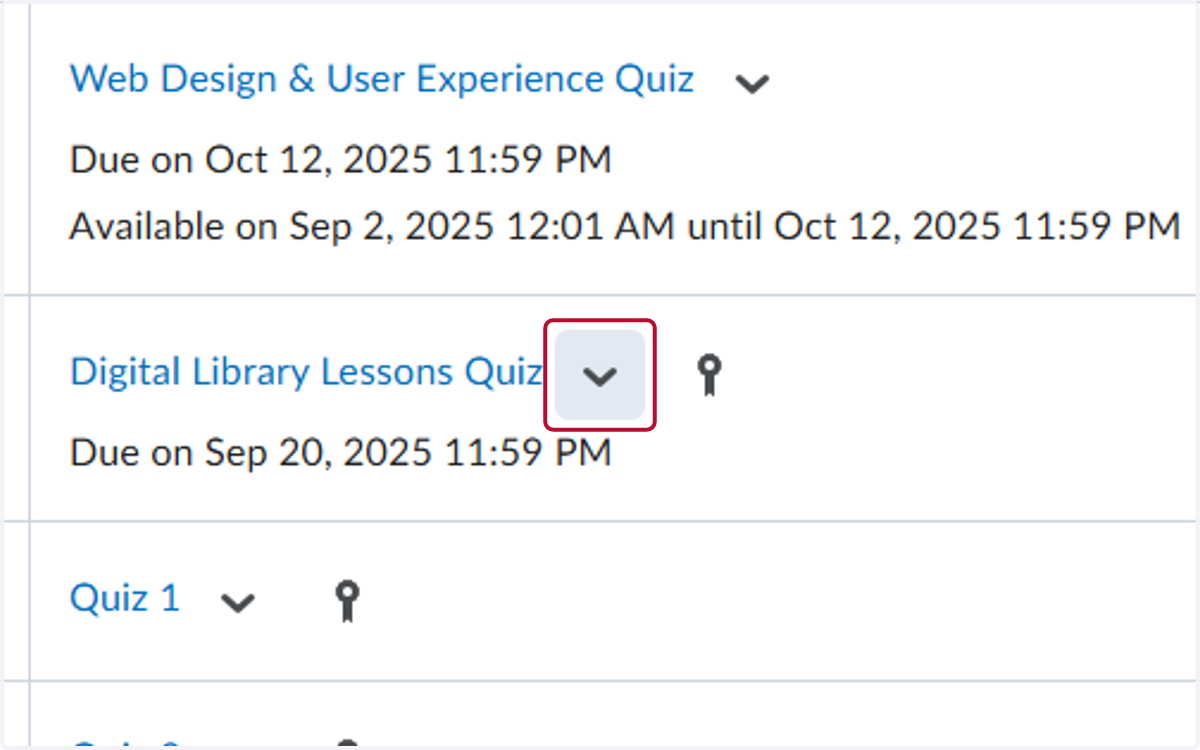
    Click on the V for the quiz you want to regrade
  4. 4. Click on Grade

    Click on Grade
  5. 5. Locate the student you want to regrade and click on their attempt
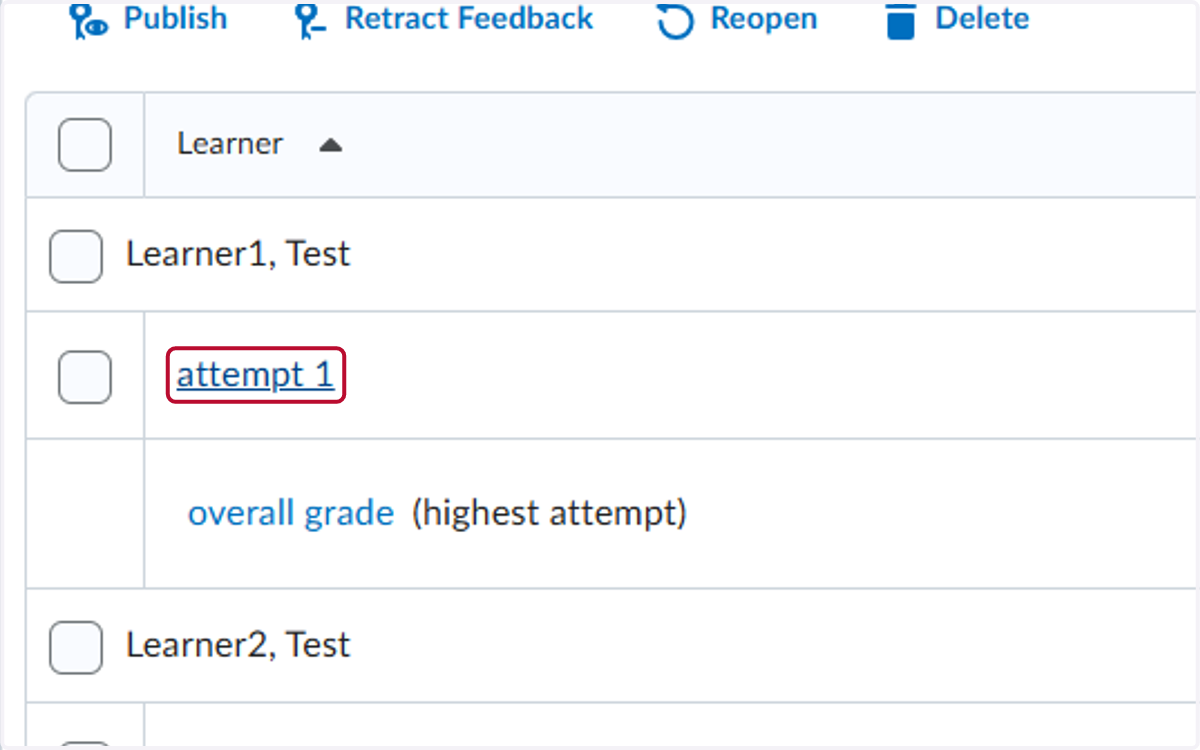
    Locate the student you want to regrade and click on their attempt
  6. 6. Locate the question(s) to regrade and update the score/feedback
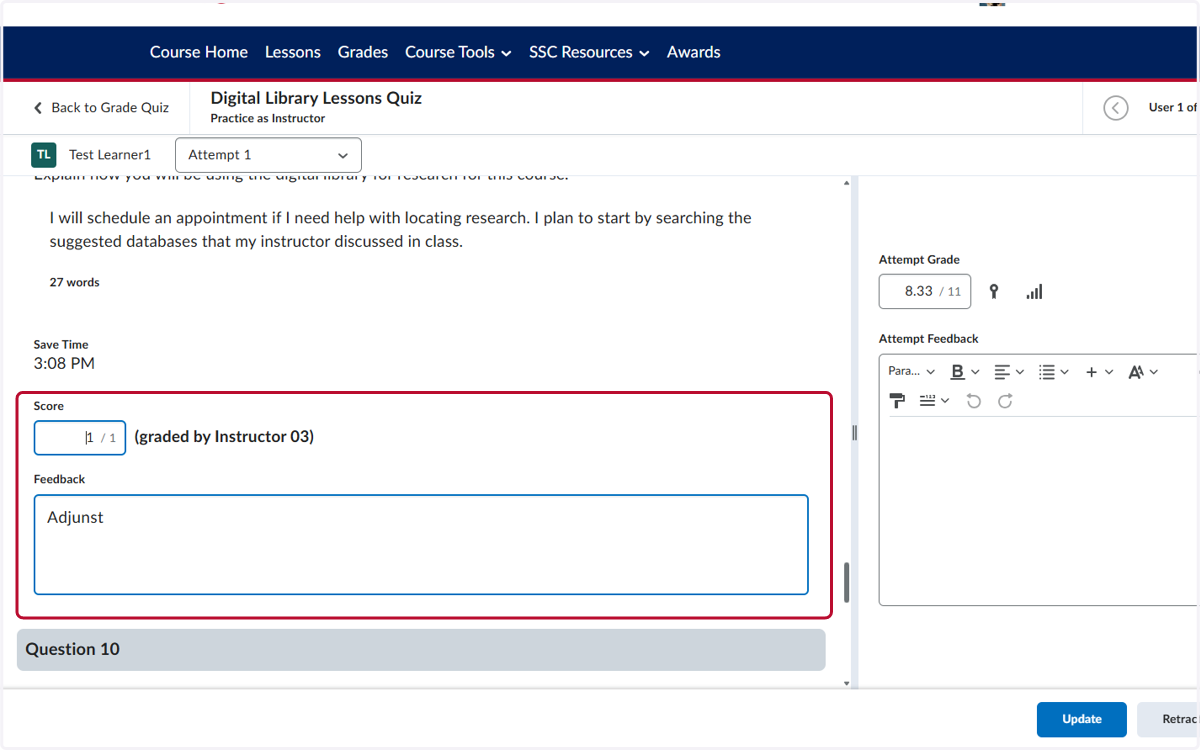
    Locate the question(s) to regrade and update the score/feedback
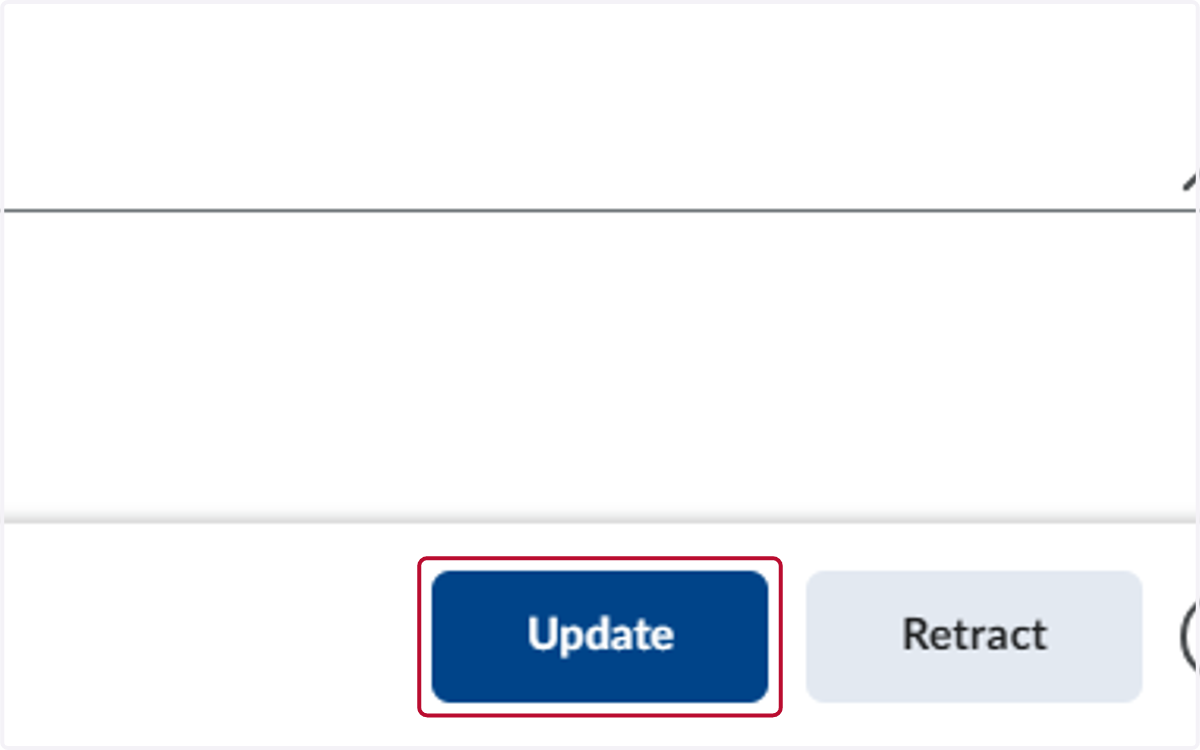
  7. 7. Click on Update

    Click on Update