How to Register for AlBaraka Store Account

AlBaraka Store

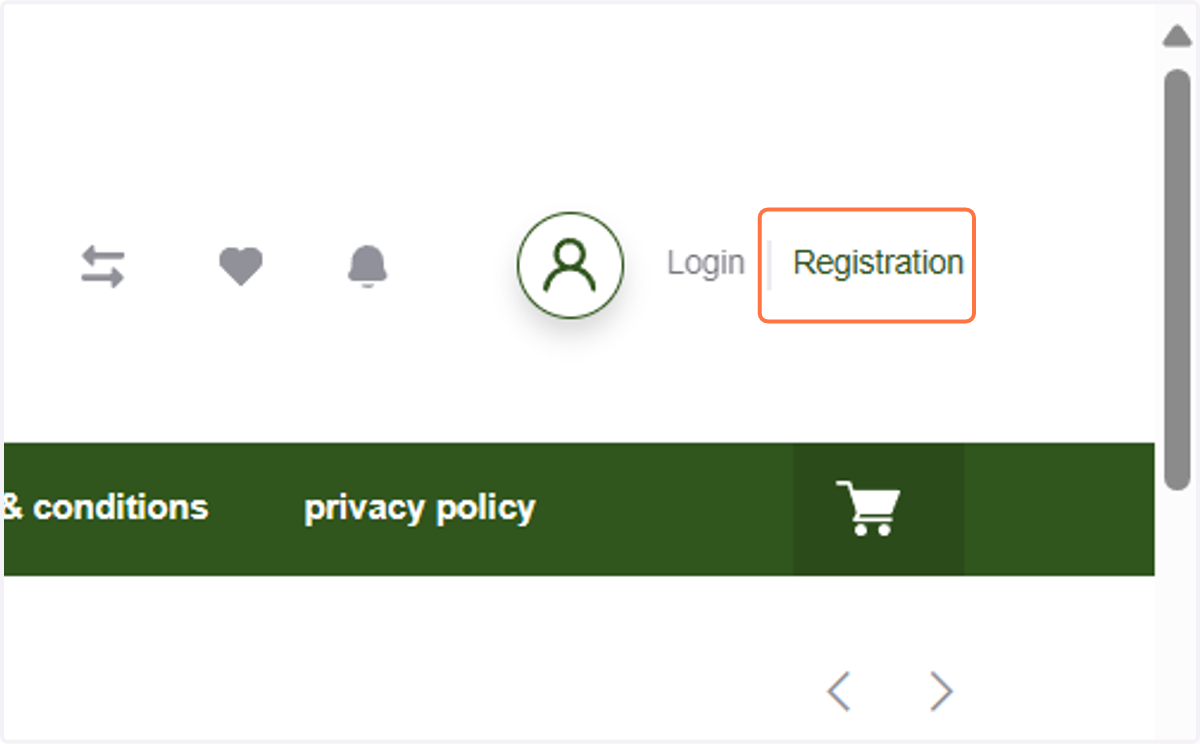
  1. 1. Click on Registration

    Click on Registration
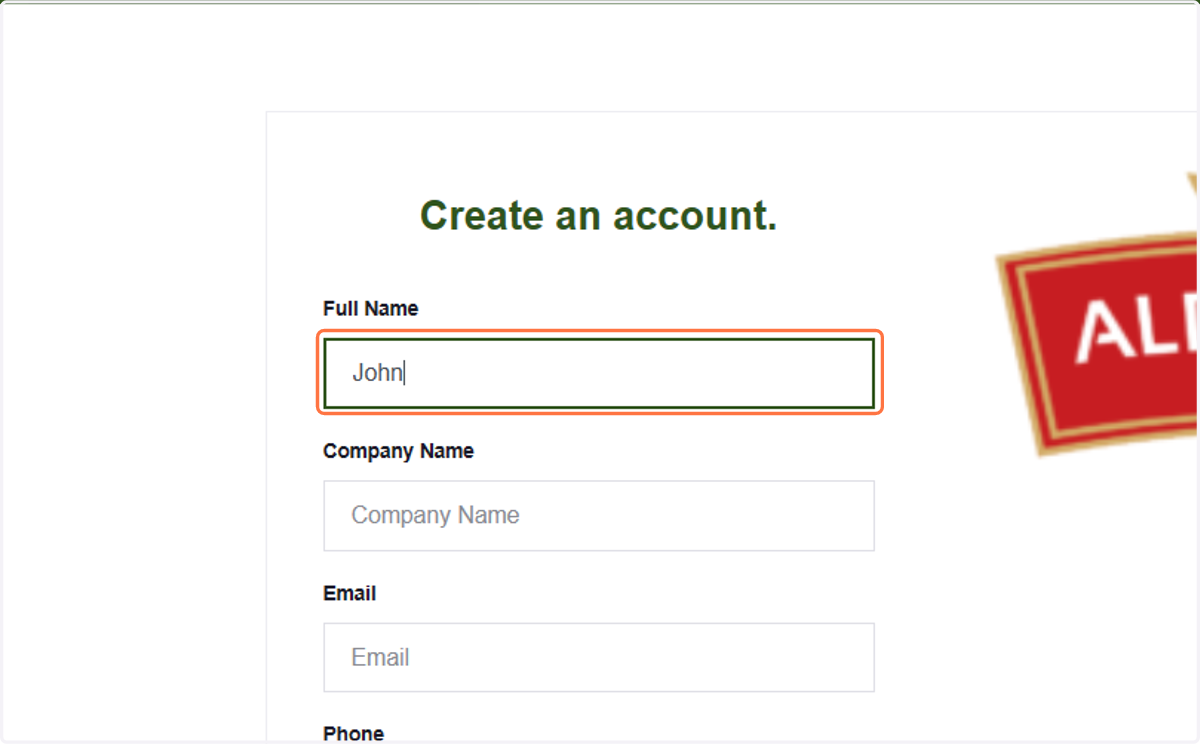
  2. 2. Type your name

    Type your name
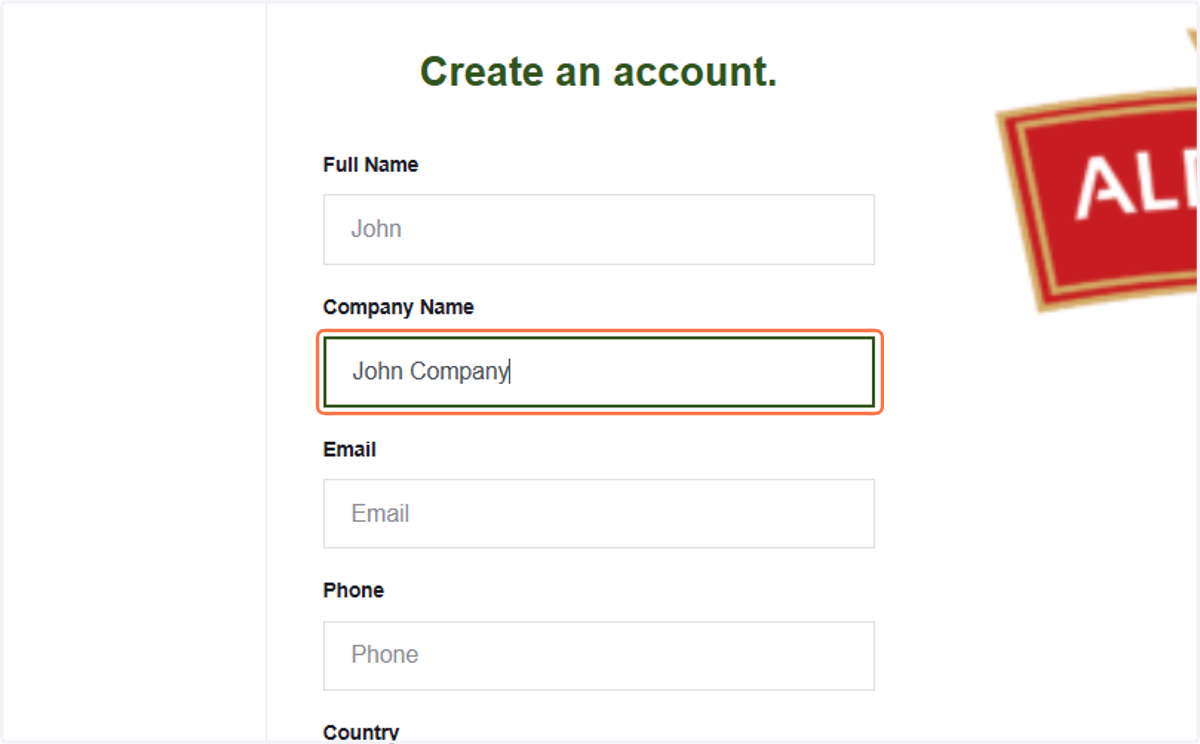
  3. 3. Type your company name

    Type your company name
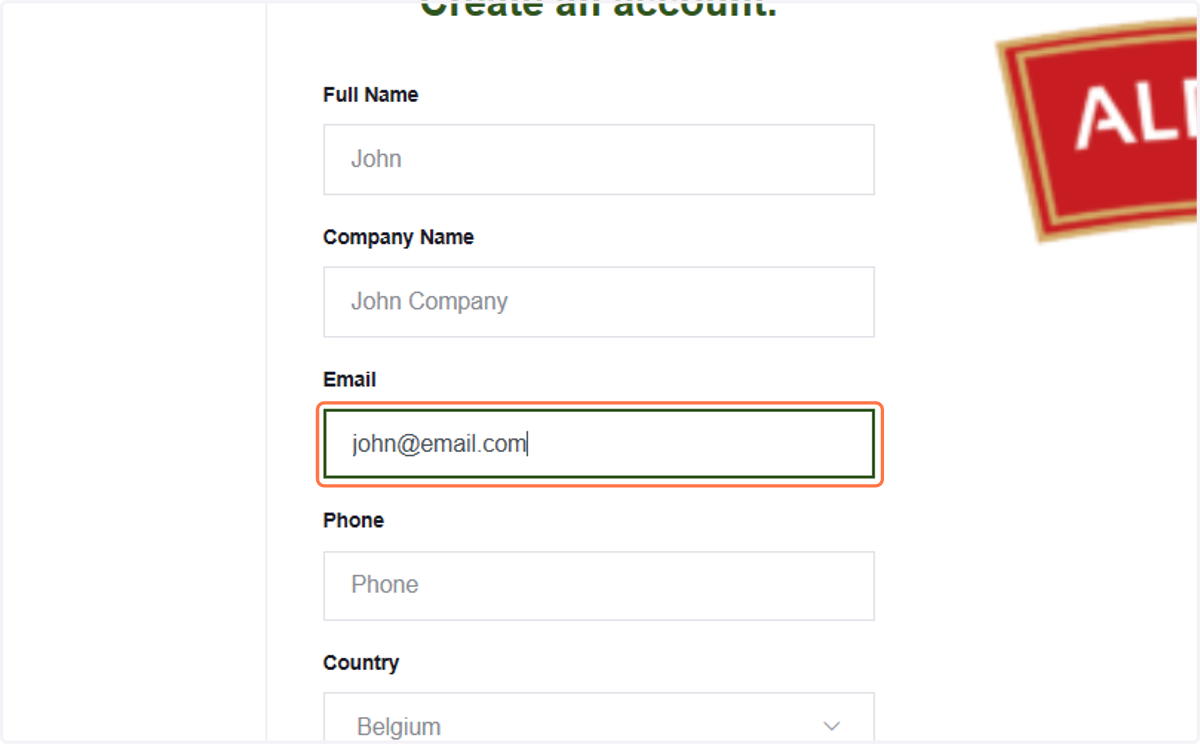
  4. 4. Type your email

    Type your email
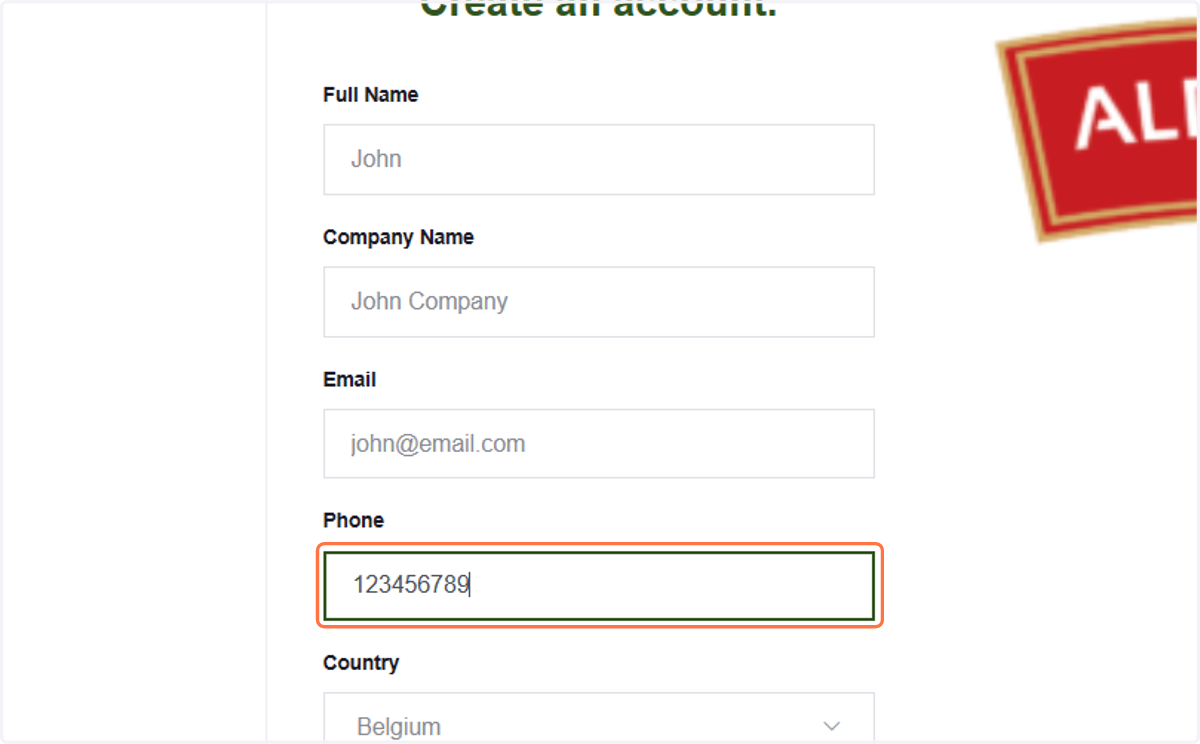
  5. 5. Type your phone numer

    Type your phone numer
  6. 6. Select the dropdown menu to choose your country
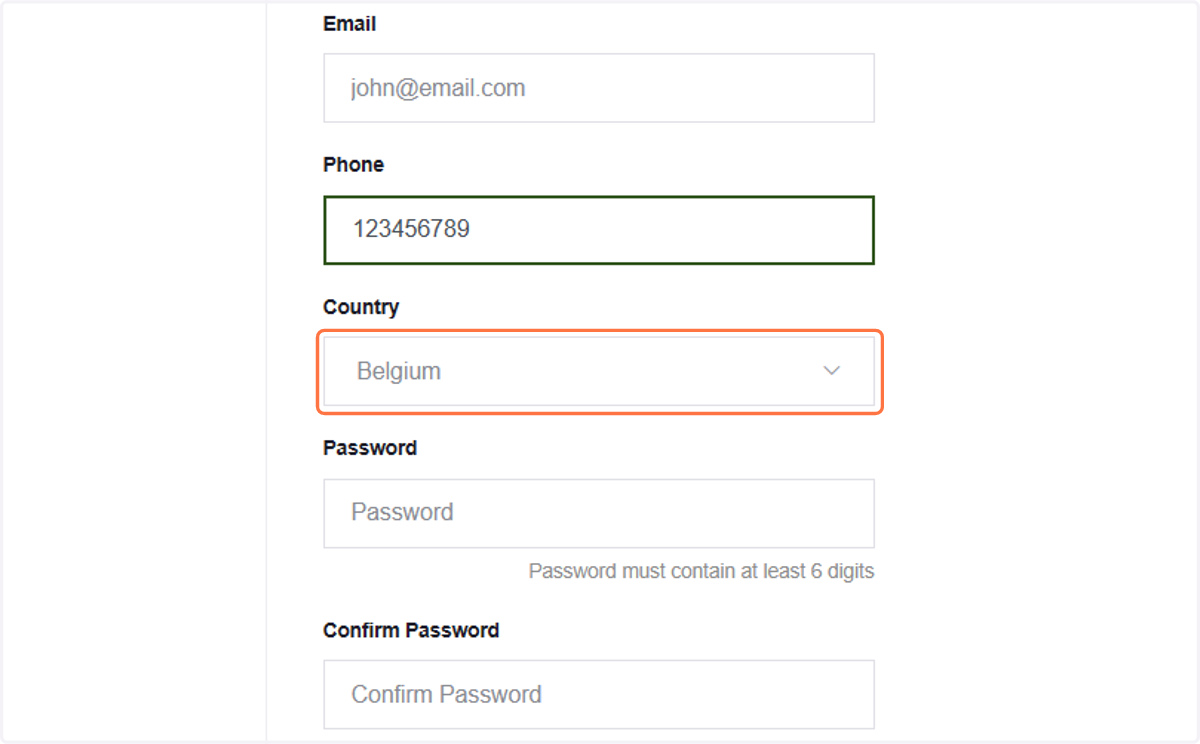
    Select the dropdown menu to choose your country
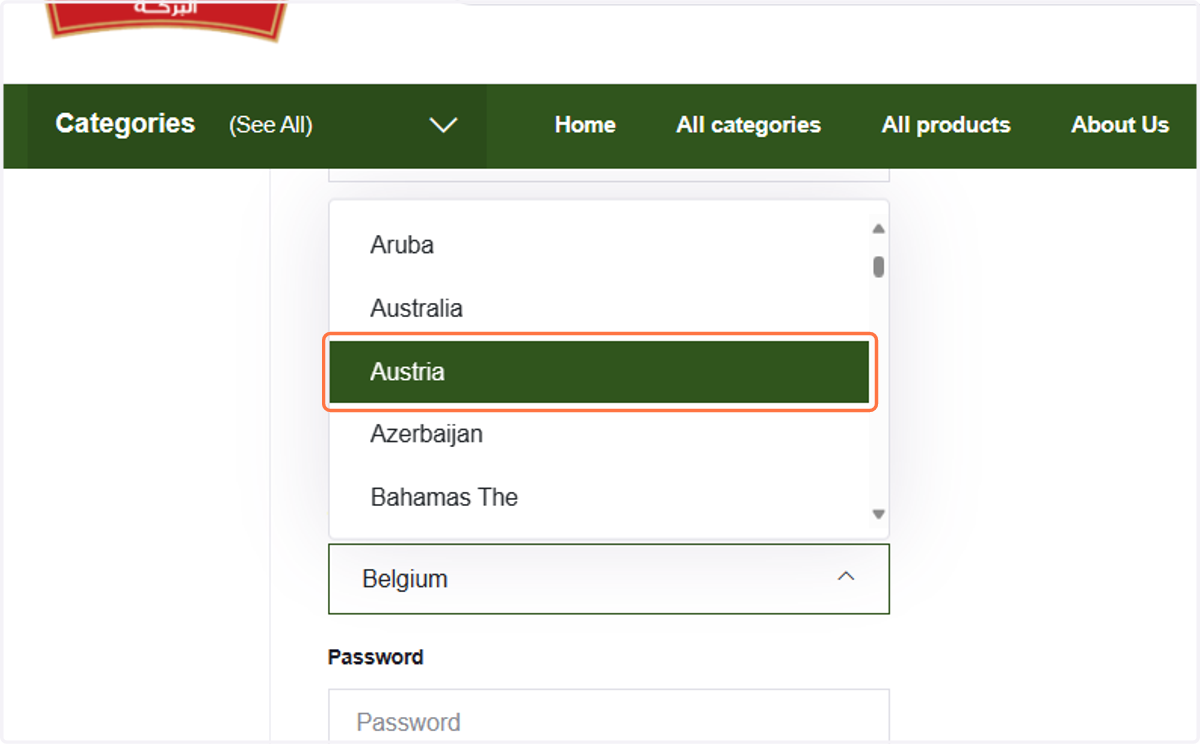
  7. 7. Select your country

    Select your country
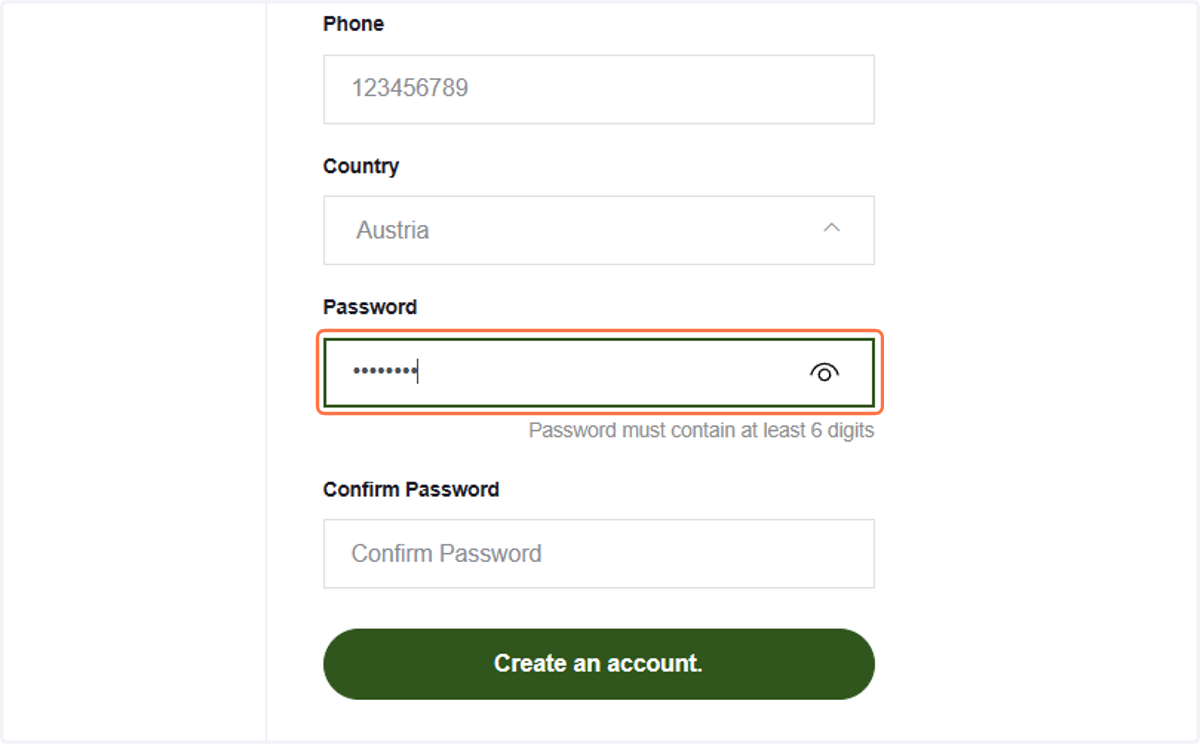
  8. 8. Type your password

    Type your password
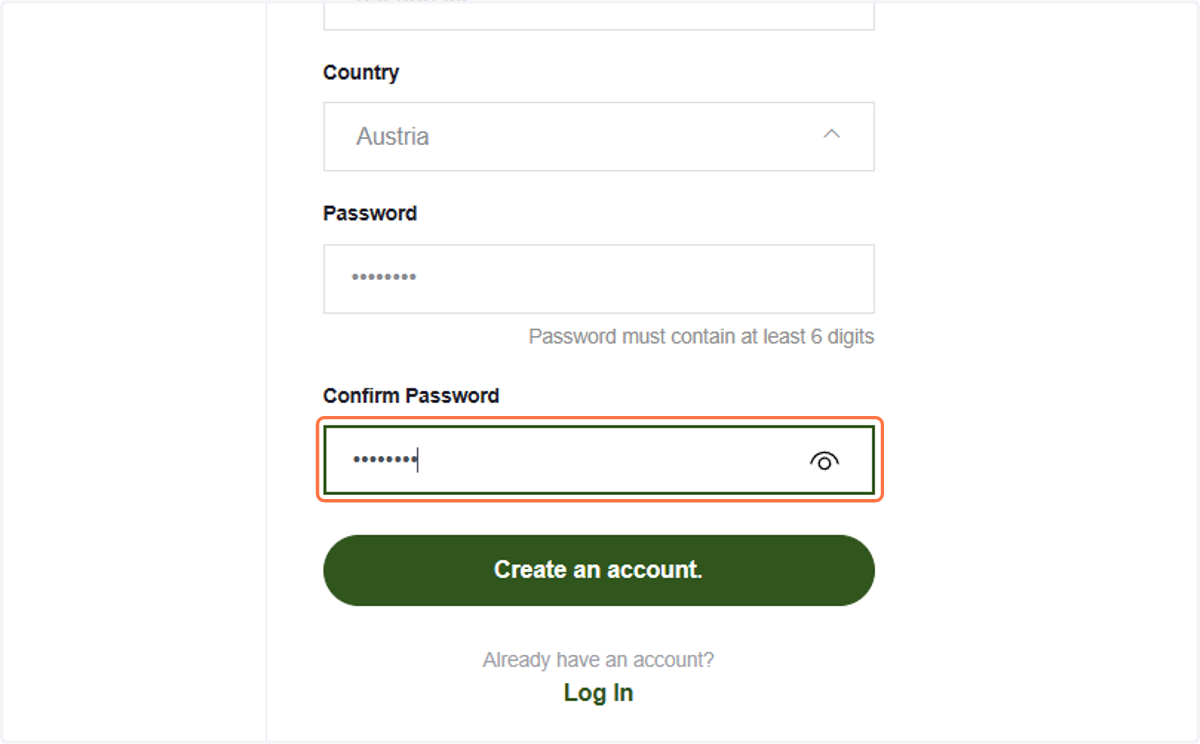
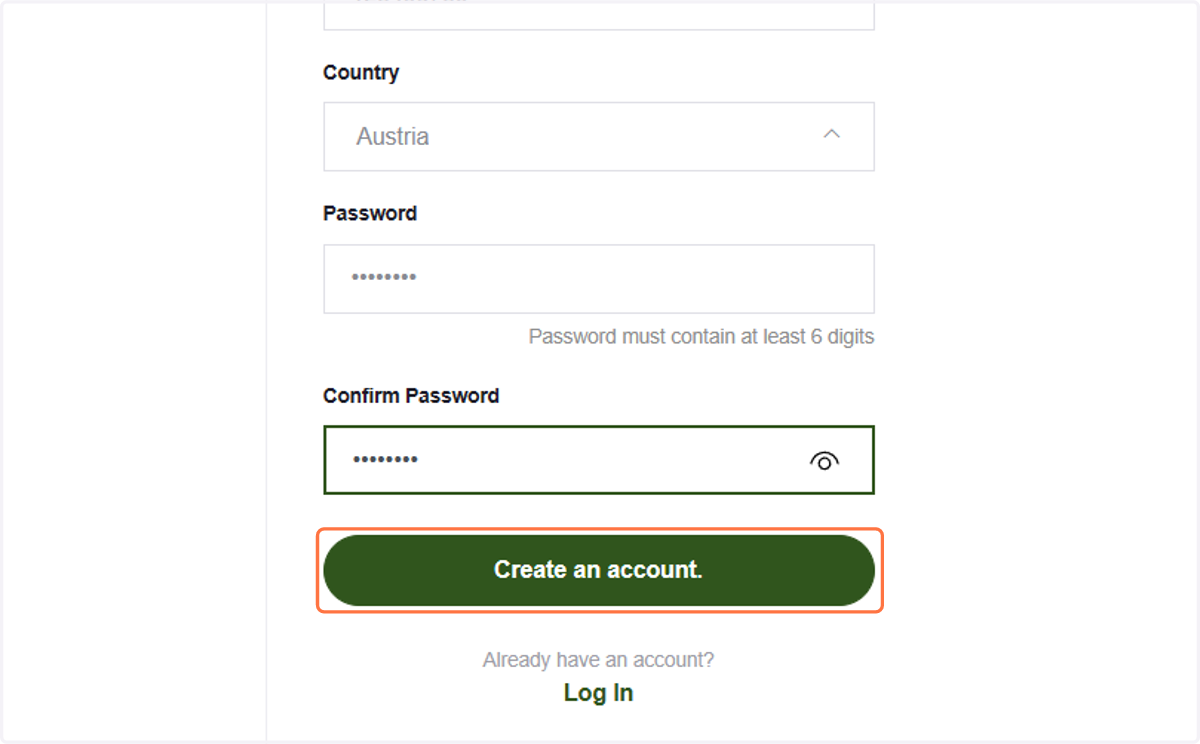
  9. 9. Type your password again

    Type your password again
  10. 10. Click on Create an account.

    Click on Create an account.
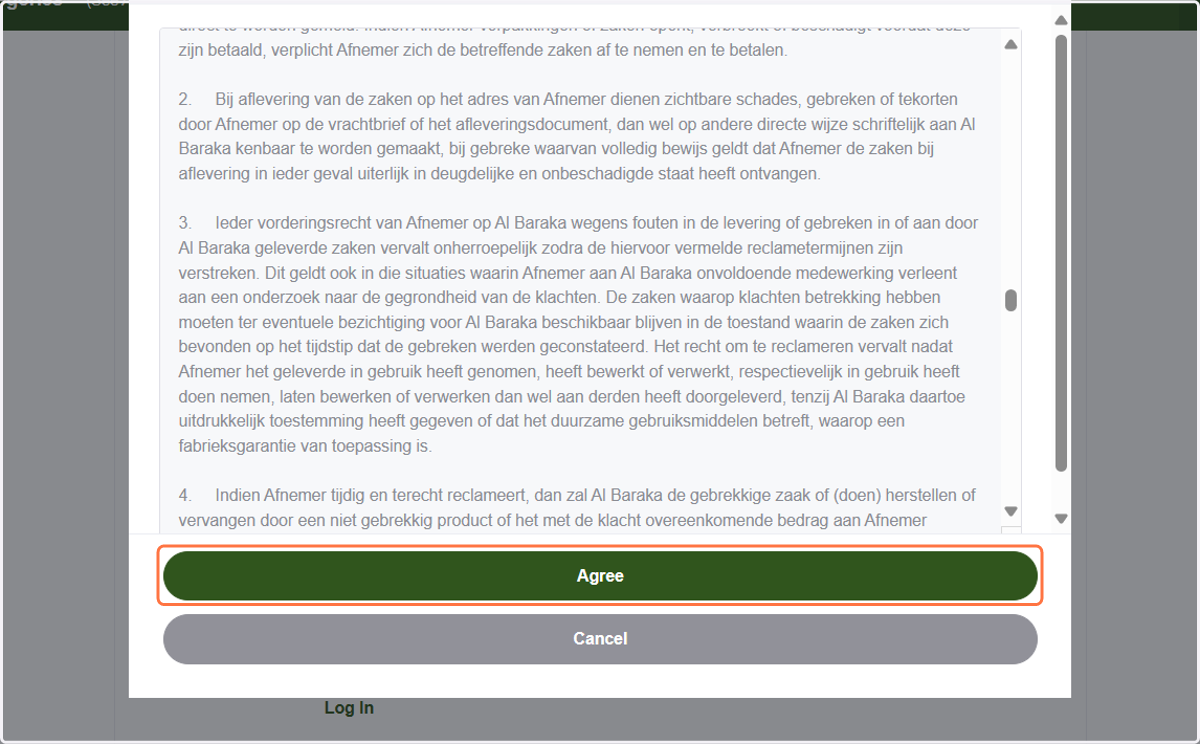
  11. 11. Click on Agree

    Click on Agree
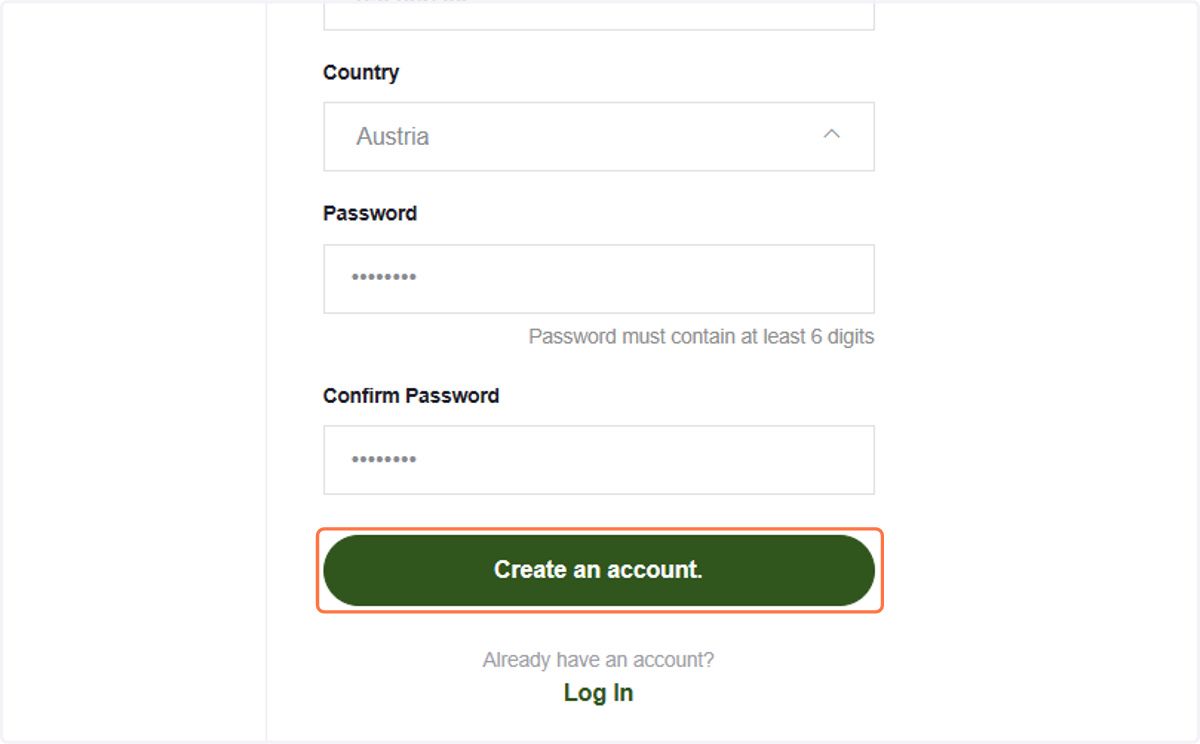
  12. 12. Click on Create an account.

    Click on Create an account.
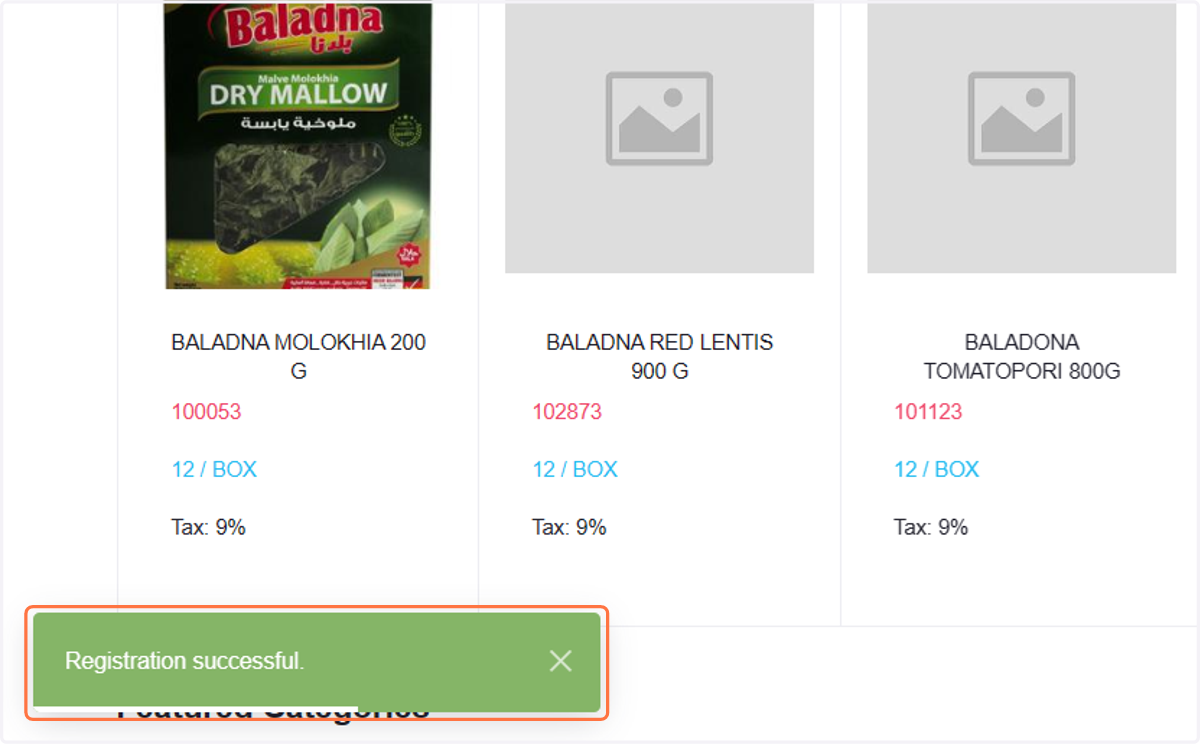
  13. 13. Congratulations!

    Congratulations!