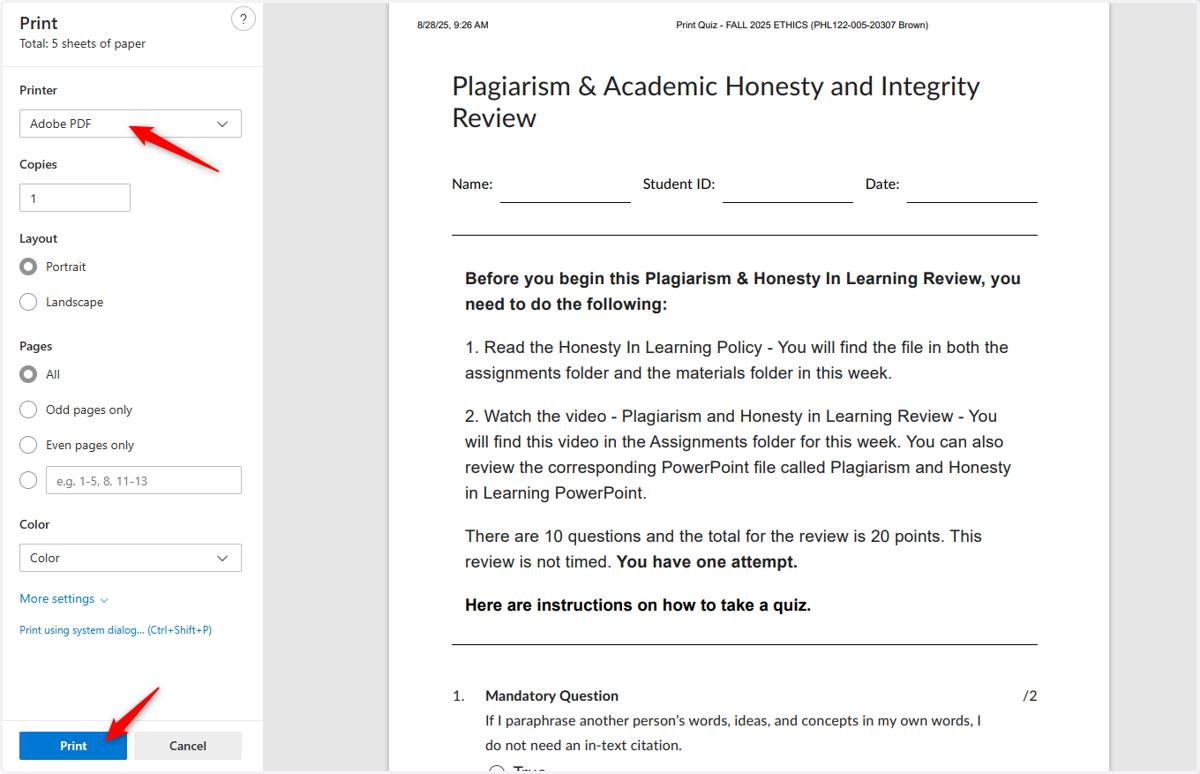
How to Print Tests or Quizzes
Homepage - FALL 2025 ETHICS (PHL122-005-20307 Brown)
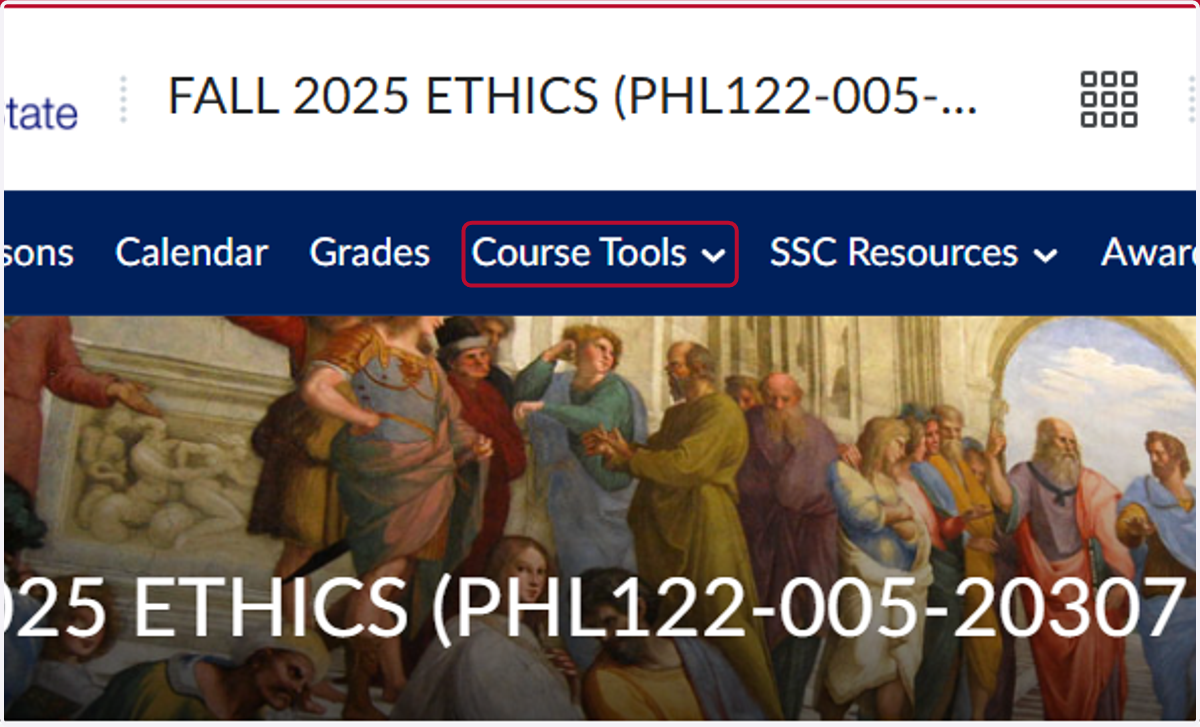
1. Click on Course Tools
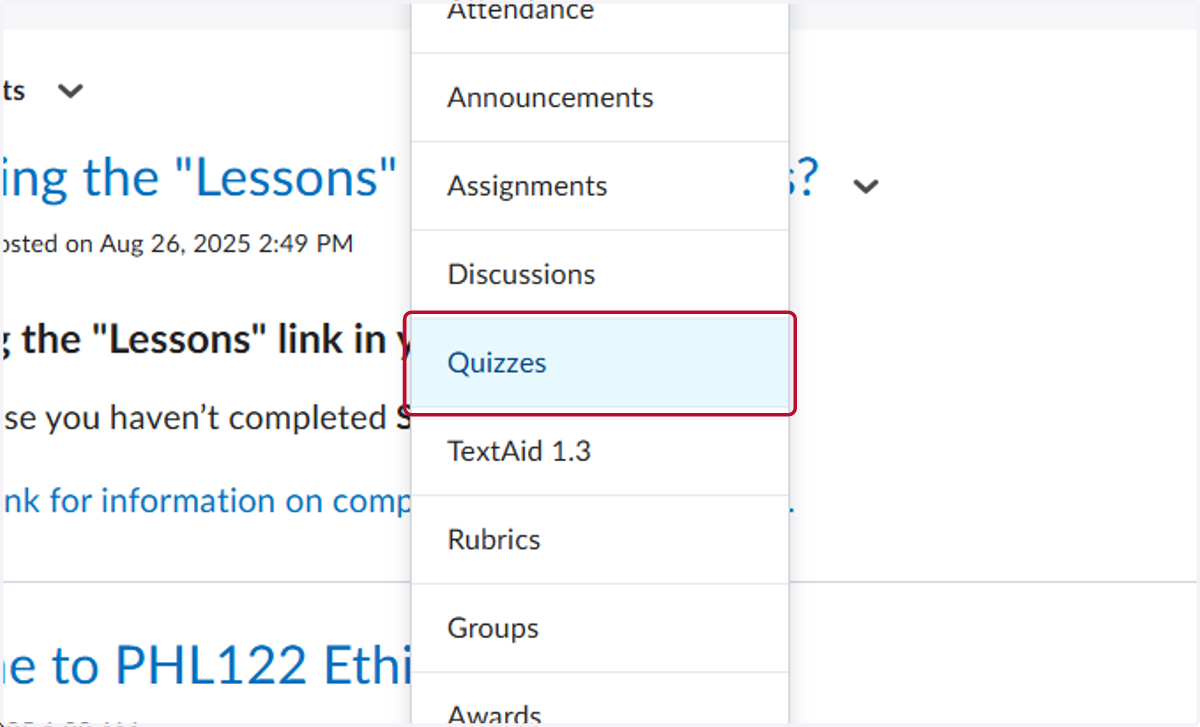
2. Click on Quizzes
3. Find the quiz or test you want to print and Click the down arrow
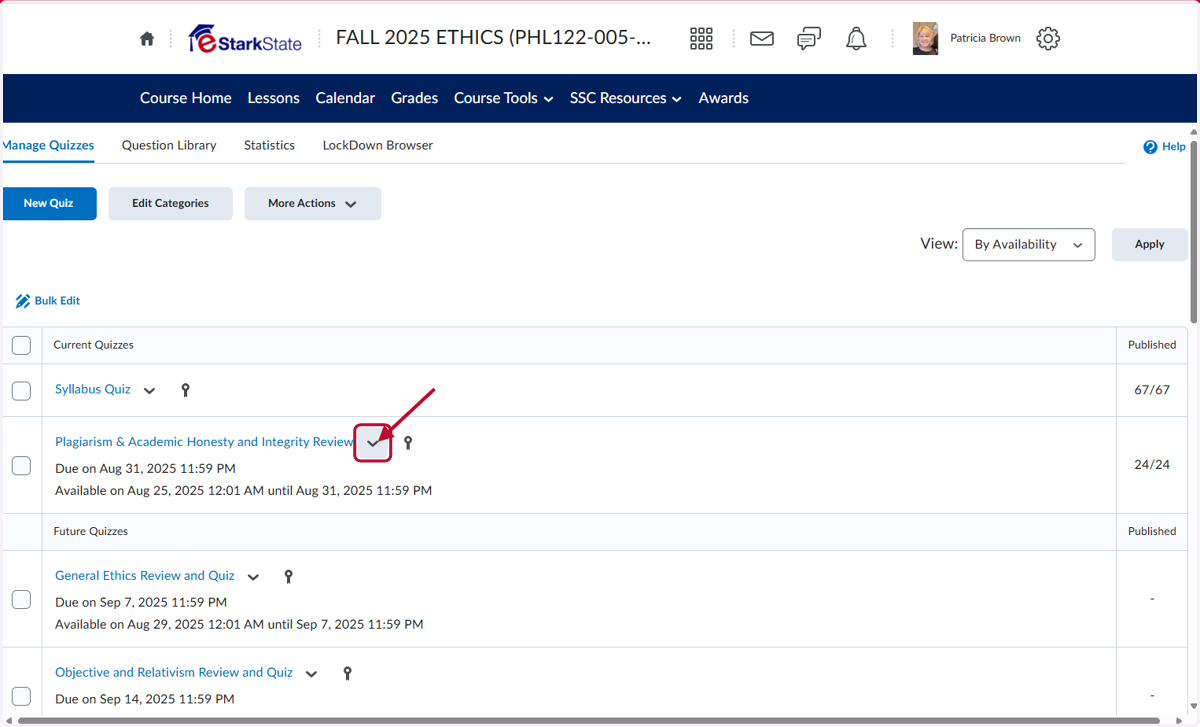
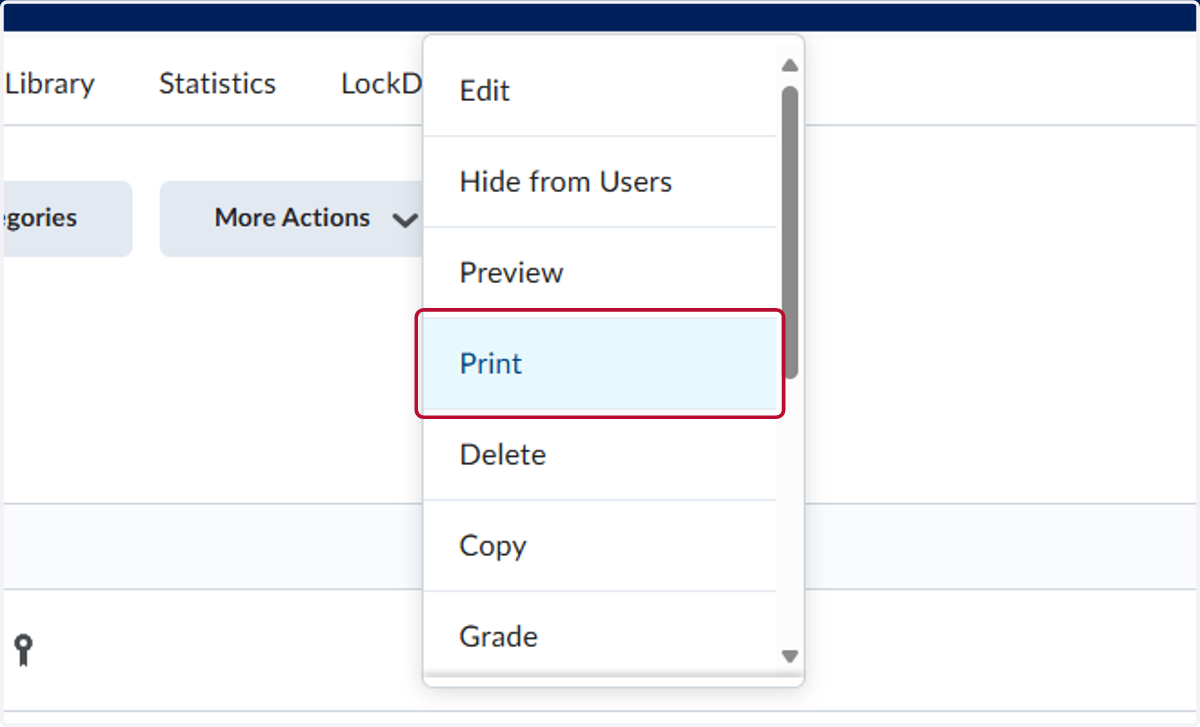
4. Click on Print
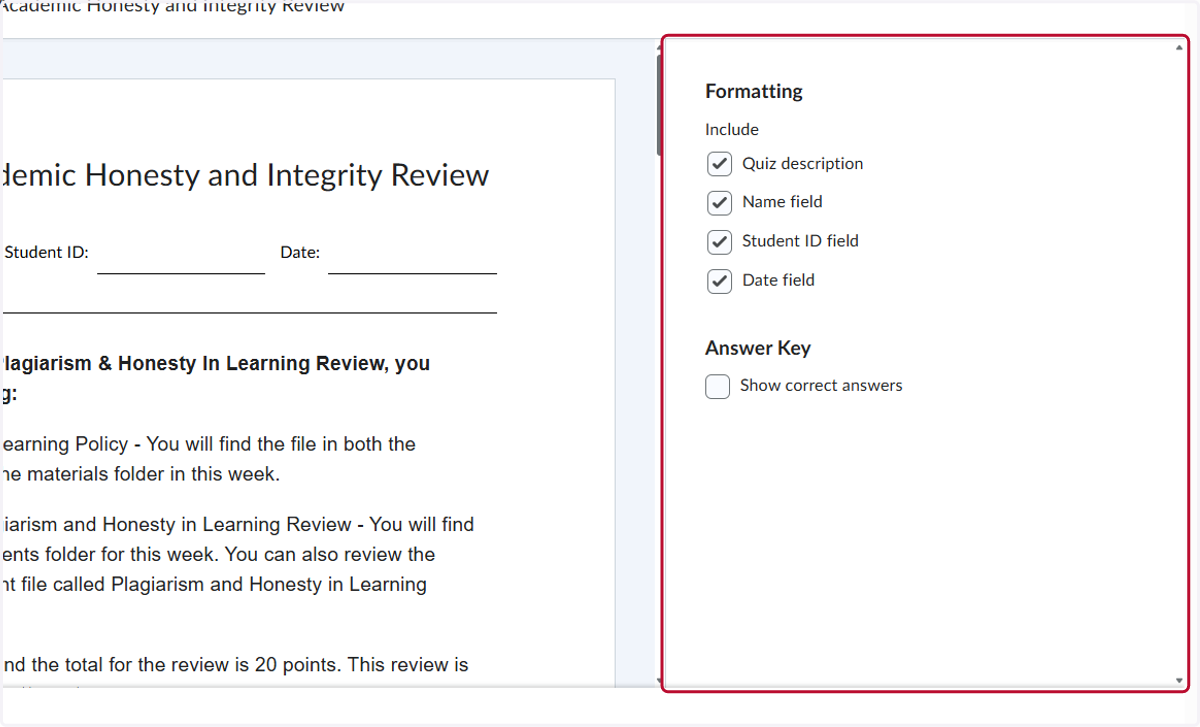
5. Select all the Formatting options. You can also print a version with the correct answers
6. Click on Print
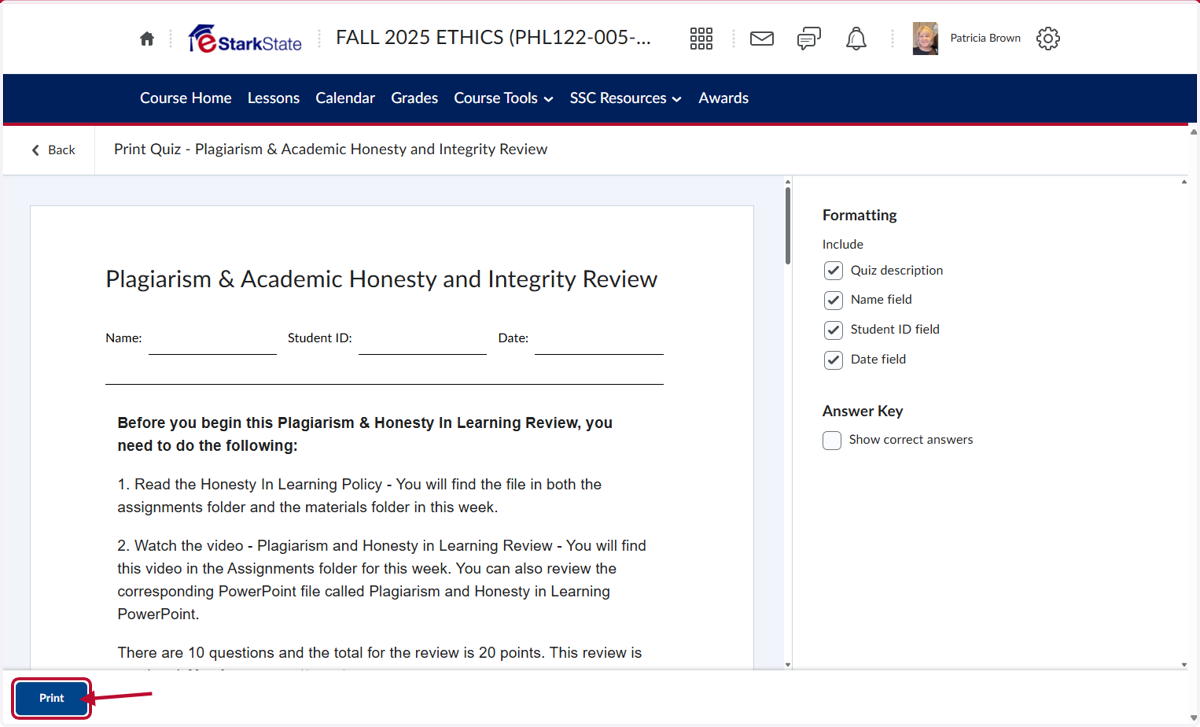
7. Select the printer and click Print