How to Order Sign Riders, For Sale Signs, and Open House Signs on www.marketingfresno.com
This step-by-step shows how to order sign riders. To order for sale signs or open house signs, just choose the proper selection in the in the "JOB TYPE" drop down menu.
Visit www.marketingfresno.com
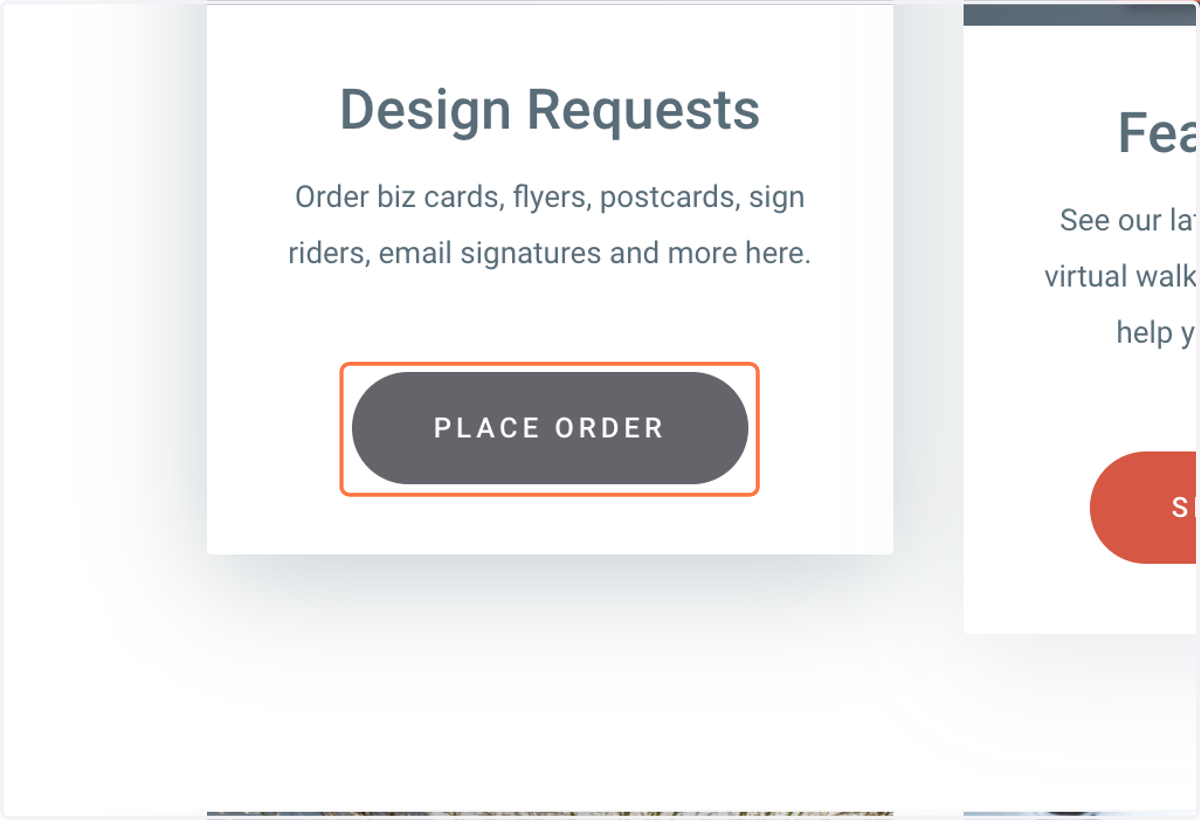
1. Click on PLACE ORDER
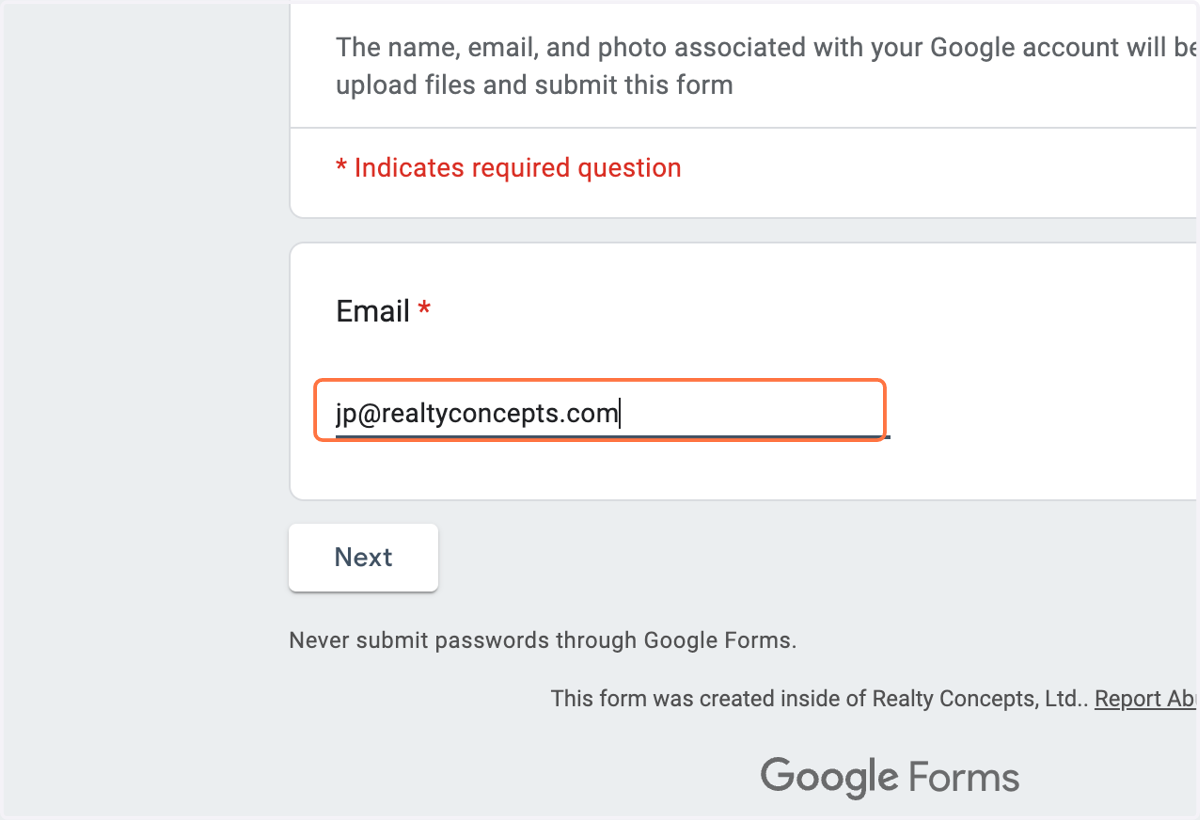
2. Type your email address into the EMAIL field
3. Click on Next
4. Click on CHOOSE in the AGENT OFFICE field
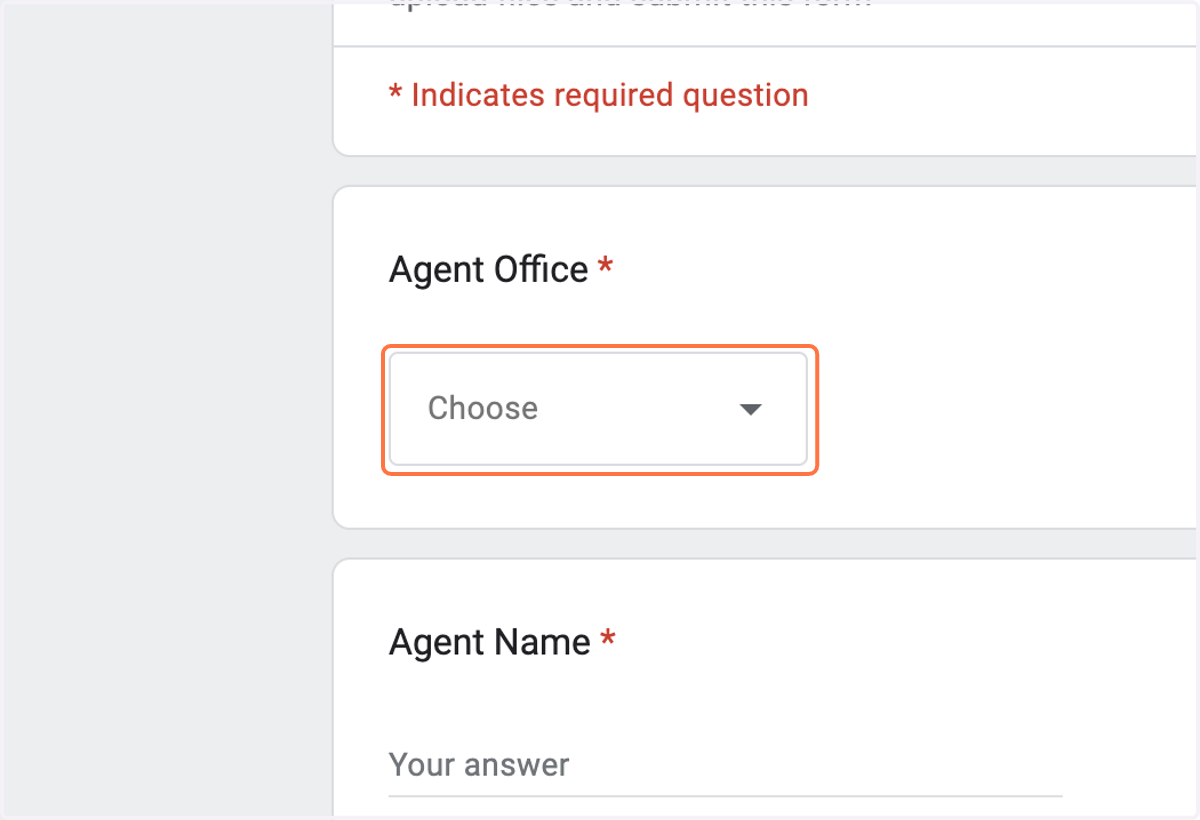
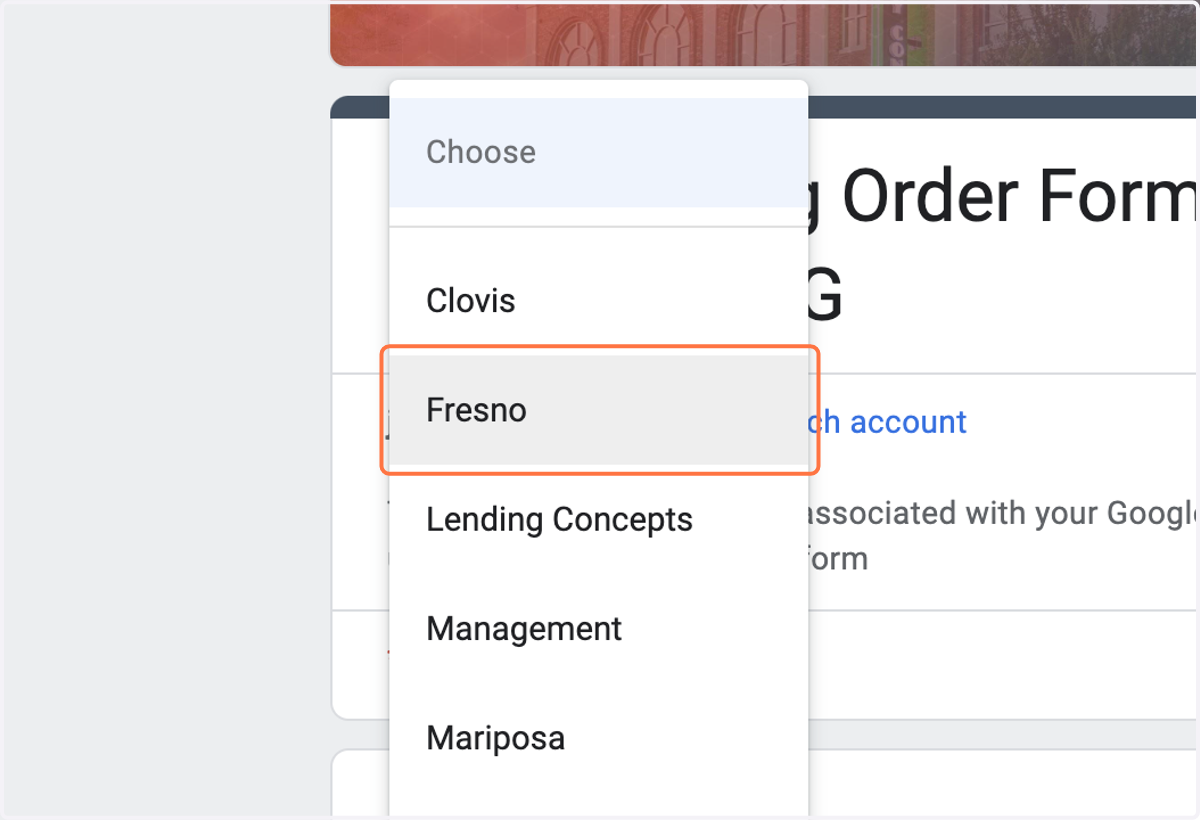
5. Select your PRIMARY OFFICE from the drop down menu
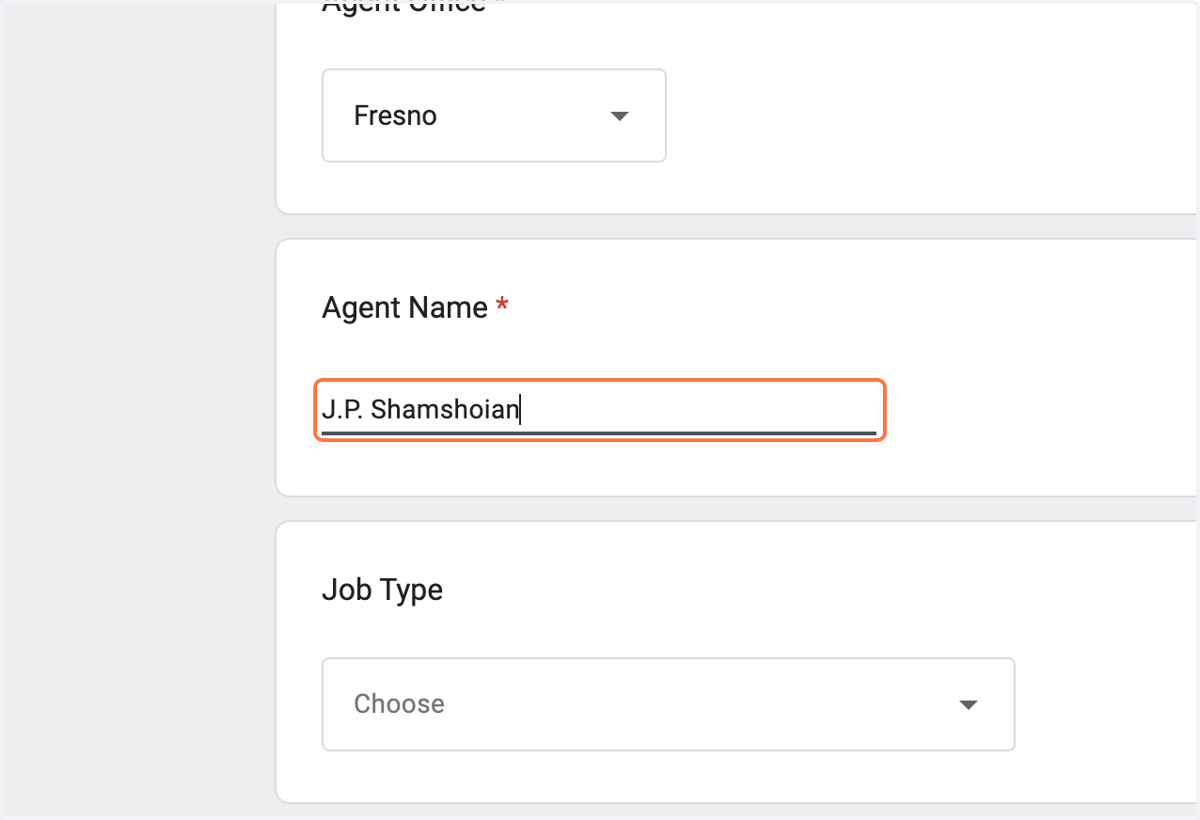
6. Type YOUR NAME in the AGENT NAME field
7. Click on CHOOSE in the Job Type field
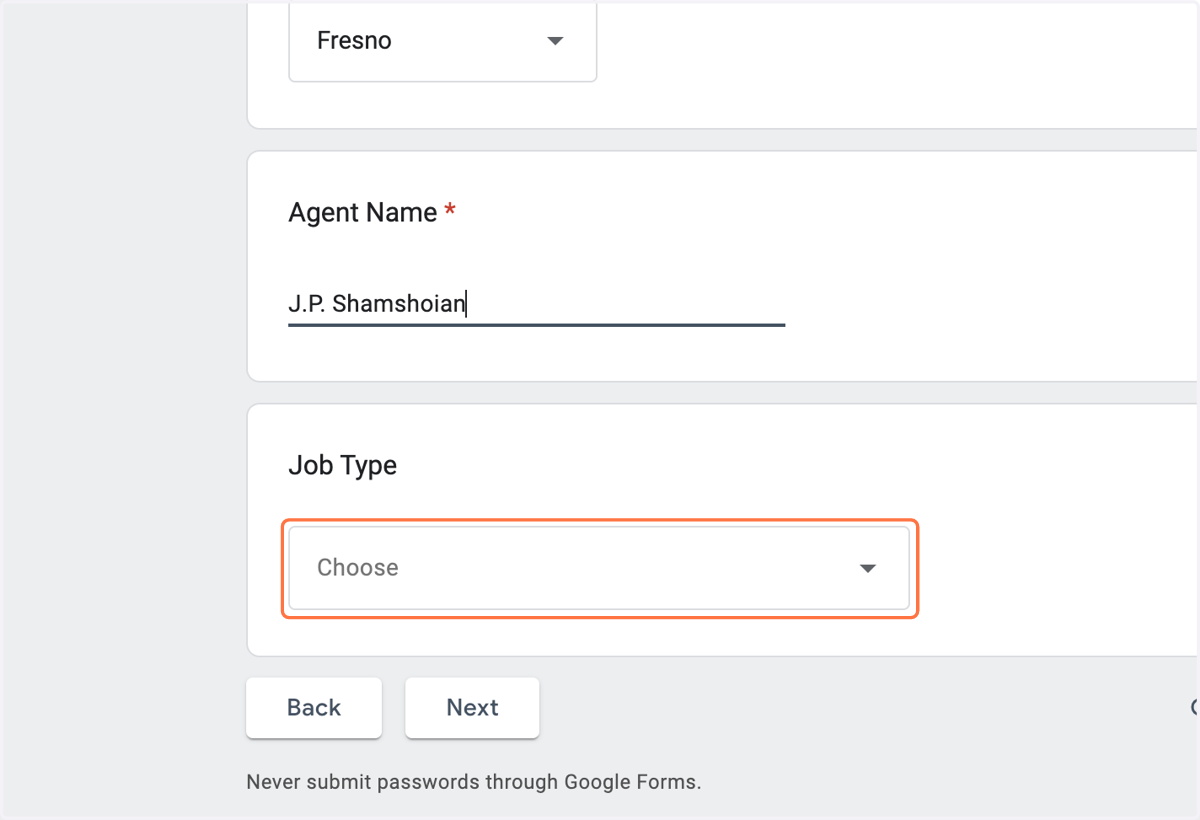
8. Click on Sign Riders -- or to order "For Sale Signs" choose that in the drop down menu
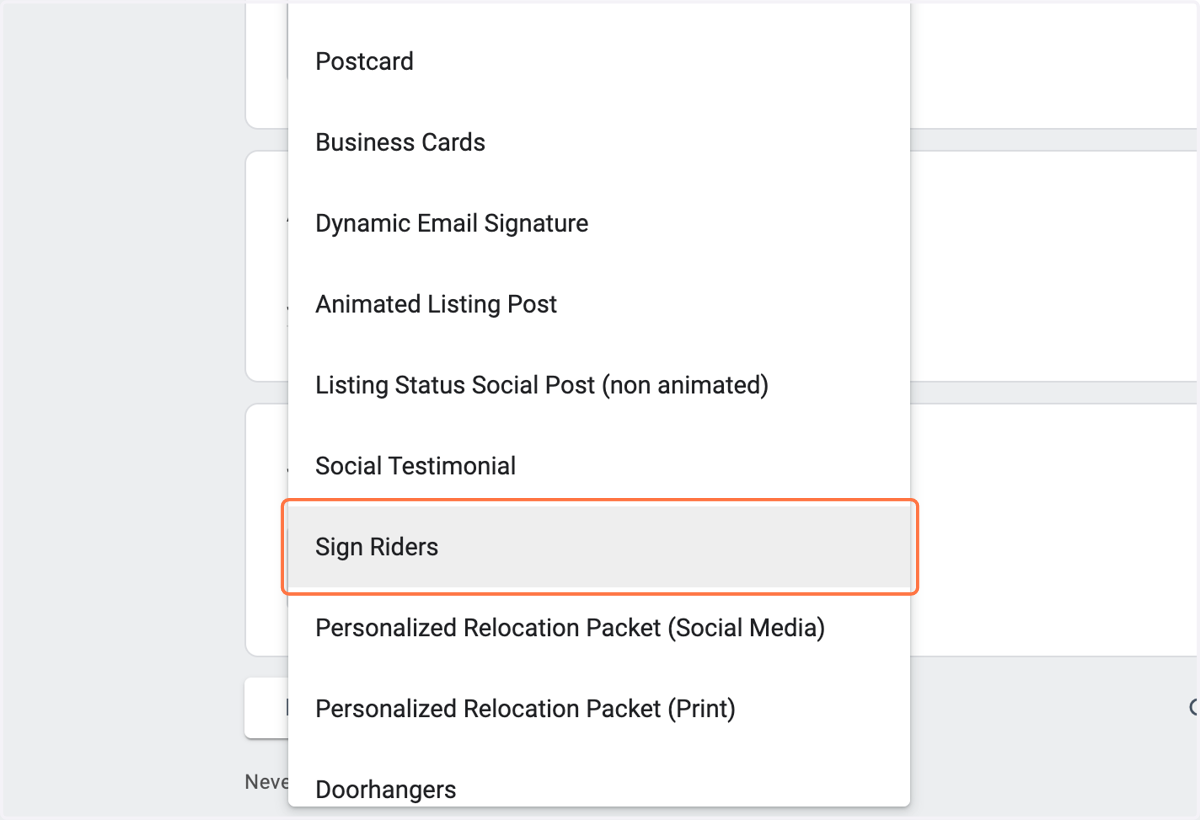
9. Click on Next
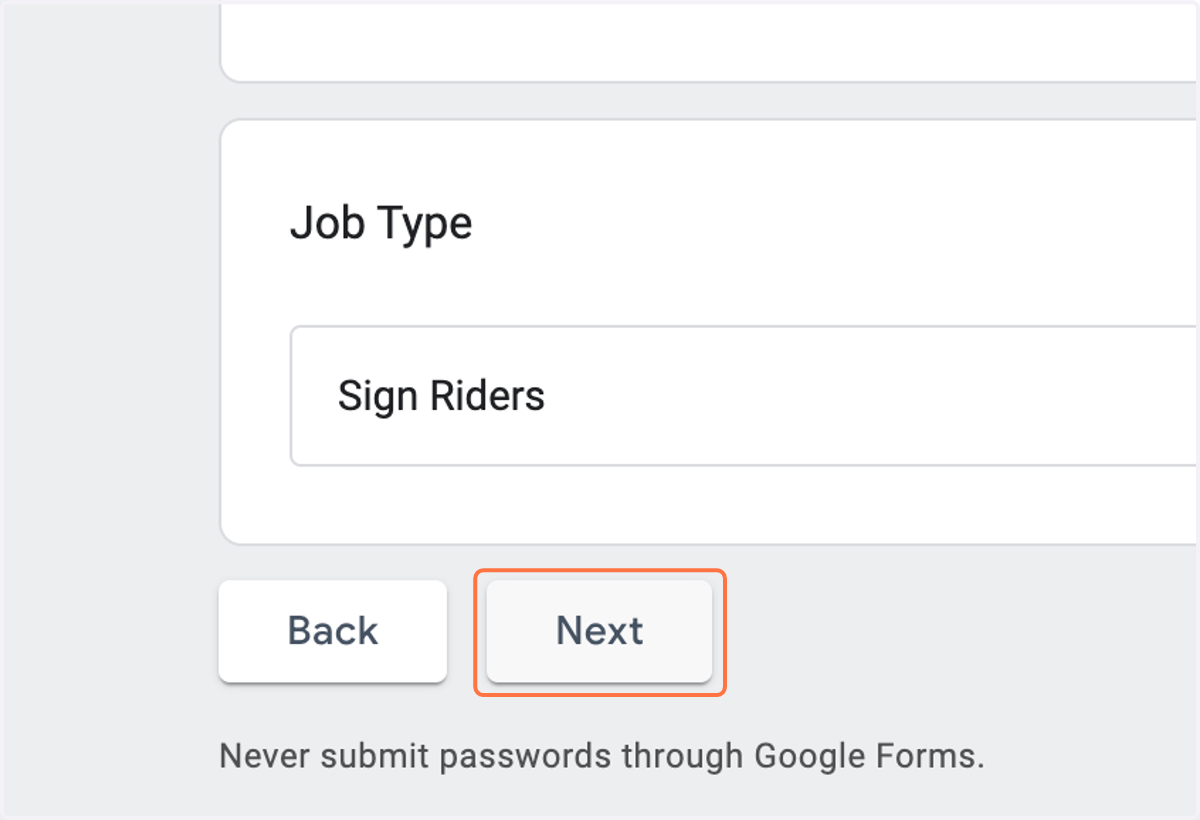
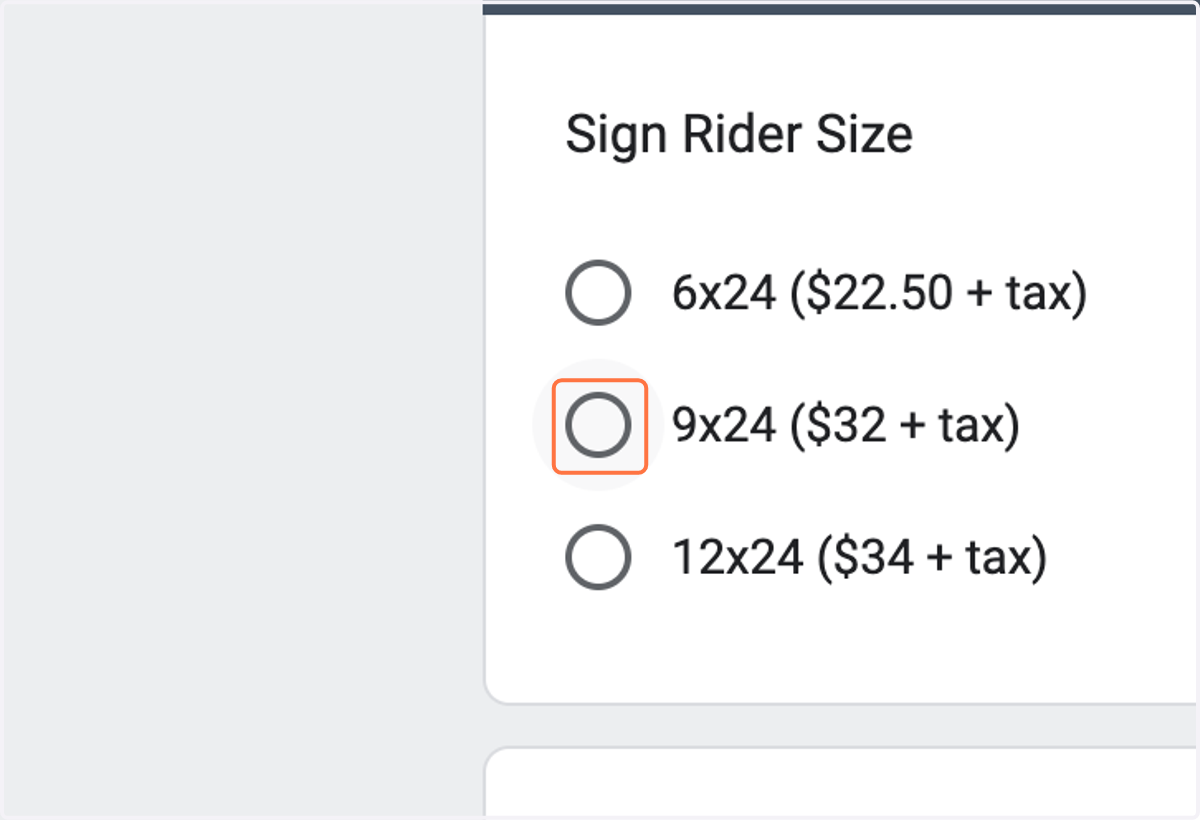
10. Choose which size sign you'd like to order. To order multiple sizes, you will need to make multiple orders.
11. In the "CONTENT" field, type out what you'd like the rider to say
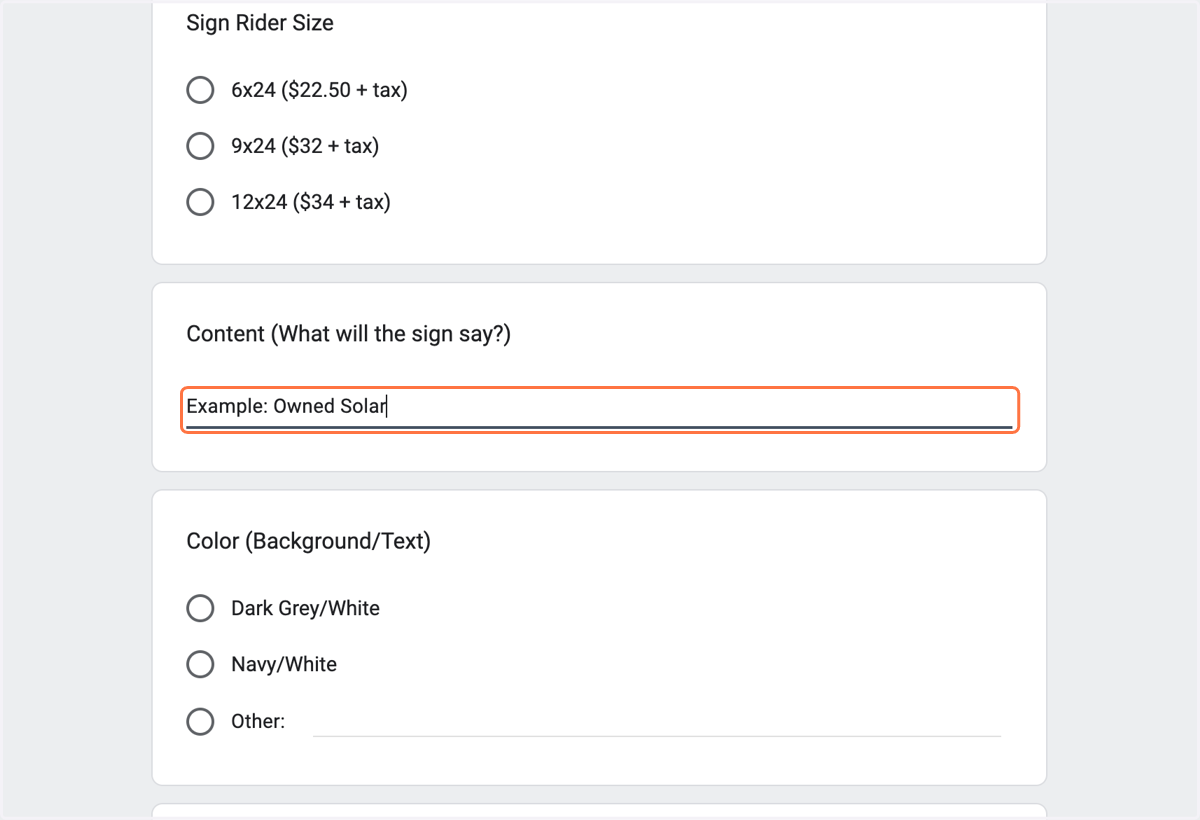
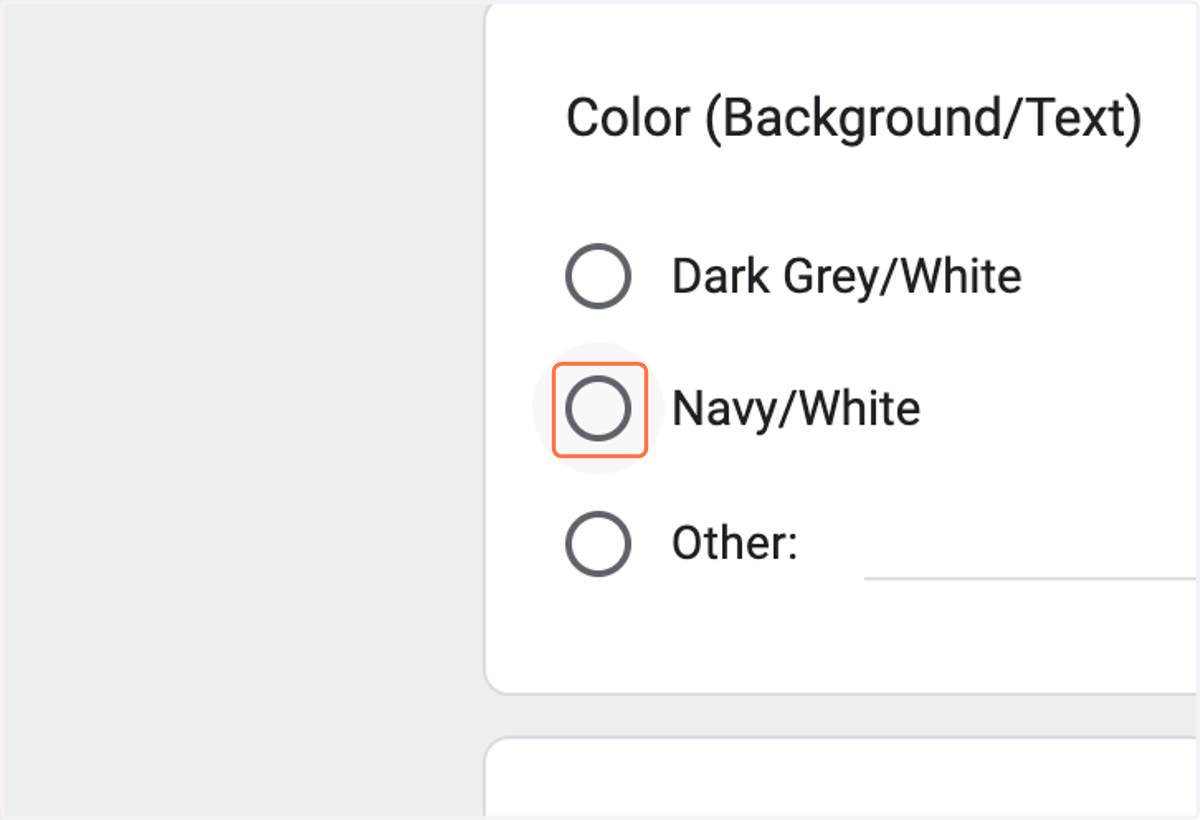
12. Choose which color scheme you'd like for your sign. For multiple color schemes, you must make mutiple orders. If you want a custom color scheme, contact marketing@realtyconcepts.com
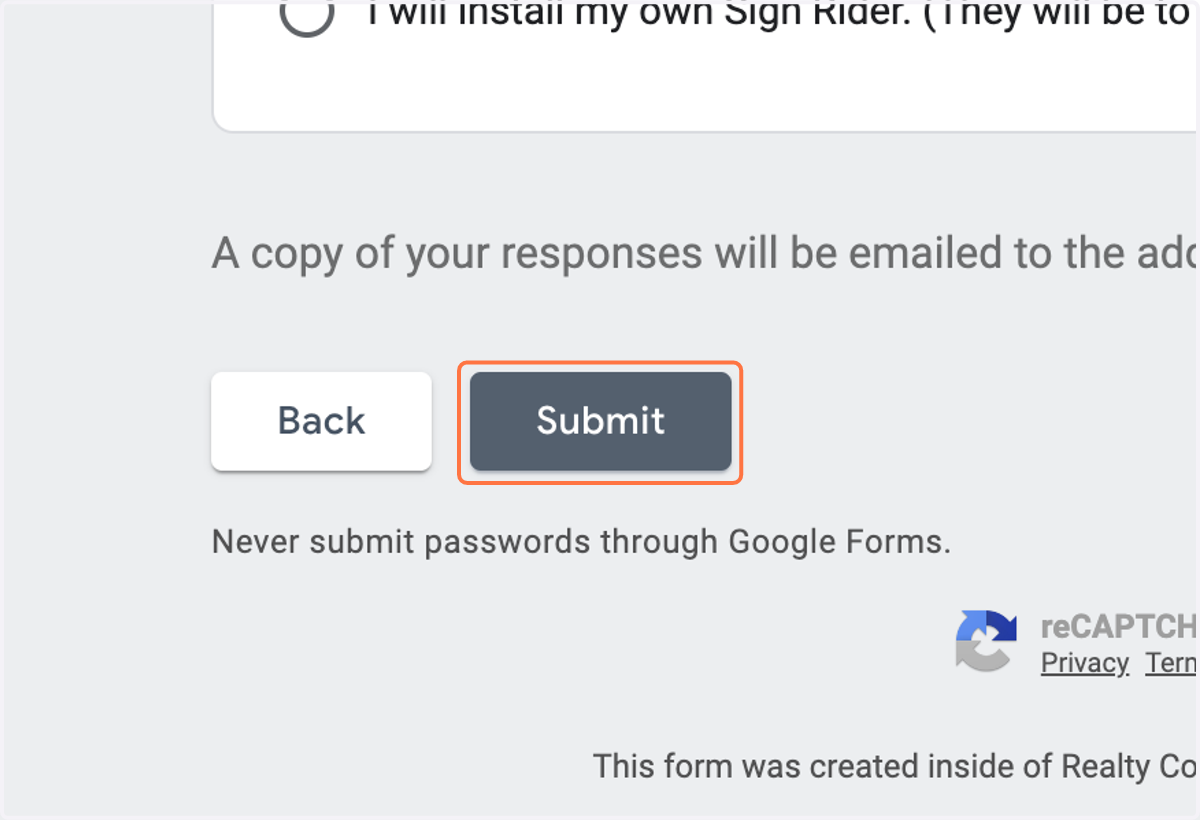
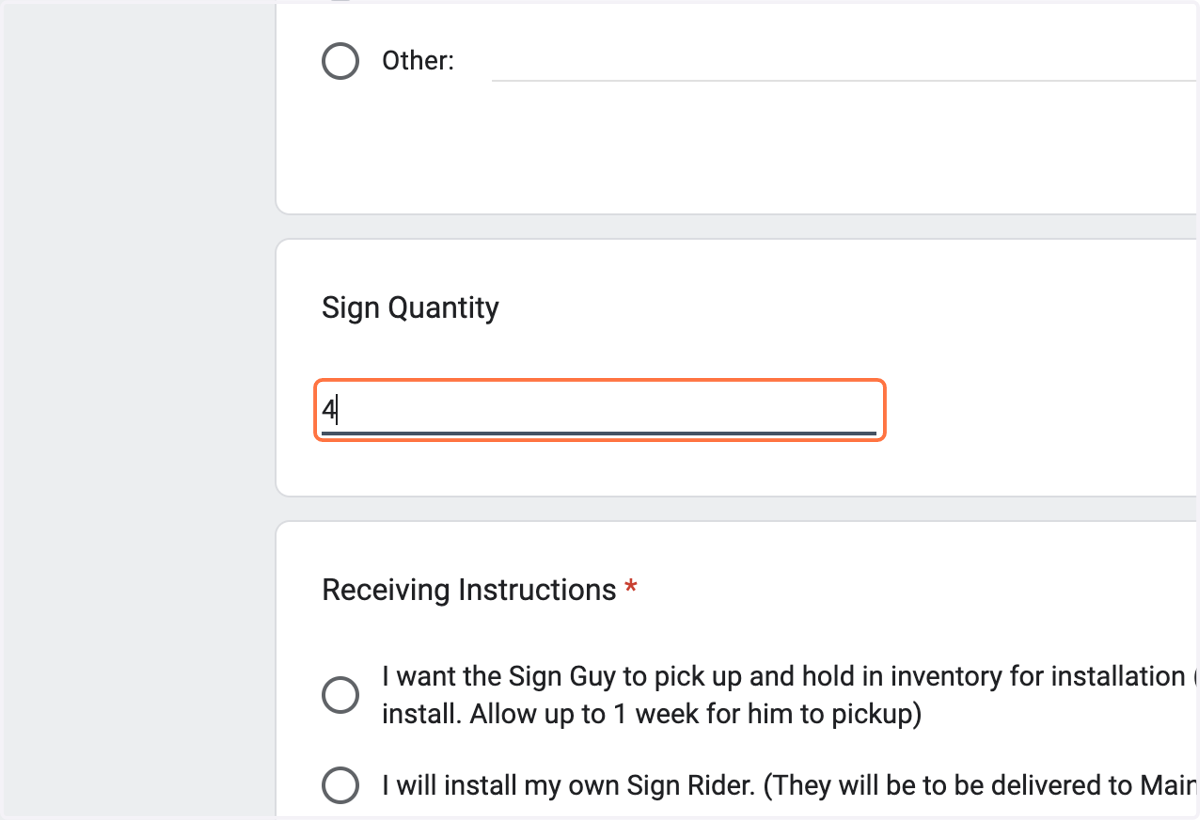
13. Enter the quantity of signs you'd like to order
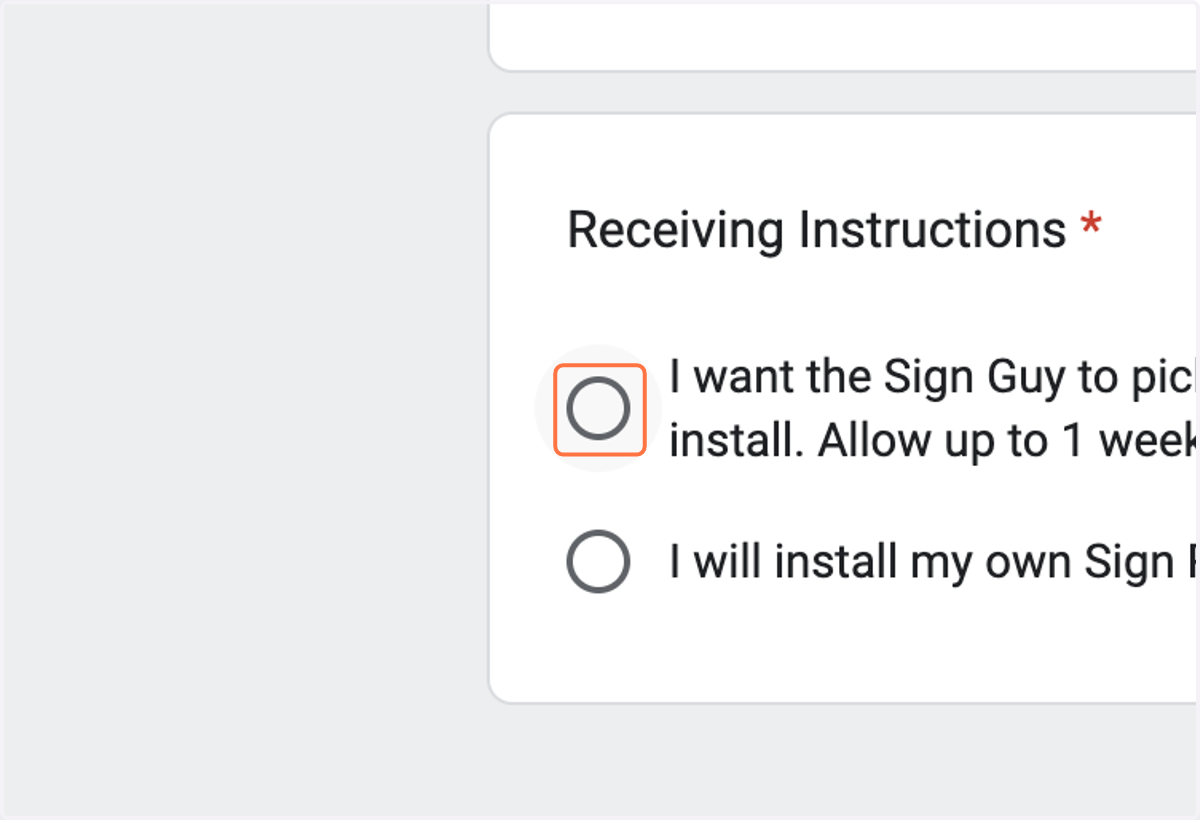
14. Choose how you'd like to take possession of the signs. You can pick them up and hang them for fastest results or our sign installer can hang them for you if you're okay waiting.
15. Click on Submit