How to Manually Remove or Add Package credits
1. Go to your RunLoyal staff portal on a google chrome browser.
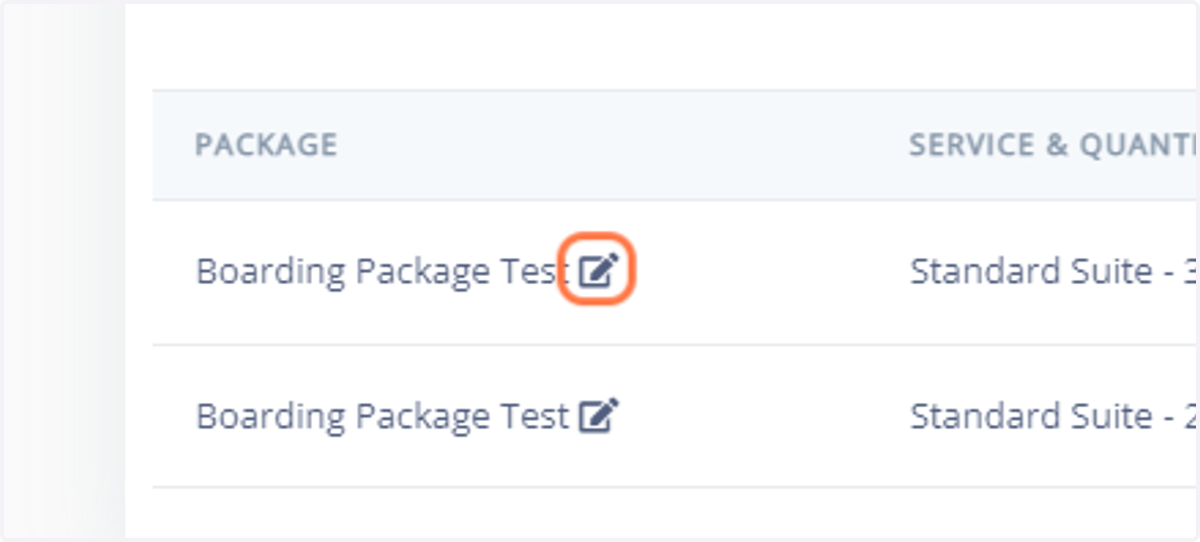
2. Go to the packages section on the associated pet owners profile. Click on the edit button next to the associated package.
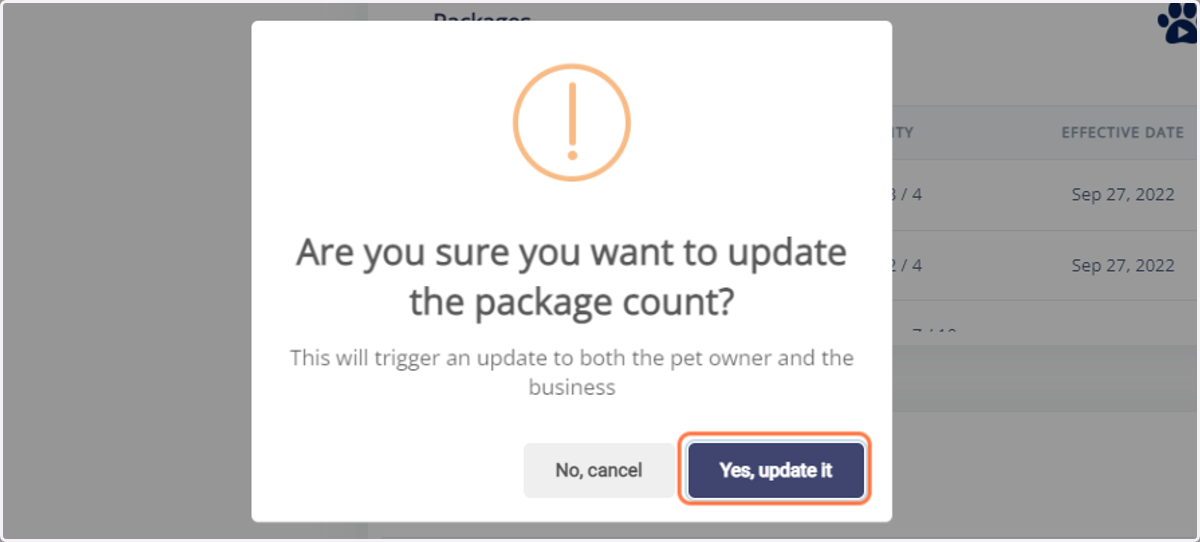
3. You will receive this pop up message below. Click on Yes, update it
***It will notify your admin that a package has been edited and it will be recorded in your reporting for future reference.
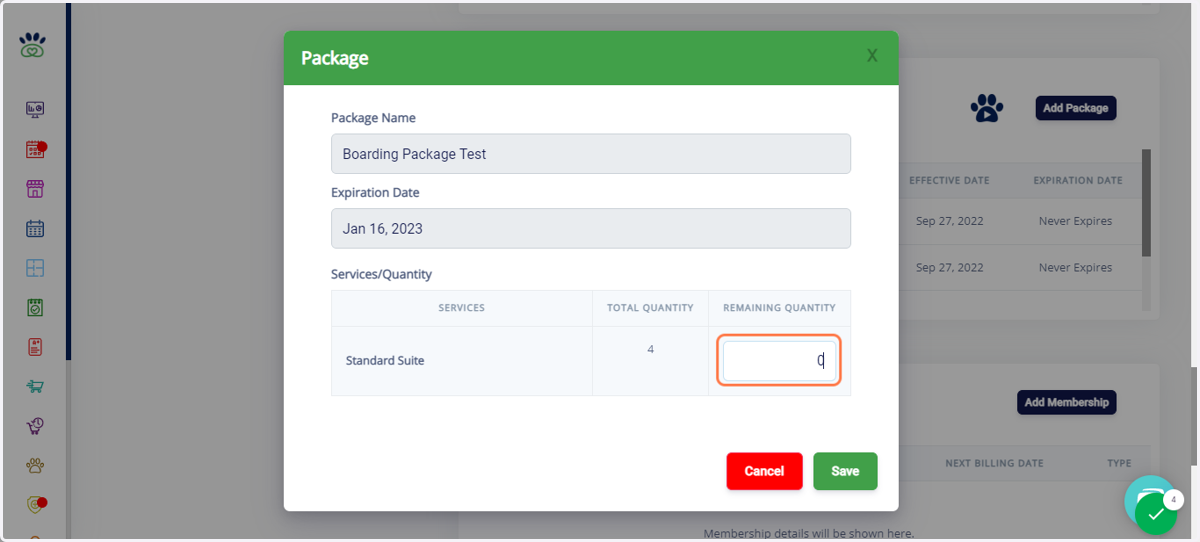
4. Type in the amount of credits that you would like to remove. For this example, we typed in "0" as this a package that can no longer be used.
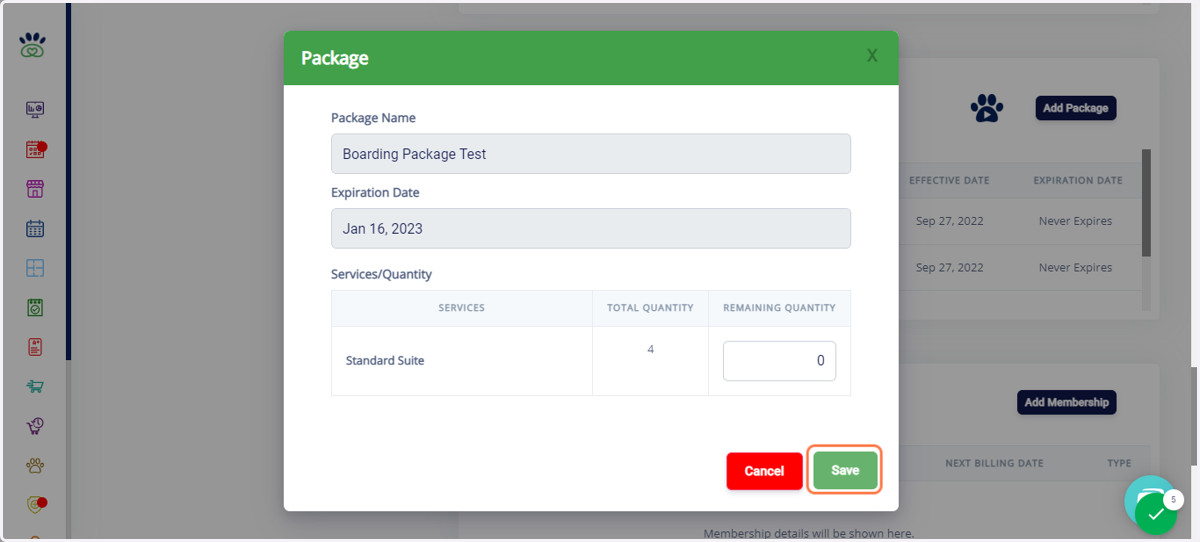
5. Click on Save to finalize edits.