How to Integrate the Find People feature into Make

Sheets

  1. 1. If you don’t have an existing Google Sheet, create a new one.
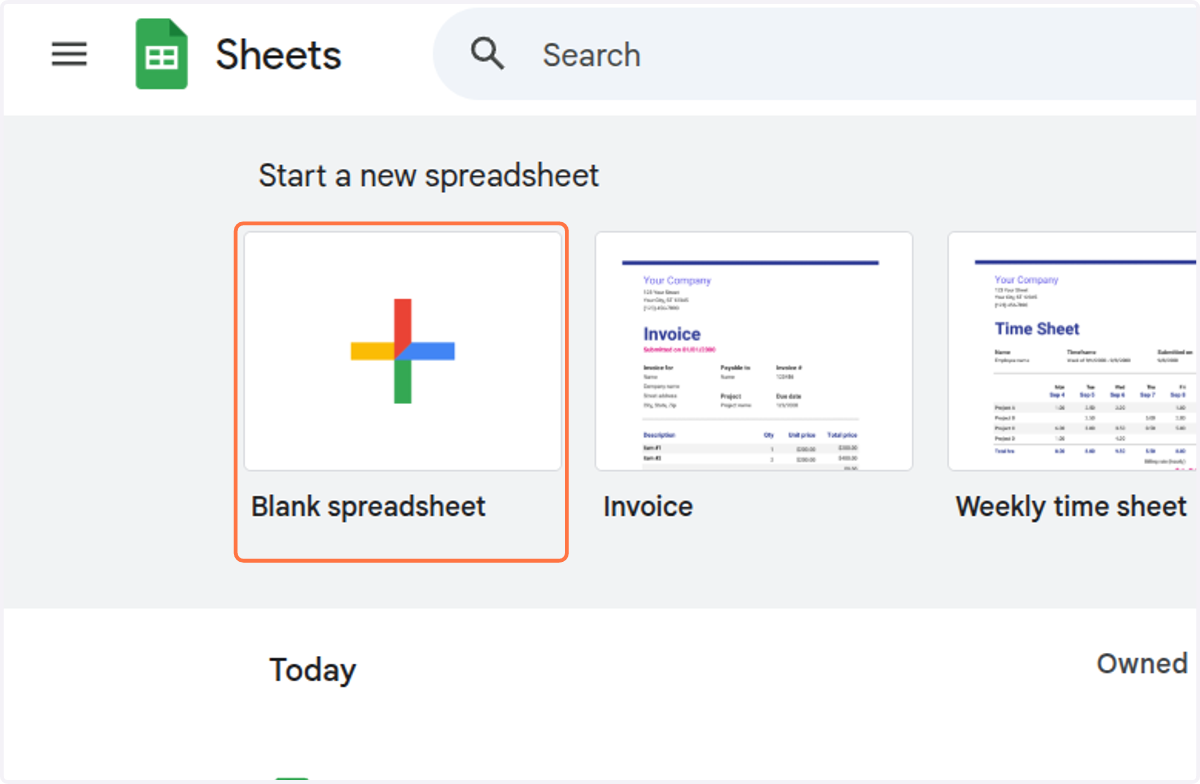
    If you don’t have an existing Google Sheet, create a new one.
  2. 2. First, we will create the column indicating how much profiles we want to fetch. Thus, create a column with an explicit name and write the number of profiles you want to retrieve.

    The maximum value you can put here is 100 but we will be able to retrieve more profile than that as we will see later.
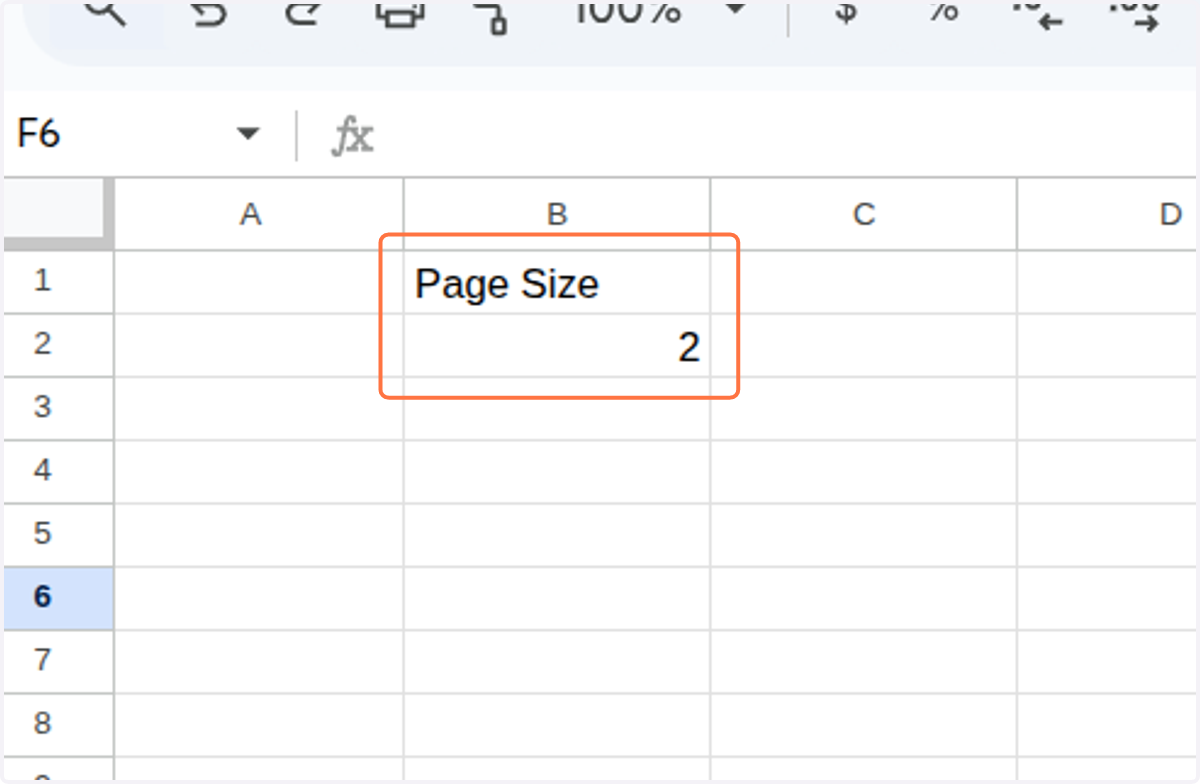
    First, we will create the column indicating how much profiles we want to fetch. Thus, create a column with an explicit name and write the number of profiles you want to retrieve.
  3. 3. Click on <div class="docs-butterbar-container"><div class="docs-butterbar-wrap"><div class="jfk-butterBar jfk-butterBar-shown jfk-butterBar-warning">JavaScript isn't enabled in your browser, so this file can't be opened. Enable and reload.</div></div><br></div>…
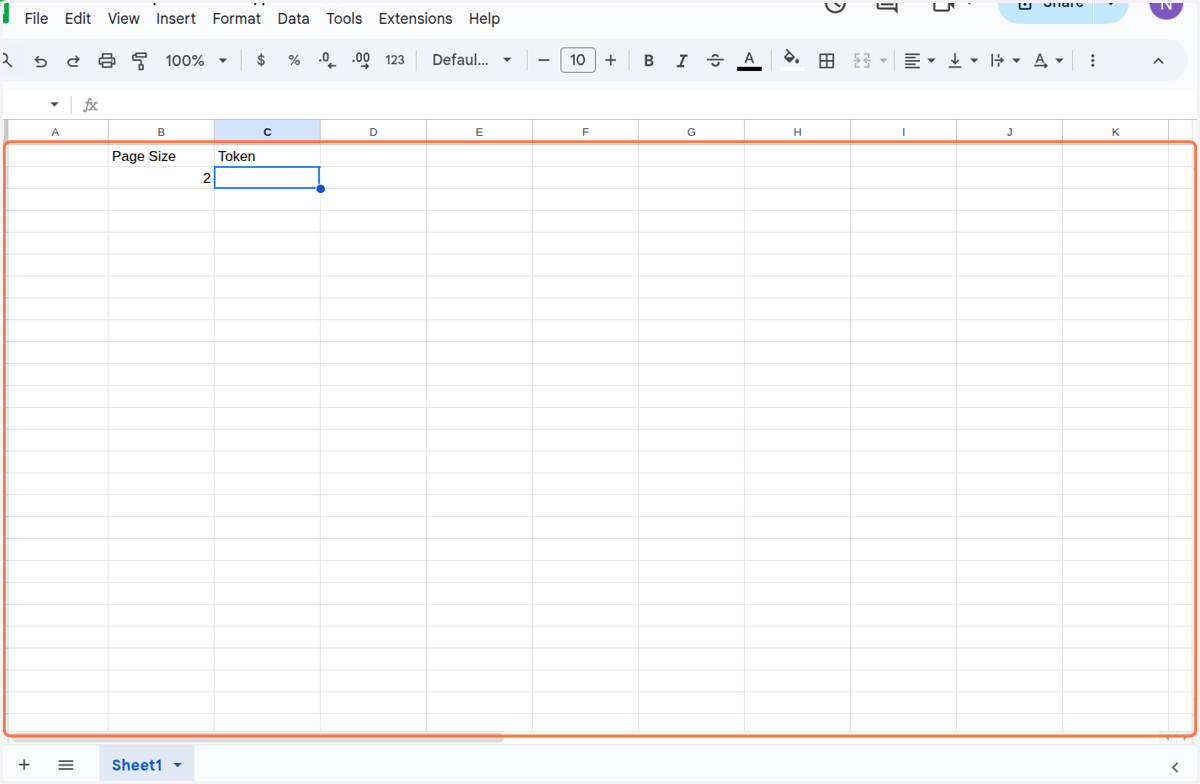
    Click on <div class="docs-butterbar-container"><div class="docs-butterbar-wrap"><div class="jfk-butterBar jfk-butterBar-shown jfk-butterBar-warning">JavaScript isn't enabled in your browser, so this file can't be opened. Enable and reload.</div></div
  4. 4. Click on <div class="docs-butterbar-container"><div class="docs-butterbar-wrap"><div class="jfk-butterBar jfk-butterBar-shown jfk-butterBar-warning">JavaScript isn't enabled in your browser, so this file can't be opened. Enable and reload.</div></div><br></div>…
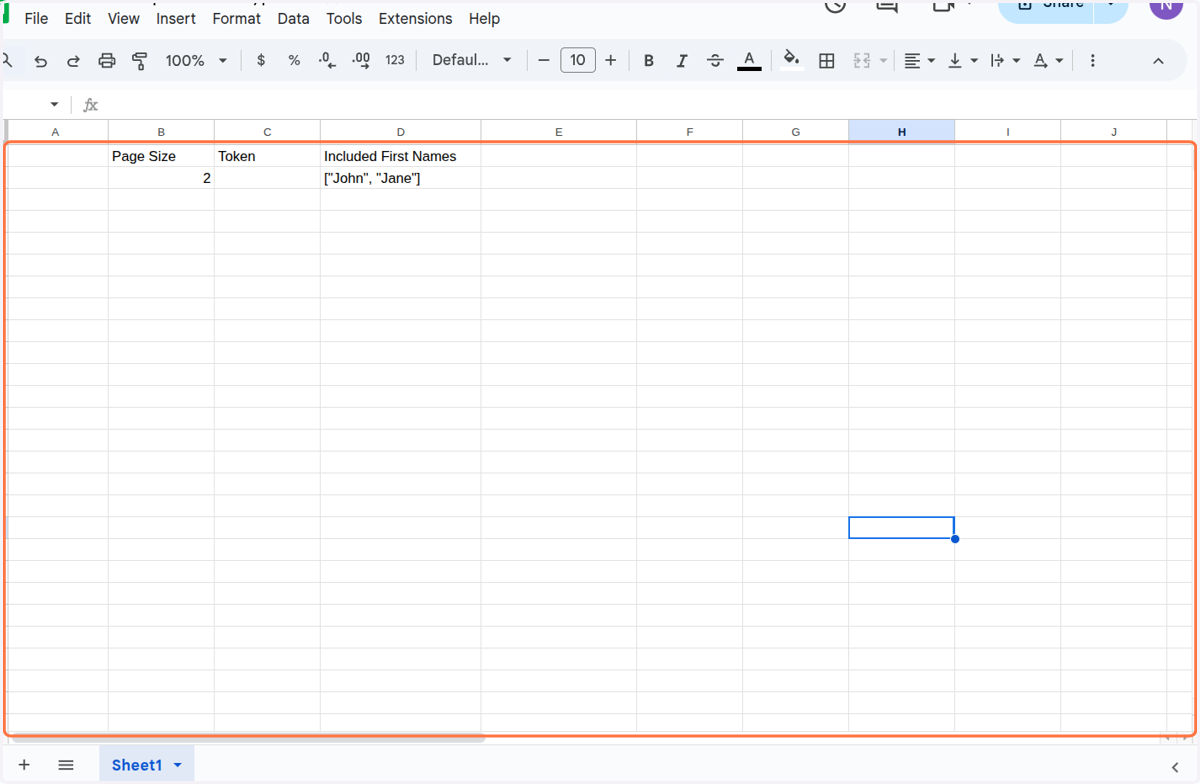
    Click on <div class="docs-butterbar-container"><div class="docs-butterbar-wrap"><div class="jfk-butterBar jfk-butterBar-shown jfk-butterBar-warning">JavaScript isn't enabled in your browser, so this file can't be opened. Enable and reload.</div></div
  5. 5. Click on <div class="docs-butterbar-container"><div class="docs-butterbar-wrap"><div class="jfk-butterBar jfk-butterBar-shown jfk-butterBar-warning">JavaScript isn't enabled in your browser, so this file can't be opened. Enable and reload.</div></div><br></div>…
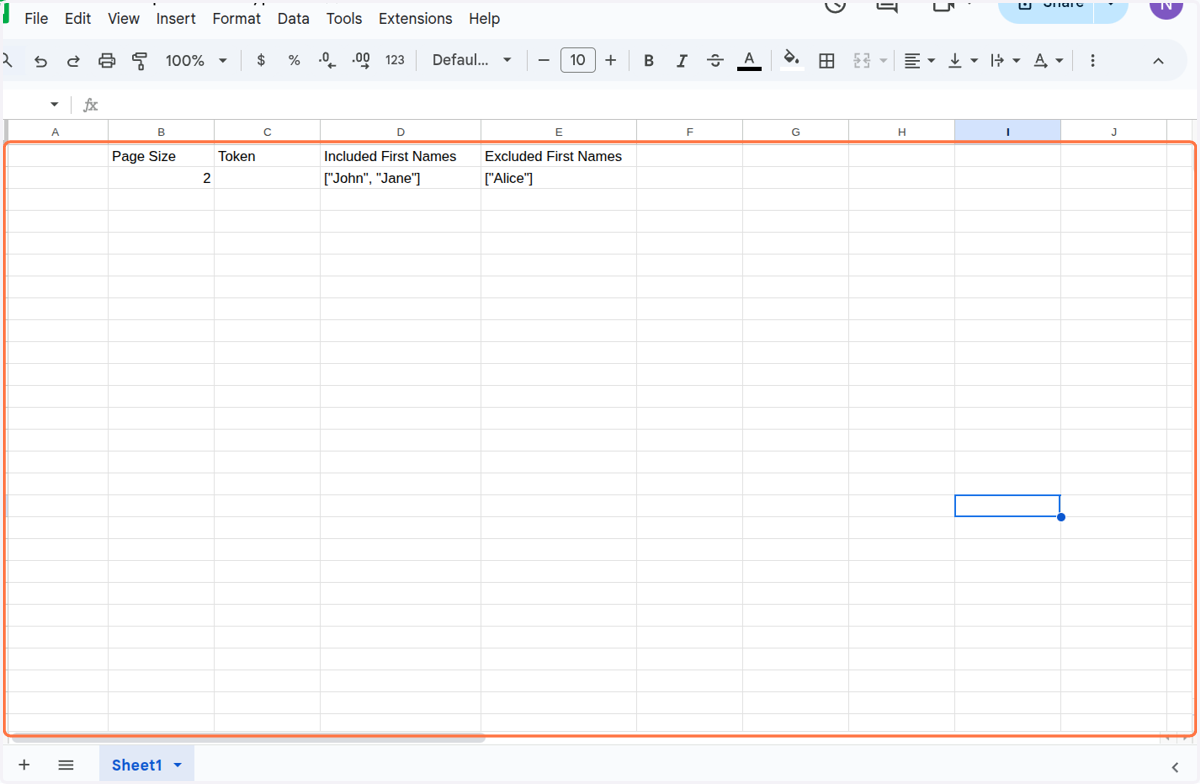
    Click on <div class="docs-butterbar-container"><div class="docs-butterbar-wrap"><div class="jfk-butterBar jfk-butterBar-shown jfk-butterBar-warning">JavaScript isn't enabled in your browser, so this file can't be opened. Enable and reload.</div></div
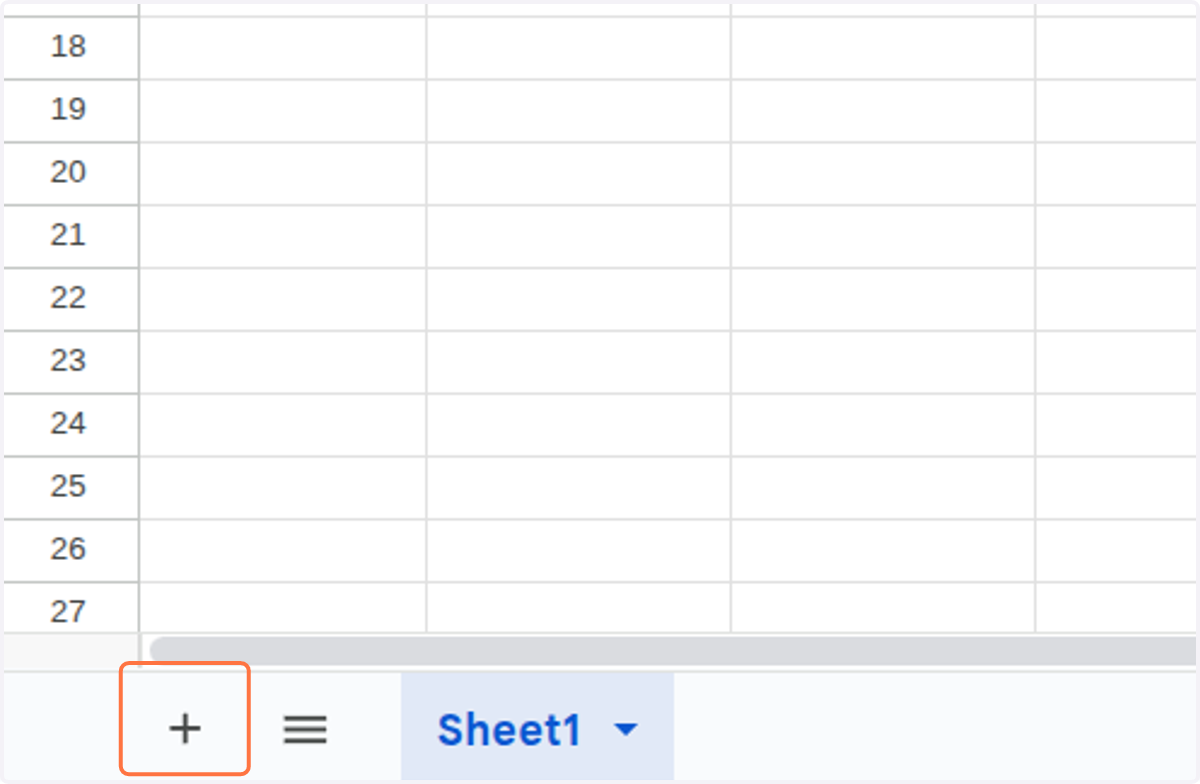
  6. 6. Click on Add Sheet

    Click on Add Sheet
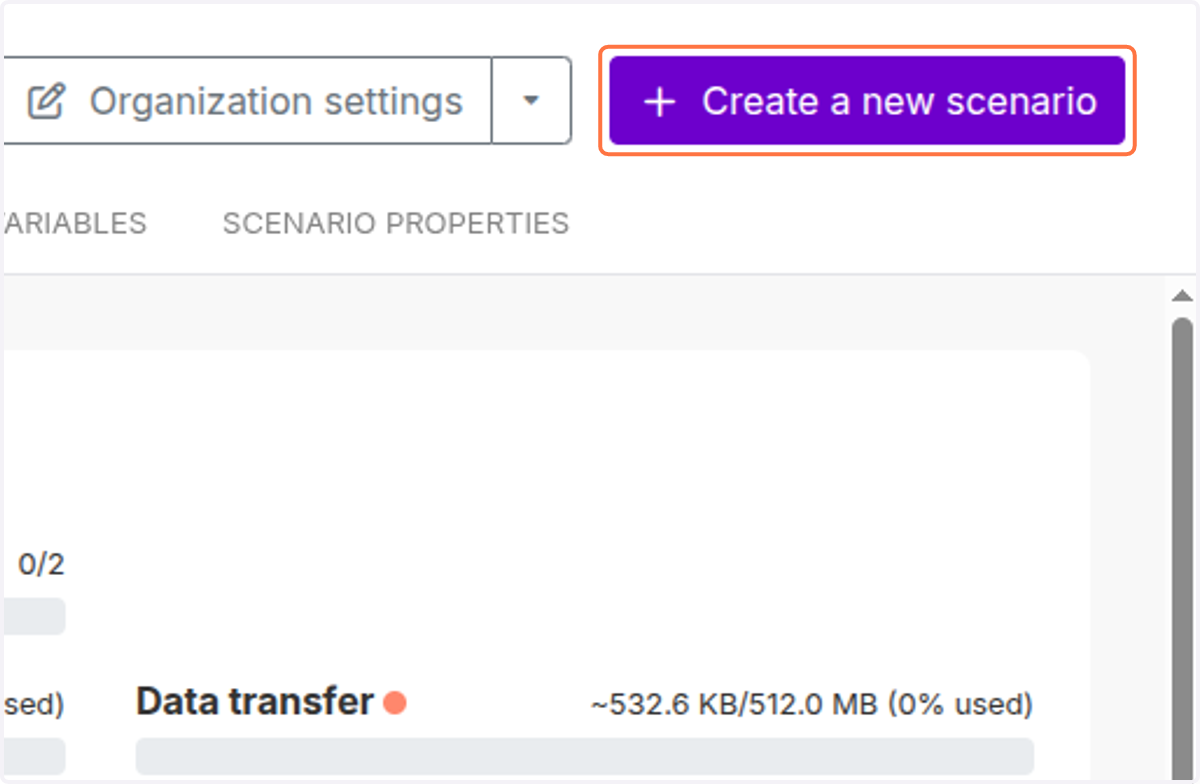
  7. 7. Click on Create a new scenario

    Click on Create a new scenario
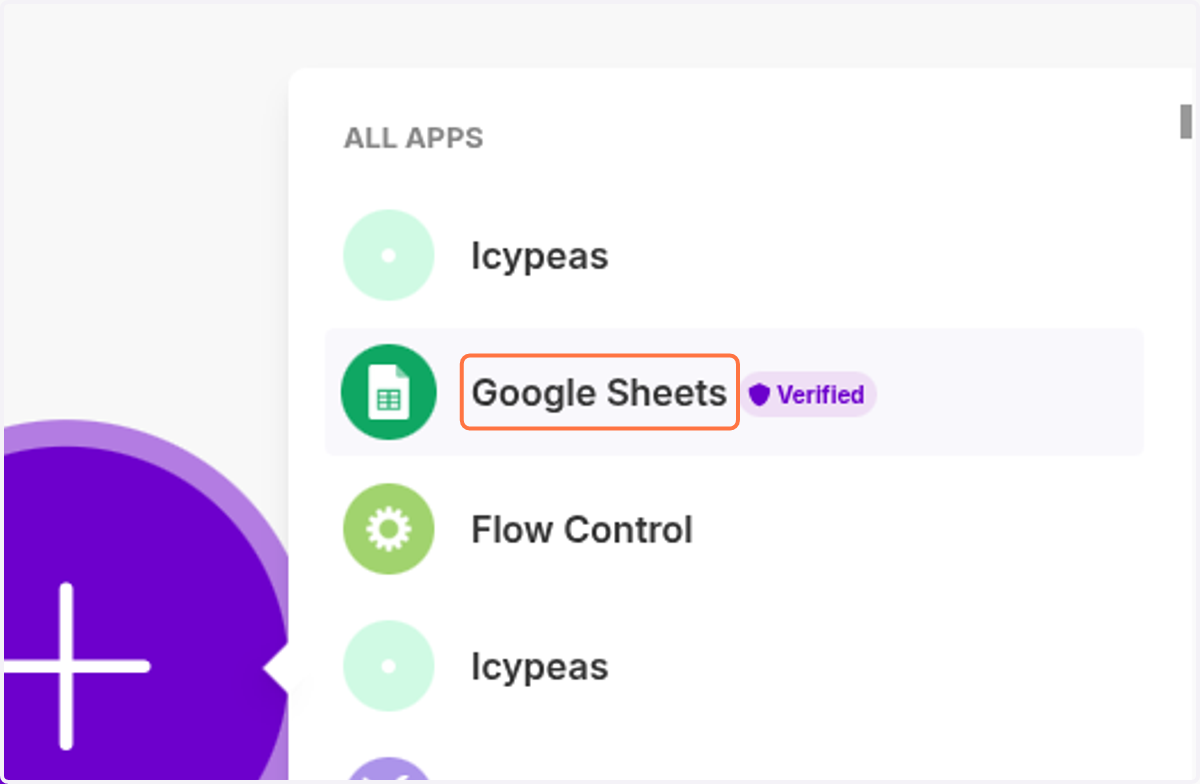
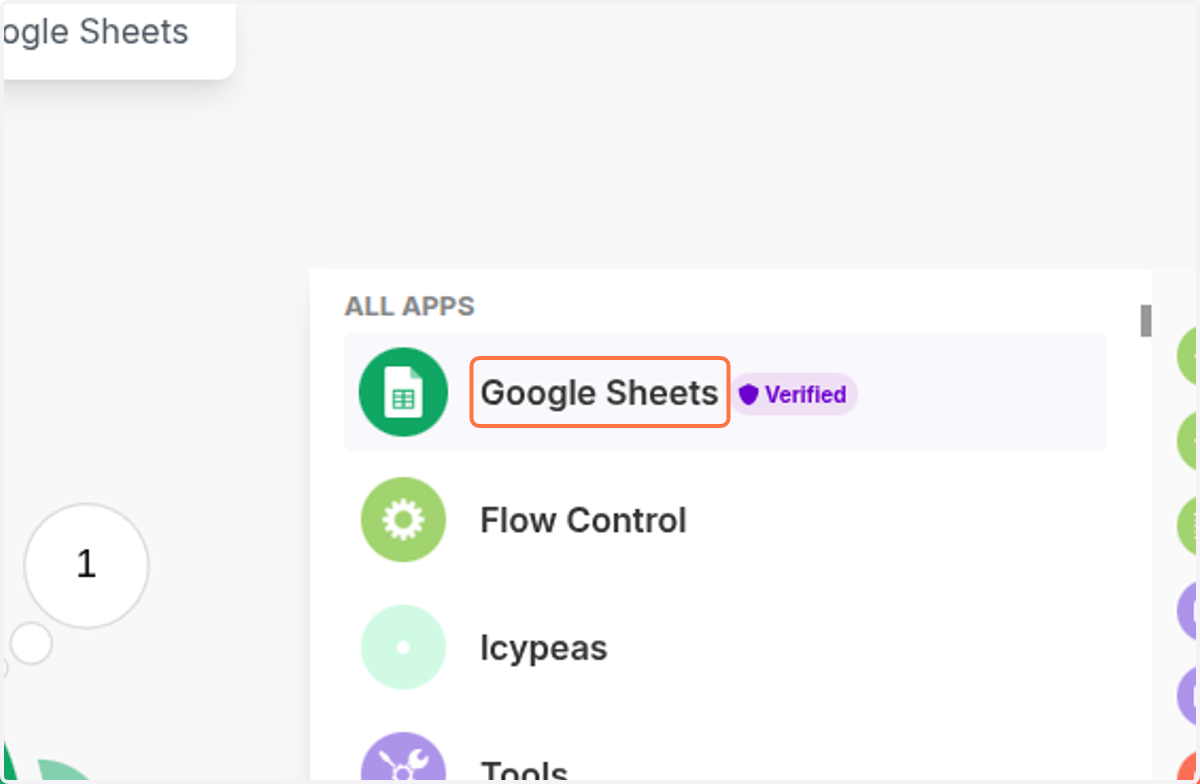
  8. 8. Click on Google Sheets

    Click on Google Sheets
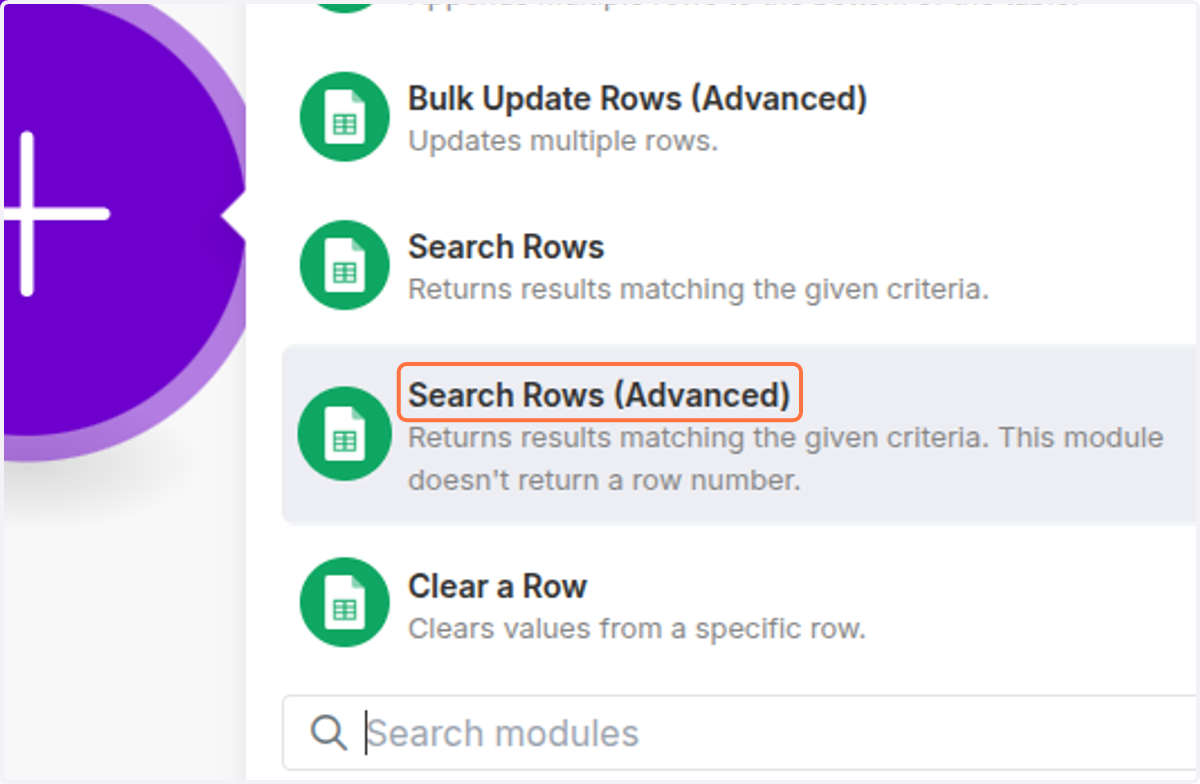
  9. 9. Click on Search Rows (Advanced)

    Click on Search Rows (Advanced)
  10. 10. Click on My Google connection (dylan.lheureux@icypeas.com)
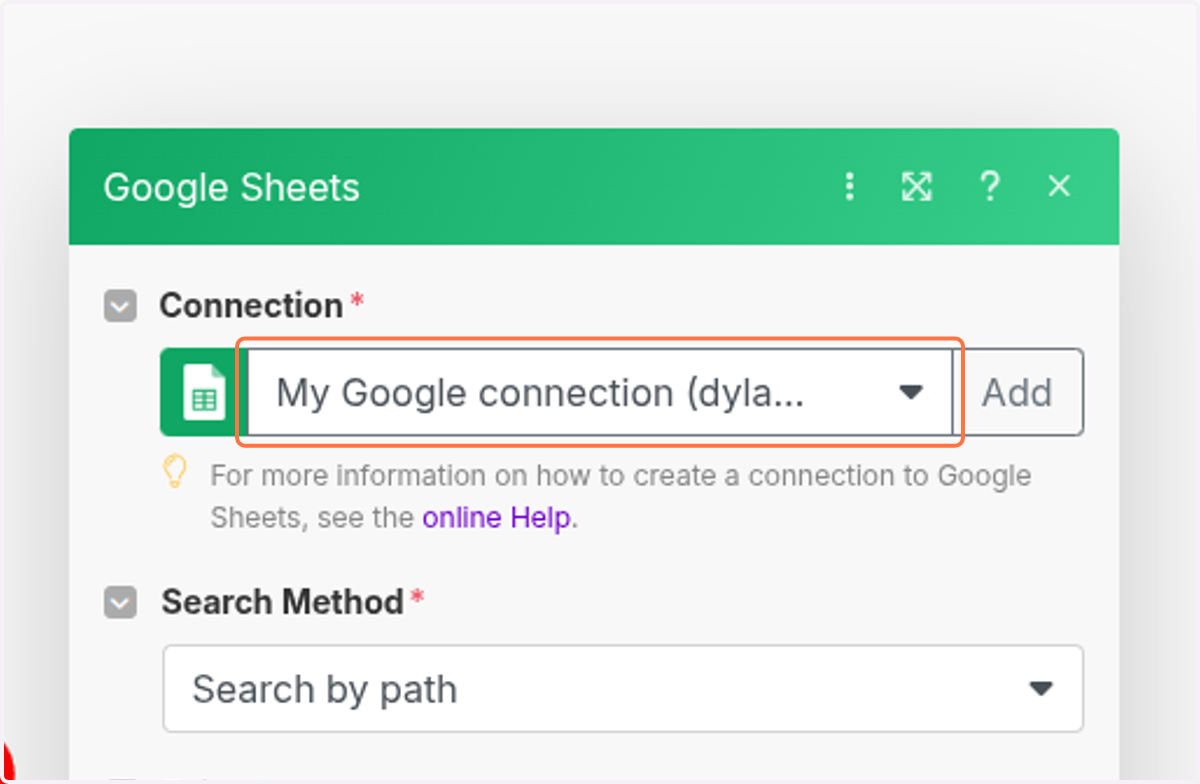
    Click on My Google connection (dylan.lheureux@icypeas.com)
  11. 11. Click on Click here to choose file
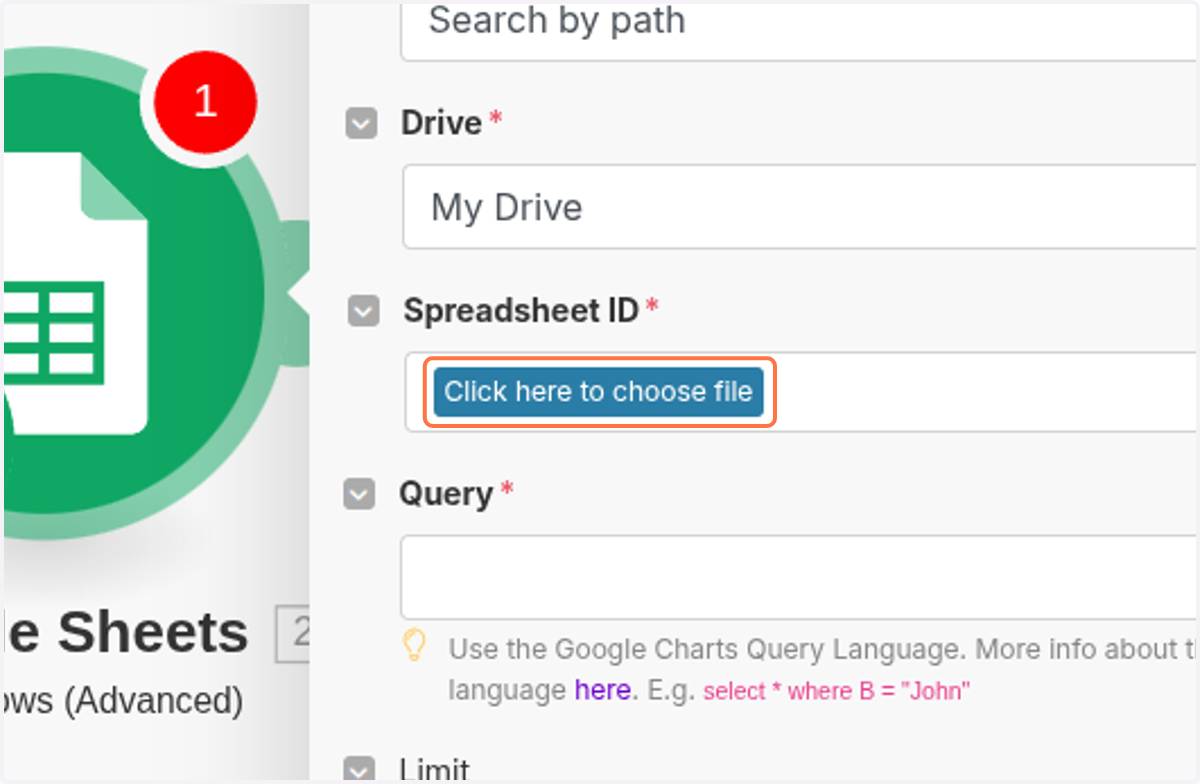
    Click on Click here to choose file
  12. 12. Click on Make Demo Find People-Icypeas
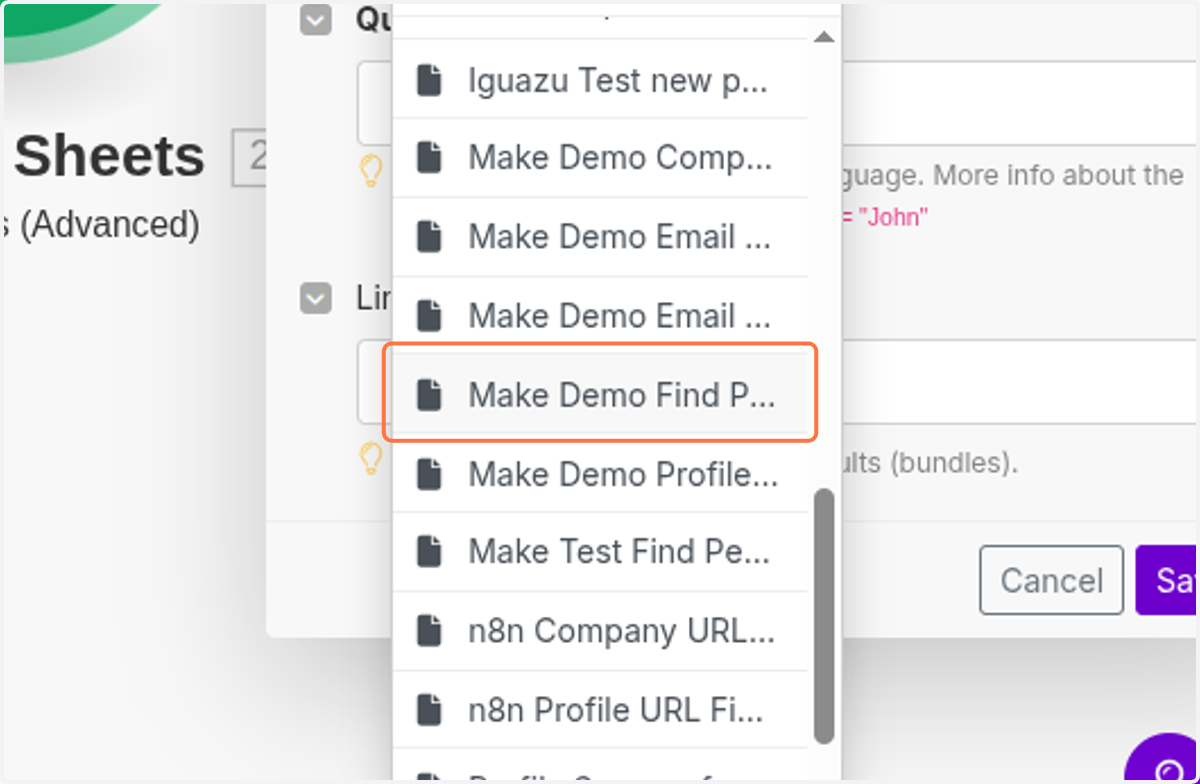
    Click on Make Demo Find People-Icypeas
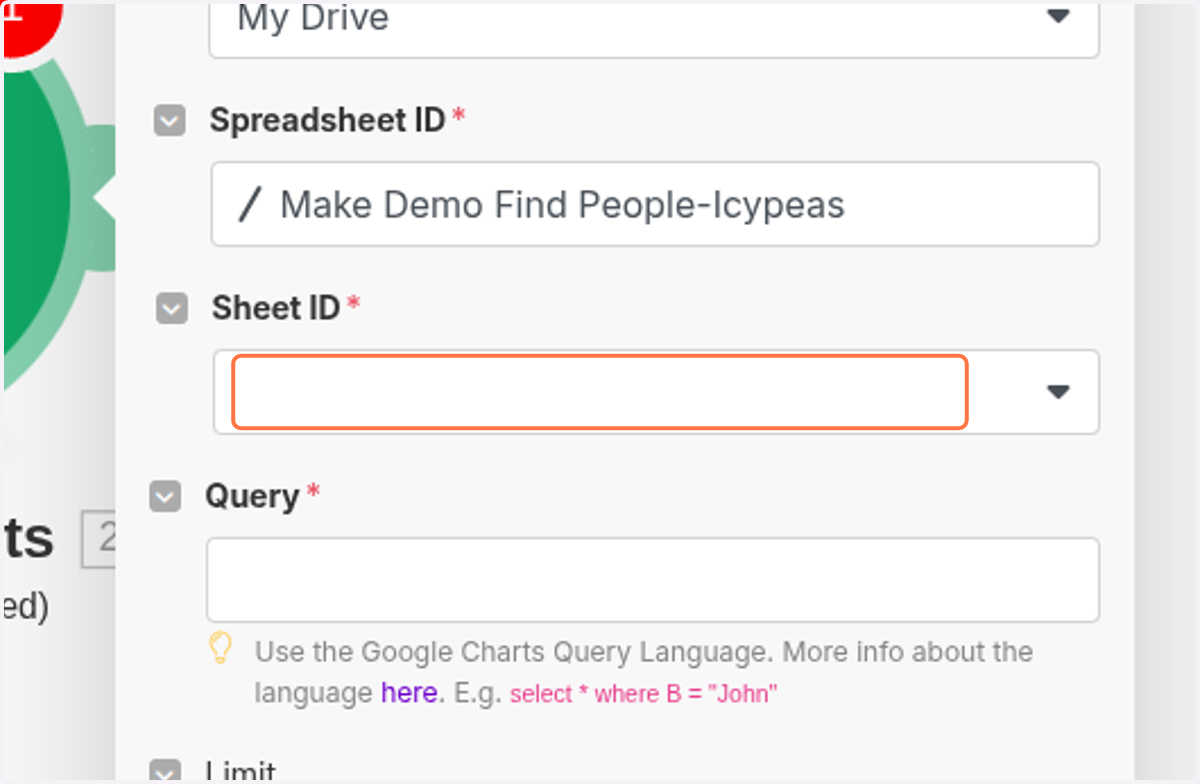
  13. 13. Click on highlight

    Click on highlight
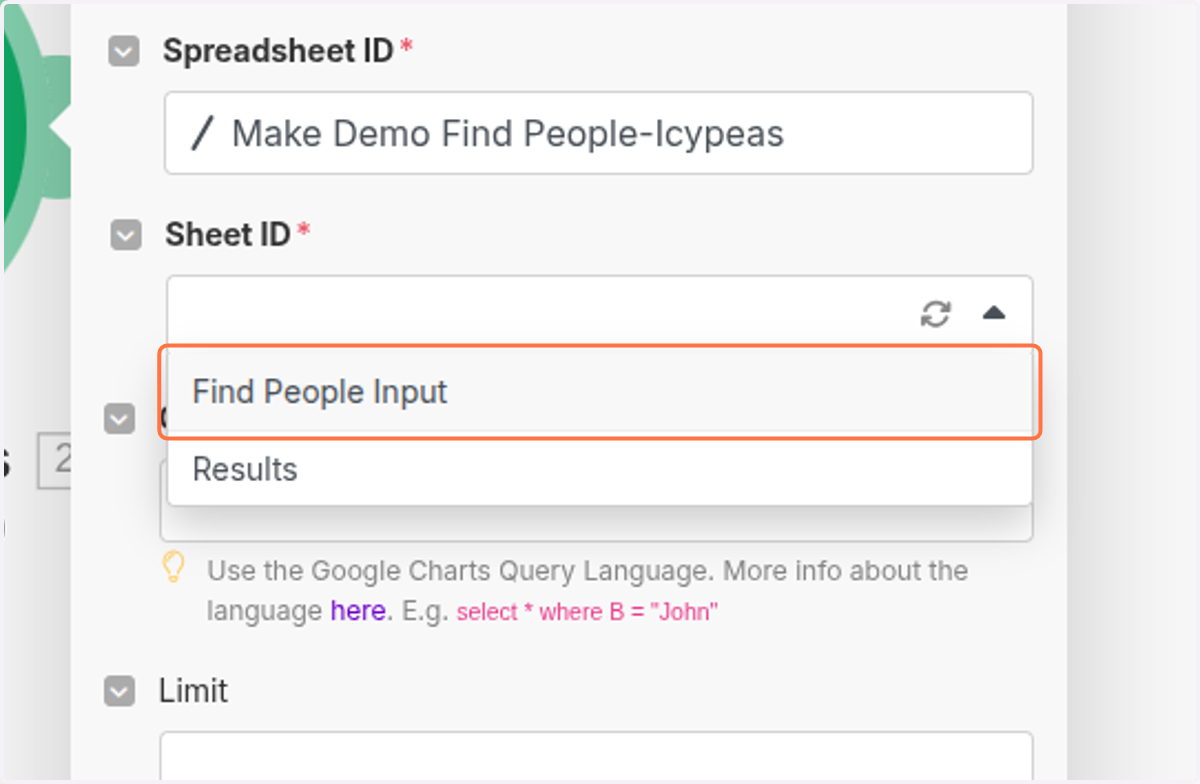
  14. 14. Click on Find People Input

    Click on Find People Input
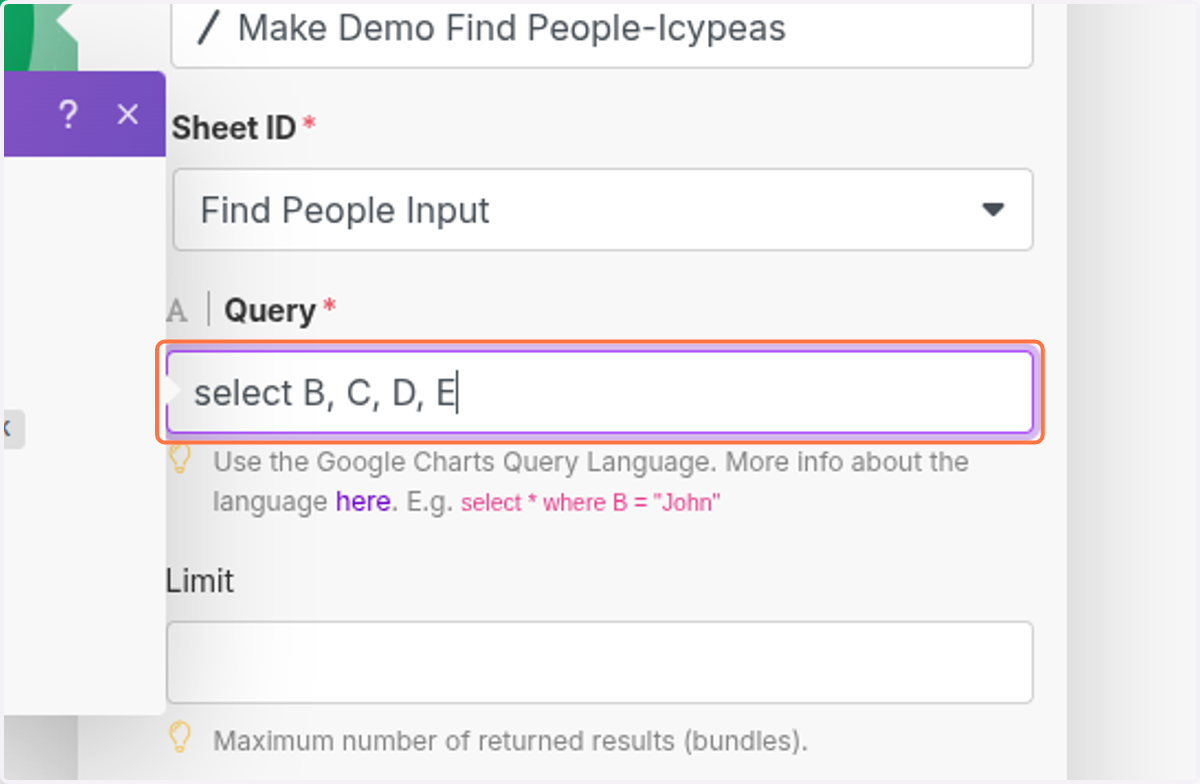
  15. 15. Click on select B, C, D, E

    Click on select B, C, D, E
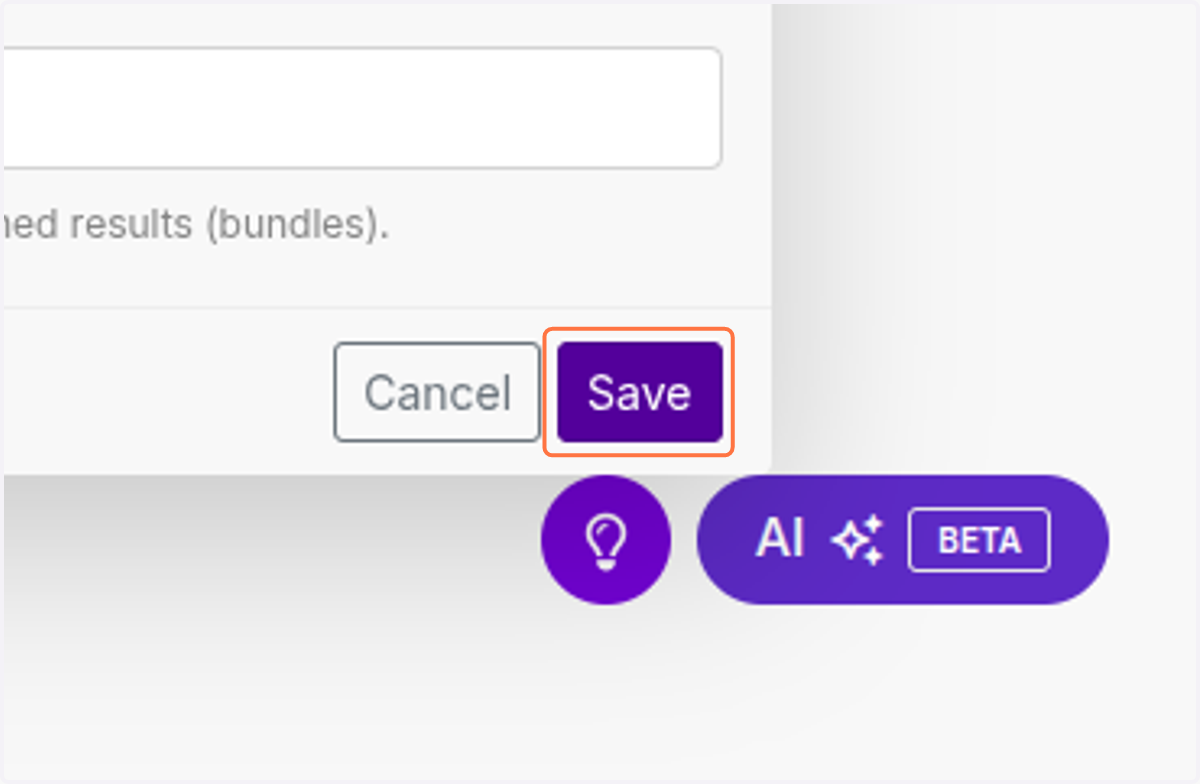
  16. 16. Click on Save

    Click on Save
  17. 17. Click on Click to expandIntegration Google Sheets…
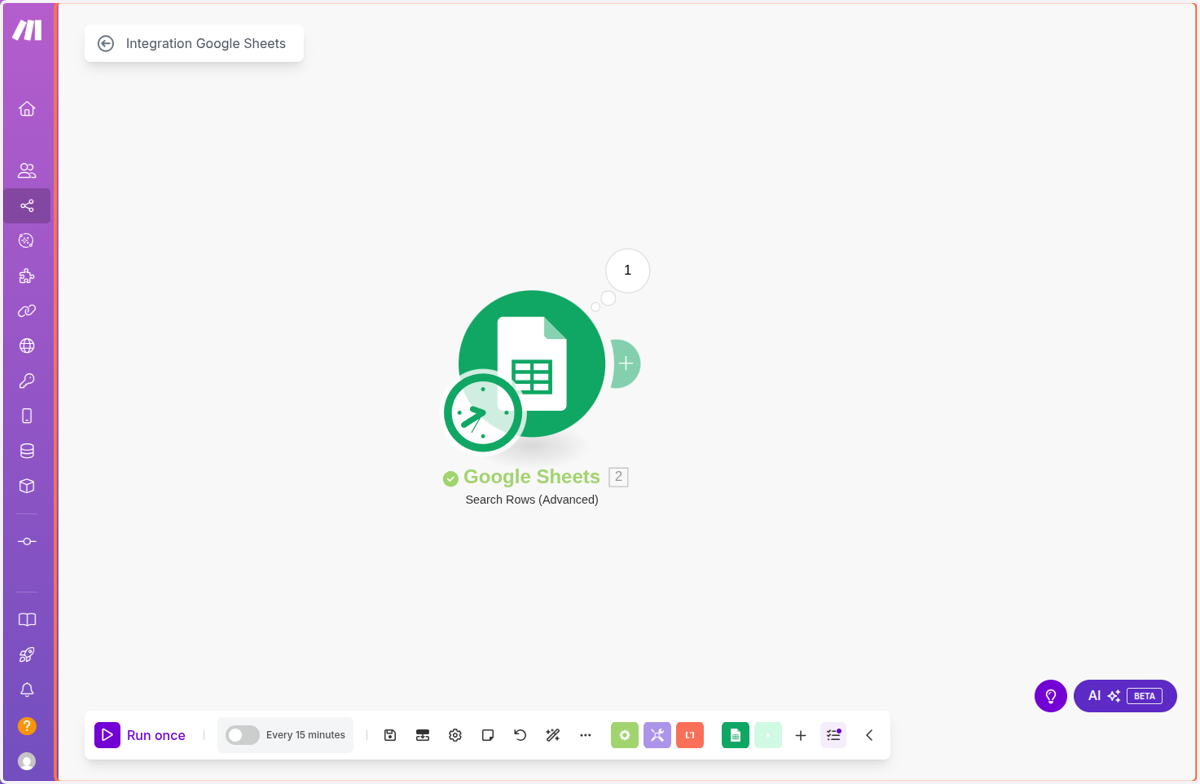
    Click on Click to expandIntegration Google Sheets…
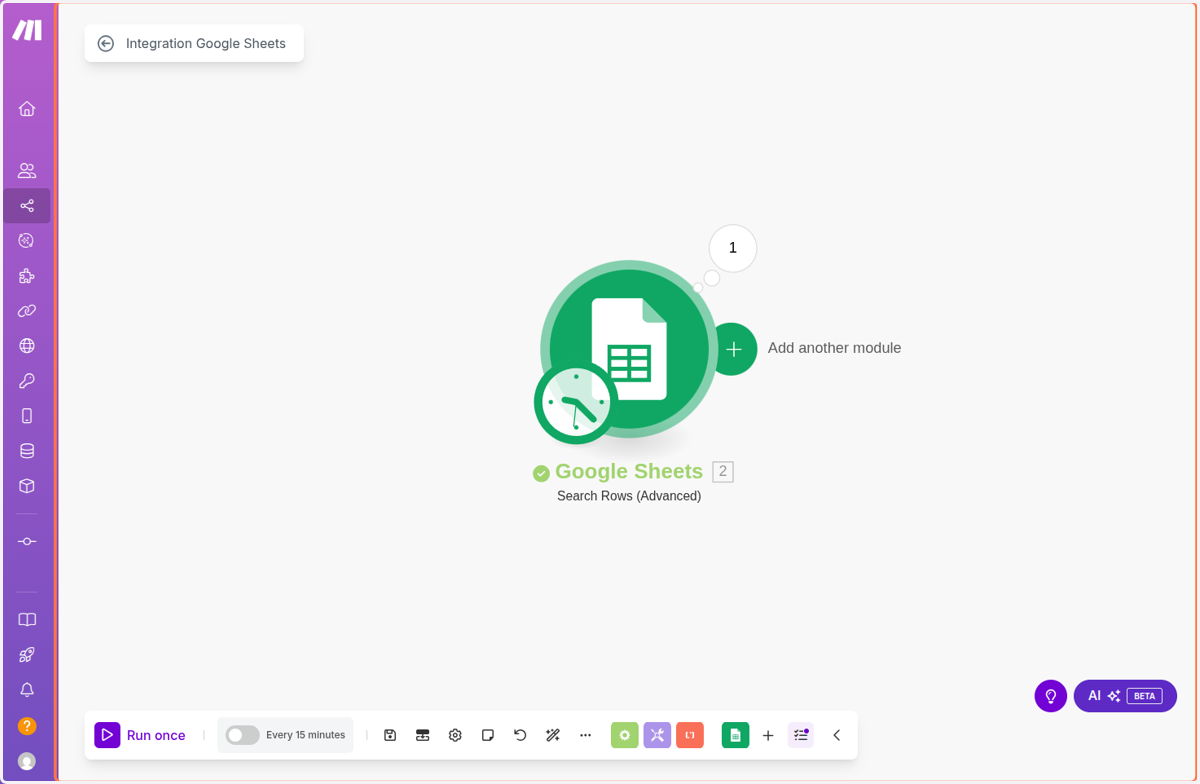
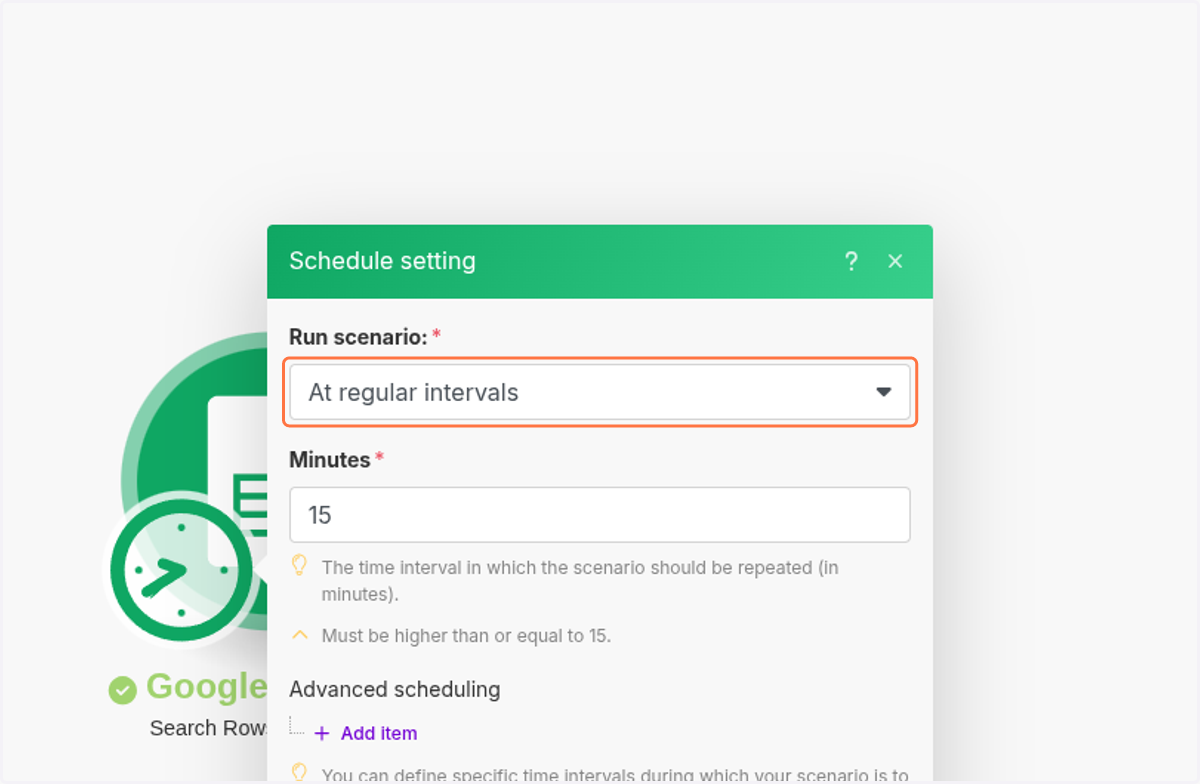
  18. 18. Click on At regular intervals

    Click on At regular intervals
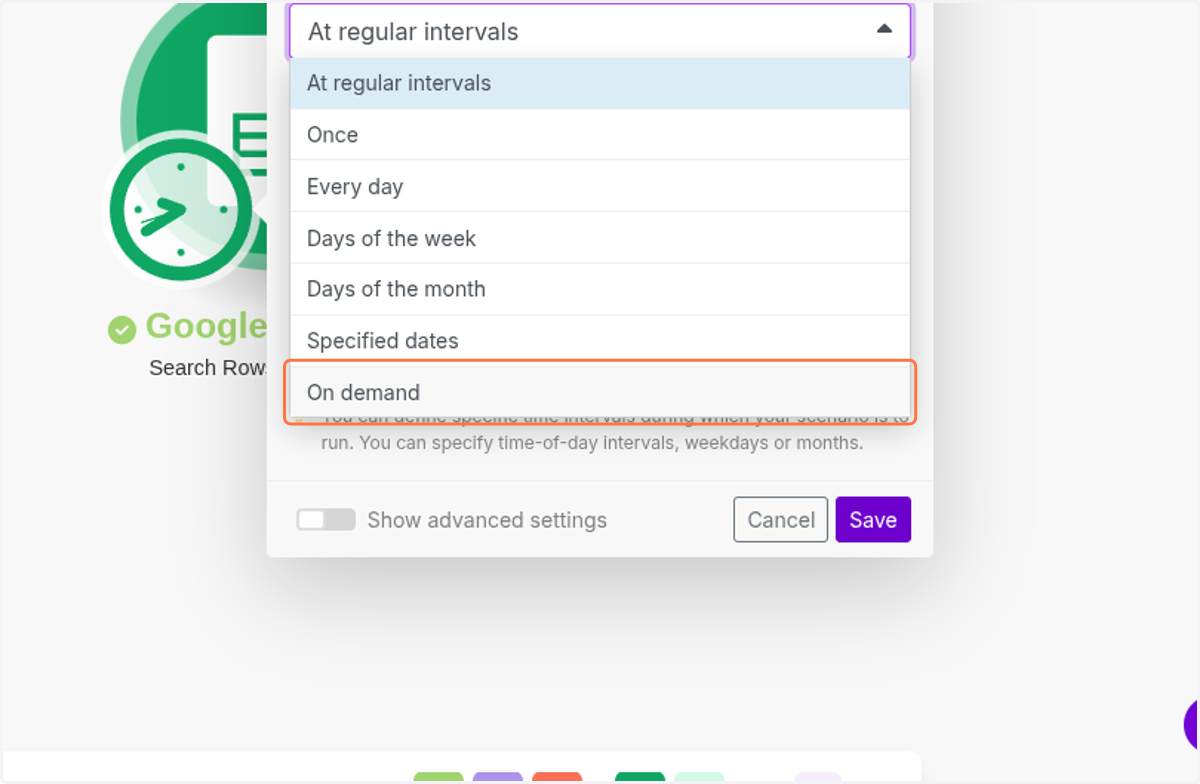
  19. 19. Click on On demand

    Click on On demand
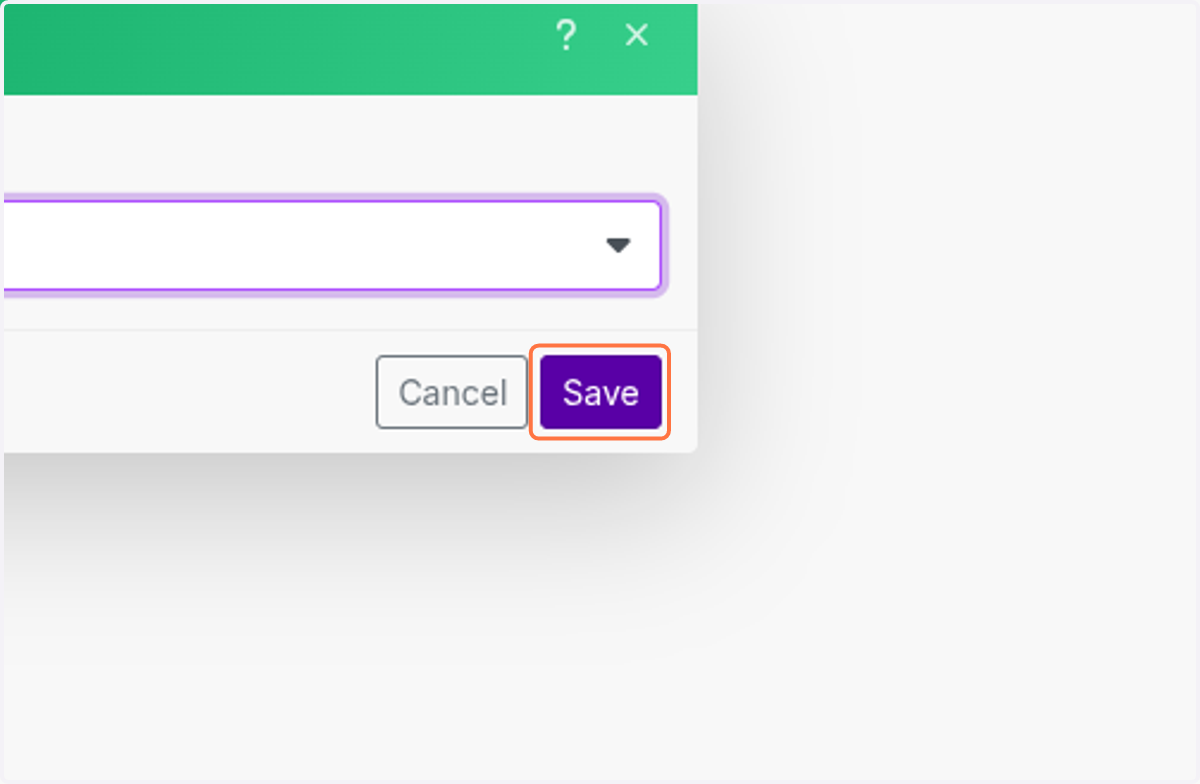
  20. 20. Click on Save

    Click on Save
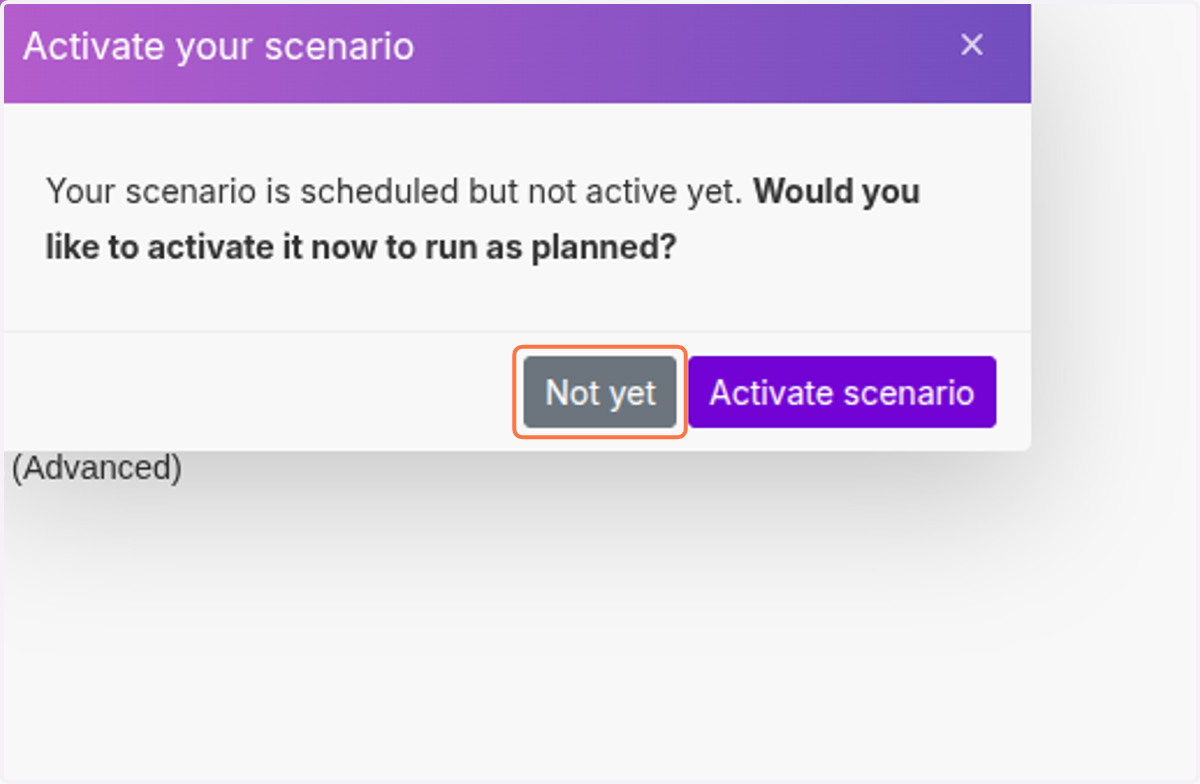
  21. 21. Click on Not yet

    Click on Not yet
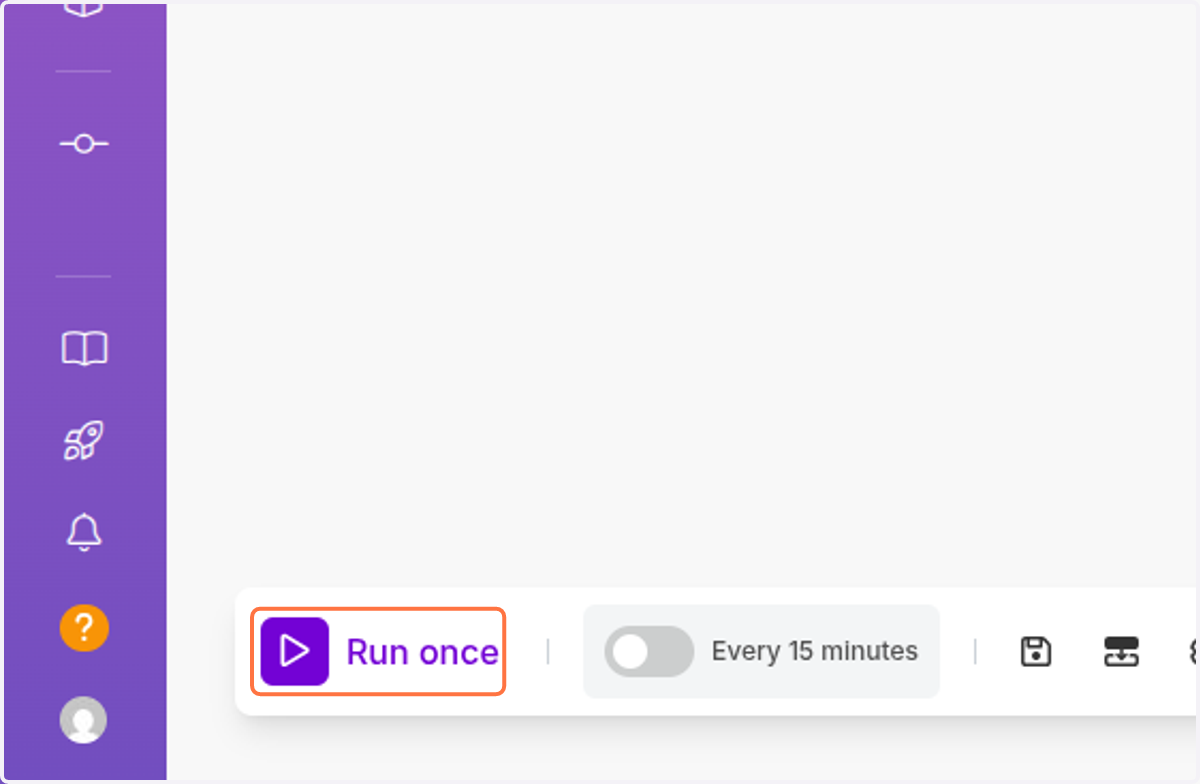
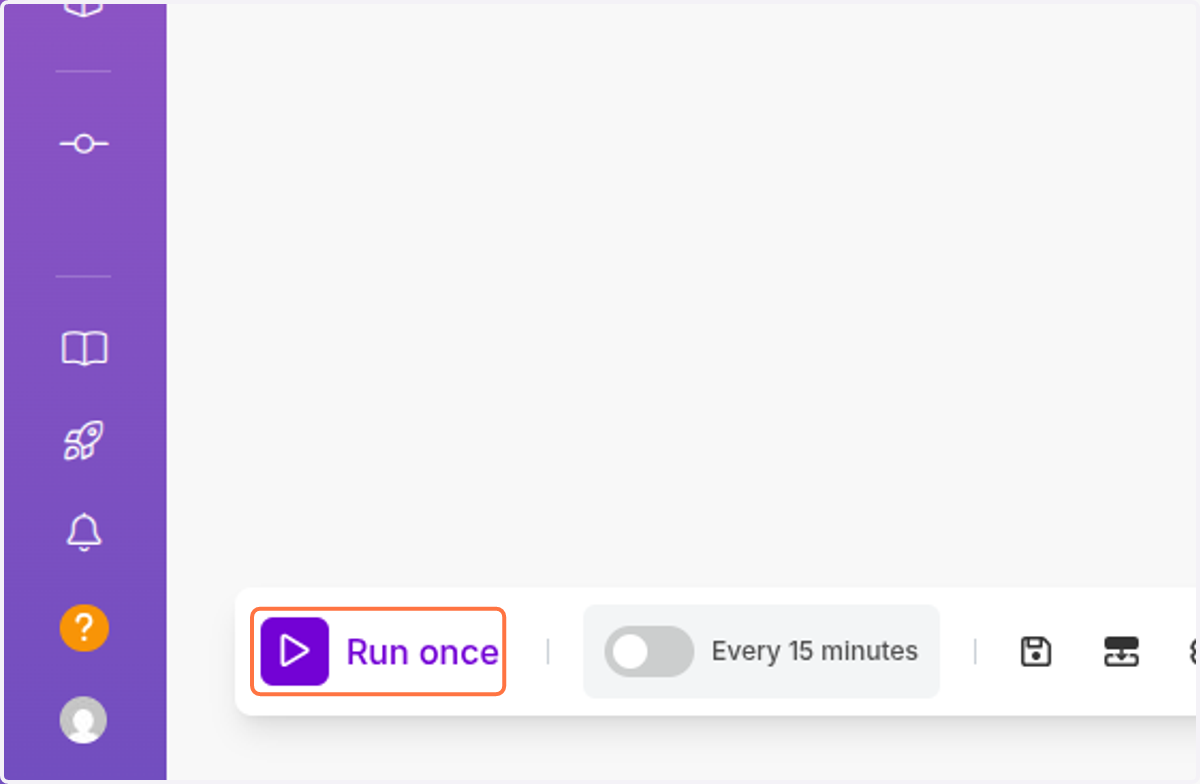
  22. 22. Click on Run once

    Click on Run once
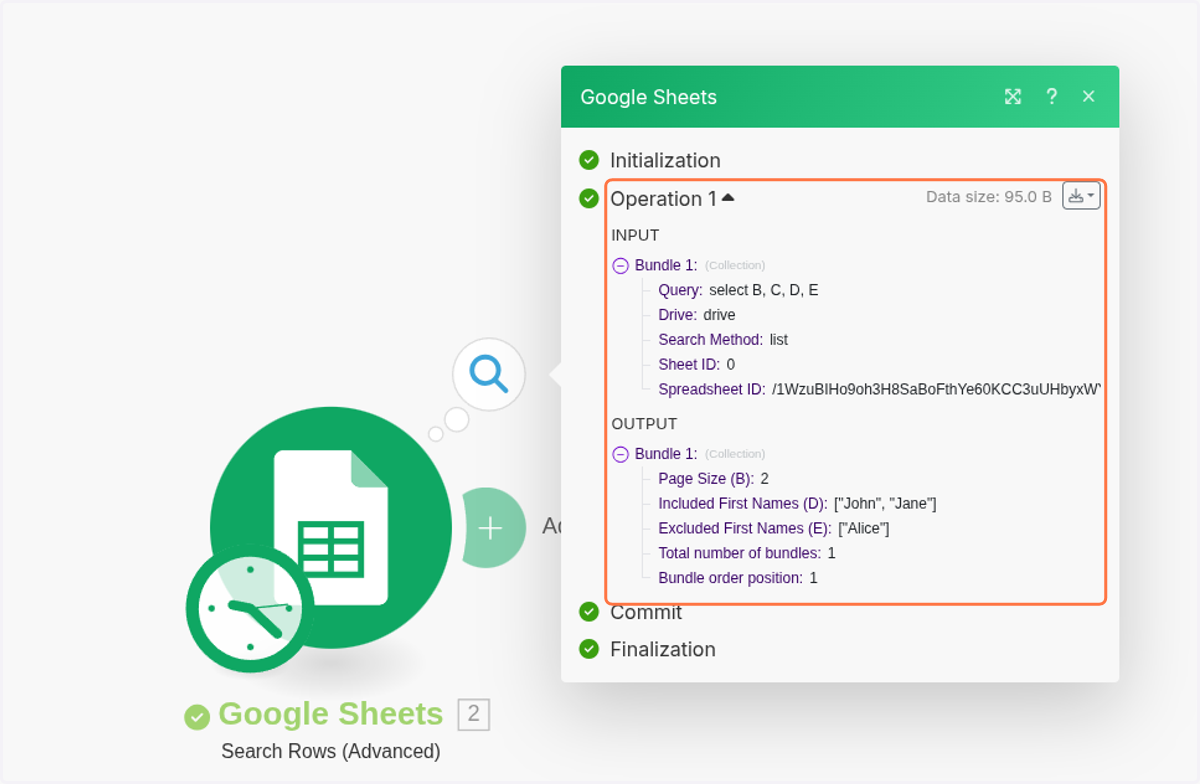
  23. 23. Click on Data size: 95.0 B…

    Click on Data size: 95.0 B…
  24. 24. Click on Click to expandIntegration Google Sheets…

    Click on Click to expandIntegration Google Sheets…
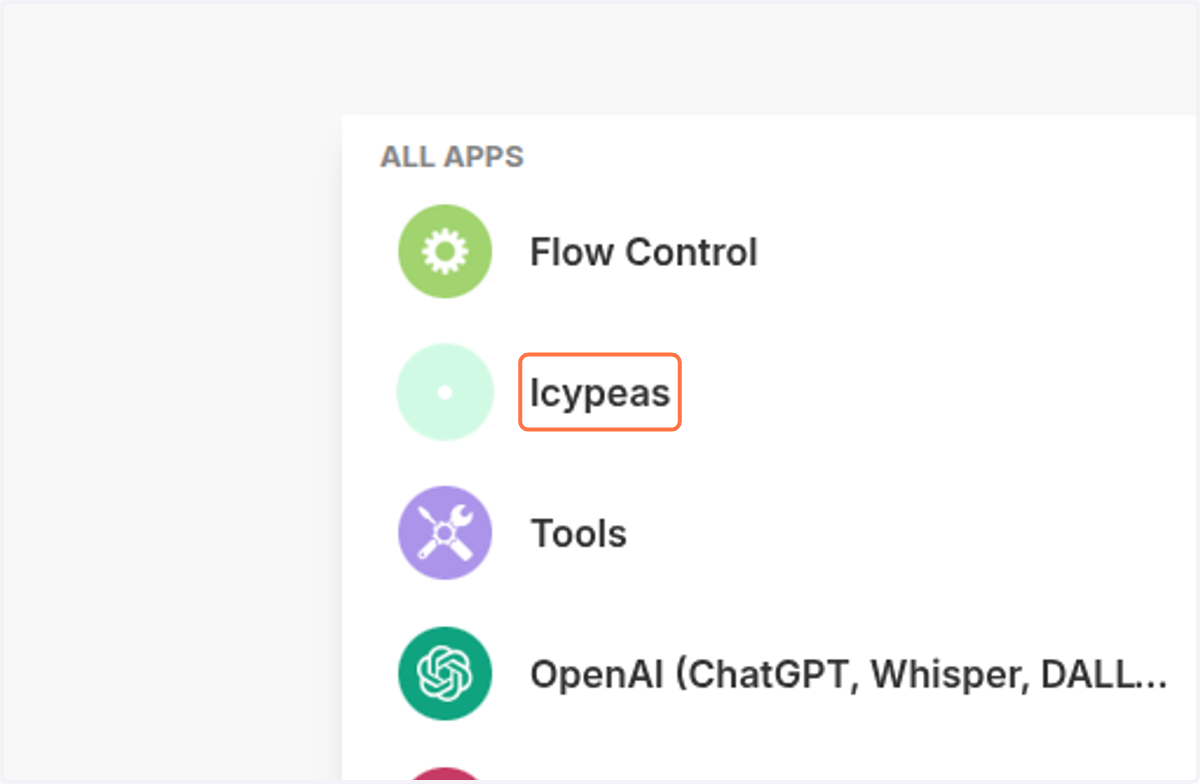
  25. 25. Click on Icypeas

    Click on Icypeas
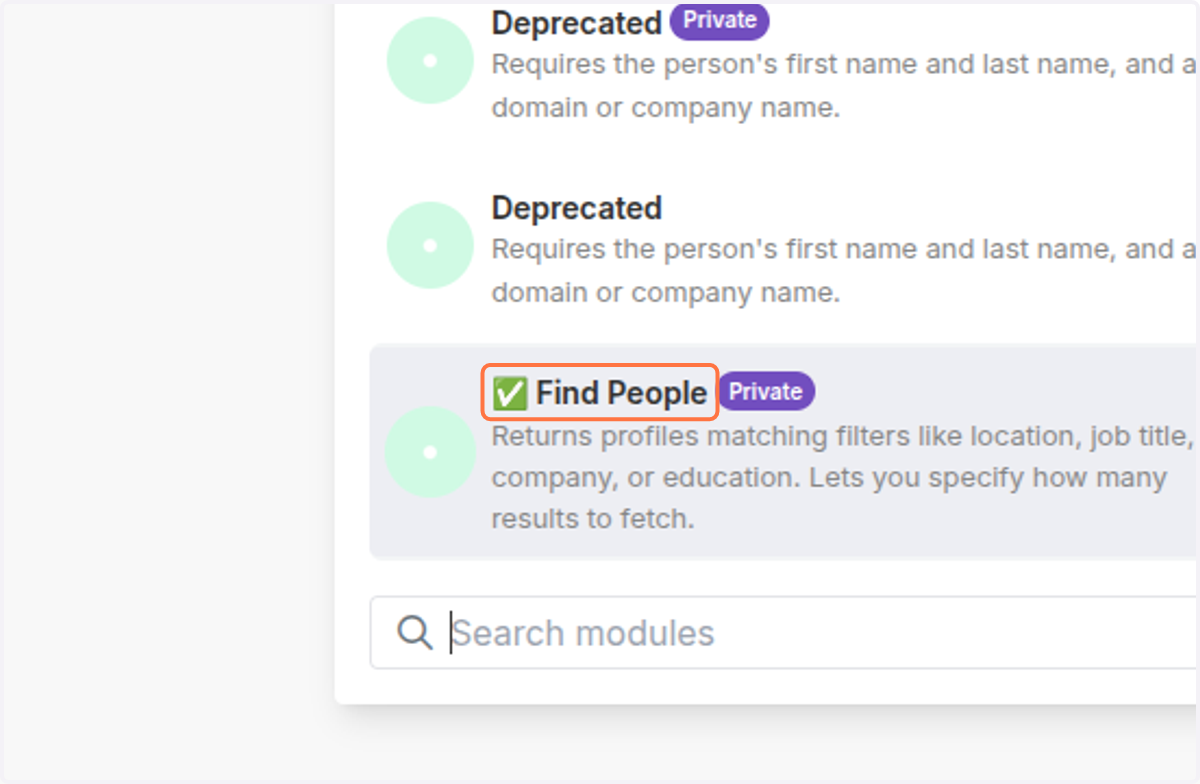
  26. 26. Click on ✅ Find People

    Click on ✅ Find People
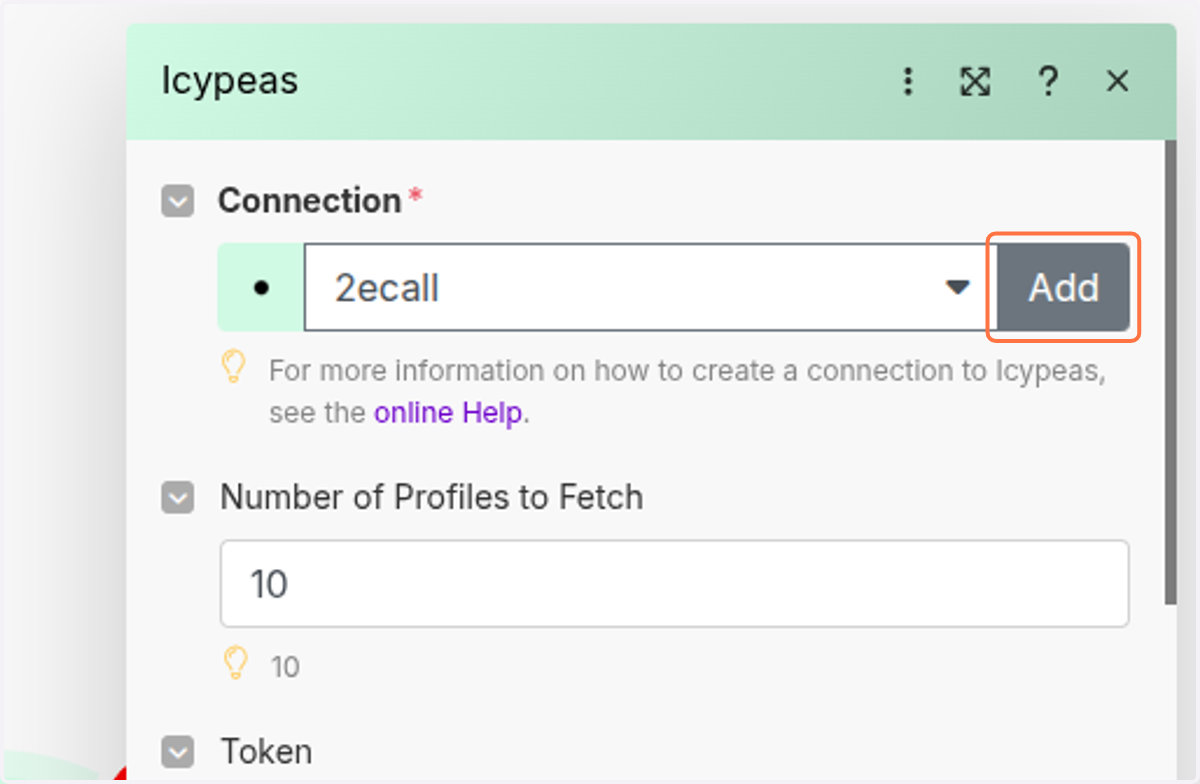
  27. 27. Click on Add

    Click on Add
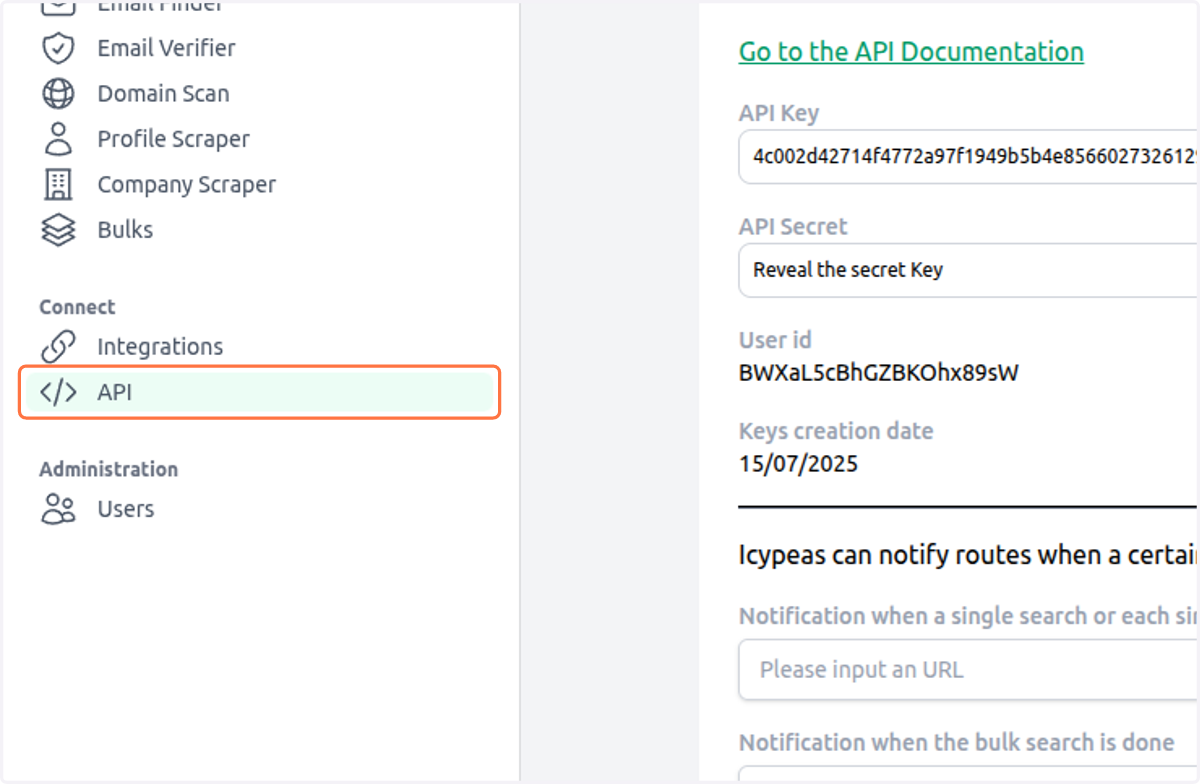
  28. 28. Click on API

    Click on API
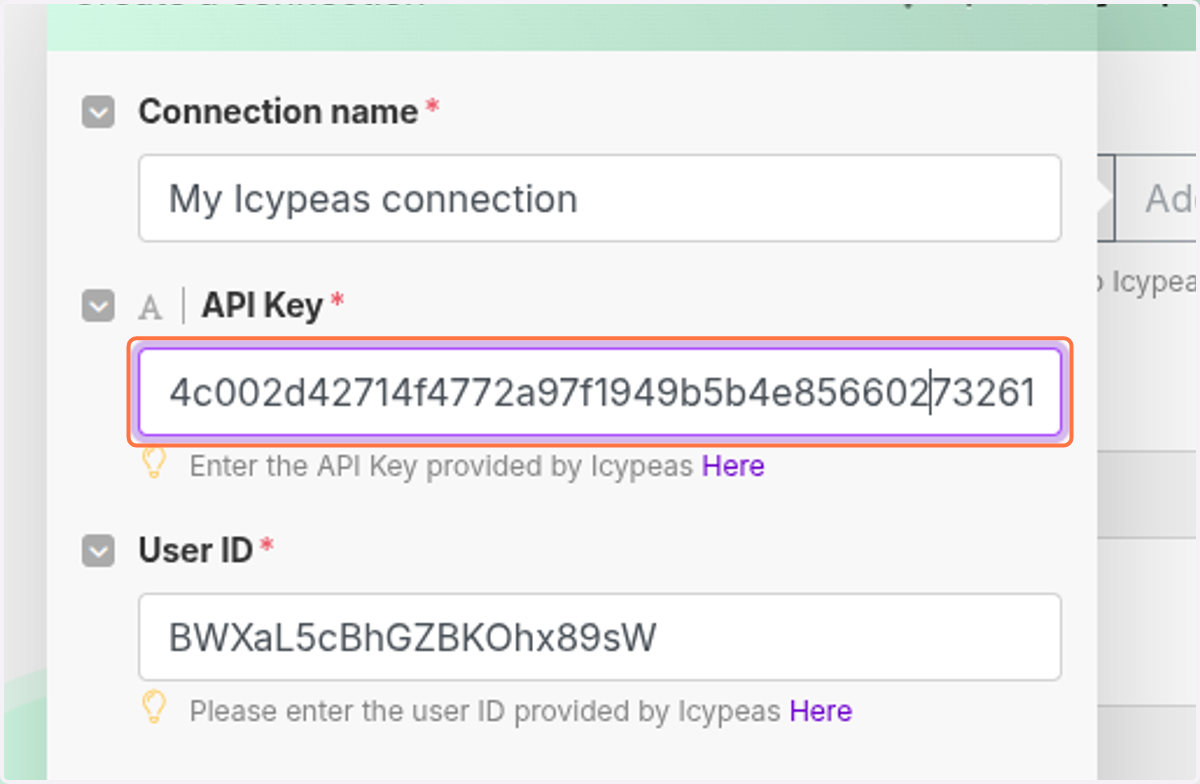
  29. 29. Click on 4c002d42714f4772a97f1949b5b4e85660273261297d42939b4634029147e072
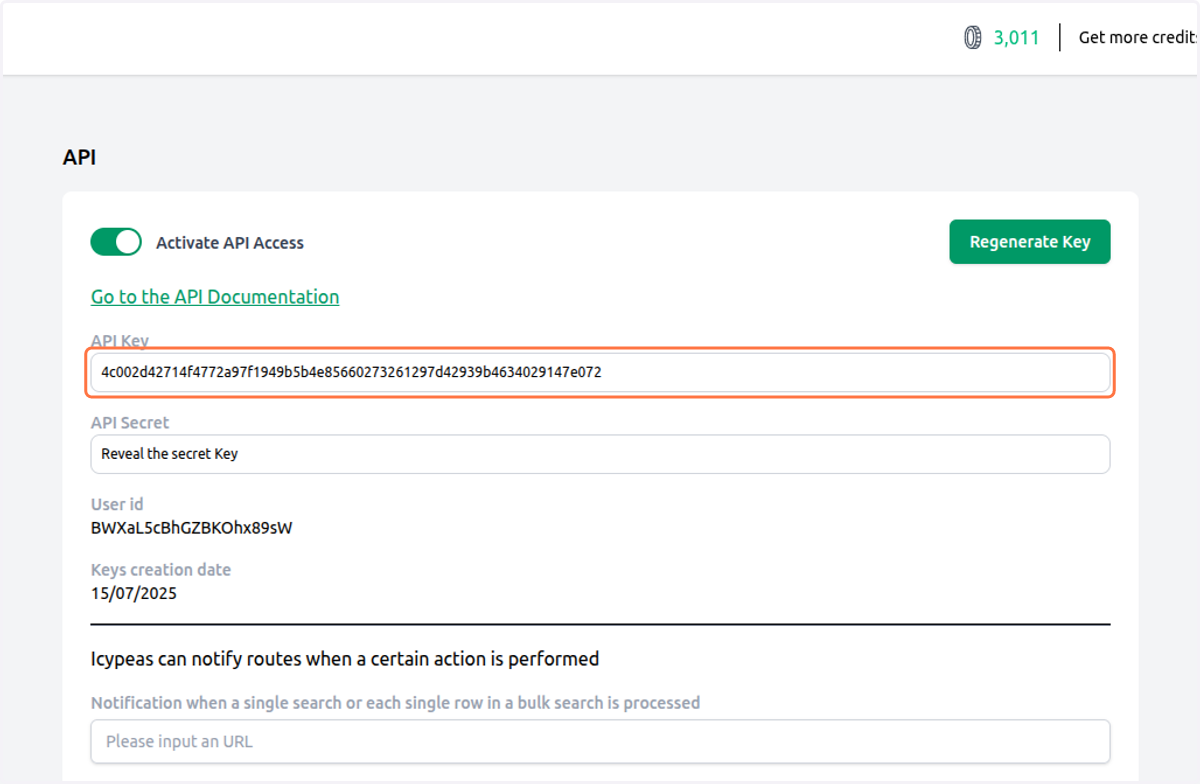
    Click on 4c002d42714f4772a97f1949b5b4e85660273261297d42939b4634029147e072
  30. 30. Click on API Key

    Click on API Key
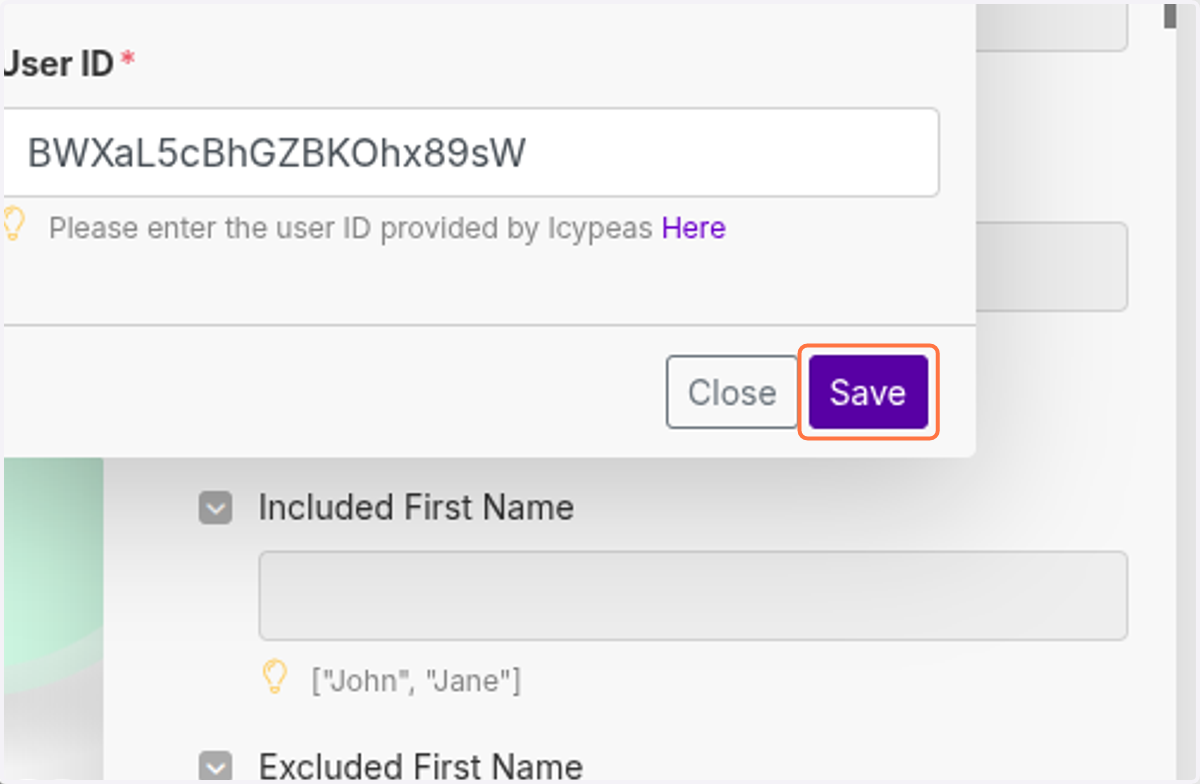
  31. 31. Click on Save

    Click on Save
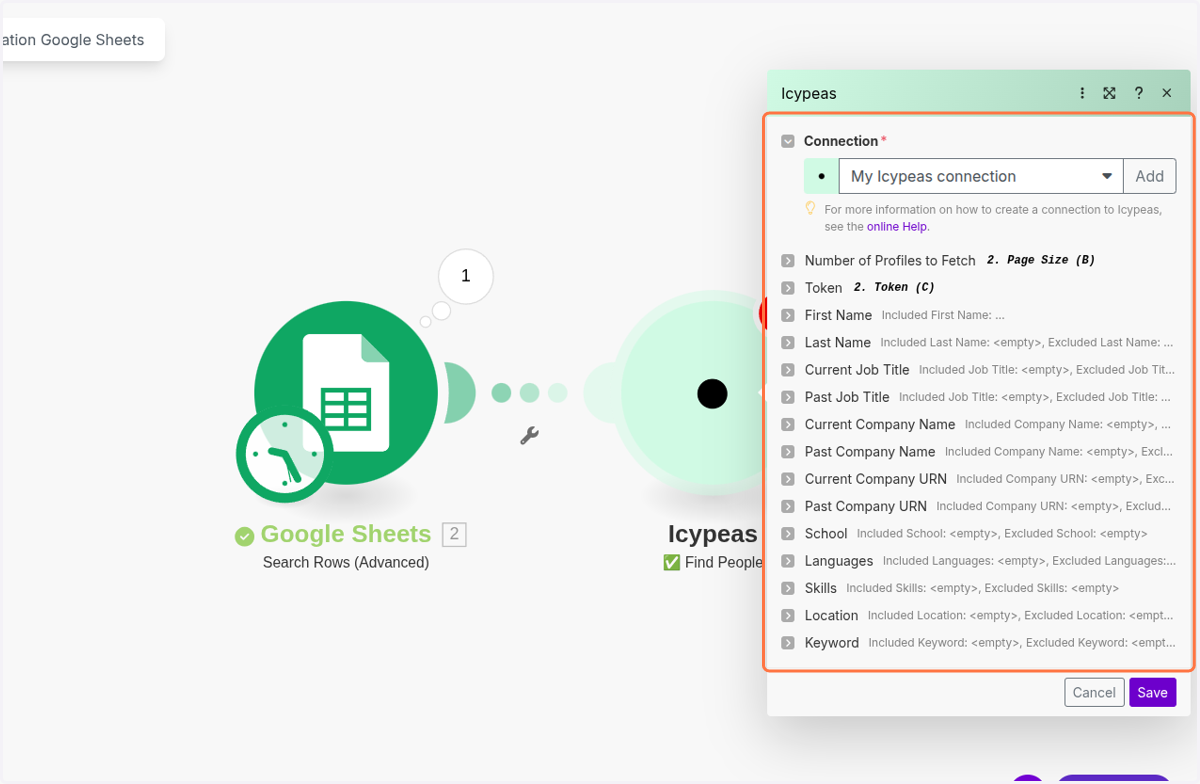
  32. 32. Click on Number of Profiles to Fetch
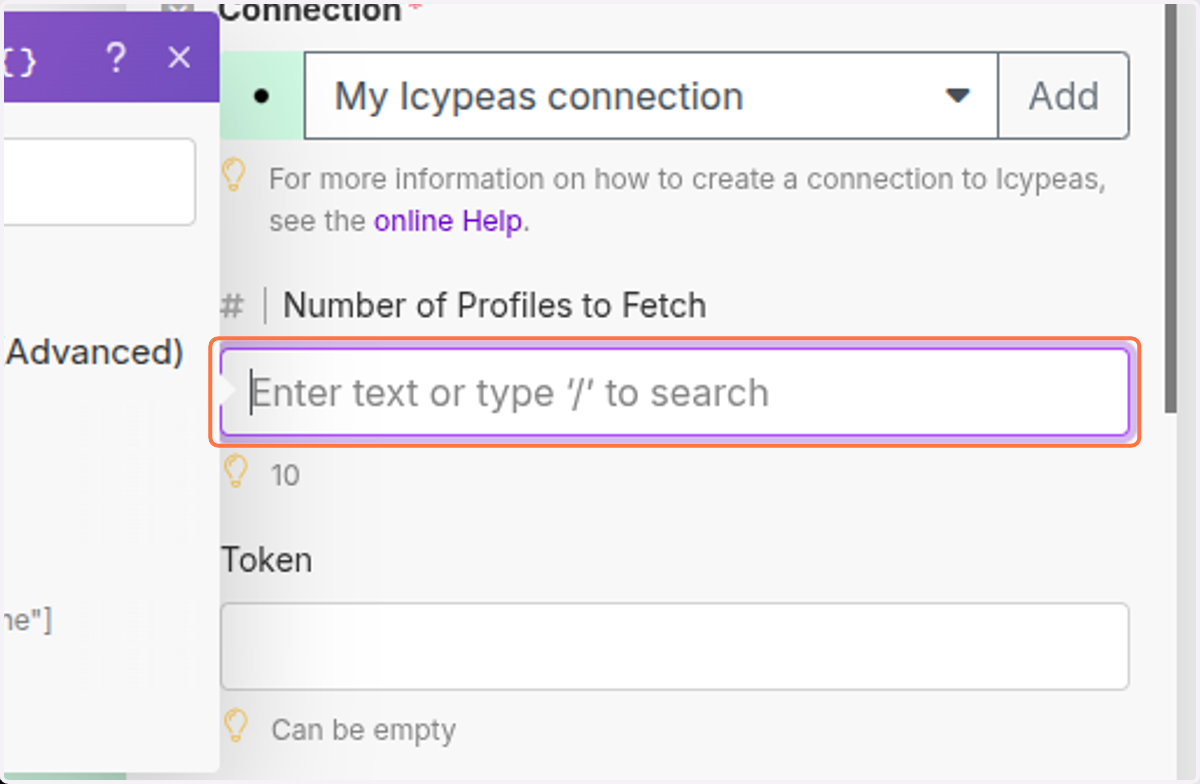
    Click on Number of Profiles to Fetch
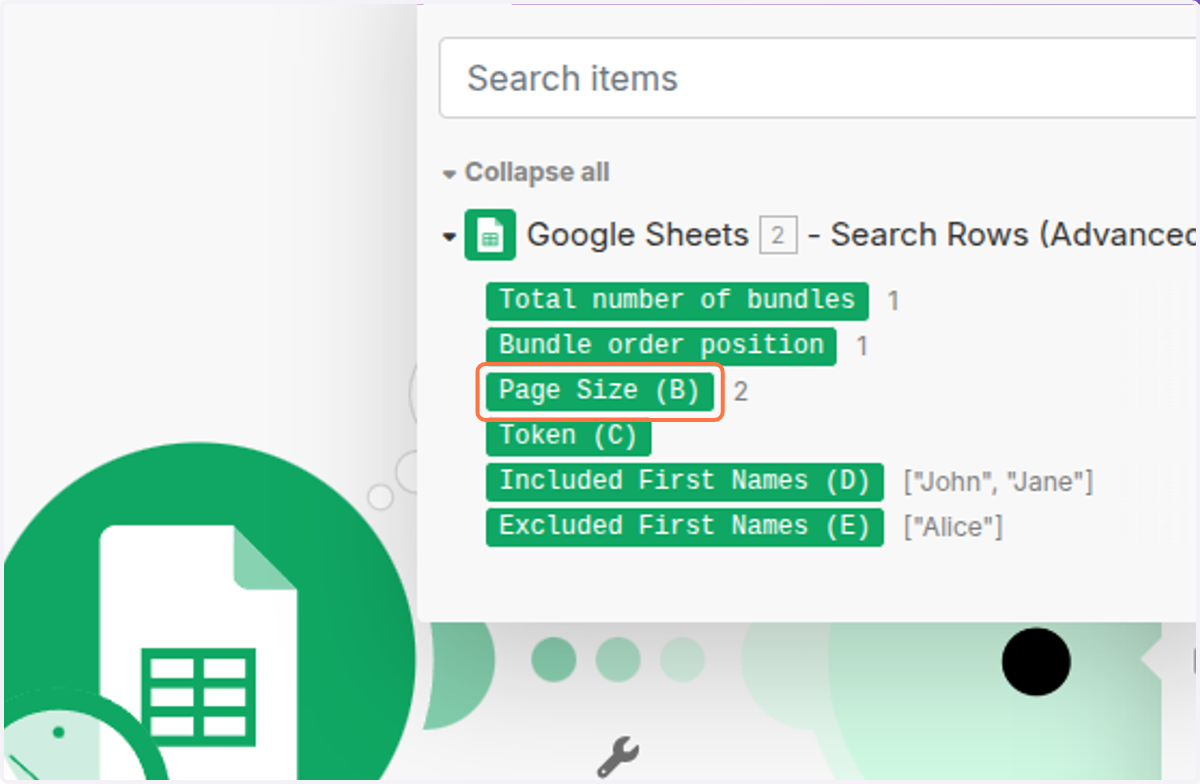
  33. 33. Click on Page Size (B)

    Click on Page Size (B)
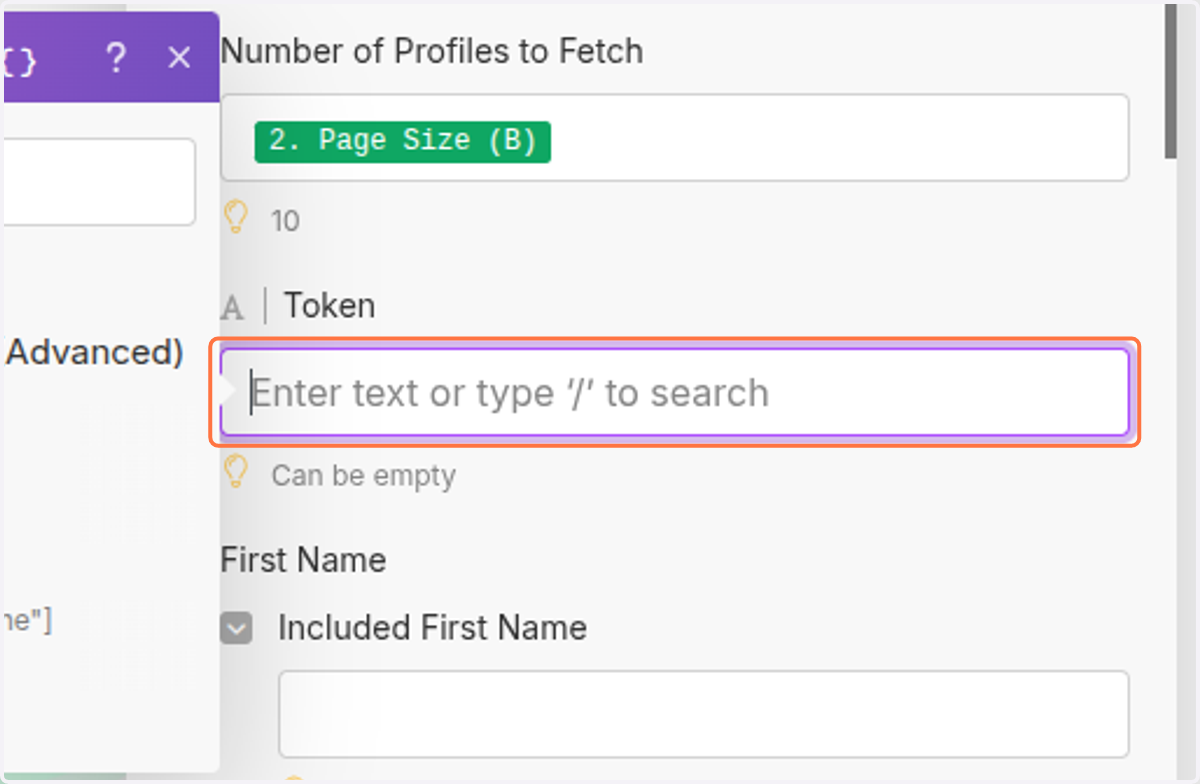
  34. 34. Click on Token…

    Click on Token…
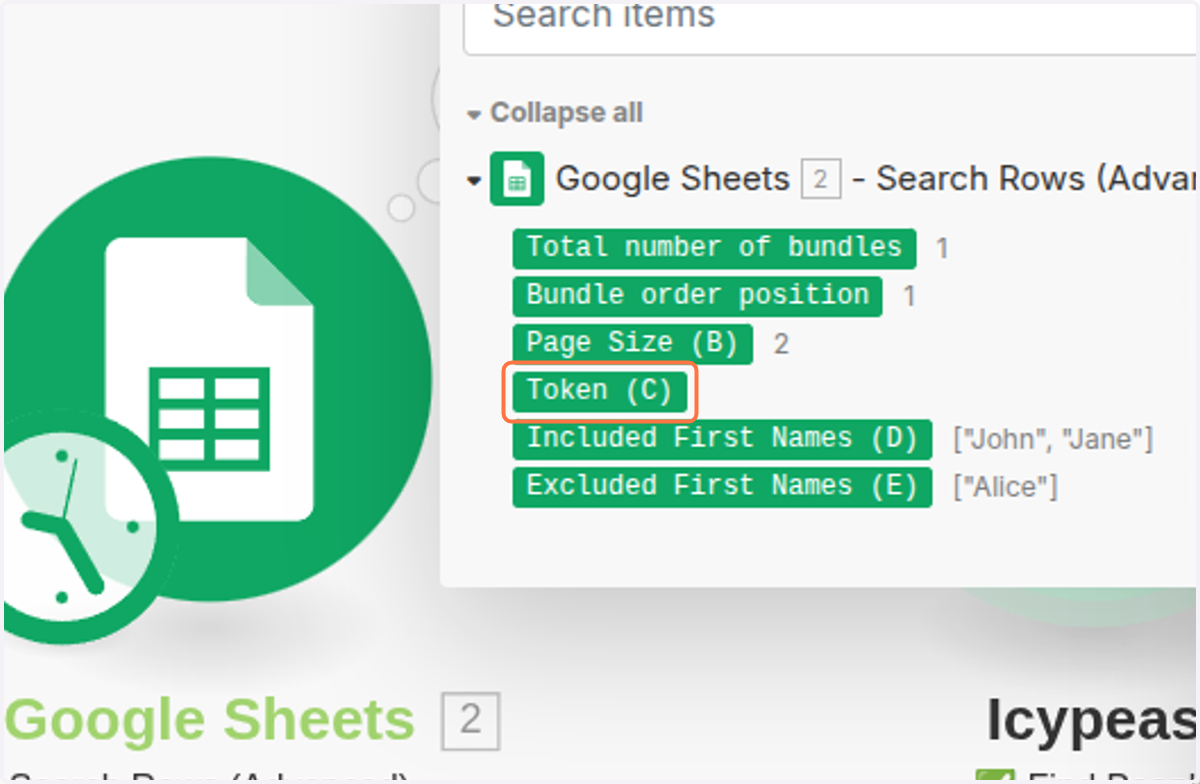
  35. 35. Click on Token (C)

    Click on Token (C)
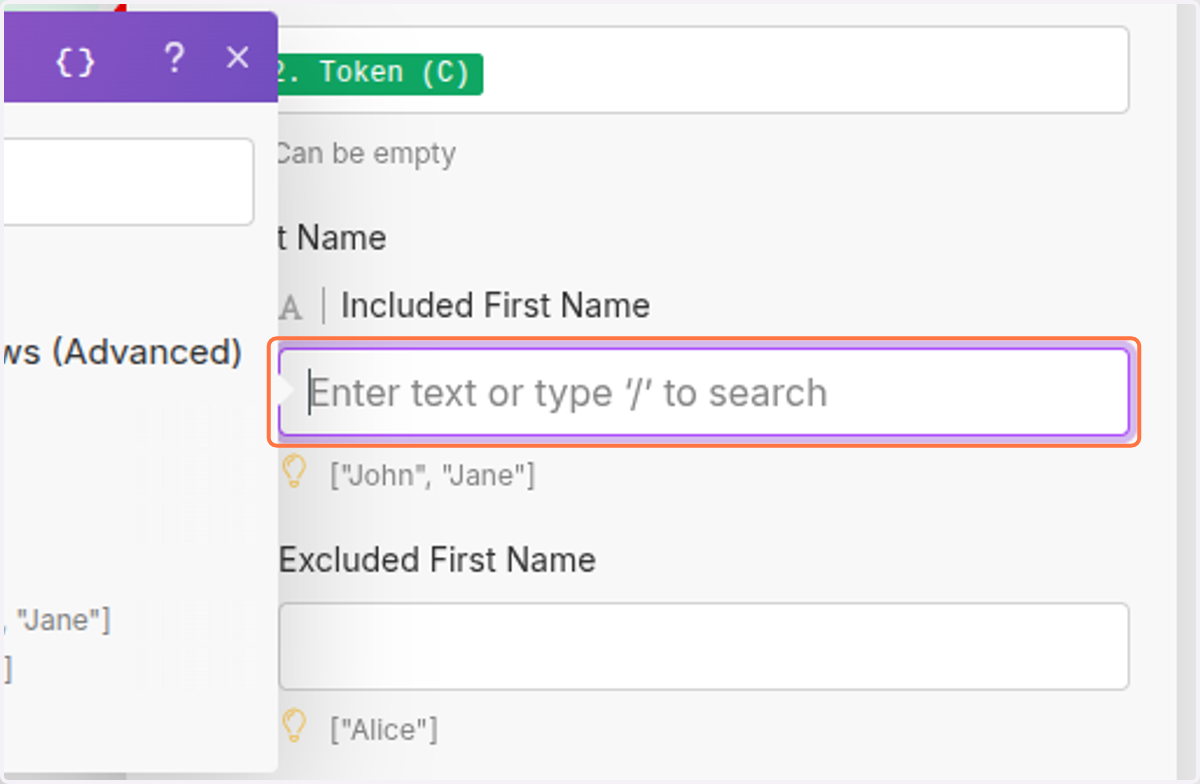
  36. 36. Click on Included First Name…

    Click on Included First Name…
  37. 37. Click on Included First Names (D)
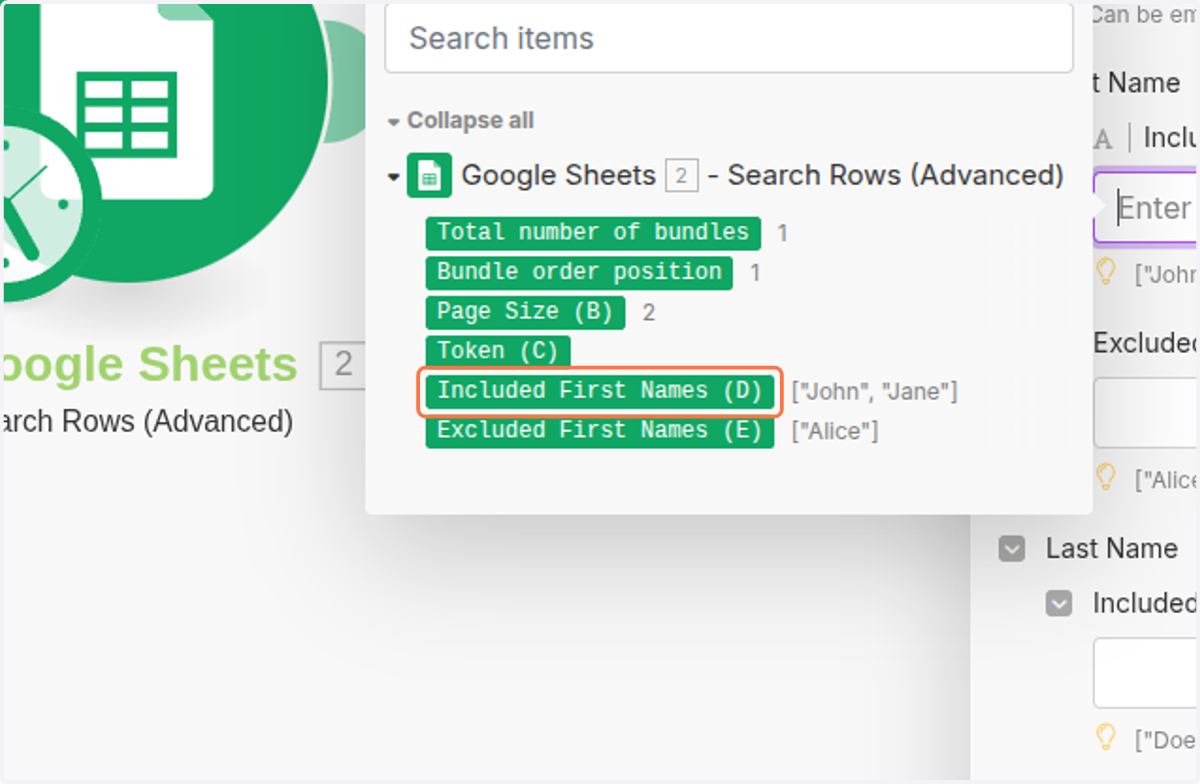
    Click on Included First Names (D)
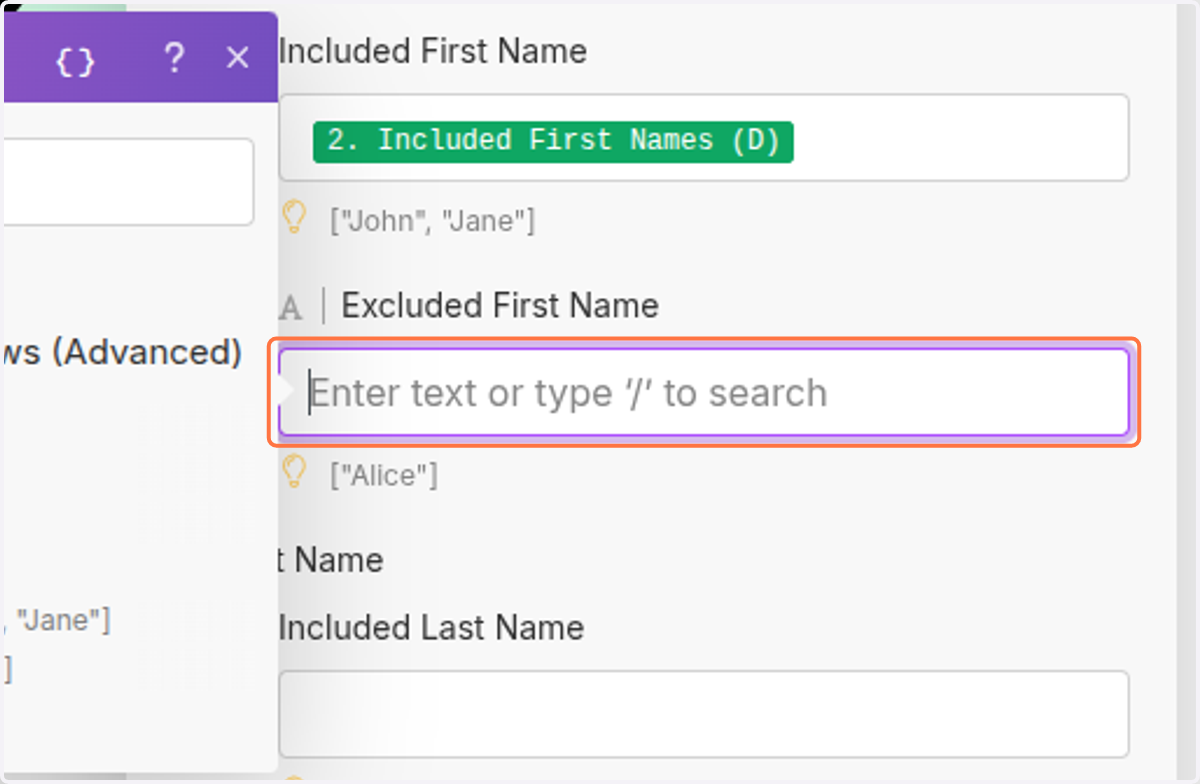
  38. 38. Click on Excluded First Name…

    Click on Excluded First Name…
  39. 39. Click on Excluded First Names (E)
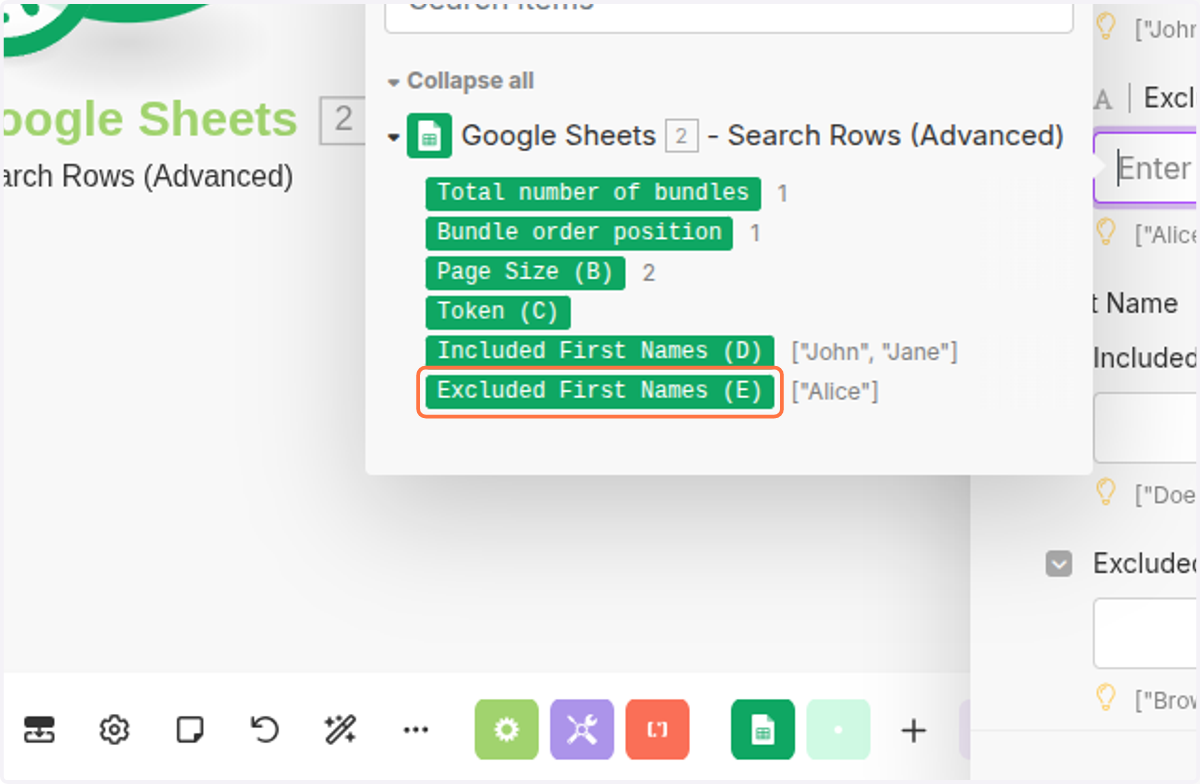
    Click on Excluded First Names (E)
  40. 40. Click on Connection*…

    Click on Connection*…
  41. 41. Click on Save

    Click on Save
  42. 42. Click on Click to expandIntegration Google Sheets…
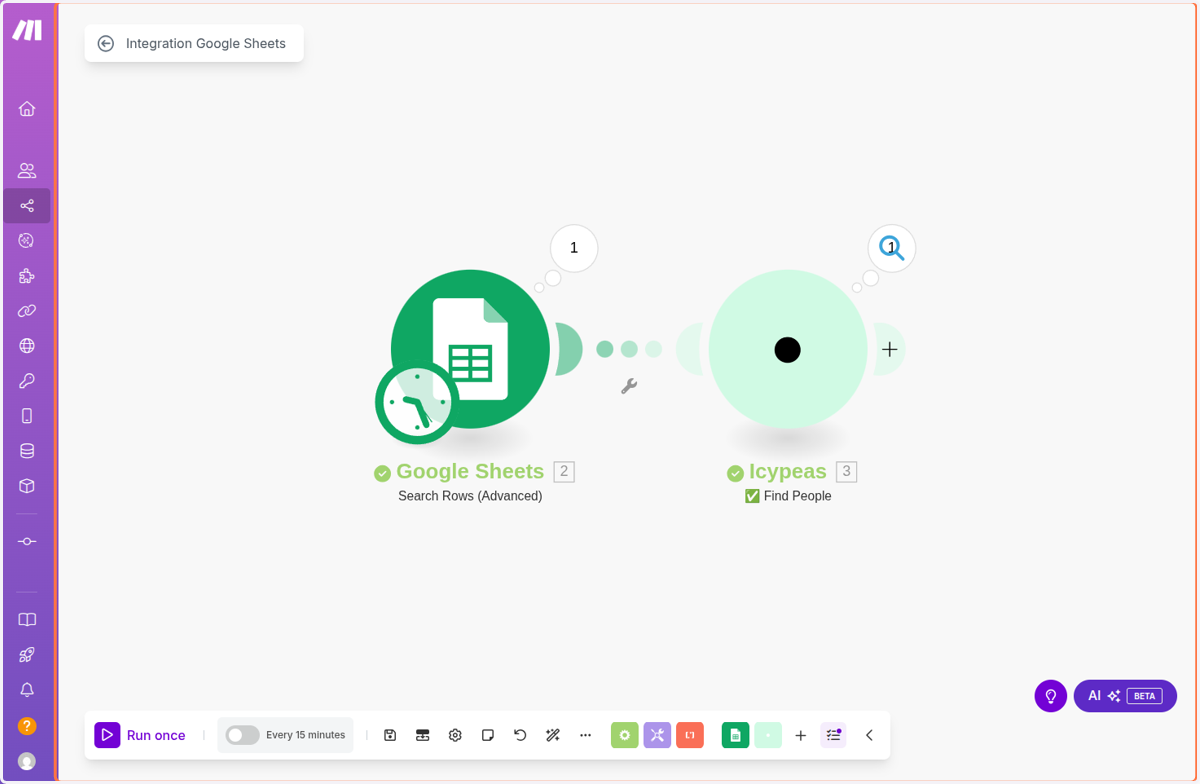
    Click on Click to expandIntegration Google Sheets…
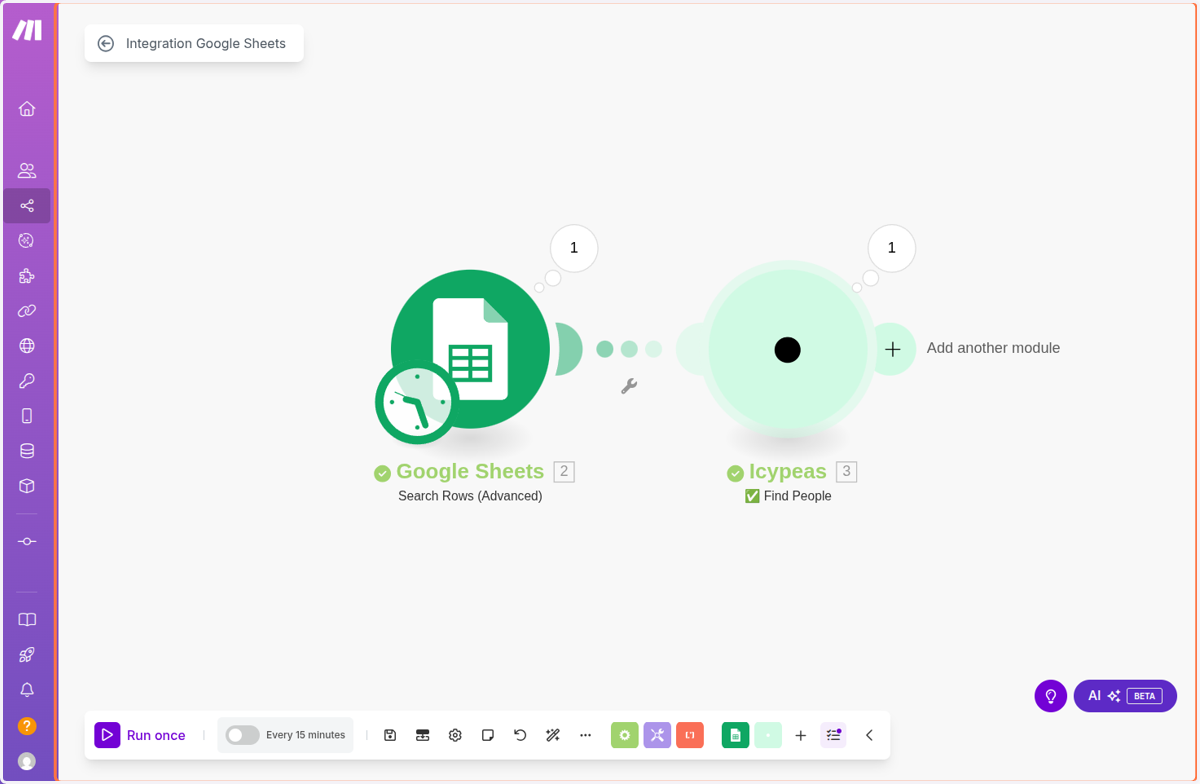
  43. 43. Click on Click to expandIntegration Google Sheets…

    Click on Click to expandIntegration Google Sheets…
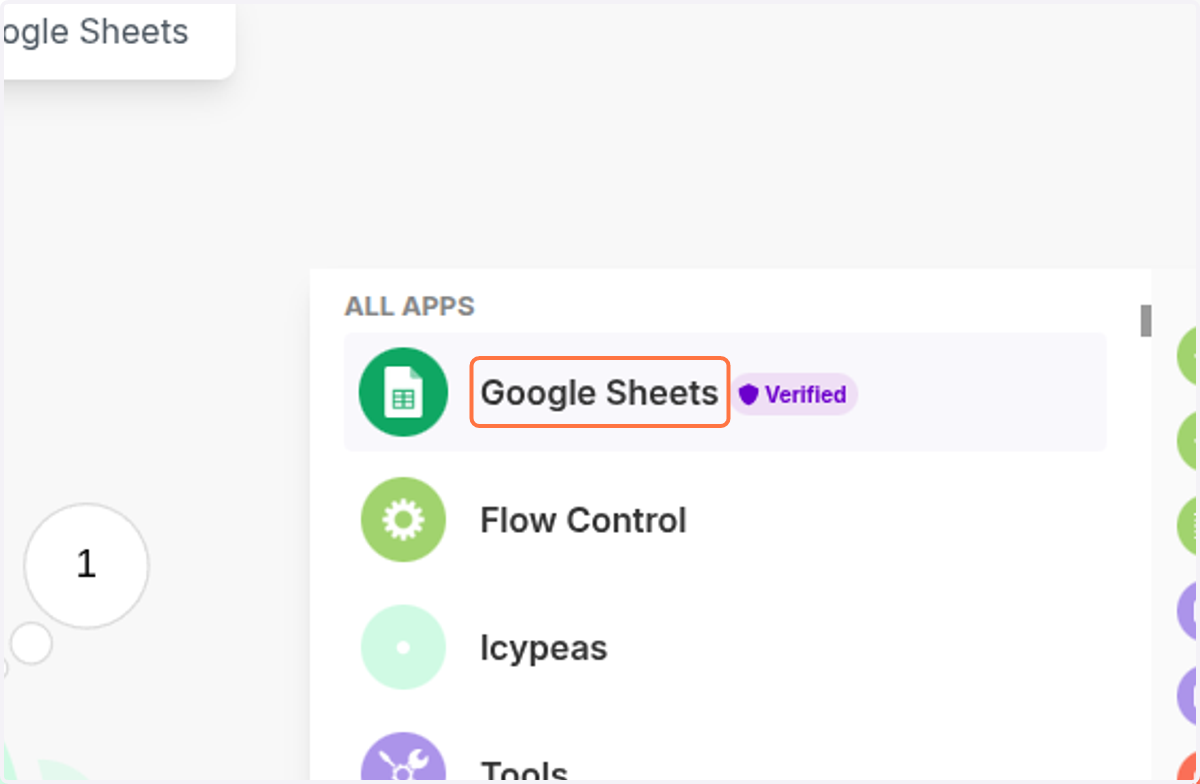
  44. 44. Click on Google Sheets

    Click on Google Sheets
  45. 45. Click on Bulk Add Rows (Advanced)
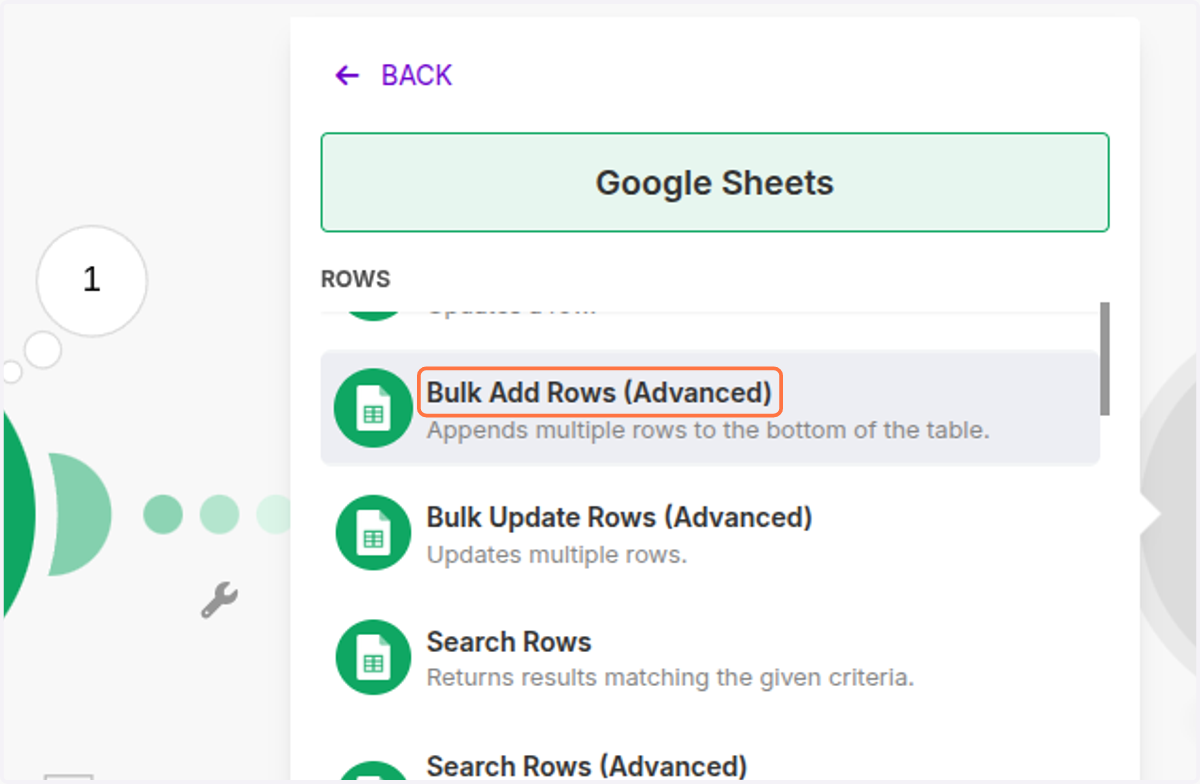
    Click on Bulk Add Rows (Advanced)
  46. 46. Click on <div class="docs-butterbar-container"><div class="docs-butterbar-wrap"><div class="jfk-butterBar jfk-butterBar-shown jfk-butterBar-warning">JavaScript isn't enabled in your browser, so this file can't be opened. Enable and reload.</div></div><br></div>…
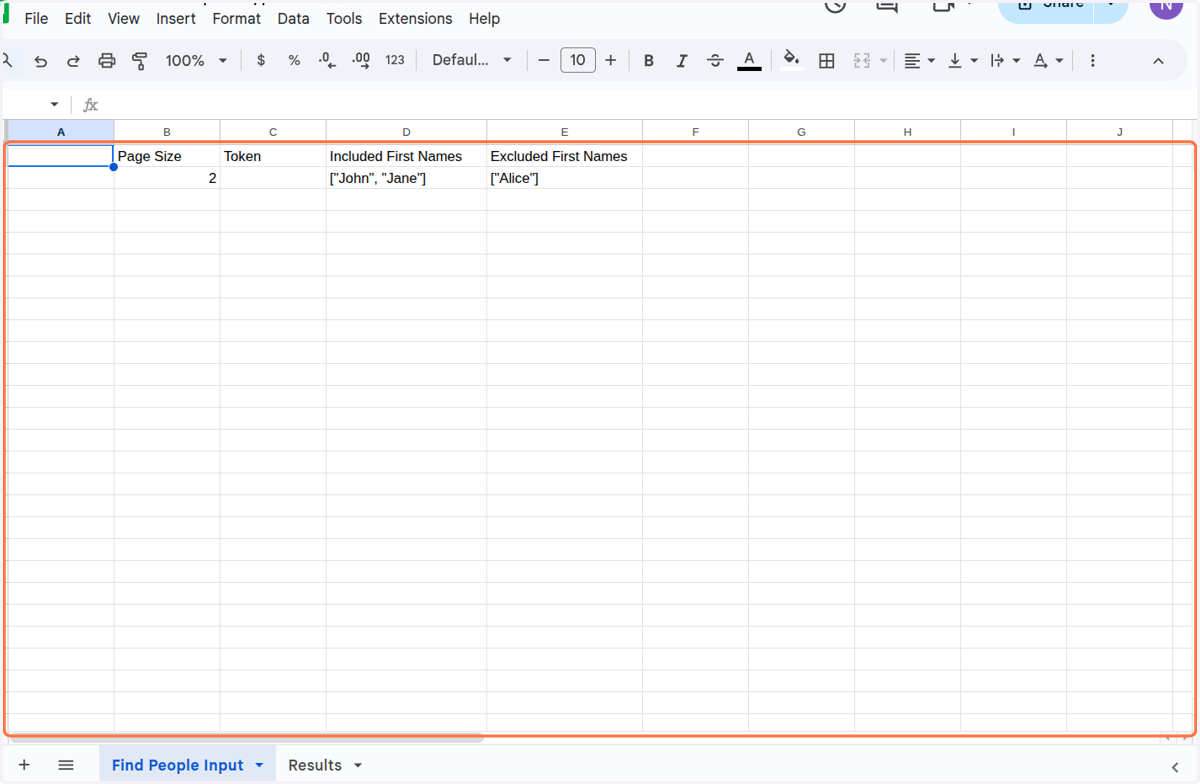
    Click on <div class="docs-butterbar-container"><div class="docs-butterbar-wrap"><div class="jfk-butterBar jfk-butterBar-shown jfk-butterBar-warning">JavaScript isn't enabled in your browser, so this file can't be opened. Enable and reload.</div></div
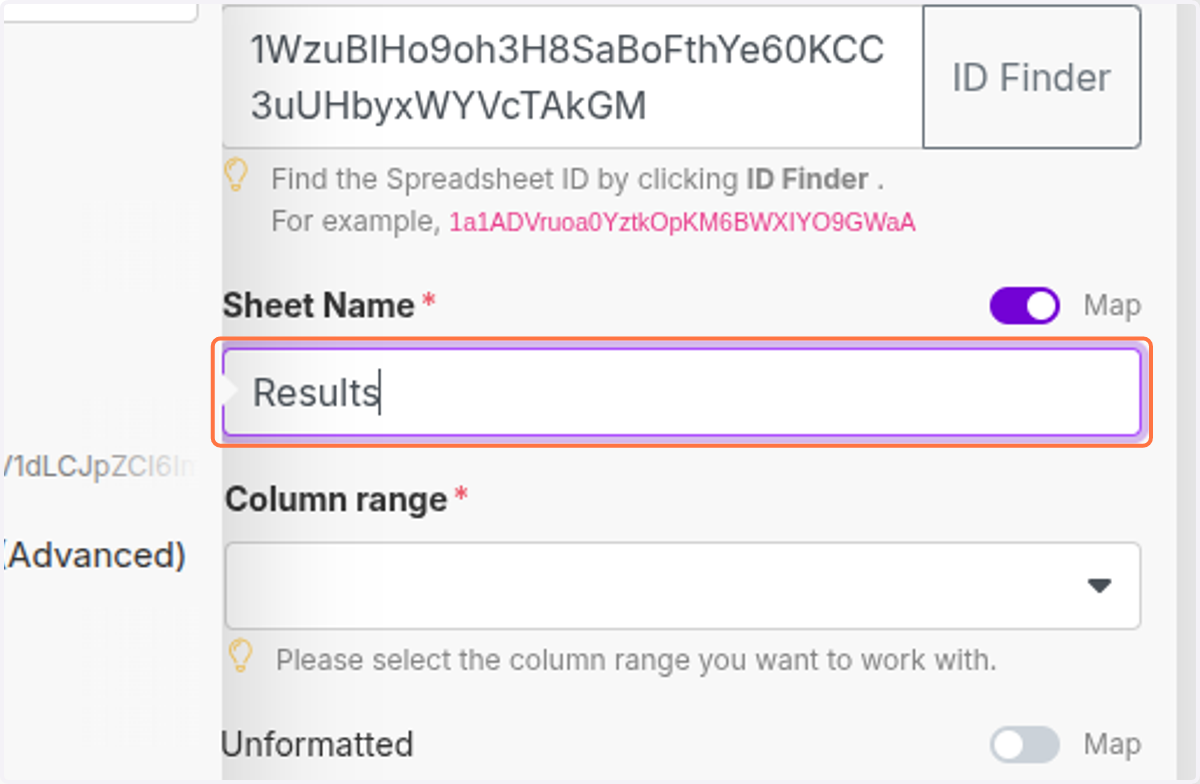
  47. 47. Click on 1WzuBIHo9oh3H8SaBoFthYe60KCC3uUHbyxWYVcTAkGM
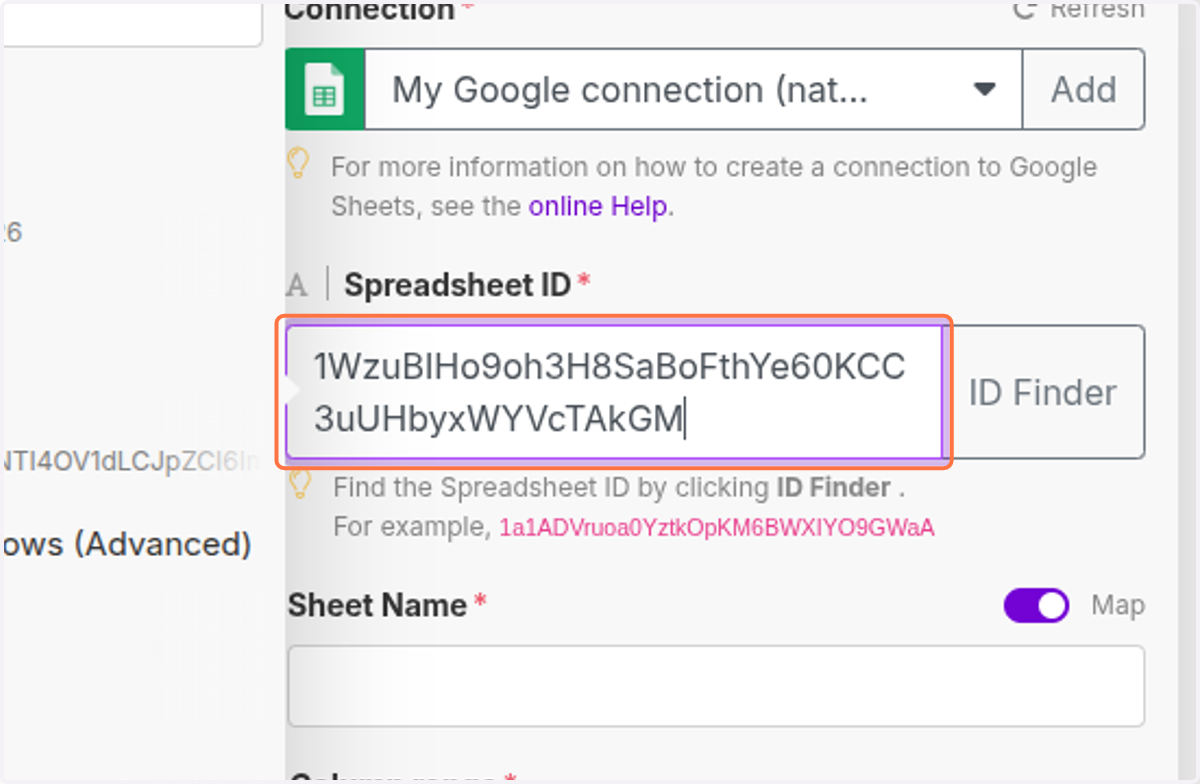
    Click on 1WzuBIHo9oh3H8SaBoFthYe60KCC3uUHbyxWYVcTAkGM
  48. 48. Click on Results

    Click on Results
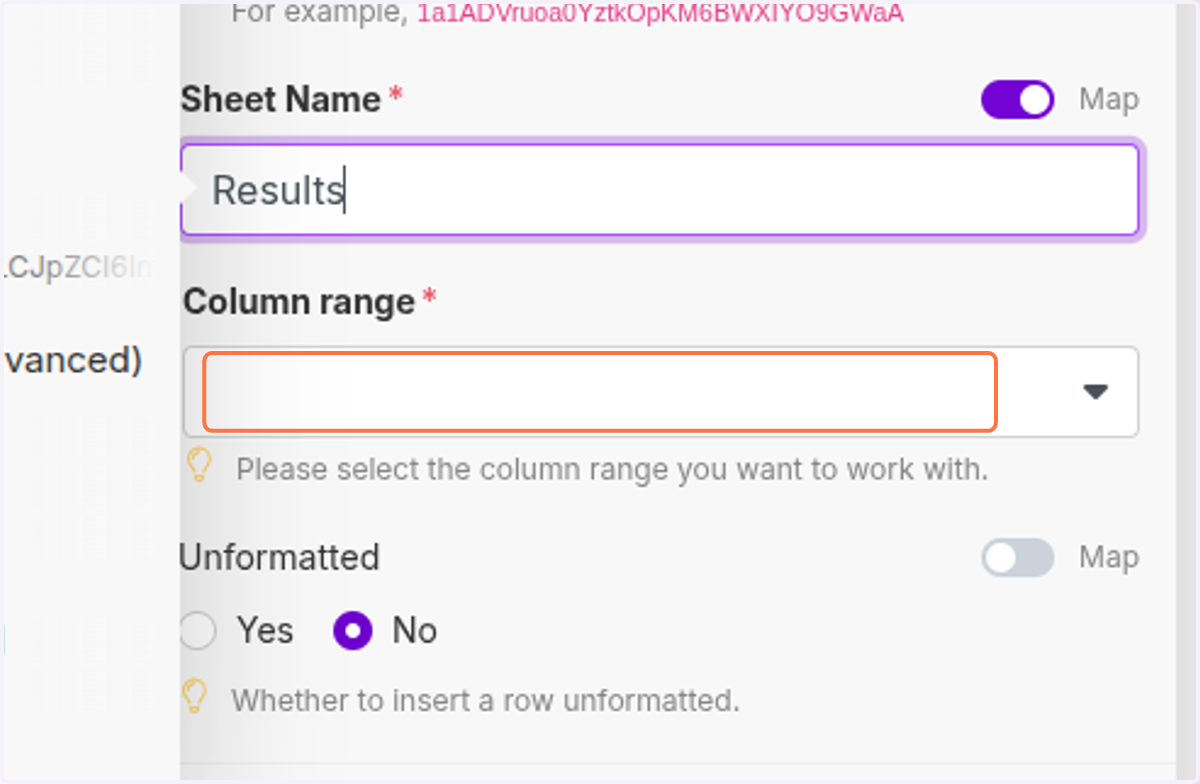
  49. 49. Click on highlight

    Click on highlight
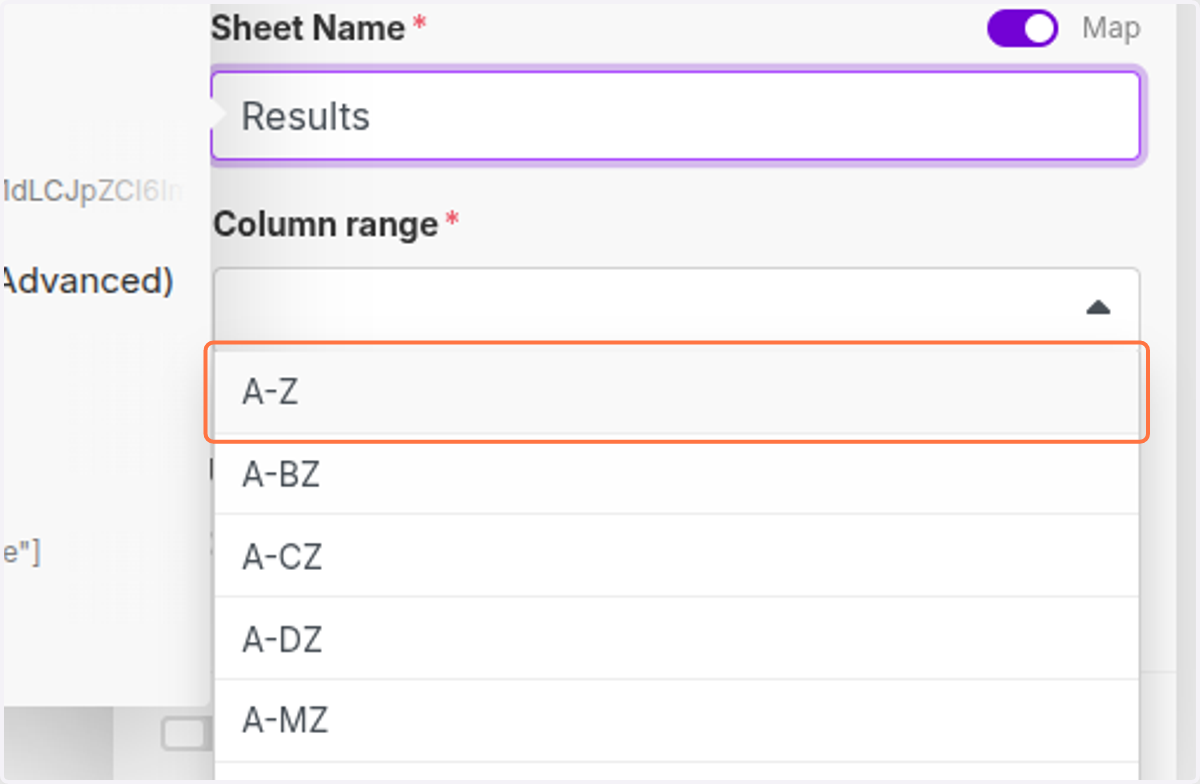
  50. 50. Click on A-Z

    Click on A-Z
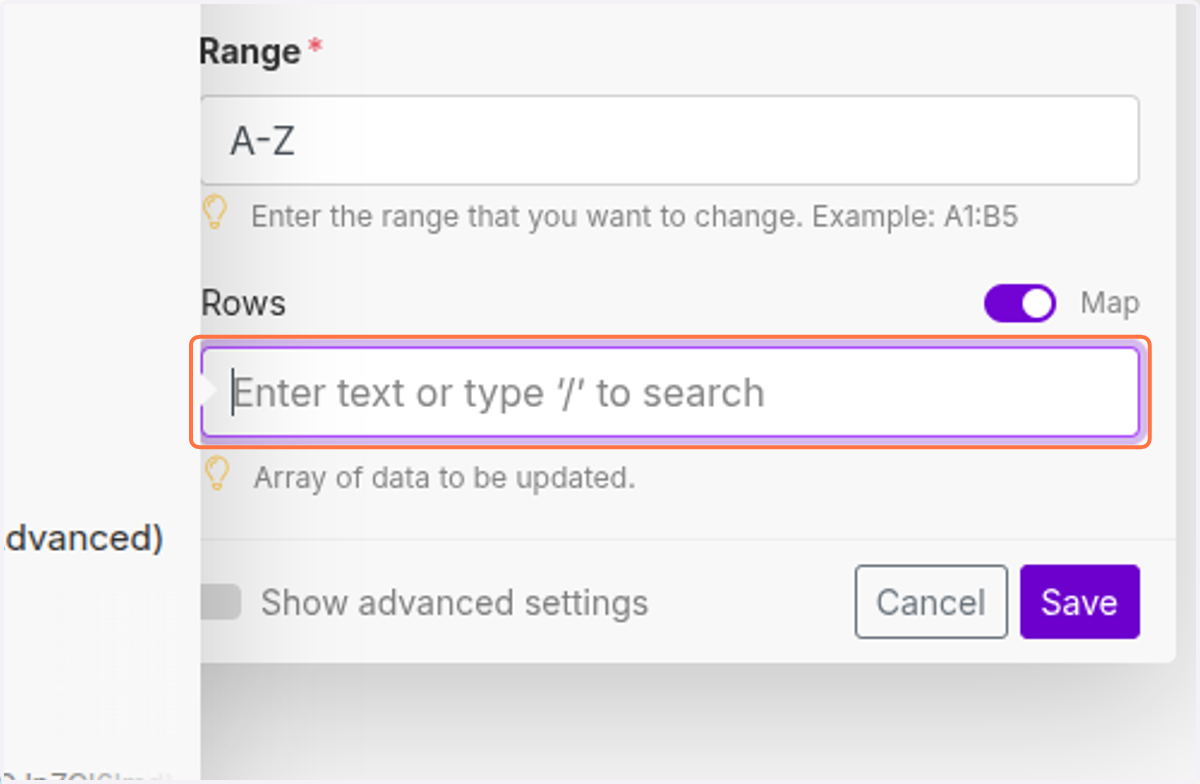
  51. 51. Click on Rows…

    Click on Rows…
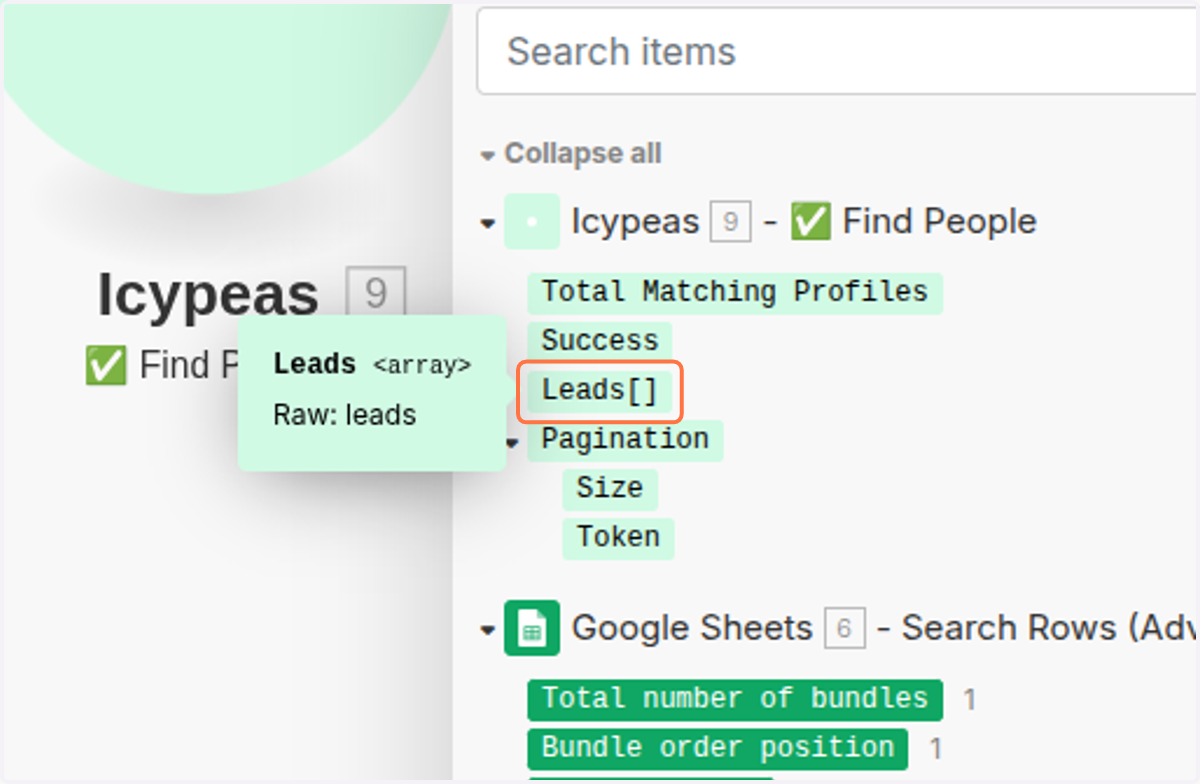
  52. 52. Click on Leads

    Click on Leads
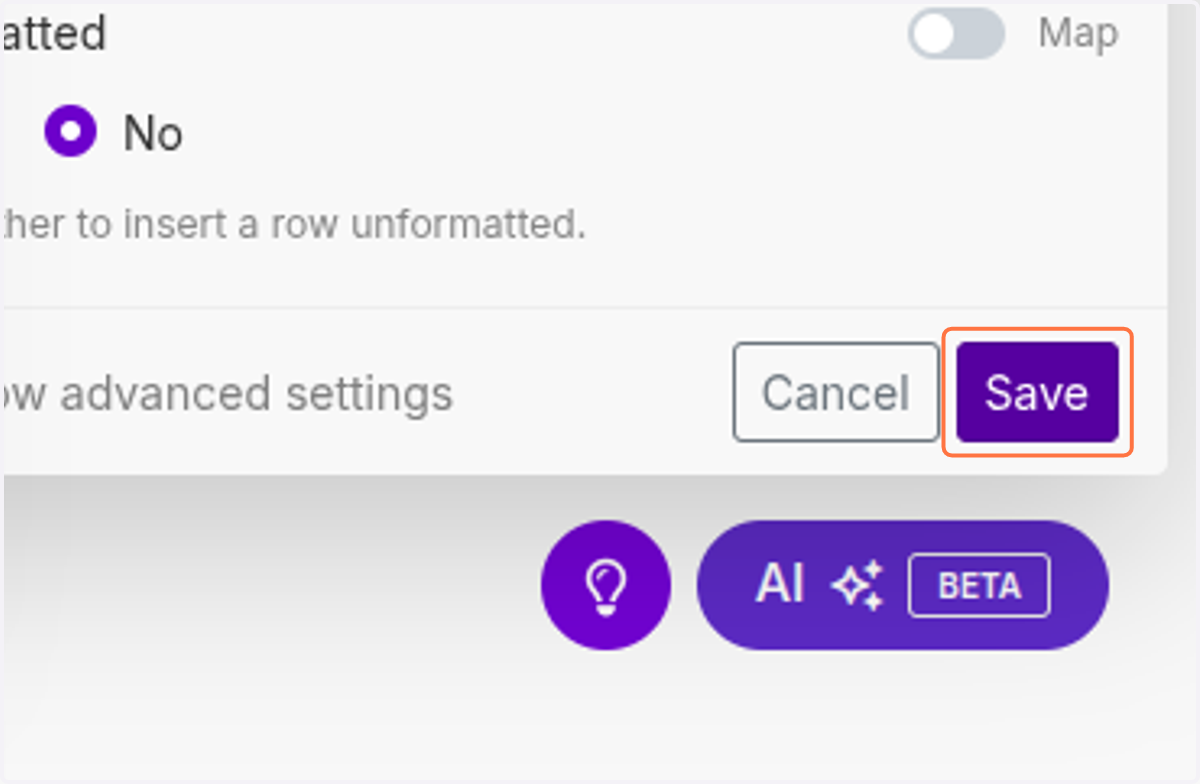
  53. 53. Click on Save

    Click on Save
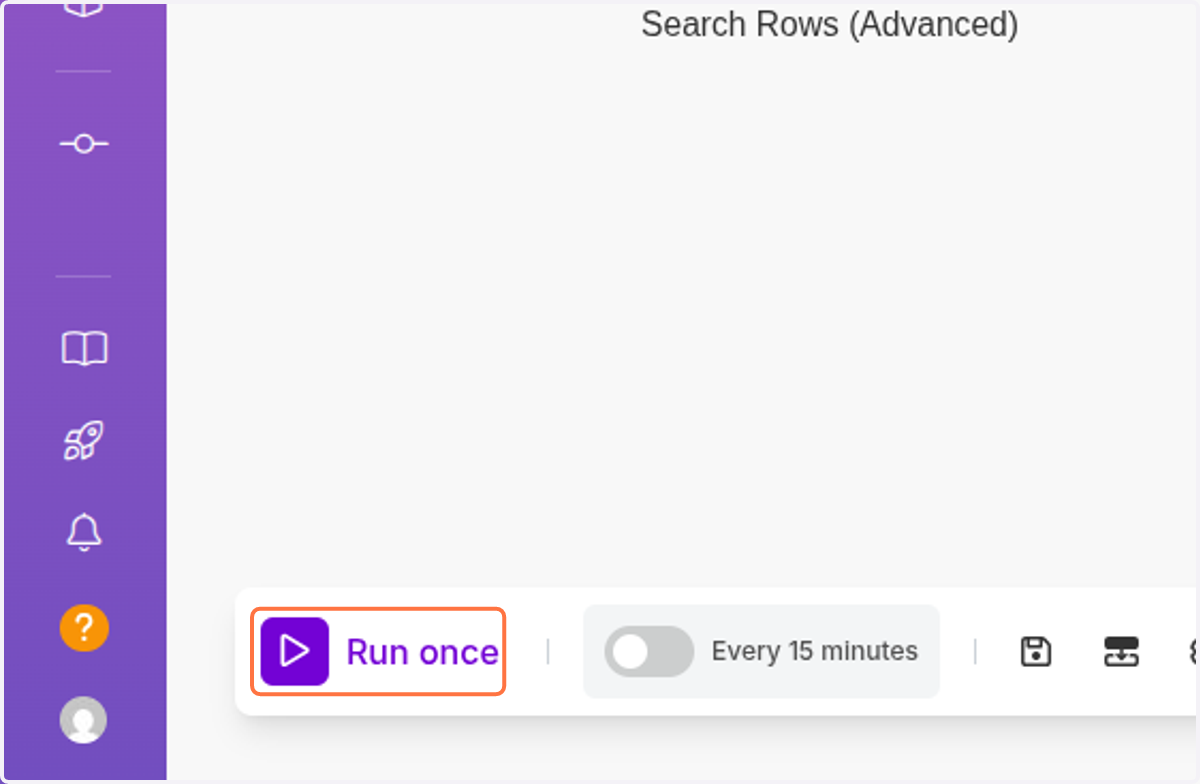
  54. 54. Click on Run once

    Click on Run once
  55. 55. Click on <div class="docs-butterbar-container"><div class="docs-butterbar-wrap"><div class="jfk-butterBar jfk-butterBar-shown jfk-butterBar-warning">JavaScript isn't enabled in your browser, so this file can't be opened. Enable and reload.</div></div><br></div>…
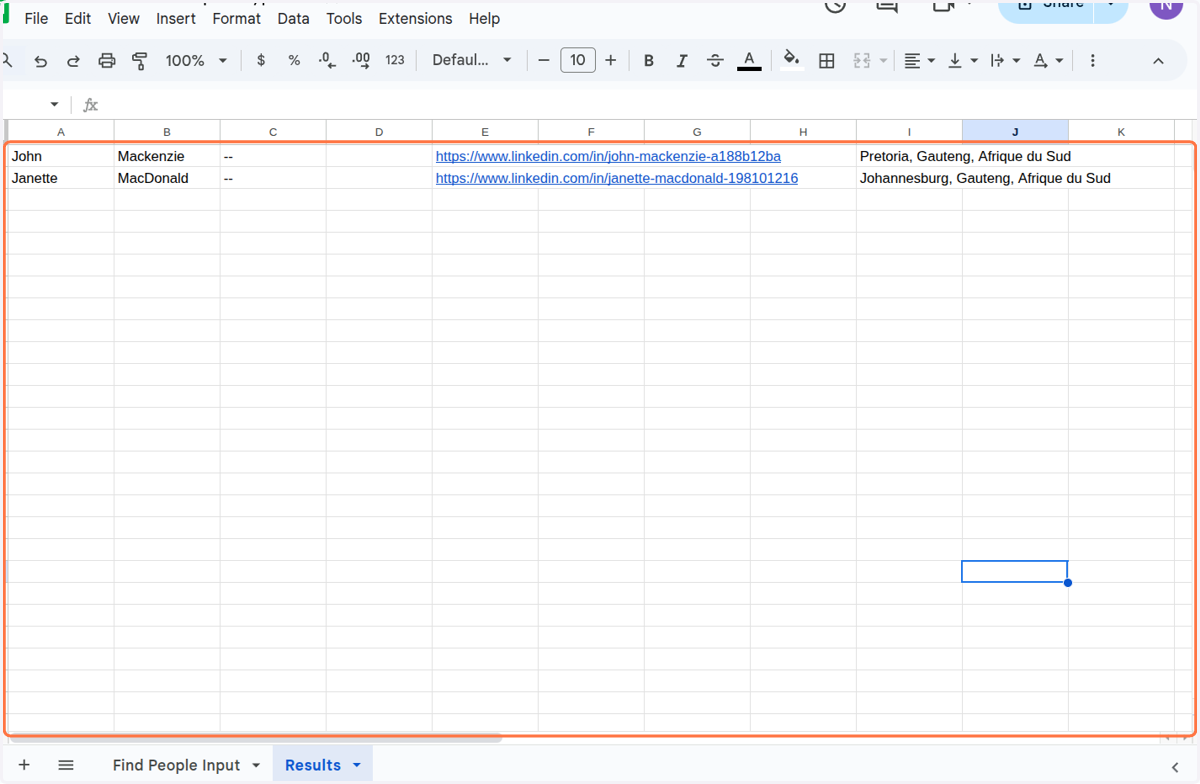
    Click on <div class="docs-butterbar-container"><div class="docs-butterbar-wrap"><div class="jfk-butterBar jfk-butterBar-shown jfk-butterBar-warning">JavaScript isn't enabled in your browser, so this file can't be opened. Enable and reload.</div></div
  56. 56. Click on <div class="docs-butterbar-container"><div class="docs-butterbar-wrap"><div class="jfk-butterBar jfk-butterBar-shown jfk-butterBar-warning">JavaScript isn't enabled in your browser, so this file can't be opened. Enable and reload.</div></div><br></div>…
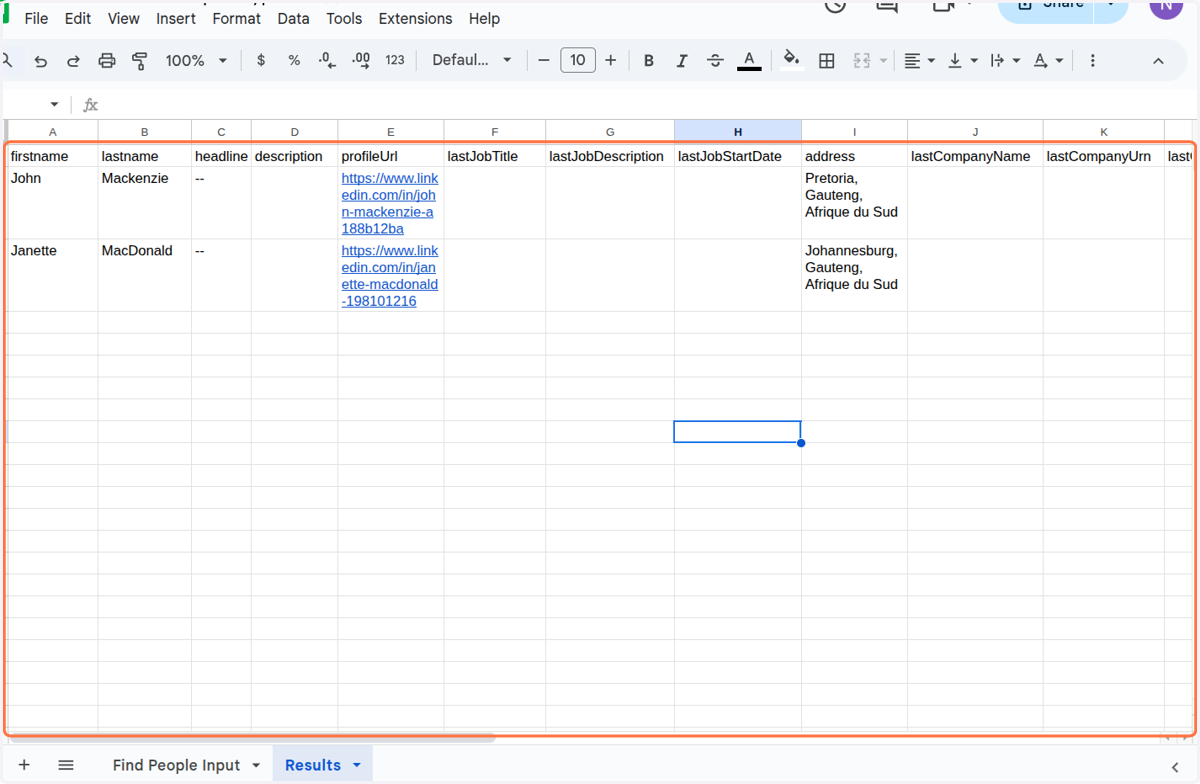
    Click on <div class="docs-butterbar-container"><div class="docs-butterbar-wrap"><div class="jfk-butterBar jfk-butterBar-shown jfk-butterBar-warning">JavaScript isn't enabled in your browser, so this file can't be opened. Enable and reload.</div></div
  57. 57. Click on Click to expandIntegration Google Sheets…
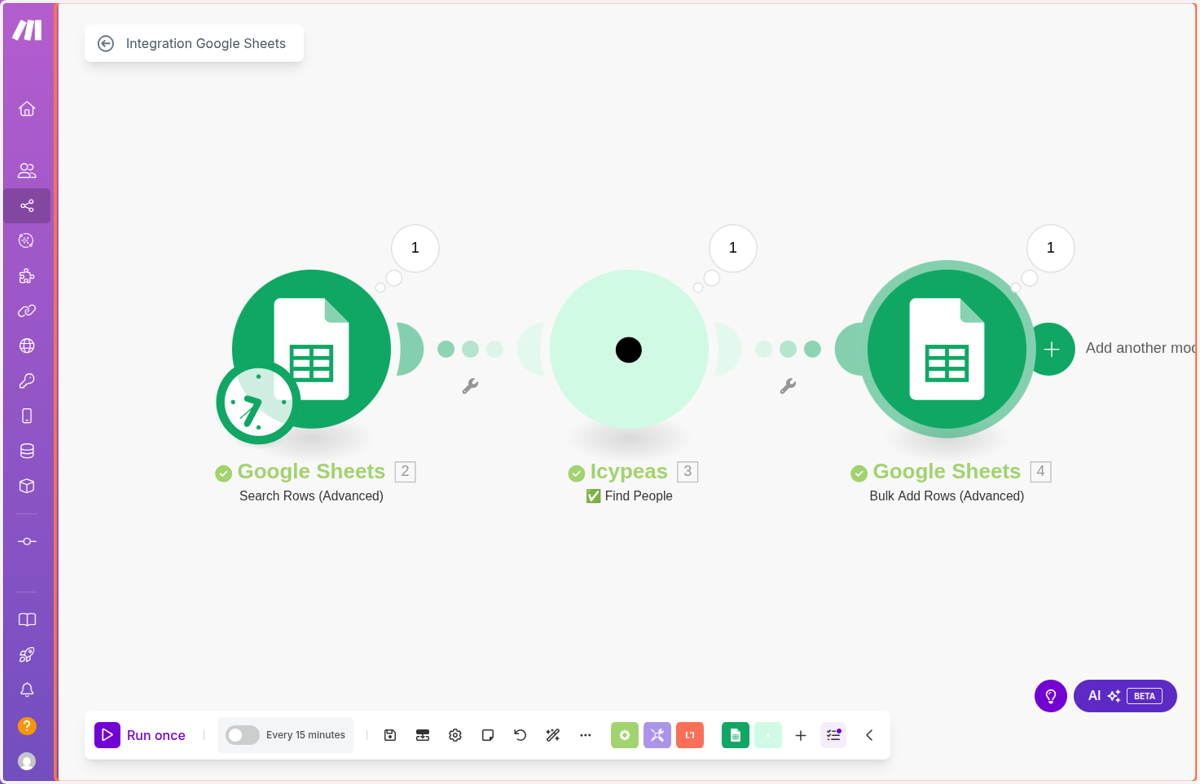
    Click on Click to expandIntegration Google Sheets…
  58. 58. Click on Google Sheets

    Click on Google Sheets
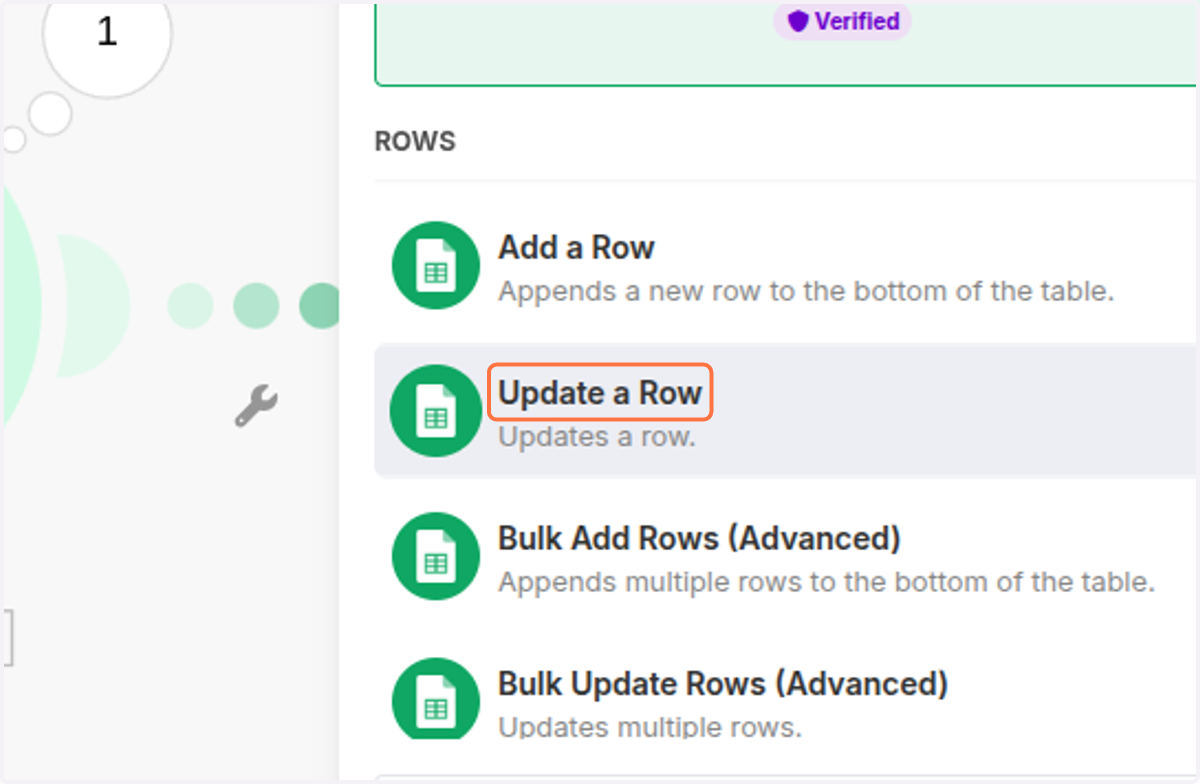
  59. 59. Click on Update a Row

    Click on Update a Row
  60. 60. Click on Click here to choose file
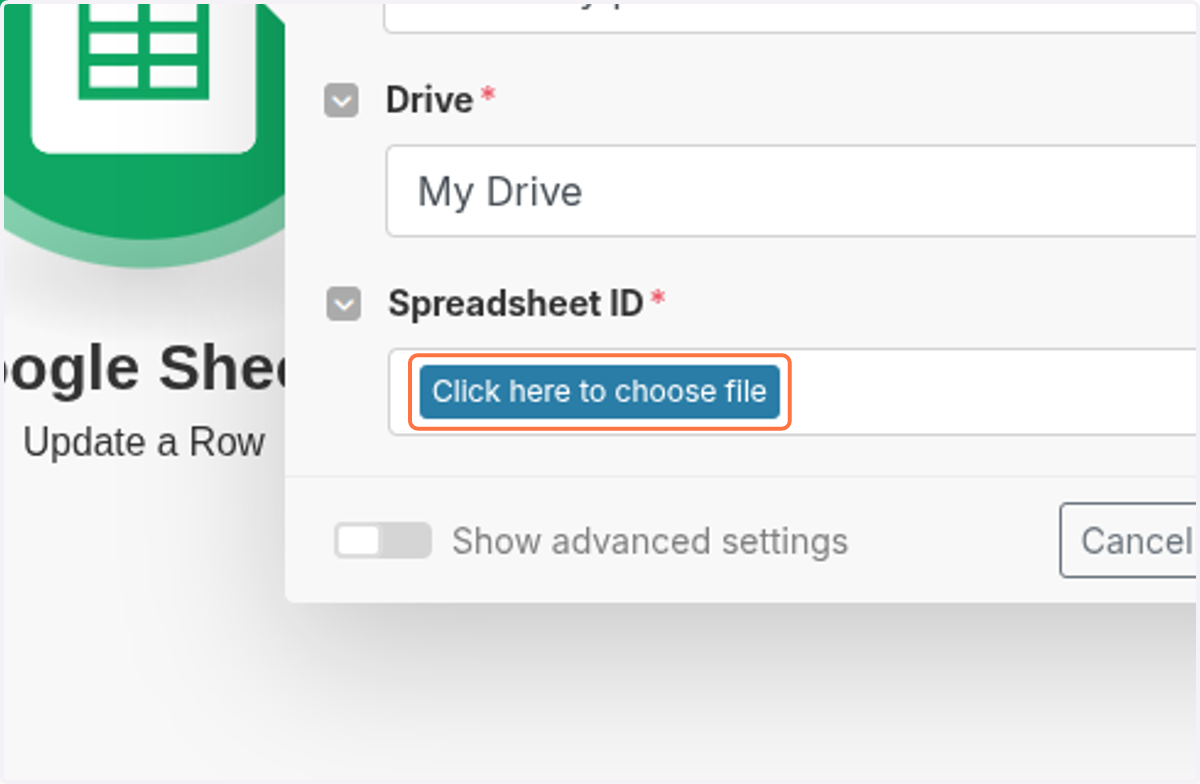
    Click on Click here to choose file
  61. 61. Click on Make Demo Find People-Icypeas
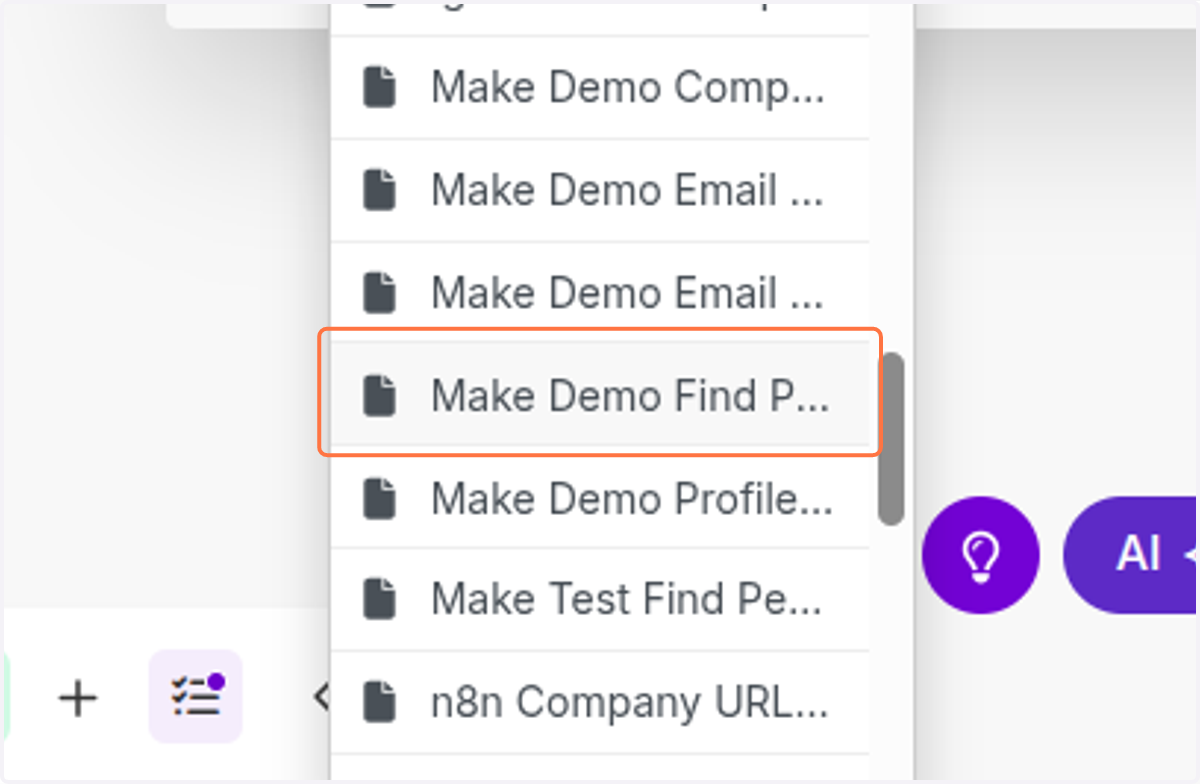
    Click on Make Demo Find People-Icypeas
  62. 62. Click on highlight

    Click on highlight
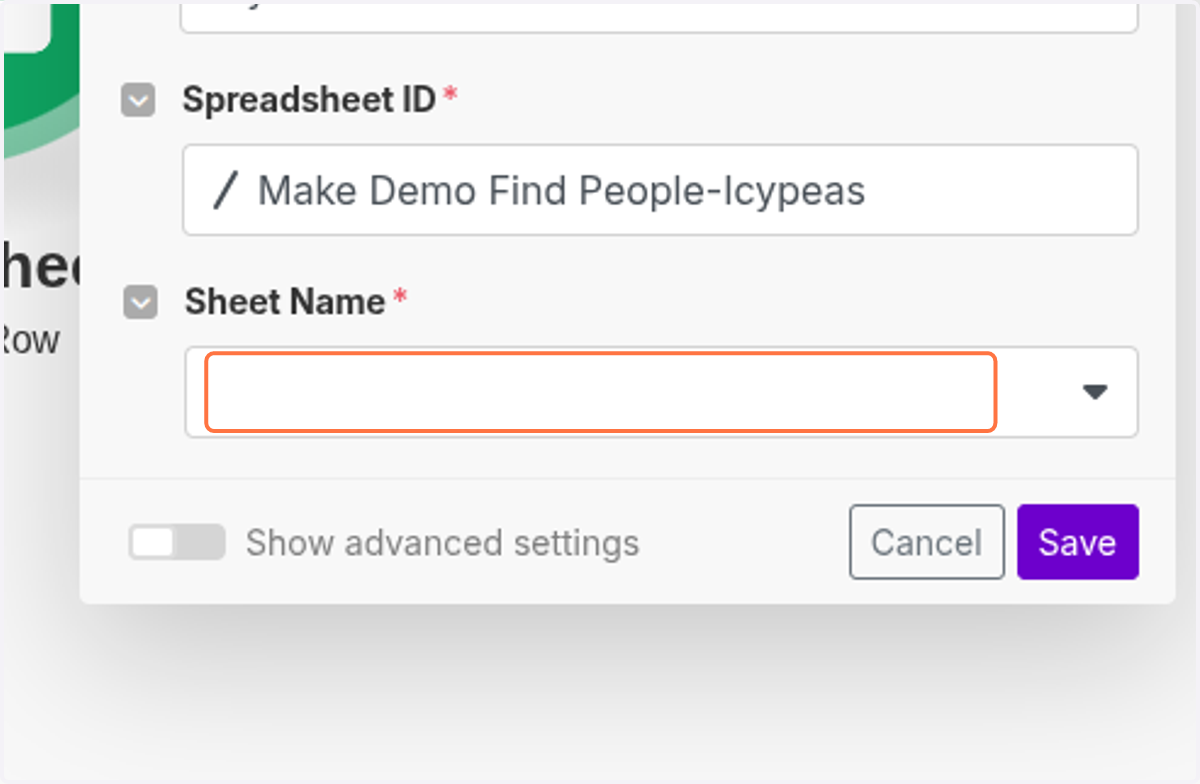
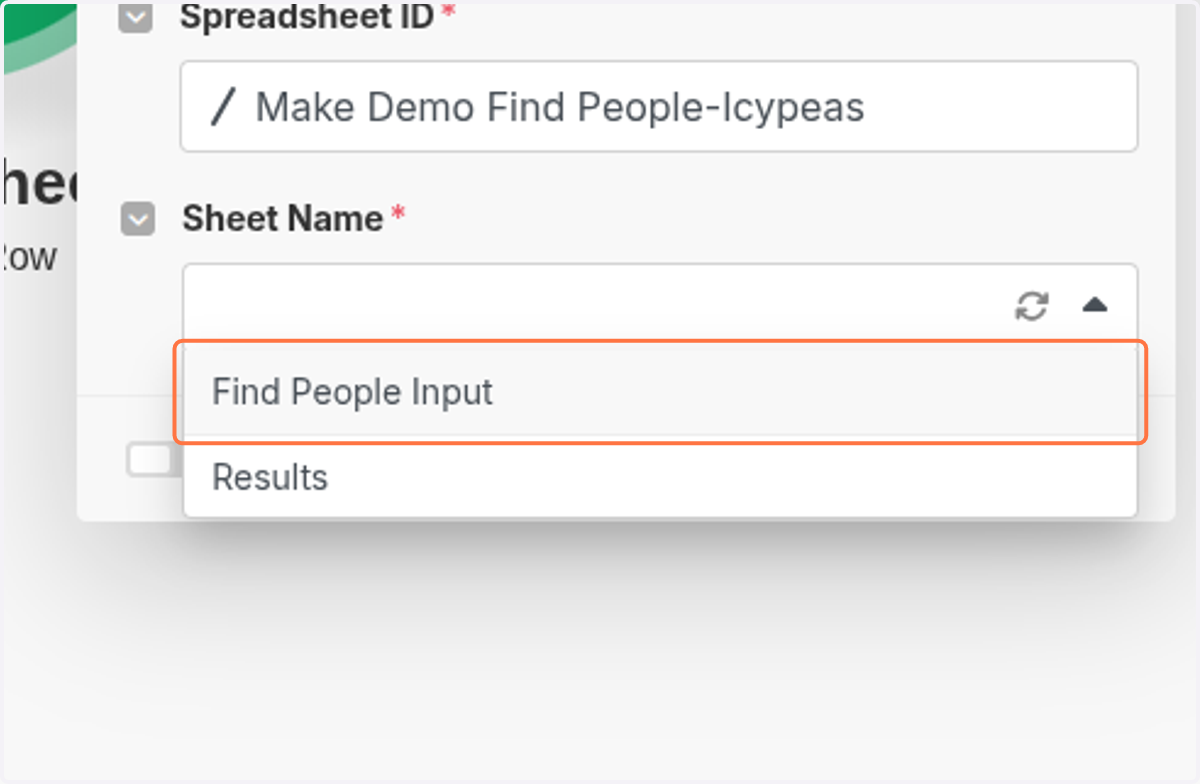
  63. 63. Click on Find People Input

    Click on Find People Input
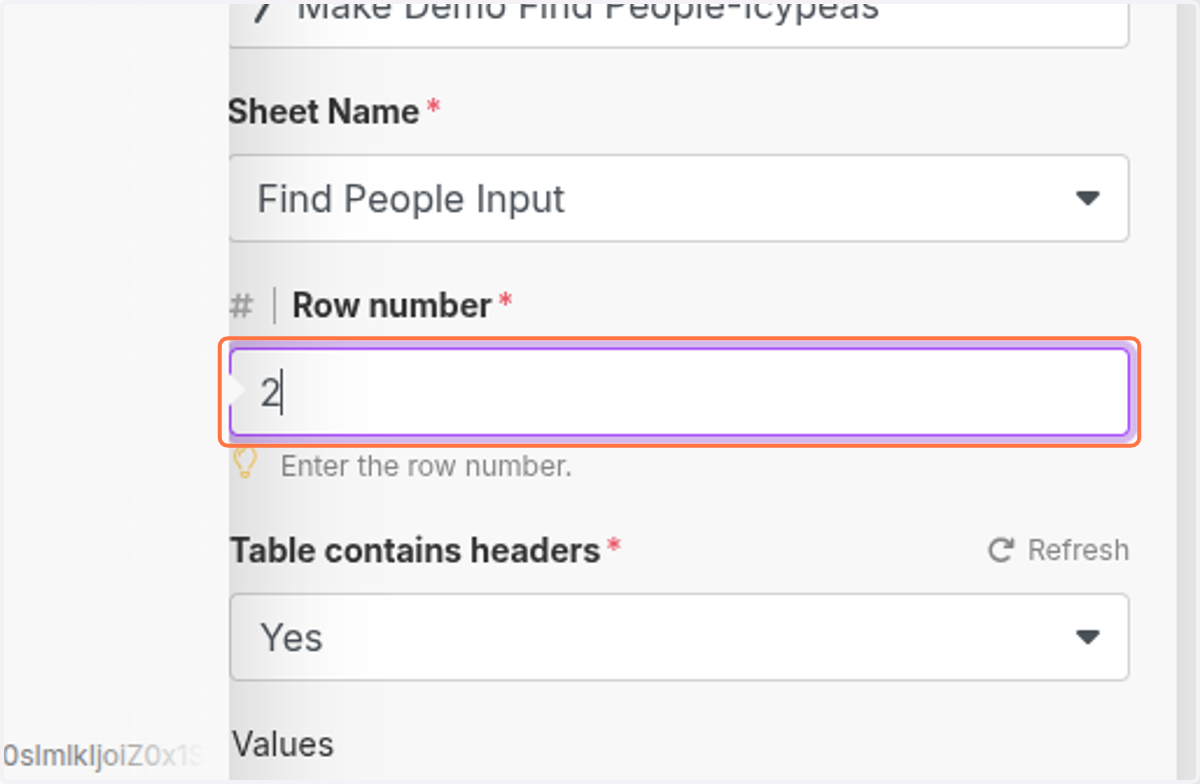
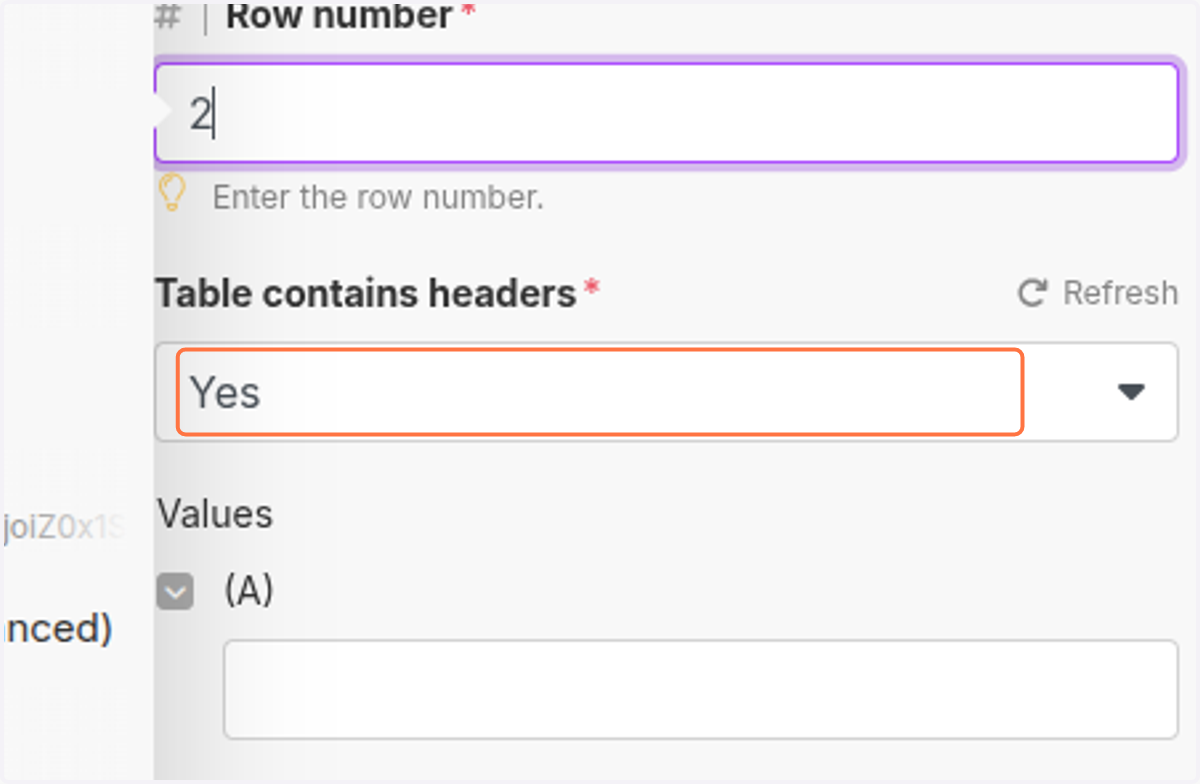
  64. 64. Click on 2

    Click on 2
  65. 65. Click on Yes

    Click on Yes
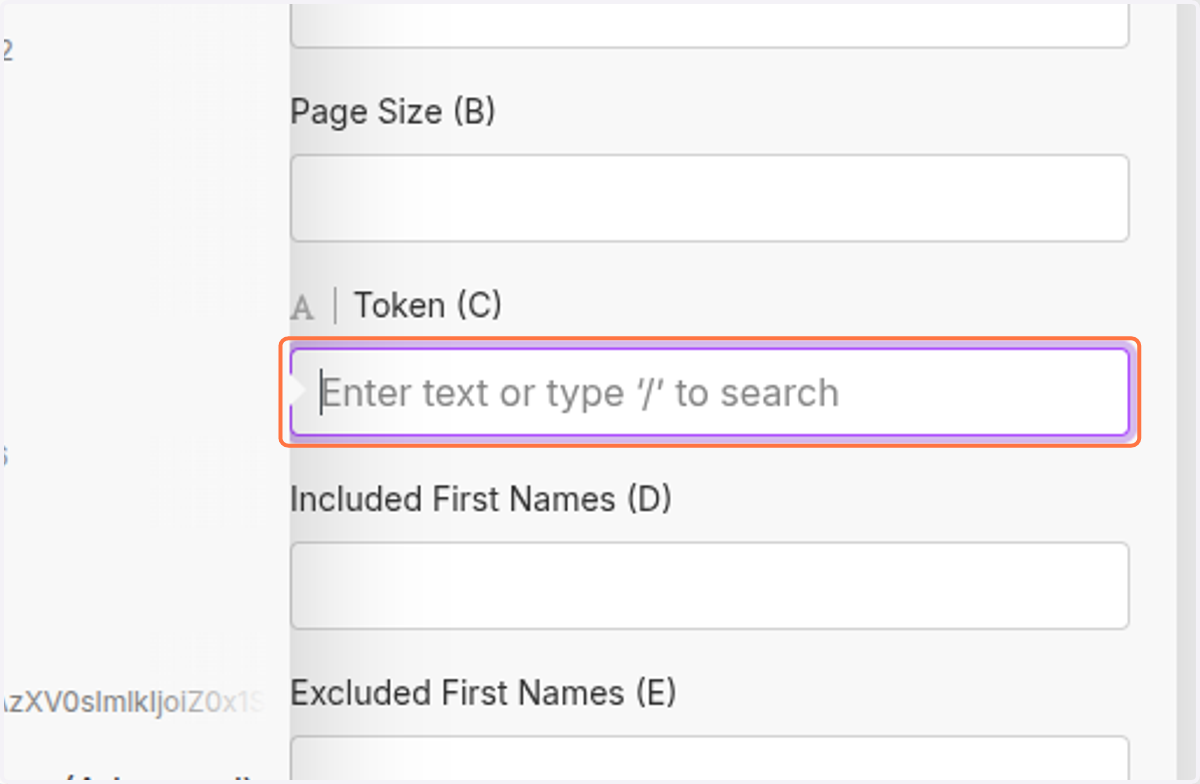
  66. 66. Click on Token (C)

    Click on Token (C)
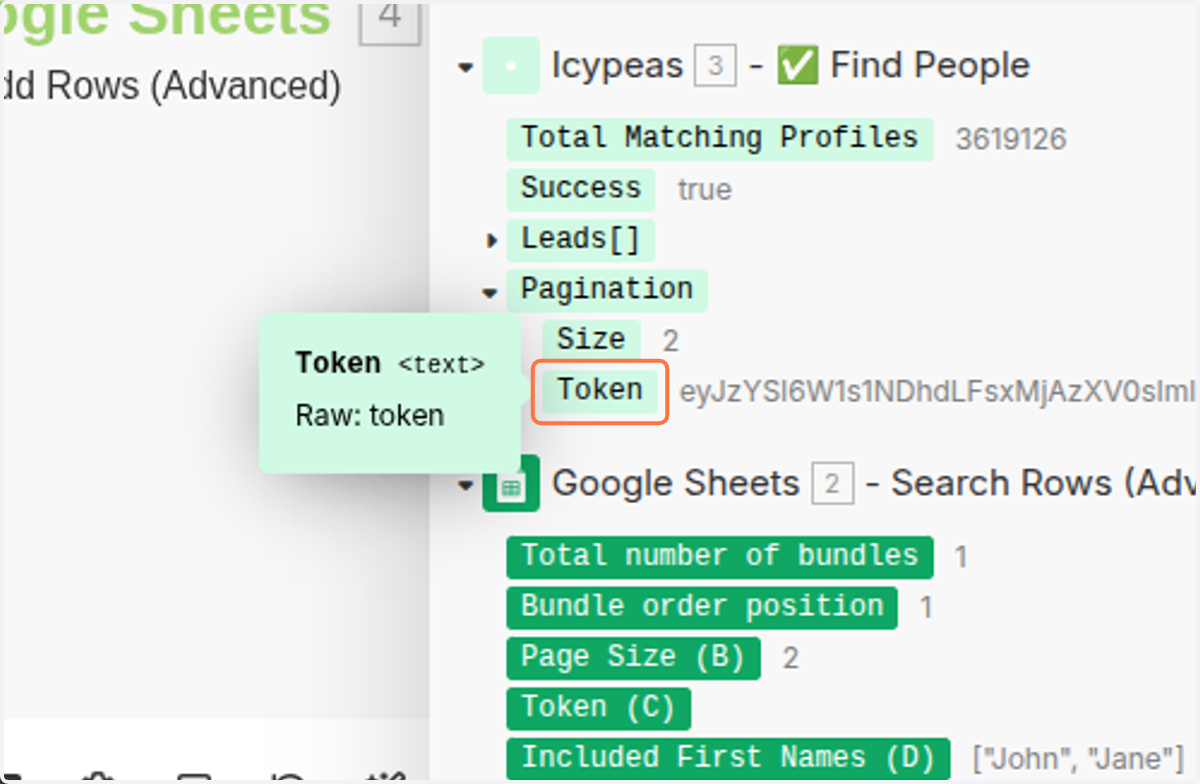
  67. 67. Click on Token

    Click on Token
  68. 68. Click on Save

    Click on Save
  69. 69. Click on Run once

    Click on Run once
  70. 70. Click on <div class="docs-butterbar-container"><div class="docs-butterbar-wrap"><div class="jfk-butterBar jfk-butterBar-shown jfk-butterBar-warning">JavaScript isn't enabled in your browser, so this file can't be opened. Enable and reload.</div></div><br></div>…
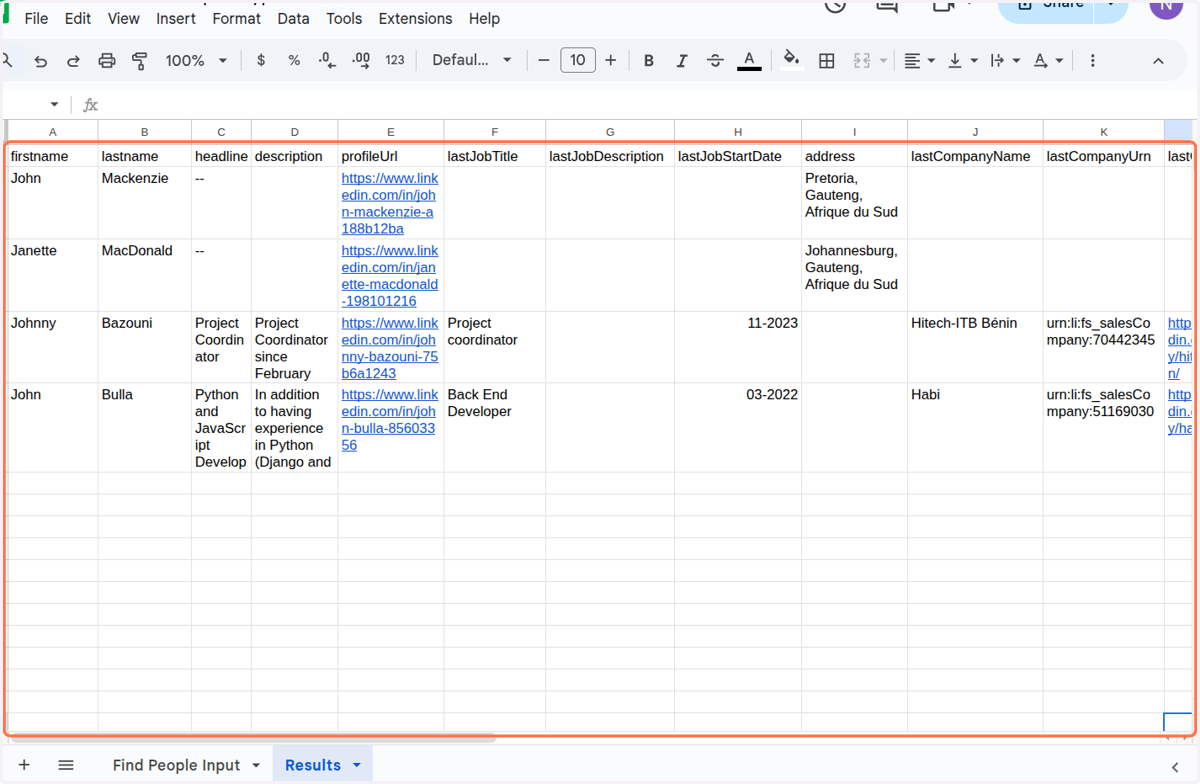
    Click on <div class="docs-butterbar-container"><div class="docs-butterbar-wrap"><div class="jfk-butterBar jfk-butterBar-shown jfk-butterBar-warning">JavaScript isn't enabled in your browser, so this file can't be opened. Enable and reload.</div></div