How to Export a Quiz Attempt Report
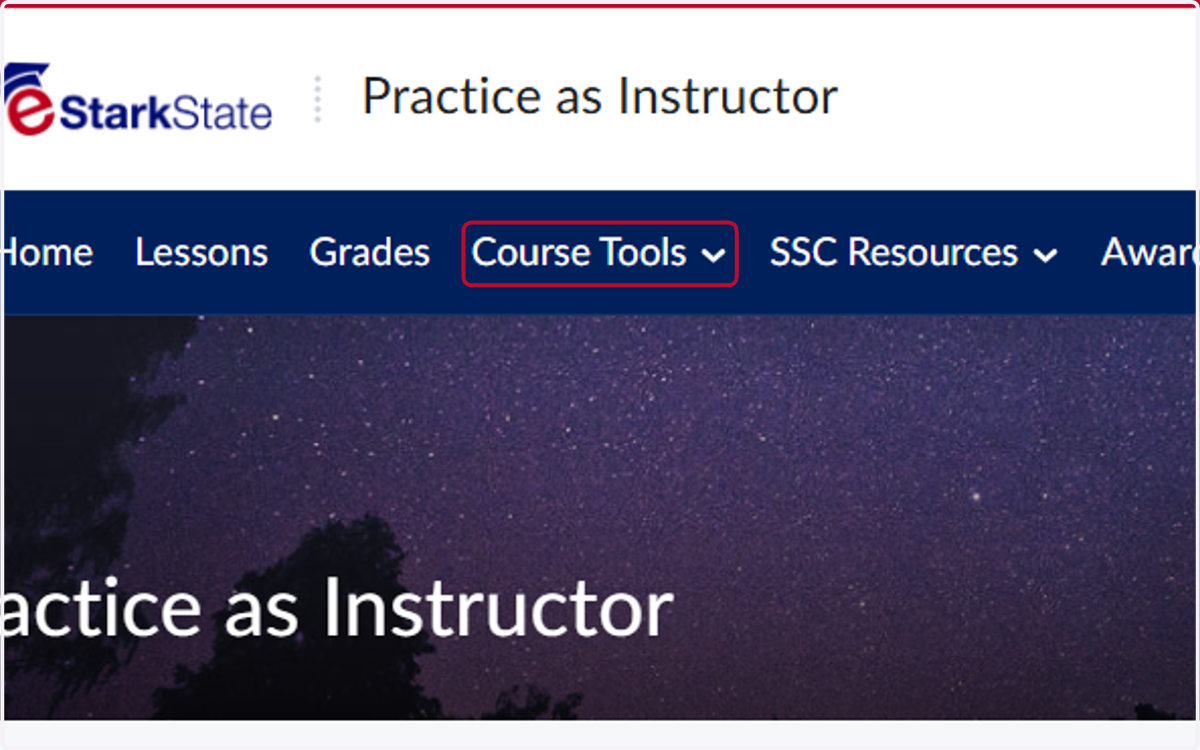
1. Click on Course Tools
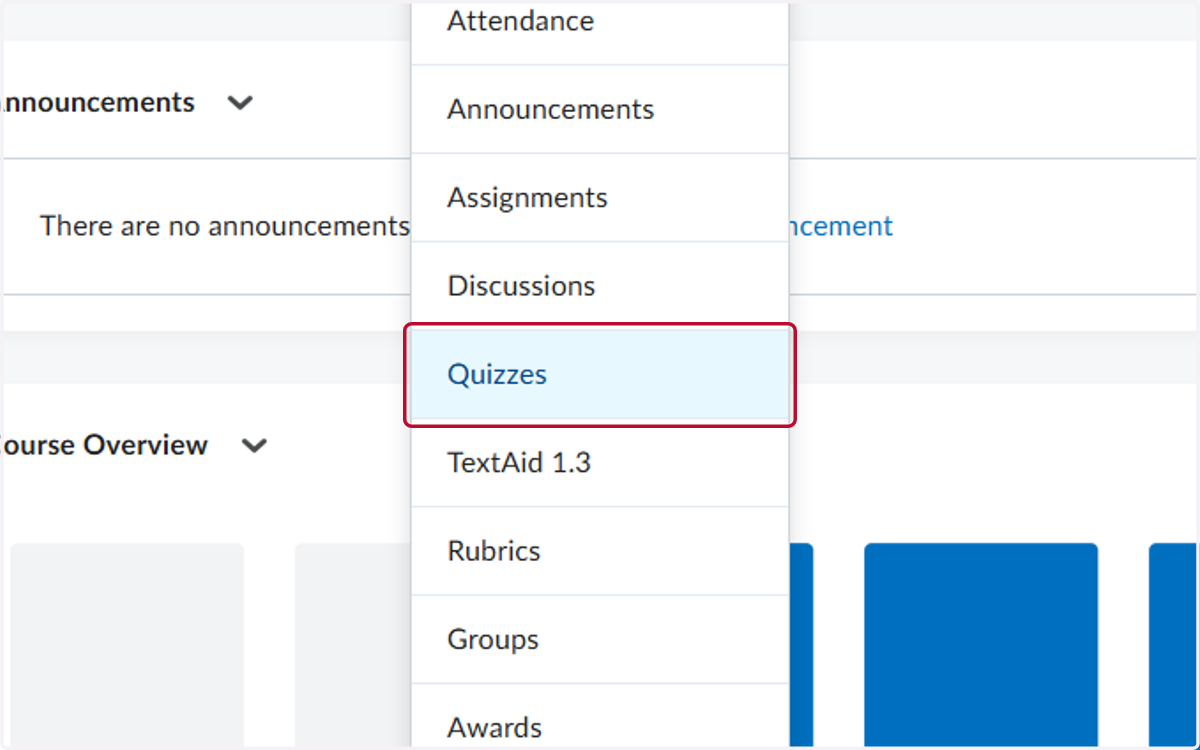
2. Click on Quizzes
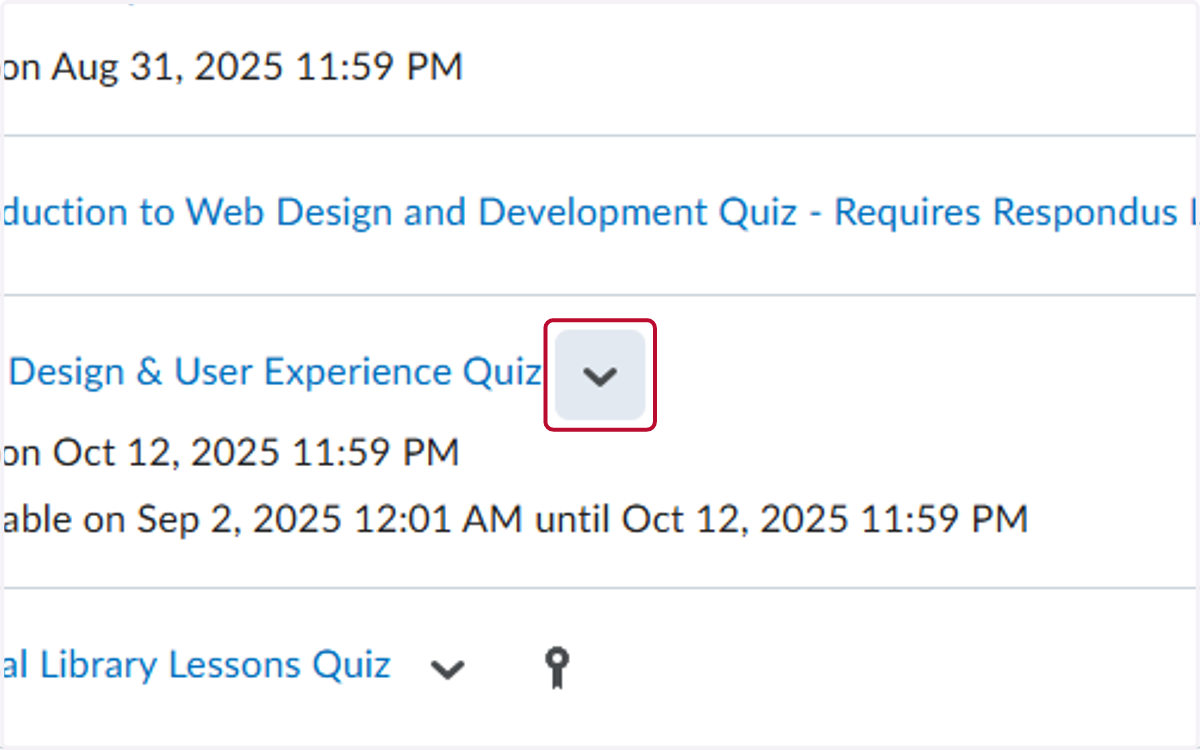
3. Click on the V for the Quiz you want to review
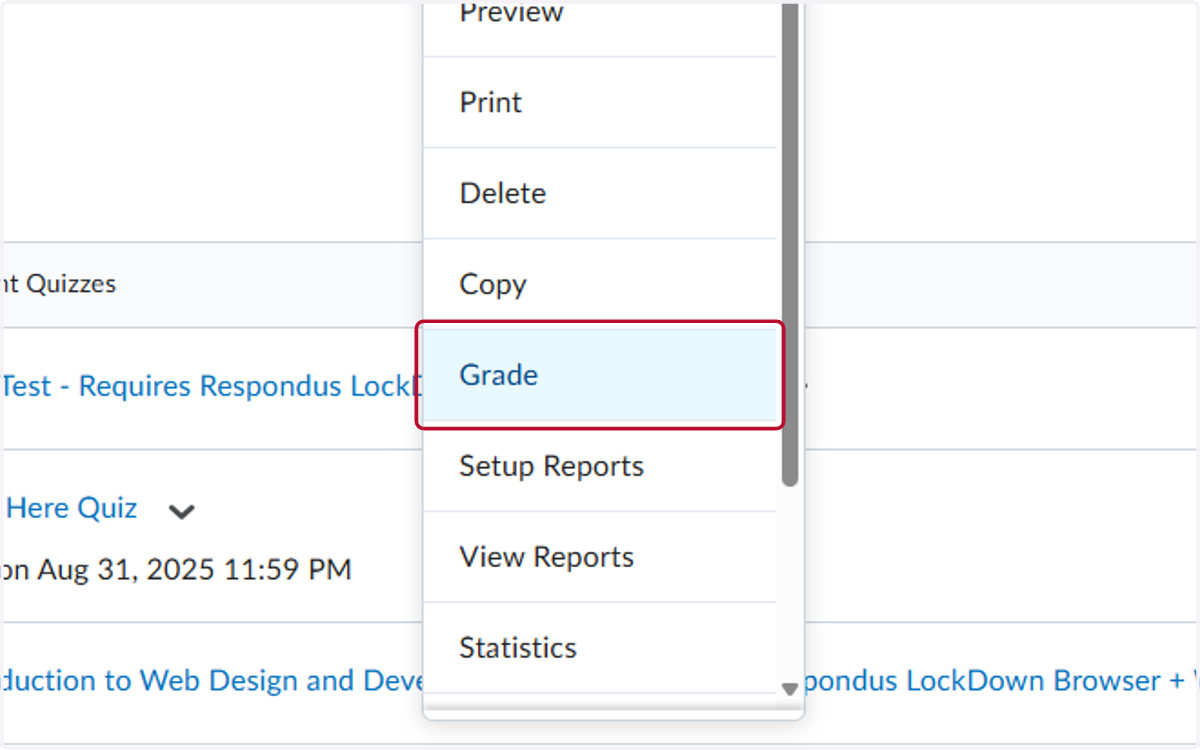
4. Click on Grade
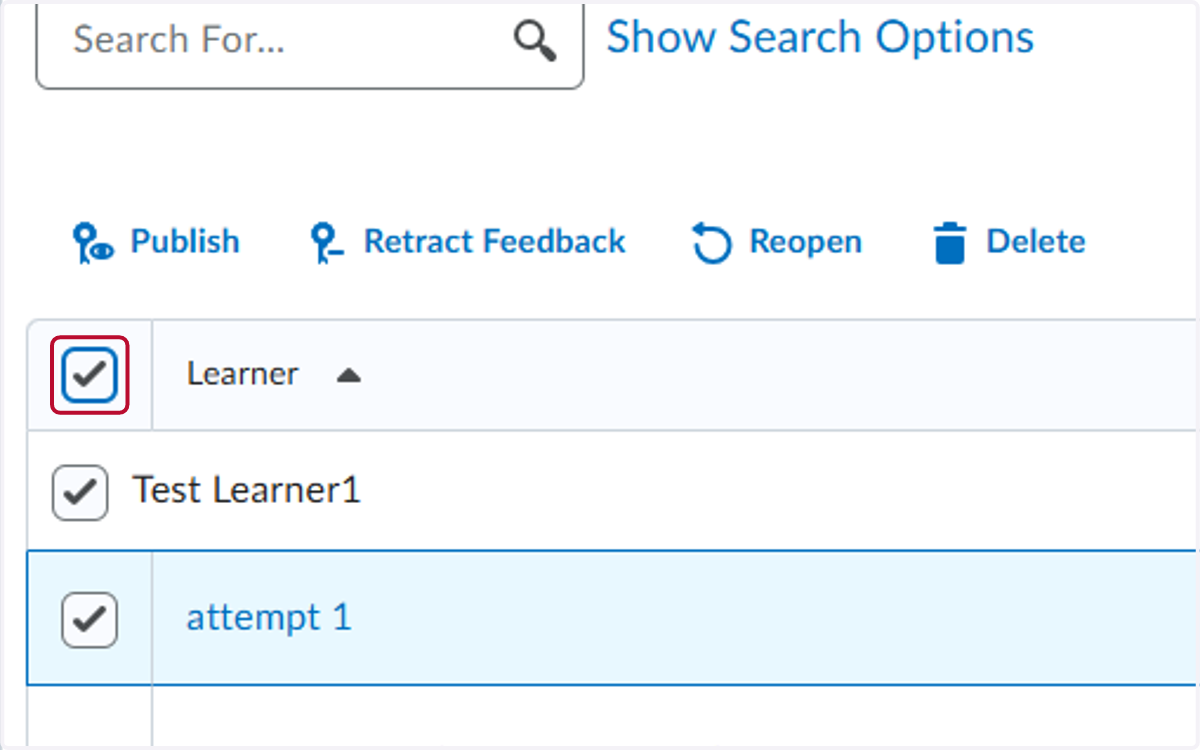
5. Check Select the student's
We suggest selecting all rows, so you see everything
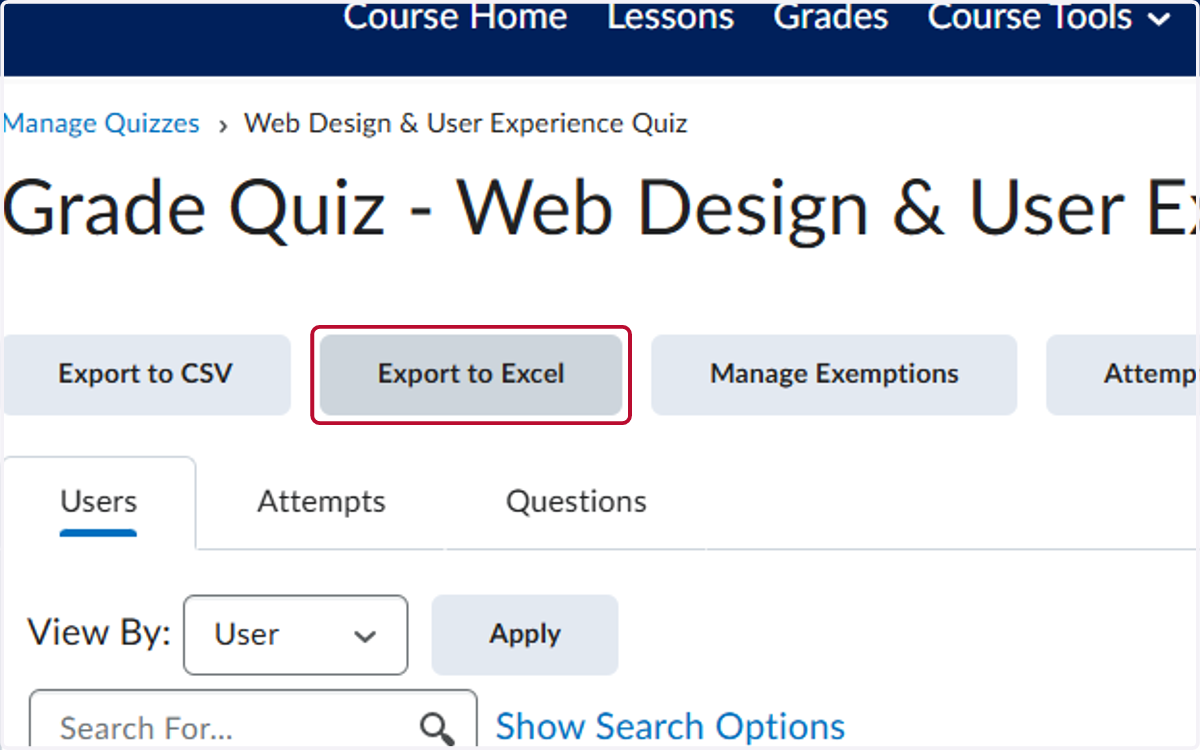
6. Click on Export to Excel
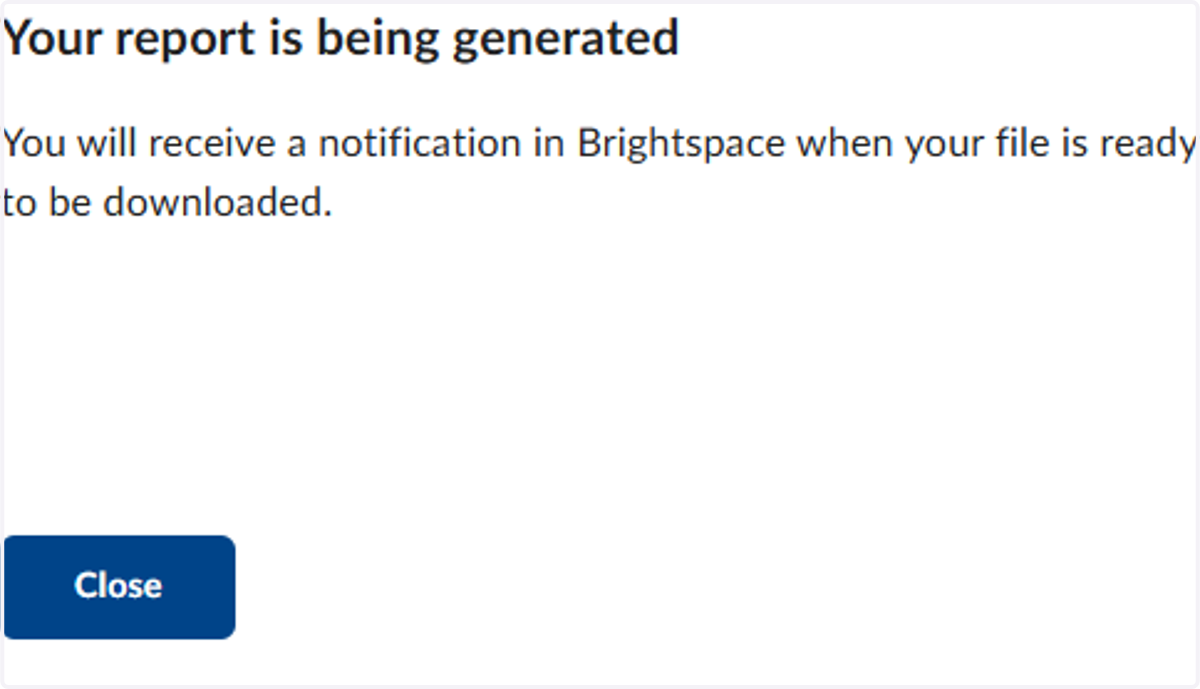
7. Click on Close
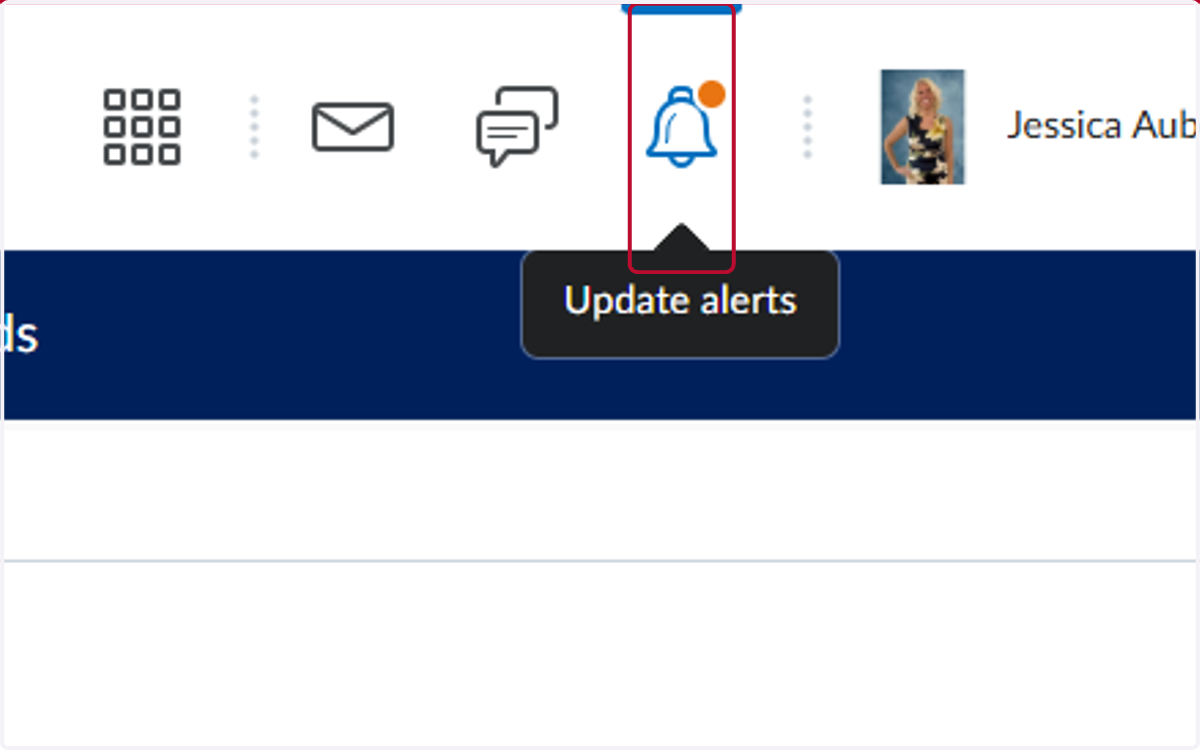
8. Once the report is completed, you will see an orange dot by the Update Alerts, click on the Update Alerts
9. Click on Export finished
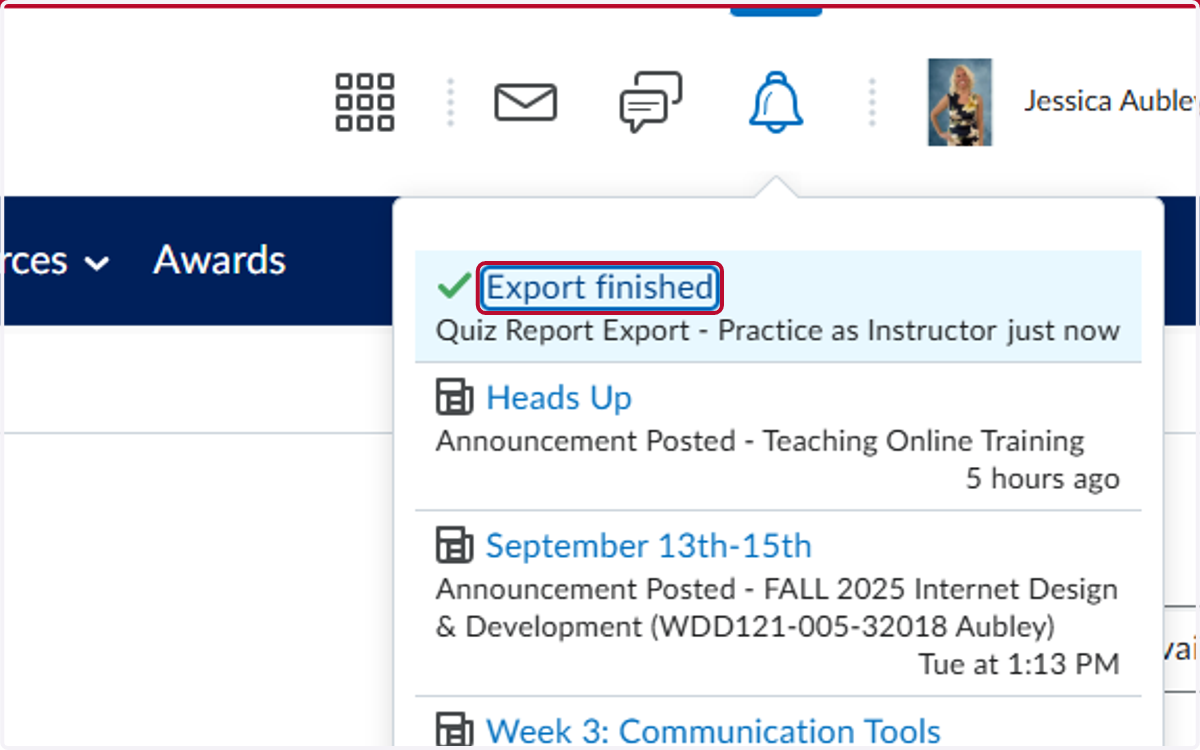
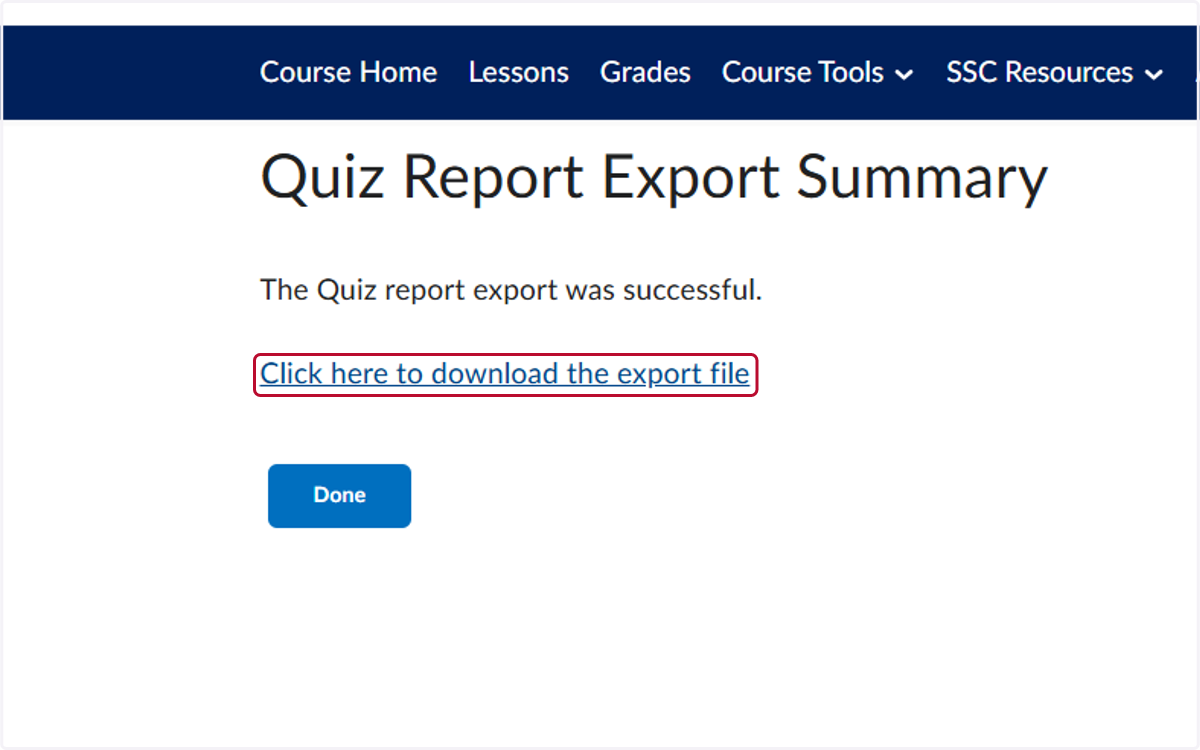
10. Click on Click here to download the export file