How to Enroll Users in an Organization
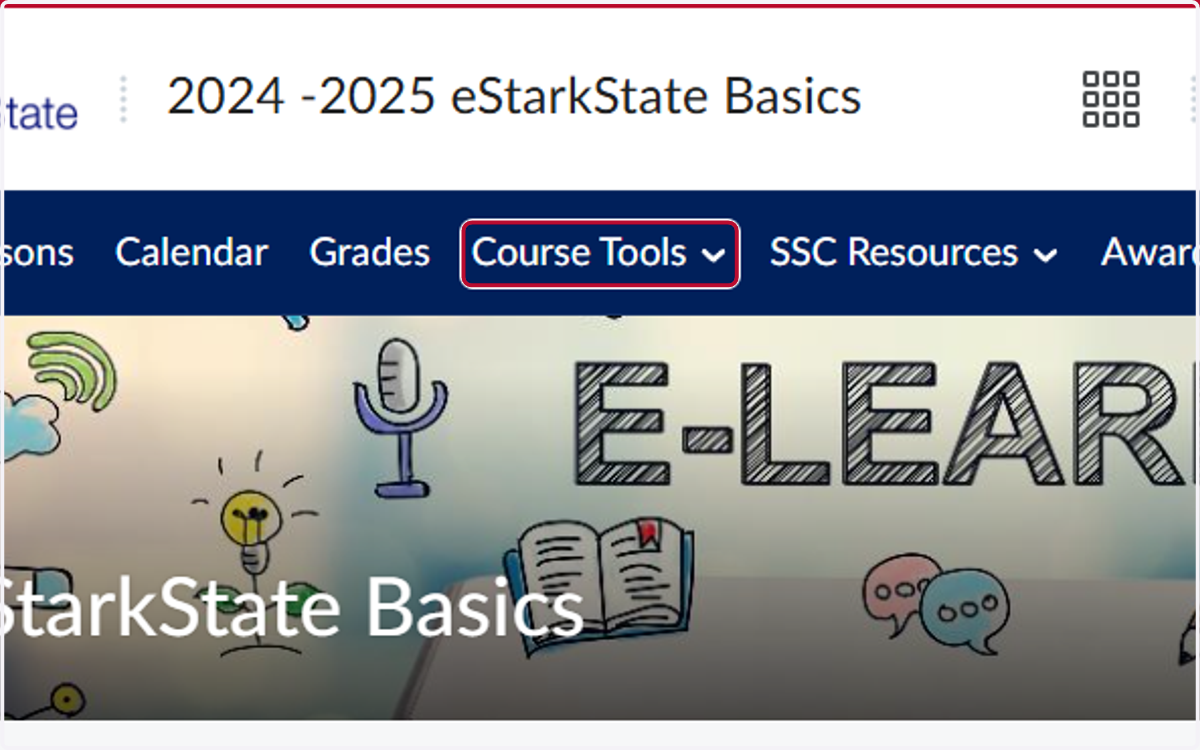
1. Click on Course Tools
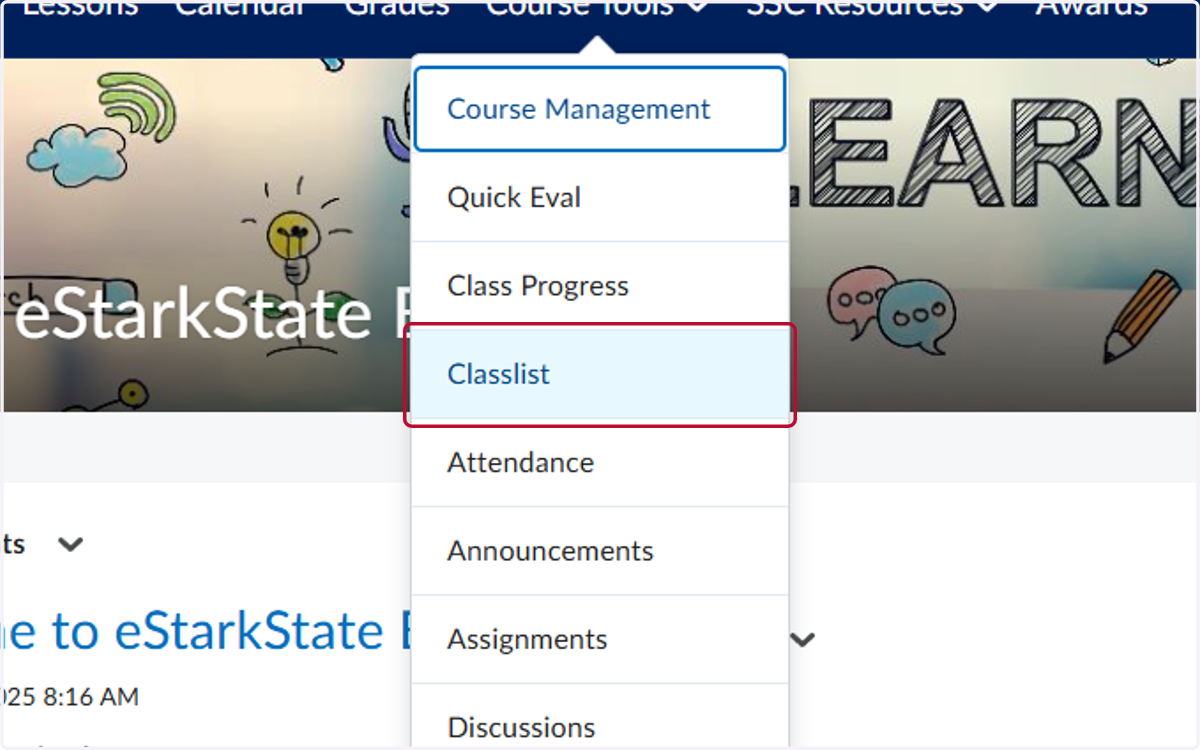
2. Click on Classlist
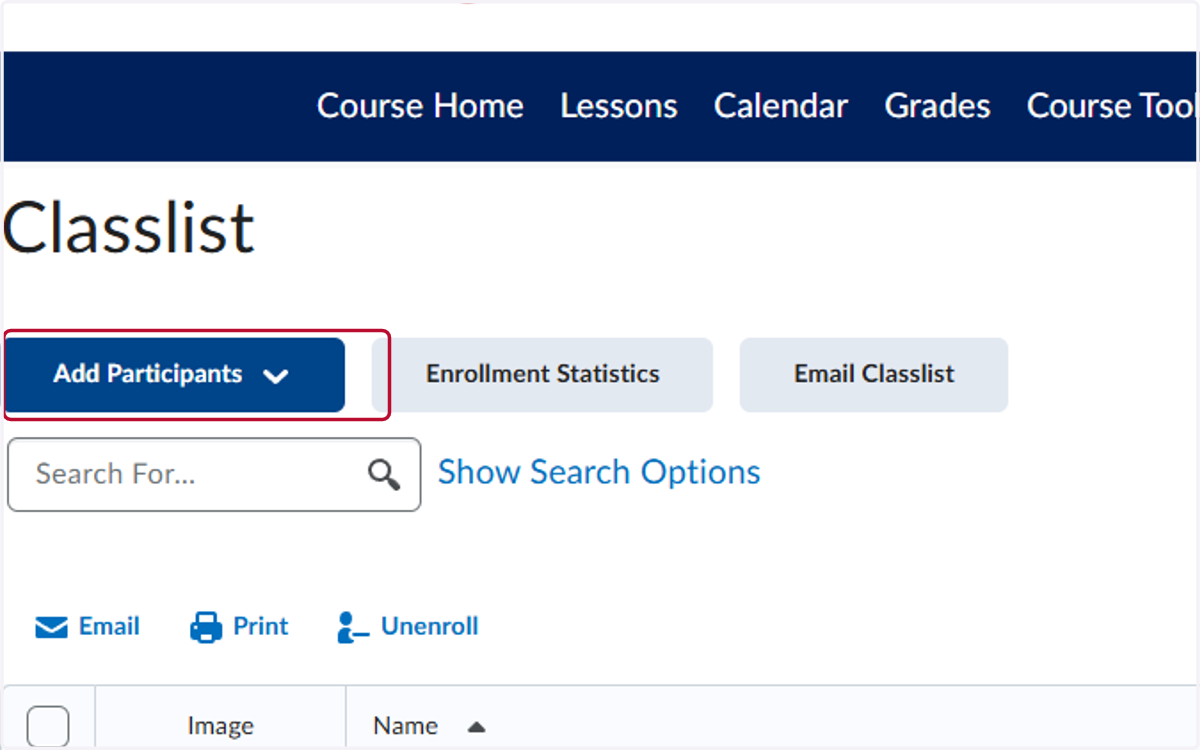
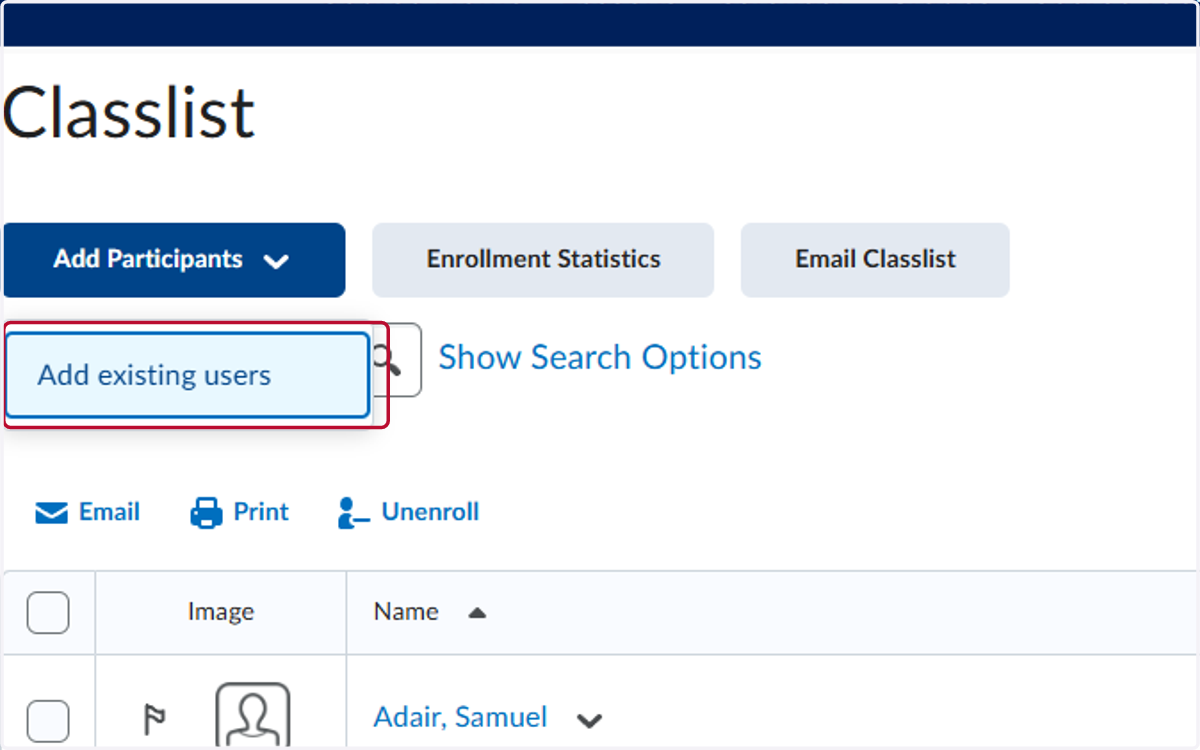
3. Click on Add Participants
4. Click on Add existing users
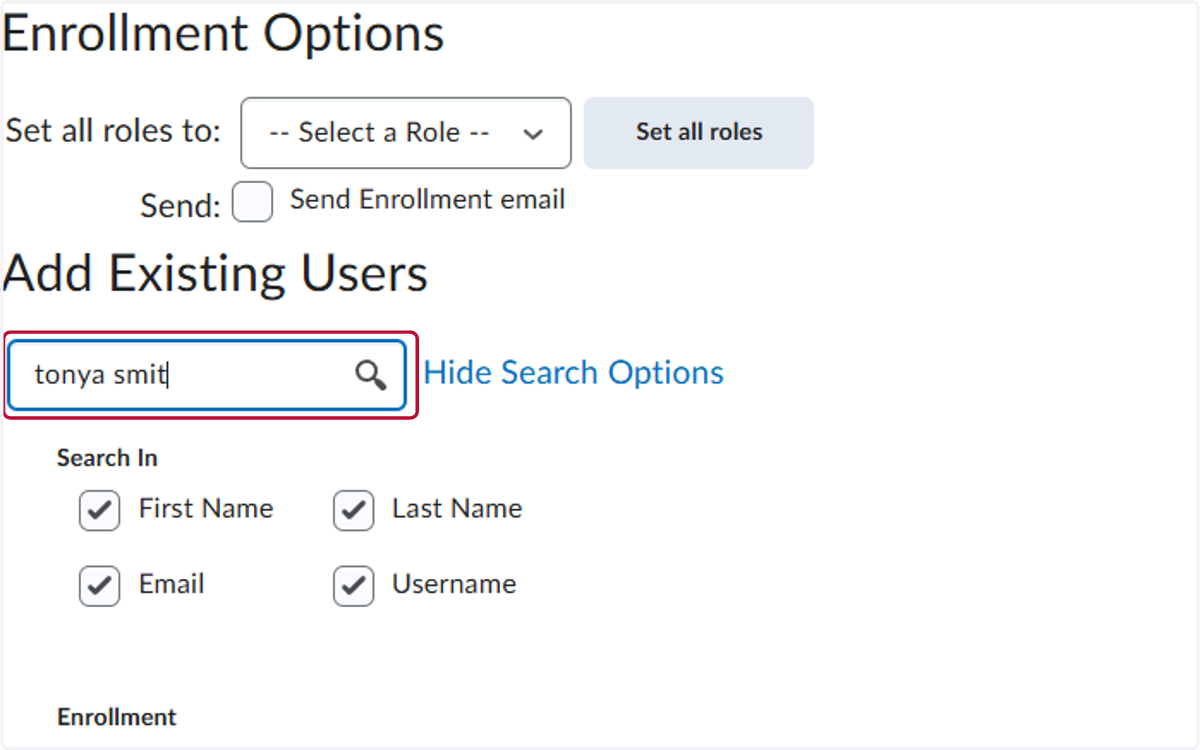
5. Type the User's Name
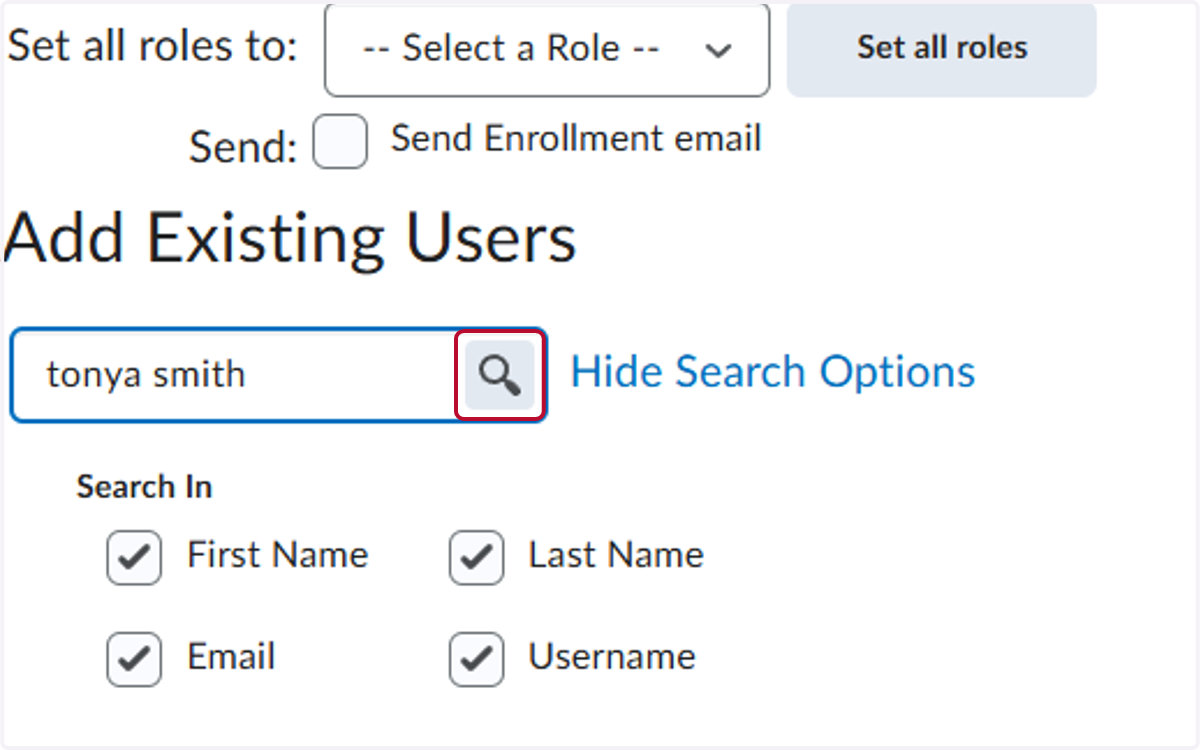
6. Click on Search
7. Select the Role for the User
Roles Used:
Student Role - someone who does not need to edit the organization
Faculty Role - someone who can modify the information in the organization
Training Faculty Role - someone who can modify the information in the organization and add additional users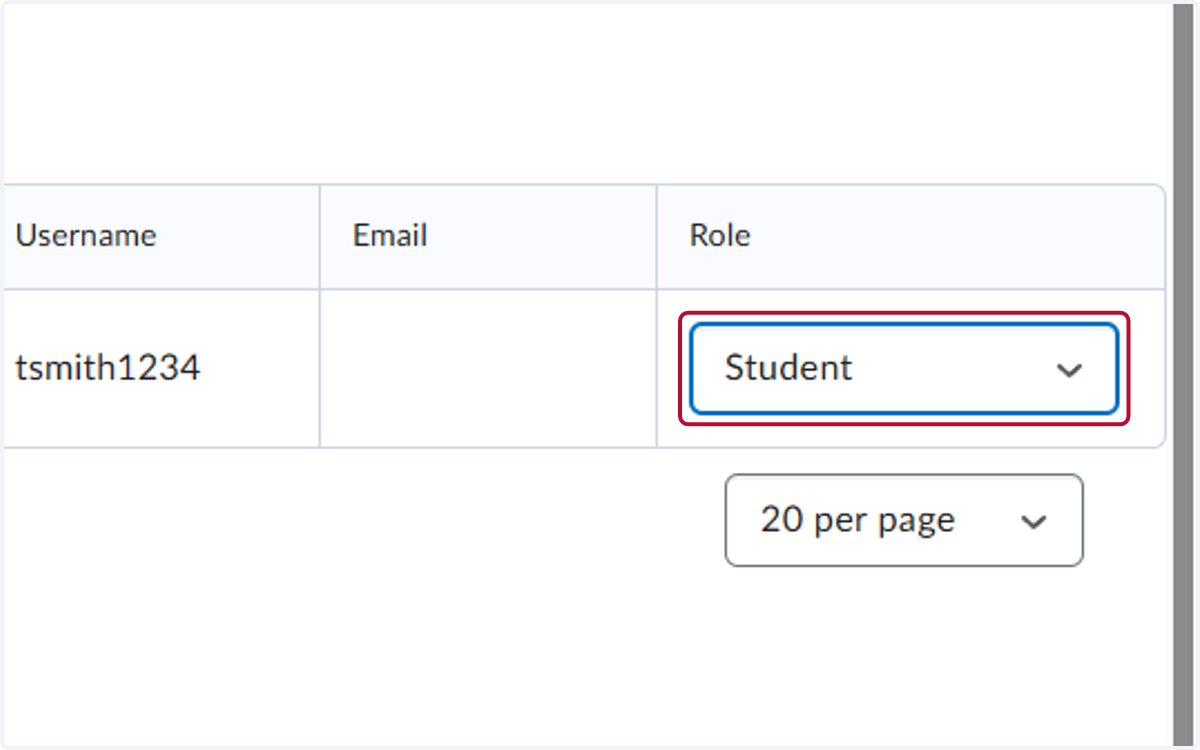
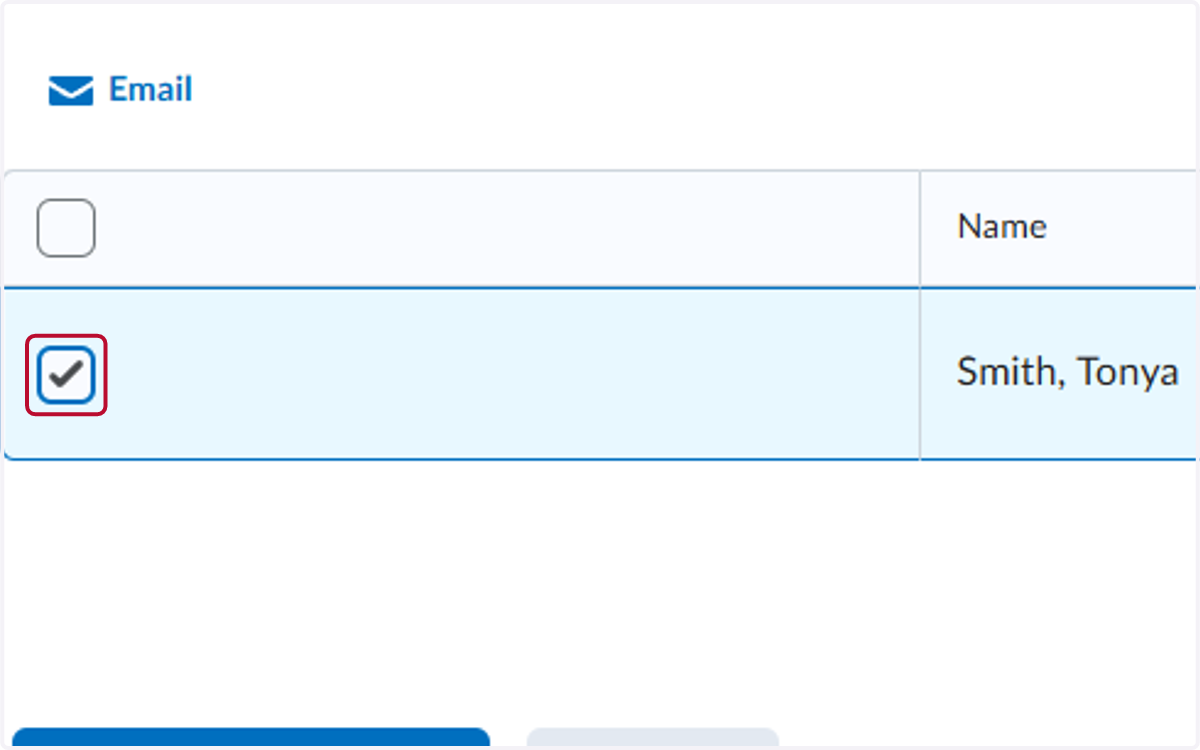
8. Click the check mark by the user's name
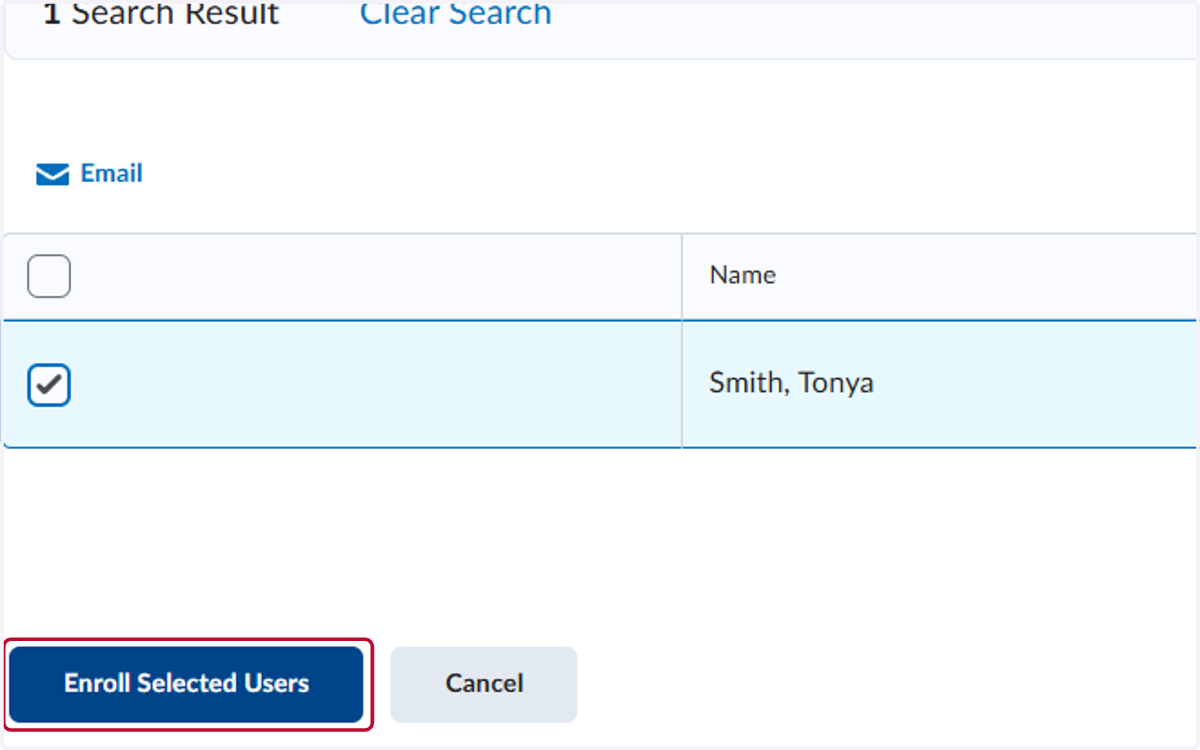
9. Click on Enroll Selected Users
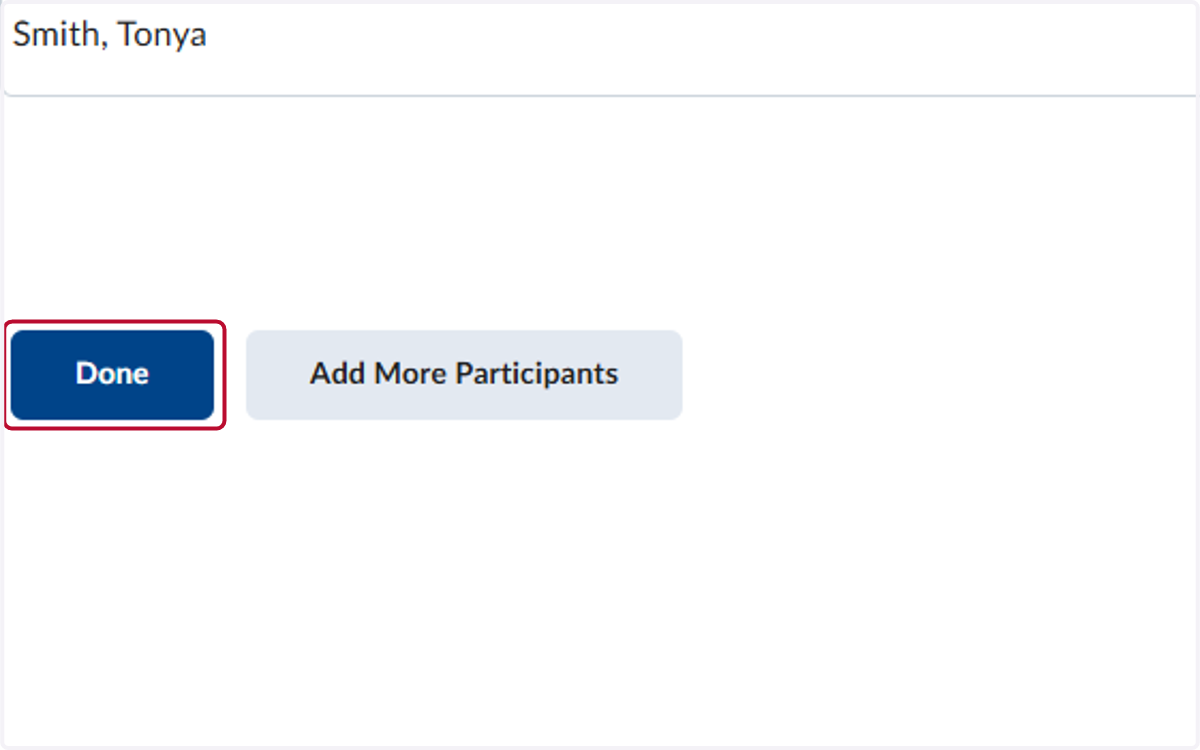
10. Click on Done