How to Embed your Tango into Notion
1. Go to the Tango you want to Embed
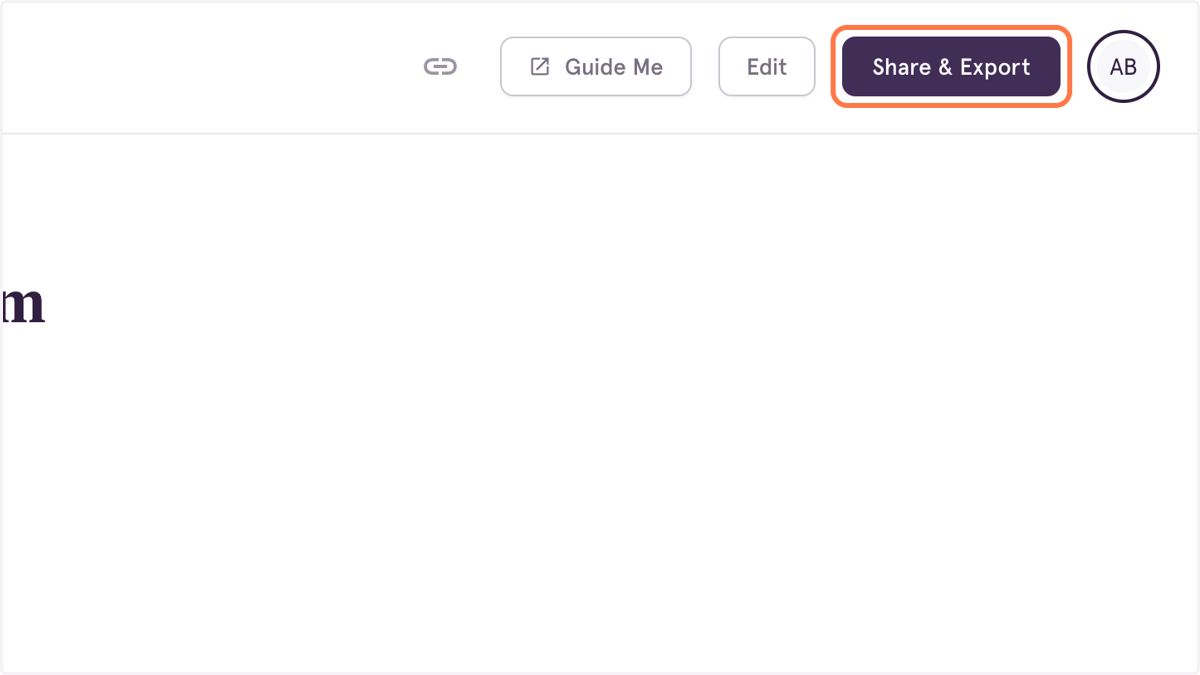
2. Click on Share & Export
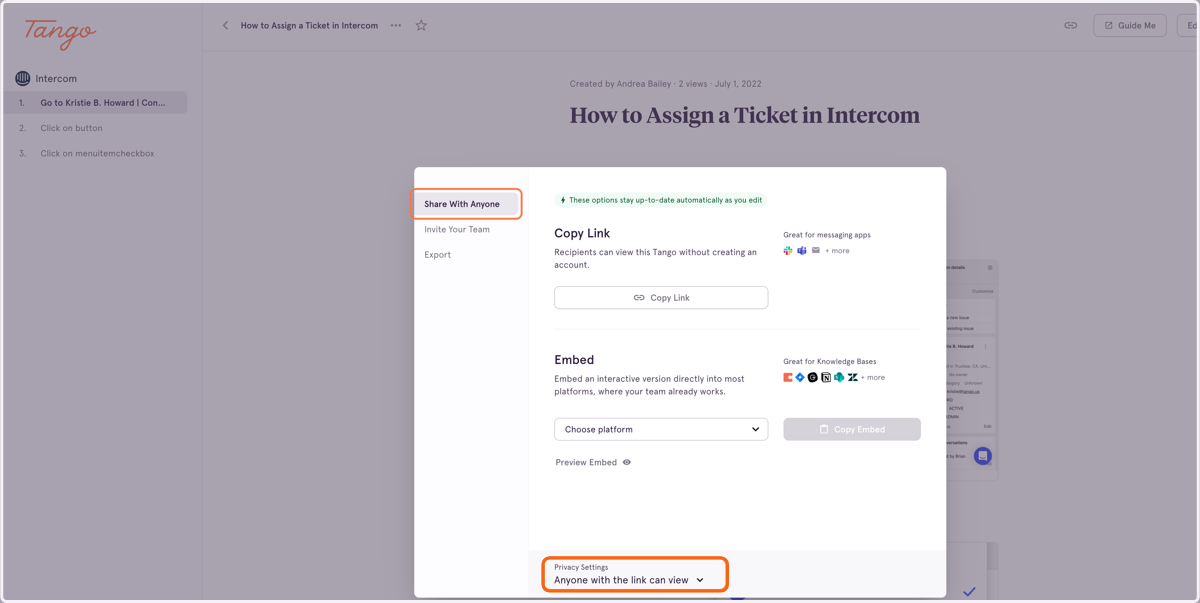
3. Click on Share With Anyone
Make sure the Privacy Settings on your Tango are set to "Anyone with the link can view"
4. Click on Preview Embed to see what the Tango will look like on your website.
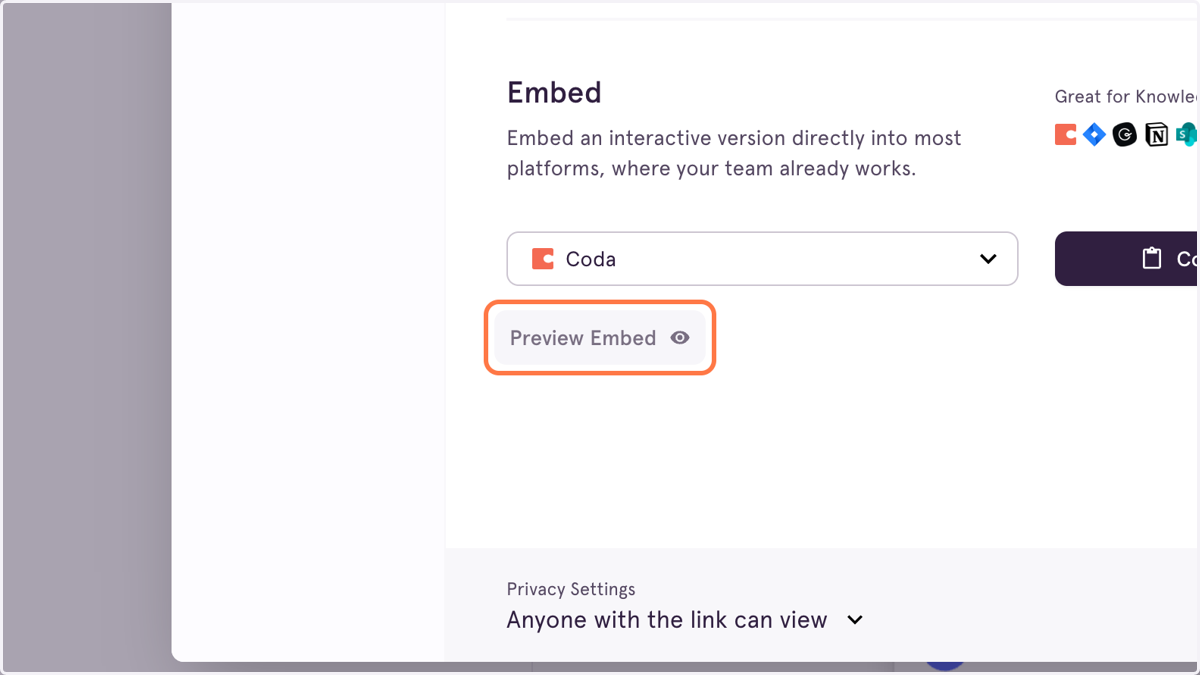
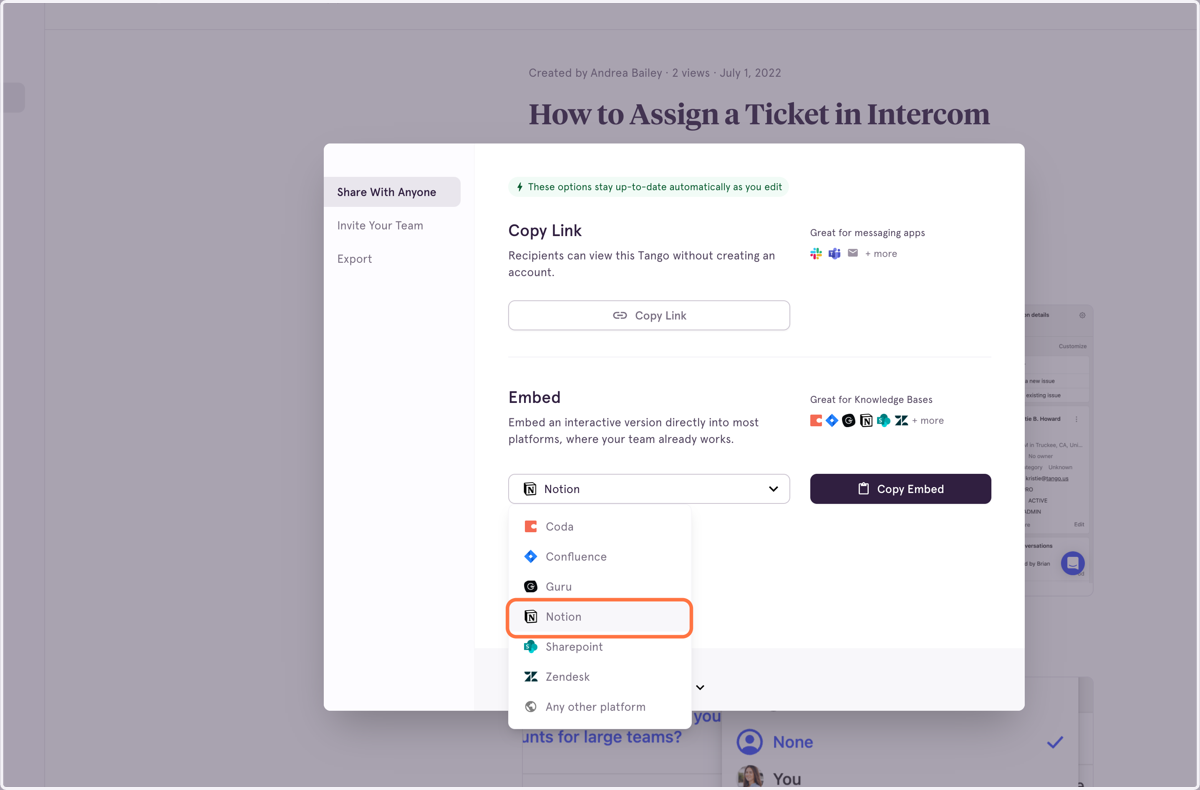
5. From the dropdown menu, select Notion as your embed destination
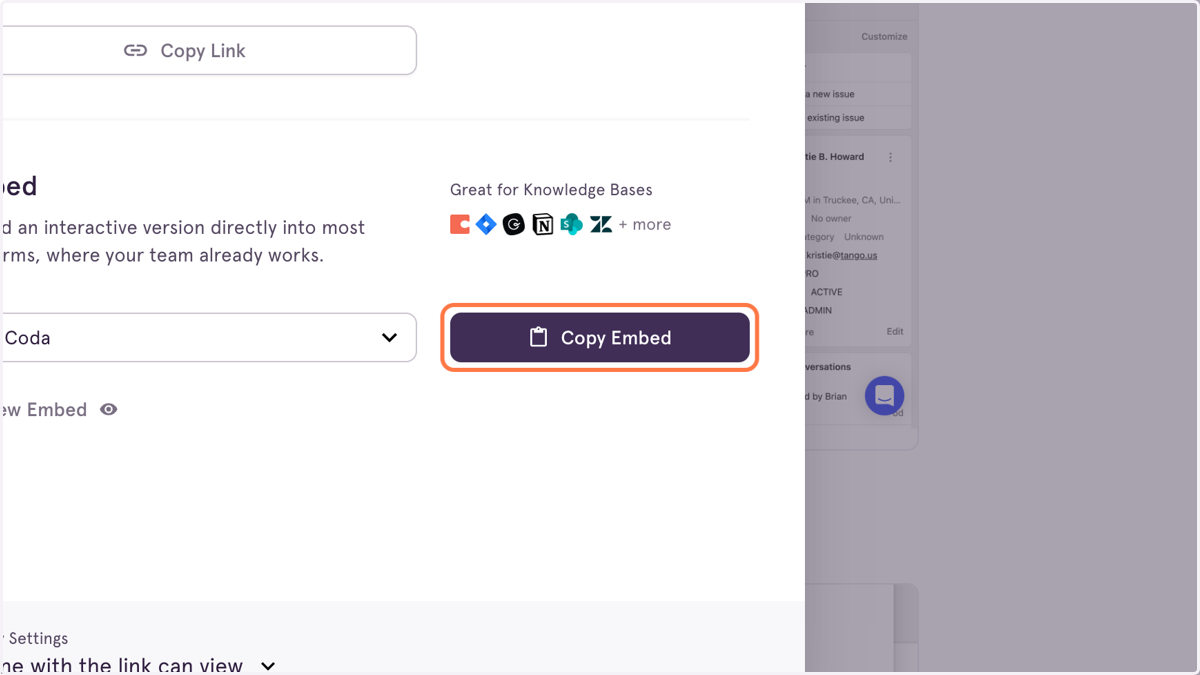
6. Click on Copy Embed
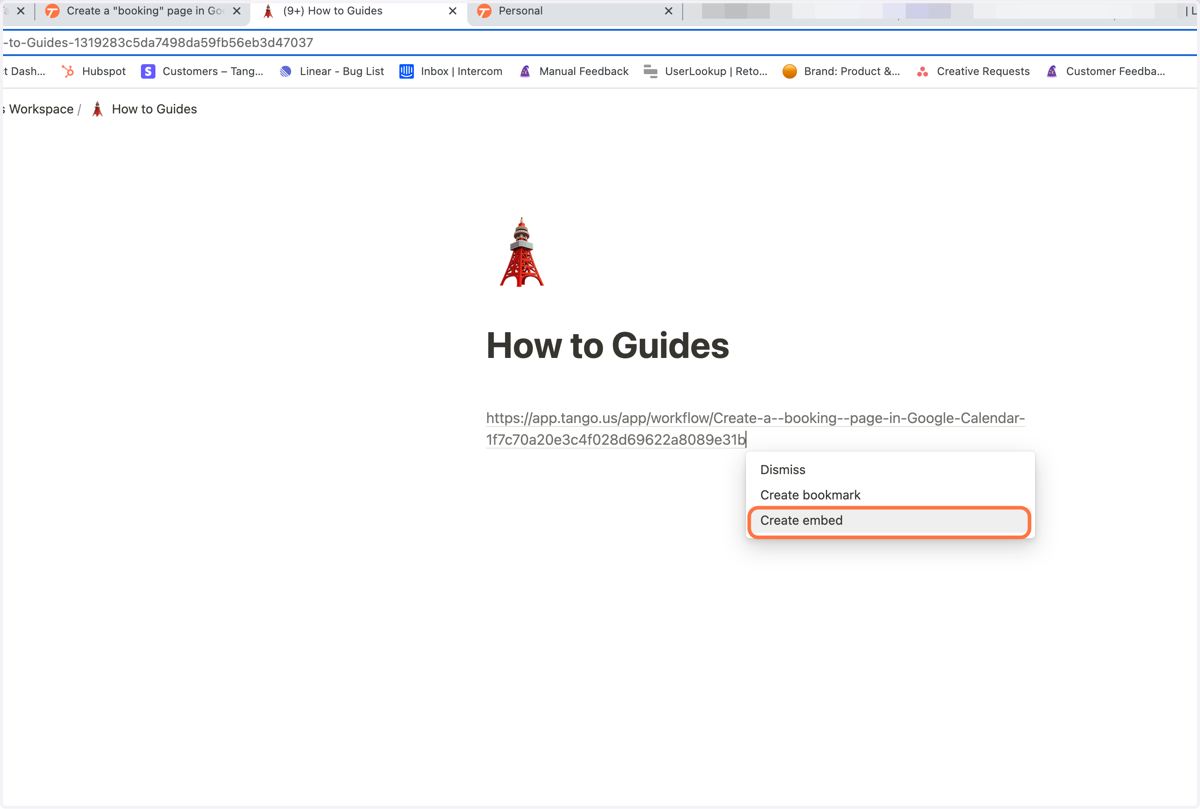
7. Go to the Notion page where you want to embed the Tango
8. Paste the link, and you'll see a dropdown menu appear.
Click Create Embed! The new embedded Tango will appear in an iframe in the Notion page.