How to Email All Your Students
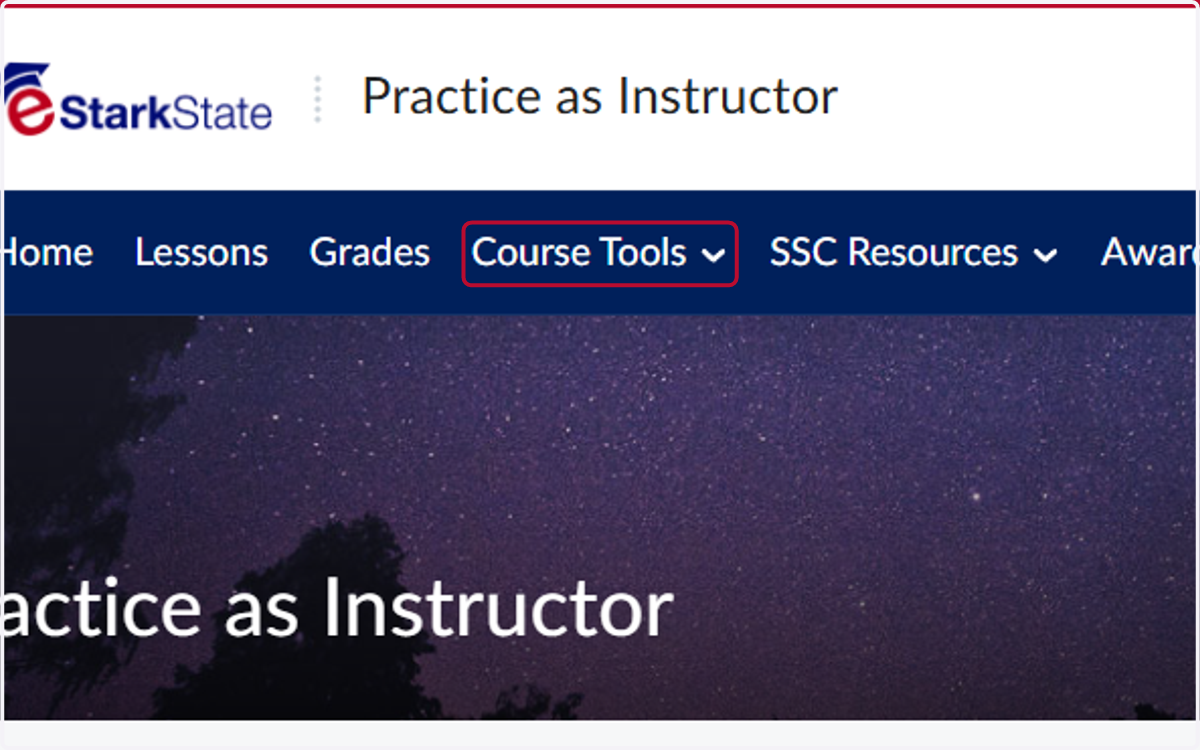
1. Click on Course Tools
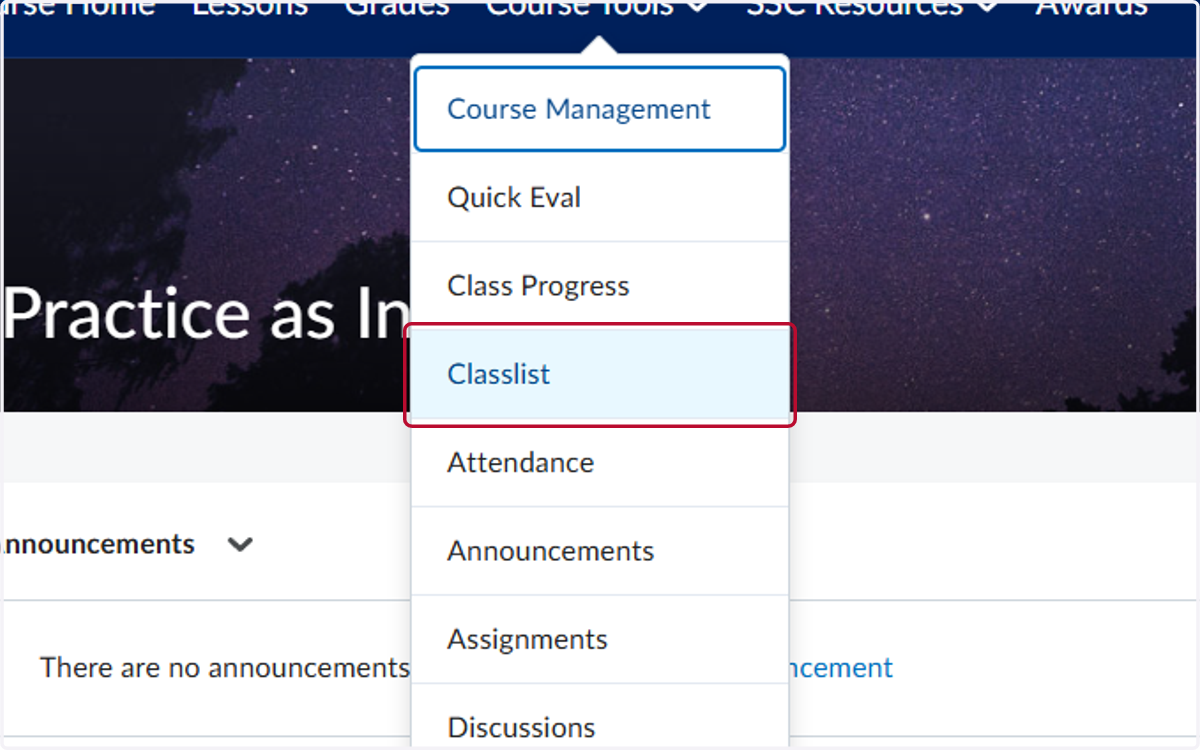
2. Click on Classlist
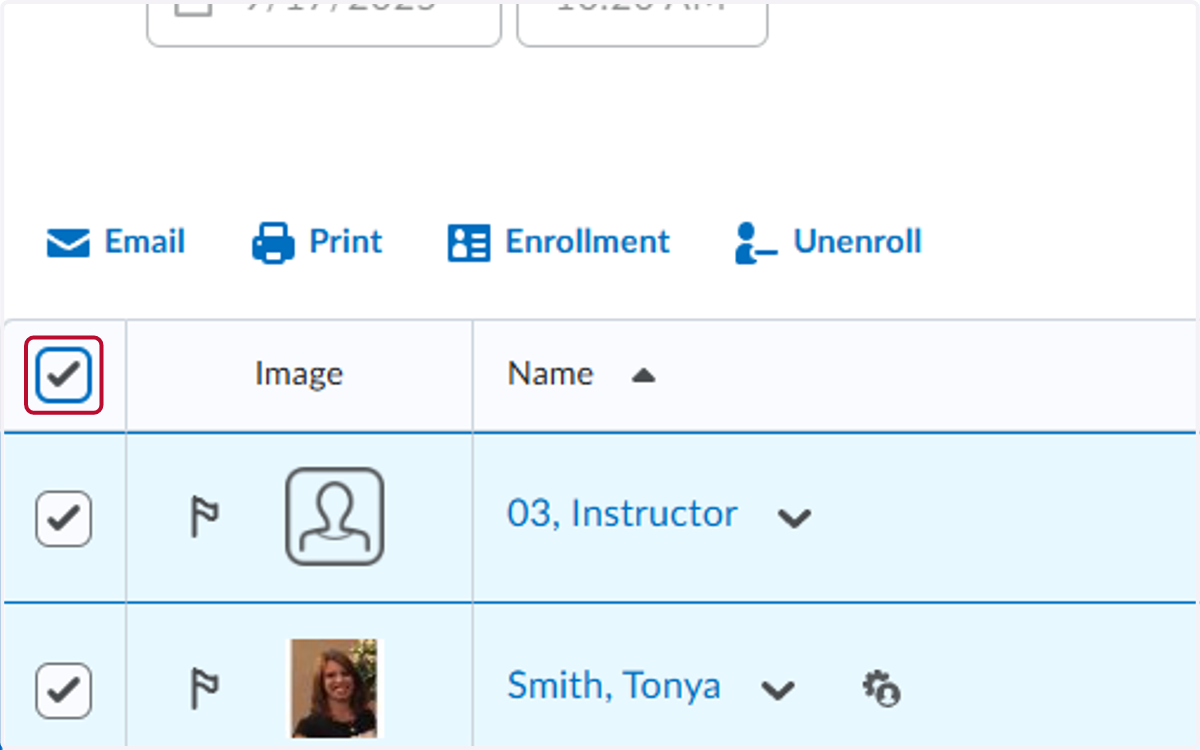
3. Check the top box to select all users
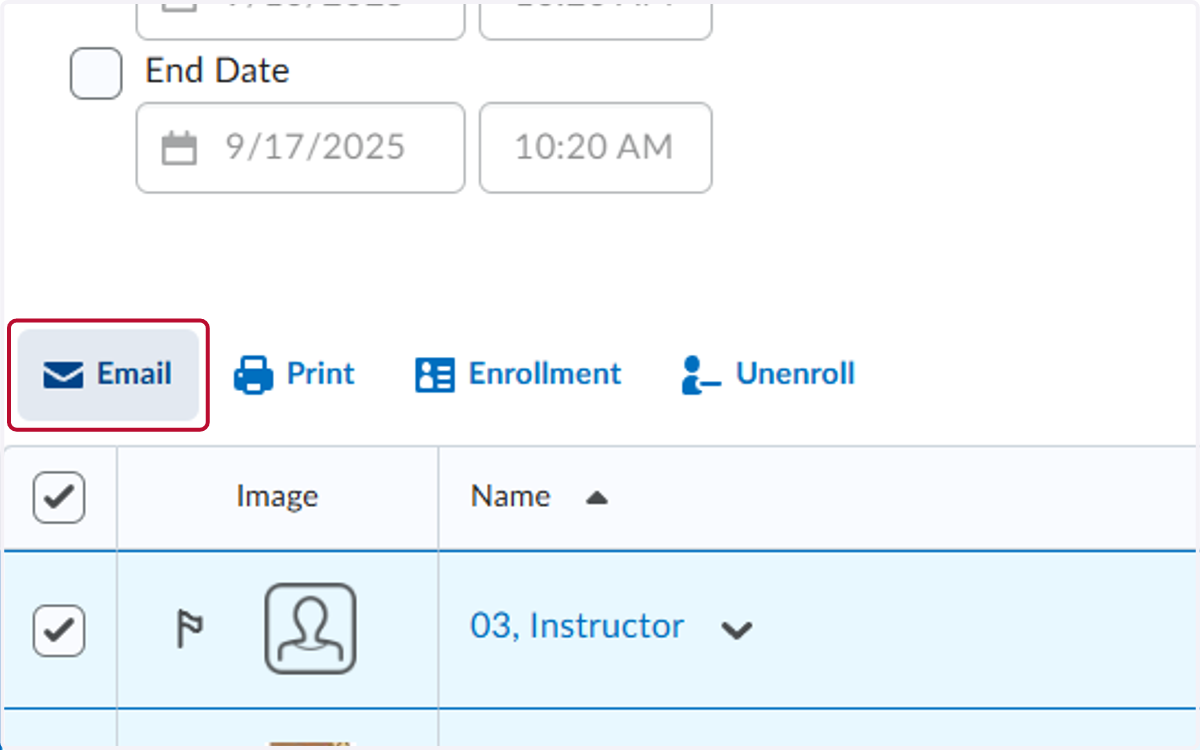
4. Click on Email
5. Click on To and select your contact information from the class list.
This sends the email to you and blind copies the students.
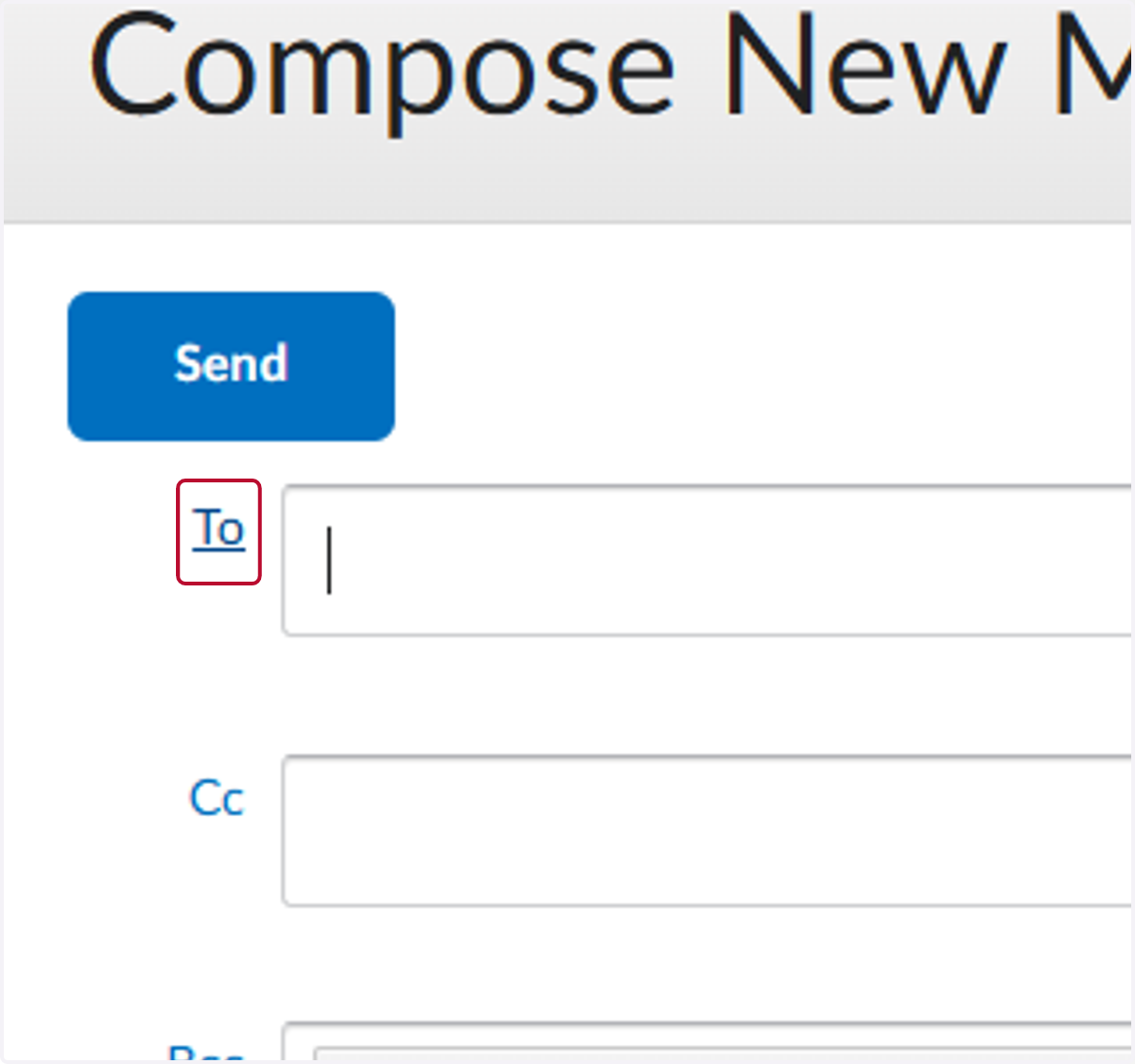
6. Compose your email and click on send